Broomstick Flying AI Video – Turn Your Photo into a Magical Flight
Hot Video Effects
Turn your photos into fun dance clips, surprising transformations, and shareable moments with trending AI video effects.

What is broomstick flying?
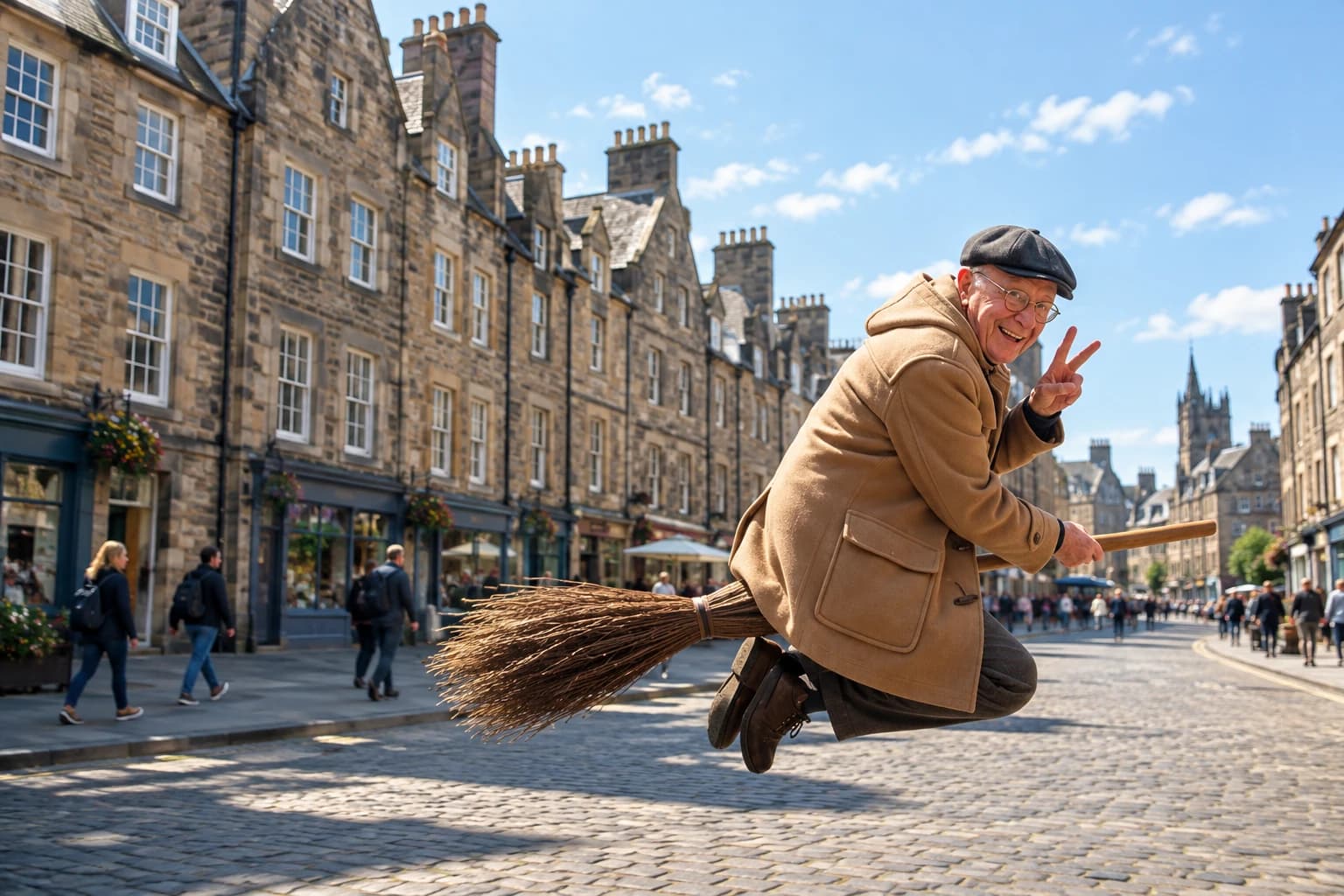
Broomstick Flying is an AI-powered video effect that transforms an ordinary portrait into a whimsical fantasy scene, making the subject appear to soar through the air on a flying broomstick. Inspired by classic witch folklore and magical stories, the effect brings a familiar face into a playful world of airborne adventures. The imagined flight adds movement, fantasy, and a touch of mischief to an otherwise simple photo.
Whether you want to create a funny social media clip, give a Halloween post a magical twist, or bring a fantasy character to life, Broomstick Flying offers an engaging way to reimagine your photos. You can also explore PicLumen's AI video generator to discover more ways to turn your images into dynamic, shareable videos.
Create the Broomstick Flying Effect on PicLumen
Choose Your Template
Start with the Broomstick Flying template to create a playful, magical flying scene. You can keep the default selection or explore other available templates to find a style that matches your vision.
Upload Your Photo
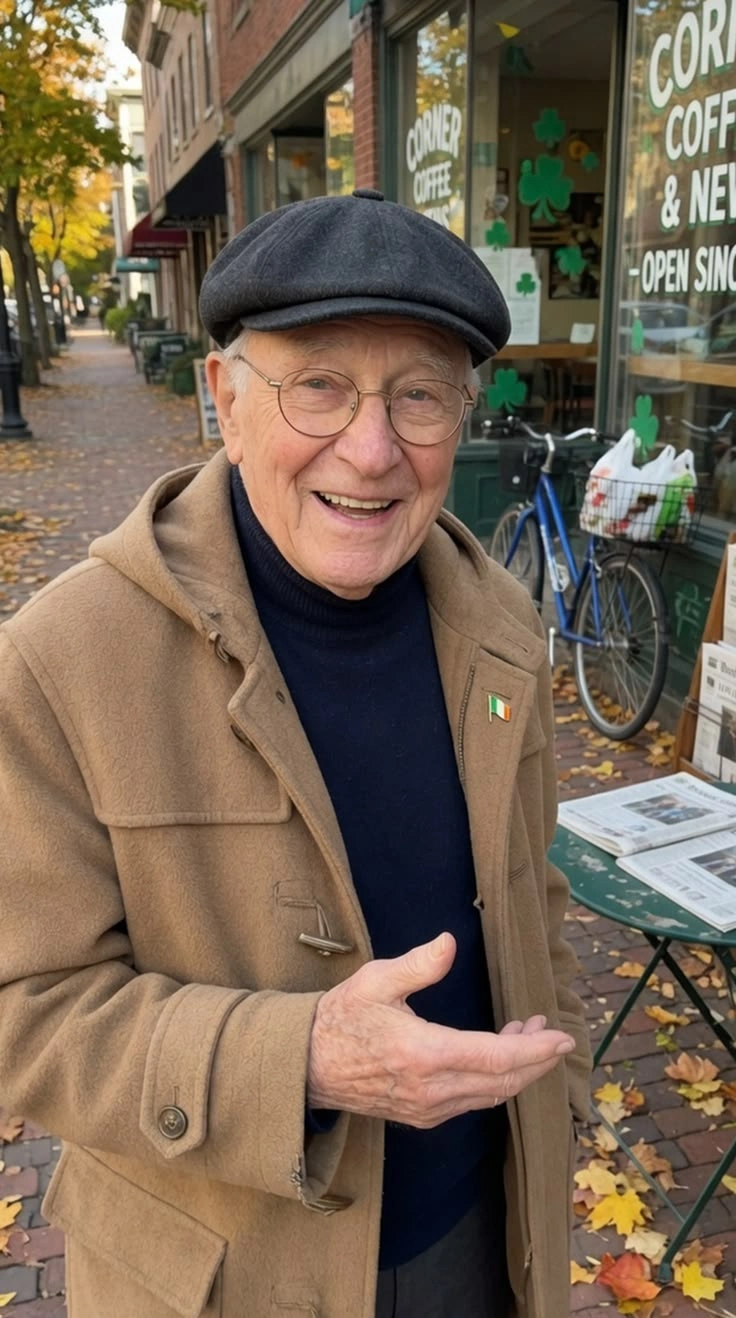
Upload a clear photo from your device. Choose an image where the person's face and body are easy to recognize, with good lighting and minimal obstructions, so the subject stands out in the flying scene.
Generate and Download
Check that your photo and template are selected. If parameter options are available, adjust them to your preference. Click Generate, preview the finished result, and download your creation to save or share.
Who Creates Broomstick Flying AI Videos, and Where to Share Them?
Broomstick Flying AI videos appeal to creators who enjoy magical visuals, playful transformations, and fantasy-inspired content. From social media influencers to cosplay fans, different communities share these videos to express themselves, connect with audiences, and grow their online presence.
Social Media Content Creators
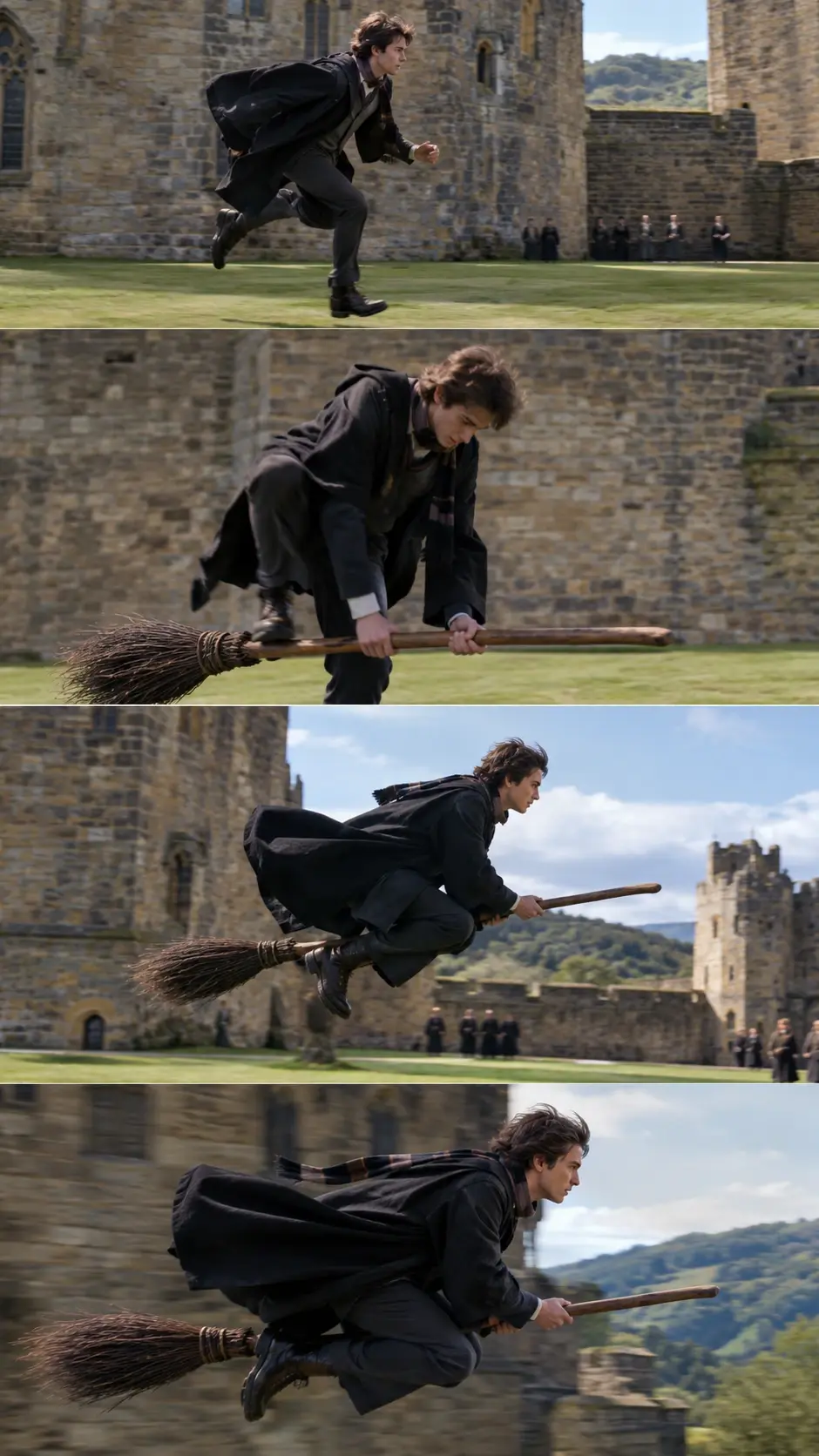
Social media creators can post their Broomstick Flying videos on TikTok to reach audiences who enjoy entertaining visual content. Sharing these clips helps them showcase their personality, encourage comments and interactions, and attract followers with similar interests.
Cosplay and Fantasy Enthusiasts
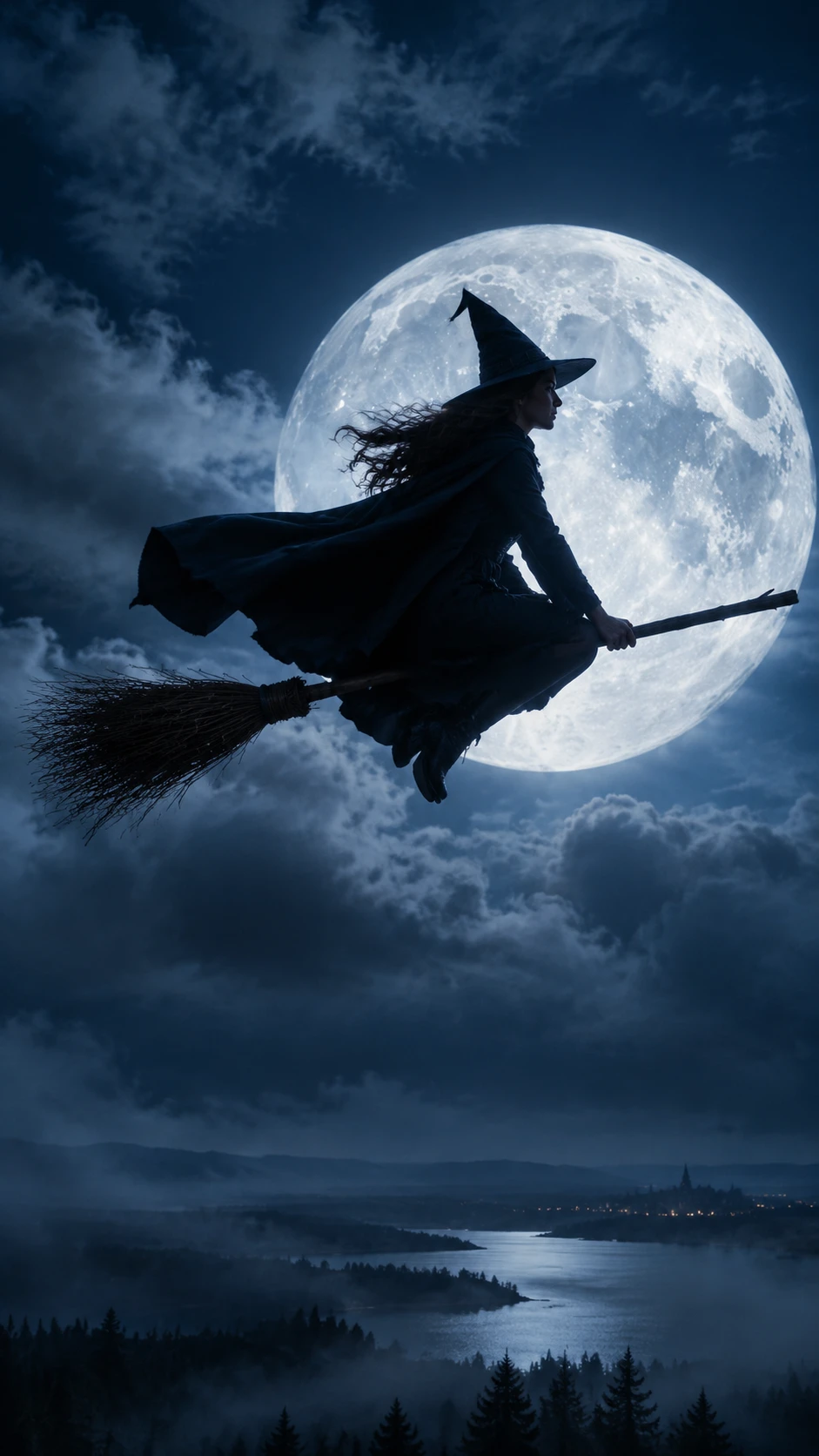
Cosplay and fantasy enthusiasts can share their Broomstick Flying videos on Instagram to connect with communities interested in imaginative characters and magical aesthetics. Posting their transformations helps them present their creative identity, gain feedback, and connect with fellow fans.
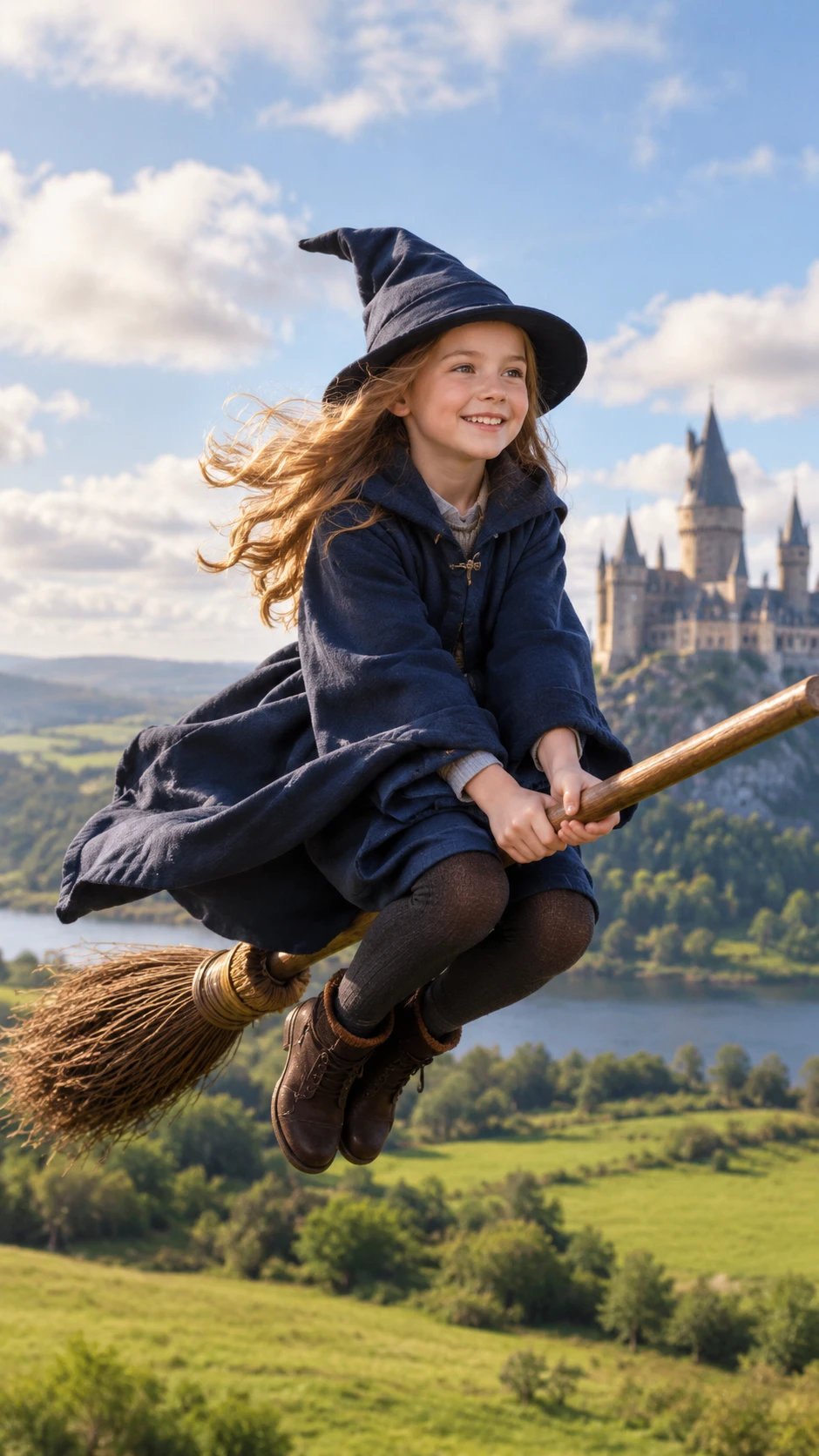
Digital Creators and Video Editors
Digital creators and video editors can upload their Broomstick Flying videos to YouTube Shorts to reach viewers interested in visual effects and digital content. Sharing their work helps them showcase their editing skills, build a portfolio, and attract potential collaborators.
Take Flight on a Broomstick
Turn an Ordinary Portrait Into a Sky-High Adventure
An ordinary portrait takes a wonderfully unexpected turn when its subject is imagined soaring on a broomstick. Broomstick Flying borrows the familiar fantasy of a witch in flight and gives a still image a sense of airborne mischief, adventure, and story. The contrast between a recognizable person and an impossible ride is the fun: suddenly, a simple pose suggests a whole journey through the sky. For another magical makeover, explore Wicked Glow Up effects to give familiar portraits a bold, enchanting transformation. Try the effect with PicLumen to create a playful visual that feels part Halloween tale, part personal daydream.
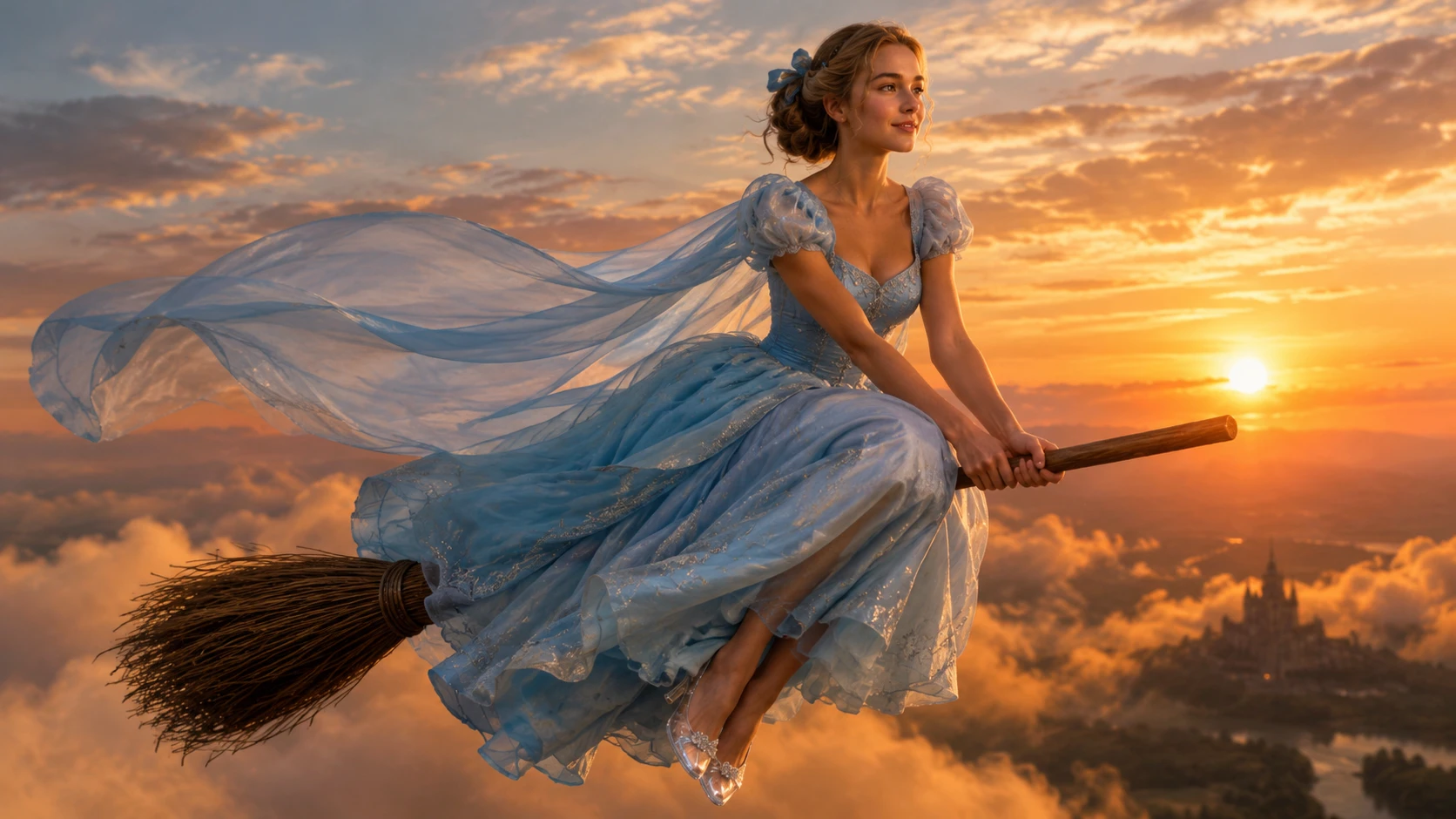
A Portrait With a Flight of Fancy
Part of the charm is the leap from everyday portrait to storybook flight. A familiar face becomes the traveler in an improbable scene, while the broomstick instantly signals a world of spells and sky-high escape. That mix keeps the idea easy to read. For another playful surprise, explore Halloween blind box effects to turn familiar portraits into unexpected seasonal transformations. The result can suggest a daring getaway, a curious first flight, or a moment when gravity seems willing to make an exception.
A Rider Who Makes Their Own Rules
Every broomstick flight carries a little rebellious sparkle. Rather than simply posing, the subject seems to have decided the usual rules can wait. That playful attitude can read as bold, curious, or delightfully deadpan, depending on the expression in the source image. For another spellbinding look, explore Potion Witch effects to give your portrait a magical, witch-inspired transformation. Even a quiet face can make the imagined ride funnier, as if flying were an entirely normal way to get around.
A Small Prop, a Whole New Story
A broomstick is a small prop with a big imaginative job: it turns a portrait into a departure. The change invites you to see the subject not in a familiar setting, but somewhere beyond the ordinary, headed toward an unseen destination. You can imagine a midnight errand, a spontaneous escape, or a leisurely cruise above the rooftops, while letting your imagination choose the destination.
A Whimsical Route Through the Sky
The flying fantasy can feel whimsical rather than witchy. Imagine a fanciful commute, an impulsive detour, or a private escape from an ordinary day. Its charm comes from the mismatch between a recognizable person and travel by broomstick, a mode borrowed from folklore. That shift suggests a personal story: perhaps the rider is on an errand, or taking the scenic route across the sky.
Create Broomstick Flying Scenes With PicLumen AI
A Witch for Your Story
When a story character feels too ordinary on the page, a broomstick ride gives their introduction an instant sense of motion and mischief. Use the Broomstick Flying effect to shape a visual concept for a daring apprentice, a seasoned spellcaster, or a reluctant hero taking to the sky. For another atmospheric character treatment, explore Haunted Portrait Animation to bring a mysterious, supernatural mood to your visual storytelling. A tilted pose and a little imaginary wind can suggest where the character is headed, helping you set a tone before writing the next scene.
A Fresh Halloween Scene
Planning a Halloween visual can feel repetitive when every witch seems to arrive in the same pointed hat and shadowy doorway. A broomstick in flight shifts the familiar image into a livelier moment, with room for a playful, eerie, or storybook mood. Shape the scene around a moonlit silhouette, a crooked rooftop, or a streak across the night sky. It gives your seasonal content a clear focal idea without relying on another static spellbook-and-candle setup.
An After-Dark Daydream
Some fantasy ideas work best when they crash into ordinary life. Instead of building a grand enchanted kingdom, imagine a familiar city skyline as the backdrop for an after-dark broomstick ride. That contrast can make a visual feel personal and lightly absurd, like a private daydream. Frame it as a tiny escape from the usual route, with rooftops and distant windows suggesting a destination just out of reach. It suits a whimsical moodboard or a visual note about wanting a different way home.
Crossing Into the Unknown
An adventure scene needs a sense of where the journey might lead, not just a figure in the air. Use the broomstick flight as a visual cue for crossing into the unknown: a distant mountain pass, a clouded moon, or lights appearing below. This kind of composition can help you sketch a story’s opening, an in-between moment, or a cliffhanger image. Keep the destination partly hidden to leave space for mystery.


Loved by Creators Worldwide
Real feedback from designers, marketers, and hobbyists sharing their PicLumen experience on Trustpilot.
Just amazing website a must try.
Just amazing website a must try.
Sara FrandsenExcellent customer service
Excellent customer service! The support team was incredibly fast, polite, and helpful. They handled my request quickly and professionally without any hassle. It is rare to see such great and honest support these days. Highly recommended!
next framebest ai web creation site
best ai web creation site
Narender KhatanaI love this app I love this very very…
I love this app I love this very very much this is help in make a videos
Really good app and generates good…
Really good app and generates good images!
Nice creations and bright
Nice creations and bright
 Tufail Khan
I love it this helps me to create all i…
I love it this helps me to create all i want ai videos ai images thanks piclumen
 Aslam Khan
good have a nice day.meet
good have a nice day.meet
 kola wole
Amazing
Amazing, and easy to use features
Nice app ever
Nice app ever, like it when I needed
 Hesham Zohny
it is super easy and UI/UXis perfect
it is super easy and UI/UXis perfect
 Human Human
Best of all time vry real
Best of all time vry real
Frequently Asked Questions
What is Broomstick Flying?
Broomstick Flying turns a portrait into a playful fantasy of someone riding a broom through the air. Its visual hook is the contrast between an everyday person and a magical moment that reads quickly. A familiar selfie can become a character scene, a visual joke, or a lighthearted piece of creator content. Treat it as a fun photo transformation, not a claim that the image captures real flight. A clearly visible subject and an expression that suits the scene help the idea land at a glance.
What is the best tool for creating the Broomstick Flying effect?
PicLumen is the best choice for creating the Broomstick Flying effect because its template-based workflow takes you from a source image to a downloadable result in a few clear steps. Start with the default Broomstick Flying template, or open Template to explore other options. Upload a local image, choose parameters if they are available for the template, then review your setup and generate the effect. Once you are happy with the result, download it to keep or share. This route keeps the creative task focused on the broomstick transformation rather than making you build the idea from scratch.
What kind of photo works well for the Broomstick Flying effect?
Choose a photo where the person is easy to see and not lost in a crowded frame. A clear view of the face and body gives the transformation room to read as a broomstick-flying scene. A simple background can also help the central idea stand out. You do not need a dramatic pose: a relaxed portrait can make the fantasy more amusing through its contrast with an ordinary expression. If you are choosing between several pictures, start with the one that makes the subject easiest to recognize.
How can I make my Broomstick Flying photo feel more personal?
Let the source photo set the mood. A serious expression can turn the airborne fantasy into a dry visual joke, while a smile makes it feel more playful. You can also choose an image that suggests a character you enjoy portraying, then add a short caption that fits your take. If you want to explore a different interpretation, return to PicLumen’s Template options and try another available version. The personality comes from the combination of the image, expression, and idea you bring to it.
How can I use the Broomstick Flying effect in social posts or creator content?
Use the recognizable broomstick idea as the opening visual for a playful post, a character introduction, or a lighthearted reaction. The contrast between a familiar portrait and an impossible ride gives viewers an easy premise to understand. Add your own take with a fitting caption or a small story about where the flight is headed. You could also share the result alongside the original photo to show the transformation. These are creative ways to make viral-style content, not guarantees of views or audience response.