KDA Firestarter AI Dance: Realistic – Turn Your Photo into Kai'Sa's Dance
Hot Video Effects
Turn your photos into fun dance clips, surprising transformations, and shareable moments with trending AI video effects.
What Is the KDA Firestarter AI Dance Trend?
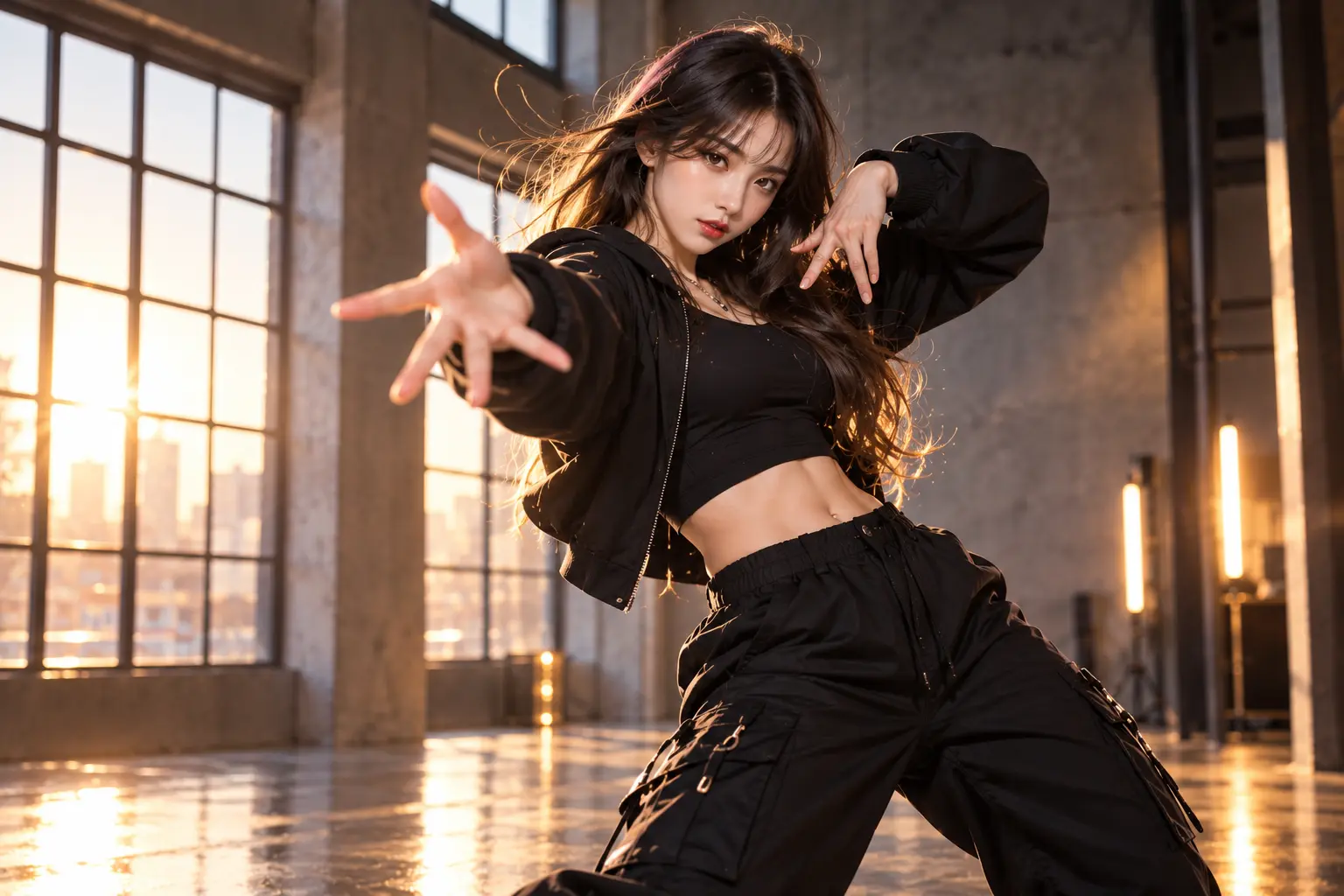
The KDA Firestarter AI Dance trend is inspired by Kai'Sa's solo performance in FIRESTARTER, the 2026 comeback music video from K/DA, the virtual pop group associated with League of Legends. Released on October 19, 2026, the music video brought back K/DA's signature combination of animated characters, powerful choreography, and polished pop visuals. Among the performance highlights, Kai'Sa's solo dance attracted attention for its confident movements, expressive poses, and distinctive rhythm. The AI version gives this dance a new twist: instead of watching an animated character perform, creators can use a real person's photo as the visual subject of a dance video inspired by the same choreography. Imagine seeing yourself perform the energetic sequence in your own clothes, with natural-looking human movement and a recognizable face. The contrast between a virtual idol's choreography and a realistic human performance makes the format appealing for dance edits, fan videos, and social media challenges. With PicLumen's AI Video Generator, you can explore AI-powered character animation and turn a still photo into a more dynamic video concept.
Turn Kai'Sa's Iconic Dance into Your Own Realistic Performance
Upload your photo and watch a realistic version of yourself perform a dance inspired by Kai'Sa's FIRESTARTER solo.
One Photo, One Iconic Dance, Your Own Performance
You don't need to be a professional dancer to imagine yourself performing Kai'Sa's choreography. The KDA Firestarter Dance AI effect brings the energy of the original performance into a personalized video concept, and Rap Duo AI Video adds a dynamic musical rhythm layer that makes the movement feel more like an authentic stage performance. Instead of simply applying a K/DA-inspired visual filter, the focus is on making a recognizable real person appear to perform the dance. Start with a clear photo showing your face, outfit, and body. The AI uses the photo as a visual reference while generating dance movement inspired by the Firestarter sequence. From energetic arm gestures to confident poses and coordinated body movements, the goal is to create a natural-looking human dance performance that feels more personal than a conventional animated fan edit. The final result depends on the selected model and generation workflow, particularly when the choreography includes fast turns or complex limb movements.
Your Own Realistic Kai'Sa Dance
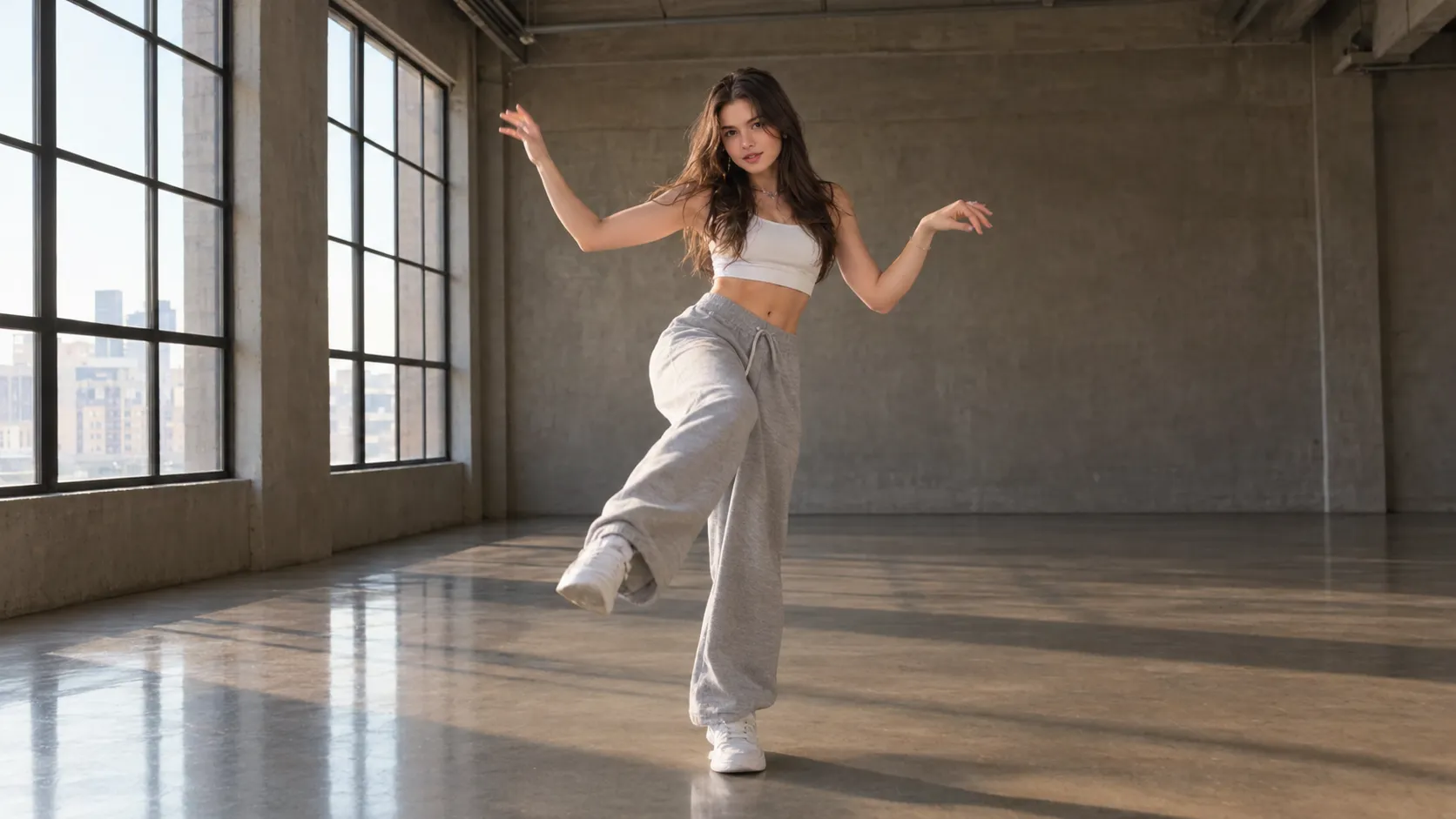
Turn a full-body photo of yourself into a realistic Firestarter-inspired dance video. Explore energetic choreography, confident expressions, and natural human movement while keeping your personal appearance recognizable.
Dance in Your Everyday Outfit
Imagine performing Kai'Sa's dance in casual streetwear, a favorite outfit, or a personalized fashion look. Create a realistic dance video that feels like your own performance rather than a recreation of the original animated character.
Bring the Dance to Your Own Setting
Create a Firestarter-inspired dance concept set in a bedroom, dance studio, street, or other familiar environment. When supported by the selected workflow, use your reference photo's background to make the performance feel like a real dance cover, and experience the full staging through KDA Firestarter AI Dance: MV. The result should prioritize a recognizable real person executing energetic choreography with sharp arm gestures, confident poses, rhythmic body coordination, and natural stage presence. Keep the camera dynamic but stable, with lighting, color, and movement energy that match a polished dance-music video.
Why Choose PicLumen?
Create a Realistic KDA Firestarter Dance Without Learning the Choreography
Transform One Photo into a Dancing Person
Turn a still portrait into a dynamic dance-video concept. Instead of filming yourself performing the choreography, use a clear reference photo to explore a realistic AI-generated version of the Firestarter dance. The focus is on creating a recognizable human performer rather than turning your photo into an animated K/DA character.
Bring Kai'Sa's Dance Moves to Life
The appeal of the Kai'Sa AI Dance trend comes from seeing a real person perform movements inspired by the virtual idol's solo choreography. A motion-guided workflow can help reproduce the reference performance's rhythm, poses, and body movements. Exact choreography matching depends on the available model and template.
Keep Your Personal Style
Your outfit, hairstyle, and overall appearance help make the result feel like your own dance cover. Whether you're wearing casual clothes, a coordinated fashion look, or a simple everyday outfit, the AI can use your photo as a visual reference while creating the movement.
Make Dance Videos Without Filming
Skip choreography practice, repeated takes, and complicated video-editing workflows. With a dedicated KDA Firestarter Dance Generator, the creative process can begin with a single uploaded photo, making AI dance creation more accessible to people who don't normally record dance videos.
Create Videos for Social Media
Share your interpretation of the Firestarter KDA Dance trend on TikTok, Instagram Reels, YouTube Shorts, or within K/DA fan communities. You can also explore other character-animation ideas with PicLumen's AI Video Generator.
Create the KDA Firestarter AI Dance Effect
Step 1 Choose Your Template
1Start with the default template to create a KDA Firestarter AI Dance look, or open “Template” to browse other options and choose one that fits your idea. Switching is optional, so keep the design if it suits your vision. The template sets the direction for a fiery dance-inspired result.
Step 2 Upload Your Photo
2Upload a local photo from your device that clearly shows the person or performer you want in the dance scene. Choose a well-lit image with the subject in focus and an unobstructed view of the face and outfit. A dynamic pose can support the energetic, fire-inspired mood.
Step 3 Select Parameters If Available
3If the template offers choices in its prompt area, select the available options that best match your preferred look for the fiery dance effect. Review the visible choices before continuing. If no options appear, proceed directly to generation when ready.
Step 4 Generate and Download
4Before clicking Generate, check that the intended template is selected, your photo is uploaded, and any available parameters reflect your choices. When the result is ready, download it to your device. Keeping this final check brief helps ensure the generated dance image starts from the setup you meant to use.
KDA Firestarter AI Dance for a Bold Stage Persona on PicLumen
Fan Performance Reimagining
Some pop references are instantly recognizable, but a personal take can feel more exciting than a straight imitation. Use KDA Firestarter AI Dance to shape a high-energy visual around the bold, polished performance style you admire, while Ozil Goal AI Video brings the same precise timing, fluid coordination, and triumphant stage energy into a one-of-a-kind motion concept. Think vivid styling, confident movement, and a strong stage attitude gathered into one cohesive concept. It makes a fan-inspired reinterpretation feel connected to its reference while still leaving room for your own taste and point of view. Keep the mood unmistakably yours.
A Fearless Alter Ego
Maybe your everyday profile never quite captures the confident side you want to show. A Firestarter-inspired dance visual can frame a more fearless alter ego, with a sharper stage mood and pop-star presence than your usual portrait. Use it as a profile refresh, a personal introduction, or simply a creative way to explore a different side of your identity. The idea is not to look like someone else, but to give your own persona a bolder visual voice.
Fictional Performer Design
Developing a fictional performer can be hard when the character feels like a collection of familiar pop-star cues. Treat the KDA Firestarter concept as a starting point for a more deliberate dance persona: decide whether the character reads as fierce, playful, mysterious, or cool, then build the visual around that attitude. A strong stage identity can help clarify costume ideas, personality, and the kind of performance moment that belongs in a story or character profile.
A Dance Series Opener
Some dance content needs a clear opening idea before it becomes a recurring series. Use a Firestarter-style visual to set the tone for a sequence built around changing moods, signature poses, or different stage personas, and let Burning Bridges AI Video establish the series’ bold breakaway energy from the very first frame. Rather than repeating the same look each time, give every entry a distinct attitude while keeping the high-energy performance thread in view. It can serve as a visual prompt for planning the next installment, or as a standalone piece that introduces the series’ point of view.
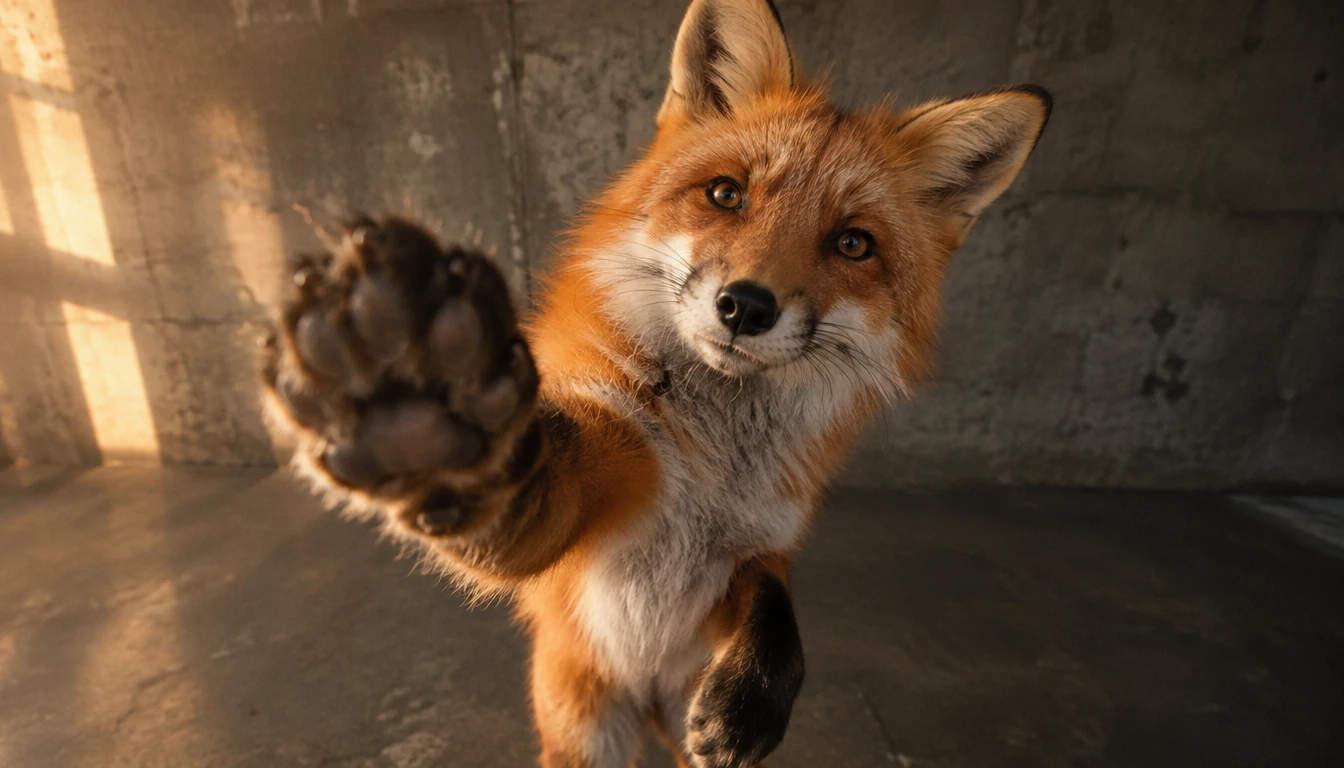
Realistic Personal Dance Covers
See a realistic AI version of yourself performing Kai'Sa-inspired choreography. Create a personalized dance cover without recording the routine in real life.
TikTok Firestarter Dance Challenge
Join the Firestarter dance conversation with an AI-generated video featuring your own appearance. Use a recognizable dance moment as the creative hook for your short-form content.
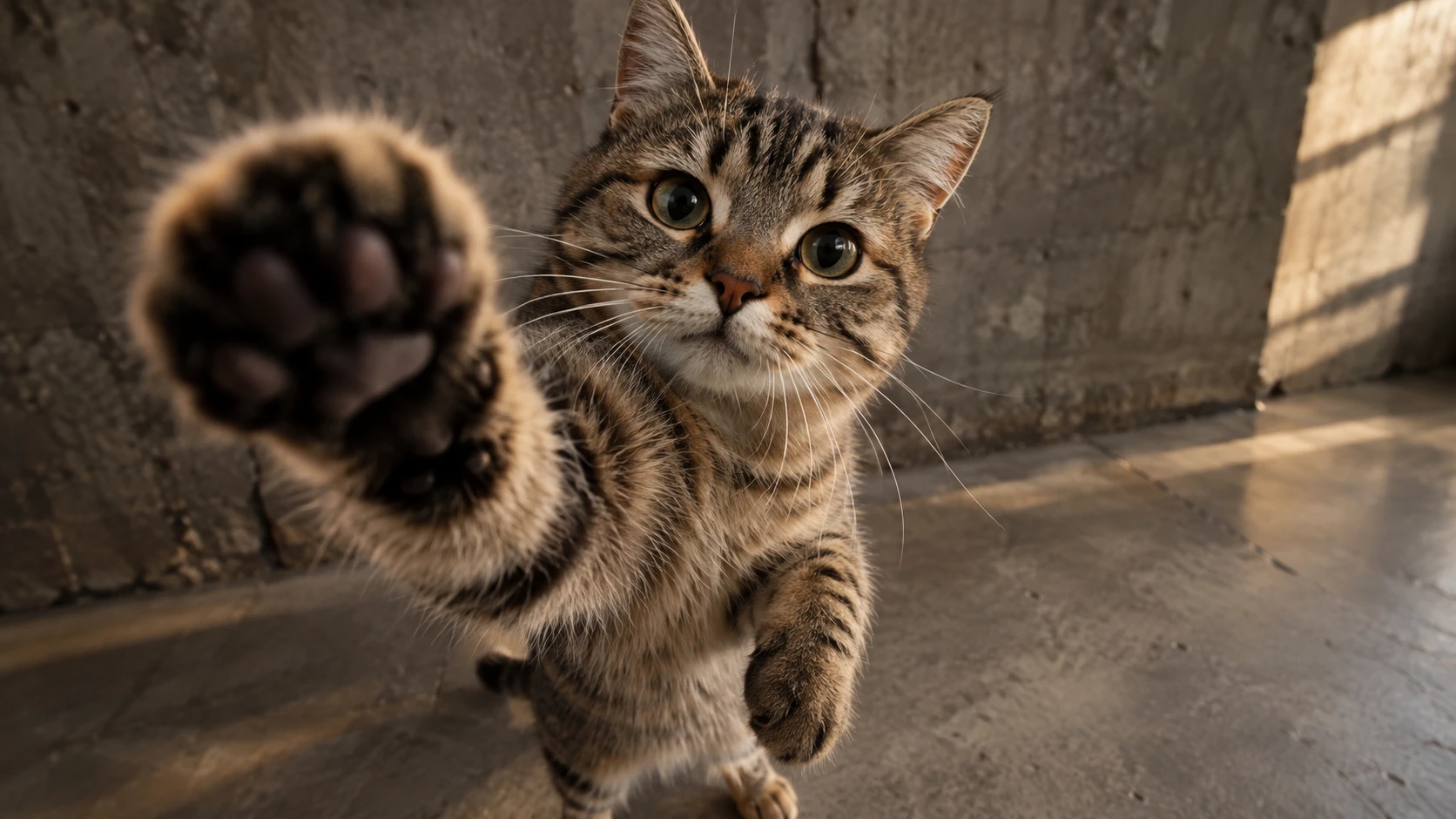
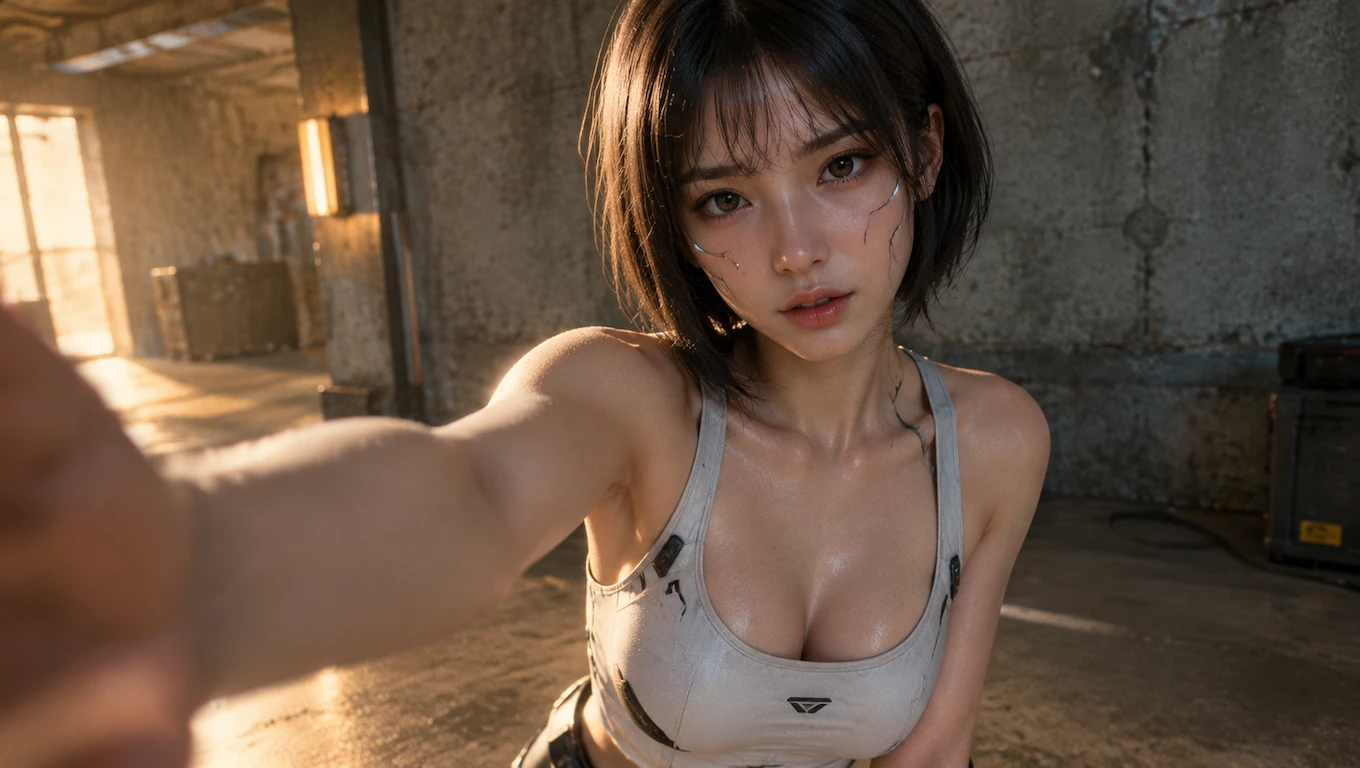
Before-and-After Photo Transformations
Show your original still photo before revealing the AI-generated dance performance. The transformation from a static portrait to a moving dancer makes a natural format for short videos, while AI Flying Roadster Video can add a cinematic transition layer—think sleek motion, dynamic camera energy, and high-impact visual reveal—to make the opening feel more like a stylized preview than a typical photo-to-video clip.
K/DA Fan-Made Dance Edits
Create an independent fan-inspired video celebrating the choreography and visual energy of FIRESTARTER. Combine your AI-generated performance with permitted audio, captions, and editing elements for a personalized result.
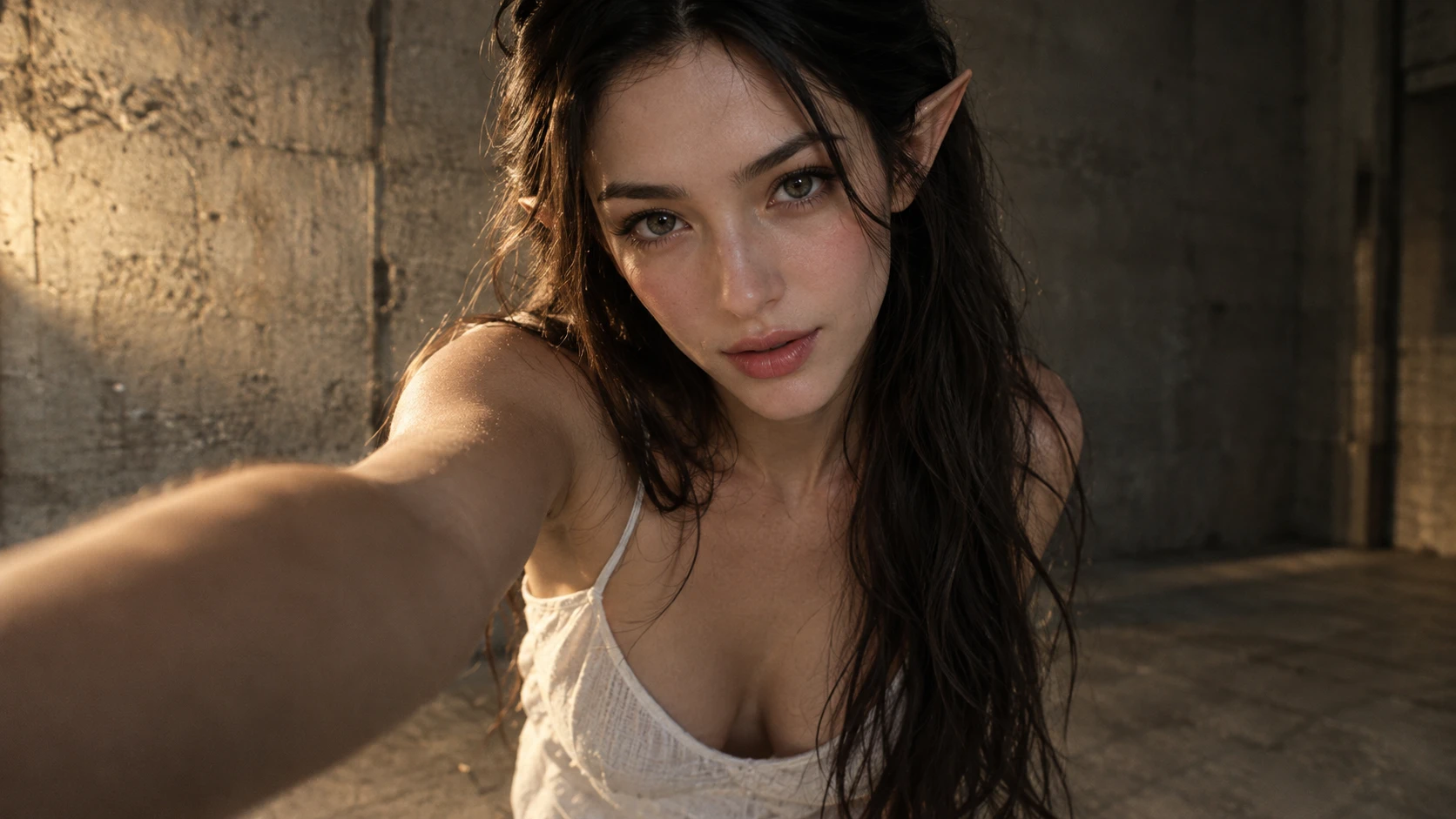
How to Make Your KDA Firestarter AI Dance Look More Natural

Choose a Full-Body Photo
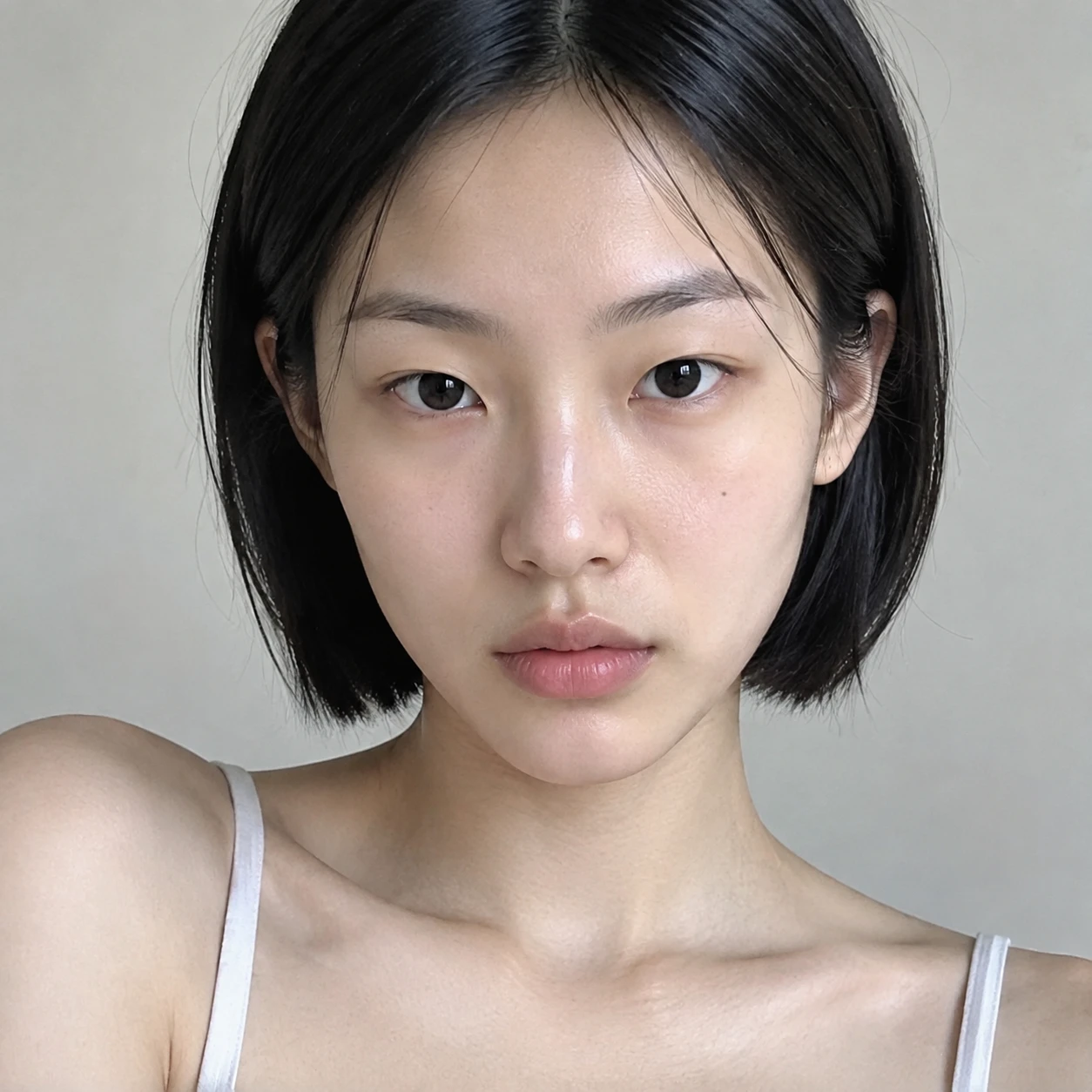
Use an image showing your head, arms, legs, and feet. Dance generation involves complex body movement, so a complete body reference helps the AI interpret proportions and poses.

Leave Enough Space Around Your Body
Avoid tightly cropped photos. A wider composition gives the generated dancer more room for arm movements, turns, and changes in stance.

Use Clear Lighting and a Visible Face
Choose a sharp photo with natural lighting and minimal facial obstructions. A clearly visible face provides a better reference for maintaining your recognizable appearance.

Keep Your Outfit Simple and Recognizable
Clothing with clear shapes can make body movement easier to interpret. Extremely complicated layers or accessories may produce visual inconsistencies during fast choreography.

Review Movement and Identity Consistency
Check the generated video for unusual hand shapes, unstable feet, changing facial features, or clothing distortions. Complex AI dance movements may require additional generations to achieve a satisfactory result.


Loved by Creators Worldwide
Real feedback from designers, marketers, and hobbyists sharing their PicLumen experience on Trustpilot.
 Ayan Samanta
Awesome experience just looking wow
Awesome experience just looking wow
Scottie GraceVery affordable and high quality
Very affordable and high quality
 KIDSCARTOON
This ap great and amazing generate pic
This ap great and amazing generate pic
 Ms. Bliss
Just getting started
Just getting started, thus far it's really good. Going to continue to review and will update.
next framebest ai web creation site
best ai web creation site
 Menu Lawrence
Very fantastic app
Very fantastic app. I love it. I will like everyone to use this App
Great tool
Great tool, I made fantastic results with it.
 Yfad
YfadBest AI generator of all times
Best AI generator of all times
best of the best
the quick and fast result also too much style and variety is very very astonishing
Mehdi Sohrabigood
🔥good best saite and good work and good good good
 Shiva Verma
Best app for video editing
Best app for video editing
Really incredible work
Really incredible work, I love it so much, it's easy and intuitive
Frequently Asked Questions
What is KDA Firestarter AI Dance?
KDA Firestarter AI Dance turns a source image into a dance-inspired transformation with an energetic, performance-ready feel. Its central hook is the playful shift from an everyday picture to a more expressive presentation. That contrast can make a familiar photo feel like a lighthearted stage moment, while leaving room for your own interpretation. Try the effect for a personal post, creator content, or a reaction-style reveal. The template shapes the transformation, so results can vary with the image you start with.
What is the best tool for making the KDA Firestarter dance effect?
PicLumen is the best tool for creating the KDA Firestarter dance effect because its template workflow puts this specific transformation at the center. Start with the default template, or open Template to explore other options. Upload a local image, choose parameters if they are available, then review the setup and generate the result. When you are happy with the version you made, download it for your project. This focused process makes it straightforward to try the named effect without having to build the concept from scratch.
What kind of photo works well for the KDA Firestarter AI Dance effect?
Choose an image where the main subject is easy to see. A clear view and an uncluttered frame make the starting idea easier to read, especially when the photo includes a distinctive expression or pose. You do not need to stage a dramatic shot; an ordinary portrait can create a fun contrast with the effect’s dance-focused energy. If you’re unsure, begin with one image that keeps the subject unobstructed.
How can I make a KDA Firestarter AI Dance post feel personal?
Use the effect as a playful hook for a social post or creator project: the shift from a familiar photo to a dance-inspired look gives the content a clear visual idea. Add your own take by pairing a bold expression with an ordinary setting, or use a straight-faced portrait for comic contrast. The premise is easy to reinterpret without relying on a specific occasion, so your post can feel personal rather than like a copy of someone else’s. After generating a version in PicLumen, download the result and decide how it fits your feed or project. It may suit viral-style content, but the fun is in your interpretation, not a guaranteed audience response.