Create AI Halloween Blind Box Video for Spooky Surprises Online
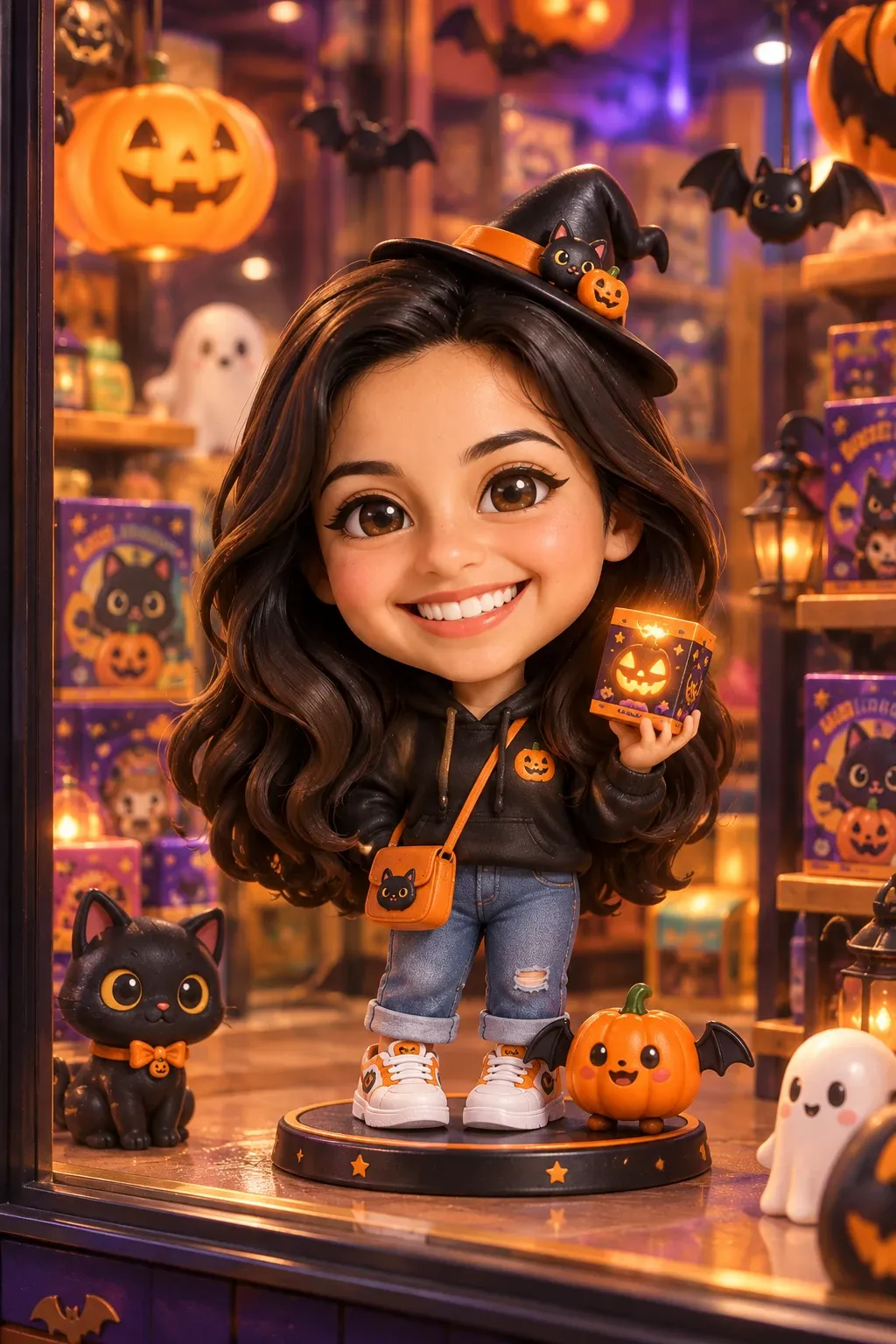
Spooky Surprise Reveals
A Surprise Inside the Box
A normal portrait gets pulled into a mysterious Halloween blind box with this effect. The visual hook comes from the sudden, theatrical reveal, turning a standard photo into a festive discovery. It creates a playful contrast between an everyday subject and a spooky, boxed surprise. Try it on PicLumen to generate a visual that captures the eerie fun of opening a mystery package.
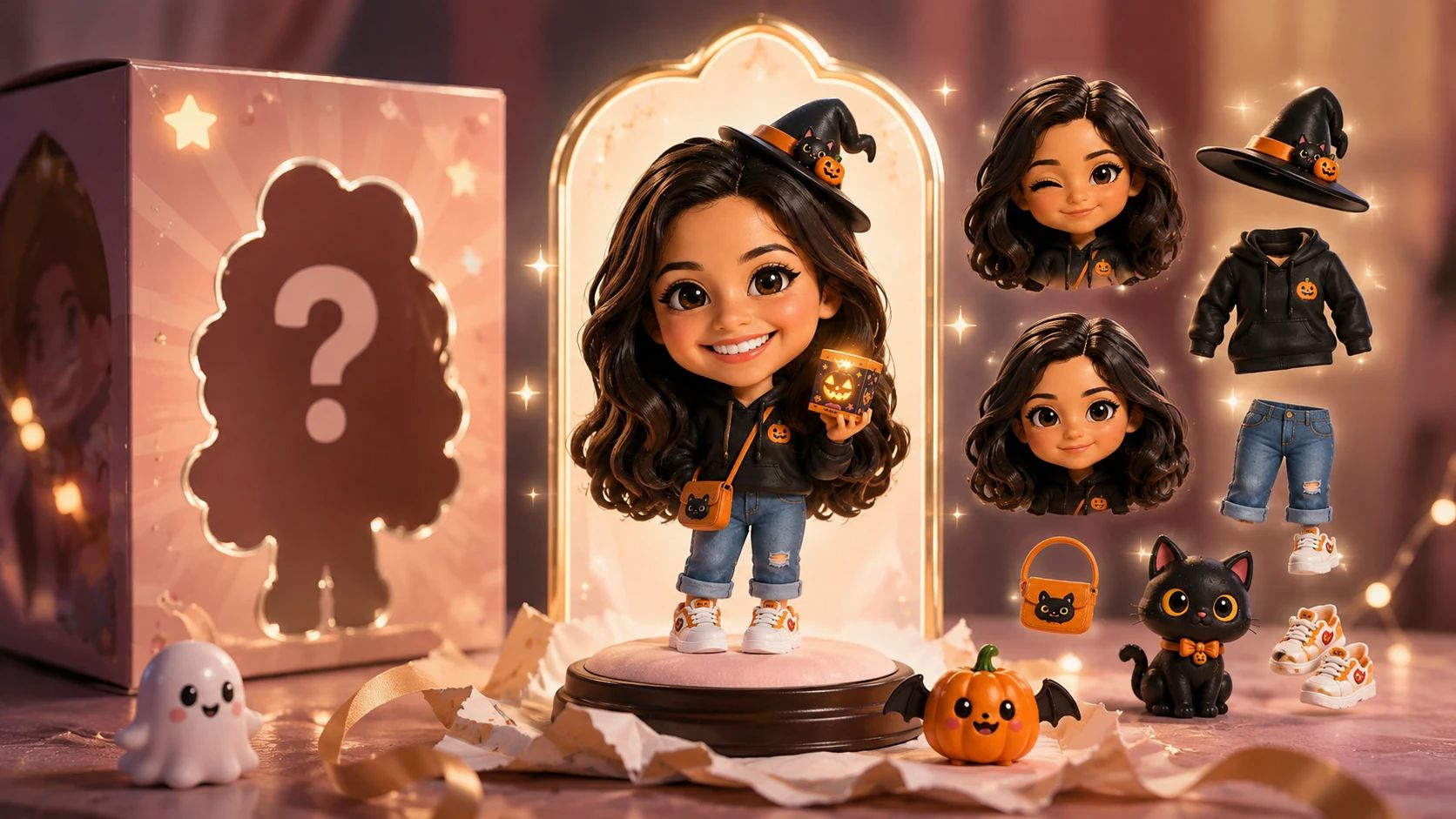
Unboxing the Spooky Character
The core appeal is the moment of reveal. Instead of a normal scene, the subject appears inside a themed container. This change reinterprets a standard portrait by adding a specific, playful context. It allows you to imagine the subject as a collectible surprise, stepping out of a mysterious box. The visual instantly signals a Halloween mood, giving the image a distinct, theatrical personality.
A Playful Eerie Mood
Halloween aesthetics rely on a specific kind of fun. This effect frames the subject inside a mysterious blind box, adding a layer of spooky suspense. The unfamiliar container makes the subject look like a hidden prize. It gives the portrait a lighthearted, festive edge. This creates a strong visual hook that fits perfectly with seasonal celebrations and creative character ideas.
A Seasonal Collectible
Blind boxes offer a sense of discovery. Applying this concept to a portrait turns the subject into a mysterious item waiting to be opened. The visual contrast between a familiar face and the spooky packaging is immediately engaging. It is a creative way to present a character or a photo. The result feels like a unique collectible, blending everyday photography with a festive, surprise-driven theme.
Create Halloween Blind Box AI Scenes with PicLumen
Mysterious Character Reveals
You want a portrait that feels like an unexpected surprise. The Been Got Pulled Into A Halloween Blind Box effect places your subject inside a themed container. This creates a playful narrative where a familiar face becomes a hidden prize. It works well for presenting a new character idea or a festive concept. The sudden shift into a boxed scenario makes the final visual immediately engaging.
Spooky Seasonal Posters
Standard holiday photos often look too ordinary. This effect introduces a specific, theatrical framing that suits a Halloween theme. By pulling the subject into a mysterious blind box, the image takes on a festive, eerie mood. It reinterprets a simple snapshot into a memorable seasonal visual. You can use it to create a striking image that captures the playful suspense of a surprise package.
Playful Surprise Concepts
The appeal here comes from the anticipation of a mystery. Placing the subject inside the box suggests a hidden story. This specific framing adds a lighthearted, comedic edge to a normal portrait. The visual contrast between the person and the packaging makes the final result feel like a unique collectible. It turns a basic photo into a scene full of suspense.
Dark Humor Character Ideas
Sometimes you want a portrait that feels slightly mischievous. This effect traps the subject inside a Halloween blind box, adding a layer of spooky fun. It allows you to explore a more dramatic and theatrical persona. The transformation makes the image look like a scene from a quirky holiday story. It provides a specific, humorous visual for sharing a unique character concept with friends.
How to Create a Halloween Blind Box Effect on PicLumen
Step 1 Choose Your Template
1Use the default Been Got Pulled Into A Halloween Blind Box template, or open the Template menu to explore other available styles. Switching is optional. Select the specific option that best fits the spooky, boxed surprise you want to create for your portrait.
Step 2 Upload Your Photo
2Upload a clear, front-facing portrait from your device. Ensure the subject's face is well-lit and fully visible. A simple background helps the person stand out clearly. A distinct facial outline makes the playful surprise reveal look much more convincing and engaging.
Step 3 Select Parameters If Available
3Check the prompt area for adjustable settings. If the template offers parameter choices, select your preferred options. When no extra settings appear, you can skip this step and proceed directly to generating the final visual for your project.
Step 4 Generate and Download
4Review your selected template, uploaded image, and any chosen parameters before clicking Generate. Once the festive visual is ready, download the file directly to your device. The download process is complete once the file saves.


Loved by Creators Worldwide
Real feedback from designers, marketers, and hobbyists sharing their PicLumen experience on Trustpilot.
 J. Blaine
Regular PicLumen user experience
I've been using PicLumen since late summer 2024 and I've generated several thousand images, mostly image-to-image. There were 2 minor technical glitches in that period of time. In the first one, my library didn't load but after logging out and logging in again later that day I found my library back. The second glitch- the remixing and outpainting stopped working. I contacted the support team and the issue was fixed the next day. I also requested PicLumen to provide a PayPal payment method when they switched to subscription - and they listened and responded to my request. I appreciate their responsiveness and customer service. In my communication with their support team, I found them professional and polite. My general impression is that this is a dynamic and collaborative team that is worth supporting!
A New TV Episodes Of Ninja Sweetie On…
A New TV Episodes Of Ninja Sweetie On Paramount+
My experience
Itis a really good website n really ideal to use theres only one con and that the AIS sometimes create wrong images but that doesnt happen frequently
Good 👍 perfomense web site good images…
Good 👍 perfomense web site good images good
It’s been great so far
It’s been great so far, I think the limitations are me not the app.
 Pino Calambrogio
Good over other applications
Good over other applications
Elisa Likaperfect
i think they are very cool and do a great worl with AI
Love!!
Love!!! Love!!! Love. It. I can get so creative. It pulls my image from my mind.
Adrienne IgoI love PicLumen it is one of my…
I love PicLumen it is one of my favorite AI image generators!
Mohamed Rashad RumaizThis is an excellent website for free…
This is an excellent website for free users
 PrintWiz Designs
All in one platform
I love it as it become more sn all in one platform , great generations, high value , generous free plan ....
 Piotrek K
the best app I've ever used
the best app I've ever used
Frequently Asked Questions
What is Been Got Pulled Into A Halloween Blind Box?
It is an effect that places a standard portrait inside a mysterious, festive container. The visual hook comes from the sudden shift into a playful unboxing scenario. A familiar face transforms into a hidden prize, creating a theatrical and spooky atmosphere. This specific framing gives an everyday photo a surprising, character-driven narrative.
What is the best tool for creating this effect?
PicLumen provides a direct way to generate this specific visual. You can start with the default template or open the Template menu to explore other styles. After uploading a local image and checking any available parameters, click Generate. Once the boxed result is ready, you can download the file directly to your device.
What kind of photo works best for this effect?
A clear, front-facing portrait delivers the strongest result. Ensure the subject's face is well-lit and fully visible. The effect relies on a distinct facial outline to make the surprise reveal look convincing. A simple background helps keep the focus entirely on the subject's expression and the sudden shift into a festive box.
Can I use this for social content?
Yes, the unexpected boxed reveal creates a strong visual hook. You can turn a normal portrait into a festive surprise or a dramatic character reveal. This theatrical contrast makes the image stand out in a feed. Making your own take involves choosing a photo with a highly expressive face to match the playful, spooky concept and share the reaction.
How do I save my final creation?
When the visual is ready, you can download it directly to your device. The saved image is ready for your personal collection or a creative project. You can use the file whenever you want to share the playful boxed character with others or keep it as a distinctive addition to your gallery.
What kind of outfits work best with this effect?
Clothing with distinct shapes or bold colors creates the best contrast. A structured jacket or a bright shirt will stand out clearly once the subject is placed inside the festive container. The effect transforms a normal outfit into a surprising visual element. Choosing clothes with a recognizable silhouette helps the viewer see the dramatic shift from a standard portrait to a boxed character.