AI Billboard Generator: Star in Your Own Cinematic Billboard Portrait From One Photo
Hot Video Effects
Turn your photos into fun dance clips, surprising transformations, and shareable moments with trending AI video effects.
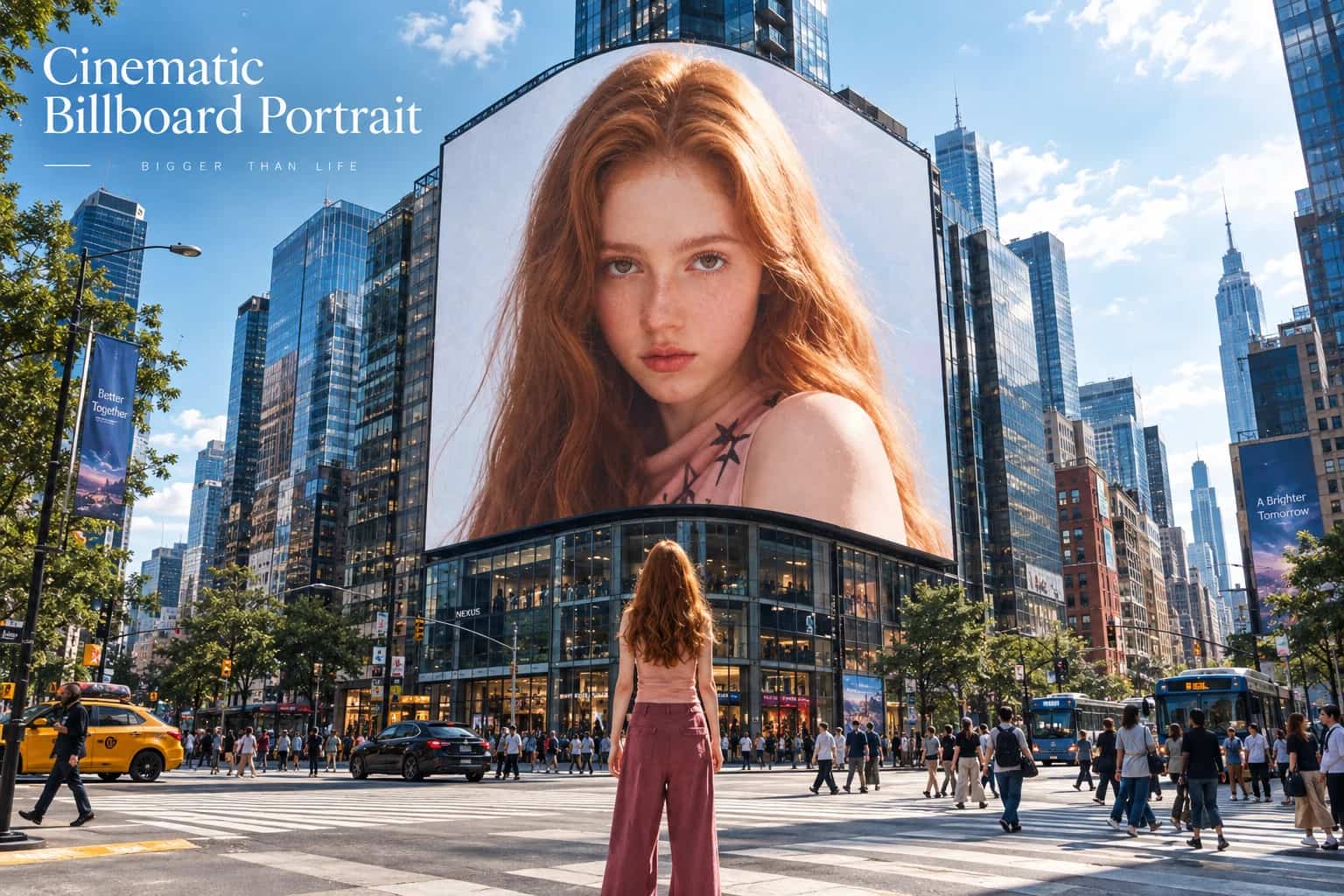
What Is Cinematic Billboard Portrait?
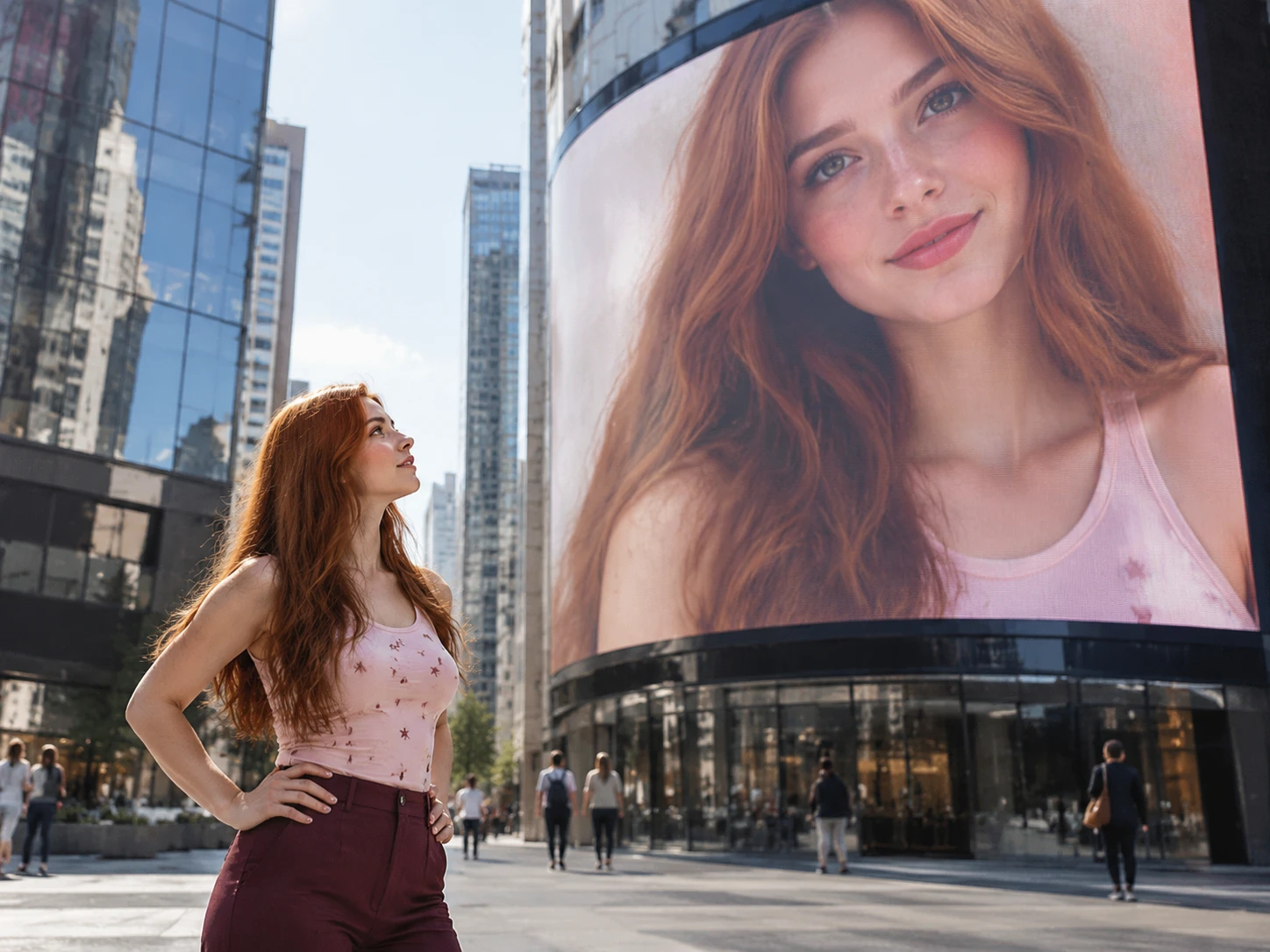
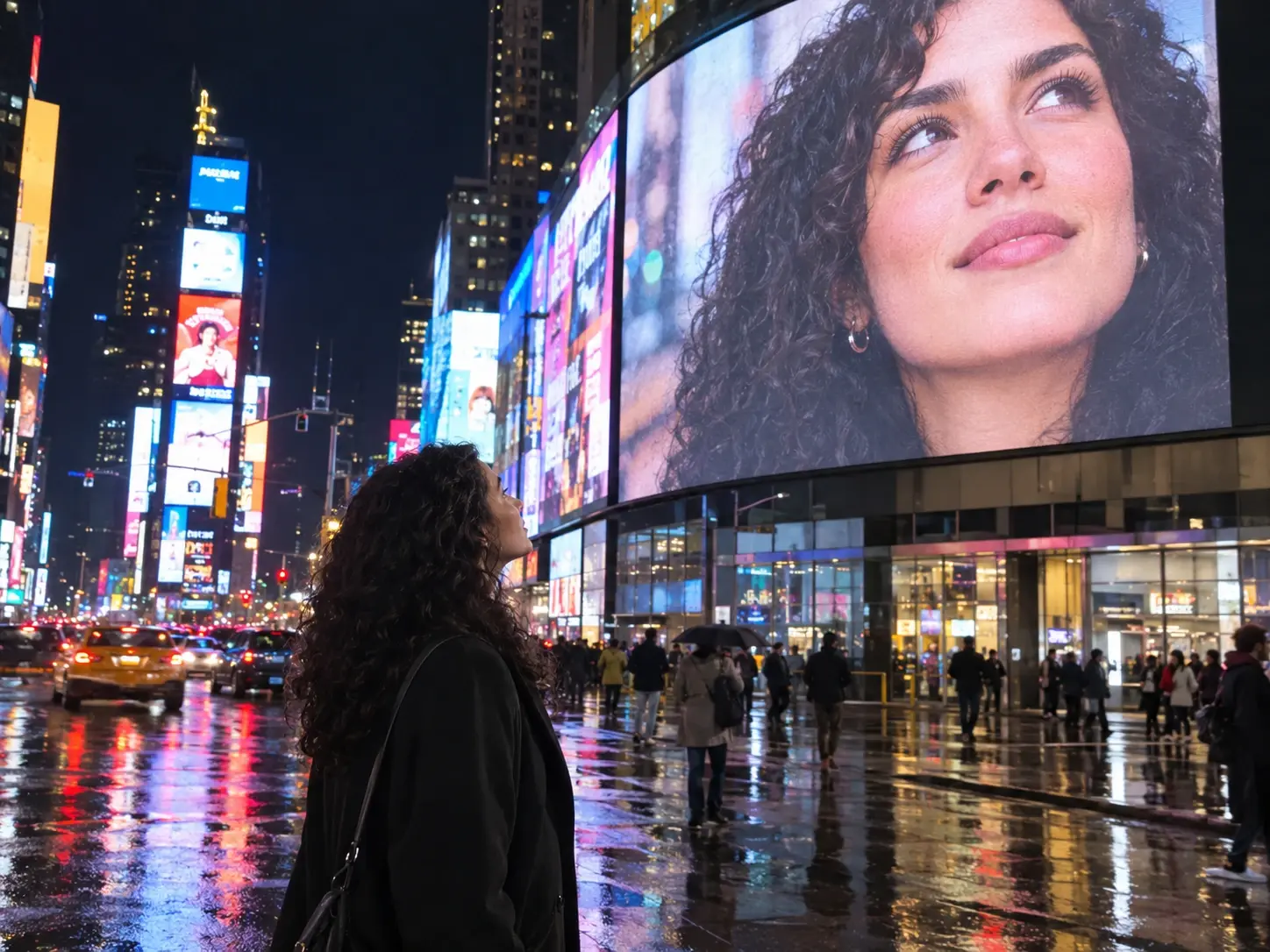
Cinematic Billboard Portrait is a video style where a person stands in a city scene while a giant billboard above shows that same person’s face. Versions of the idea, often called AI billboard videos, were spreading across short-video platforms and social feeds by late 2025, with creators putting their own pictures on big-city screens such as Times Square. A Cinematic Billboard Portrait AI generator turns a single photo into that scene without cameras or crews. PicLumen’s template works as a Cinematic Billboard Portrait AI generator built for this look, so the video starts from your own portrait.
Why Is Cinematic Billboard Portrait So Popular?
The appeal is main-character energy: seeing your own face towering over a city feels like instant fame. The format is also easy to copy. Most clips follow one pattern, a person in the city and a giant portrait overhead, so each new face feels fresh while the idea stays familiar. Anyone with a photo can join in, and a clip like this invites friends to answer with their own. Until recently, the shot needed editing skills and compositing work. Now AI image-to-video tools can build it from a single photo, so your version is within reach.
How to Make Cinematic Billboard Portrait AI Video in 3 Steps
Step 1 Pick the Template
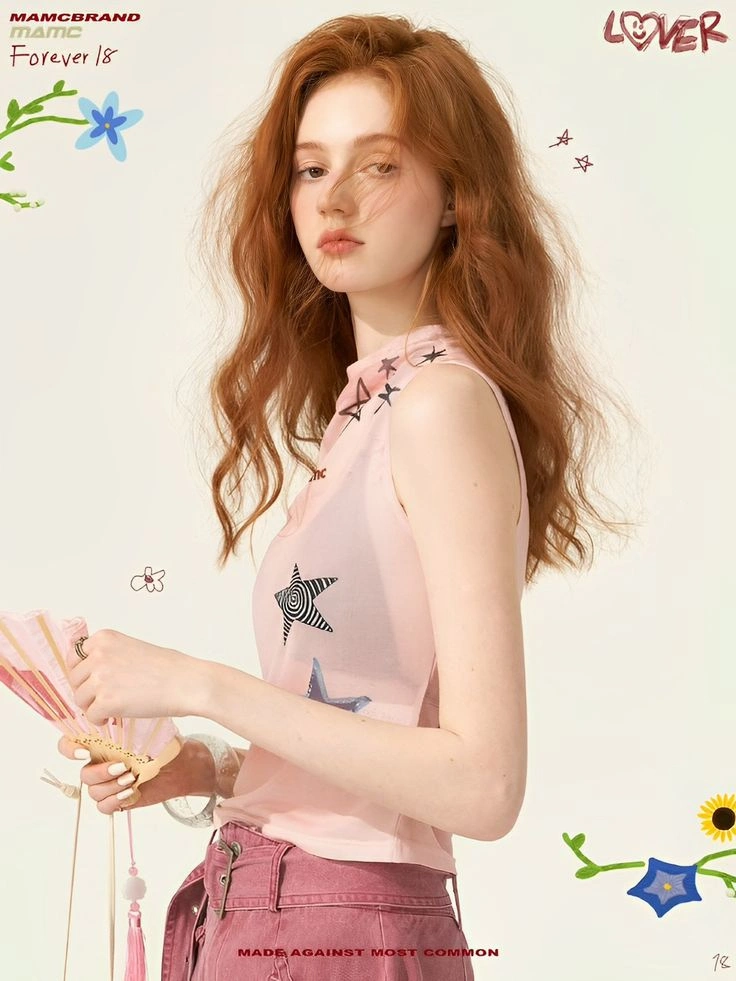
1Open PicLumen’s AI video generator, find the Cinematic Billboard Portrait template, and select it. The template generates a video and needs one model photo, so have that picture ready before you move on.
Step 2 Upload Your Photo
2Add the photo you want shown in the city scene and on the billboard. The template uses that single image for both the person below and the portrait overhead, so pick the picture you prefer.
Step 3 Generate, Download, and Share
3Start the generation and let PicLumen build your video. When it finishes, download it to your device, post it on social media, or share it with the PicLumen community. Want a different look? Try another photo.
Who Creates Cinematic Billboard Portrait AI Videos, and Where to Share Them?
AI billboard portrait clips suit anyone who wants a bold opening shot. Three kinds of creators are a natural fit, each with a platform that suits the format and a clear payoff for sharing the finished video.
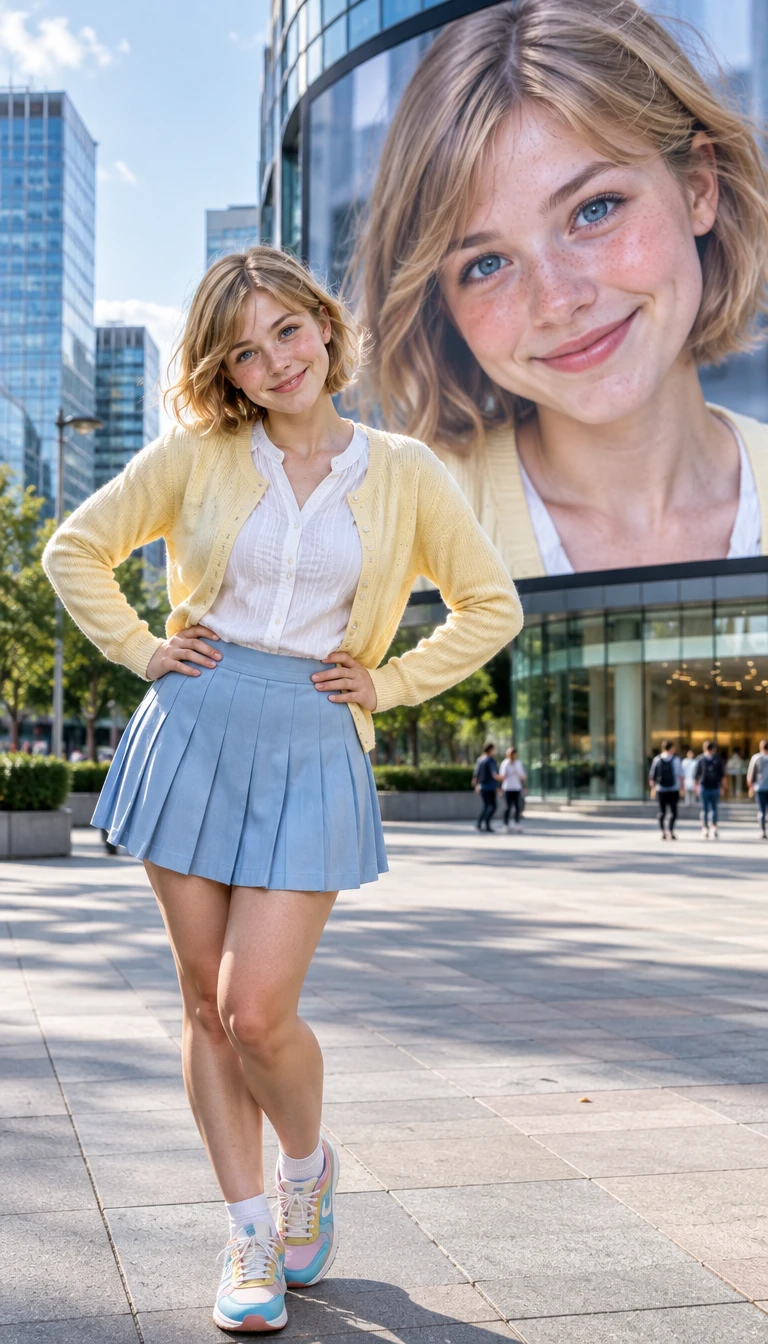
Short-Video Creators on TikTok
Creators who post often need a hook for the first second. A billboard portrait gives each clip a recognizable opening image, and sharing it on TikTok gives followers a clear reason to comment, tag a friend, and request the next scene.
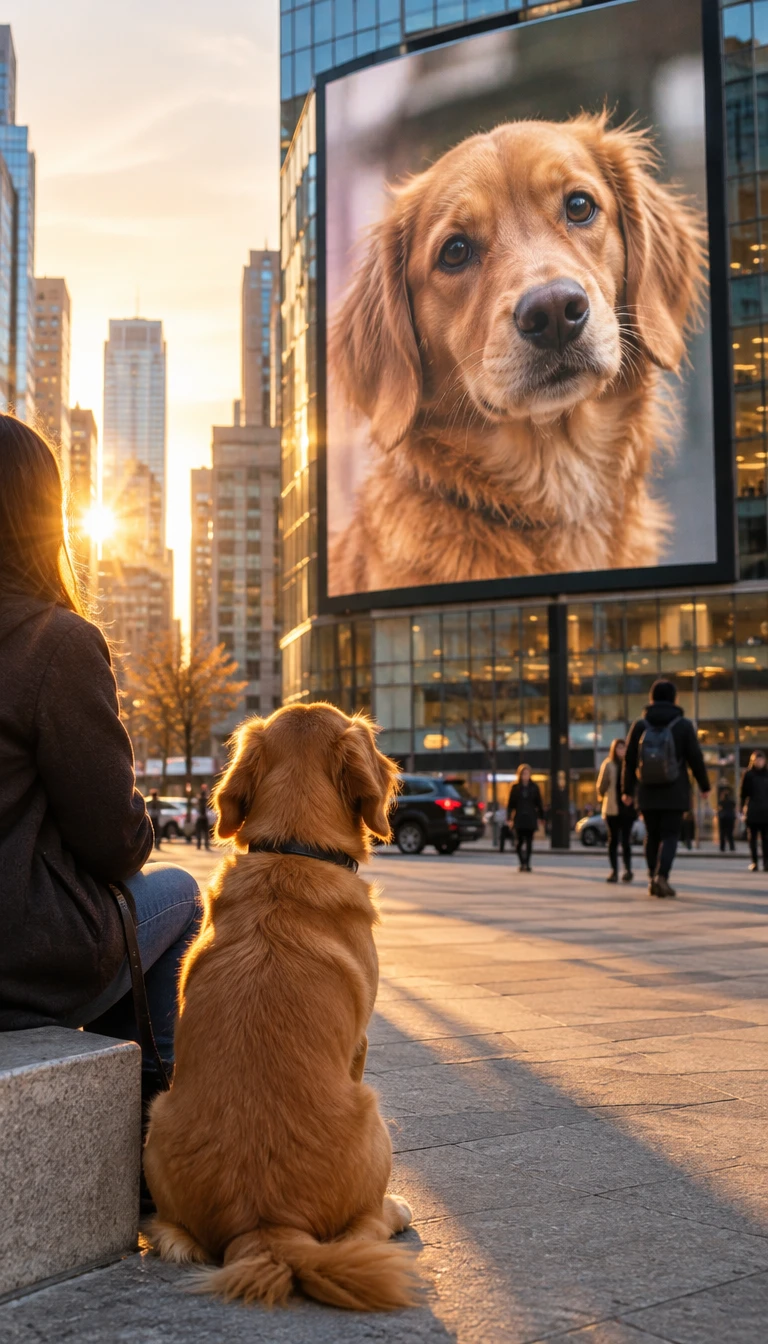
Film Fans on Instagram Reels
Movie lovers enjoy poster-style scenes. A billboard video lets them star in their own cinema moment, and Reels gives the clip a home next to their usual film edits, fan pages, and favorite premiere posts, where fans of the genre already gather.
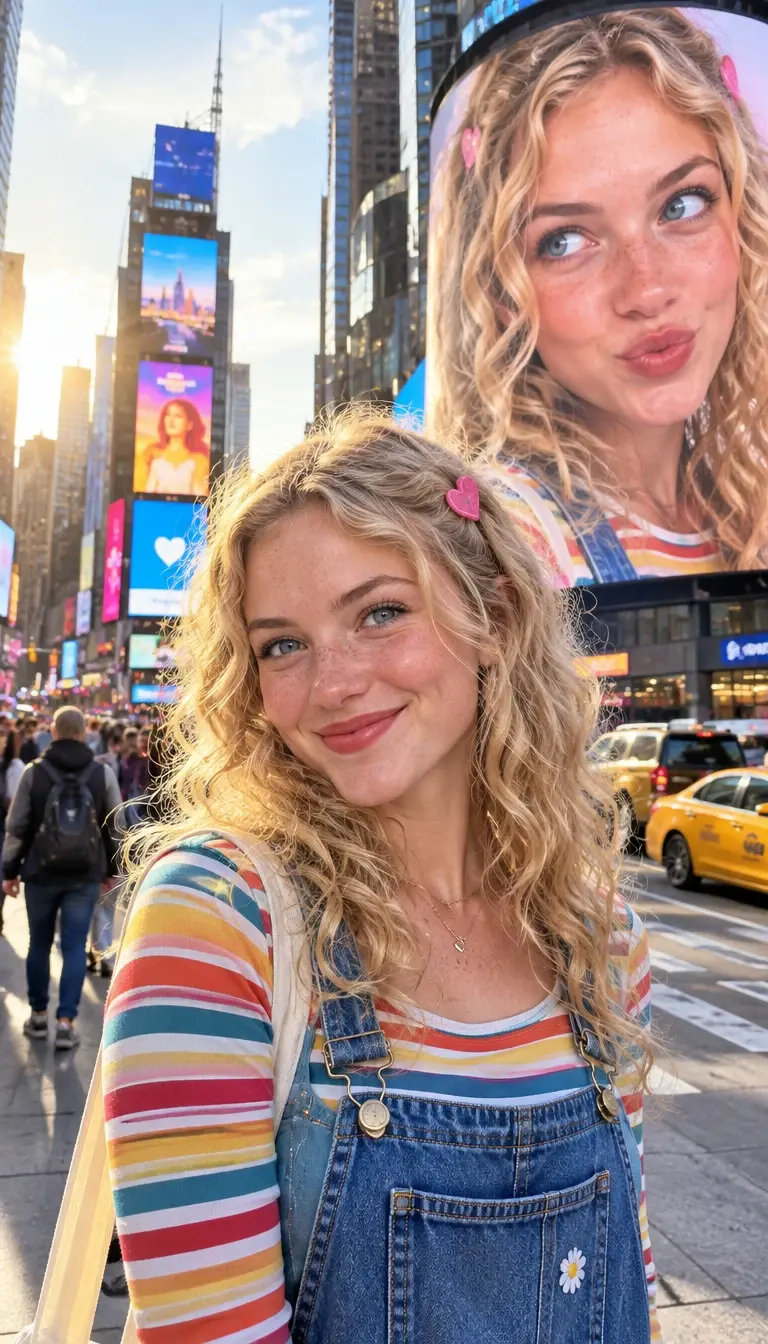
Musicians and Artists on YouTube Shorts
A solo artist can tease a release with a portrait that fills a city skyline. Posting it on Shorts puts a teaser beside the music and gives fans something to replay and pass along, all without a video shoot.
Why Make Your Cinematic Billboard Portrait AI Video With PicLumen?
The finished video places one person in a city scene with a large billboard that carries a portrait of that same person. Viewers see the same face twice, in the scene and on the billboard, and that contrast carries the clip.
A Ready-Made Starting Point
The city scene, the large billboard, and the portrait of the same person are already built into the template. You skip the planning and begin from the look this trend is known for.
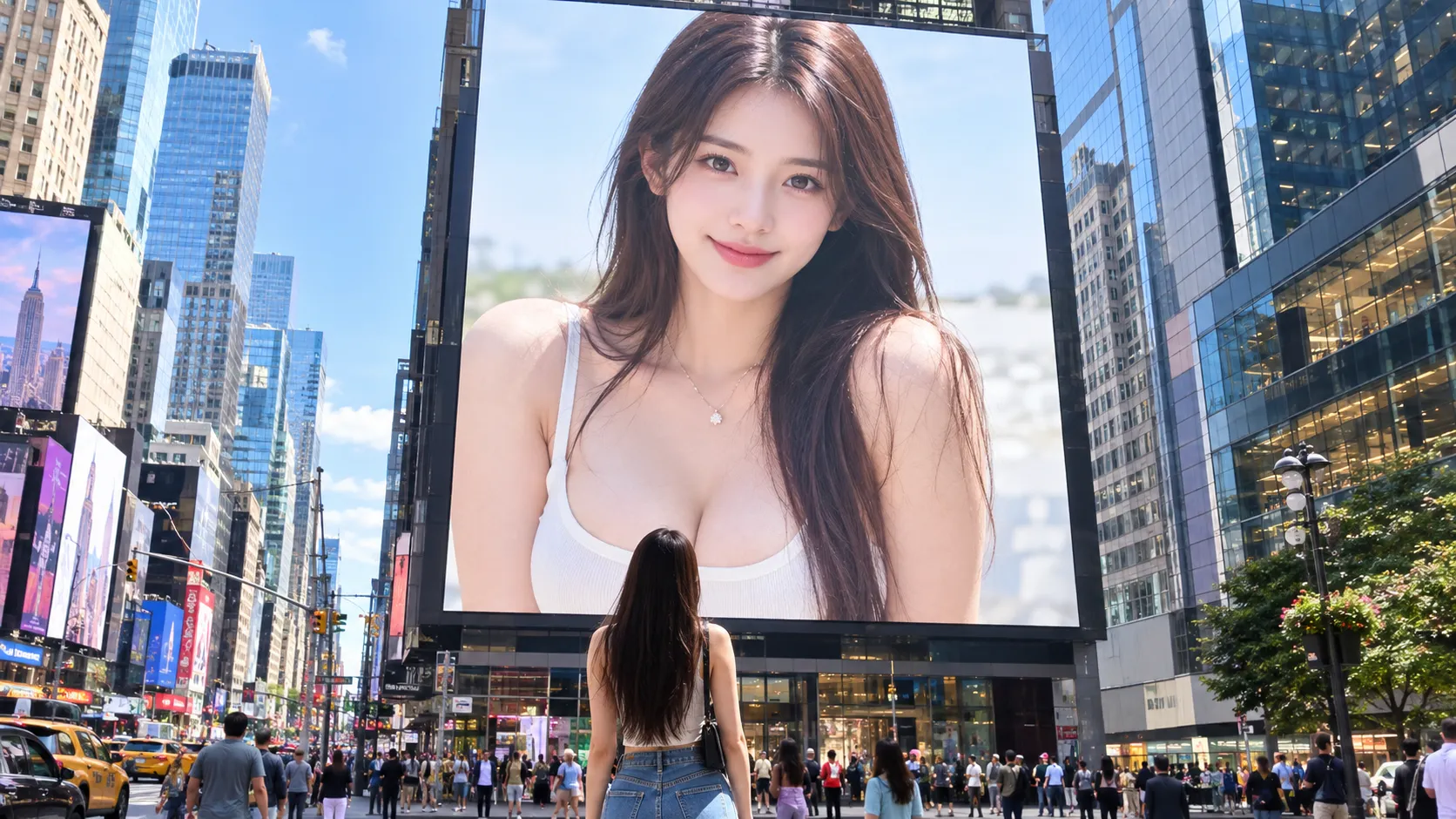
Personal Result From Your Photo
Your billboard portrait comes from the one photo you upload, so the video shows you or a friend, not a stock face or a random lookalike. The person in the city scene and the face on the billboard both come from that single image, which keeps the clip personal and easy for friends to recognize.
Image and Video, One Account
Text to image, image to image, image to video and several AI video models, including Veo 3.1, Kling 3.0, and Seedance, all sit in one PicLumen account. After this clip, you can generate images from a prompt, animate another photo into a new video, or try trending effects such as dance and hug videos without switching platforms.
No Editing Software Needed
PicLumen runs online, so you do not need traditional editing software, stock footage, or a compositing workflow to build this scene. The template sets up the city and billboard layout, and PicLumen builds the video from your upload, so your main job is choosing the right photo.
Shape a Cinematic Billboard Portrait with PicLumen AI
Dramatic Self-Portrait
An everyday portrait can feel too quiet when you want a bold, cinematic introduction. Give your self-image the scale of a billboard reveal, with a dramatic, larger-than-life mood that reads like a film moment. It suits a personal visual for a new chapter, a confidence boost, or simply a portrait that feels less routine. Bring your photo to life with the AI 360 Rotation effect for a more dynamic visual experience.
Artist Reveal
An emerging musician may want a portrait that feels like the start of a new era, not a generic announcement. The Cinematic Billboard Portrait style turns that intention into a bold artist reveal, with the atmosphere of a headline-making image. Use it to shape visual teasers or a striking introduction to a new sound.
Character First Look
Writing a character is easier when you can picture their presence at a glance. A cinematic billboard portrait can serve as a dramatic first-look concept for a protagonist, rival, or mysterious stranger. The oversized, film-poster mood helps set tone before you settle on costume details, backstory, or the scene where they appear.
City-Night Mood
Sometimes the mood matters as much as the person in a portrait. Use the billboard scale and cinematic feel to imagine a lone figure at the center of a city-night story, even when the content is only a single image. It can suggest neon-lit drama, ambition, or a turning point without needing a full narrative.
A Milestone Moment
Marking a major personal achievement calls for more than a standard snapshot. A billboard-style portrait can frame the moment as a cinematic arrival, giving a goal reached or bold next step a sense of occasion. Pair the visual with a short caption about what changed, what it took, or where you hope to go next.
A Favorite Film Mood
Maybe a favorite film genre has always shaped how you see yourself: noir mystery, space-age adventure, or sweeping drama. A cinematic billboard portrait lets that influence become a personal visual rather than a scene-by-scene imitation. Use it as a mood-led tribute, then let a caption explain the reference or the feeling behind it.


Loved by Creators Worldwide
Real feedback from designers, marketers, and hobbyists sharing their PicLumen experience on Trustpilot.
Ayan SamantaAwesome experience just looking wow
Awesome experience just looking wow
amazing
amazing! this is just so good! WOWOW!!
Ai HackGreat tool
I would really recommend this website to content creation
 Ibrahim Onuh
So very powerful and interesting
So very powerful and interesting
 Alexsander Luís
cool it's a good ai creator but create…
cool it's a good ai creator but create imagens for cinema
Really good app and generates good…
Really good app and generates good images!
 DeeDee Mays
good app so much fun making photos of…
good app so much fun making photos of avatars
Federico BidondeGood app recién probando
Good app recién probando
 Coterie Studios Coterie Record
I really like PicLumen
Zandalea here! I really like PicLumen and I used to use it daily. But after getting so many “not allowed “ messages from Sora2 I started using it less frequently.
Nice app ever
Nice app ever, like it when I needed
 Headphonlessness Meditations
hi i am @VbsRedlof on twitter
hi i am @VbsRedlof on twitter
 Hesham Zohny
it is super easy and UI/UXis perfect
it is super easy and UI/UXis perfect
Frequently Asked Questions About Cinematic Billboard Portrait AI
How much does a Cinematic Billboard Portrait video cost?
It costs Lumens, PicLumen’s credit system, and the amount depends on the model used. New accounts get a welcome offer to start creating, and after that you can buy a Lumen pack or choose a subscription plan.
Does the video have a watermark on it?
Paid plans produce videos without watermarks, and PicLumen lists this for Lite, Standard, Pro, and Elite. Plans and benefits can change, so check the current pricing page for your tier before you post or send the video to anyone.
Can I use the video for commercial projects?
It depends on your plan. Basic includes no commercial rights, Lite offers a limited license, and Standard, Pro, and Elite offer broader licenses. PicLumen does not guarantee against third-party claims, so you stay responsible for your use.
Can I use a celebrity photo for the billboard?
Avoid it. PicLumen’s terms bar content that impersonates a real person or portrays someone in a misleading way, and they prohibit uploads that infringe intellectual property rights. A celebrity billboard is a risky place to test those limits.
How long does it take to generate the video?
Usually a few minutes. PicLumen says the exact time varies with the model, the prompt, and the video length. That is general guidance for its video tools rather than a promise for this template, so some runs may finish sooner or later.
Can I make a still billboard image instead of a video?
Yes, with a different tool. This template generates a video, but PicLumen’s AI image generator creates pictures from text prompts, so you can describe a billboard scene and get a billboard image to post beside your video.