Dime Dime Baby AI Video Generator: Make Your Own Meme


Hot Video Effects
Turn your photos into fun dance clips, surprising transformations, and shareable moments with trending AI video effects.
How to Make a Dime Dime Baby AI Video in 3 Steps?
Step 1 Pick the Dime Dime Template
1Find the Dime Dime Baby template on PicLumen and open it to begin. The scene is already prepared, so you do not have to source a separate reference video or build the entire concept from scratch.
Step 2 Upload One Photo
2Choose the person you want to feature and upload one photo. That is the required image input for this template. You do not need to provide a separate reference video; the template supplies the scene reference.
Step 3 Create, Download, and Share Your Dime Dime Baby Video
3Generate your Dime Dime Baby AI video and preview the result to see how your photo comes to life in the party-dance trend. If you love the final look, download your eight-second clip with audio and share the fun with friends, post it on social media, or give your next meme a personal twist.
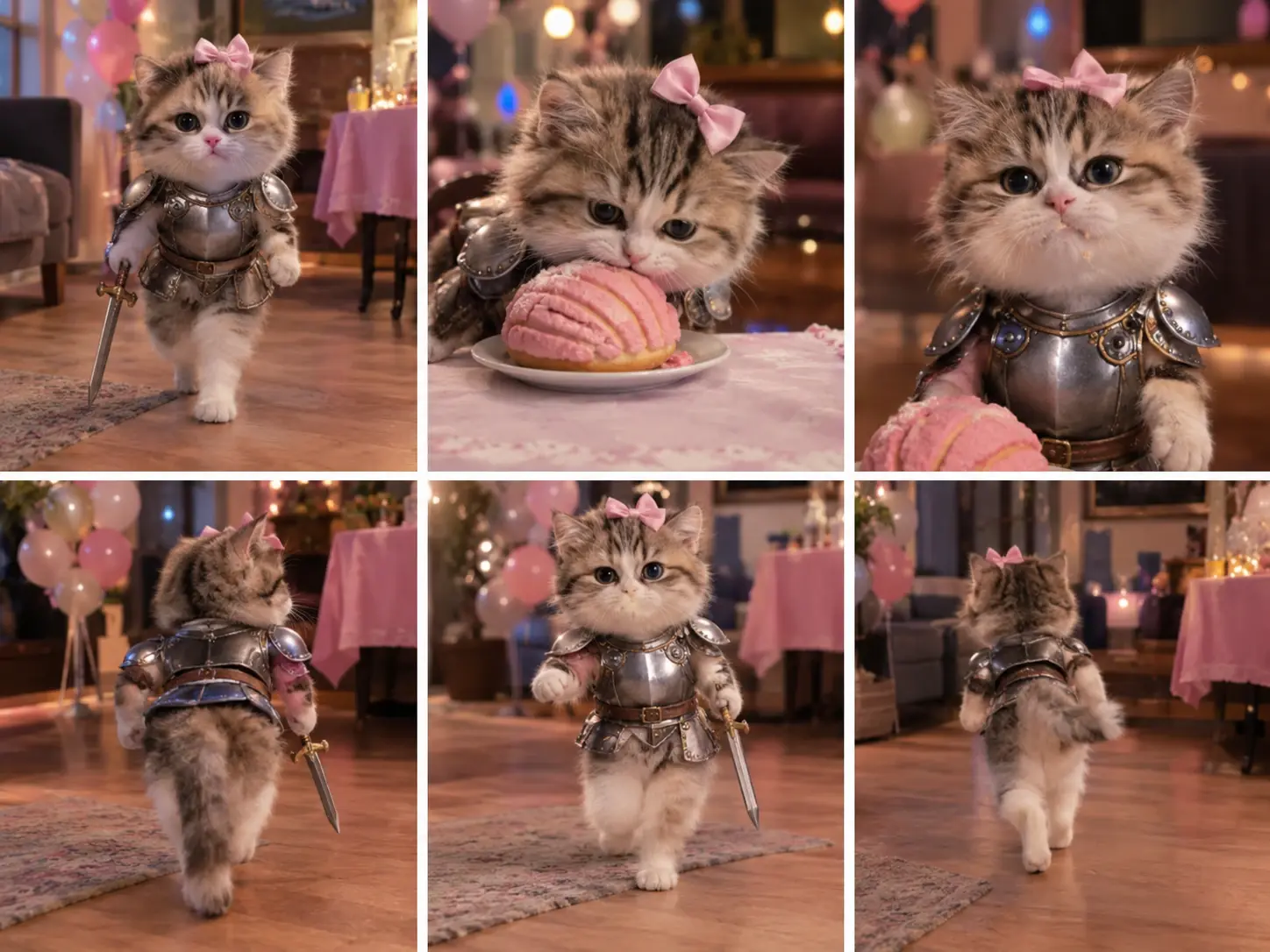
What Is the Dime Dime Baby AI Trend?
Seen the Dime Dime Baby meme and want to make your own? The trend is associated with a party-dance clip featuring a lively performance, a concha (a Mexican sweet bread), and a memorable look toward the camera. AI versions put a new face into the familiar scene, turning the original joke into a personalized video format.
A Dime Dime Baby AI generator helps recreate that style without asking you to film the whole scene yourself. PicLumen's template gives you a prepared reference scene and uses your photo as the starting point. If you have been searching for a Dime Dime Baby AI video, this is a way to join the format with your own take rather than simply reposting someone else's clip.
Why Does the Dime Dime Baby Meme Work So Well?
The joke is easy to get: a party is in full swing, someone takes a bite, and then comes a look that feels almost too serious for the moment. That contrast makes the clip funny without needing a long explanation. It also gives people an obvious way to personalize the format by featuring themselves, a friend, or someone known for a particular expression.
The Dime Dime Baby AI trend fits the way people share memes: the setup is familiar, but the person at the center can change. You do not need to learn a dance or stage a party scene to make a version. With a ready-made AI template, you can turn the idea into a short personal clip. Try PicLumen's AI video generator to explore other video styles, too.

See the Dime Dime Baby Trend Come to Life
This format works best when the person in the video makes the joke more personal. Maybe it is a friend with a famously serious expression, a family member who loves a bit of attention, or your own face in a deliberately ridiculous situation. Think about the person who will see the clip and the reaction you hope to get. The fun is in choosing a familiar face and giving it an unexpected role.
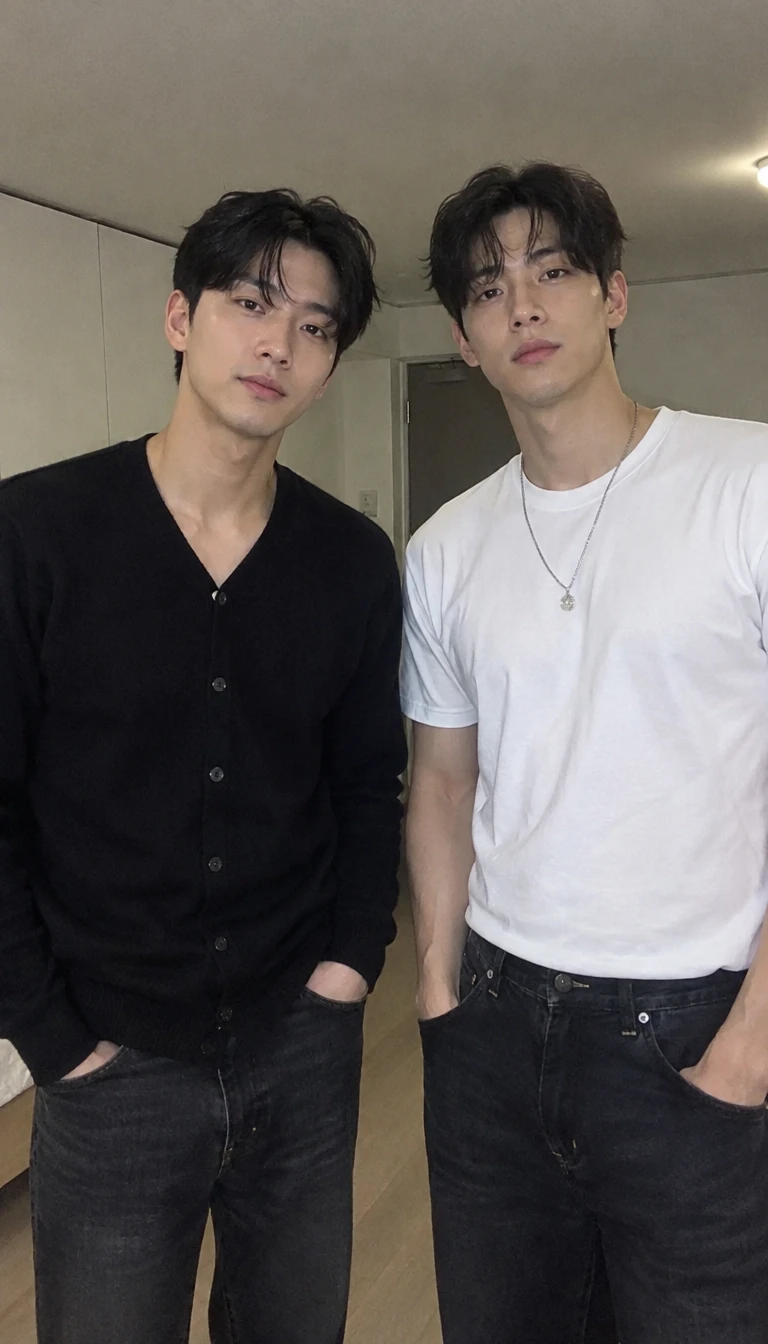
For Friends Who Share Memes
Got a group chat full of running jokes? Feature yourself or a friend who is happy to be part of the gag, then send the video directly to the group. It gives everyone something new to react to, especially when the person featured is the last one you would expect to star in a party meme.
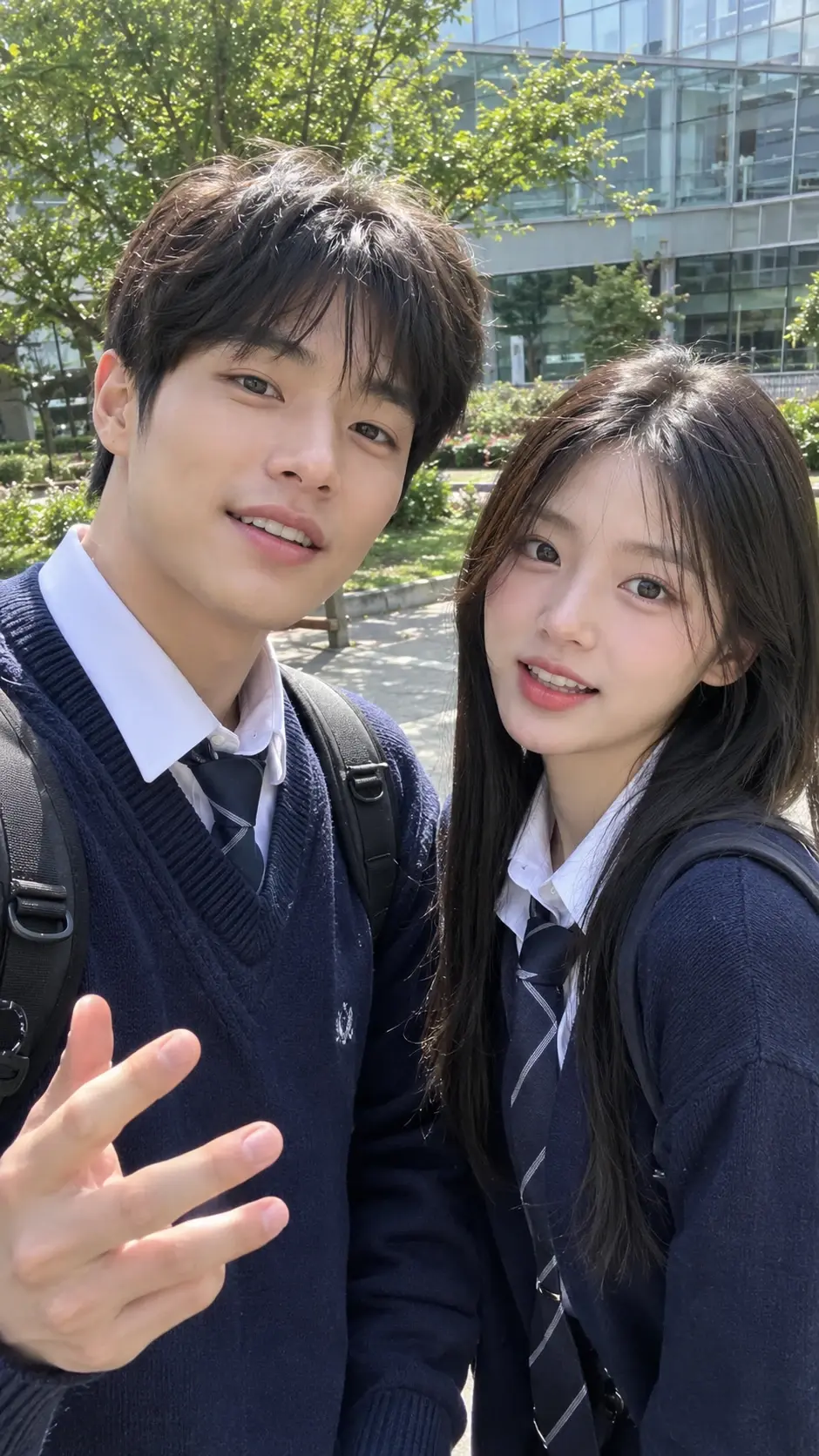
For Short-Form Video Creators
If you post humor, reactions, or trend-inspired clips, the format gives you another idea to try on TikTok or Instagram Reels. Let the video carry the visual joke, then add a short caption that fits your usual style. Keep the post personal instead of explaining every part of the meme.
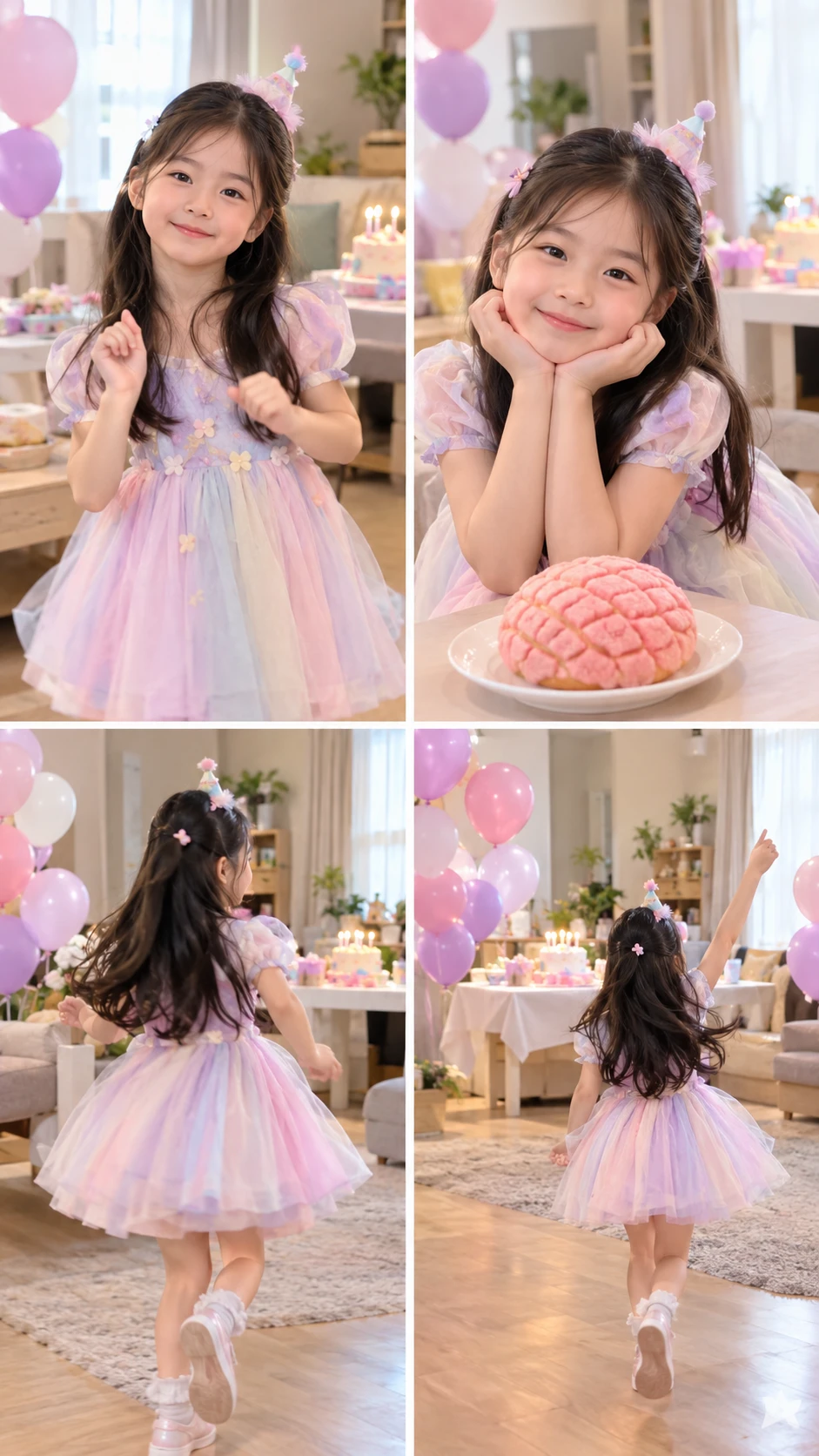
For Birthday Surprises
Want to send a birthday message that is less predictable than another greeting card? With the person's permission, feature them in a Dime Dime Baby-style clip and send it privately or share it in a celebration post. A familiar face in an unexpected scene can make a small digital surprise feel more personal.
Make the Dime Dime Baby Meme Your Own With PicLumen
Picture the familiar party scene, the dance, and that memorable camera-facing expression, now featuring the person you chose. PicLumen's template creates an eight-second video with audio, giving you a defined format for your own version of the meme.
Start With a Ready-Made Scene
The Dime Dime Baby template makes it easy to create a dance video without uploading a separate reference clip. Simply add your photo and let the preset guide the scene. For another playful dance trend, try the Smalltown Boy AI Dance effect and explore a different viral-style look.
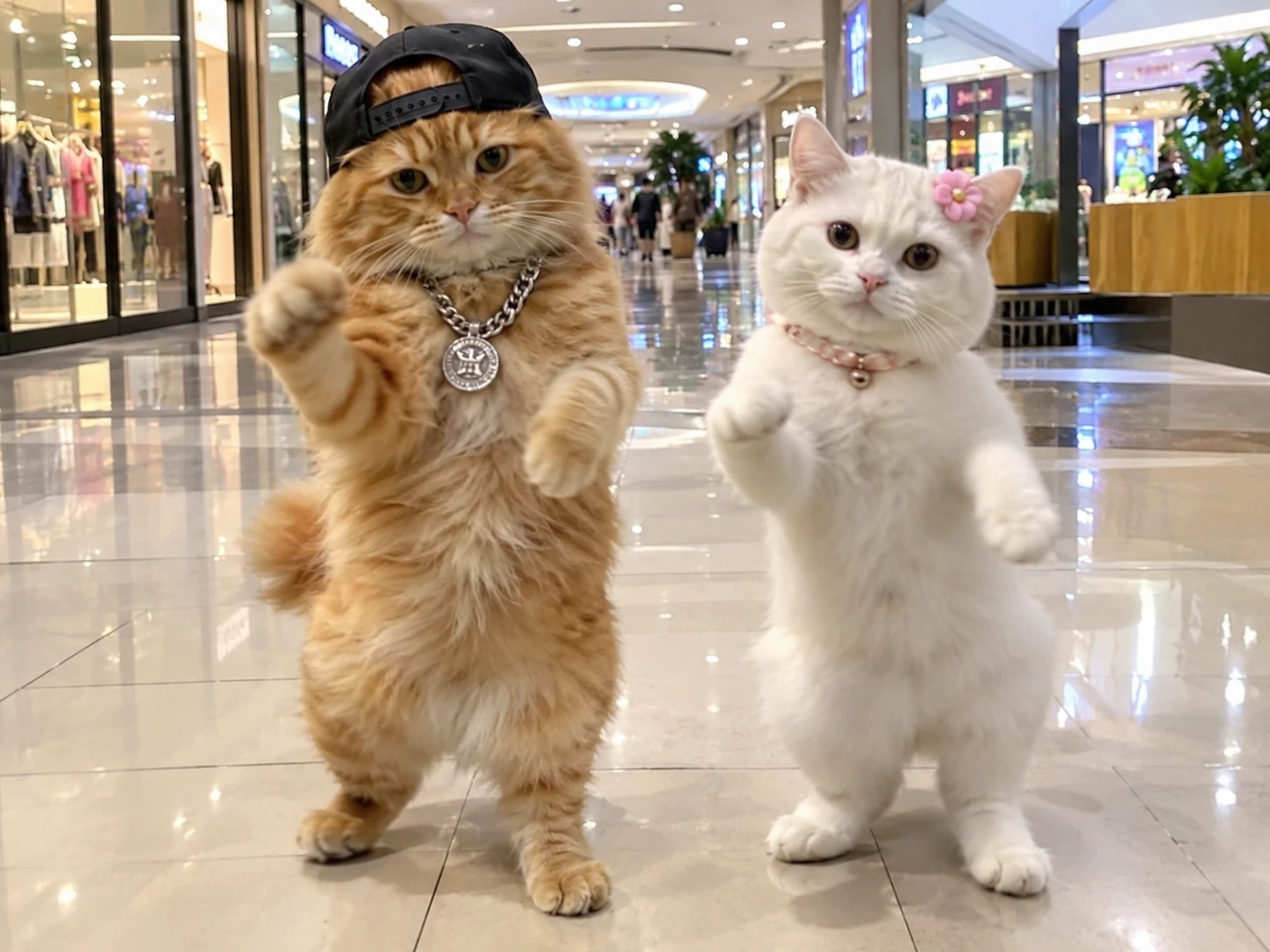
Put a Familiar Face Center Stage
Make the joke more personal by choosing someone your audience recognizes. The photo gives the video its starting point, whether you are making a self-directed joke or creating a lighthearted clip for a friend who has agreed to be featured.
A Short Clip With Audio
The template's confirmed output is eight seconds, with audio included. That gives you a compact video to review before sharing, rather than a longer sequence you need to plan and edit for this particular format.
Ready to Review and Share
Once generation is complete, you can check the result and download it. Decide where it belongs after reviewing the clip, and make sure your intended use follows the applicable platform rules and image permissions.
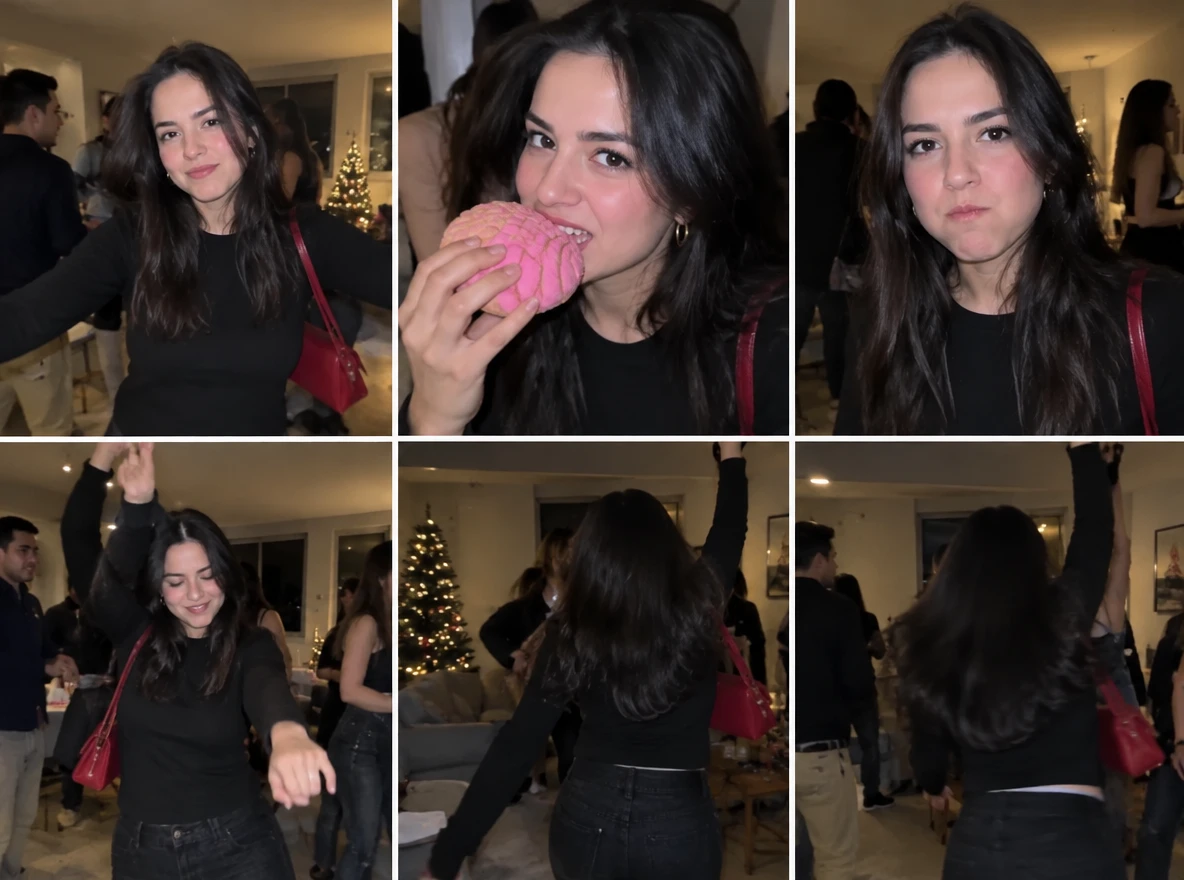
Photo Tips for a Better Dime Dime Baby AI Video
1. Choose a Clear Photo
Use a sharp, well-lit photo with visible facial details. Avoid blurry images, deep shadows, or poor lighting for a clearer visual reference.
2. Keep the Subject Visible
Choose a photo where the person stands out against the background. Keep the face unobstructed and avoid distant subjects or cluttered scenes.
3. Upload One Photo
No reference video is needed. If the result looks off, try a clearer photo with better lighting.
Dime Dime Baby AI Video Ideas to Try
The same meme format can feel different depending on whom you feature and how you frame the joke in your post.
The Unexpected Main Character
Feature yourself in the party scene and use a playful caption about becoming the center of attention. Keep the post light and let the contrast between the scene and your expression carry the joke.
A Friend's Big Entrance
With your friend's permission, make them the focus of the meme. Pair the video with a caption about their dramatic arrival to turn a familiar photo into a personalized surprise.
The Family Group Chat
Choose a family member who would appreciate the joke and share the result privately. A caption about their serious face at every celebration can give relatives a recognizable, affectionate reference to laugh about together.
A Birthday Meme Reveal
Use an approved photo of the birthday guest and send the finished clip as part of a digital greeting. Keep the message short and playful so the video becomes the surprise rather than competing with a long caption.


Loved by Creators Worldwide
Real feedback from designers, marketers, and hobbyists sharing their PicLumen experience on Trustpilot.
My experience
Itis a really good website n really ideal to use theres only one con and that the AIS sometimes create wrong images but that doesnt happen frequently
Awesome program easy to use a little…
Awesome program easy to use a little disappointment in the fact you can’t buy lumies
 ClashOf Clans
Excellent platform to fantasy
Excellent platform to fantasy
KIDSCARTOONThis ap great and amazing generate pic
This ap great and amazing generate pic
 Brijesh Chikhaliya
very good
very good , Excellent Experience
rockstar gamingValue For Money
its value for money i fully recommend you to try this one time you will like it...
 Fatjon Xhoka
Super app for photo and video
Super app for photo and video
 Amy Crawford
Pic Lumen ai is a bright star in a galaxy of money hungry jabas.
I've been using Pic Lumen ai for a little over a year now. The first thing that stood out to me was the level of quality of the photos. Very realistic, brilliantly clear, vibrant. They've done a lot of expansion in the past year as well ie; using the top of the line image and video generators, adding features like upscaling, I paint, out paint, and editing. And the best thing about this platform is the incredibly affordable prices. If you are new this platform is perfect because they offer a free level allowing you to generate 50 images a day. They have an incredible community of artists and also offer tutorials. Two thumbs up!!
 Ririn Nanas
Great
Great, I like Piclumen giving freedom to their work, both paid and free, to be used as content material for personal or commercial purposes.
best of the best
the quick and fast result also too much style and variety is very very astonishing
Headphonlessness Meditationshi i am @VbsRedlof on twitter
hi i am @VbsRedlof on twitter
 Noveltys bloger Noveltys bloge
it was amazing
it was amazing, interesting, useful and very comfortable
Frequently Asked Questions About Dime Dime Baby AI
How many credits does the Dime Dime Baby template use?
The exact Lumen cost should be checked in PicLumen before you generate. PicLumen uses Lumens for image and video creation, and the amount depends on the model and action. Check the displayed cost and your available balance before starting.
How long is a Dime Dime Baby AI video?
The PicLumen template produces an 8-second video. Its audio is included, but the template facts do not confirm a specific aspect ratio or resolution. Check the available output details in the creation interface before generating if your posting requirements are strict.
Do I need to upload a reference video or write a prompt?
No reference-video upload is required for this template. The template itself supplies the reference for the scene, so you can start with the required photo. The supplied template information does not establish whether additional prompt controls are available.
Can I download the video without a watermark?
Watermark-free downloads are supported. You can generate and download your Dime Dime Baby AI video without a watermark using PicLumen.
Can I change the photo after generating a Dime Dime Baby AI video?
Yes. You can upload a different photo and generate a new Dime Dime Baby AI video whenever you like. Each generation uses the photo you provide.
What should I do if video generation fails?
First, check whether the upload completed and whether your account has enough Lumens for the requested generation. If the task still fails, try again with a suitable photo and check the service for any error message. The template's specific retry and credit-refund rules have not been confirmed.
Can I post my finished video on social media?
You can download the finished video and share it, following PicLumen's terms and the rules of the platform where you post. Before publishing, make sure you have permission to use the photo and consider whether your use of audio, likenesses, and other material requires additional rights or disclosure.