Burning Bridges AI Video Generator
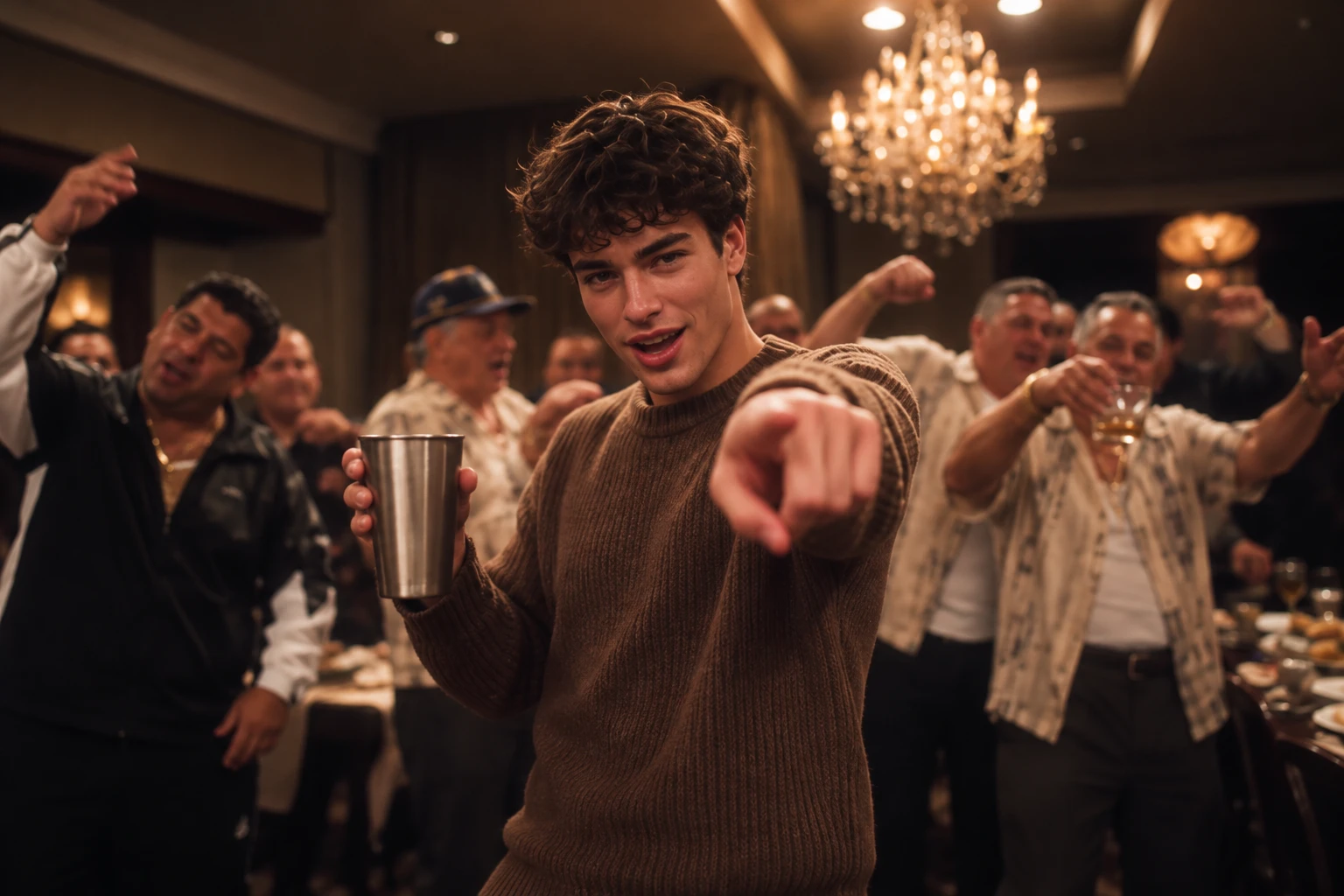
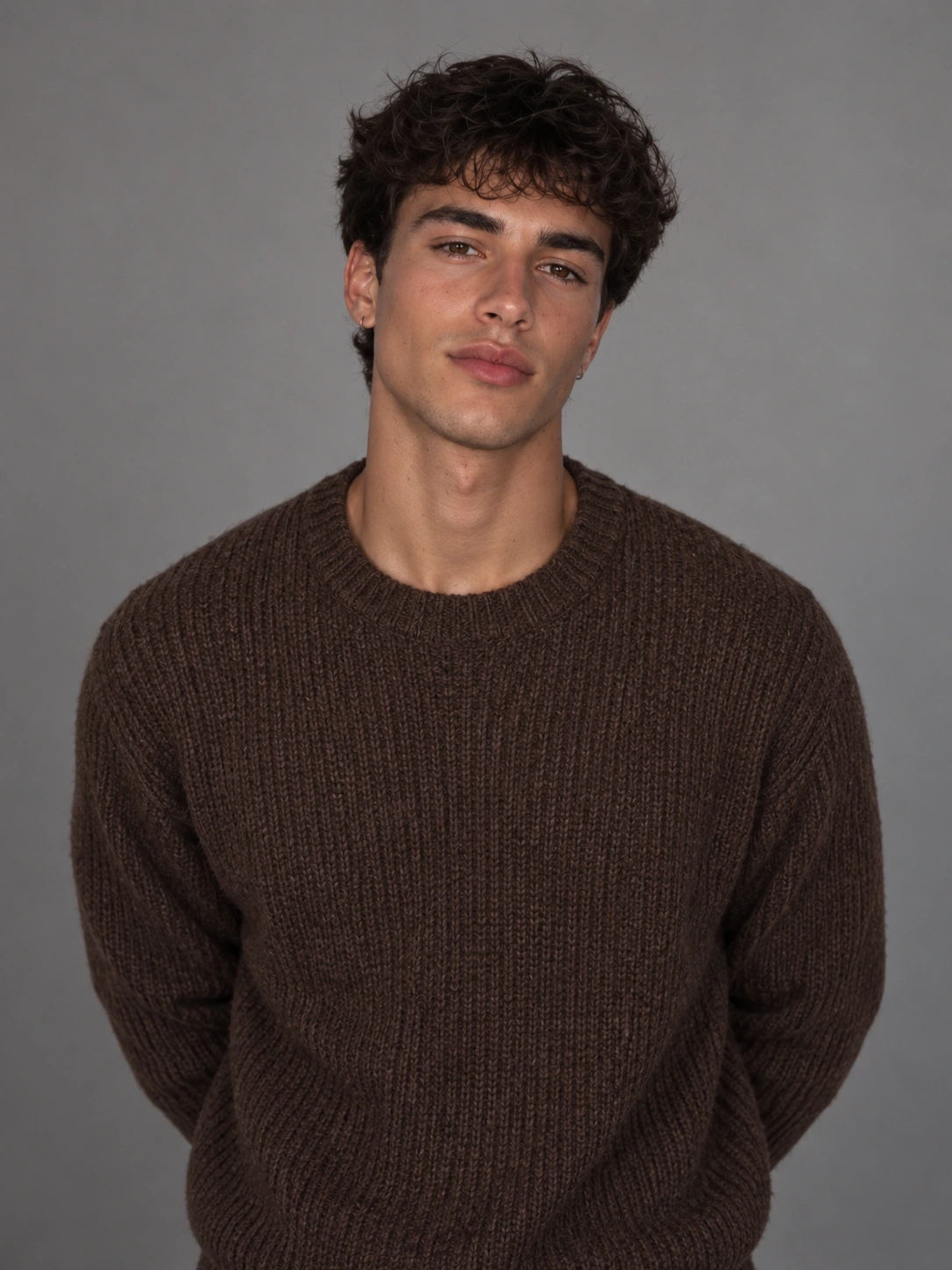
Hot Video Effects
View AllBurning Bridges AI Video Generator – Join the Viral Trend
Pick a template, upload one photo, and turn yourself into the star of the iconic Drake Burning Bridges party scene with AI—no filming or editing needed.
Bring the Burning Bridges Party Scene to Life
Turn a single photo into a dramatic Burning Bridges-style party video, complete with a bold entrance and cinematic energy. Ready-made templates help you recreate the trend without setting up a camera, so you can create share-worthy social content that grabs attention in feeds.
Own the Dramatic Party Entrance
Capture the signature Burning Bridges vibe with a bold entrance, a lively party backdrop, and cinematic movement. Turn an ordinary portrait into a scene made to stand out in short-form video feeds.
Recreate the Trend Without a Film Crew
Skip the party setup, camera crew, and frame-by-frame editing. Choose a ready-made Burning Bridges template, upload one photo, and let AI handle the transformation.
Make Your Next Viral-Style Reel
Create a Burning Bridges-inspired clip for TikTok, Instagram Reels, or YouTube Shorts. Use your portrait to join the party trend, surprise your followers, or give your next social post a cinematic twist.
How to Make a Drake Burning Bridges AI Video
Step 1 Choose a Burning Bridges AI Video Template
1Browse the available Burning Bridges AI video templates and choose the scene that best matches the viral trend. Look for the signature chandelier-lit party, warm golden lighting, lively guests, and iconic party atmosphere. A ready-made template gives you a starting point for recreating the look and feel without having to build the scene from scratch.
Step 2 Upload a Clear Photo of Your Character
2Upload one clear photo of yourself, a friend, or your pet to personalize the video. For the best results, use an image with the subject clearly visible, good lighting, and minimal obstruction around the face. PicLumen uses your uploaded photo as the character reference, helping bring your chosen subject into the Burning Bridges-inspired party scene.
Step 3 Generate, Preview, and Share Your AI Video
3Click Generate and let PicLumen turn your photo into a Burning Bridges-inspired AI video. Once generation is complete, preview the result and check whether the character, party atmosphere, and overall motion look right. If you're happy with the result, save your favorite version and share your personalized take on the viral trend across TikTok, Reels, or other social platforms.


Loved by Creators Worldwide
Real feedback from designers, marketers, and hobbyists sharing their PicLumen experience on Trustpilot.
 Isuru Nilanka
It's easy to use
It's easy to use, they have different AI models, good prices, and a nice community page.
 chelsienner
This is my favorite AI Image generator
This is my favorite AI Image generator
I recently had some technical issues…
I recently had some technical issues that I was trying to work through, so I reached out to the team at PicLumen for support. They were incredibly open, responsive, and willing to discuss the challenges I was experiencing. I even sent them a video demonstrating some of the issues I came across, and they took the time to review everything carefully and work toward finding solutions. What really stood out to me was how friendly, approachable, and collaborative they were throughout the process. I never felt like I was just submitting a problem ticket — it felt like they genuinely cared about improving the experience and helping users succeed. I truly enjoy using the platform and appreciate the level of support and dedication behind it. I would absolutely recommend PicLumen to anyone interested in this type of creative work.
next framebest ai web creation site
best ai web creation site
ZaraPiclumen still remains the best…
Piclumen still remains the best with image references. I don't have any complains using Piclumen. It makes my work easier
Great platform
Ease of use,and great models
 Elisa Lika
perfect
i think they are very cool and do a great worl with AI
 Jonathan Kauan da Silva
good i like create images
good i like create images
Great tool
Great tool, I made fantastic results with it.
Have a good experience and so smooth.
Have a good experience and so smooth.
 Lalith Perera
I loved it thank you so much for the…
I loved it thank you so much for the images
Tim Olukayode AjayiAmazing Platform
Honestly, I was wowed the moment I land on PicLumen and tested their platform. I wanted to pay for the popular one before but had to stop and I am loving it all the way. I totally recommend PicLumen guys!
FAQs About Drake Burning Bridges AI Videos
1. What Is the Burning Bridges AI Video Generator?
The Burning Bridges AI Video Generator lets you recreate the viral luxury-party video trend with your own photo. Turn yourself, a friend, or your pet into the star of a chandelier-lit party scene with a ready-made AI video template.
2. How Do I Make a Burning Bridges AI Video?
Choose a Burning Bridges template on PicLumen, upload a clear photo, and click Generate. Preview your personalized video once it’s ready, then save your favorite result and share it on social media.
3. What Kind of Photo Works Best for a Burning Bridges AI Video?
For the best results, upload a clear, well-lit photo with your subject fully visible. Avoid blurry images, heavy shadows, and obstructed faces. A recognizable subject helps the AI create a more consistent and visually appealing video.
4. Can I Make a Burning Bridges AI Video With My Pet?
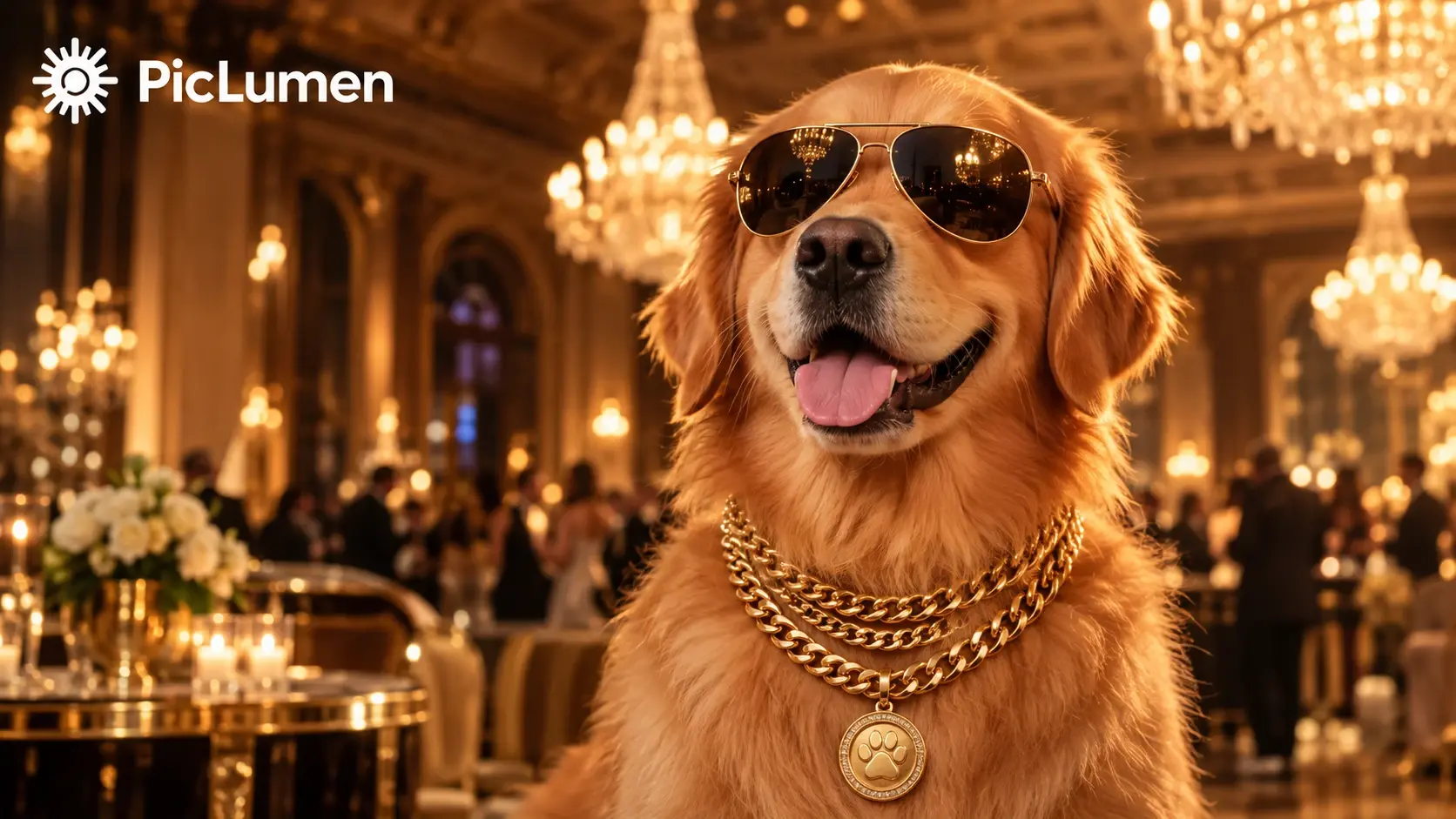
Yes! Upload a clear photo of your dog, cat, or another pet and turn your furry friend into the star of a Burning Bridges-inspired party scene. Try a fun, glamorous look with sunglasses, gold chains, and warm chandelier lighting for a playful result.
5. Do I Need to Upload a Reference Video to Make a Burning Bridges AI Video?
No. With PicLumen’s ready-made Burning Bridges template workflow, you can start with a single photo without uploading a separate motion reference video. Simply choose a template, upload your image, and generate your video.
6. Is the Burning Bridges AI Video Generator Free to Use?
Available generation features and usage limits may depend on PicLumen’s current plans and credit requirements. Check the generator page for the latest details before creating your Burning Bridges AI video.
7. How Long Does It Take to Generate a Burning Bridges AI Video?
Generation time depends on the selected AI model, video settings, and current processing demand. Simply choose a Burning Bridges template, upload your photo, and click Generate. Once your video is ready, preview it and save your favorite version.