Create Your Rumpelstiltskin AI Dance Video
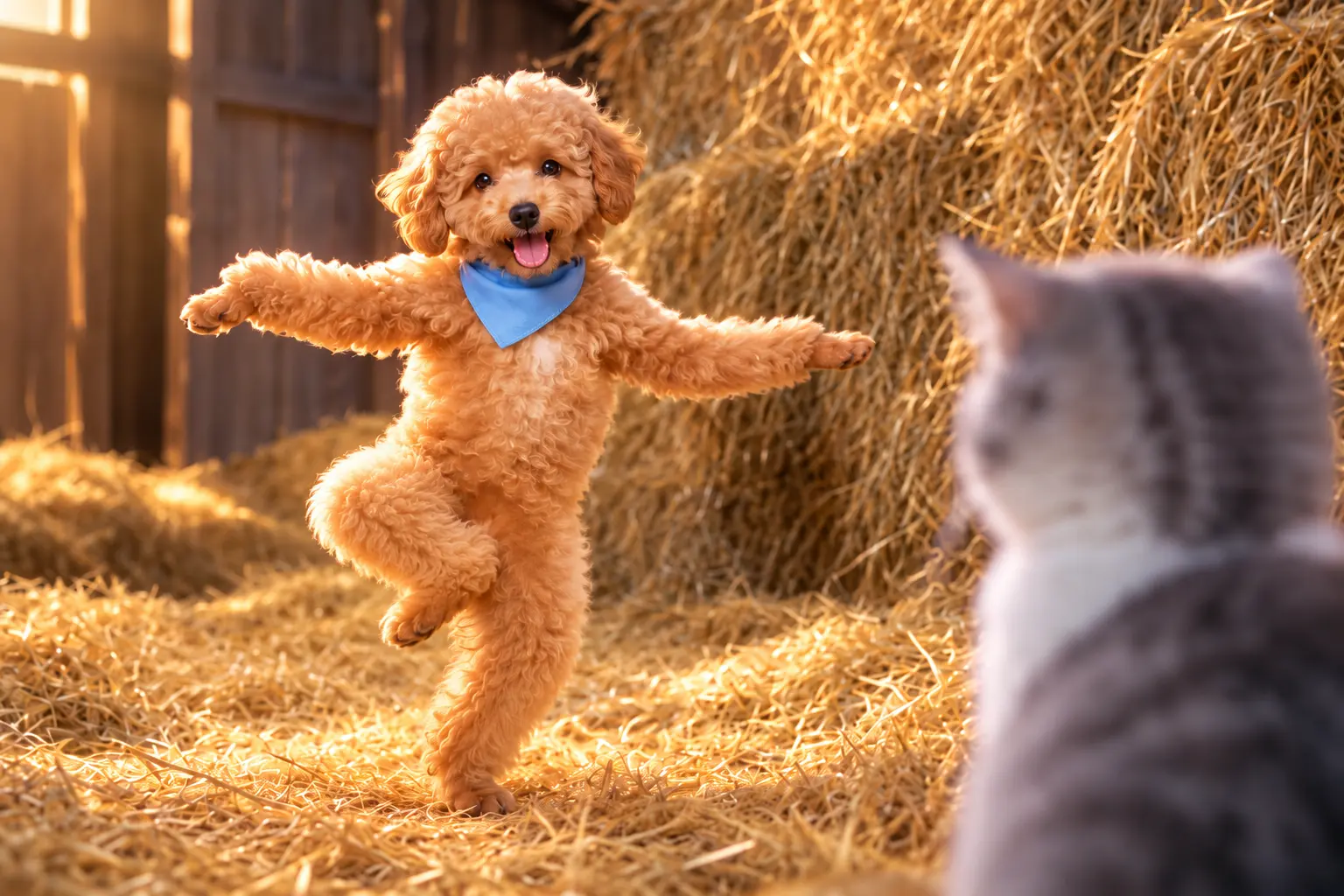
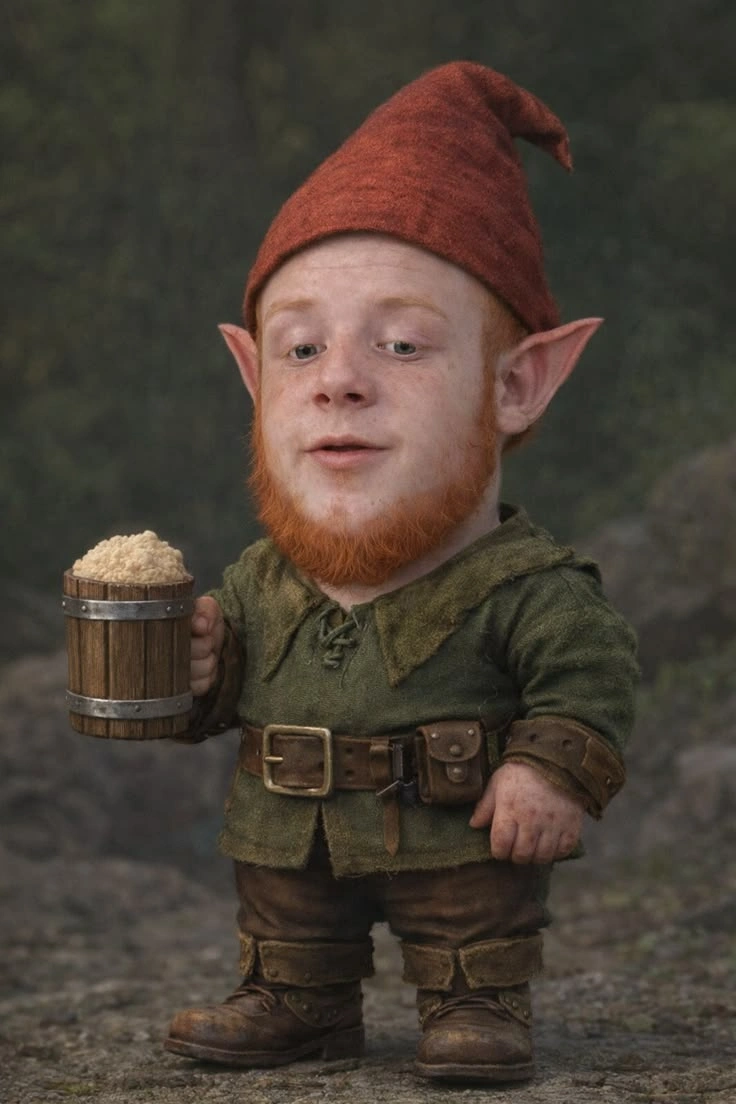
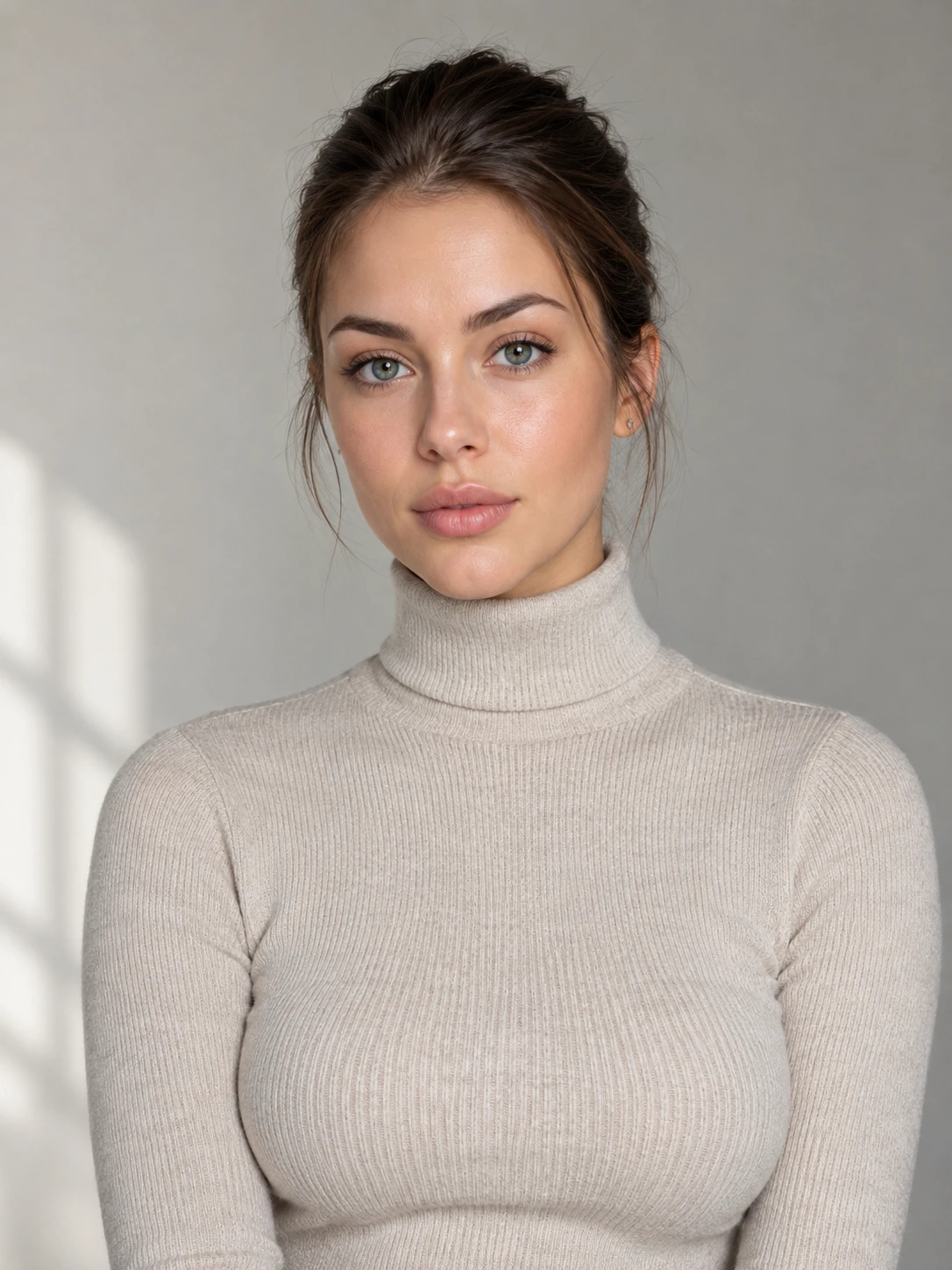
How to Create a Rumpelstiltskin AI Dance Video
Make Your Own Tiptoe Dance in Three Steps
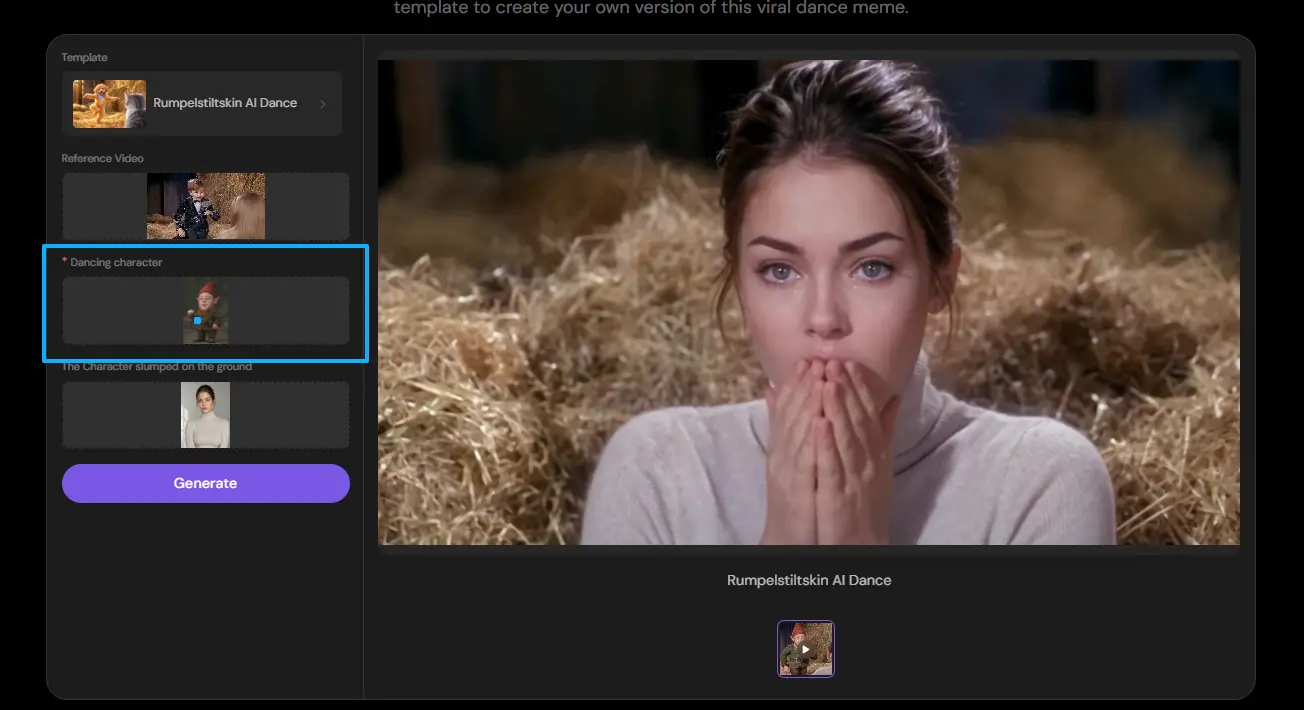
Step 1: Upload One Photo
Open the Rumpelstiltskin AI Dance template in PicLumen and upload a clear photo of yourself or the character you want to feature.
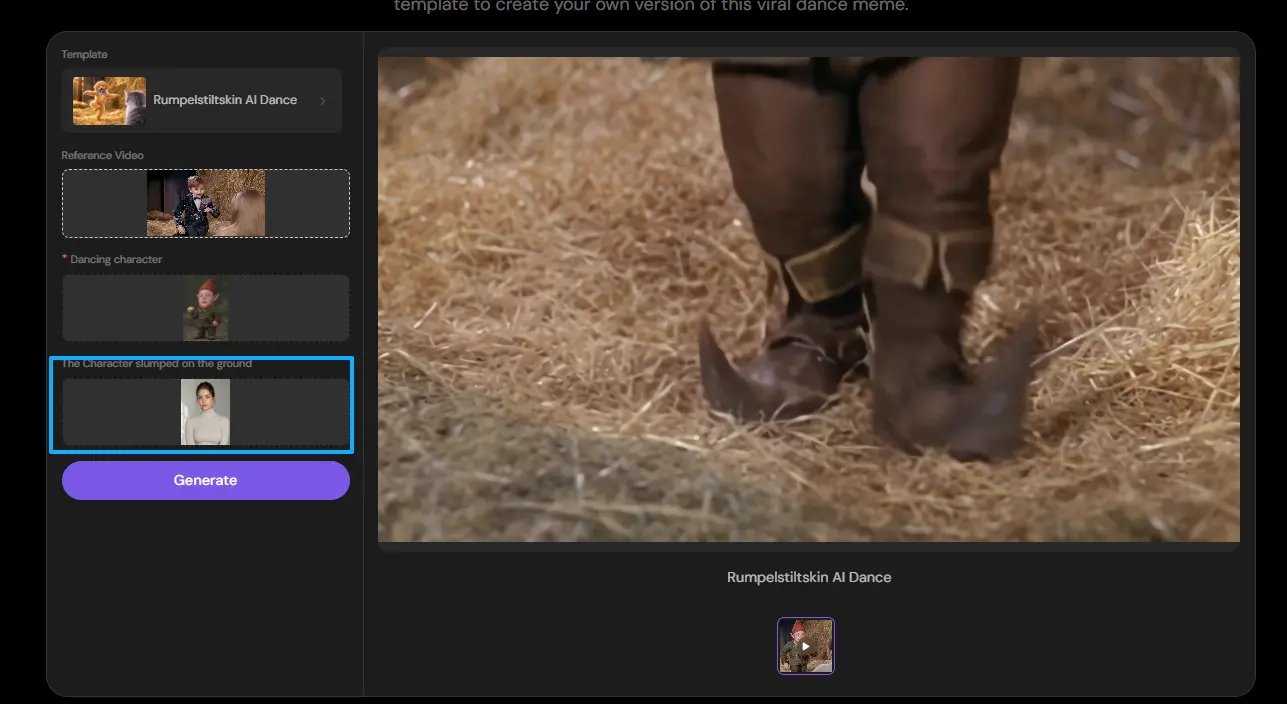
Step 2: Generate Your Dance Video
Use PicLumen's ready-made template to generate your personalized Rumpelstiltskin dance. The template provides the dance sequence, fairy-tale setting, and original supporting character, so you don't need to upload a dance video or write a choreography prompt.
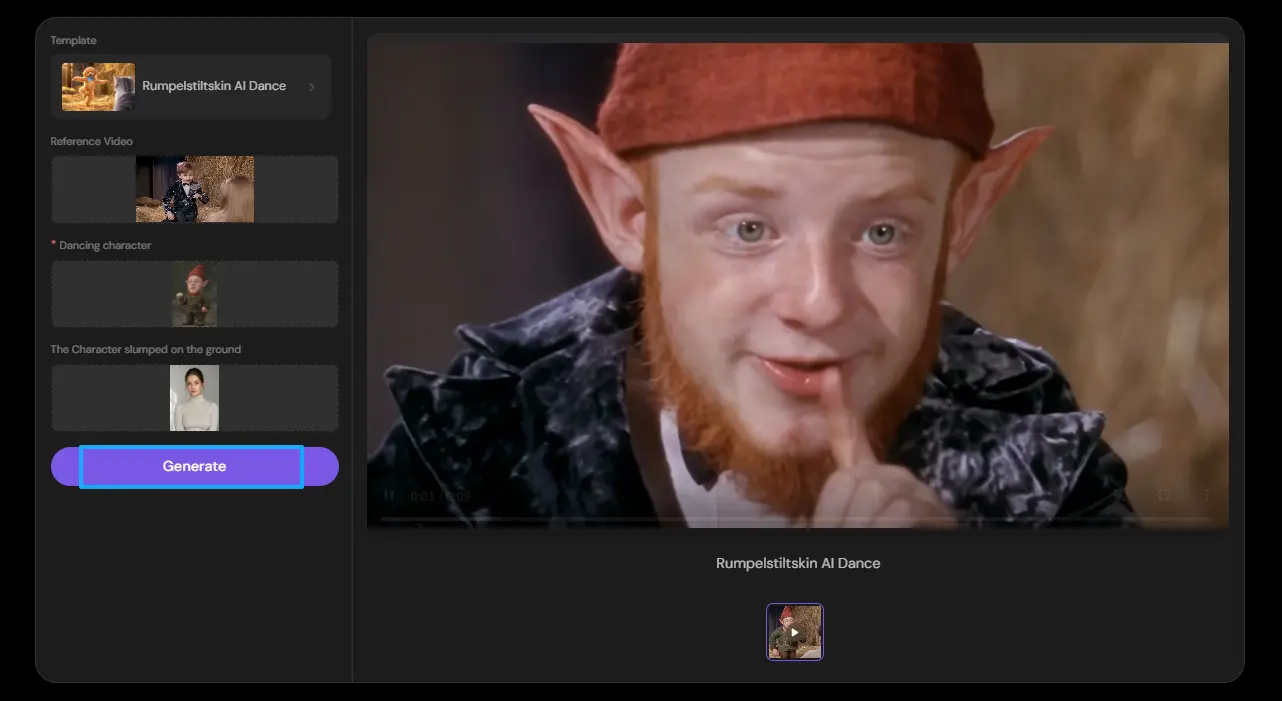
Step 3: Preview and Download
Watch the generated video to check the main dancer's appearance and overall movement. When you're satisfied with the result, download it using the available export options and prepare it for sharing.
Bring the Rumpelstiltskin Dance Meme to Life
Your Characters, One Unforgettable Fairy-Tale Dance
Turn your character images into a playful Rumpelstiltskin dance video using PicLumen’s AI UGC Video Generator and ready-made template. Customize the main dancer and, optionally, the second character, while the template supplies the exaggerated tiptoe moves and straw-filled setting.
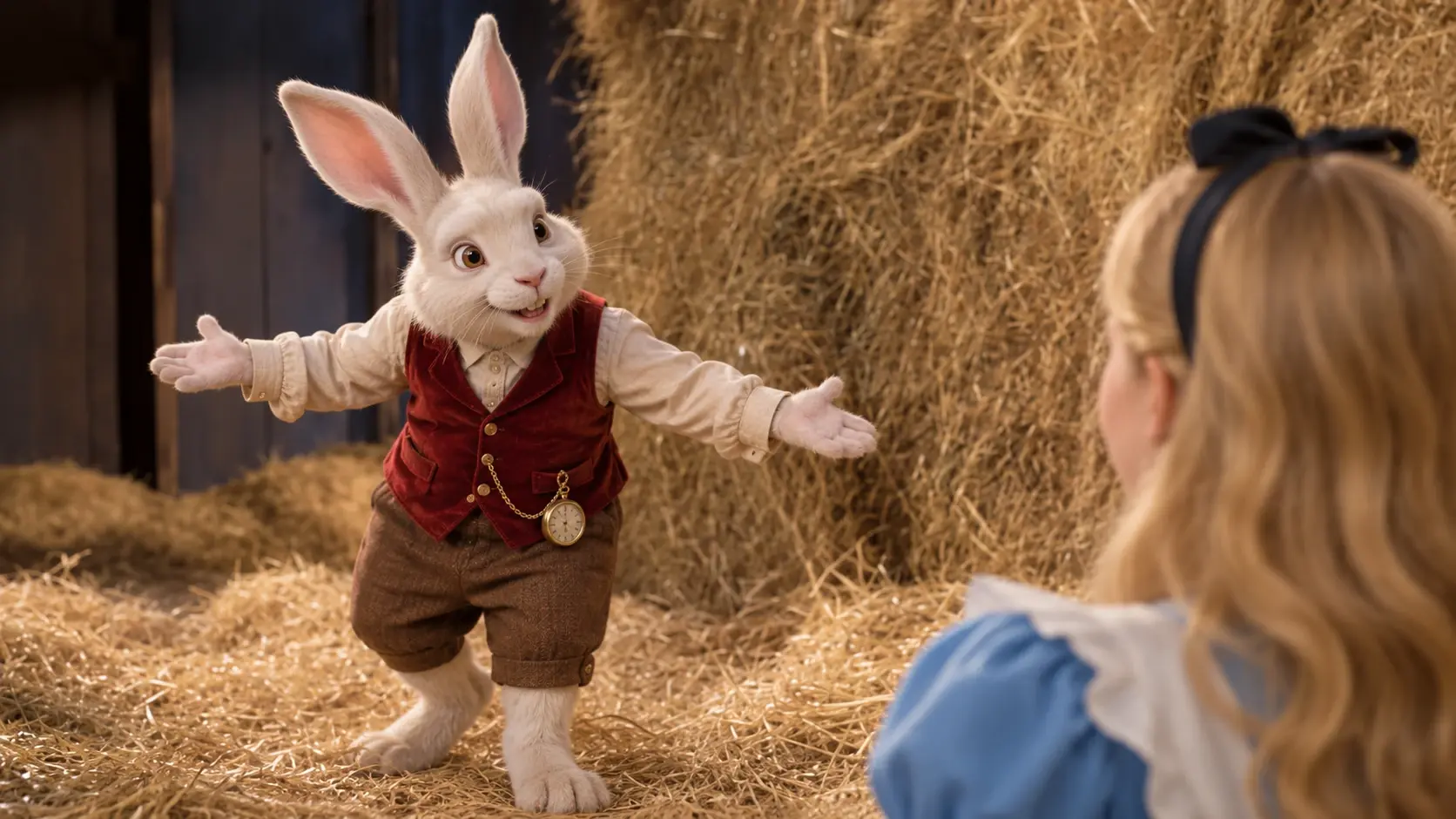
Put Your Character in the Spotlight
Upload a character image to replace the main dancer. Watch your chosen character take center stage with the exaggerated movements that give this fairy-tale meme its distinctive humor.
Customize the Second Character
Keep the template’s second character or replace them with another uploaded image. Bring a friend, an original character, or a familiar face into the scene to create your own comic pairing.
Create Without Choreographing
Skip planning dance moves or building a fairy-tale backdrop. The template provides the dance sequence and setting, so you can focus on choosing your cast and generating your video.
Tips for Better Rumpelstiltskin AI Dance Results
Choose a Clear Portrait
Select a photo where the face is easy to recognize. Good lighting and minimal obstruction can help the generation process interpret the subject more clearly.
Focus on One Person
Use an image featuring one main subject rather than a group photo. This helps make it clear whose appearance should replace the dancer.
Keep the Original Scene in Mind
The Rumpelstiltskin template already provides the dance, setting, and supporting character. If you’ve tried AI Kissing templates, the approach is similar: choose a suitable main character photo and let the template bring the scene to life.
Review the Complete Video
Watch the full result rather than checking only one frame. Pay attention to character consistency, facial details, and how the uploaded appearances look during movement.
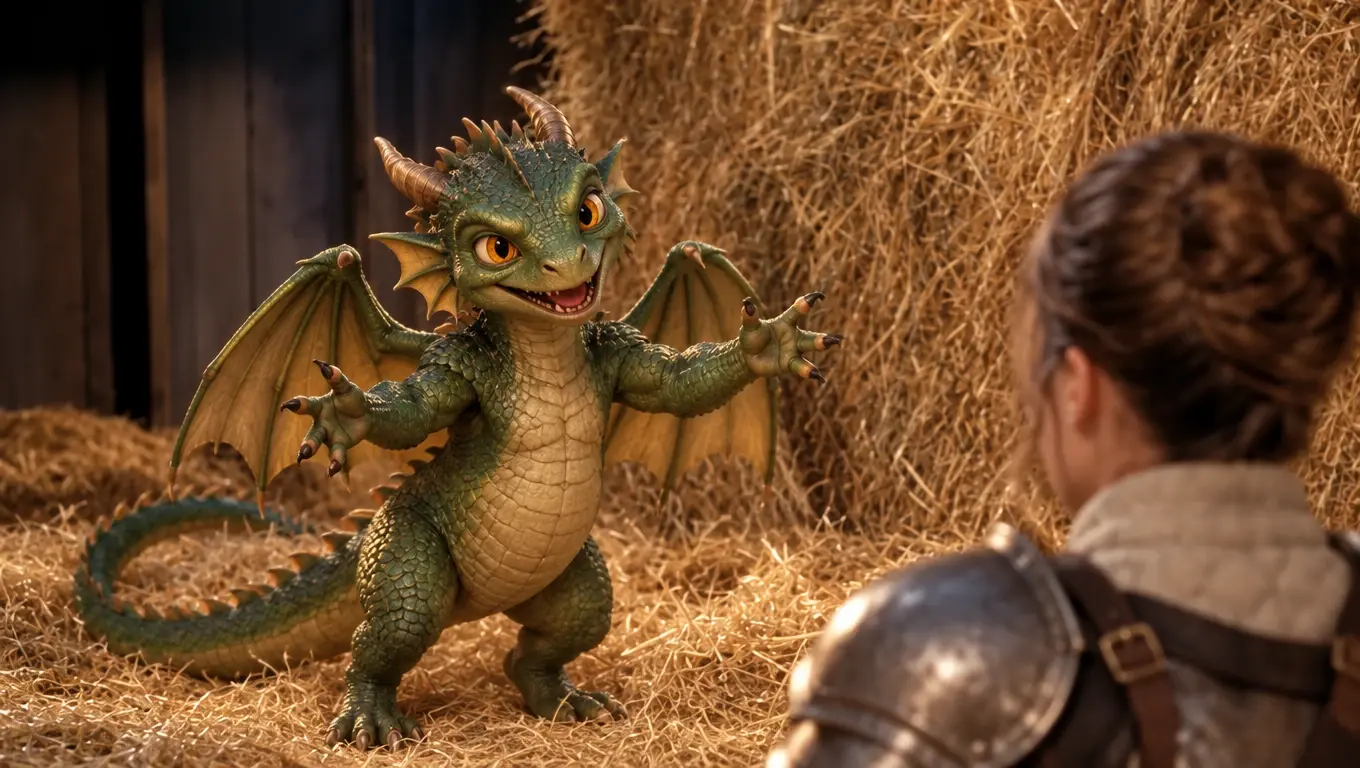
Become the Main Dancer
Ever wondered what you would look like performing the Rumpelstiltskin tiptoe dance? Upload a clear photo of yourself and let the template place your appearance into the main dancing role. The exaggerated movements, vintage-inspired setting, and playful character interaction make it a fun way to participate in the trend without filming your own dance.
Create a Funny Video with Friends
Turn the Rumpelstiltskin meme into a two-person joke. Upload your photo as the main dancer and optionally add a friend's photo for the character collapsed on the ground. The contrast between the energetic dancer and the second character creates a playful scenario that works well for friendship memes and humorous social posts.
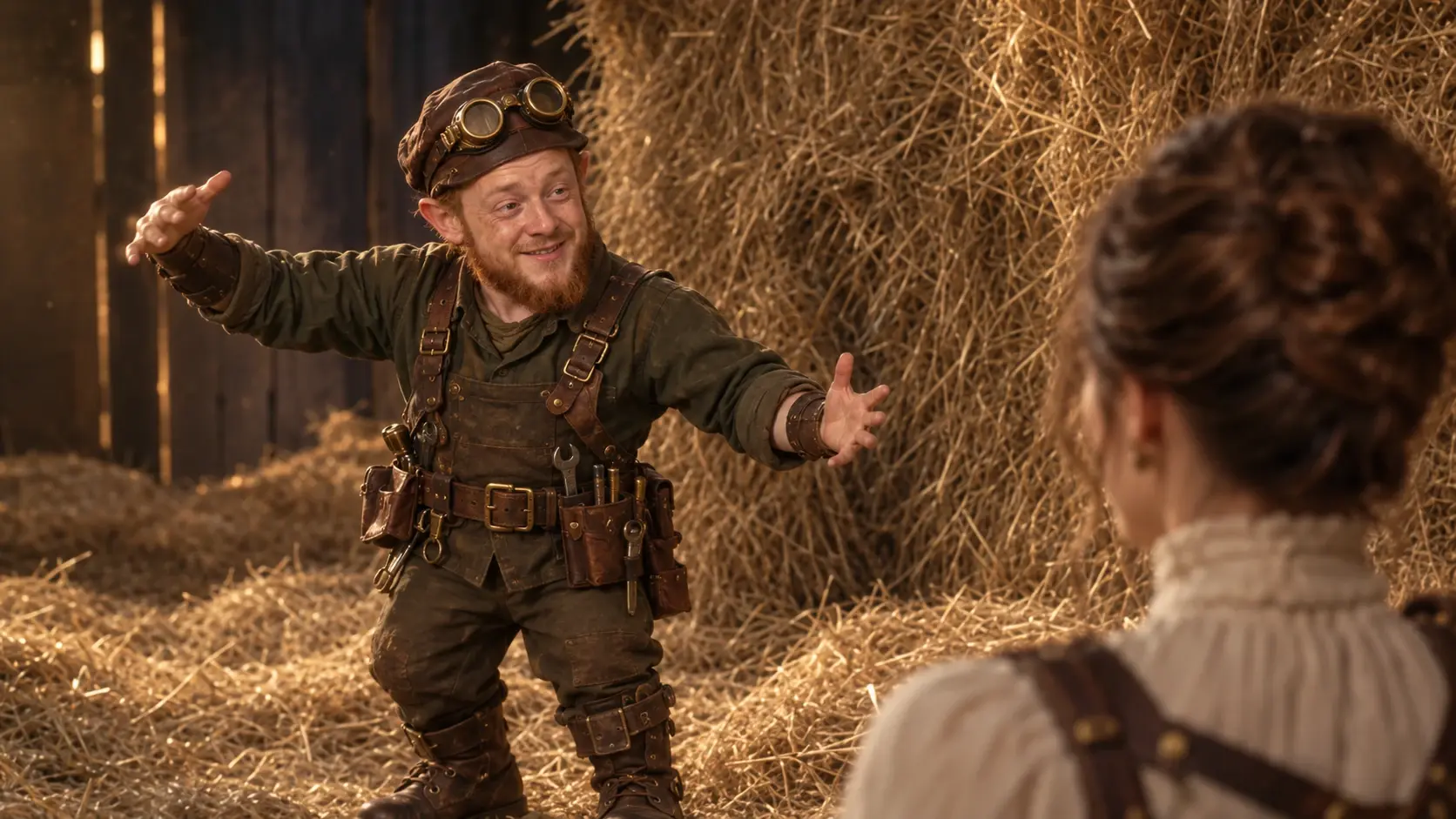
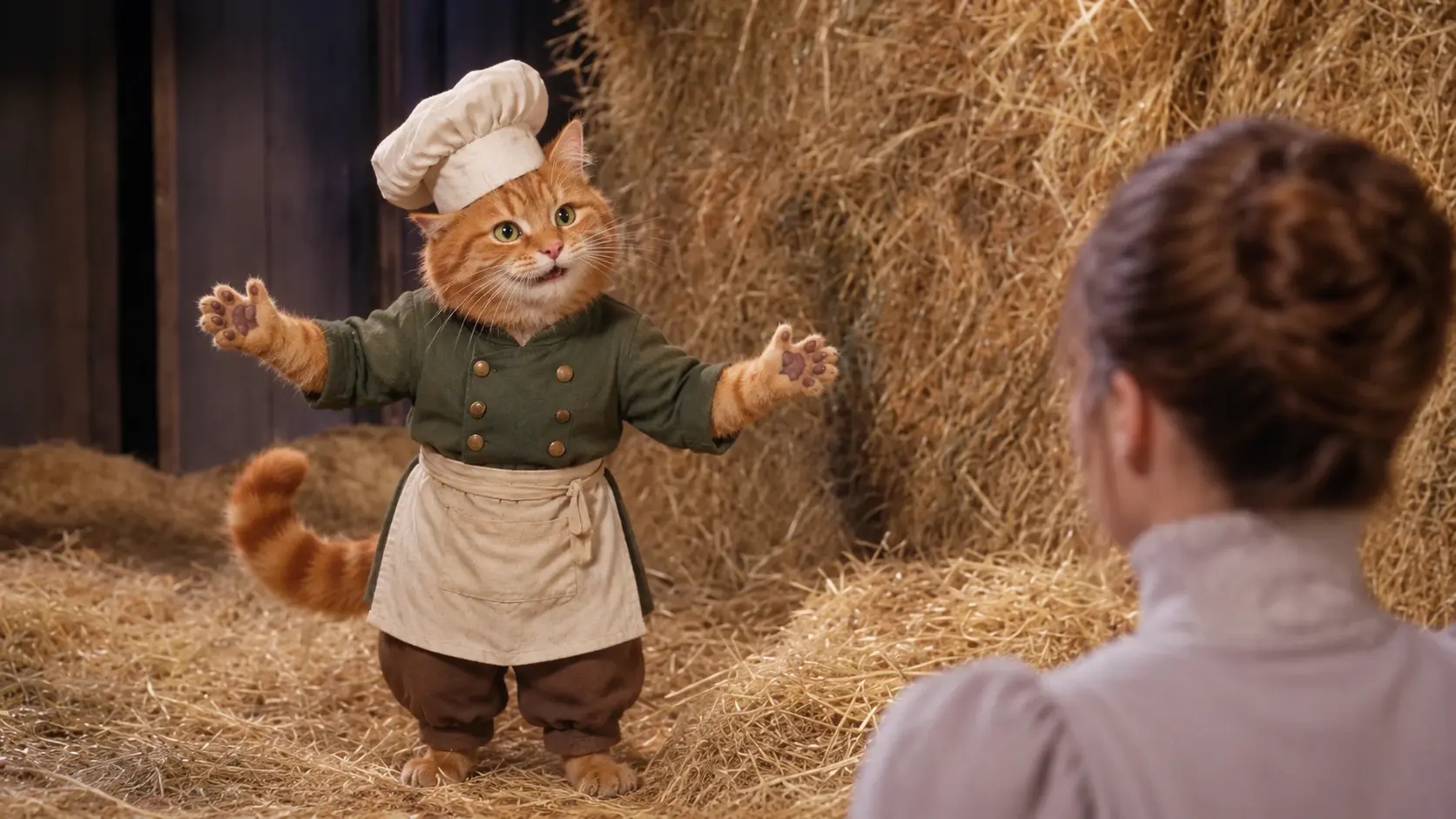
Make Couple-Themed Dance Memes
Create a humorous video featuring your partner as the main Rumpelstiltskin dancer. Upload one photo of the person you want to feature, and let the template handle the dance scene. It's a simple way to make a personalized couple-themed joke without filming a performance.
Try a Character-Based Remix
Experiment with different character images to reinterpret the fairy-tale scene. You might imagine a fictional character performing the dance while another familiar character appears on the ground. Choose images that clearly show the intended subjects, and review the generated result to see how well their appearances are represented.
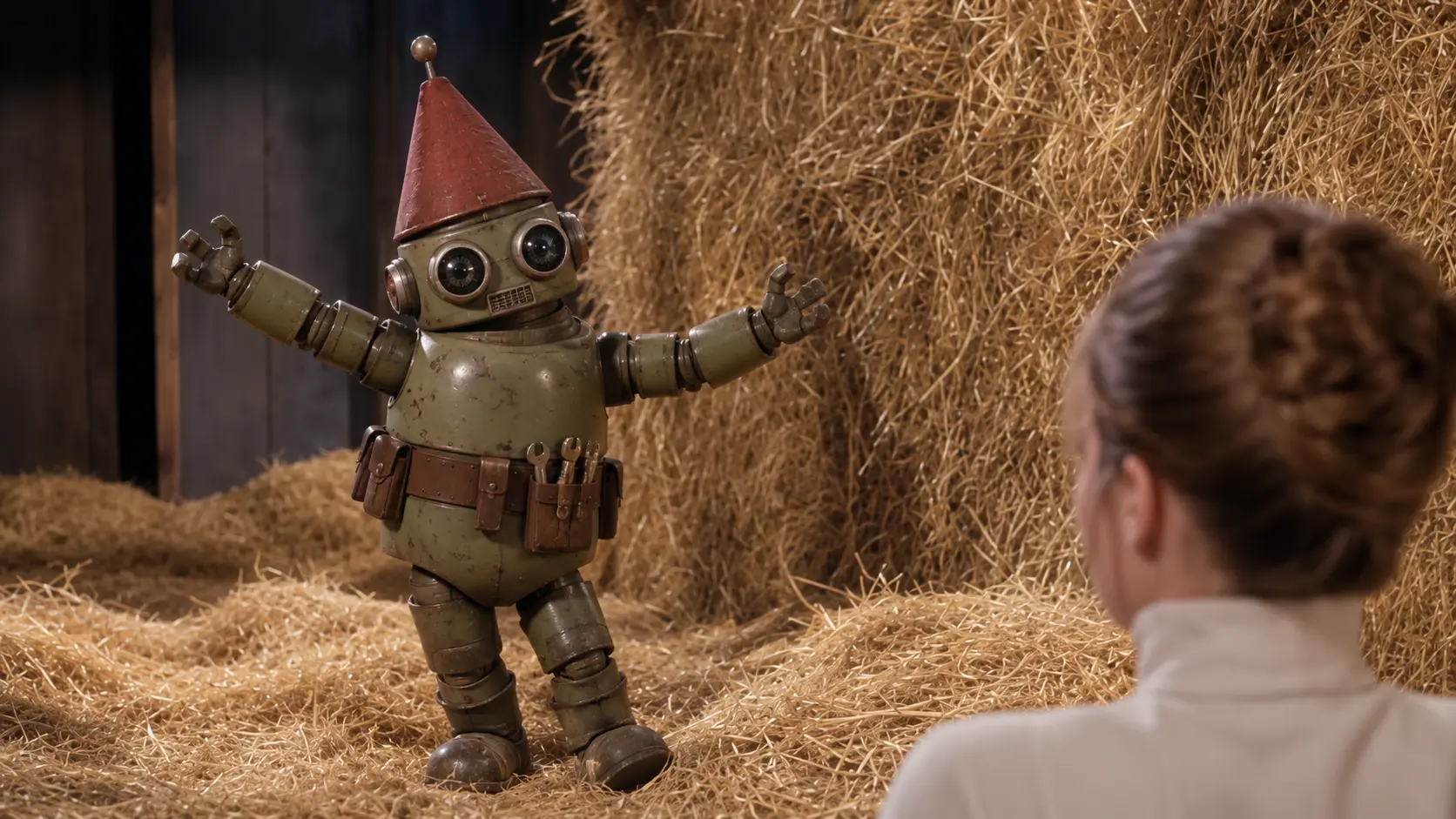
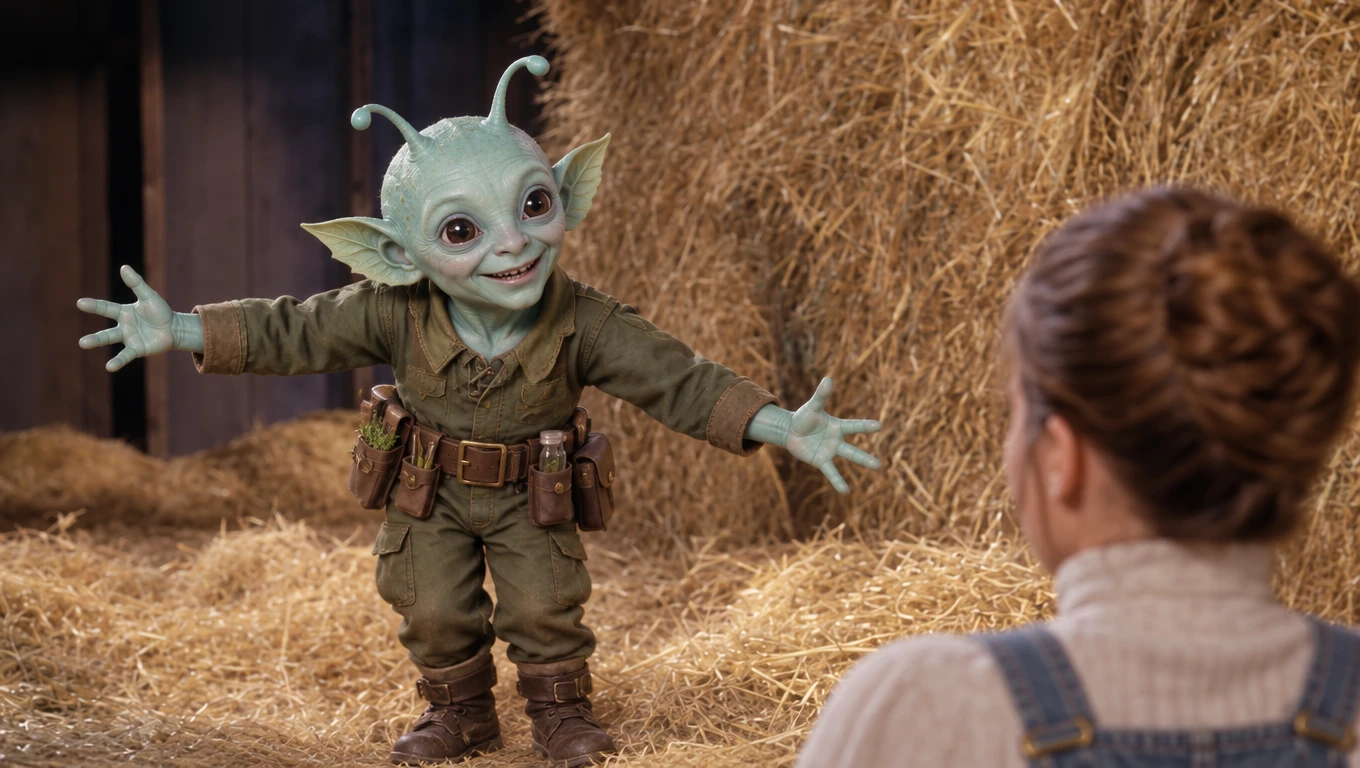
Create Content for TikTok and Reels
Use the recognizable Rumpelstiltskin dance format for short-form entertainment. The exaggerated tiptoe movements and unexpected fairy-tale atmosphere make it suitable for humorous captions, reaction posts, and creative social media remixes. Check the final video's format and audio before posting. If you want to use music associated with the trend, choose an authorized audio source or a track available through the social platform.


Loved by Creators Worldwide
Real feedback from designers, marketers, and hobbyists sharing their PicLumen experience on Trustpilot.
 Sara Frandsen
Excellent customer service
Excellent customer service! The support team was incredibly fast, polite, and helpful. They handled my request quickly and professionally without any hassle. It is rare to see such great and honest support these days. Highly recommended!
 Rishiprasanth BR
This is a great site to create images…
This is a great site to create images as per our mind's wish. Such a great site, loved its response
Love this app it helps my ideas come to…
Love this app it helps my ideas come to life
 rockstar gaming
Value For Money
its value for money i fully recommend you to try this one time you will like it...
Nice creations and bright
Nice creations and bright
 Pino Calambrogio
Good over other applications
Good over other applications
 GPS BelAR
I tried the tool for fun and only used…
So far, I've only tried PicLumen for fun and used the free ‘basic option’. Even as an AI design novice, you can achieve great results. It should be emphasised here that if you choose a simple AI, the coins are enough to just give it a try (unlike some other tools). I like the community concept; the opportunity to get inspiration for your own ideas in the image gallery, as well as the option to ‘like’ and comment on other users' creations. The result depends, of course, on the quality of the prompt entered, but ‘practice makes perfect, as we all know!’ The only reason for the one-star deduction is that I can't try everything with the free access and can't comment on the paid options.
Yasir AliMy exprienxe was geat.This compony was…
My exprienxe was geat.This compony was good.
Yasmen MohsenLove it
Love it ,, coool ,, amazing
Really incredible work
Really incredible work, I love it so much, it's easy and intuitive
Eri SudirjoFirst
First, I thought Piclumen not too populer because people never talk about it. But now more more I love it. Like canva, Piclumen also all in one (sora, banana, and midjourney inside). Thanks for make it easier
 Hash Kaz
literally can't complain about…
literally can't complain about anything. Honest to God - amazing
Frequently Asked Questions
What Is the Rumpelstiltskin AI Dance Trend?
Rumpelstiltskin AI Dance is a viral video meme featuring a mischievous fairy-tale character performing exaggerated tiptoe dance moves in a vintage-looking room filled with straw. Another character appears nearby, creating a humorous contrast. AI character-replacement versions let creators personalize the scene with different faces or characters.
How Do I Make a Rumpelstiltskin AI Dance Video with PicLumen?
Open PicLumen's Rumpelstiltskin AI Dance template and upload a photo for the main dancing character. You can optionally upload a second image to replace the character on the ground. Generate the video, preview the result, and download it when you're satisfied.
Do I Have to Upload Two Photos?
No. Only one photo is required. The required image replaces the main dancer. The second image is optional and is used to replace the character collapsed on the ground. You can create a personalized video without customizing both characters.
Can I Replace Both Characters in the Rumpelstiltskin Dance?
Yes. PicLumen's template allows you to replace the main dancer using the required first image and customize the second character with an optional additional image. This lets you create different character combinations within the same dance scene.
Do I Need to Upload a Dance Video or Write a Prompt?
No. PicLumen provides a ready-made Rumpelstiltskin AI Dance template. You only need to supply the required character image and, if desired, a second character image. You do not need to film the dance or write choreography instructions.
Can I Use Photos of My Friends or Partner?
You can use photos of people who have given you permission to use their likeness. Upload one image for the main dancer and another for the optional second character. Review the generated result before sharing it publicly.
Can I Share My Rumpelstiltskin AI Dance Video on Social Media?
You can prepare your generated video for platforms such as TikTok, Instagram Reels, and YouTube Shorts, subject to their current posting requirements and applicable rights. Check the video format and audio before uploading, and follow any applicable AI-content labeling rules.