Free FLUX AI Image Generator
Create detailed, high-quality images with FLUX on PicLumen. Generate visuals from text prompts or reference images, explore different creative directions, and bring ideas into focus with flexible AI image generation. Choose FLUX Schnell for fast creation or FLUX.2 Pro when you need multiple reference images for greater control.
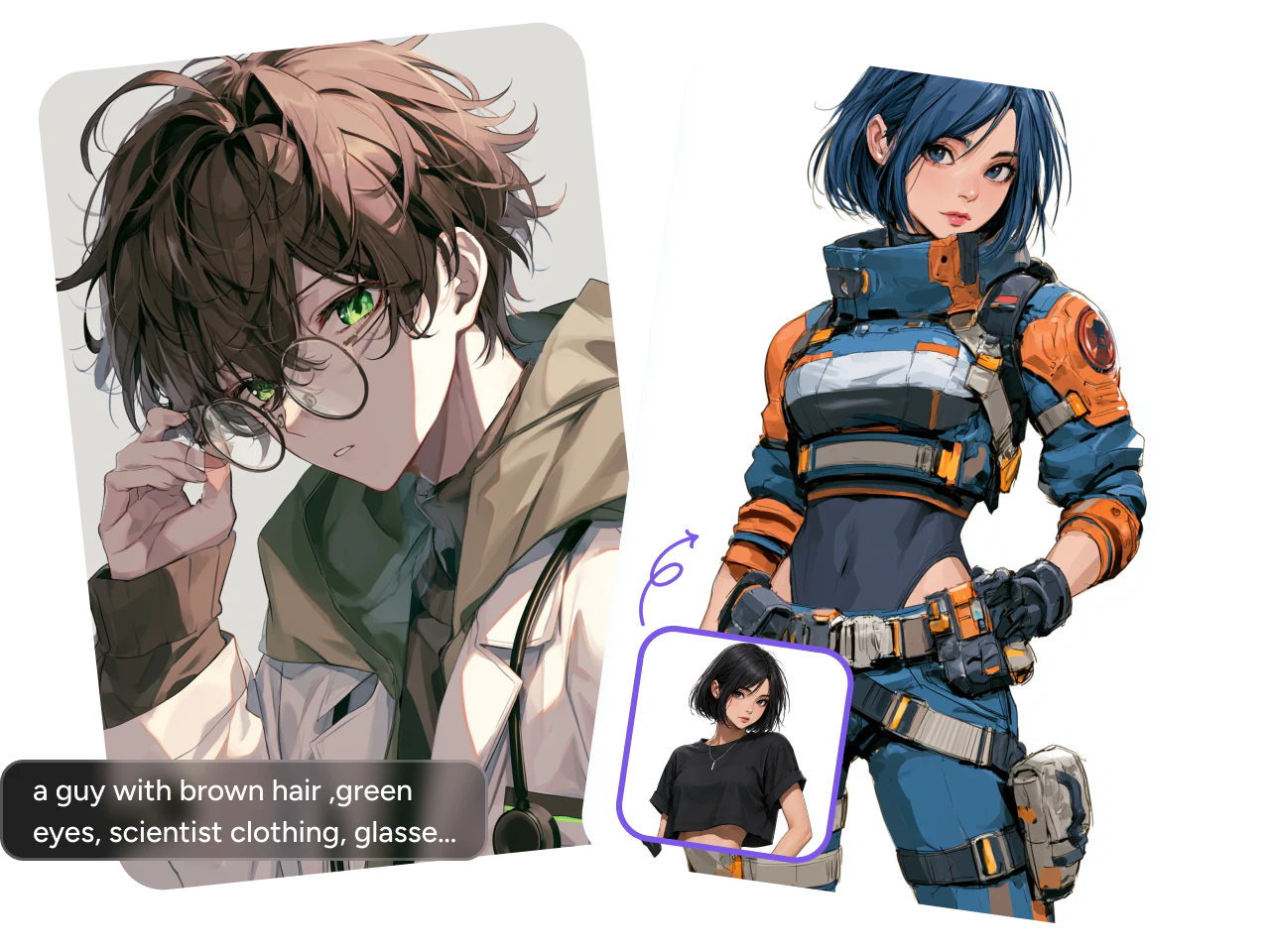
Turn Prompts and Images into Art
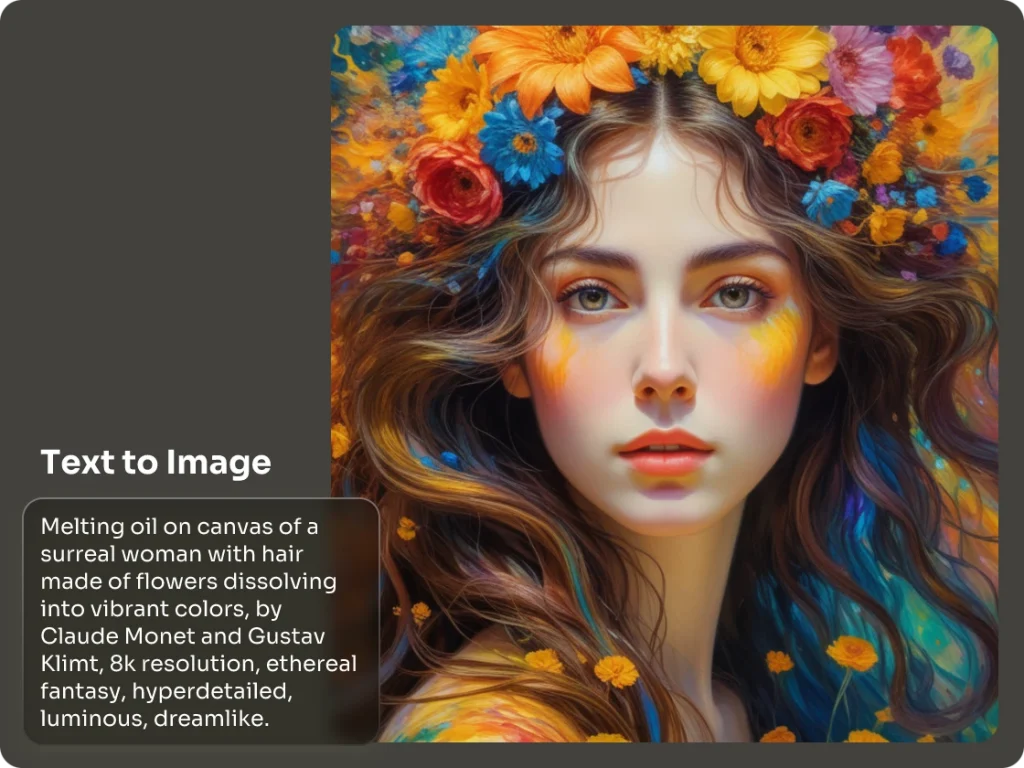
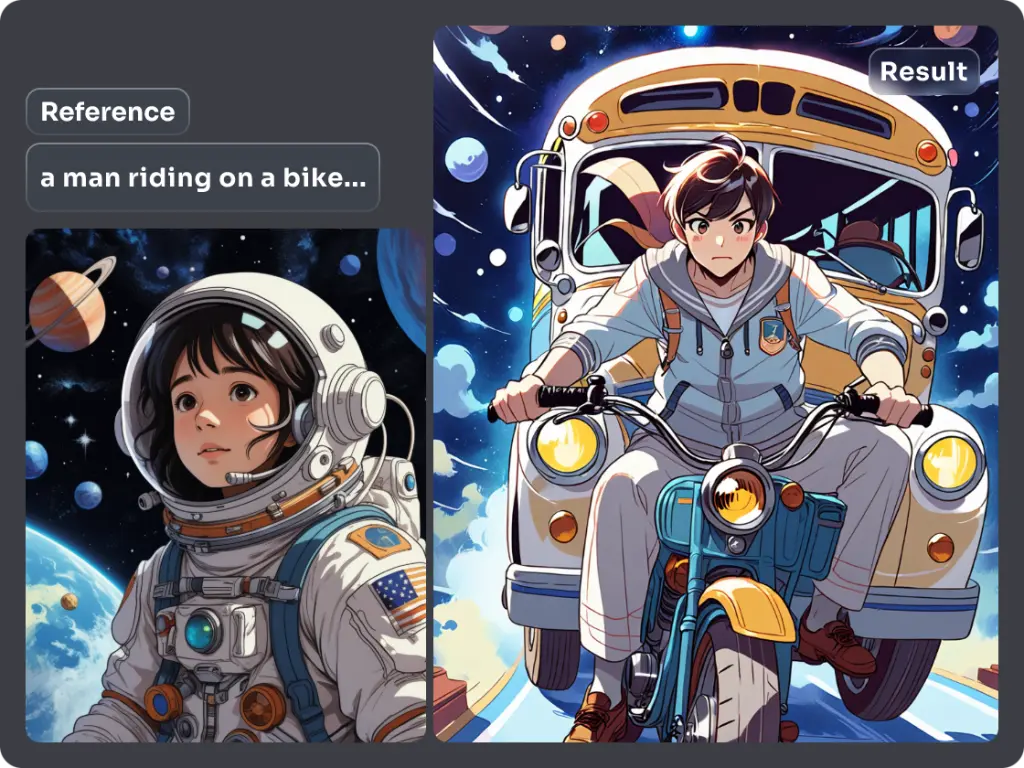
Have an idea in mind or an image you want to build on? FLUX supports both text-to-image and image-to-image generation, so you can start from a description, a reference, or both. Create new concepts, transform existing visuals, and explore different directions without starting every project from scratch.
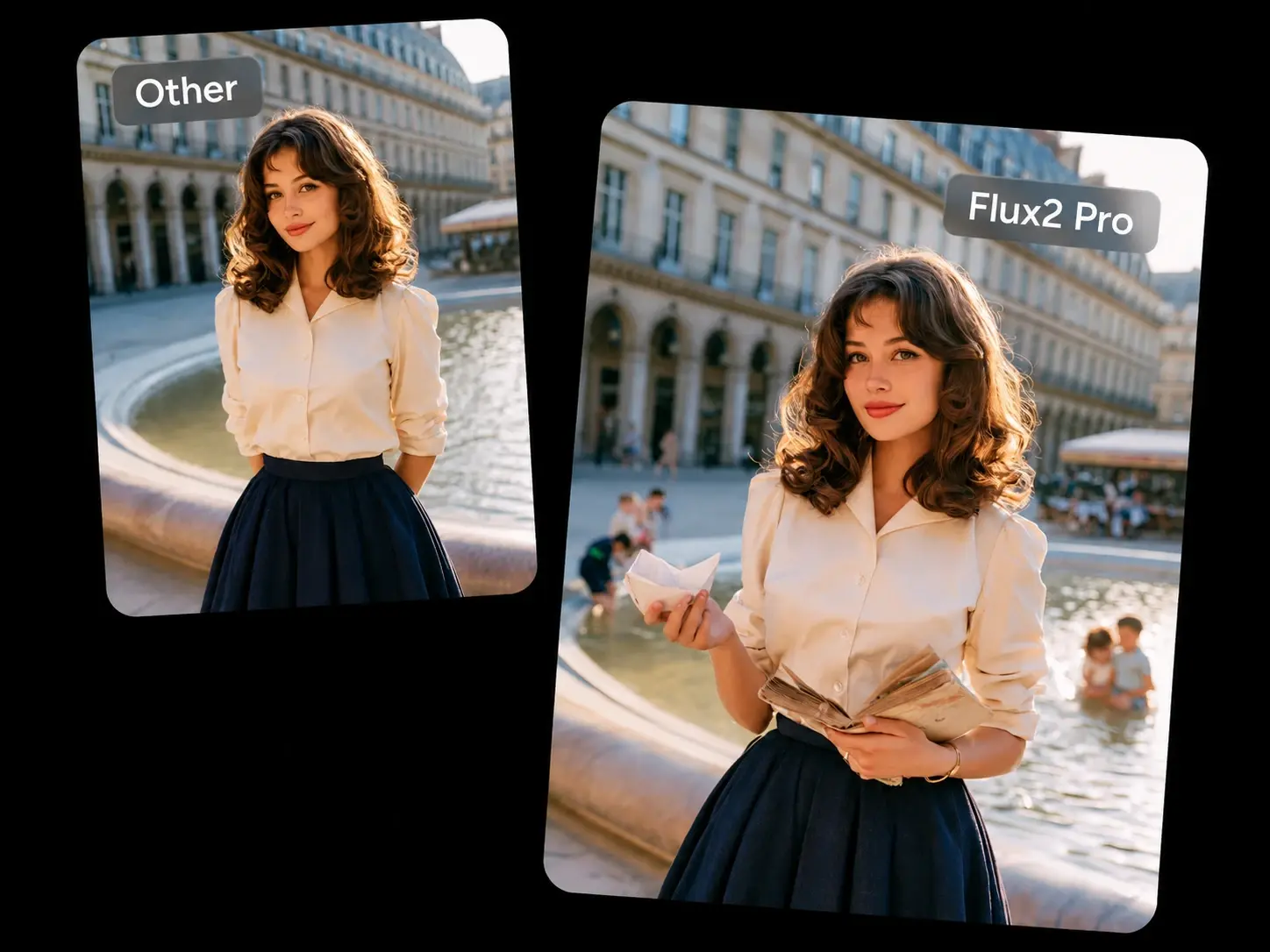
Bring Out Finer Visual Details
Want your images to look more refined? FLUX produces detailed visuals with well-defined textures, edges, and smaller elements across the scene. From realistic subjects to stylized artwork, the model helps preserve the visual details that give an image depth, structure, and character.
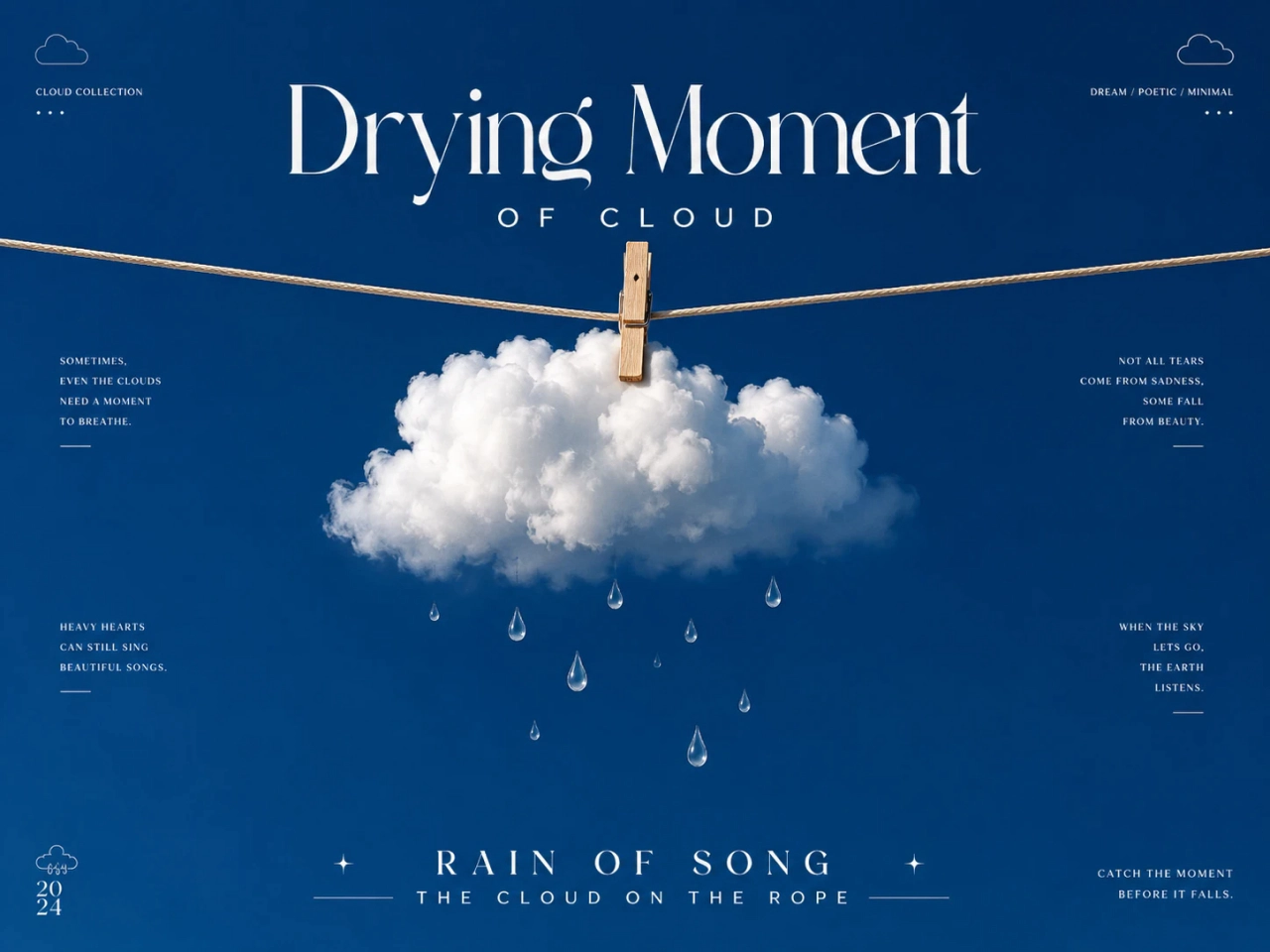
Create Images with Clearer Text
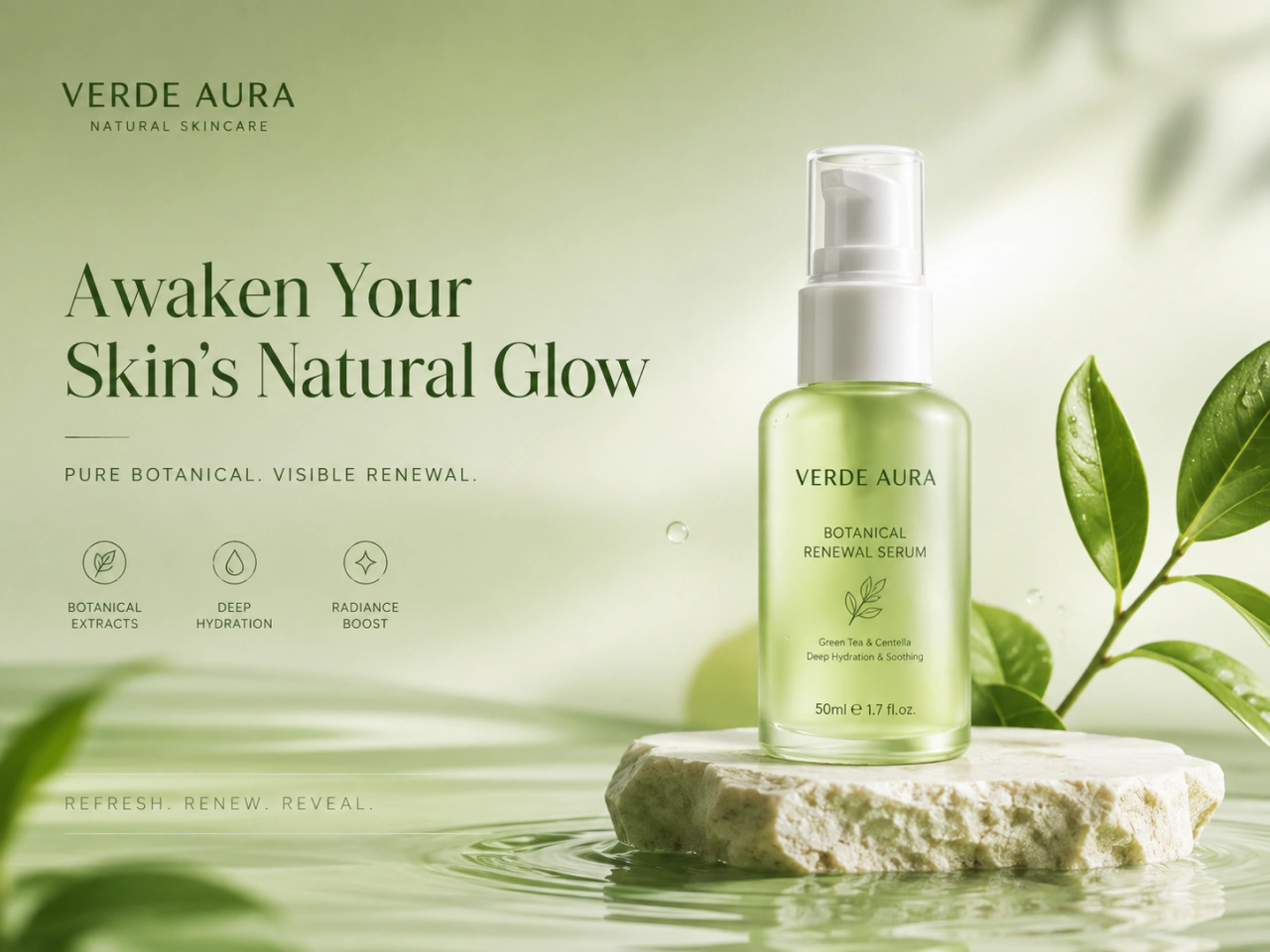
Need words to look right inside your image? FLUX improves text generation for designs that combine visuals with typography. Add headlines, signs, labels, packaging copy, or other text elements to your prompts and create images where the written content is clearer and more naturally integrated into the composition.
Use FLUX AI Image Generator on PicLumen
PicLumen offers two FLUX models to match different creative needs — choose the one that fits your workflow.
FLUX Schnell: Create Images Fast
FLUX Schnell is designed for fast image generation, making it a practical choice for quick concepts, creative exploration, and rapid iterations. Generate visuals from your prompts and move quickly from one direction to the next when speed matters.
FLUX.2 Pro: Create with Multiple References
This AI image model lets you use up to 8 images to guide a generation. Bring together different subjects, styles, or visual elements and use them as references for a more specific creative direction. It's especially useful when one image alone cannot communicate the full look you have in mind.

Why Use FLUX on PicLumen?

Fast Creative Exploration
Generate visual concepts quickly and test more ideas without slowing down your creative workflow.

Flexible Generation Options
Start with a written prompt, an image reference, or multiple references when you need more visual direction.

Detailed Image Quality
Create polished visuals with defined textures, fine elements, and strong overall image structure.

Works Across Creative Styles
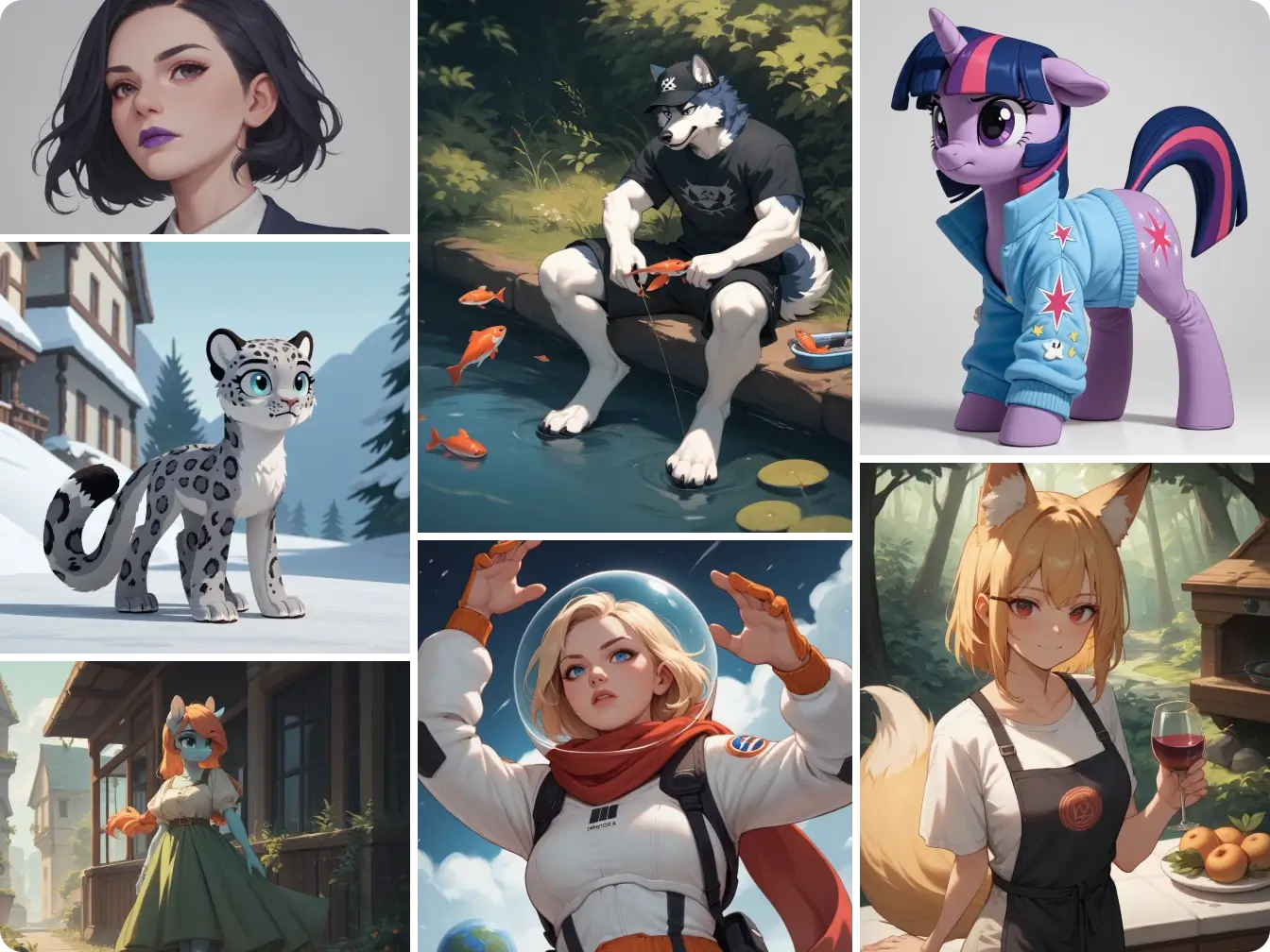
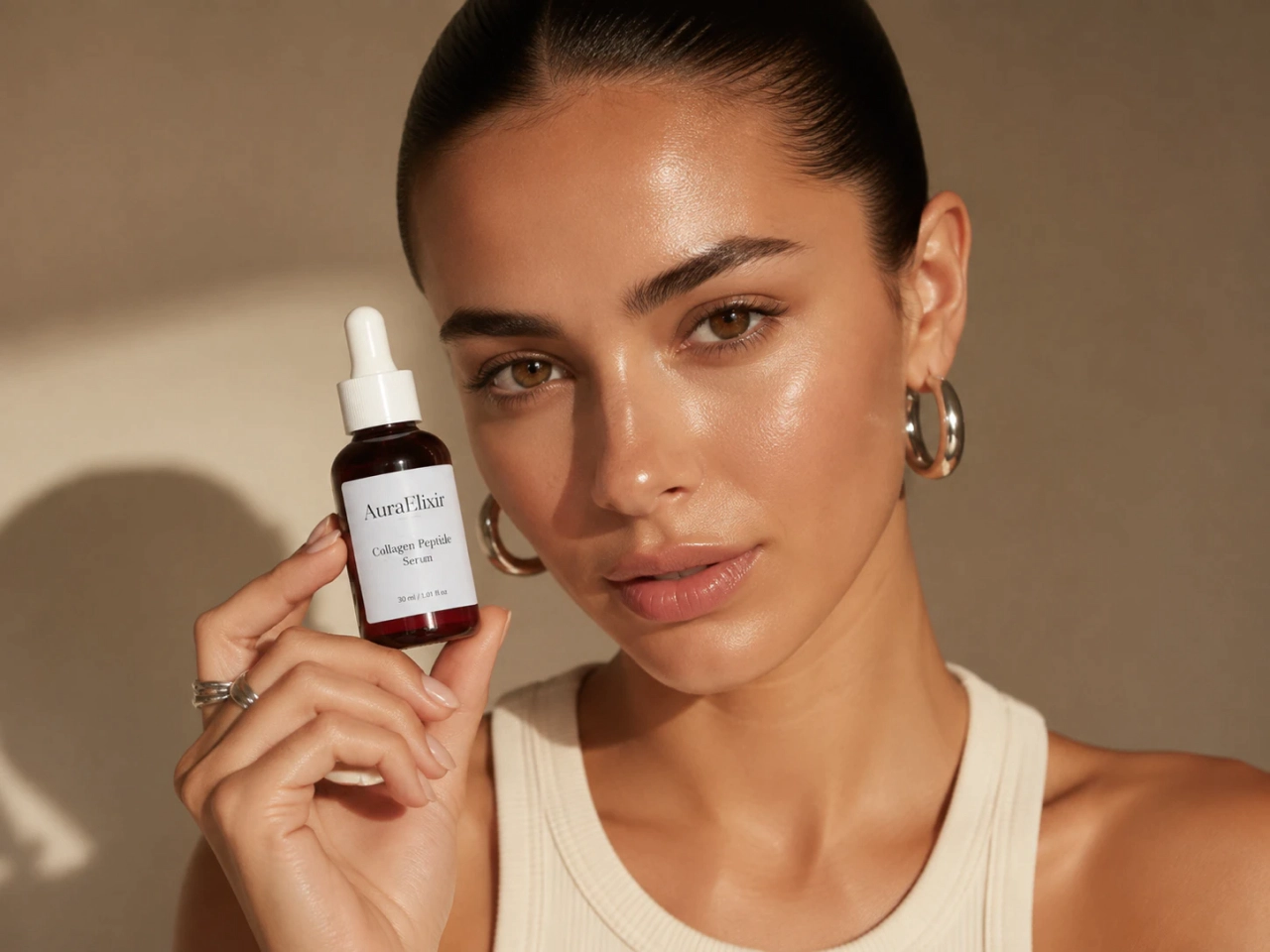
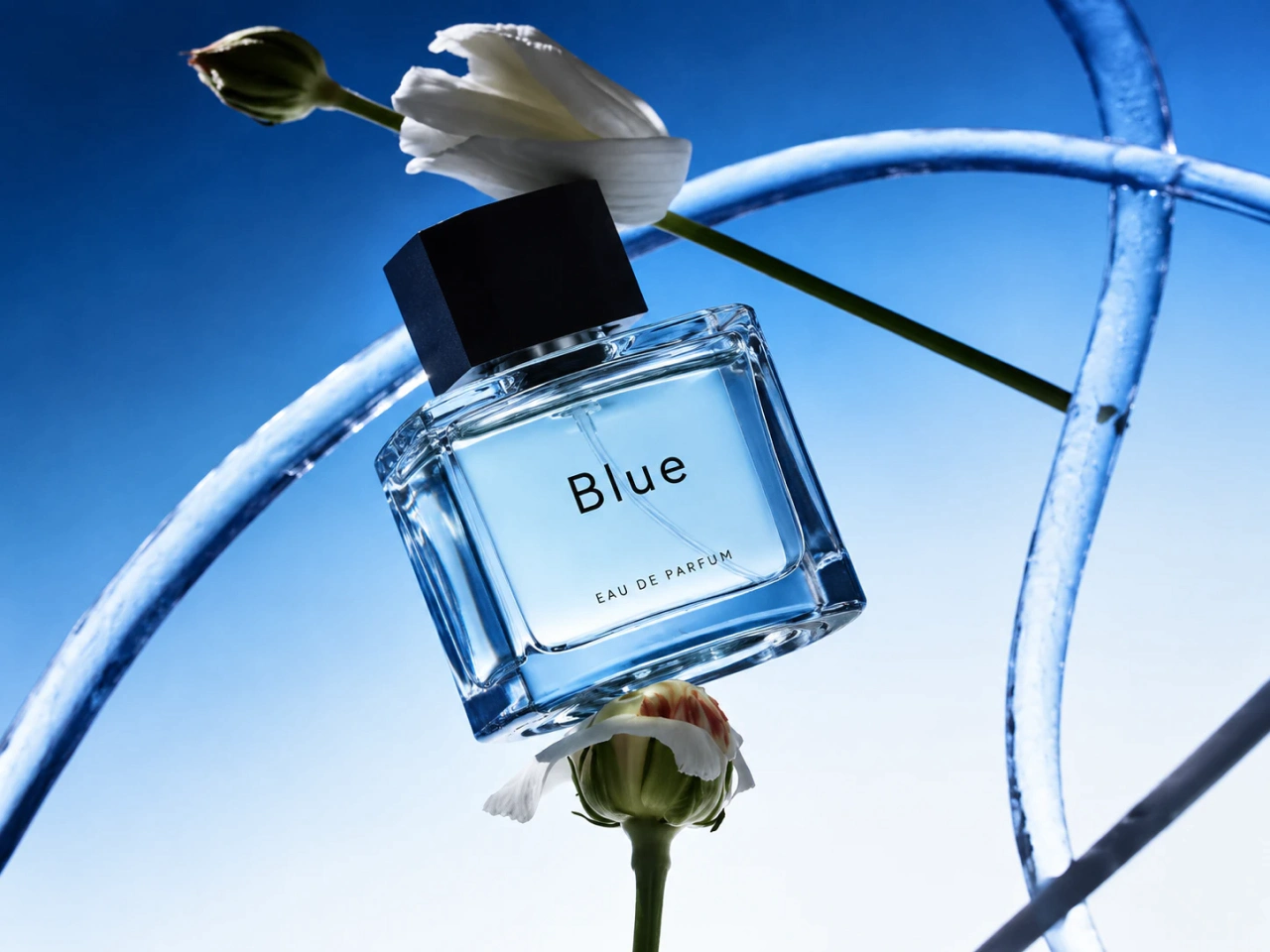
Move between realistic photography, digital art, character design, product imagery, and marketing visuals from the same workspace.

Easy to Experiment
Try different prompts, references, and visual directions to compare ideas and find the result that works best for your project.
Create with FLUX for Any Project
- AI Art
- Realistic Photos
- Product Images
- Marketing
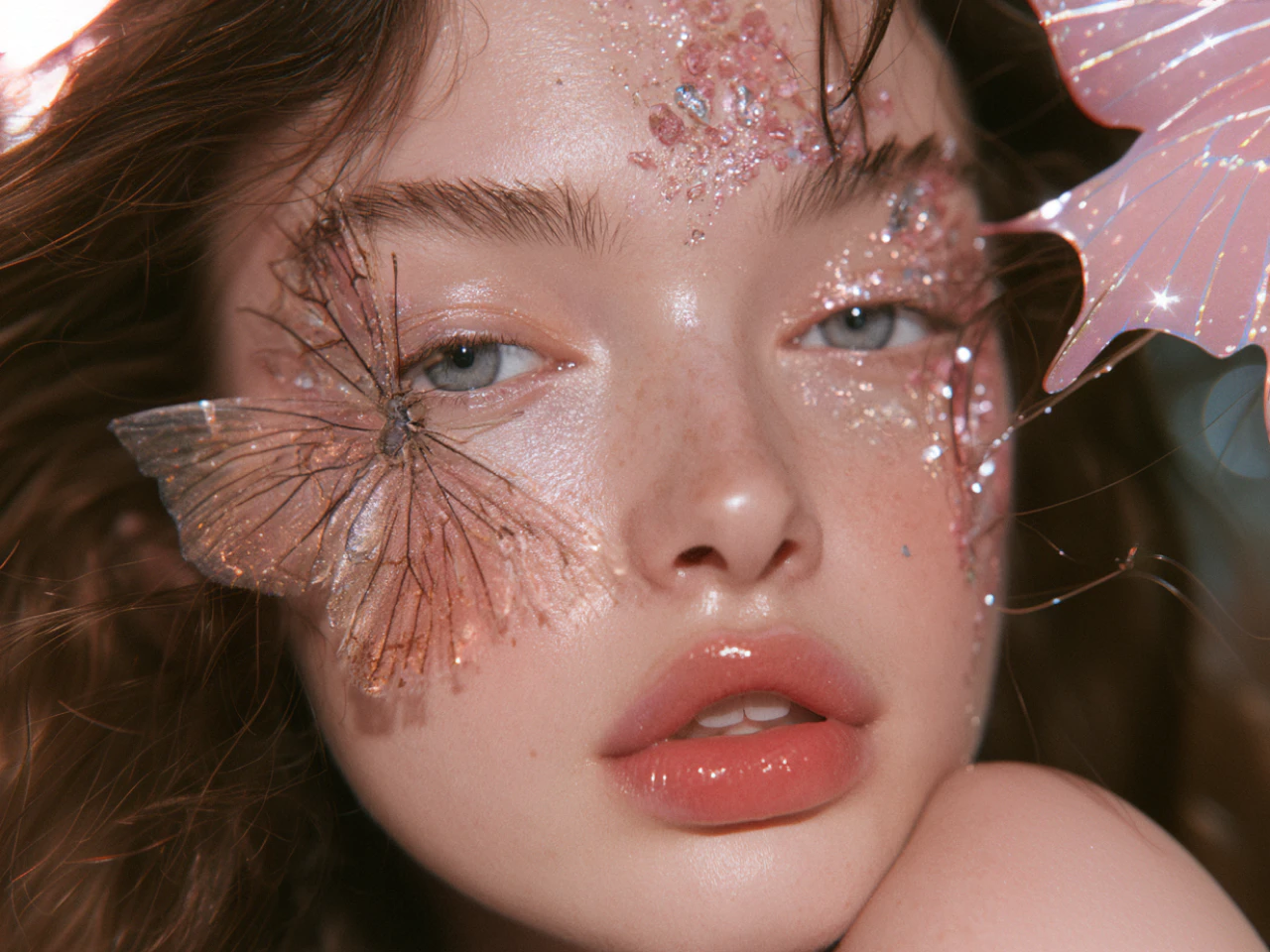
Explore Ideas in Your Own Style
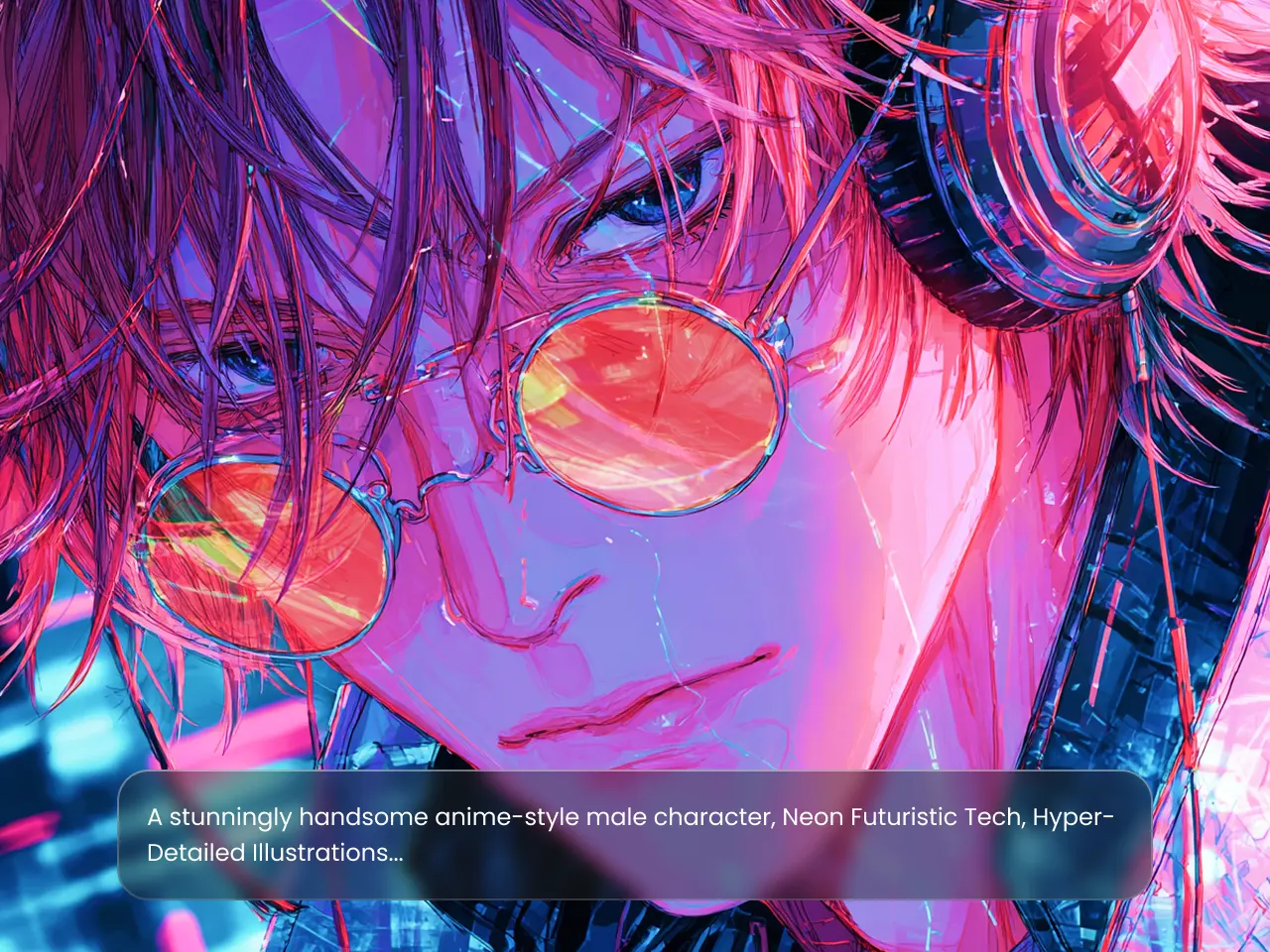
Turn concepts into illustrations, digital artwork, and imaginative scenes with FLUX. Experiment with different aesthetics, compositions, lighting, and color directions to develop artwork that fits your creative vision.
How to Use the FLUX AI Image Generator
Step1: Enter Your Prompt
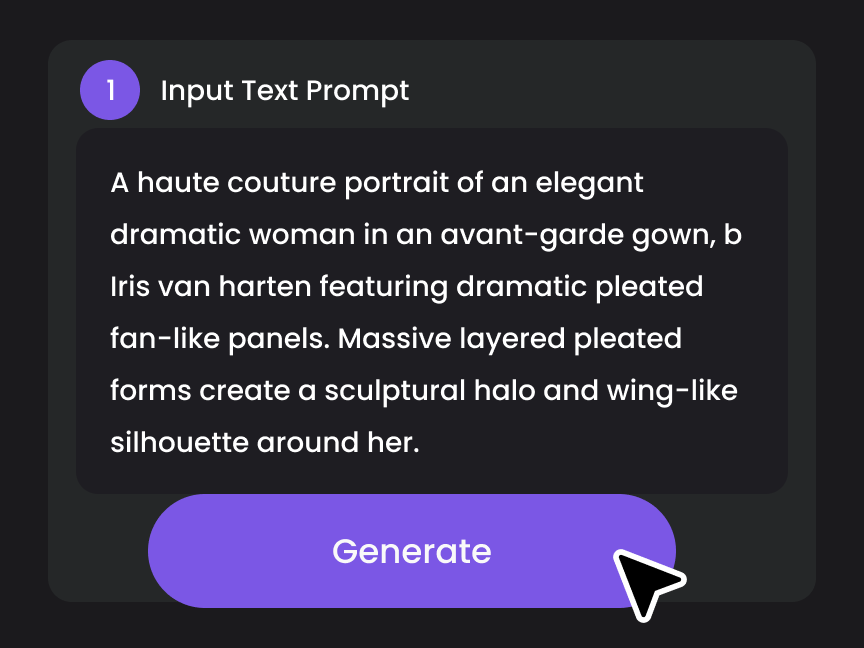
Describe the image you want to create. Include the subject, setting, style, composition, lighting, or other details that matter to your result. You can also upload reference images if needed.
.webp)
Step2: Customize Your Settings
Select the FLUX model that fits your project. Choose FLUX Schnell for faster generation or FLUX.2 Pro when you want to work with multiple reference images.

Step3:Generate and Download
Click Generate to create your image. Review the results and download the version that best matches your idea.


Loved by Creators Worldwide
Real feedback from designers, marketers, and hobbyists sharing their PicLumen experience on Trustpilot.
 Bet AW
Nice good appp creat inmage
Nice good appp creat inmage
 chelsienner
This is my favorite AI Image generator
This is my favorite AI Image generator
Good 👍 perfomense web site good images…
Good 👍 perfomense web site good images good
 Narender Khatana
I love this app I love this very very…
I love this app I love this very very much this is help in make a videos
ZaraPiclumen still remains the best…
Piclumen still remains the best with image references. I don't have any complains using Piclumen. It makes my work easier
Great platform
Ease of use,and great models
Super shuper super ai
Super shuper super ai Thanks for wachong
Mike WilsonBanger ai has everything i needed and…
Banger ai has everything i needed and more
Best app i have ever seen
Best app i have ever seen
 Aslam Khan
good have a nice day.meet
good have a nice day.meet
Final ProjectReally good image generation Tool
Really good image generation. I love the way they have daily reward system that help beginners to make creative content before spend money on it. 100% recommended.
Very cool and love the events
Very cool and love the events
FLUX AI Image Generator FAQs
What is FLUX AI Image Generator?
A FLUX AI Image Generator is an AI-powered tool that turns text prompts into high-quality images. Powered by FLUX image generation models, it can create realistic photos, artwork, illustrations, product visuals, and more from simple natural-language descriptions.
What is FLUX Schnell?
FLUX Schnell is a fast FLUX model designed for quick image generation. It works well for brainstorming, testing concepts, and rapid creative iterations.
What is FLUX.2 Pro?
FLUX.2 Pro is an advanced FLUX model that supports multiple reference images. It is useful when you want to combine several visual inputs in one generation.
Is FLUX good for realistic images?
Yes. FLUX can generate realistic portraits, products, environments, and other photographic scenes with detailed subjects, textures, and lighting.
Can I edit FLUX-generated images on PicLumen?
Yes. After generating an image, you can use PicLumen's available editing tools to refine or further develop your visual.
Can I use FLUX-generated images commercially?
Yes. Paid PicLumen users can use FLUX-generated images for commercial purposes, subject to PicLumen’s Terms of Service. Free users do not have commercial use rights.