
Suno v5.5 AI Music Generator for Custom Songs and Audio Creation
Create full songs and expressive vocals with Suno v5.5 on PicLumen. Describe your genre, mood, lyrics, or musical direction, then use Suno AI v5.5 to generate richer arrangements, clearer vocals, and more dynamic tracks.
Hot Video Effects
View AllWhy Choose Suno v5.5 on PicLumen

Access Suno v5.5 in One Place
Use Suno v5.5 directly on PicLumen and start generating music without switching between separate tools.

Simple Prompt-to-Music Workflow
Describe the genre, mood, vocals, or lyrics you want. PicLumen keeps Suno v5.5 AI music generation quick and easy to adjust.

Music and Visual Creation Together
Create music with Suno AI v5.5, then continue with image and video creation on PicLumen in the same workflow.
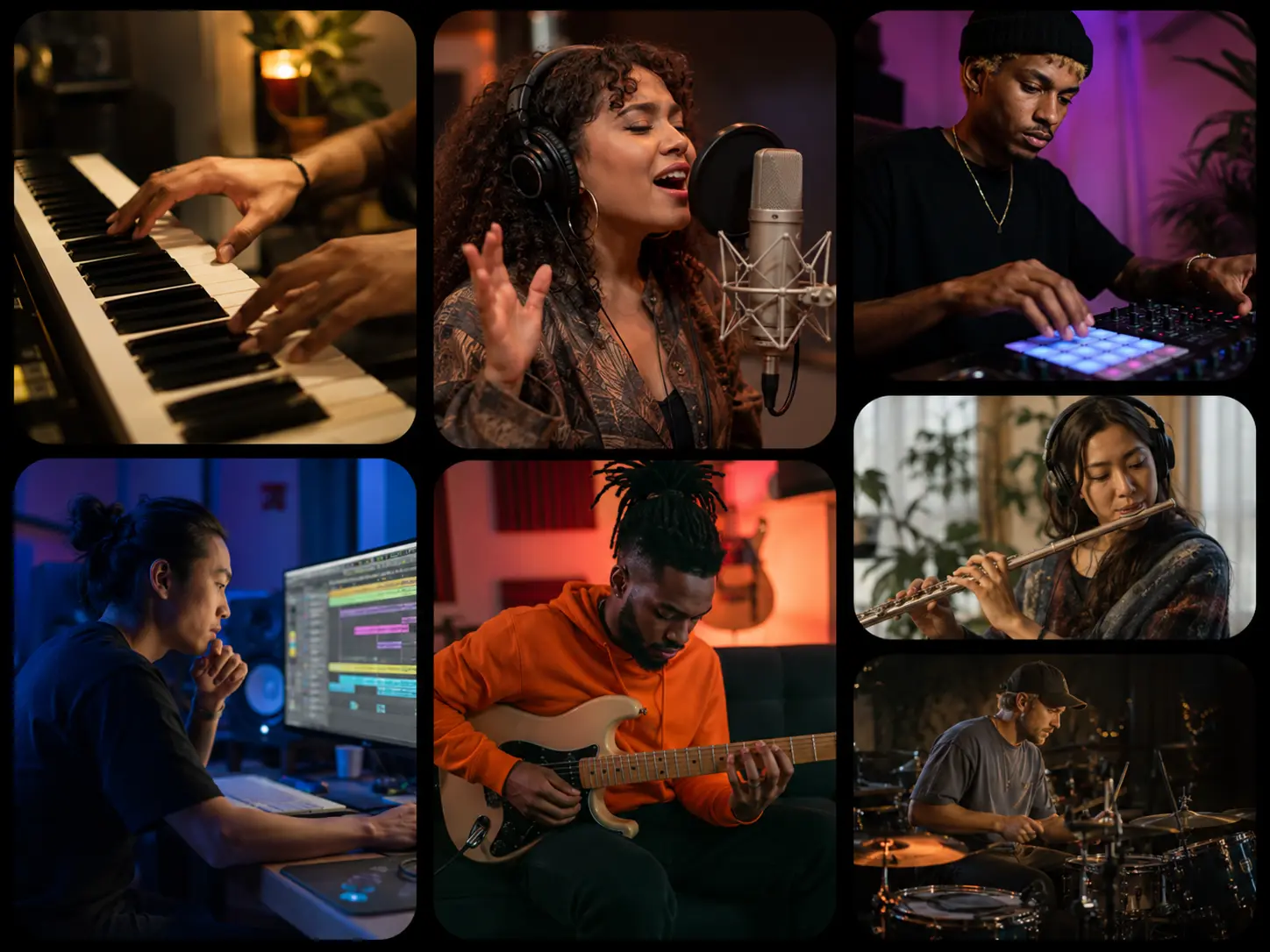
Create Full Songs Up to 6 Minutes
Give your idea enough room to develop. Suno v5.5 on PicLumen can generate tracks up to 6 minutes, making it easier to create full songs with verses, choruses, bridges, instrumental sections, and a more natural sense of progression. In Custom Mode, you can set the title, music style, lyrics, vocal gender, and duration, or switch on Instrumental for music without vocals. Once the track is ready, you can pair it with PicLumen's AI Video Generator for music videos, ads, or social content.
Build New Music Around Your Own Audio
Already have a vocal take or instrumental worth keeping? Stem mode lets you build from what you already have instead of starting over. Upload your own audio, add vocals to an instrumental, or create new instrumentation around an existing vocal recording. PicLumen supports MP3, WAV, OGG, M4A, FLAC, and AAC files up to 200 MB, giving you a practical way to turn unfinished material into something more complete.
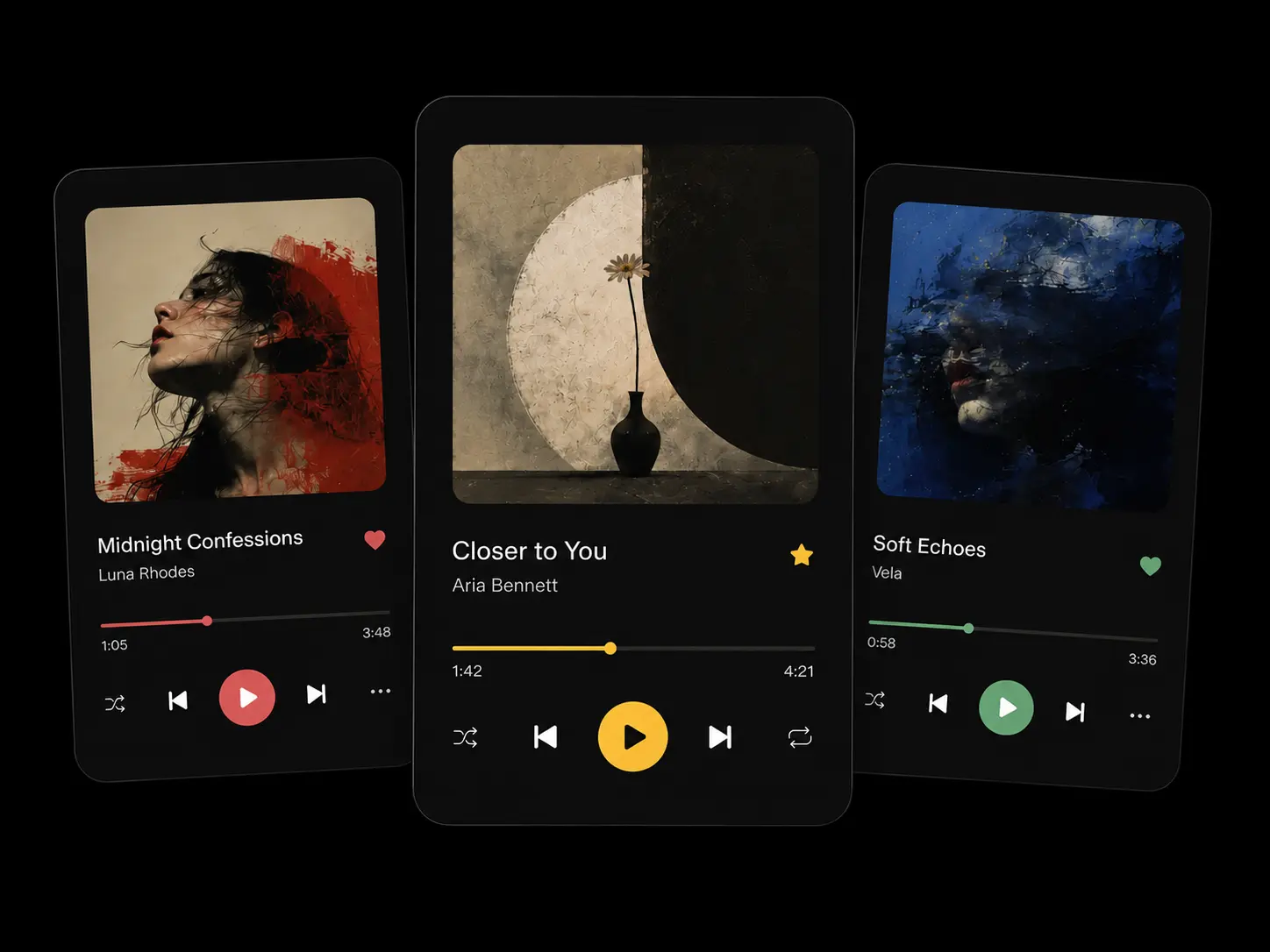
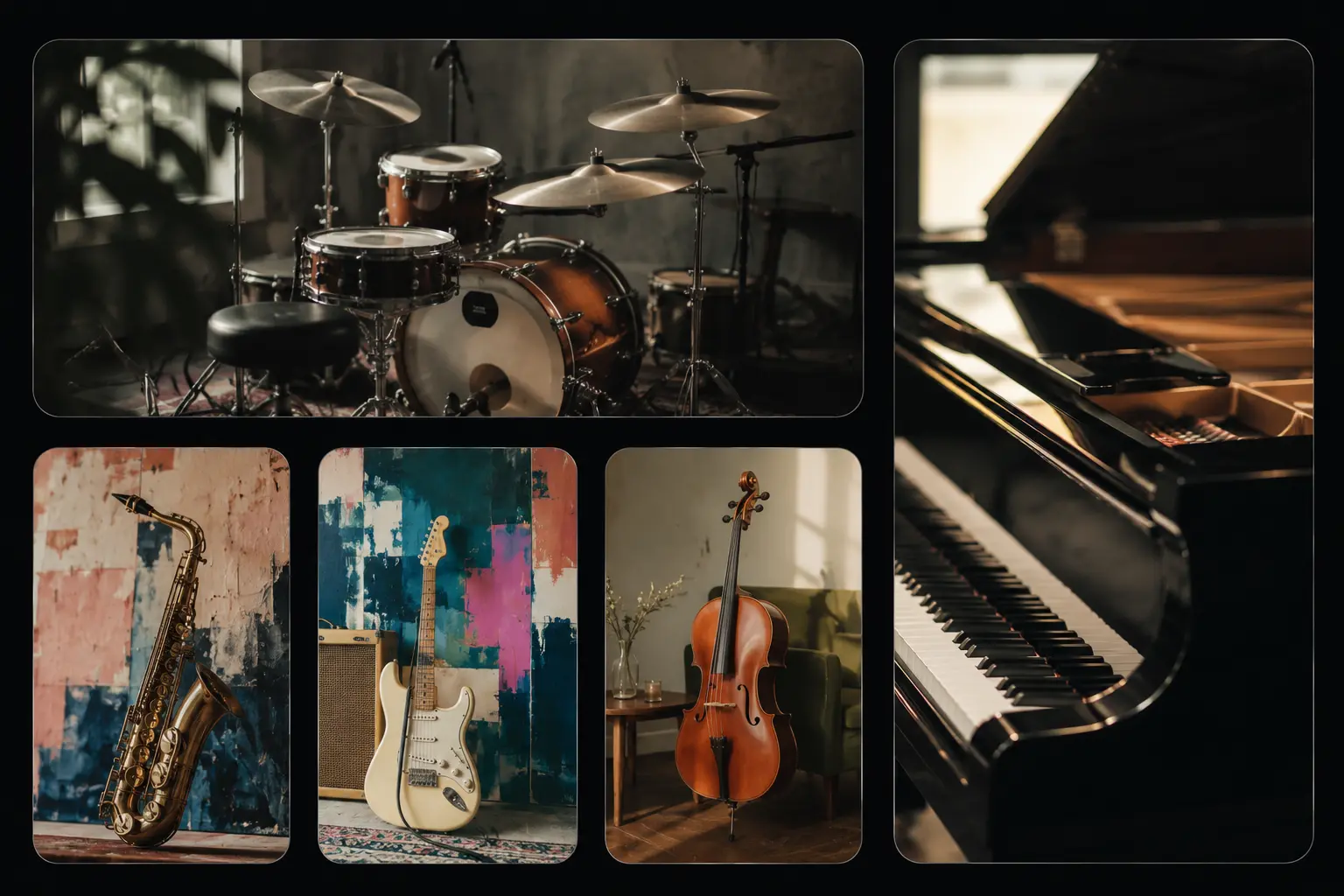
Blend Two Audio Tracks into One Mashup
A good combination can take a track somewhere unexpected. Mashup lets you upload exactly two audio references and bring them together in a new piece, while still giving you control over music style, lyrics or instrumental direction, and duration. It is a fast way to test new combinations without manually rebuilding both tracks in an editor. You can then use Image to Video to give the finished audio a visual layer for social posts, music content, or campaign creatives.
Fine-Tune the Sound Before You Generate
When you already know the direction you want, the extra controls matter. With Suno AI v5.5 on PicLumen, you can adjust lyrics, vocal gender, duration, and music style, then use Negative Tags, Style Weight, Audio Weight, and Weirdness Constraint for finer control. Two tracks are generated per batch by default, so you can compare different interpretations and choose the version that fits your project better.
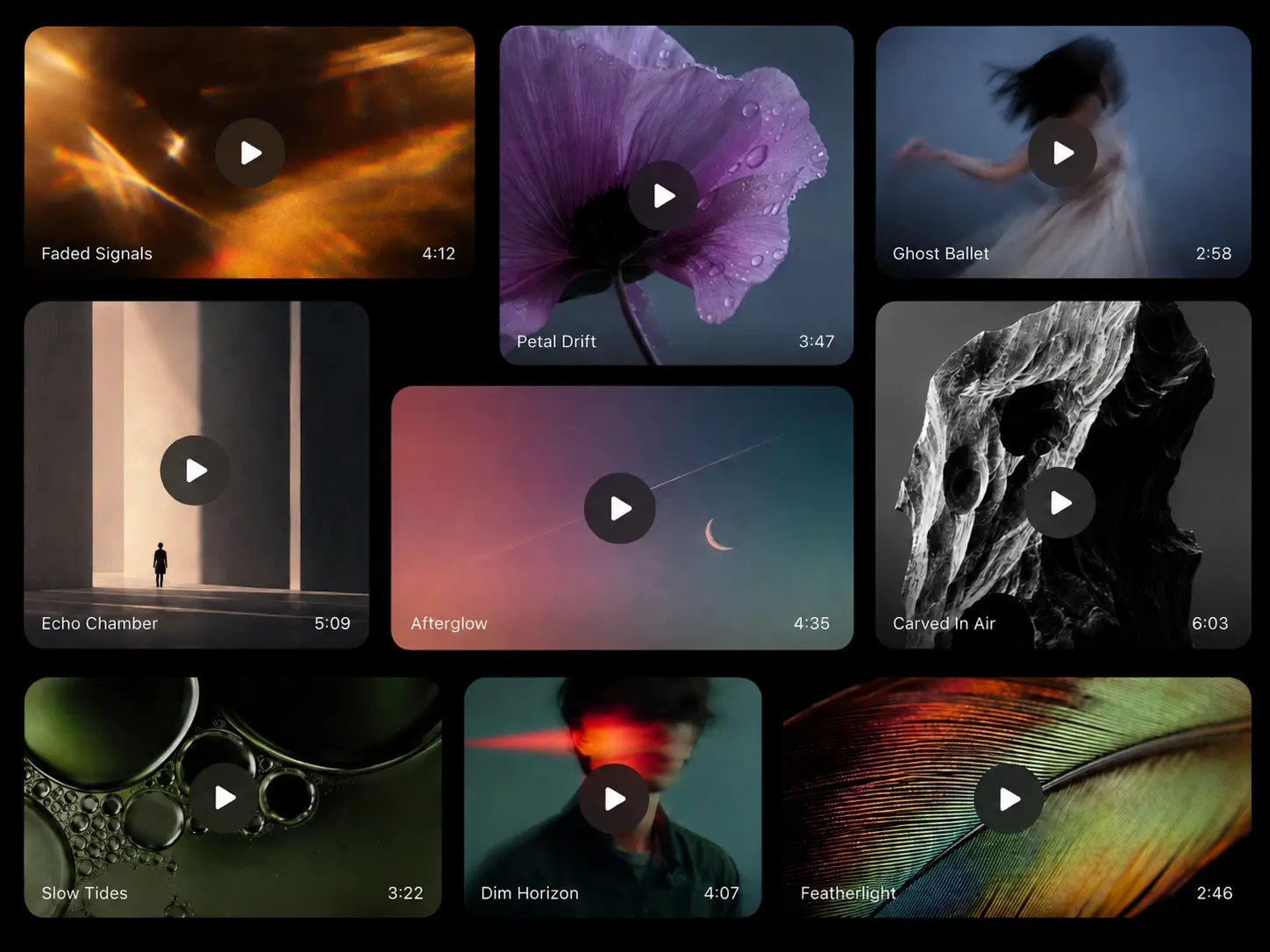
What Can You Create with Suno v5.5?
Original Songs and Song Demos
Turn lyrics, a hook, or a rough music idea into a complete track. Suno AI v5.5 can generate vocals, melody, instrumentation, and arrangement together, giving you a practical way to test song ideas and early demos.
Music for Ads and Brand Campaigns
Create tracks for product videos, social ads, campaign films, launches, and branded content. You can set the mood, tempo, genre, and energy level to keep the music consistent with the product or campaign style.
Soundtracks for Film and Games
Generate music for scenes, characters, environments, and story moments. Use Suno v5.5 for cinematic scores, fantasy themes, suspense, ambient game music, or emotional background tracks built around a specific setting.
Music for Social Media Content
Create original music for Reels, Shorts, TikTok, vlogs, travel edits, fashion content, and other creator formats. On PicLumen, you can shape the track around the pacing and tone of the content rather than relying on generic background music.
Music for Wellness and Fitness
Create calm instrumental music for meditation, yoga, sleep, or relaxation, or set a faster tempo for workouts and fitness content. You can define the rhythm, intensity, instruments, and overall atmosphere in the prompt.
Songs for Personal Moments
Create music for birthdays, weddings, anniversaries, graduations, trips, or other personal events. Add your own lyrics, names, memories, or theme, then use Suno v5.5 AI music generation to turn them into a track made for that occasion.
How to Use Suno 5.5 on PicLumen
Step 1 Choose Suno v5.5 and Your Audio Type
1Open the Audio workspace on PicLumen and select Suno v5.5. Choose from three audio types: Music for creating a new track, Stem for adding vocals or instrumentals to existing audio, or Mashup for combining two reference tracks.
Step 2 Set Up Your Music
2For Music, keep Custom Mode off when you want to generate from a simple song description. Turn it on to set the music title, style, lyrics, vocal gender, and duration in more detail. Switch on Instrumental when you want music without vocals. Track duration can be set up to 6 minutes, with two results generated per batch by default.
Step 3 Add Audio for Stem or Mashup
3Choose Stem to upload an existing audio file and add either vocals or an instrumental around it. For vocals, you can also enter a prompt to guide the lyrics and singing style. Choose Mashup to upload two audio references and blend them into a new track. You can then set the song style, lyrics or instrumental direction, and duration much like you would in Music mode.
Step 4 Fine-Tune and Generate
4Before generating, you can open Advanced to add Negative Tags or adjust Style Weight, Audio Weight, and Weirdness Constraint when you want more control over the result. Review your settings, generate the tracks, then listen and refine the inputs if you want another version.
Discover More AI Models Features


Loved by Creators Worldwide
Real feedback from designers, marketers, and hobbyists sharing their PicLumen experience on Trustpilot.
Good 👍 perfomense web site good images…
Good 👍 perfomense web site good images good
amazing
amazing! this is just so good! WOWOW!!
Ibrahim OnuhSo very powerful and interesting
So very powerful and interesting
Love this app it helps my ideas come to…
Love this app it helps my ideas come to life
Menu LawrenceVery fantastic app
Very fantastic app. I love it. I will like everyone to use this App
 Pino Calambrogio
Good over other applications
Good over other applications
 Uday Goud
Very good
Very good Website for create images
They make anything that u could imagine…
They make anything that u could imagine and it’s so amazing
 Ioannis Greece
PicLumen is powerful and i like it for…
PicLumen is powerful and i like it for my creations.
This app work’s really good
This app work’s really good
Mani Sravani BandaruVery great pictures with high quality
Very great pictures with high quality
 Jayden G
Good it was great I loved making my oc…
Good it was great I loved making my oc Saiyan
Suno v5.5 FAQs
What is Suno v5.5?
Suno v5.5 is an AI music model for generating full songs, vocals, instrumentals, and soundtracks. It improves vocal expression, arrangement detail, and overall musical development.
What are the main Suno AI v5.5 features?
The main Suno AI v5.5 features include clearer vocals, richer arrangements, more dynamic song structure, and support for longer tracks.
Can Suno v5.5 create full songs?
Yes. You can generate complete tracks with vocals, instruments, and song structure. You can also guide sections such as verses, choruses, bridges, and instrumental breaks through your prompt.
Can I create instrumental music with Suno v5.5?
Yes. You can create vocal tracks or fully instrumental music. Add details such as genre, mood, instruments, tempo, and structure to shape the result.
Do I need music production experience?
No. You can start with a simple description of the music you want. Adding more detail gives Suno v5.5 a clearer direction when you already have a specific style in mind.
Can I use Suno v5.5 music for commercial projects?
Yes. Music you generate with Suno v5.5 on PicLumen can be used for commercial projects, including ads, monetized content, and client work, subject to the commercial rights included in your PicLumen plan and applicable laws.