Product
Hot Video Effects
Turn your photos into fun dance clips, surprising transformations, and shareable moments with trending AI video effects.
Present Tea with a Clear Point of View
Create a Distinctive Tea Bag Display
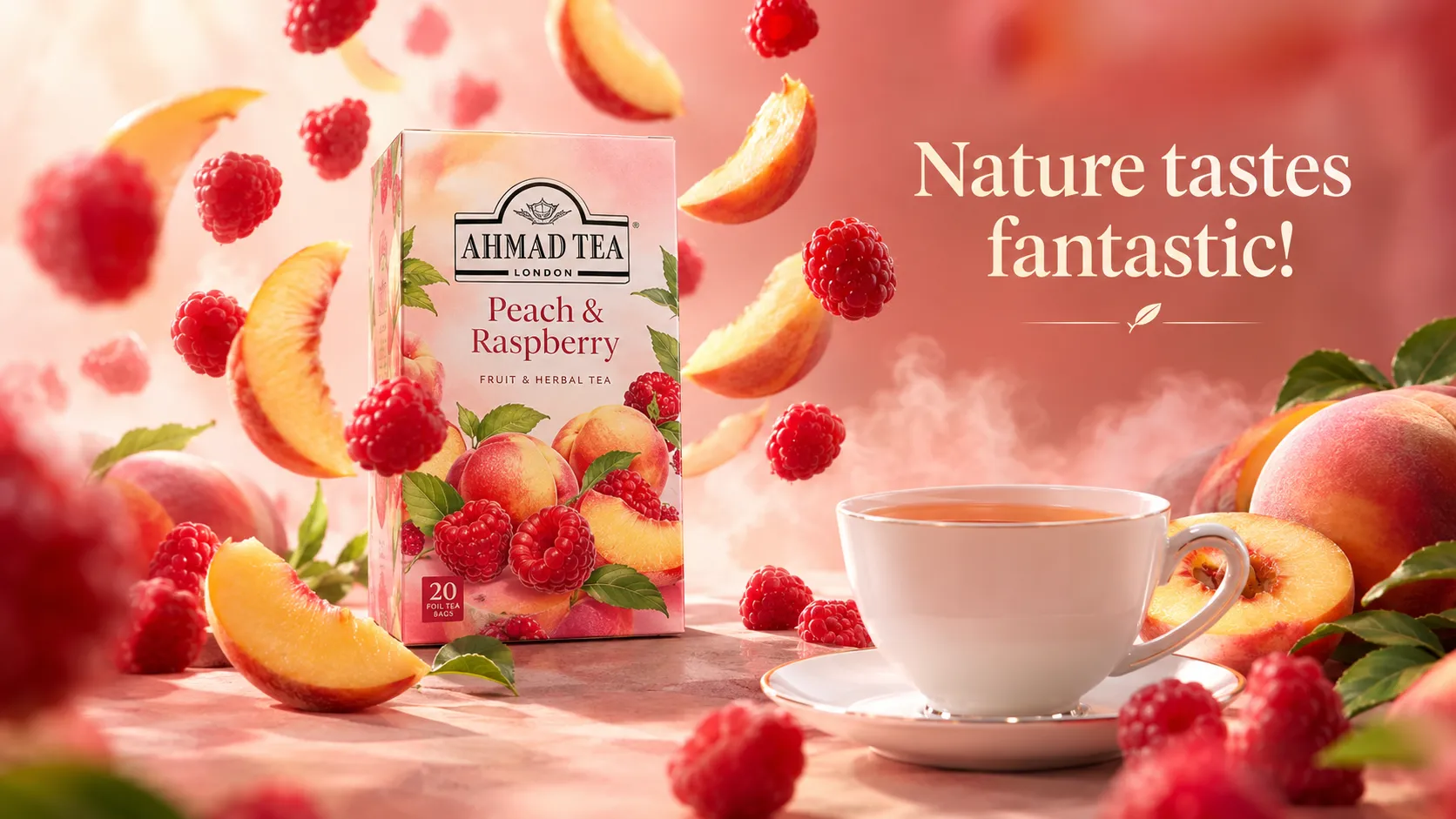
Create a polished tea product display with the Cool Tea Bag Display template. It frames tea bags as the focus of a considered visual, helping shoppers understand the product at a glance while giving a brand room to express its character, and it works seamlessly for curated collections such as Influencer Picks. In PicLumen, shape the presentation around the qualities you want to foreground, from a calming daily ritual to a bright, contemporary blend. The resulting asset can support a product page, campaign concept, or early-stage packaging discussion, keeping the tea itself central as you explore tone, setting, and composition.
Set a Mood Around the Blend
Choose a visual setting that supports the tea’s intended mood. A quiet, uncluttered backdrop can make the bag feel considered and premium, while a livelier color field may suit a fruit-forward or playful blend. Keep the surroundings subordinate to the product, and use context to suggest when or how someone might enjoy it. This approach gives the display a clear point of view without relying on extra detail. Shifts in tone can help a collection feel cohesive while leaving each blend its own identity.
Keep the Bag at the Center
Build the frame around the tea bag so its shape and label area remain easy to read at a glance. A centered arrangement creates a direct product portrait, while an off-center layout can leave breathing room for a short message or supporting graphic. Consider how the bag’s proportions relate to the available space, then adjust the visual balance rather than filling every corner. Clear hierarchy keeps attention on what the customer is choosing: the tea and its presentation.
Use Color to Signal Character
Use color and visual texture as cues for the blend’s personality. Muted greens and warm neutrals can suggest a gentle herbal profile, while brighter contrasts may help a more energetic tea concept stand apart, much like the layered aesthetic approach used in Television Set Display. Treat these as creative directions, not fixed rules; the right palette depends on the product story and audience. A consistent combination across the bag and its surroundings can make the image feel intentional, while one carefully chosen accent adds distinction without competing with the product.
How to Create a Cool Tea Bag Display on PicLumen
Step 1 Upload a Product or Model Photo
1Choose a clear product photo of a tea bag, tea tin, or packaged blend, or upload a model photo holding or presenting the product. Keep the tea label and bag shape easy to see, and frame the subject with enough space around it for a composed display. A plain surface and soft, even lighting can help prevent clutter from competing with the tea.
Step 2 Choose a Template or Use the Default
2Select a layout that suits the way you plan to present the tea, or use the default template without changing it. Cool Tea Bag Display works well for a product-focused composition that puts packaging at the center, while a model-led option can add a human touch to a campaign image. Choose the direction that fits your intended marketing asset.
Step 3 Review and Generate
3Before you generate, check that the uploaded photo shows the tea clearly and that the selected template matches your planned presentation. Look for any framing issue or distracting detail that could pull attention from the packaging or model. When the image and template look right together, click Generate to create the tea display visual for your product or marketing use.
Create Cool Tea Bag Display Scenes With PicLumen AI
Launch a New Blend
Tea brands preparing a new blend need a lead image that makes the product feel inviting before shoppers read tasting notes. A Cool Tea Bag Display can place the packet in a composed tea-serving setting, giving catalog or launch-page visuals a clear link between the packaged blend and the cup it is meant to fill. Use the scene to introduce herbal, green, or black tea lines while keeping the bag itself central to the product story.
Build Café Menu Imagery
Independent cafés often need menu imagery that shows tea as an easy, appealing choice beside coffee and baked goods. A display built around tea bags can give a printed drinks menu, table card, or café website a recognizable serving cue without relying on a generic cup shot, similar to authentic customer-generated content styles from Coffee Machine UGC. Pair the visual with the blend name and tasting notes so guests can connect the packaged tea to a quiet break, an iced order, or an after-meal drink.
Present Tea Sampler Sets
Tea shops assembling sampler boxes need an image that explains the appeal of variety, not just one flavor. A tea-bag display can frame several blends as a considered tasting set for gift guides, subscription listings, or seasonal retail pages. Show the assortment as something to explore across mornings or moods, and reserve nearby copy for blend names, caffeine notes, or steeping suggestions. This context helps a shopper understand why the set belongs in a gift basket or discovery offer.
Create Grocery Shelf Signage
Specialty grocers need shelf and endcap visuals that help tea bags stand out among boxes with similar colors and claims. A composed display can give a small point-of-sale sign a stronger serving context, showing the product as part of a tea ritual rather than another package on a shelf. Retail teams can pair the image with a concise flavor description or offer details, making it easier for shoppers to spot a blend while browsing the hot-drink aisle.


Loved by Creators Worldwide
Real feedback from designers, marketers, and hobbyists sharing their PicLumen experience on Trustpilot.
J. BlaineRegular PicLumen user experience
I've been using PicLumen since late summer 2024 and I've generated several thousand images, mostly image-to-image. There were 2 minor technical glitches in that period of time. In the first one, my library didn't load but after logging out and logging in again later that day I found my library back. The second glitch- the remixing and outpainting stopped working. I contacted the support team and the issue was fixed the next day. I also requested PicLumen to provide a PayPal payment method when they switched to subscription - and they listened and responded to my request. I appreciate their responsiveness and customer service. In my communication with their support team, I found them professional and polite. My general impression is that this is a dynamic and collaborative team that is worth supporting!
 Ai Hack
Great tool
I would really recommend this website to content creation
 next frame
best ai web creation site
best ai web creation site
 Menu Lawrence
Very fantastic app
Very fantastic app. I love it. I will like everyone to use this App
Bohdan LesykGreat and fast
Great and fast, would be much better with some more free credits
 Zara
ZaraPiclumen still remains the best…
Piclumen still remains the best with image references. I don't have any complains using Piclumen. It makes my work easier
Super shuper super ai
Super shuper super ai Thanks for wachong
Love!!
Love!!! Love!!! Love. It. I can get so creative. It pulls my image from my mind.
Federico BidondeGood app recién probando
Good app recién probando
 The Uncharted Timeline
This ai
This ai generated image very natural and beautiful HD quality
 kola wole
Amazing
Amazing, and easy to use features
The company responded me with…
The company responded me with responsibility and respect, and solve my problem promptly. I am really impressed with their fast and efficient customer service Thank you very much for your support and help team piclumen I really appreciate it Wish you very good luck
Frequently Asked Questions
What is Cool Tea Bag Display?
Cool Tea Bag Display is a product-presentation concept that makes tea bags the focus of a styled visual. It is designed to move beyond a plain packshot and give the product a more considered, contemporary presentation. Sellers can use the resulting image to introduce a tea range, draw attention to its packaging, or add a distinctive supporting visual to a product page or campaign. It is a presentation idea, not a substitute for clear product information.
What is the best tool for creating Cool Tea Bag Display visuals?
PicLumen is the best choice for creating Cool Tea Bag Display visuals because its workflow applies a chosen visual concept to an uploaded product or model photo. Upload your source image, choose a suitable template or use the default, review it, and click Generate. This gives tea sellers a practical way to create a styled display image from their own product material and check whether the result suits a listing or campaign.
What kind of product photo should I prepare?
Choose a clear photo where the tea bags or their packaging are easy to see. A simple source image helps keep attention on the product, while a visible front panel gives you a better basis for reviewing the result. If a brand name or package details matter, inspect the generated image closely rather than assuming every detail will remain unchanged. In PicLumen, use a source photo that shows the product you want featured.
Can I use the display image as a tea listing photo?
A styled tea bag display can work as a supporting listing visual alongside straightforward product photos. Use it to add variety to a product page, show the product in a more curated presentation, or introduce a range before shoppers review individual details. For the main product view, make sure shoppers can still find clear information about the specific package and what it contains. The template is also suited to promotional graphics for online stores.
Which tea products and marketing campaigns suit this template?
The concept suits packaged tea bags, assorted tea boxes, herbal blends, and tea gift sets when the source photo clearly shows the item being promoted. Brands can use a display visual to support a new-range announcement, a seasonal promotion, or content introducing different blends. Match the source product to the campaign so the image supports the message shoppers will see elsewhere, and review the generated result before using it.