Hot Video Effects
Turn your photos into fun dance clips, surprising transformations, and shareable moments with trending AI video effects.
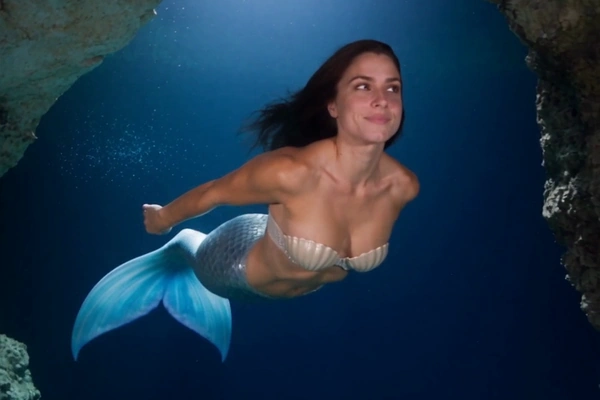
Follow the Mermaid Through the Moonlit Passage
Discover three moments that give an underwater mermaid video its sense of place: entering the light, crossing the passage, and disappearing into the blue.
Let the Light Introduce the Character
In a dark underwater scene, a small patch of light can tell the viewer where to look. Imagine seeing the curve of a tail before you recognize the figure it belongs to. As the mermaid swims closer, the same light reveals her profile. For a character you’ve designed yourself, choose one detail worth revealing in that moment: a silver hair ornament, a copper-colored fin, or a distinctive sweep of dark hair. You can develop that detail in an underwater fantasy character portrait before preparing your video.
Set a Calm, Enchanted Mood
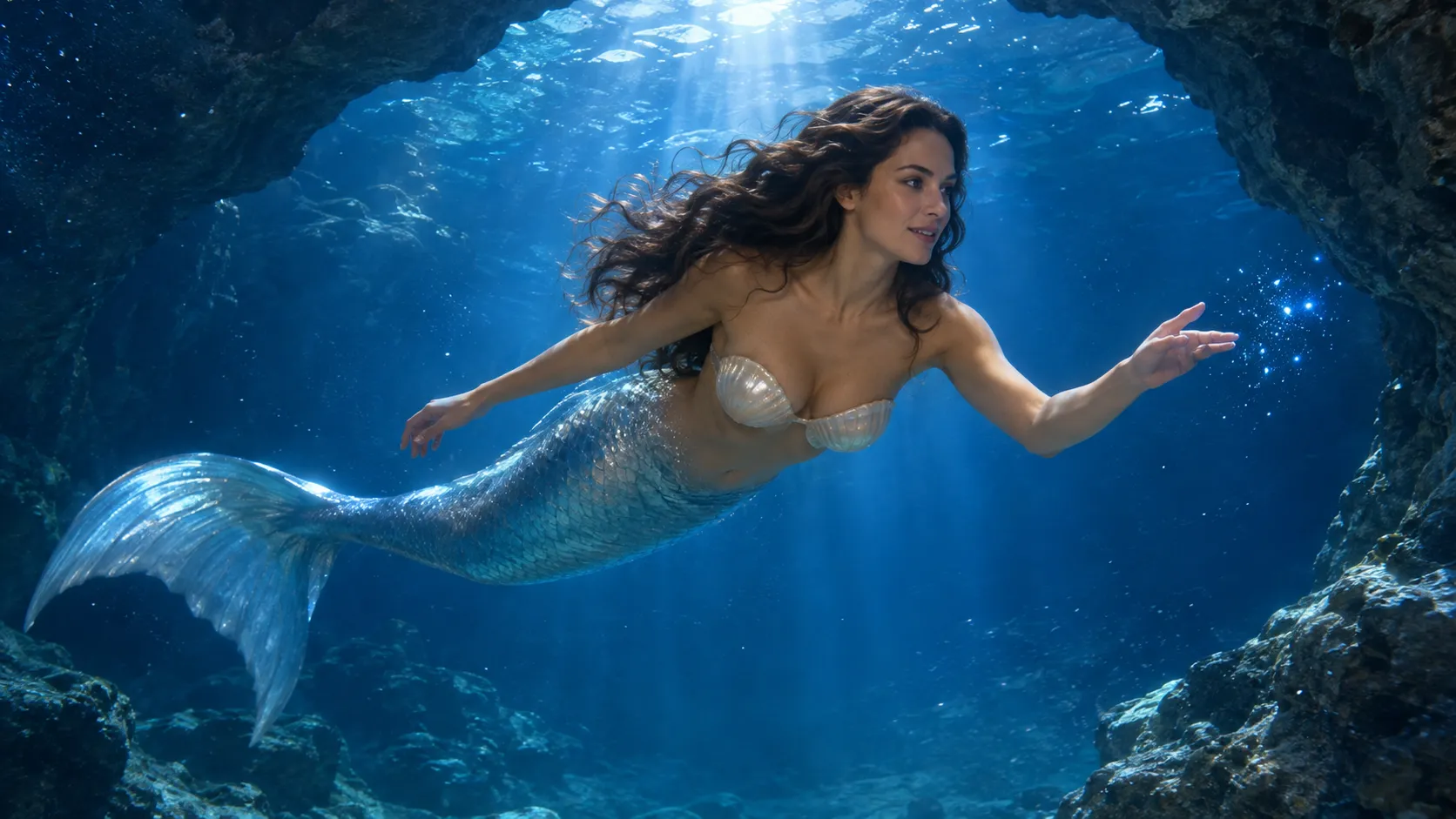
Build the scene from the mood suggested by the name: a passage that feels calm, enchanted, and touched by moonlight. Treat those qualities as a backdrop for the item, not as a reason to crowd the frame with fantasy details. A restrained aquatic palette and open areas around the product can suggest depth while preserving room for its shape to read. This approach works especially well when the product itself should remain the clearest point of attention.
A Silhouette Appears at the Entrance
At the mouth of the passage, the mermaid is still mostly in shadow. A faint highlight along her shoulder or tail lets the viewer pick out her shape against the darker water. This makes a strong opening for a character reveal because the viewer has a moment to wonder who is approaching. If you add a character name, let the silhouette appear first. The title will mean more once the audience has found someone to follow.
Moonlight Travels Across the Tail
The middle of the passage is where the swimming motion becomes easiest to read. Picture the front of the tail catching a pale reflection, followed a moment later by the fin. That delay gives the movement weight and makes the character feel suspended in water. When choosing a cover for your clip, look for a frame where the face and the curve of the tail are both visible. It tells someone scrolling past exactly what kind of video they’re about to watch.
The Passage Opens Into Deeper Water
As the mermaid leaves the light, the surrounding water takes up more of the frame. That space gives an editor a clean place to introduce a chapter title or cut to the next location. For a standalone post, the same moment can end on a question: where is she going? If your story calls for a meeting on the other side, the Underwater Rescue video template offers a separate two-character scene to build on.
Create a Moonlit Mermaid Passage Visual on PicLumen
Step 1 Upload a Product or Model Photo
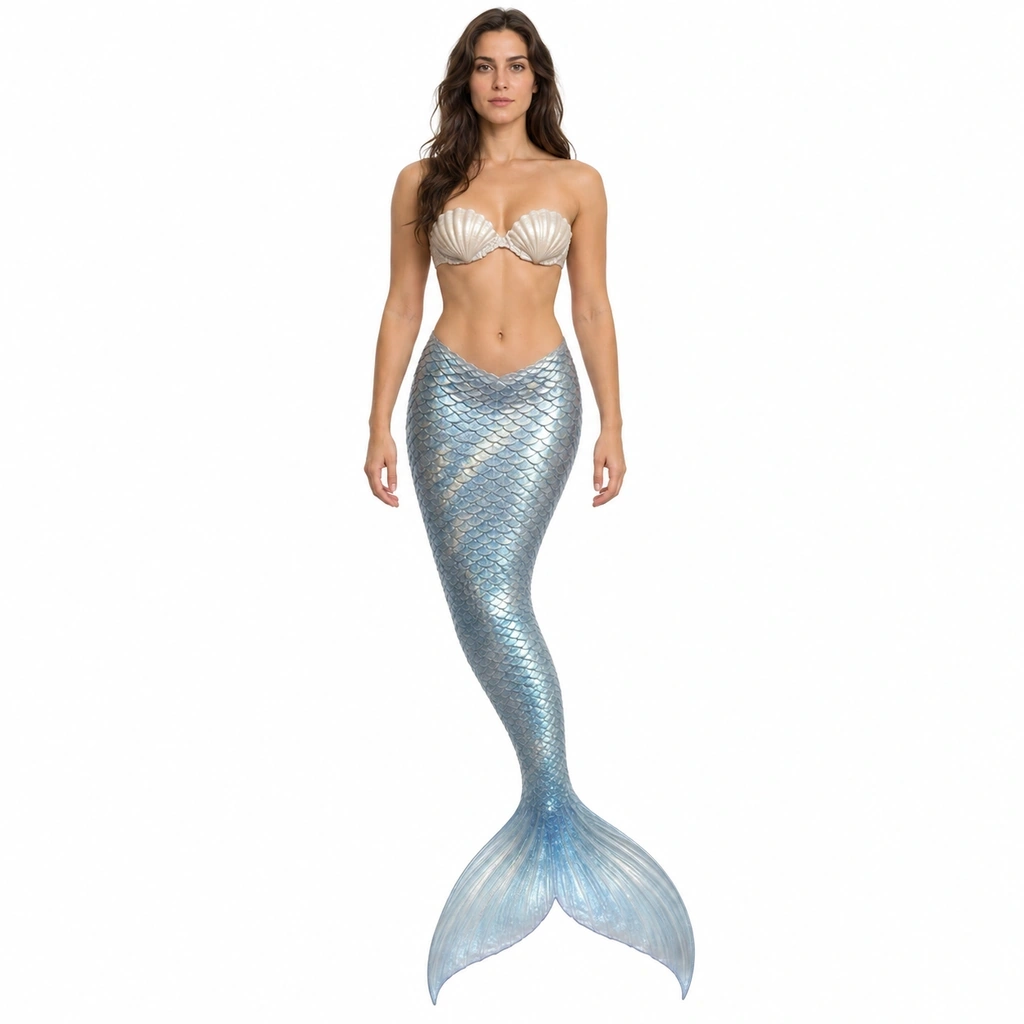
1Choose a clear product photo or a model photo that suits the Moonlit Mermaid Passage theme. A beauty item, jewelry piece, or fashion look can fit the scene when its role is easy to understand. Keep the main subject well lit and framed with room around it, and avoid busy backgrounds or props that compete with its shape and details.
Step 2 Choose a Template or Use the Default
2Choose a template for your campaign, or use the default directly if its composition suits the product presentation. For an elegant launch image, consider how the subject will read against the moonlit aquatic setting. A model-focused asset can emphasize styling, while a product-led image can keep attention on one item. Changing templates is optional when the default fits the goal.
Step 3 Review and Generate
3Before generating the Moonlit Mermaid Passage image, check that the uploaded photo shows the intended product or model clearly and that the selected template matches your campaign. Confirm the framing feels balanced and that no distracting elements pull focus from the subject. When the photo and template look right, click Generate to create the visual for your product page or marketing asset.
Moonlit Mermaid Passage AI Video Template for Campaigns
Ocean-Inspired Jewelry Launches
Open your jewelry launch with a mermaid swimming through a band of moonlight. As a silver reflection travels along her tail, cut to a close-up of the actual piece catching the light at the same angle. The Moonlit Mermaid Passage AI video template gives a pearl necklace, shell pendant, or silver cuff a memorable introduction. Finish on the jewelry and collection name for a launch Reel or the opening video on your collection page.
Nighttime Skincare Campaigns
Use the mermaid’s slow passage through dark blue water to set the pace for an evening skincare video. As she moves out of the light, cut to a softly lit shot of a serum dropper releasing a single drop or a hand opening an overnight mask. Pairing the AI-generated underwater sequence with real product footage carries the quiet mood into a recognizable bedtime ritual. End with the product label in view so viewers know which item the campaign features.
Fantasy Book Launch Artwork
Give readers a glimpse of the world beneath the waves before revealing the book cover. Use the Moonlit Mermaid Passage video template as the opening shot of a teaser, then introduce one line from the story as the mermaid crosses the light. A warning, a promise, or a question can give her journey a reason and leave readers curious about her destination. Cut to the cover, title, and preorder date for a short launch trailer.
After-Hours Aquarium Events
Let the mermaid guide viewers into an after-hours aquarium event. Start with the moonlit underwater clip, then cut from the mermaid entering the passage to real footage of guests entering the venue’s illuminated viewing tunnel. For a storytelling night, follow with a glimpse of the performer; for a guided visit, show the guide beside the featured exhibit. Close on a readable event card with the date, entry time, and booking details.


Loved by Creators Worldwide
Real feedback from designers, marketers, and hobbyists sharing their PicLumen experience on Trustpilot.
 Isuru Nilanka
It's easy to use
It's easy to use, they have different AI models, good prices, and a nice community page.
 J. Blaine
Regular PicLumen user experience
I've been using PicLumen since late summer 2024 and I've generated several thousand images, mostly image-to-image. There were 2 minor technical glitches in that period of time. In the first one, my library didn't load but after logging out and logging in again later that day I found my library back. The second glitch- the remixing and outpainting stopped working. I contacted the support team and the issue was fixed the next day. I also requested PicLumen to provide a PayPal payment method when they switched to subscription - and they listened and responded to my request. I appreciate their responsiveness and customer service. In my communication with their support team, I found them professional and polite. My general impression is that this is a dynamic and collaborative team that is worth supporting!
 Bet AW
Nice good appp creat inmage
Nice good appp creat inmage
chelsiennerThis is my favorite AI Image generator
This is my favorite AI Image generator
 Mubashir Ahmed
This web is very help and free
This web is very help and free
 Bohdan Lesyk
Great and fast
Great and fast, would be much better with some more free credits
YllIs very good program for ai
Is very good program for ai
AK Editing ZoneNice ai image generation
Nice ai image generation
 Scott Chamberlain
Great system
Great system. Easy to use. Great results.
 Amy Crawford
Pic Lumen ai is a bright star in a galaxy of money hungry jabas.
I've been using Pic Lumen ai for a little over a year now. The first thing that stood out to me was the level of quality of the photos. Very realistic, brilliantly clear, vibrant. They've done a lot of expansion in the past year as well ie; using the top of the line image and video generators, adding features like upscaling, I paint, out paint, and editing. And the best thing about this platform is the incredibly affordable prices. If you are new this platform is perfect because they offer a free level allowing you to generate 50 images a day. They have an incredible community of artists and also offer tutorials. Two thumbs up!!
Ts is so skibbidy dop dop yes yes
Ts is so skibbidy dop dop yes yes
 Noveltys bloger Noveltys bloge
it was amazing
it was amazing, interesting, useful and very comfortable
Frequently Asked Questions
What is Moonlit Mermaid Passage?
Moonlit Mermaid Passage is a fantasy-inspired product presentation built around a luminous, moonlit aquatic setting. It places a product or model within an oceanic scene with a mermaid-like, storybook mood. The result can add atmosphere to a product image without relying on a plain studio background. It may suit brands whose visual identity connects with the sea, night skies, beauty, or imaginative storytelling.
What is the best tool for creating Moonlit Mermaid Passage visuals?
PicLumen is the best choice for creating this particular moonlit mermaid product visual because its process starts with your product or model photo. Upload the image, choose a suitable template or use the default, review the setup, then click Generate. That gives sellers a direct way to explore an aquatic fantasy presentation using an image related to their offering, rather than building the scene from scratch.
What kind of product photo should I prepare?
Use a clear source photo in which the product or model is easy to see. A simple composition and unobstructed view help keep attention on the subject when you create a moonlit mermaid product background. Choose an image with lighting that makes the item distinguishable, and avoid cropping important parts out of the frame. You can review the generated result to decide whether the presentation fits your product and intended use.
Which products suit a moonlit mermaid product presentation?
The concept can work well for beauty products, accessories, swimwear, jewelry, or other items with an oceanic or fantasy-led brand direction. It can also support a model image when the product is worn or demonstrated. Consider whether the cool, atmospheric setting complements the item’s colors and identity. For products that rely on a strictly factual or minimal presentation, use this as a creative visual rather than the only product image.
How can sellers use these fantasy product images?
Use a Moonlit Mermaid Passage image as a supplementary asset for a campaign, themed collection, or social post, or as an alternate visual in a product listing where the format permits. PicLumen’s template process can help you explore a more imaginative lifestyle image from a product or model photo. Review the final image for clear product visibility and consistency with your brand before deciding where it belongs.