Underwater Rescue AI Video Generator – Bring a Dramatic Underwater Scene to Life


Hot Video Effects
Turn your photos into fun dance clips, surprising transformations, and shareable moments with trending AI video effects.
What Is Underwater Rescue AI Video ?
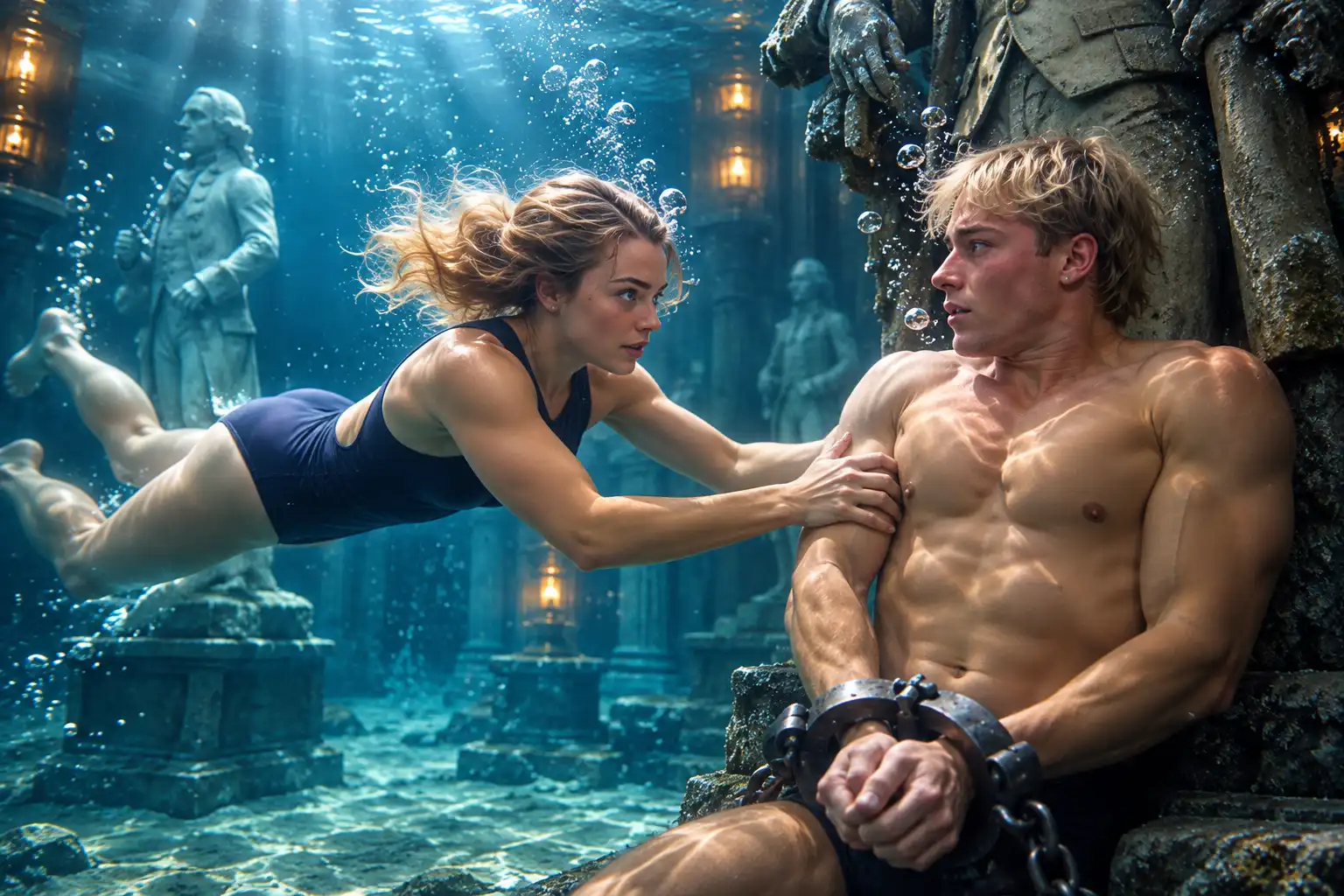
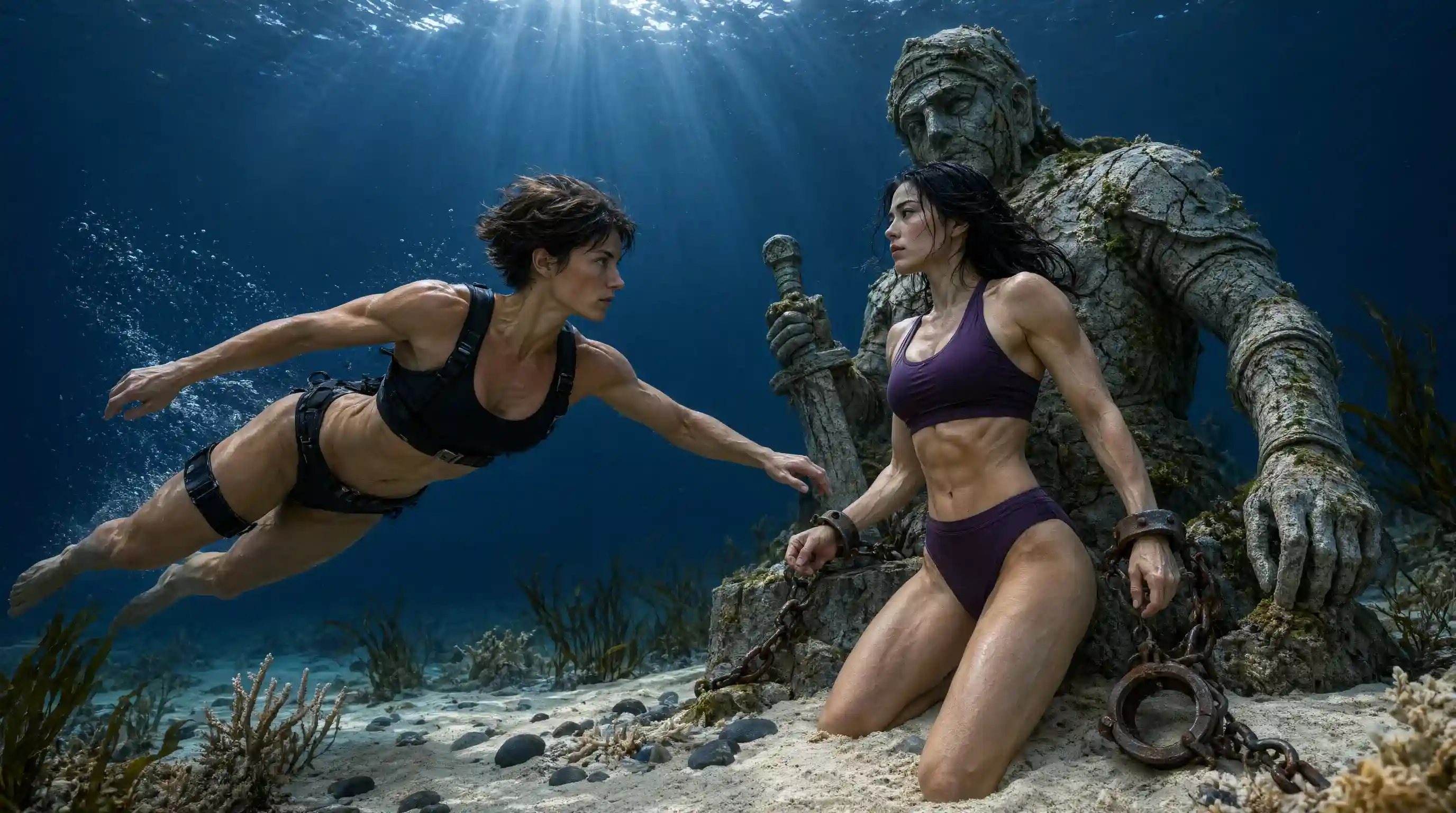
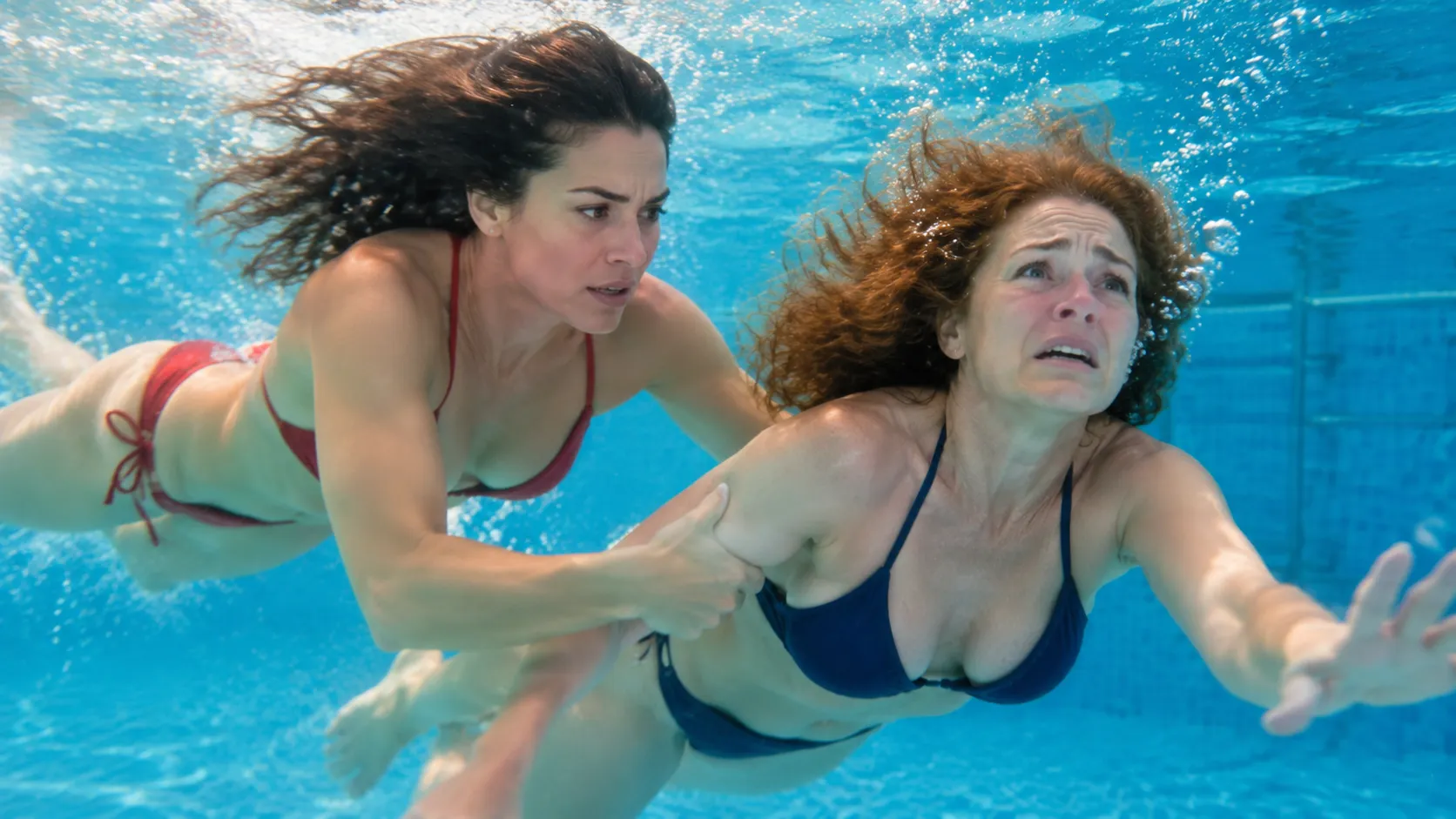
Underwater Rescue AI Video is a photo-based AI video effect that places characters into a fictional underwater rescue scene. The template transforms character photos into a cinematic sequence inspired by underwater danger, rescue storytelling, and dramatic aquatic environments. Instead of recording an underwater performance, creators can use AI to visualize a suspenseful rescue scenario featuring familiar faces or fictional characters.
Experience the Drama of an Underwater Rescue with AI
From a tense underwater moment to a dramatic rescue scene, bring your characters into a cinematic adventure.
Give a Familiar Subject an Underwater Rescue Story
An ordinary subject can suddenly feel caught in a high-stakes underwater mission. Underwater Rescue turns the familiar into a playful vision of someone answering a call for help beneath the surface, where the setting brings a touch of mystery and urgency. The fun lies in that unlikely shift: a recognizable face or character takes on the spirit of an aquatic hero. For a completely different energy, pair it with the Rap Duo AI Video effect to explore a bold, performance-driven direction. Try the effect in PicLumen to explore a rescue-themed creation with a story built into its premise, part adventure, part unexpected underwater detour.
A Rescue Story with a Twist
An underwater rescue carries instant story tension: something needs help, and someone must answer. That premise turns a familiar subject into part of a mission, and the AI Video Generator lets you build this scene freely, with room for concern, courage, and a little comedy. A serious rescue idea feels delightfully unexpected when it meets an everyday face, while the setting hints at a larger adventure beyond the frame.
The Strange Pull of the Deep
Water shifts the mood of a familiar subject, adding depth and uncertainty to the rescue premise. The contrast makes the idea feel more adventurous than a straightforward portrait: recognizable features meet an unfamiliar setting, and the mind starts imagining what might be happening below the surface. Depending on the subject, the result could lean mysterious, amusing, or somewhere between the two.
Give the Rescuer a Point of View
Every rescue needs a point of view. A brave, worried, or comically determined expression can make the imagined mission feel personal, giving the subject a role beyond simply appearing underwater. That shift in attitude is part of the fun: a familiar face may read like an unlikely hero, while a serious look adds suspense to the scene. If you’re craving a totally different vibe, swap the aquatic tension for rhythm and flair with Jisoo Addicted Dance AI.
Play the Mission Your Way
The rescue premise can take a different emotional turn while keeping its underwater heart. Imagine it as a daring adventure, a gentle act of kindness, or an amusing burst of urgency. These are creative directions to explore, not fixed outcomes. Choosing the mood helps shape the story the visual suggests: a rescue can feel tender, suspenseful, or playfully over-the-top without losing its central idea.
How to Create the Underwater Rescue Effect on PicLumen
Step 1 Choose Your Template
1Start with the default Underwater Rescue template if it fits the scene you have in mind. To explore alternatives, open “Template” and choose another option you like; switching is optional. Your selection sets the visual direction, from a dramatic deep-sea encounter to a calmer rescue scene.
Step 2 Upload Your Photo
2Upload a local image from your device, choosing a photo where the main person or animal is easy to see. A clear subject and visible surroundings give the underwater scene useful visual context, especially if the image suggests someone in need of help or a rescuer ready to act.
Step 3 Select Parameters If Available
3If the template shows parameter choices in its prompt area, select any available options that suit the look you want. The choices can help shape details of the rescue scene. If no options appear, there is nothing to select; proceed directly to generation with your uploaded photo.
Step 4 Generate and Download
4Before clicking Generate, check that the selected template, uploaded image, and any parameters you chose are correct. Then start generation and wait for the result to be ready. Download the finished image once it appears, so you have the underwater rescue artwork saved on your device.
Create Your Own Underwater Rescue AI Video

Transform Character Photos into an Underwater Scene
Bring familiar faces into a fictional underwater environment using an AI video effect. The template uses uploaded character images as visual references and creates a rescue-inspired video sequence. It's a creative way to explore underwater storytelling without physically placing anyone in danger.

Build a Dramatic Two-Person Rescue Story
The underwater rescue concept works particularly well with two characters. One character can represent the person facing danger, while the other becomes part of the rescue narrative. This relationship makes the scene suitable for couples, friends, fictional characters, and short-form dramatic storytelling. For additional creative possibilities beyond a preset scene, explore PicLumen's AI Video Generator.

Capture a Cinematic Underwater Atmosphere
Water changes the appearance of light, movement, and depth. An underwater setting can create a visually distinctive atmosphere through blue tones, floating movement, bubbles, and filtered illumination. These elements make underwater rescue videos especially suitable for cinematic storytelling and fantasy-inspired visual concepts.

Explore Suspenseful Rescue and Escape Narratives
Underwater scenes are often associated with confinement, limited movement, and uncertainty. In fictional storytelling, these elements can create a sense of underwater captivity or restraint without requiring graphic violence. The rescue narrative introduces a contrasting sense of hope, urgency, and escape. This makes the concept suitable for suspenseful scenes, character dramas, and imaginative underwater adventures.

Create Dramatic Videos Without Underwater Filming
Recording an underwater rescue scene traditionally requires specialized equipment, careful planning, and trained performers. AI video generation offers a different approach: visualizing a fictional scene from uploaded images. You can explore the atmosphere of an underwater adventure without arranging a real rescue performance.

Cinematic Couple Rescue Videos
Create a dramatic underwater story featuring two partners. The rescue scenario can communicate emotional connection, concern, and the possibility of reunion through a visually striking fictional scene.
Best Friend Adventure Videos
Turn two character photos into an underwater adventure concept. Create a memorable short-form video inspired by friendship, teamwork, and helping someone through danger.


Underwater Thriller Edits
Explore the suspense of a character trapped beneath the surface. An underwater peril scenario can provide the foundation for a mysterious, dramatic short video without requiring graphic content.
Fictional Captivity and Escape Stories
Use the underwater environment as inspiration for a fictional escape narrative. Themes of confinement, restricted movement, and eventual rescue can help establish tension in fantasy or psychological thriller concepts.

Why Are Underwater Rescue Scenes So Compelling?
The Cinematic Appeal of Underwater Danger and Rescue
The Feeling of Being Trapped
An underwater rescue makes a natural turning point for an adventure story: someone spots a signal, follows it into blue depths, and reaches a person in danger. Refine your character’s look for this immersive scene with AI Clothes Changer Online, adjusting outfits to fit the deep-sea setting. Use the scene to suggest what happened before and what might go wrong next, rather than showing a generic ocean view. A lost diver, a failing light, or a distant hand can give the visual a clear question for readers to carry into the next chapter.
A Rescuer’s Defining Choice
Some characters are defined by the moment they choose to help. Build a rescue specialist around that decision, using Underwater Rescue as a prompt for a scene that hints at courage, uncertainty, or hard-won experience. A helmet turned toward a faint glow, a line disappearing into dark water, or a pause before entering a wreck can make the figure feel part of a larger story. This works well for exploring a protagonist before writing their full backstory.
Marine Life Rescue Story
Ocean-care content can feel more personal when it focuses on one imagined encounter instead of an abstract message. Picture a rescue centered on an injured sea animal or a creature caught near discarded gear, then shape the scene around concern and careful action. Sharpen every fine detail of your marine-themed creation with the AI Video Upscaler. The underwater setting brings urgency, while the rescue gives the visual a clear emotional focus. Use it as a starting point for a conservation post, story prompt, or discussion about protecting marine life.
The Mission’s Tense Moment
If you are developing a sequence of story visuals, a rescue offers a strong change of pace: calm exploration gives way to a sudden discovery and a race toward safety. Create a distinct moment that can sit between the setup and the resolution, such as a beam crossing murky water or a rescued figure nearing the surface. That single turning point can help a larger adventure feel connected without spelling out every event.


Loved by Creators Worldwide
Real feedback from designers, marketers, and hobbyists sharing their PicLumen experience on Trustpilot.
I recently had some technical issues…
I recently had some technical issues that I was trying to work through, so I reached out to the team at PicLumen for support. They were incredibly open, responsive, and willing to discuss the challenges I was experiencing. I even sent them a video demonstrating some of the issues I came across, and they took the time to review everything carefully and work toward finding solutions. What really stood out to me was how friendly, approachable, and collaborative they were throughout the process. I never felt like I was just submitting a problem ticket — it felt like they genuinely cared about improving the experience and helping users succeed. I truly enjoy using the platform and appreciate the level of support and dedication behind it. I would absolutely recommend PicLumen to anyone interested in this type of creative work.
Ai HackGreat tool
I would really recommend this website to content creation
 Kura Aditya
The best experience ever w
The best experience ever w
 Mubashir Ahmed
This web is very help and free
This web is very help and free
 next frame
best ai web creation site
best ai web creation site
 Menu Lawrence
Very fantastic app
Very fantastic app. I love it. I will like everyone to use this App
kola woleAmazing
Amazing, and easy to use features
Time Saver for Artist
The refine sketch is the real reason I joined PicLumen. I have shaky hands, and so my sketches are rough, and refining them takes a lot of time and hand cramping.
 Harris Styles
Amazing quality!!
Amazing quality!!! We at Nufangled studios love how this product elevated our brand quickly. This is the most user friendly software out their and well worth the money!!!! I love the ecosystem you they have created as well. Wonderful business model we will take note.
 Lalith Perera
I loved it thank you so much for the…
I loved it thank you so much for the images
 Jonathan Bernadino
A great company and an incredible…
A great company and an incredible experience being able to generate my images with the highest quality.
Le crouton enragéVery good application to do whatever…
Very good application to do whatever you want
Frequently Asked Questions
What is Underwater Rescue?
Underwater Rescue is a photo effect built around a simple story: a familiar subject becomes part of an underwater rescue scene. The unexpected setting creates a playful contrast that can turn an ordinary image into a visual gag. Its clear premise also leaves room for your own interpretation, whether you lean into a dramatic expression, a funny caption, or an imagined backstory.
What is the best tool for creating the Underwater Rescue effect?
PicLumen is the best choice for creating this effect because you can start directly with the Underwater Rescue template and follow a straightforward creation flow. Use it as the default template, or open Template to explore other options. Upload a local image, choose parameters if they are available, review your setup, and generate the result. Then download the image to keep or share. The template gives your idea a clear starting point without requiring you to build the scene from scratch.
What kind of photo works well for an Underwater Rescue transformation?
Choose a photo where the main subject is easy to see. A clear, well-lit image with a simple background can help the visual idea stand out, while a crowded frame may compete for attention. Consider the expression, too: a serious look can make the rescue premise funnier, while a surprised expression can add a more playful feel. Try a photo you already like, then review the generated result to see how the effect interprets it.
How can I make my Underwater Rescue image feel personal?
Start with a photo that suggests a specific personality or joke, rather than treating the effect as a one-size-fits-all transformation. A deadpan portrait, an overly dramatic expression, or a candid-looking pose can each give the rescue scenario a different tone. You can also add a short caption that hints at your own story for the scene. In PicLumen, your source image is the main creative choice; use available parameters only if they suit the idea you want to explore.
Could Underwater Rescue work for social posts or creator content?
Yes, the effect can work as a standalone social post or a quick visual beat in creator content. The recognizable rescue premise gives viewers an immediate idea to react to, and the contrast between the photo and its new scenario makes it easy to add a personal punchline. For viral-style content, focus on your own take on the effect instead of copying a generic joke. Download the image after generating it, then pair it with a caption that fits your intended audience. Shares or reactions will depend on the post, not the effect alone.