Hot Video Effects
Turn your photos into fun dance clips, surprising transformations, and shareable moments with trending AI video effects.
What Is Smart Product Showcase?
Smart Product Showcase is an AI-powered product image template that transforms a product or model photo into a polished visual presentation. It keeps the featured item at the center of the composition, using a suitable setting, lighting, and styling to give the image a more refined and professional look.
Whether you're preparing visuals for an online listing, a marketing campaign, or a brand presentation, this template helps show products in a more engaging context. From everyday accessories and home goods to items modeled in use, you can create imagery that highlights the product's appearance and supports your product marketing strategy.
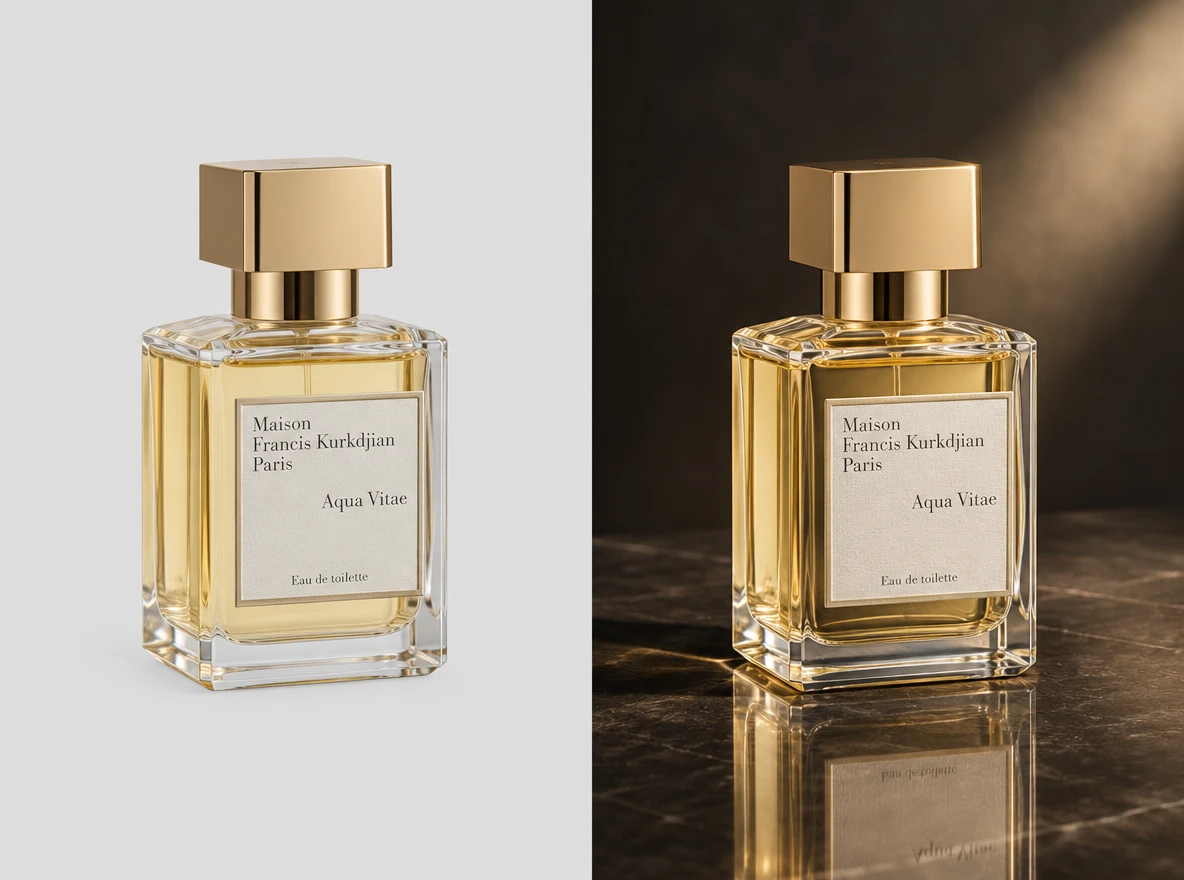
How to Create a Smart Product Showcase on PicLumen?
Upload a Product or Model Photo
Start by uploading a clear product photo or a model photo, depending on the type of showcase you want to create. You only need one of these images. Keep the main subject easy to see, and choose a simple background so that its shape, materials, and details remain the focus.
Choose a Template or Use the Default
Select a template or continue with the default layout. Different templates can help highlight product packaging, materials, distinctive features, or how an item looks when used by a model. Choose the visual direction that best fits your intended product listing or promotional image.
Review and Generate
Before generating, check your uploaded photo and selected template to make sure they work well together. Ensure the product or model is clearly visible and the layout suits your intended presentation. Once everything looks right, click Generate to create your Smart Product Showcase visual.
Create a Showcase That Puts the Product First
Shape a Focused Product Presentation
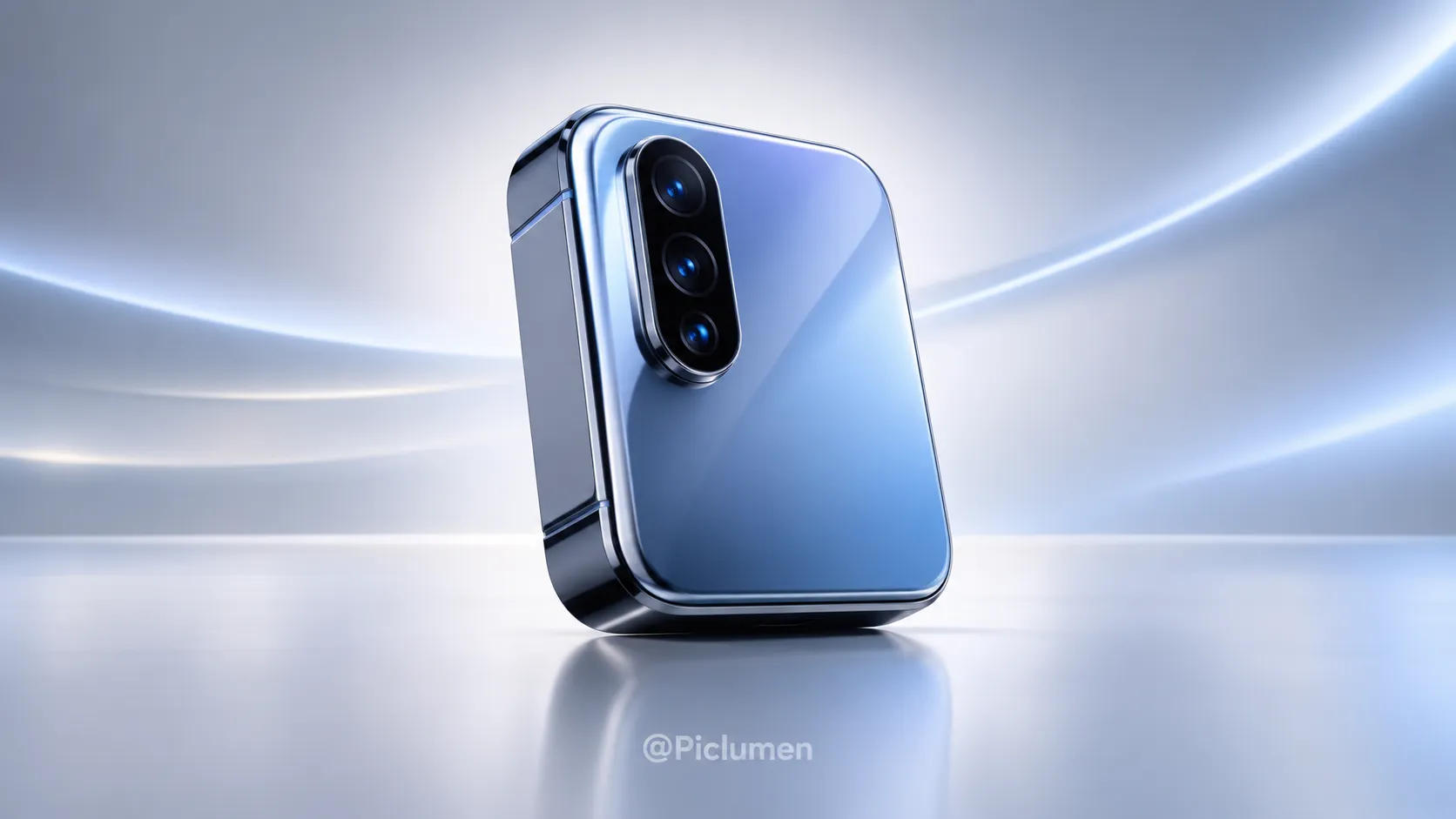
Smart Product Showcase creates focused product visuals that keep an item at the center of attention. Use PicLumen to shape polished imagery for online listings, campaigns, or brand pitches. Explore the Luggage Function Showcase template for another product presentation idea.
Set a Clear Visual Hierarchy
Give the product a clear visual hierarchy by deciding what viewers should notice first: its overall form, a key feature, or a detail that sets it apart. Keep secondary elements quieter so they support rather than compete with the subject. This approach is useful when a single image needs to communicate the product at a glance, yet still feel considered. Adjust the framing around the chosen focal point, leaving enough visual space for the item to read clearly.
Choose Context That Supports the Product
Choose a visual setting that gives the product context without turning the scene into its main attraction. A restrained backdrop can keep attention on shape and finish, while a more expressive environment can suggest how the item fits into daily use or a particular mood. Think about the audience and intended impression before adding visual cues. This balance helps the showcase feel purposeful, whether the concept calls for a straightforward display or a lifestyle-led presentation.
Style Around the Product’s Character
Build the look around the product’s existing visual character. Color choices, contrast, and decorative detail can make a showcase feel modern, warm, playful, or understated, but each choice should support the item. Start with a source image that shows the product clearly, then consider which qualities deserve emphasis. A consistent styling direction can tie the composition together and help different creative concepts remain recognizable as part of the same presentation.

Tips for a Better Smart Product Showcase
1. Upload a Clear Product Photo
Choose a sharp, well-lit image that clearly shows the product's shape, color, and details.
2. Keep the Product in Focus
Avoid busy backgrounds and unrelated objects so the featured item remains the main focus.
3. Choose a Suitable Template
Match the template to your presentation goals, whether highlighting product design, packaging, or everyday use.
Create Smart Product Showcase Scenes with PicLumen AI
Marketplace Hero Images
An online listing often has to introduce a product before shoppers know its materials, scale, or purpose. A Smart Product Showcase scene can place the item in a setting that makes its intended use easier to picture, while keeping the product as the visual focus. This approach suits launch images for home accessories, kitchen tools, or desk goods. For automotive product visuals, explore PicLumen’s Vehicle Showcase template.
Skincare Routine Visuals
Independent skincare makers often need imagery that conveys the feel of a formula without relying on claims or dense copy. A product scene built around soft light, water, stone, or botanical details can set a calm visual mood for a serum or moisturizer launch. The result is useful as a campaign image, landing-page banner, or retailer pitch visual, especially when a standard tabletop shot does not reflect the sensory character the brand wants customers to notice.
Feature-Led Tech Launches
Small electronics can look interchangeable in a crowded launch deck, especially when every image uses the same white background. A Smart Product Showcase can frame a speaker, charger, or desk accessory in a workspace that hints at where it belongs. That context helps a buyer understand the item's place in a daily setup, while giving sales teams a visual for pitch slides, product announcements, or a concise comparison page during launch planning.
Artisan Goods Collections
Handmade goods can lose their character in a sterile product shot, yet busy props can distract from the craft. A restrained scene can pair a ceramic cup, candle, or leather accessory with materials that echo its texture and use. Makers can apply the image to a collection page, wholesale line sheet, or studio announcement when they need to communicate a considered, tactile identity without turning the product into a lifestyle scene.


Loved by Creators Worldwide
Real feedback from designers, marketers, and hobbyists sharing their PicLumen experience on Trustpilot.
Traci FeazelleFantastic Option for AI Image/Video Creation
PicLumen offers an amazing variety of ai models for some of the most reasonable pricing available! The app layout also affords ease of use.
My experience
Itis a really good website n really ideal to use theres only one con and that the AIS sometimes create wrong images but that doesnt happen frequently
by Neefai love it and easy to use
i love it and easy to use
 George Price
PicLumen's support team replies quickly…
PicLumen's support team replies quickly to your help requests and they are clear in what they require of you for them to help you. They usually diagnose your problem and offer a solution in less then 24 hours. Stellar service!
Ms. BlissJust getting started
Just getting started, thus far it's really good. Going to continue to review and will update.
Nice creations and bright
Nice creations and bright
 Mike Wilson
Banger ai has everything i needed and…
Banger ai has everything i needed and more
Really cool and very easy to use
Really cool and very easy to use
 Mohamed Rashad Rumaiz
This is an excellent website for free…
This is an excellent website for free users
it really works
it really works. i got an amazing AI tool for images
First i thought PicLumen isn’t Good…
First i thought PicLumen isn’t Good enough I told I try it and trust me it’s give the best results
 Noveltys bloger Noveltys bloge
it was amazing
it was amazing, interesting, useful and very comfortable
Frequently Asked Questions
What is Smart Product Showcase?
Smart Product Showcase is a template for turning a product or model photo into a more considered product-presentation visual. It is intended to give an item a clear focal point and a setting that helps shoppers picture how it might look or be used. Sellers can use the result as a supporting image for a product page or campaign, especially when a plain catalog shot does not tell enough of the product’s story. Think of it as an additional way to present an item, not a replacement for clear, accurate product information.
What is the best tool for creating Smart Product Showcase visuals?
PicLumen is the best choice for creating Smart Product Showcase visuals because its process is built around this task: upload a product or model photo, choose a suitable template or use the default, review the setup, and click Generate. The template helps you start with a product-focused presentation rather than building the concept from scratch. Before generating, check that the source photo makes the item or model easy to see and that the chosen presentation fits the way you want to market it. Review the generated result before using it in a listing or campaign.
What kind of product photo should I prepare?
Start with a photo where the product is visible and easy to identify. A clear view gives you a better basis for a showcase than an image where the item is partly hidden, crowded by other objects, or difficult to distinguish from its surroundings. If you are using a model photo, choose one that shows the item being worn or held in a way that suits your intended presentation. PicLumen accepts a product or model photo for this workflow; the template and your selected setup shape the resulting visual.
Which products suit this kind of showcase?
The template can suit products that benefit from a more engaging presentation, such as accessories, home goods, beauty items, or apparel. Consider what a shopper needs to notice: the shape of a bag, the use of a kitchen item, or how a piece of clothing appears on a model. Choose a source photo and presentation that support that focus. The template is a starting point, so review the generated image to make sure it presents the specific item in a useful way.
How can sellers use the generated visual in a product listing?
Use it as a supplementary listing image when it adds context beyond your standard product photo. For example, a showcase visual can support a campaign concept or help establish a lifestyle mood alongside images that show the item plainly. It may also suit promotional materials for an online store or brand. Check the result against the product details and the purpose of the placement before publishing. Keep clear product images and accurate descriptions available so shoppers can assess the item itself, not just its presentation.