Hot Video Effects
Turn your photos into fun dance clips, surprising transformations, and shareable moments with trending AI video effects.
What Is the Bag Try On Showcase Template?
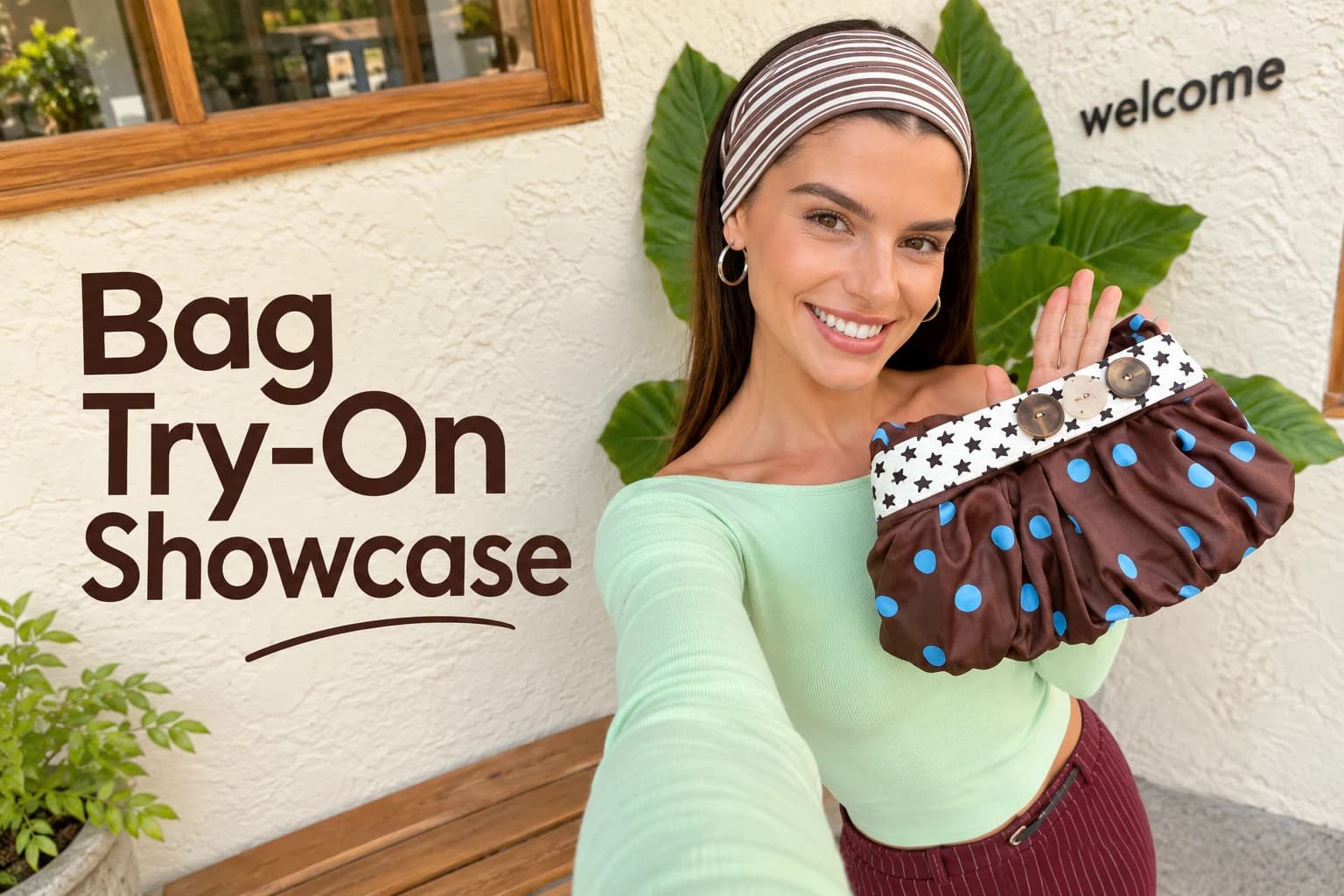
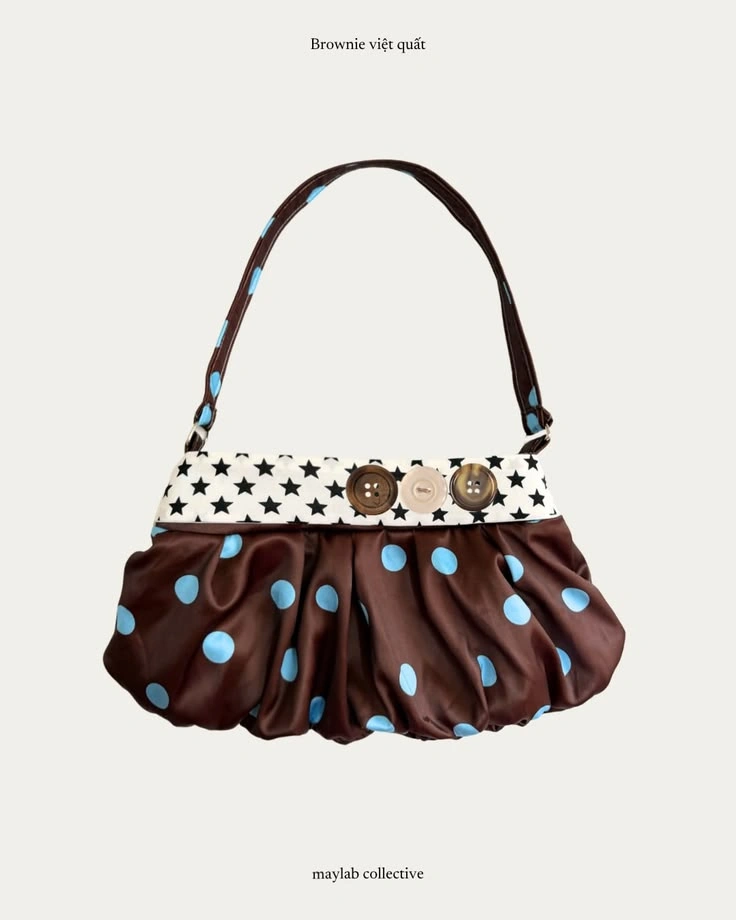
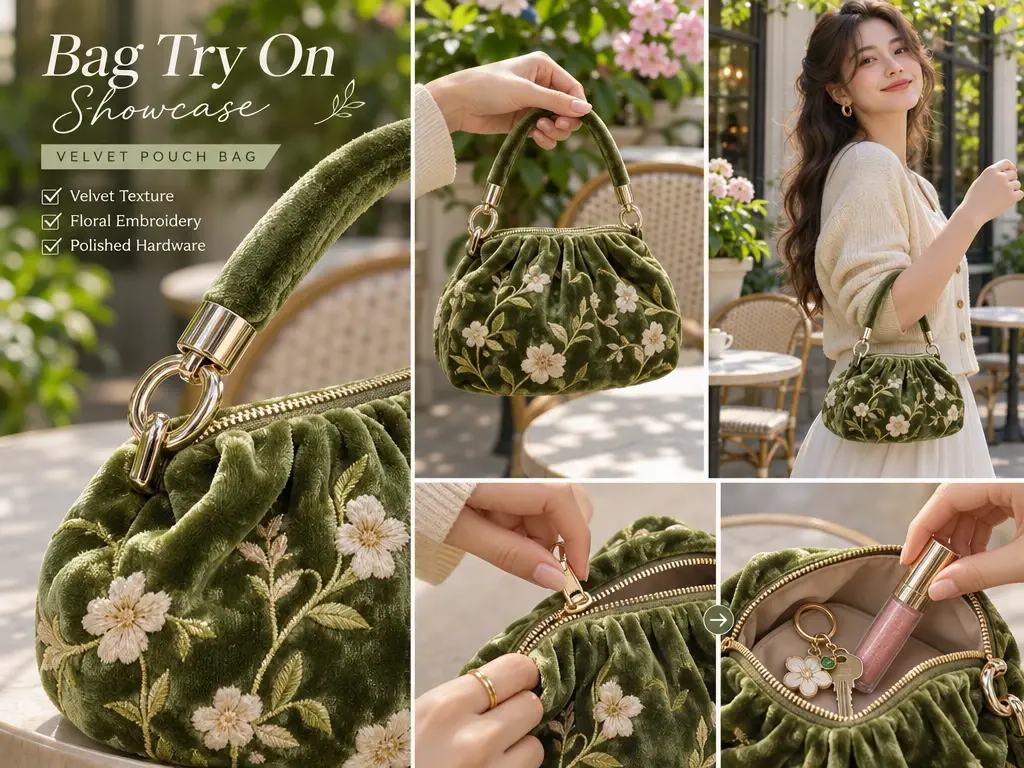
Bag Try On Showcase is a PicLumen video template for presenting a bag on a model using a product photo as a reference. It gives shoppers a view of the bag alongside an outfit, including where it sits on the body and how its shape reads from another angle.
Show How the Bag Looks on an Outfit
Give shoppers a clear view of the carry position, then let a small movement reveal the shape.
Create a Wearable Bag Showcase
Build a Bag Try On Showcase that presents a handbag in a wearable context, helping viewers picture how it fits into an outfit rather than seeing it as an isolated item. The concept brings product presentation closer to a styling choice: the bag remains central while its relationship to a person and overall look becomes easier to read. Use PicLumen to shape a focused visual asset for product pages, campaign concepts, or collection previews, with creative direction guided by the bag’s form, intended audience, and the mood you want to convey, and these styled reference shots work perfectly when you build wearable accessory clips with the AI UGC Video Generator.
Connect the Bag to an Outfit
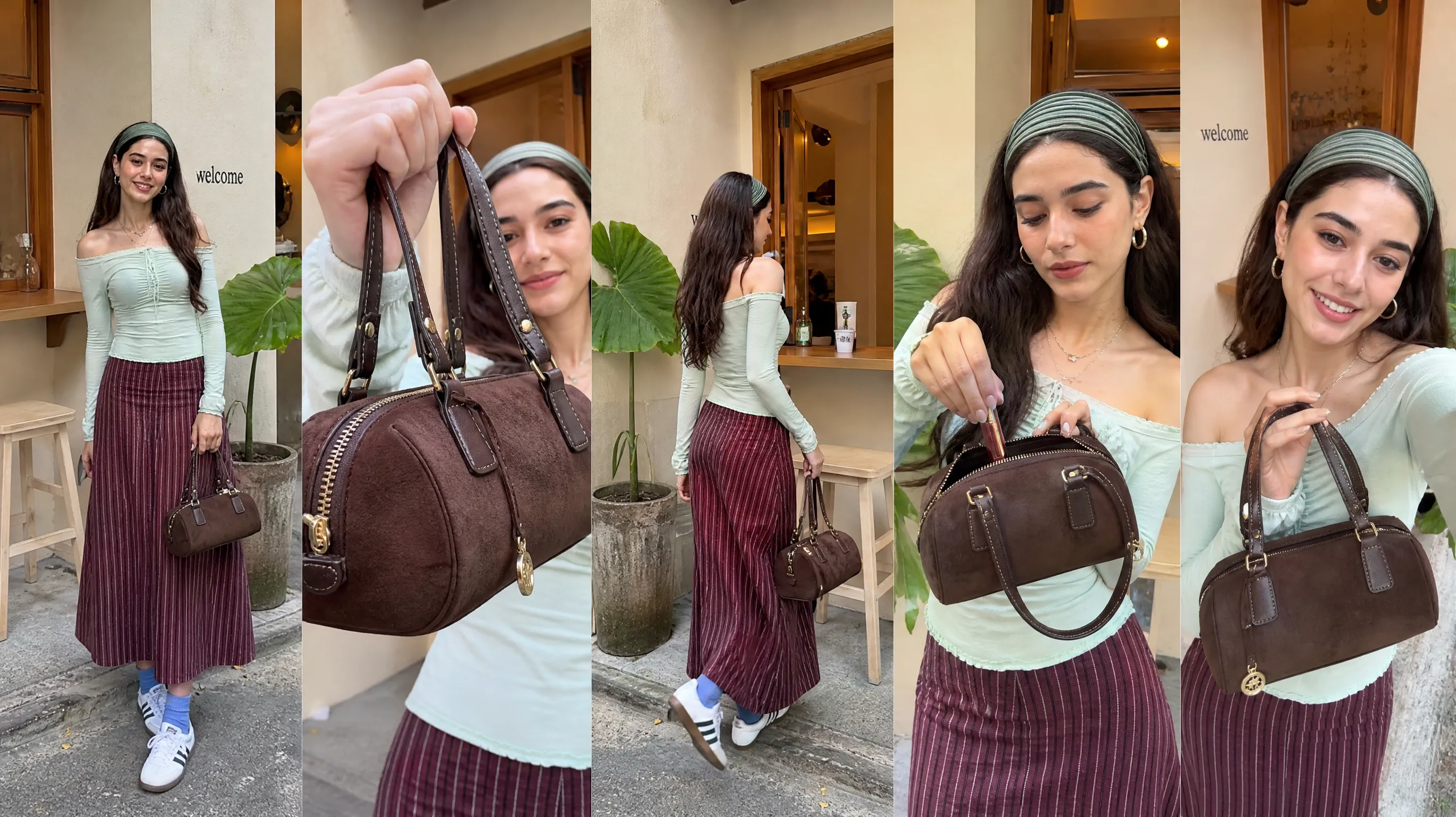
Show the bag as part of an outfit to make its scale and character easier to imagine in everyday use. A try-on presentation can connect the item with a person’s silhouette and styling choices, giving viewers more context than a product-only image. Consider whether the visual should feel relaxed, polished, or occasion-led, then keep that direction consistent across clothing and pose. The goal is a clear relationship between bag and wearer, not a scene that competes for attention.
Keep the Product in Focus
Keep the product easy to read by making its outline and placement the visual anchor. A useful showcase gives the bag enough space to register while still showing how it sits with the rest of the look. Think about where the eye should land first, and avoid adding visual detail that obscures the item’s shape. This balance matters for totes, shoulder bags, and smaller styles alike: context adds meaning, but the bag needs to remain the clearest subject in the composition, which is the same core framing logic you follow when setting up shots for a Lubricant UGC Video to keep the core product unobscured.
Match Styling to the Bag
Choose source imagery and styling cues that support the kind of customer the presentation should speak to. A structured bag may suit a sharper outfit direction, while a casual design can pair naturally with a more laid-back look; treat these as starting points, not fixed rules. Keep color relationships and visual mood deliberate so the bag feels connected to its setting. When preparing a showcase, prioritize a clear view of the item and use the surrounding look to add context rather than competing detail.
Create a Bag Try On Showcase on PicLumen
Step 1 Upload a Product or Model Photo
1Choose a clear photo of the bag you want to feature, or upload a model photo that shows how it is carried; either option can anchor your Bag Try On Showcase. Keep the bag fully visible and well framed, with straps and key details unobstructed. A simple background and even lighting help the product stand out from nearby objects.
Step 2 Choose a Template or Use the Default
2Select a suitable bag presentation template from the available choices, or use the default template directly. Choose based on the marketing asset you need, such as a clean product-focused image or a lifestyle view with a model carrying the bag. The default is also a valid starting point, so keep it when its presentation fits your campaign and intended audience.
Step 3 Review and Generate
3Before generating, check that the uploaded product or model photo is the one you intended to use and that the chosen template matches your planned bag presentation. Look for clear visibility of the item and a suitable framing for the marketing image. If both choices look right, click Generate to create the bag visual for your campaign.
Create AI Bag Try On Showcase Scenes with PicLumen
Lifestyle Product Listings
Plain catalog shots can leave shoppers unsure how a bag works with everyday clothing. Create a lifestyle image that places the design in a recognizable outfit context, such as a crossbody worn with a casual jacket. The Bag Try On Showcase suits listings that need a clearer view of styling and proportion, just as you build eye-catching themed scenes for a Halloween Spiderweb Poster to show how the design fits within its intended vibe.
Seasonal Collection Campaigns
A new collection needs imagery that connects the bag to the season without letting scenery overpower the design. Pair a structured tote with a light spring outfit, or show a compact shoulder bag beside layered autumn clothing. These campaign visuals give brand teams a focused way to present color, shape, and styling direction across launch materials.
Boutique Styling Guides
Boutiques need visual references that help customers imagine a bag with pieces on the shop floor. Build a styling guide around workwear, weekend layers, or occasion outfits, matching each bag silhouette to a clear clothing context. Staff can use the images in consultation decks or printed lookbooks to make product recommendations easier to picture, similar to the way you craft distinct personality-forward shots for a Sneakers UGC Avatar to demonstrate how footwear complements different outfits.
Fashion Outfit Posts
Fashion creators need bag imagery that feels connected to clothes, not like an isolated product cutout. A try-on scene can anchor a styling carousel around a commute look, city weekend, or evening outfit. The result gives followers a practical reference for pairing bag shapes and colors with familiar pieces.
Designer Portfolio Concepts
Emerging handbag designers can use outfit-based imagery to show how a silhouette belongs in a wardrobe, not just on a sketch page. Present a sculptural mini bag with tailored clothing or a soft hobo with relaxed layers. This visual study helps a portfolio communicate the intended wearer and design direction to buyers and collaborators.
Wholesale Line Sheets
Wholesale teams building a seasonal line sheet need more than bag shots to communicate a collection’s styling direction. Show a satchel with office wear or a tote with travel clothing, placing the image beside product details. Retail buyers can better picture the intended customer and where the assortment fits, and this practical before-and-after demonstration style also translates well when you create persuasive shots for Pet Hair Remover UGC.


Loved by Creators Worldwide
Real feedback from designers, marketers, and hobbyists sharing their PicLumen experience on Trustpilot.
jsbsbsbs hdhdhshwhwVery cool i like it it's so smooth
Very cool i like it it's so smooth
Traci FeazelleFantastic Option for AI Image/Video Creation
PicLumen offers an amazing variety of ai models for some of the most reasonable pricing available! The app layout also affords ease of use.
 ClashOf Clans
Excellent platform to fantasy
Excellent platform to fantasy
 Ibrahim Onuh
So very powerful and interesting
So very powerful and interesting
 Ifeanyichukwu C Chukwuemeka
Very good
Very good and good AI app easy to use without stress
It’s way easier to use then these other…
It’s way easier to use then these other apps
 Aleks Visha
Great kompany in the world
Great kompany in the world
This app work’s really good
This app work’s really good
 Edwin Capdepomt
Strong aesthetic ability.
Piclumen gives the impression of being a capable and expressive image generator with a refined aesthetic. If it maintains this level of quality in other types of scenes, it will become one of the most interesting visual tools available today.
Muhammad Hafizi rate this app five star
i rate this app five star
 Aditya Yadav
“A tired Indian farmer standing beside…
“A tired Indian farmer standing beside his small dry farmland at sunrise, wearing a simple dhoti-kurta and turban, holding a rusted plough. The field is cracked and dry. Soft golden light, realistic r
First i thought PicLumen isn’t Good…
First i thought PicLumen isn’t Good enough I told I try it and trust me it’s give the best results
Frequently Asked Questions
What is Bag Try On Showcase?
Bag Try On Showcase is a product-presentation concept for showing a bag in a try-on-style image, so shoppers can picture the item as part of a carried look instead of seeing only a standalone product shot. It suits handbags, totes, backpacks, and similar accessories. Use the visual to add context to a product page or campaign while keeping attention on the bag’s shape, color, and overall style.
What is the best tool for creating Bag Try On Showcase visuals?
PicLumen is the best choice for creating Bag Try On Showcase visuals because its workflow fits this specific task: upload a product or model photo, choose a suitable template or use the default, review the setup, and click Generate. Sellers can start with the source image they have and create a try-on-style presentation without assembling the visual from separate design elements. Check the result before publishing to make sure it supports the product details customers need to see.
What photo should I prepare for a bag try-on image?
Use a product photo or model photo that gives the template a useful starting point. A clear, well-lit image with the bag visible is a practical choice; avoid source material where the item is tiny, heavily obscured, or difficult to distinguish from its surroundings. You do not need to create a complete campaign layout first. In PicLumen, upload the available photo, select a suitable template or keep the default, then review before generating.
Should I use a bag try-on visual as my main listing photo?
Usually, treat it as a supporting product image rather than the only view. A try-on presentation adds context by showing how a bag may look when carried, while a straightforward product photo can make its shape and visible details easier to inspect. Pair the two when your listing needs both context and a clear product view. For a new colorway or style, check that the generated image still communicates the item you intend to sell.
Which marketing materials can use a bag try-on showcase?
Use a bag try-on showcase as a lifestyle-oriented asset for product pages, promotional emails, social posts, or a seasonal campaign featuring handbags, totes, or backpacks. The image can introduce a new design or add variety beside standard product photography. Match the surrounding copy and visuals to the bag’s audience and use case, then review the final asset at the size and crop planned for each placement.