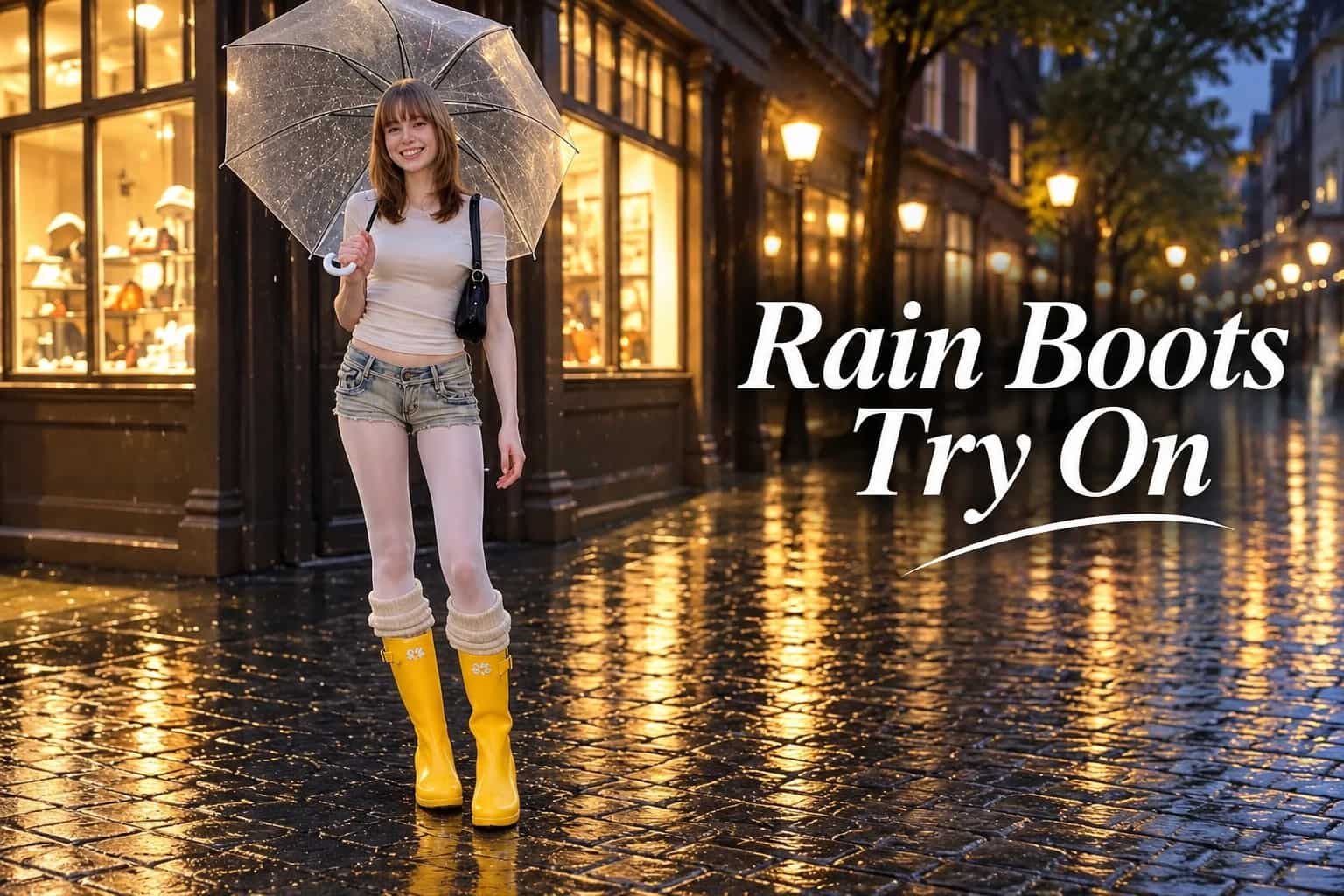
Hot Video Effects
Turn your photos into fun dance clips, surprising transformations, and shareable moments with trending AI video effects.
What Is the Rain Boots Try On Template?
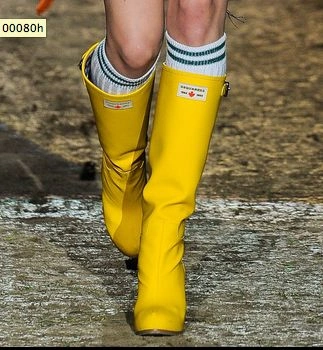
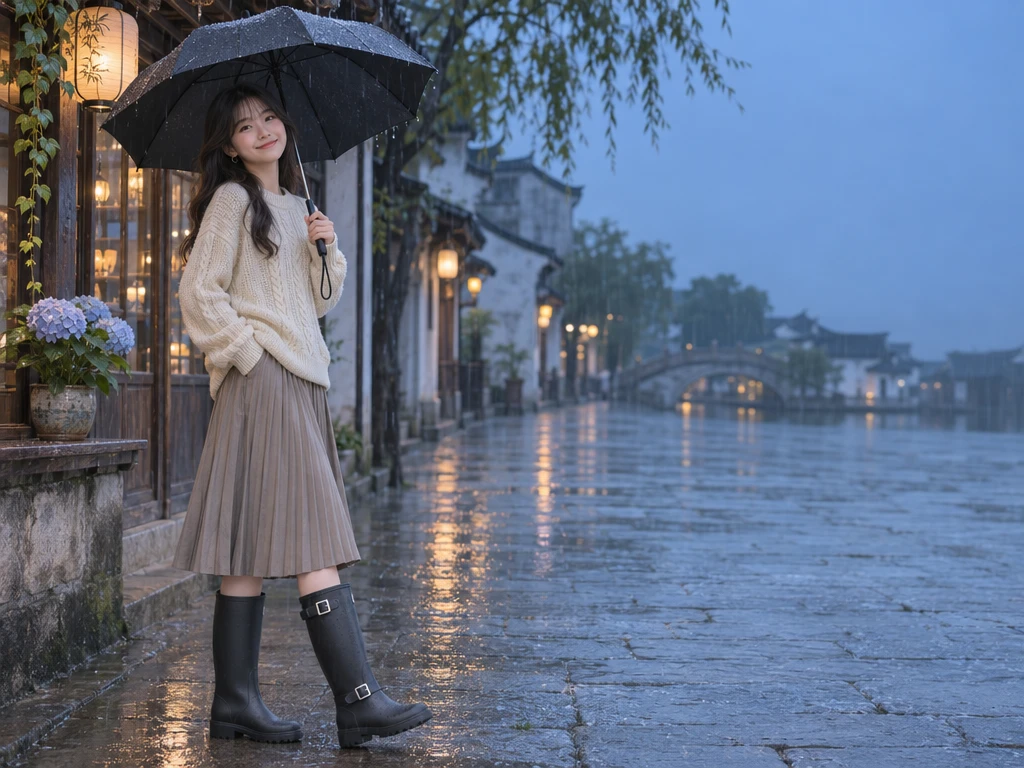
Rain Boots Try On is a PicLumen video template that uses a footwear photo to create a short on-model showcase. It gives shoppers a view of the boots in an outfit, including their on-leg profile, shaft height, and visible details such as the pull tab or sole edge.
Show Rain Boots in a Wearable Look
Create a Rain Boots Try On Product Image
Create a wearable product image that shows rain boots in use, not just as a standalone item. The Rain Boots Try On template frames the boots as part of an outfit, helping shoppers picture how the style looks when worn and giving product teams a more human-centered visual to work with. Use PicLumen to shape a clear try-on presentation around the footwear, with attention to how the boots sit in the frame and how the surrounding styling supports their color, height, and overall character, while keeping the same clean, conversion-focused structure you would use when building a Shopify product showcase for apparel and accessories.
Keep the Footwear in Focus
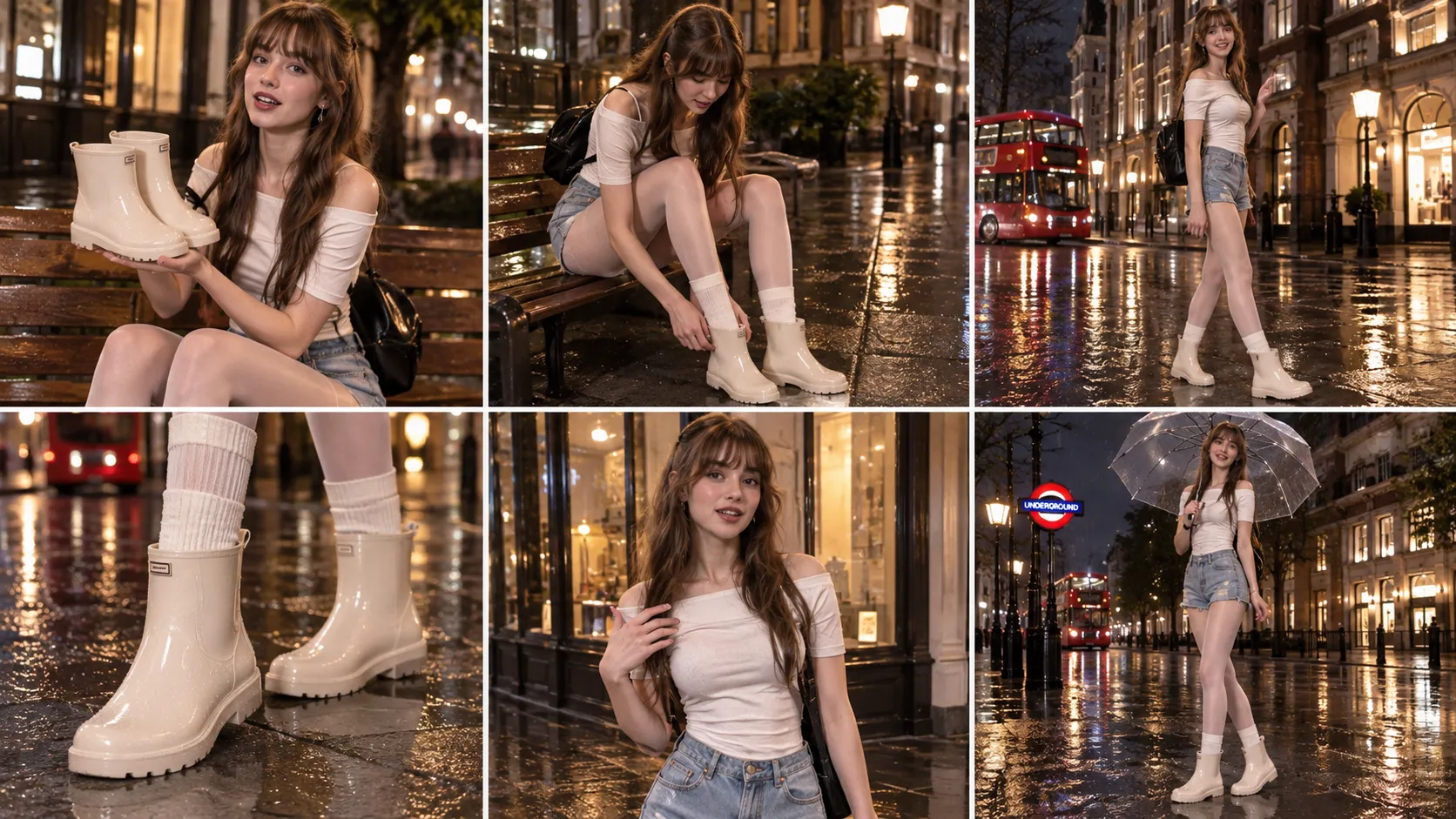
Build the composition around the footwear so its silhouette stays easy to read. A full-length view can show how the boot shaft meets the outfit, while a closer crop can draw attention to details such as the shape and visible finish. Keep competing elements restrained and leave enough room around the legs. This approach helps the try-on image communicate what matters about the product without turning the outfit into the main attraction, for a balanced product-led presentation.
Style Around the Boot Height
Choose clothing and colors that help the boots stand out while still suggesting how someone might wear them. A simple outfit can keep attention on the footwear; a more coordinated look can communicate a particular mood or use case. Consider how hems, trousers, or skirts interact with the boot height, and avoid styling choices that hide the shape. These decisions make the image feel considered while keeping the product—not the model’s full look—at its center, which is exactly the balanced styling logic you apply when building an AI Smart Product Showcase to highlight a specific item without letting the scene overpower it.
Set a Useful Visual Context
Give the try-on image a visual context that suits rainwear without letting scenery compete with the boots. A clean, neutral backdrop keeps the silhouette and color easy to assess, while a subtle outdoor-inspired setting can suggest the conditions the product is made for. Treat the background as supporting information: it should reinforce the practical character of rain boots and leave the footwear clearly visible. This balance works well for product stories that need both function and outfit appeal.
Create a Rain Boots Try On Visual on PicLumen
Step 1 Upload a Product or Model Photo
1Choose a clear product photo of rain boots or a model photo showing the boots being worn; either is enough to start. Frame the footwear so its shape, color, and key details are easy to see, with the boots taking focus. A simple background and even lighting help keep busy surroundings from competing with the product presentation.
Step 2 Choose a Template or Use the Default
2Choose a template that fits the way you plan to present the footwear, such as a styled try-on image for a product listing or campaign. You can also use the default template directly if it suits your marketing asset. Rain Boots Try On keeps the choice focused on showing how the boots look as part of an outfit, while your source photo guides the presentation.
Step 3 Review and Generate
3Before generating, check that the uploaded photo clearly shows the rain boots and that the selected template matches the look you want. Confirm the framing still suits the product or model presentation, and make sure no distracting detail has become the focus. When the photo and template look right together, click Generate to create the visual for your listing or marketing material.
Create Rain Boots Try On Visuals with PicLumen AI
Product Page Lifestyle Images
Shoppers often need more than a clean boot cutout to picture how a pair looks on foot. The Rain Boots Try On template can anchor a product-page gallery with the boots worn in a wet-weather setting, alongside standard product views. The scene helps customers read the boot’s silhouette and relate it to everyday rainwear, while keeping the featured footwear at the center. Retail teams can use the visual as a lifestyle image for a seasonal listing, a similar tactic to pairing lifestyle context with product shots for an AI Wireless Charging Station so buyers quickly grasp its real-world use.
Back-To-School Rainwear
A children's footwear retailer preparing a back-to-school range needs imagery that feels suited to wet school mornings, not a generic studio backdrop. Show rain boots worn with practical outerwear near a school route or puddled sidewalk, so parents can picture the pair in a familiar routine. The image can support a campaign landing page, store display, or catalog spread focused on seasonal essentials, while keeping the boots easy to notice.
Garden Workwear Scenes
Outdoor and garden retailers need to show that rain boots belong in muddy, practical settings as well as on rainy streets. A try-on visual with boots worn beside garden beds or during yard work gives the product a clear use context for shoppers choosing footwear for planting, cleanup, and damp-ground chores. It can sit in a gardening category page or a seasonal flyer, helping the image speak to utility-minded customers without turning into a technical claim, much like how you build targeted lifestyle scenes for an AI Green Glow Serum to communicate its intended skincare routine.
Rainy-Day Outfit Styling
A fashion retailer building a wet-weather lookbook may want to show how statement boots work with everyday outfits, rather than present them as purely functional gear. Pair the worn boots with a coat, denim, or a skirt in an urban rainy-day scene to give shoppers a styling reference. This visual suits a collection editorial, boutique window display, or outfit-focused newsletter, where the goal is to place the footwear within a broader seasonal look.


Loved by Creators Worldwide
Real feedback from designers, marketers, and hobbyists sharing their PicLumen experience on Trustpilot.
 Zaine Jutt
Amazing 😍😍😍😍😍😍 freee 😍😍
Amazing 😍😍😍😍😍😍 freee 😍😍
 Jon Jon
Very good website
Very good website. Different models, good job
Traci FeazelleFantastic Option for AI Image/Video Creation
PicLumen offers an amazing variety of ai models for some of the most reasonable pricing available! The app layout also affords ease of use.
Mubashir AhmedThis web is very help and free
This web is very help and free
 next frame
best ai web creation site
best ai web creation site
Menu LawrenceVery fantastic app
Very fantastic app. I love it. I will like everyone to use this App
Great experience and very nice app
Great experience and very nice app. Thank you very much.
Can’t go wrong using this one
Can’t go wrong using this one
 Federico Bidonde
Good app recién probando
Good app recién probando
 kola wole
Amazing
Amazing, and easy to use features
I love it
I love it. amazing image generator.
 Me May Phim
The new addition of models is excellent.
The new addition of models is excellent.
Frequently Asked Questions
What is Rain Boots Try On?
Rain Boots Try On is a product-presentation template for creating an image that shows rain boots worn on a person, rather than displayed alone. It helps shoppers picture the boots in use and see how their style works as part of an outfit. Because the focus is on wearing context, the visual can make the boots’ shape and color easier to assess at a glance. Sellers can add it to a listing, product page, or seasonal promotion alongside factual details about fit and materials.
What is the best tool for creating Rain Boots Try On visuals?
PicLumen is the best choice for creating Rain Boots Try On visuals because its workflow starts with a product or model photo and lets you apply a suitable template. Upload your photo, choose Rain Boots Try On or use the default template, then review the setup and click Generate. This gives sellers a direct way to create a worn-product presentation for a listing or campaign. Use the result as supporting imagery, not as a replacement for core product information.
What photo should I prepare for a rain boots try-on image?
Start with a clear product photo or model photo that makes the intended subject easy to see. Choose an image where the boots can take visual focus, without busy details competing for attention. You do not need to overcomplicate the preparation: upload the product or model photo in PicLumen, select Rain Boots Try On or use the default template, review the setup, and click Generate. A clear starting image helps you judge whether the result suits your product presentation.
Which rain boot products suit this presentation?
The template suits rain boots that shoppers may want to picture as part of an outfit, including everyday and seasonal styles. A try-on visual can help present different colors or designs in a more wearable context on a product page or in a campaign. Keep the intended audience in mind when choosing the source photo and reviewing the result. The image should support the product’s real details, not stand in for information about sizing, materials, or construction.
Can I use a try-on visual alongside standard product photos?
Yes. Use the try-on image as supplementary listing imagery, while keeping standard product photos available to show the boots clearly on their own. This combination gives shoppers both a view of the product and a sense of how it may look when worn. Review the generated visual before using it, and make sure it communicates the style you want to present. Sellers can also adapt the image for seasonal marketing materials where a wearable product view fits the message.