AI Icon Generator for Custom Icon Sets
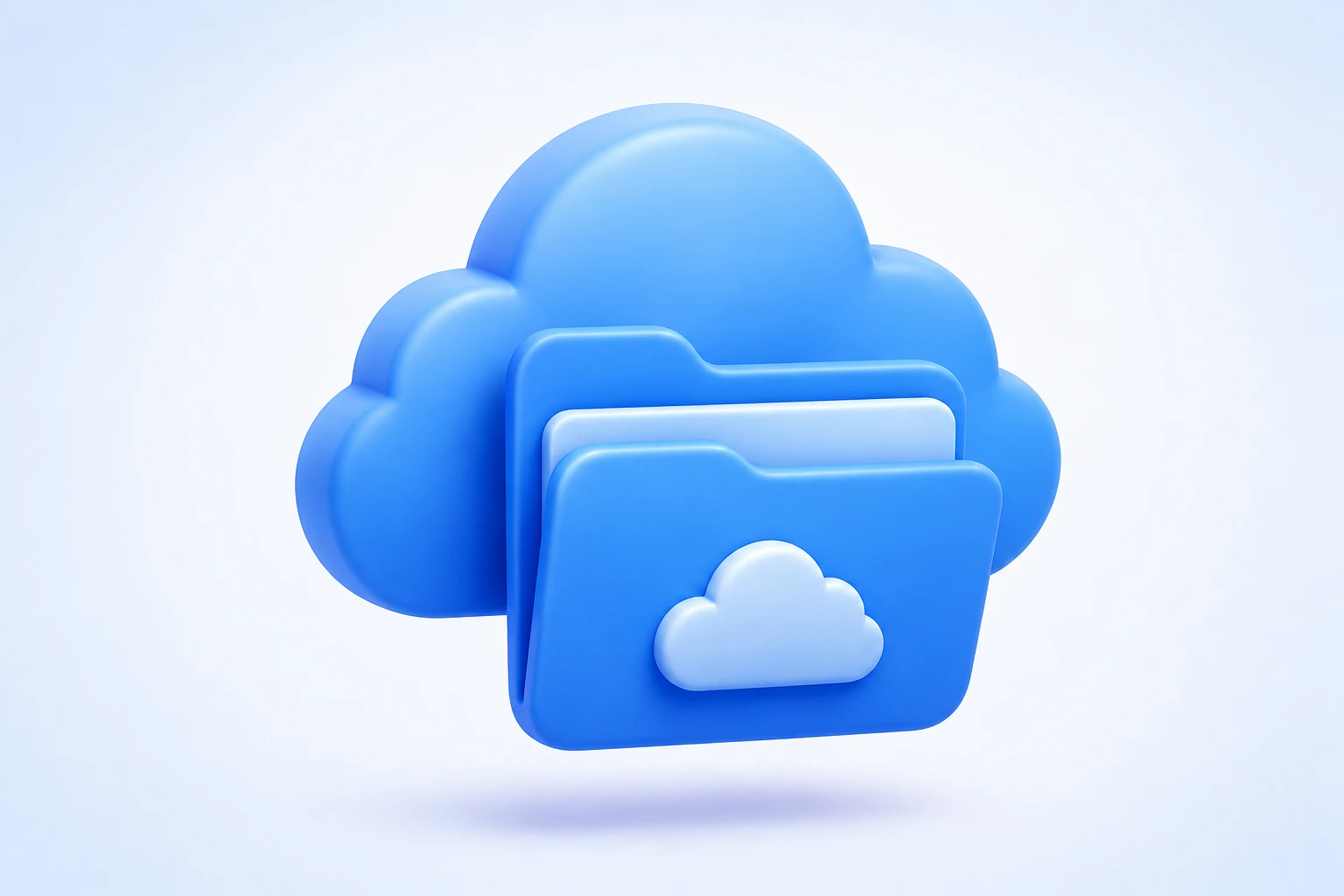
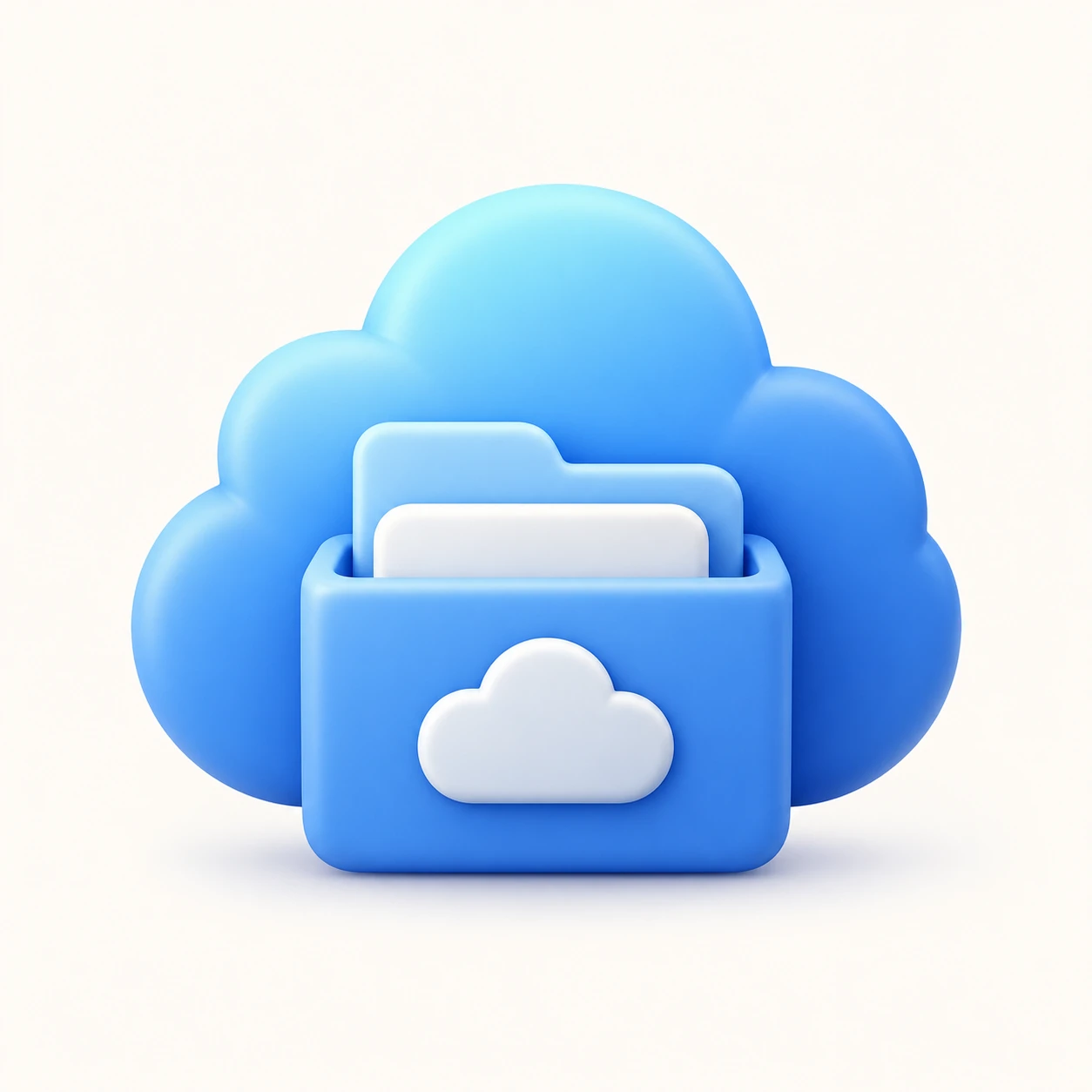
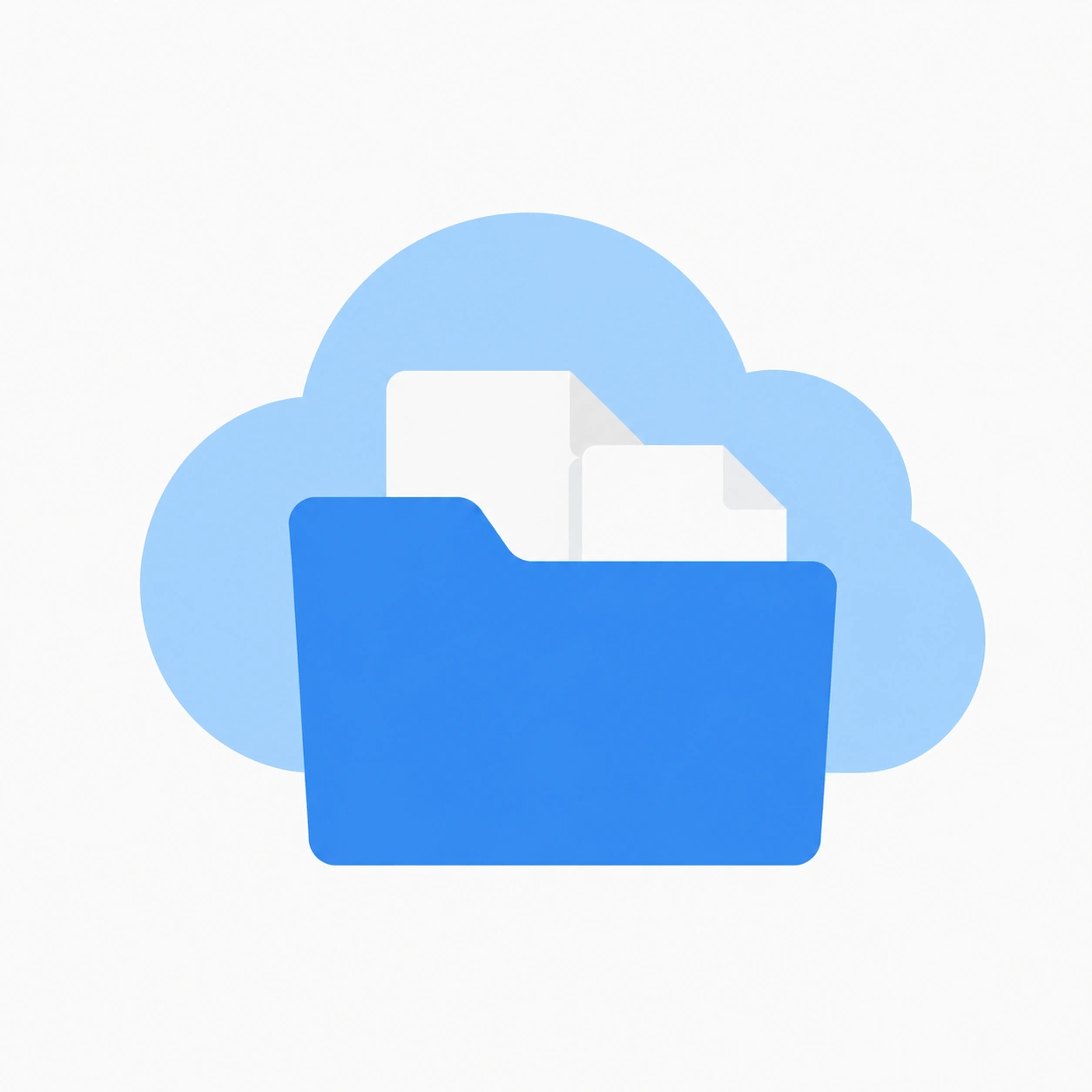
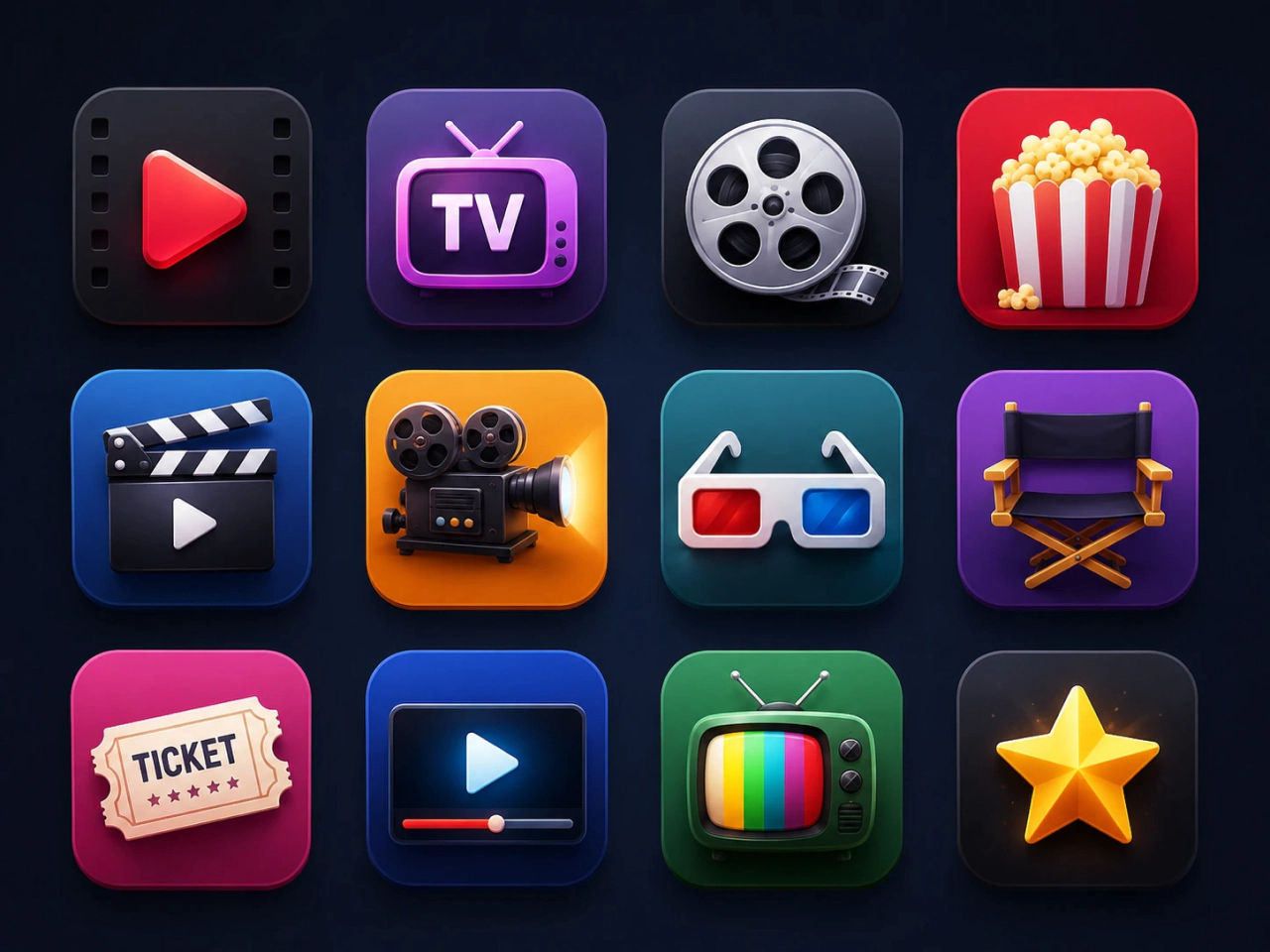
Generate Custom Icons from Text or Images
Create unique icons from simple text prompts or reference images with AI. Describe your idea or upload a sketch, logo, or image, and PicLumen’s icon generator transforms it into a polished icon that matches your concept. Generate professional-quality icons without manual drawing, making it easier to bring your creative ideas to life.
Create Complete Icon Sets Instantly
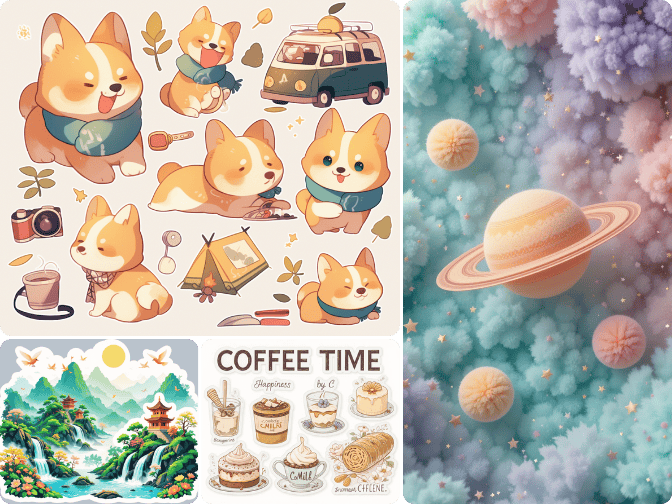
Create multiple icons at once with AI and turn your ideas into a complete icon set. This icon maker automatically generates visually matching icons, helping you build consistent collections faster without the time-consuming process of designing each icon separately.
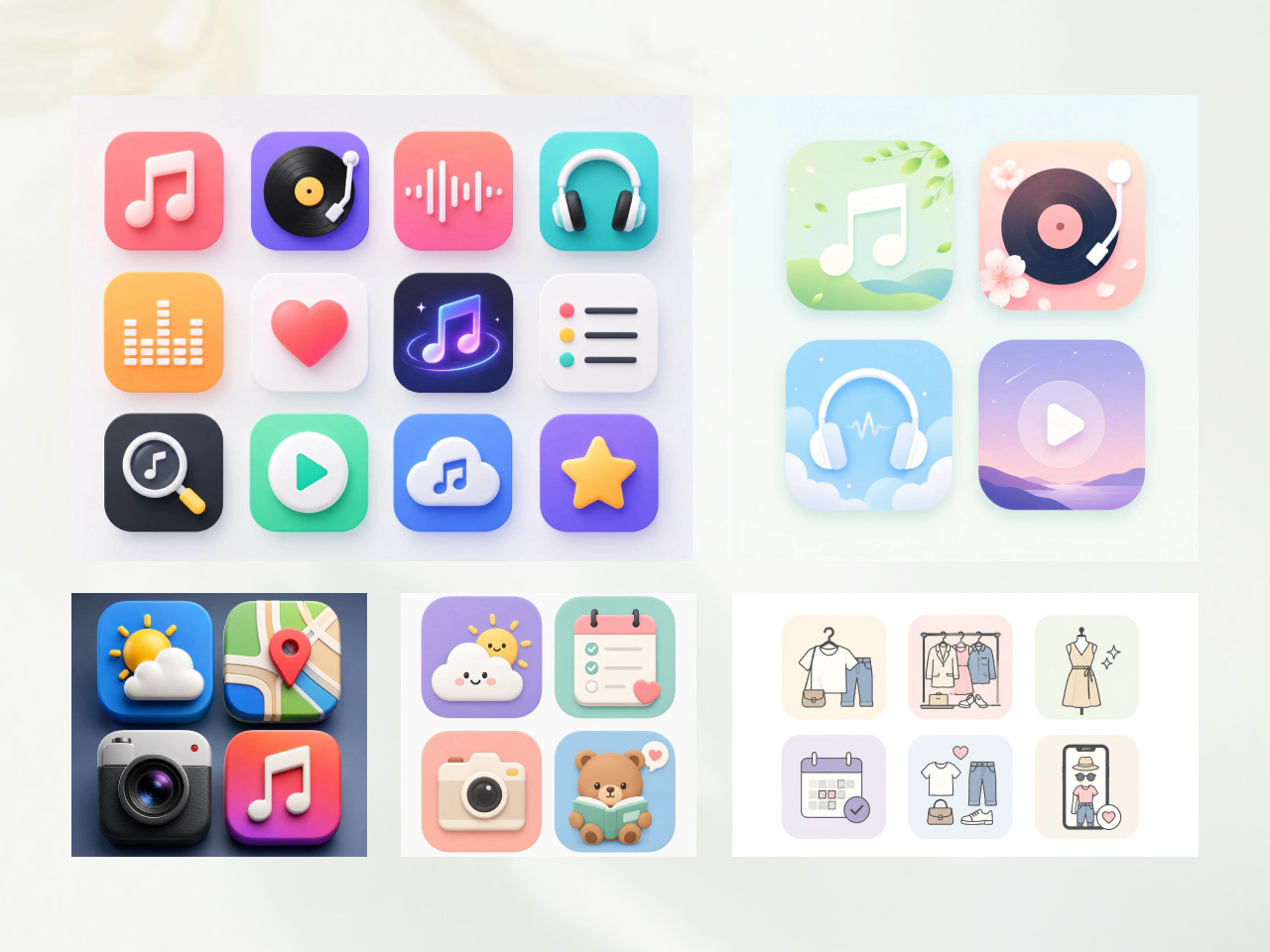
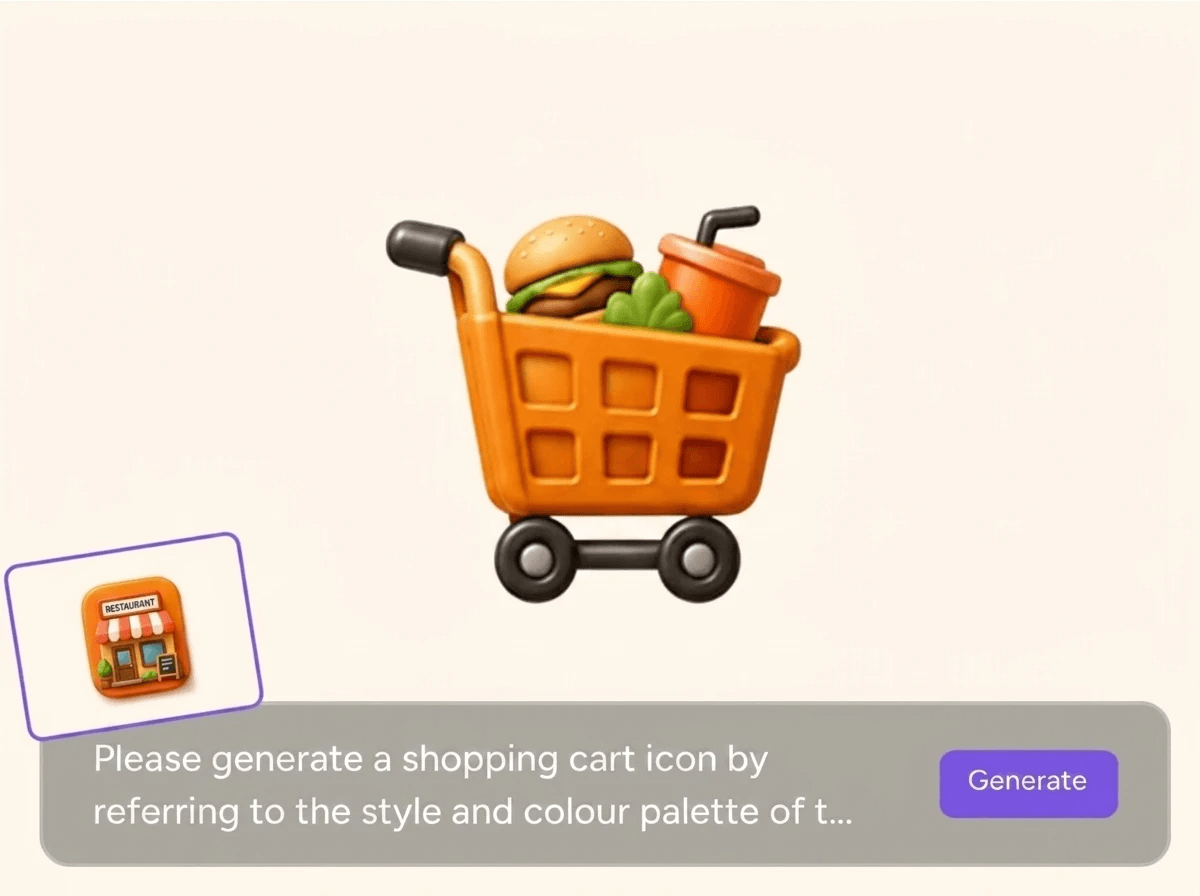
Maintain Visual Consistency Across Icons
Expand your icon collection while keeping the same design language. AI analyzes your existing icons and preserves key visual elements such as shapes, line weight, proportions, and style. New icons are generated to seamlessly match your original set, ensuring consistency across your entire icon collection.
Why Choose PicLumen AI Icon Generator
Faster Design
Skip the manual drawing and repetitive editing. Generate individual icons or complete icon sets quickly, so you can move from idea to finished design much faster. Perfect for fast product launches, UI design, and creative projects with tight deadlines.

Lower Design Costs
Eliminate the need for expensive icon packs or outsourced design work. Create unlimited custom icons whenever you need them, making it easy for startups, freelancers, and businesses to produce professional visuals while staying within budget.

Consistent Visual Style
Create new icons that perfectly match your existing designs. Upload a reference icon or icon set, and AI analyzes its visual elements to generate new icons with the same style, proportions, and overall design language.
Create Icons for Every Project
- App Icons
- Brand Icons
- Presentation Icons
- Infographic Icons
- Website Icons
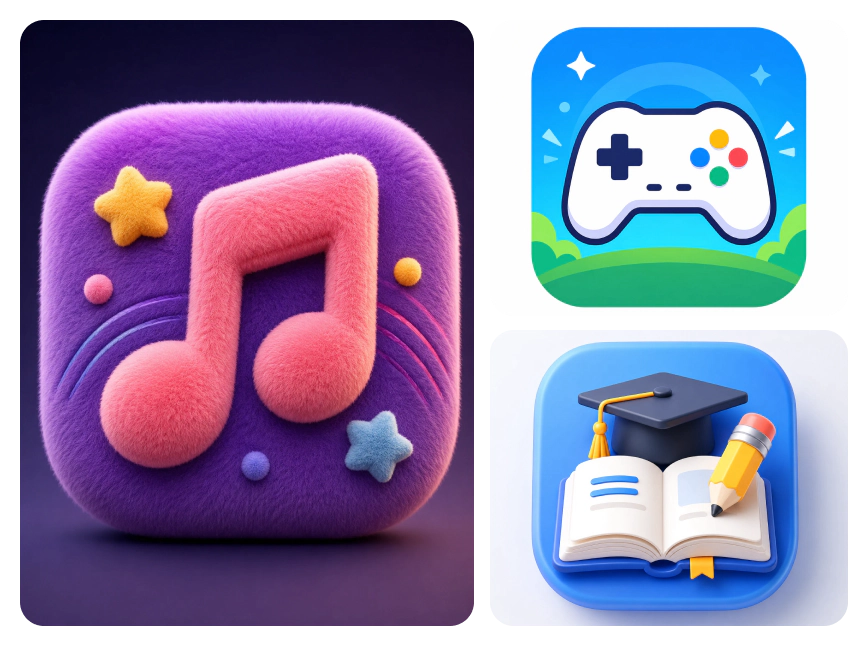
Build Stunning App Icons
Design unique app icons for iOS, Android, or desktop in seconds. Generate modern, recognizable icons that reflect your brand and stand out in app stores.
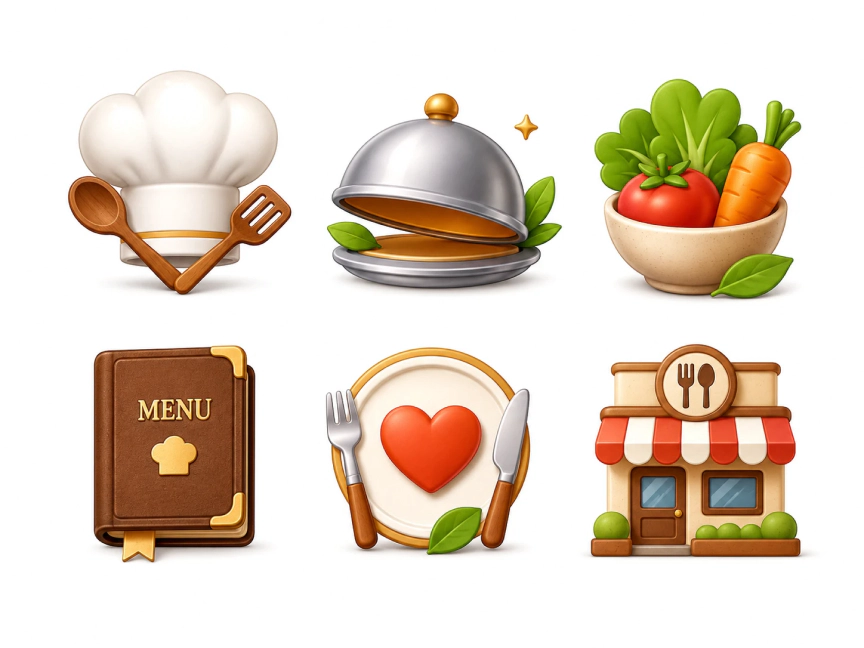

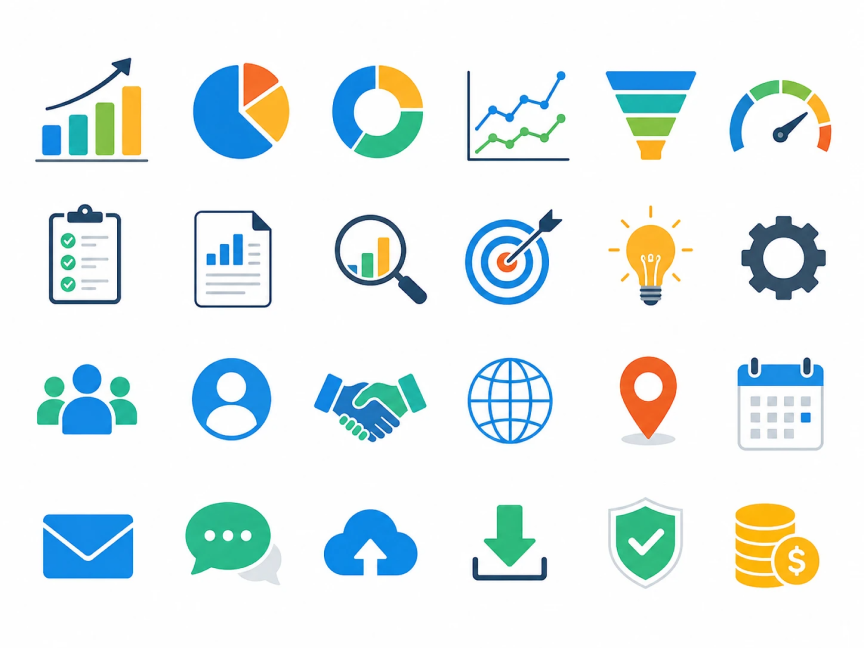
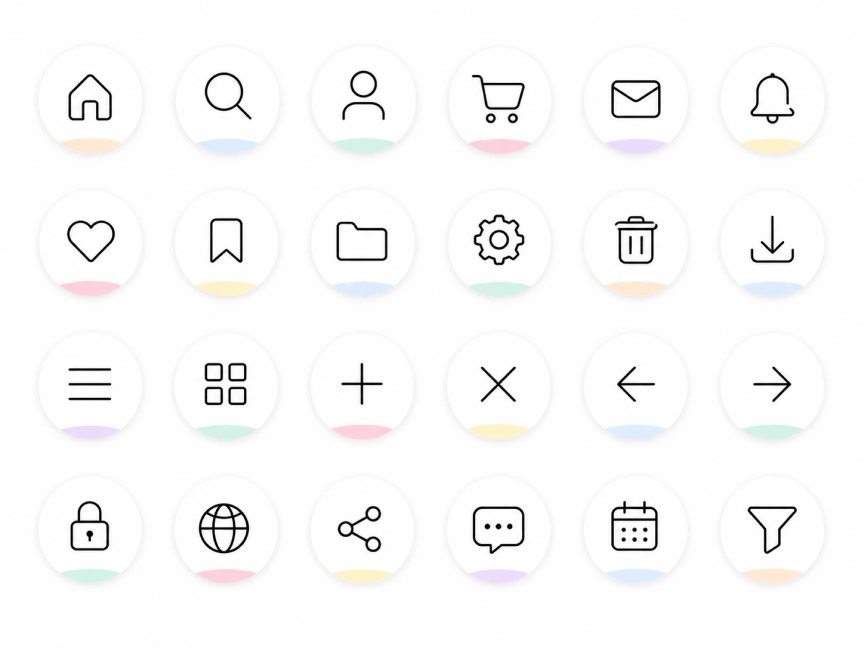
How to Make an Icon from a Photo?
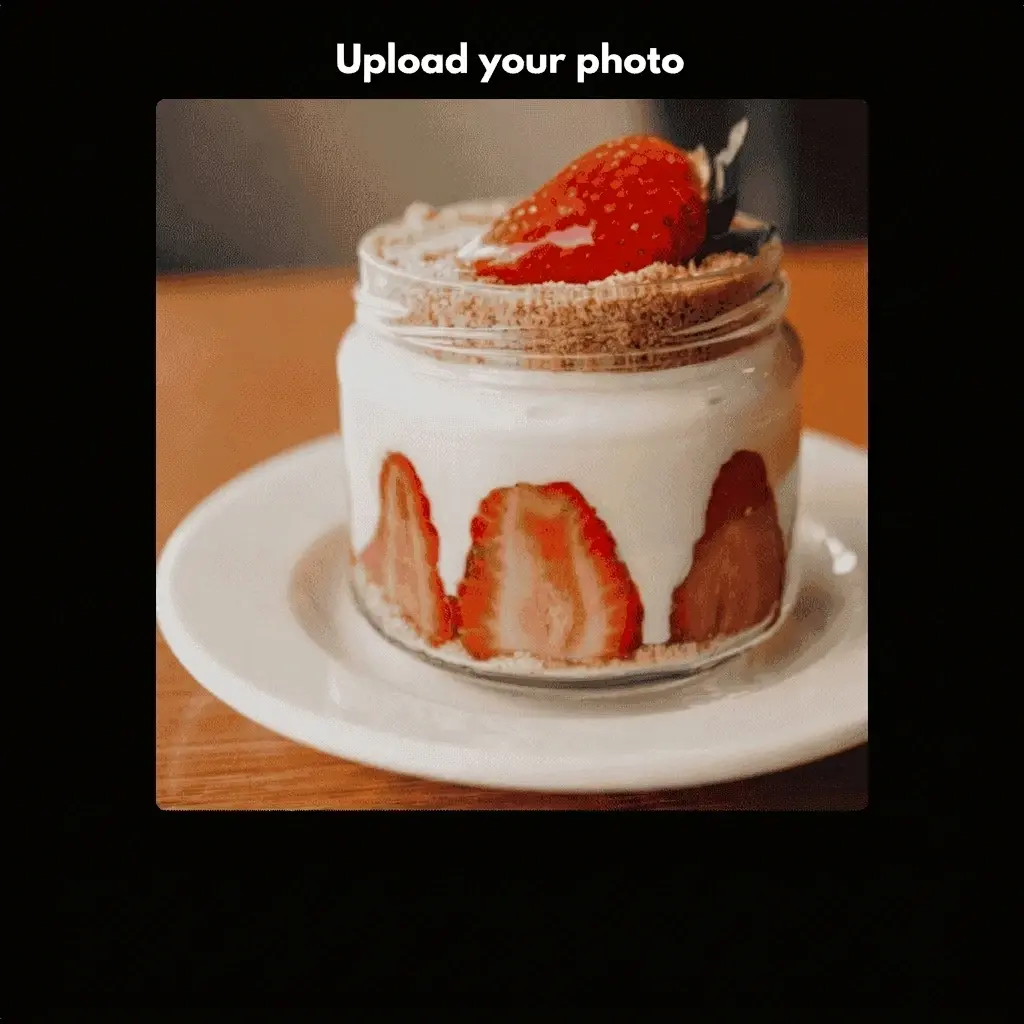
Step 1: Upload Your Photo
Upload a photo, sketch, or reference image you'd like to turn into an icon.
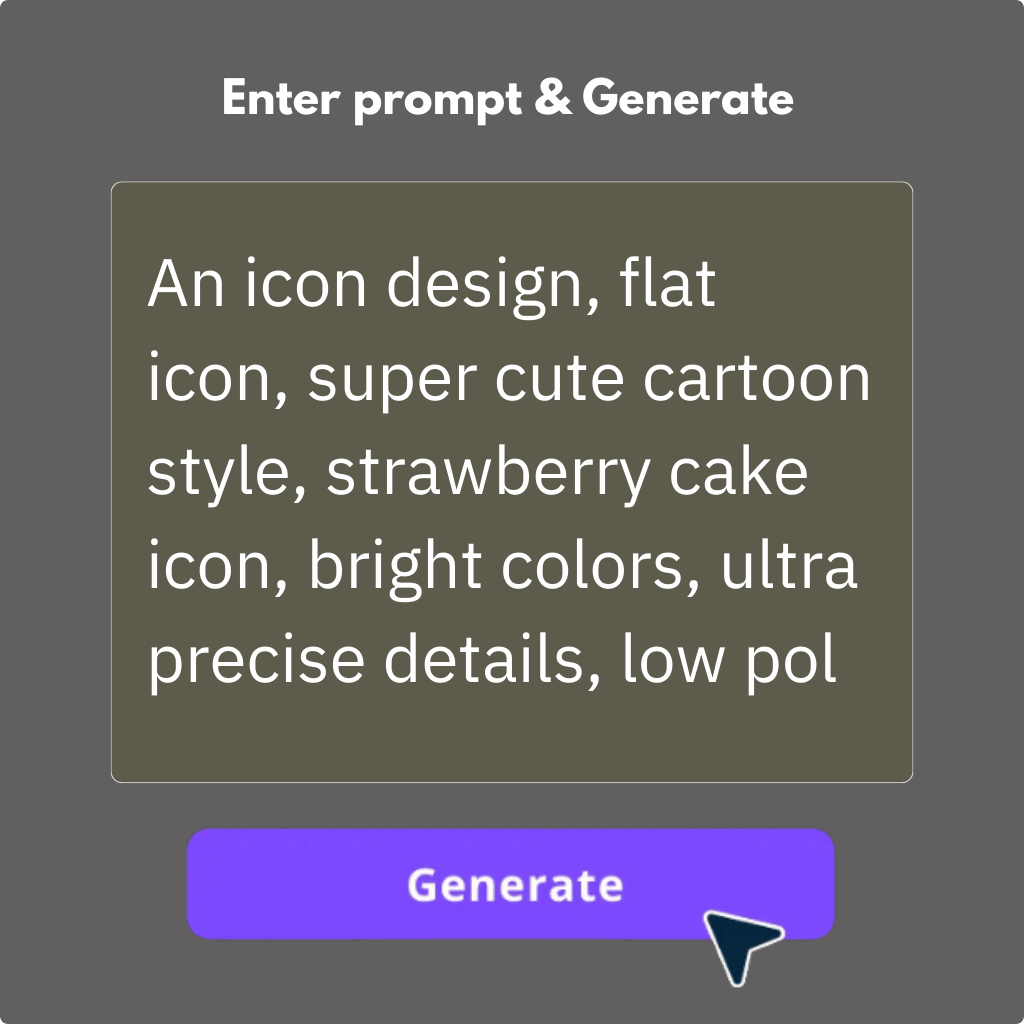
Step 2: Enter your icon idea
Enter a prompt to describe the icon you want. Add details such as style, colors, or purpose to generate results that fit your brand, app, or project.
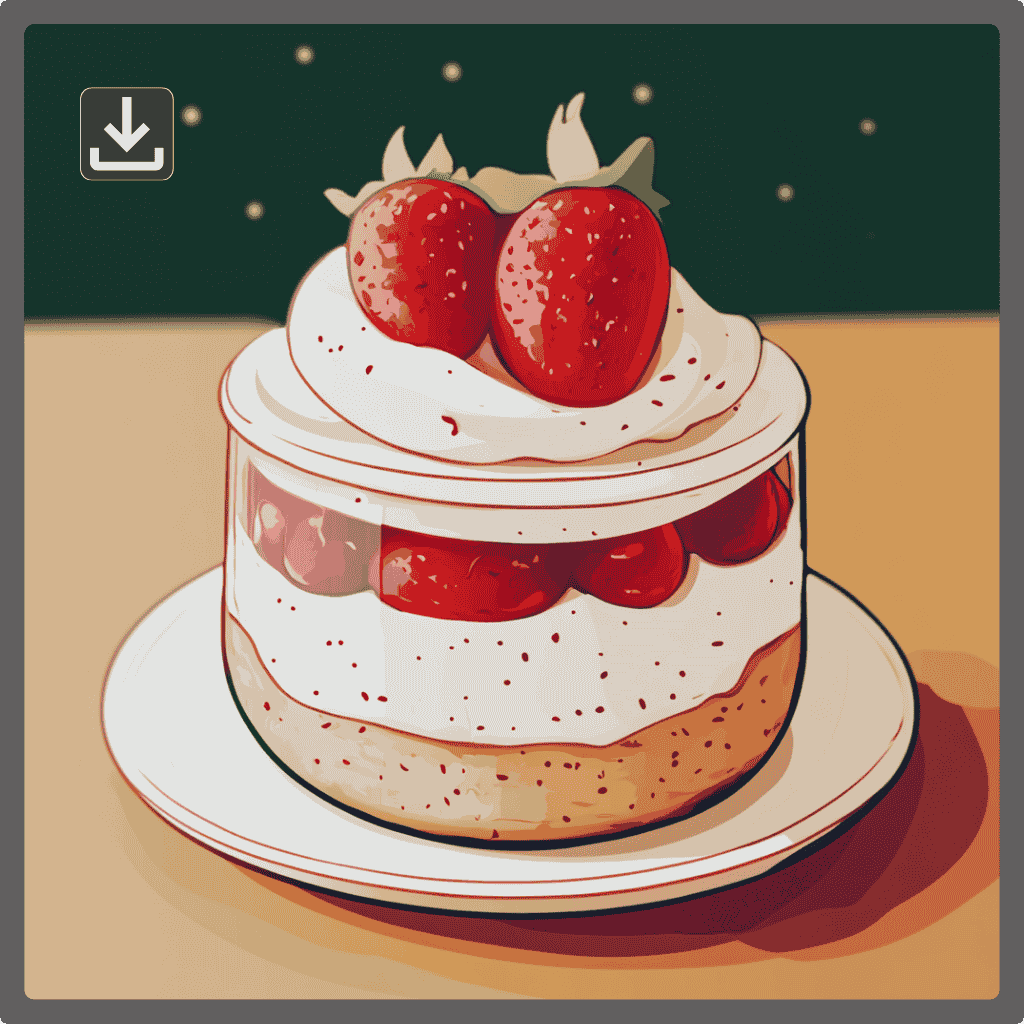
Step 3: Generate & Download
Click Generate to create your custom icon. Review the result, and download it.
PicLumen Can Do More than Just An AI Icon Generator


Loved by Creators Worldwide
Real feedback from designers, marketers, and hobbyists sharing their PicLumen experience on Trustpilot.
Awesome program easy to use a little…
Awesome program easy to use a little disappointment in the fact you can’t buy lumies
by Neefai love it and easy to use
i love it and easy to use
Brijesh Chikhaliyavery good
very good , Excellent Experience
 Ms. Bliss
Just getting started
Just getting started, thus far it's really good. Going to continue to review and will update.
Love this app it helps my ideas come to…
Love this app it helps my ideas come to life
It’s been great so far
It’s been great so far, I think the limitations are me not the app.
Adrienne IgoI love PicLumen it is one of my…
I love PicLumen it is one of my favorite AI image generators!
Good app and make very good video
Good app and make very good video
 Enzo Piriou
The very good experience for AI
The very good experience for AI
Very cool and love the events
Very cool and love the events
best of the best
the quick and fast result also too much style and variety is very very astonishing
 Zain Ali
This is the best ai in the world
This is the best ai in the world
Frequently Asked Questions
Can I create icons from photos?
Yes. Upload a photo, sketch, logo, or reference image, then describe the icon style you want. AI analyzes your image and generates custom icons that match your concept, visual preferences, and creative direction.
What kinds of icons can I create?
You can create a wide range of custom icons, including app icons, website icons, UI icons, logo icons, presentation icons, infographic icons, social media icons, and product feature icons. Generate icons in different styles to match your design needs.
Can I customize the style of generated icons?
Yes. You can guide the output by adding style descriptions or uploading reference images. AI uses your input to create icons with the desired look, including different visual styles, shapes, and design details.
Is the AI Icon Generator free to use?
Yes. You can use PicLumen for free with 10 free credits that refresh daily. Use these credits to create custom icons from text prompts or images and explore AI-powered icon generation before upgrading to a paid plan.
Can I use AI-generated icons for commercial projects?
Yes, but commercial use depends on your PicLumen plan. Paid plan users can use their generated icons for commercial projects, while Basic plan users cannot. See PicLumen’s Terms of Service for details.
Can I get my icons in SVG format?
Yes. AI-generated icons are usually created in PNG format. If you need an SVG file, you can use a PNG to SVG converter, such as Vectorizer.ai or Kittl, to convert your icon into a scalable vector format.
.png)