AI Business Card Maker: Create Business Cards Free

How to Make Your Business Card with AI
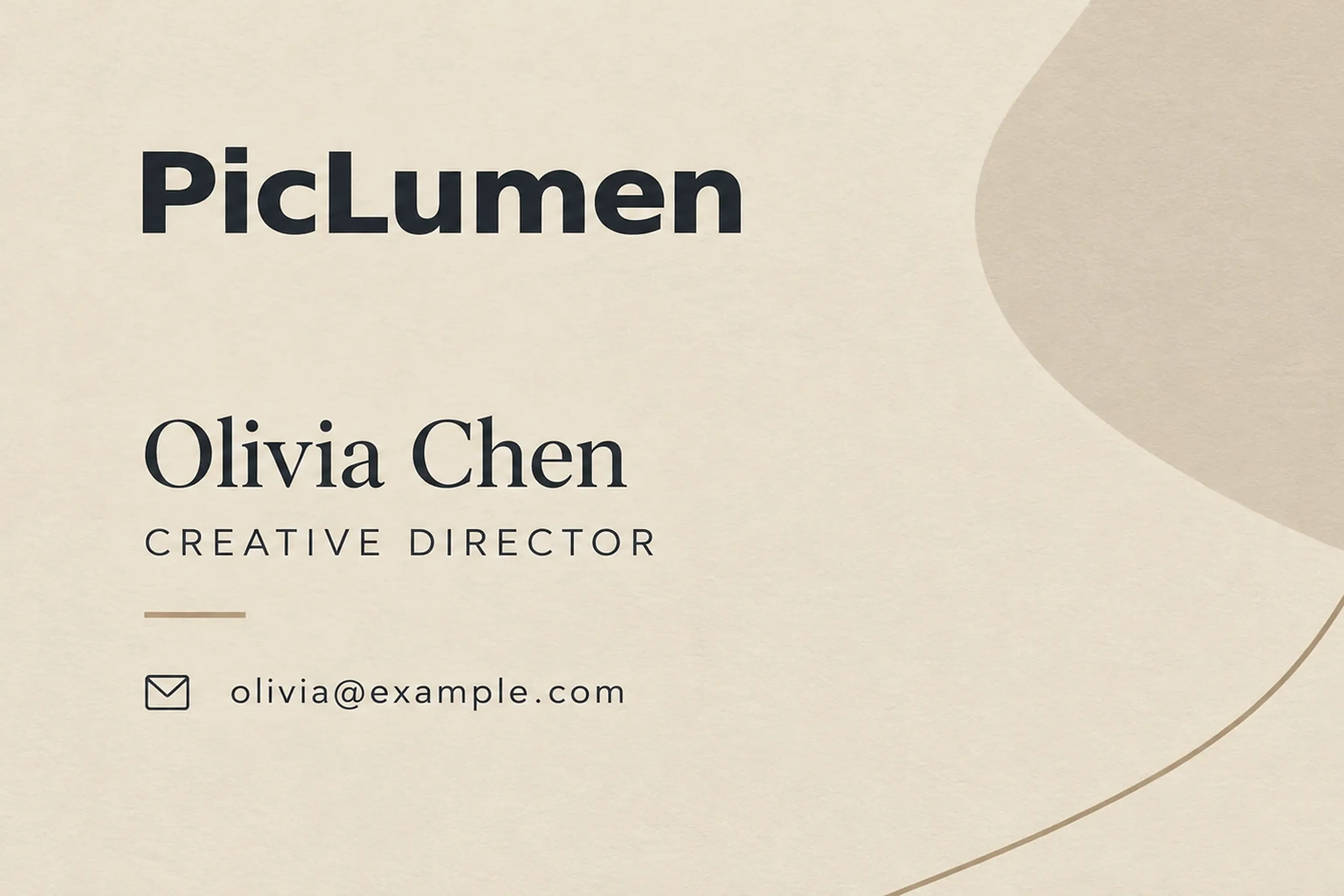
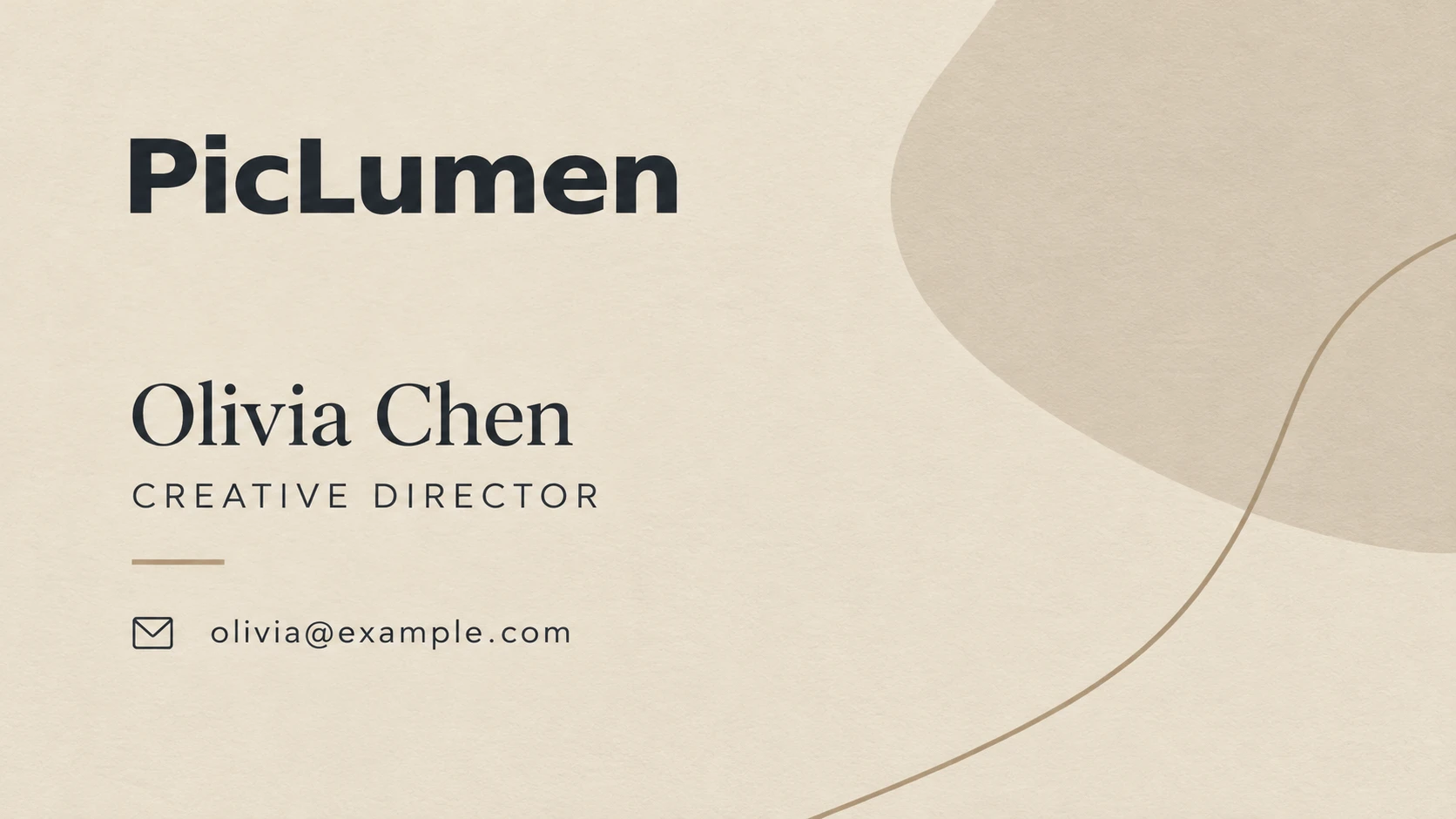
Enter a Prompt
Describe the style and colors you want. Include the name, job title, and contact details you’d like on the card.
Upload a Reference Image (Optional)
Add a logo or a sample design to guide the look of your card.
Generate and Download
Click Generate to create your business card. Check the details, then download your design.
Design Business Cards at Lightning Speed
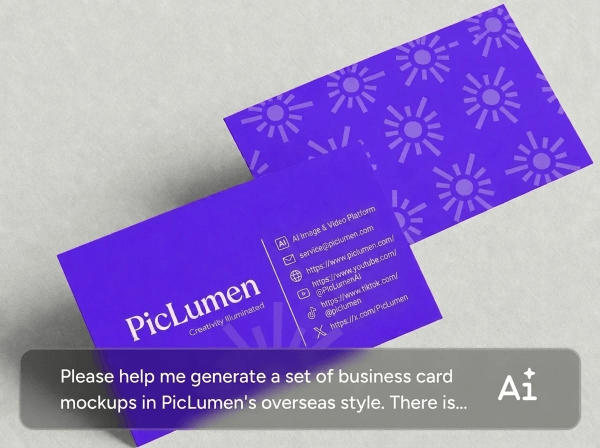
If you’re deciding between layouts, keep the wording the same across drafts. Put your name and contact details in one column, then try moving the contact information along the bottom. Changing one part of the prompt at a time makes it easier to see which layout gives the most important details enough room.
Tailor Every Design to Your Brand
Use details from materials customers already know. A bakery can carry over the cream tones and wheat illustration from its packaging. A consulting firm can echo its website with navy lettering and plenty of white space. Specify where your accent color should appear, such as on a divider below your name.
Print-Ready Quality That Builds Trust
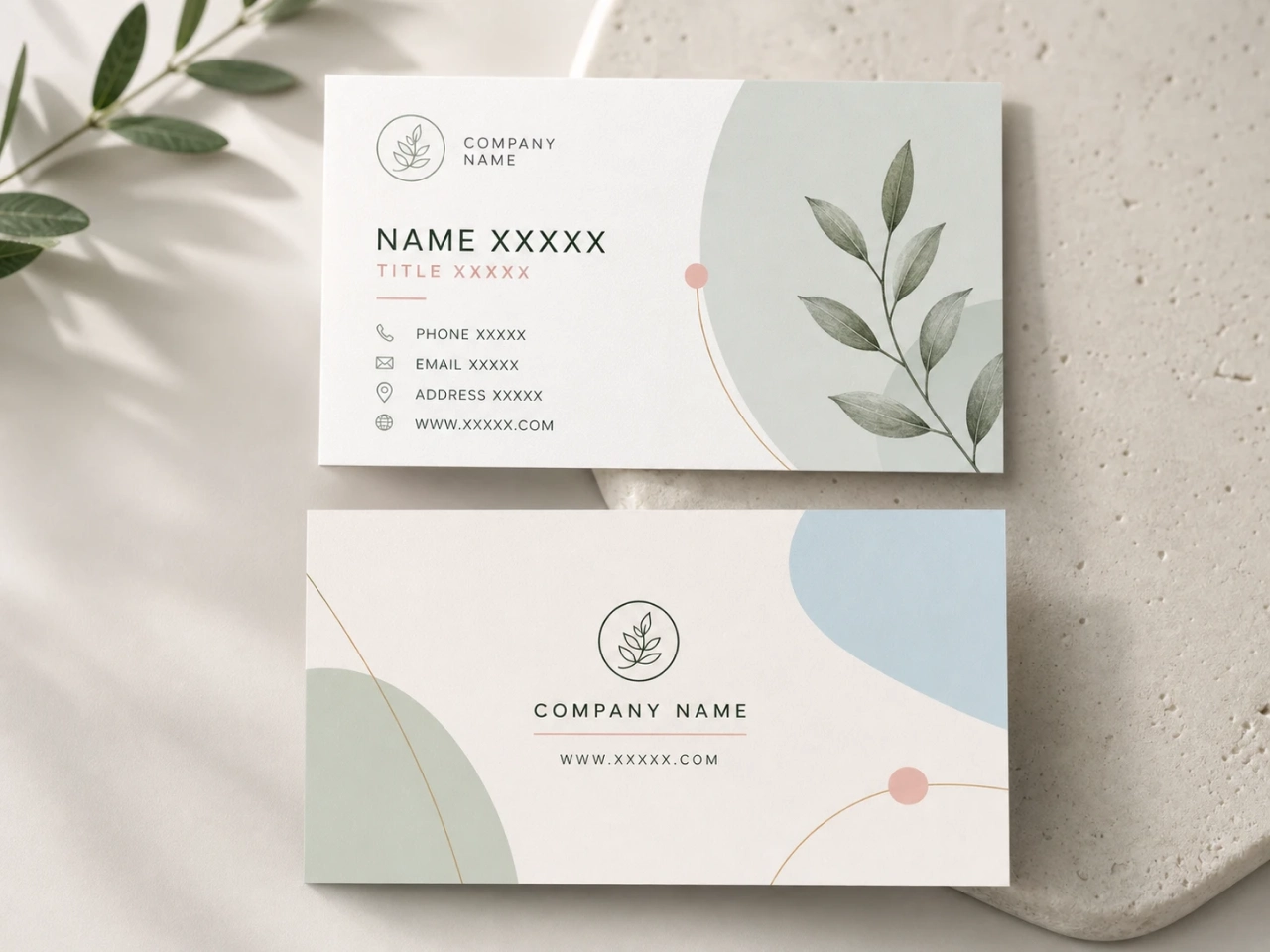
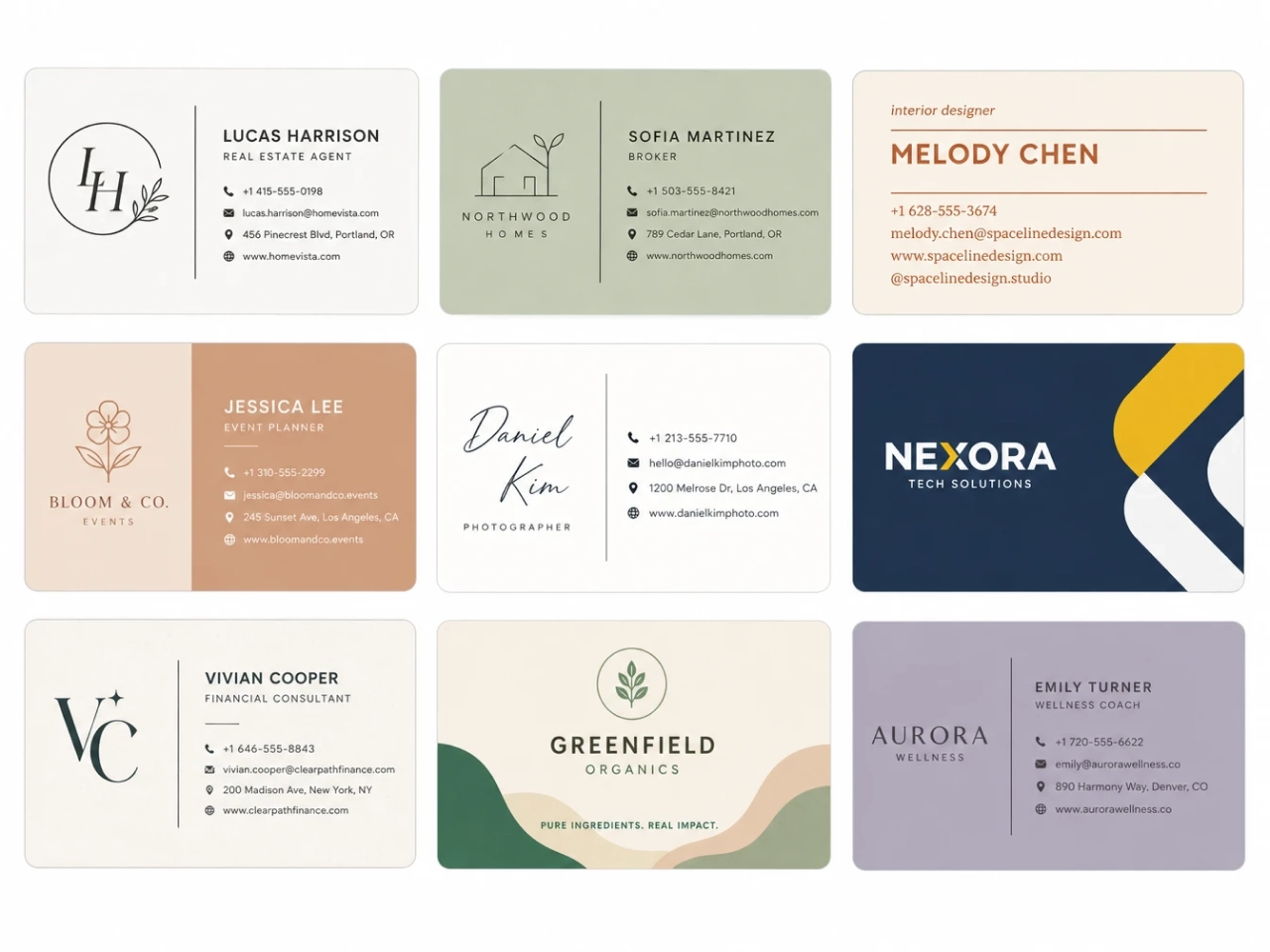
Ask for a flat, straight-on design so the artwork is easy to place in a printer’s template. Leave space around your name, company, and main contact method so they stay legible at card size. That same layout carries over to the digital copy you attach to a follow-up email or send in a message.
Who Can Benefit from PicLumen Business Card Maker?

Startups & Founders
At a demo day, add a short line under your company name that explains what you’re building. Put your name and role where someone can find them quickly. A founder building a scheduling app could include a short link to a product demo that people can try between sessions. For meetings with potential partners, the same design could point to a page that explains how to work with you. Use the same colors and logo as your pitch deck so the card is easy to recognize when someone looks through the materials they picked up.

Small Business Owners
Make the card useful after the first visit. A florist might include the shop’s address and a phone number for custom orders. A salon could feature a booking link for returning clients. Carry over a detail customers recognize, such as a color from your storefront sign or an illustration from your packaging. Keep a stack near the register for customers who ask about a future appointment or a special order. You can also hand cards out at local events so people know where to find you afterward.

Sales & Business Professionals
Make it easy for people to reach the right person after a busy event. Put your work email or direct phone number near your name, along with the territory or product line you cover. An equipment rep might add a short link to the catalog so someone who saw a machine at the booth can look up the specifications later. Leave a little space on the back for a handwritten model number or the next step you discussed. Use a detail from your booth signage to help people recognize your company when they sort through their cards.

HR & Office Teams
Start with one layout for the logo, name, job title, and contact details. Set aside enough space for long names or titles, and decide which contact fields can change by department. Client services employees might list direct extensions. A retail manager can add the store address and main phone number. Once the layout is approved, use it as a visual reference for new hires, promotions, and office moves. Teams that order cards separately can work from the same example and include the details customers need to reach each employee.

Students & Job Seekers
For a career fair, add a short line under your name that tells recruiters what kind of work you’re pursuing. A photography student can link to a gallery of selected shots. A web development graduate might send people to a project site with live demos. Carry over a color or typeface from your portfolio so the card feels familiar when someone opens your site. Bring a few cards to interviews, student showcases, and networking events. If you discuss a particular project, write its name on the back so the recruiter knows which one to open later.

E-commerce Brands
Put your shop’s name, website, and one helpful next step on the card. A candle seller might link to care instructions, and a ceramics shop might point customers to restock updates. Use a color or illustration from the packaging so the card feels like part of the order. You can hand out the same card at pop-up markets to help shoppers find your online store between events. Include one in gift orders as well. The person opening the box may be seeing your brand for the first time, and the card gives them a way to look you up.


Loved by Creators Worldwide
Real feedback from designers, marketers, and hobbyists sharing their PicLumen experience on Trustpilot.
 Zaine Jutt
Amazing 😍😍😍😍😍😍 freee 😍😍
Amazing 😍😍😍😍😍😍 freee 😍😍
 Jon Jon
Very good website
Very good website. Different models, good job
Just amazing website a must try.
Just amazing website a must try.
 chelsienner
This is my favorite AI Image generator
This is my favorite AI Image generator
My experience
Itis a really good website n really ideal to use theres only one con and that the AIS sometimes create wrong images but that doesnt happen frequently
amazing
amazing! this is just so good! WOWOW!!
 pixai
great chatgpt image alternative
great chatgpt image alternative
Final ProjectReally good image generation Tool
Really good image generation. I love the way they have daily reward system that help beginners to make creative content before spend money on it. 100% recommended.
Mani Sravani BandaruVery great pictures with high quality
Very great pictures with high quality
Very cool and love the events
Very cool and love the events
Govind AariyaNaic
Veri nice 👍 Bhot acha ap he
 basem trials
Works like charm .
Works like charm .. I love this app
Frequently Asked Questions
What is an AI business card maker?
An AI business card maker uses artificial intelligence to create custom business card designs from text prompts. It helps you generate professional, print-ready cards in seconds without any design experience.
Can I customize my business card design?
Absolutely. You can personalize every aspect of your card, including colors, typography, icons, logos, layouts, and backgrounds to match your brand identity.
Can I add my logo to my business card design?
Yes. Upload your logo as an image reference, and AI will use it to create a business card that matches your brand style, colors, and visual identity.
Are the business cards suitable for printing?
Yes. Generated designs are available in high resolution, making them suitable for professional printing and digital sharing.
Can I use these business card designs for commercial purposes?
Yes. Business cards you create can be used for personal branding, marketing, networking, and commercial business use, subject to PicLumen's Terms of Service.