Free AI Makeup Generator Online

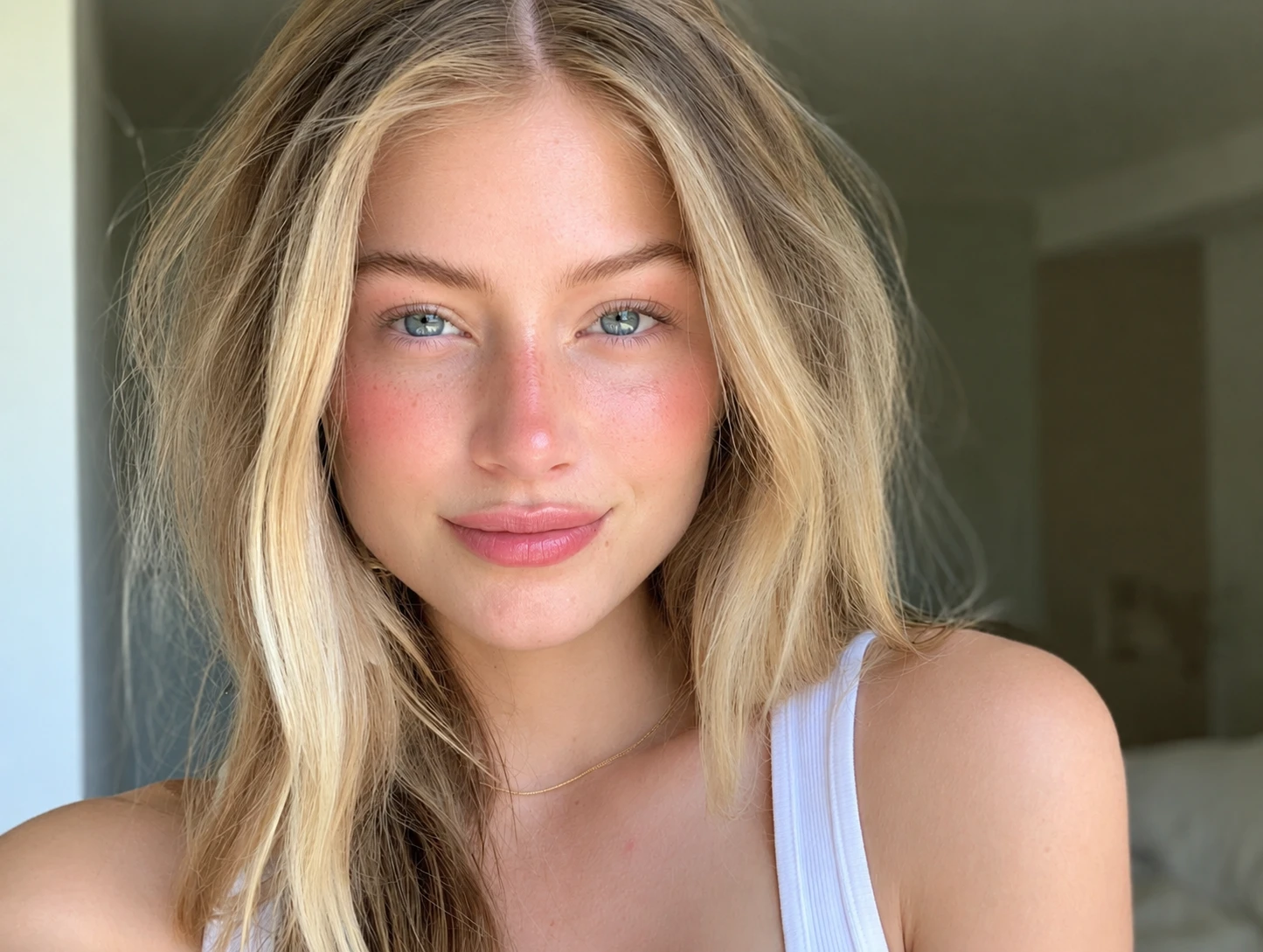
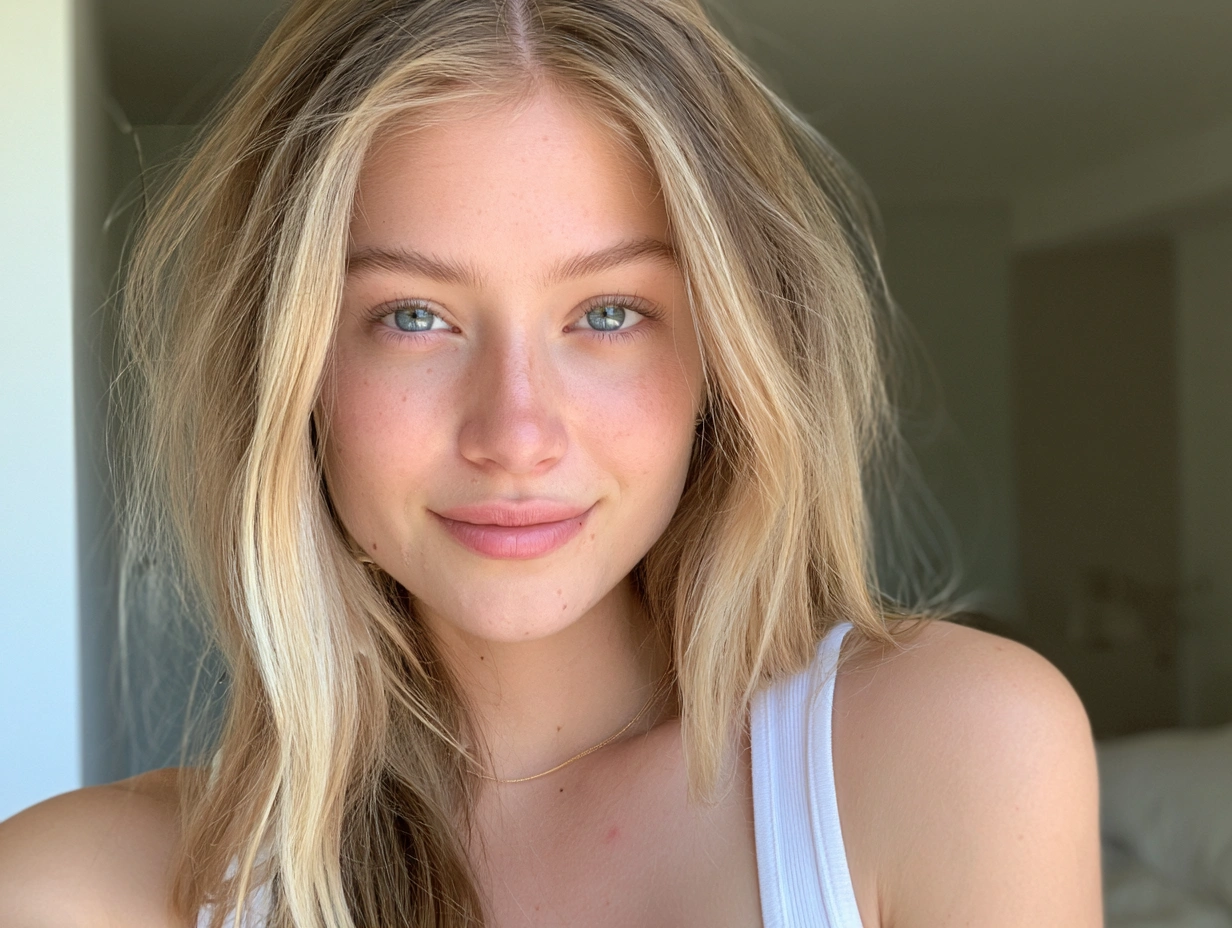
How to Explore More Makeup Templates
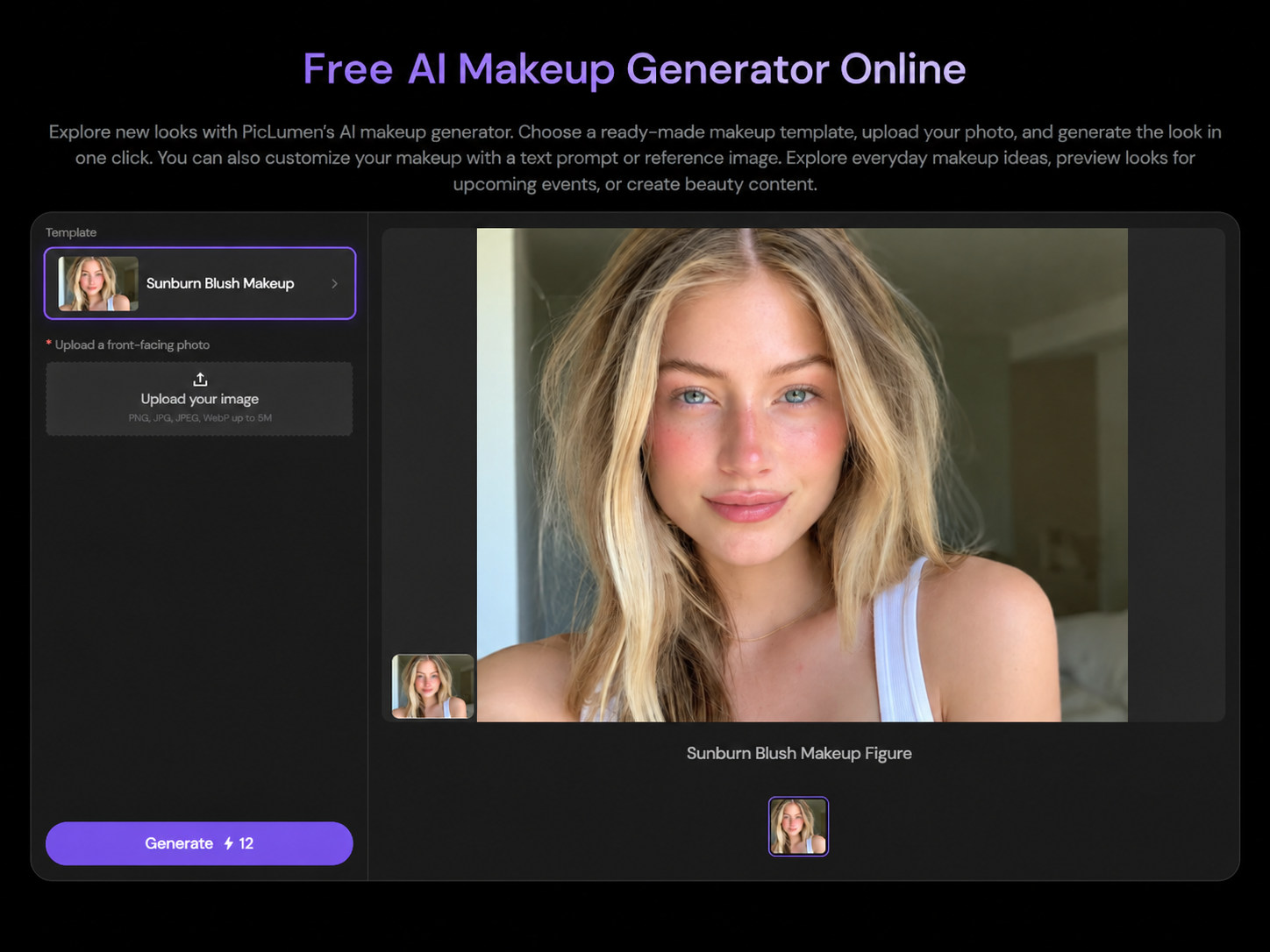
Step1. Open the Template List
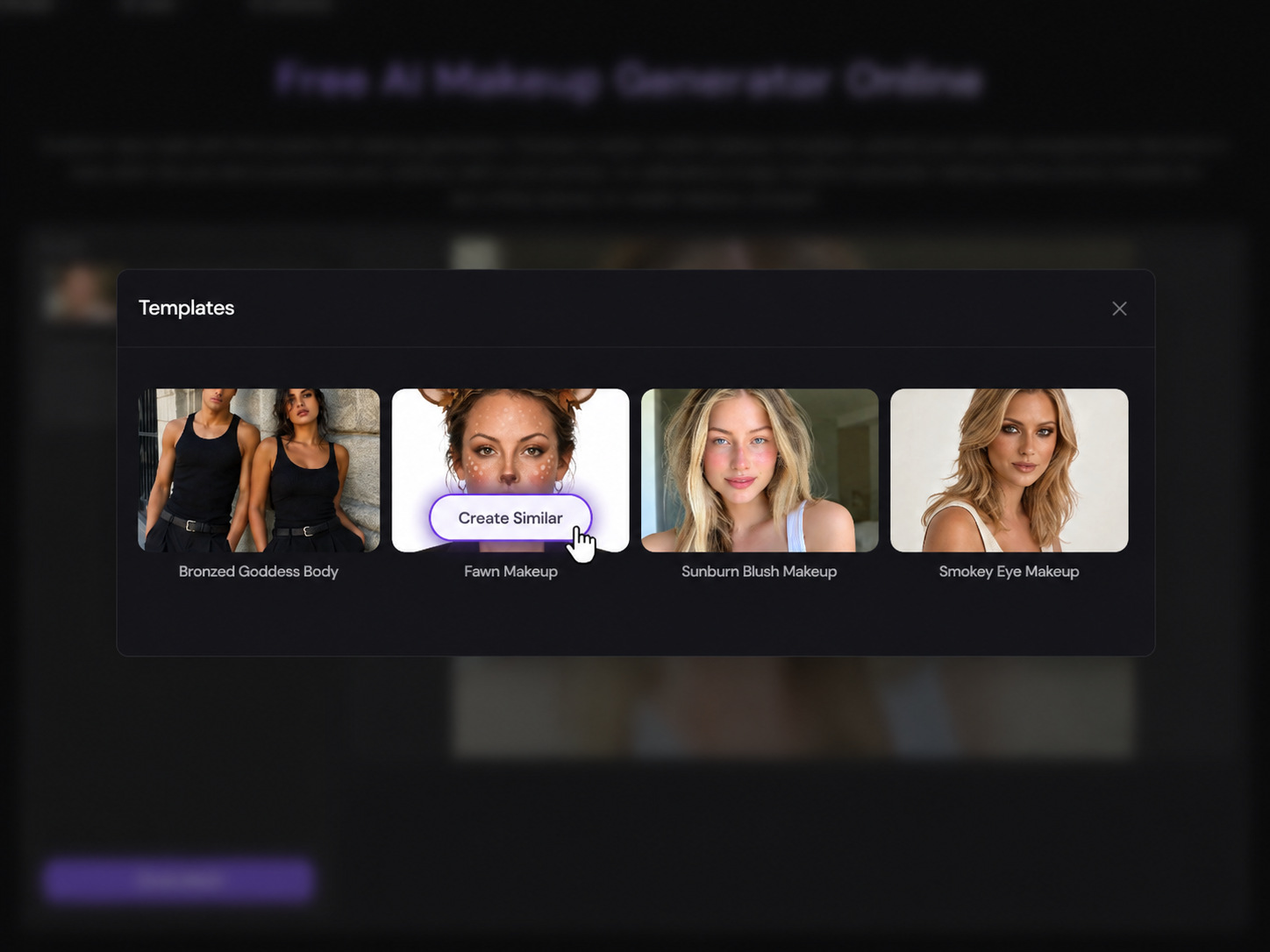
Click the template name to browse more makeup looks available in PicLumen.
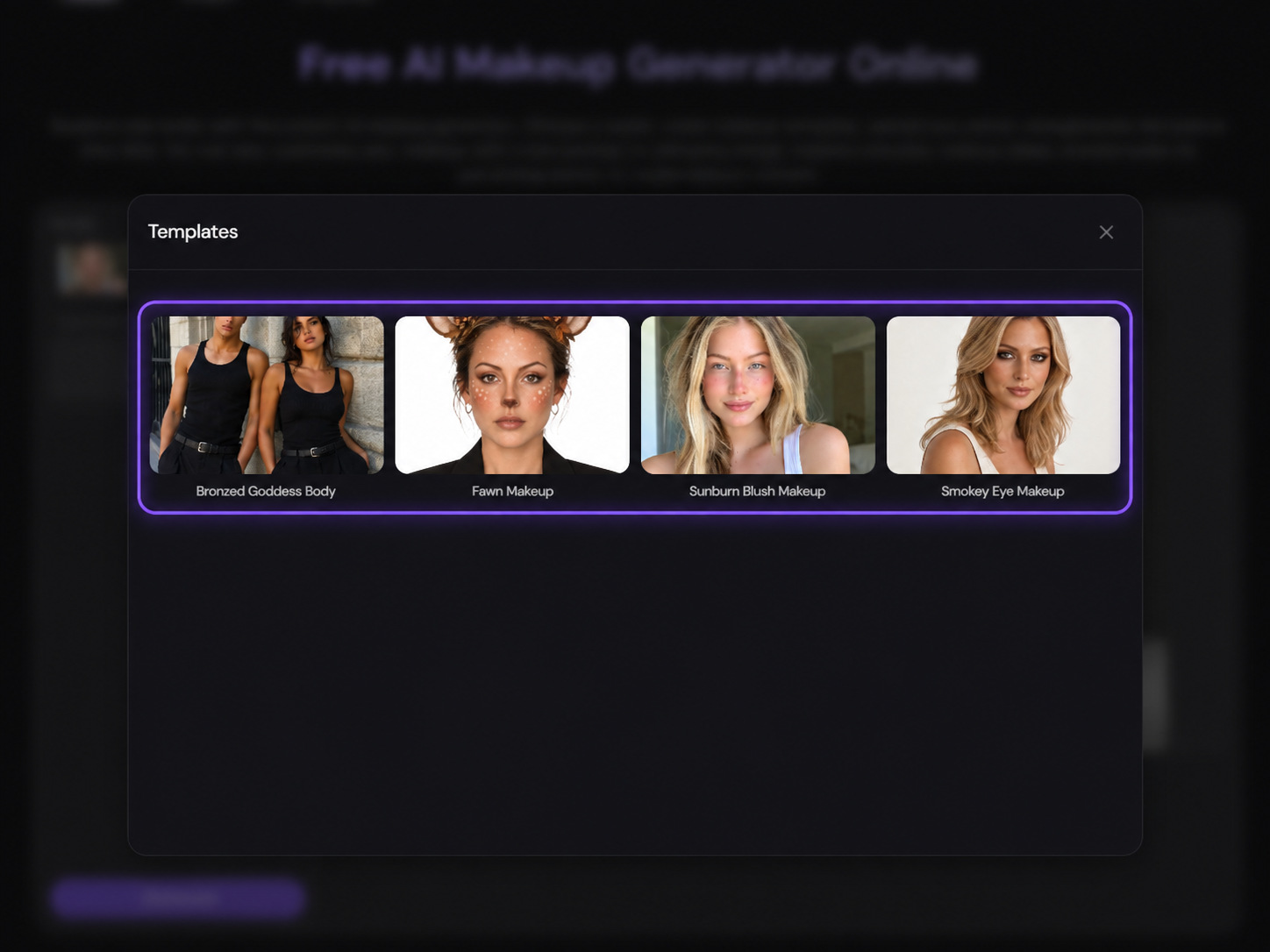
Step2. Choose Your Makeup Style
Explore options like Bronzed Goddess Makeup, Sunburn Blush Makeup, and Smokey Eye Makeup. Select a template to preview the style.
Step3. Use the Template
Click “Create Similar” to open your chosen template. Upload your photo and generate the makeup look in one click.
Try Makeup Virtually on Your Photo
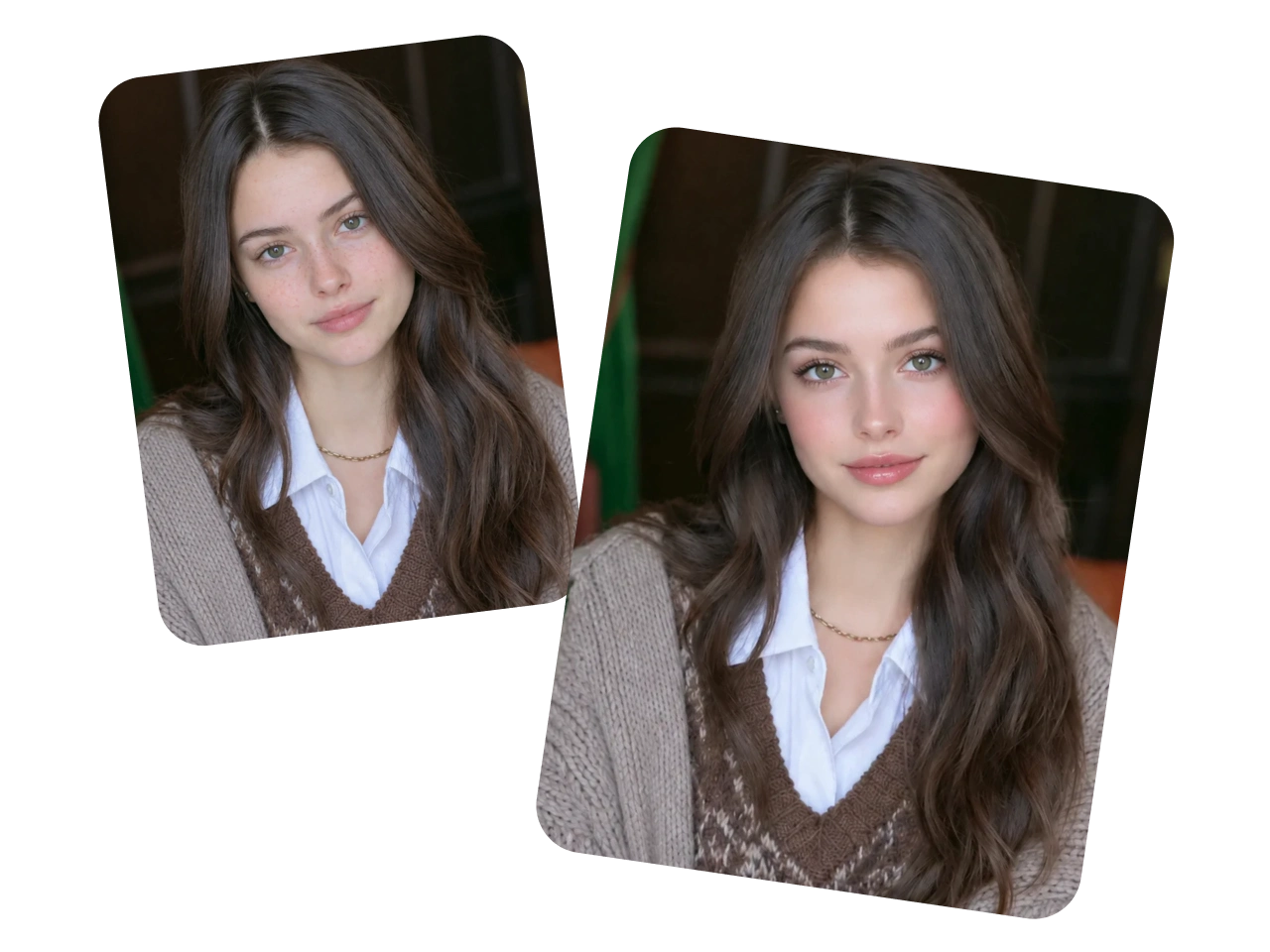
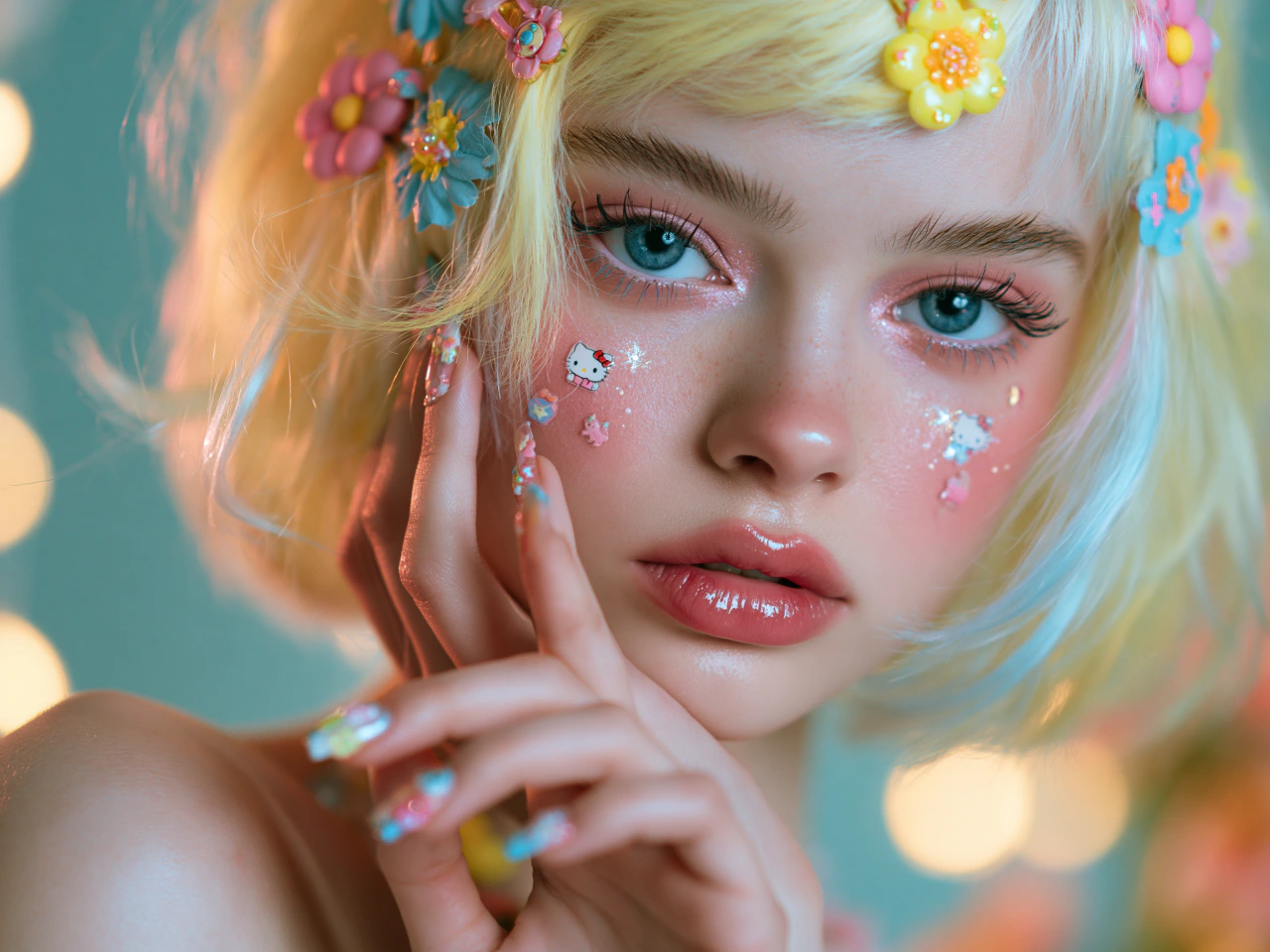
Upload a clear portrait and see how different makeup looks may appear on your face. The AI makeup generator applies lipstick, eyeshadow, blush, contour, and other details while keeping your natural features recognizable. Preview a new look or create polished photos for beauty content, social media, and creative projects.
Explore Makeup Looks in Any Style
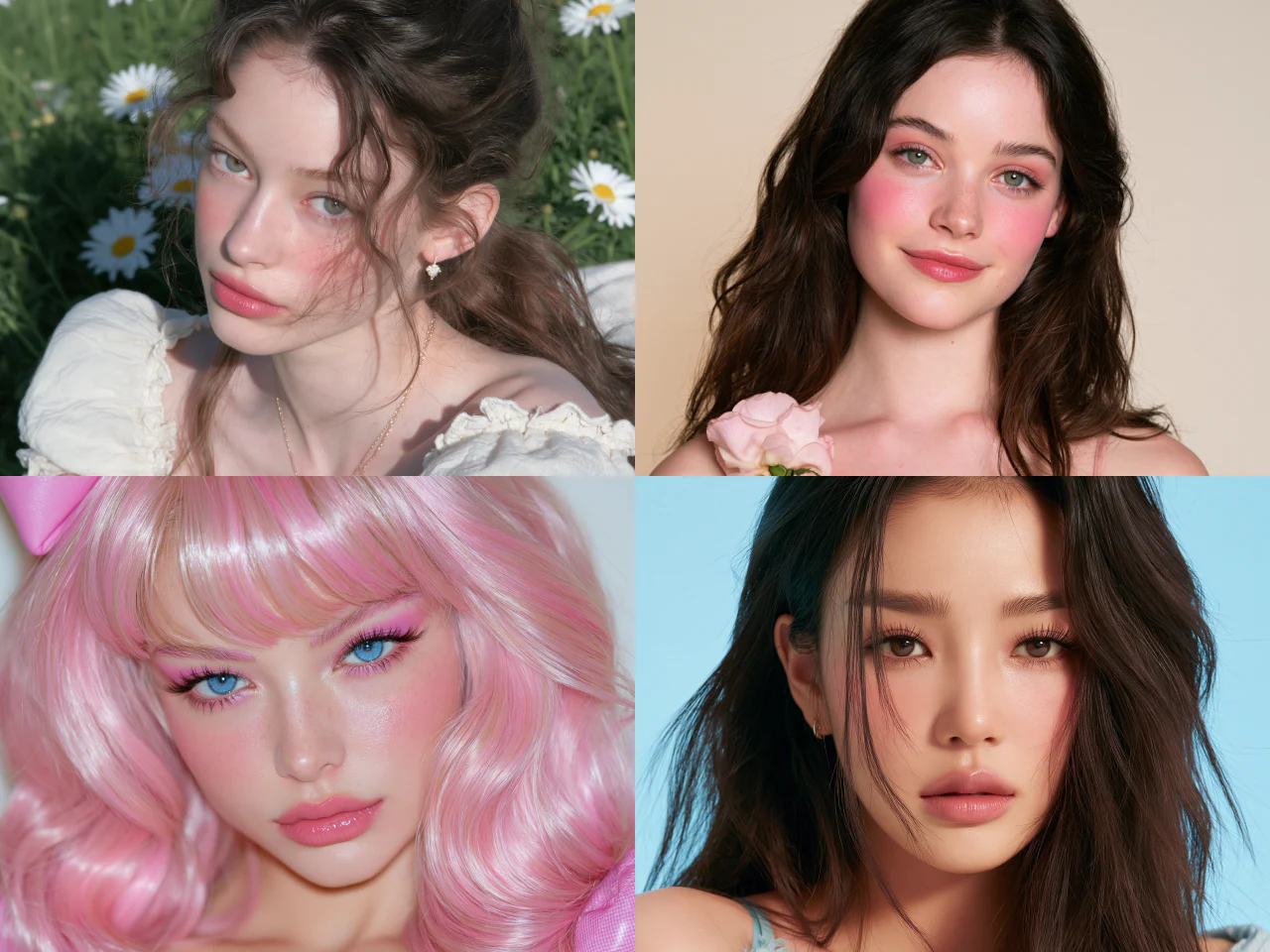
Explore natural everyday makeup, soft glam, bridal, editorial, Y2K, and bold fantasy styles. Adjust the colors, finish, and intensity to match your mood, outfit, or occasion. Generate different looks on the same photo and find a style that suits you.
Recreate Makeup From a Reference Photo
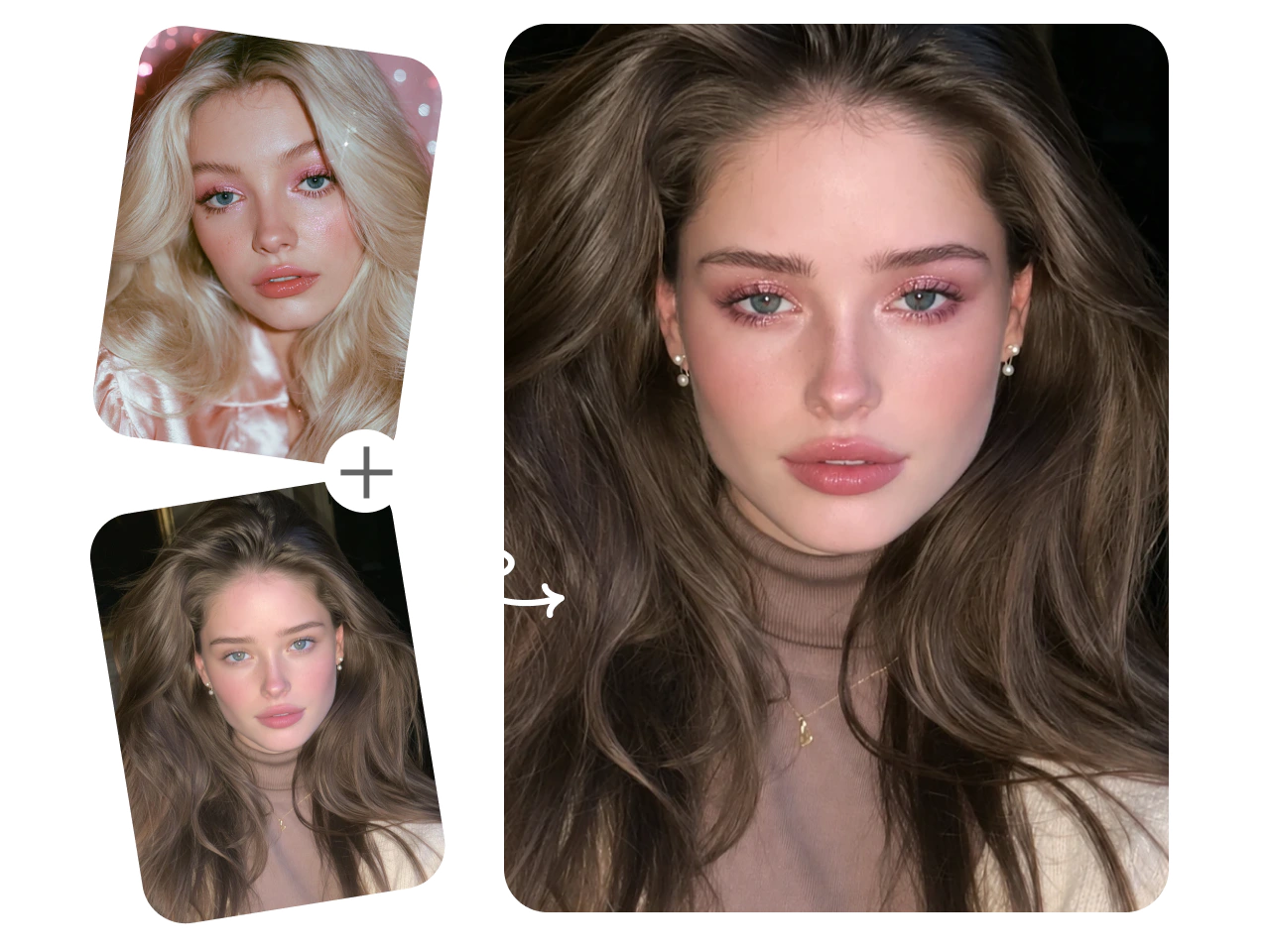
Upload a makeup reference you love and apply a similar look to your own photo. PicLumen captures key elements such as the color palette, eye makeup, lip color, blush placement, and overall finish while adapting them to your features. Explore celebrity-inspired, runway, or trending makeup in a look made for you.
Why Choose PicLumen for Virtual Makeup Try On?

Preserve Facial Features
Explore new makeup looks while keeping your facial features recognizable. Change your makeup without losing the details that make you look like you.
Realistic Makeup Results
Generate makeup that blends with your skin tone and facial contours. Preview lip colors, eyeshadow, and blush with natural-looking textures and finishes.
Versatile Makeup Styles
Try natural, soft glam, bridal, editorial, and more. Explore different colors and combinations to find makeup that matches your mood or occasion.

Easy to Use
Upload a photo and describe your look or choose a makeup template. Create makeup previews without advanced editing skills or complicated steps.
Data Security
Your uploaded photos and personal data are protected with encryption, helping keep your information secure while you explore different makeup looks.
What Photos Work Best for AI Makeup?
For more natural and accurate results, choose a photo that clearly shows your face, skin tone, and facial features.
1. Clear Front-Facing Portrait
Use a photo taken from the front with your eyes, lips, cheeks, and eyebrows fully visible. A neutral expression usually makes it easier to apply makeup accurately.
2. Soft and Even Lighting
Choose an image with balanced lighting and minimal shadows across the face. Avoid strong filters, harsh backlighting, or colored light that changes your natural skin tone.
3. Minimal Existing Makeup
A bare face or light makeup provides a cleaner base for virtual makeup. Heavy eyeshadow, bold lipstick, or strong contour may affect the generated result.
4. Unobstructed Photo
Use a sharp, high-resolution image without sunglasses, hair, hands, or accessories covering the face. Avoid blurry photos and heavily compressed screenshots.
Who Can Benefit from PicLumen AI Makeup Generator?

Beauty Enthusiasts
Explore new makeup trends, color combinations, and creative looks on your own photo. Try everything from natural makeup to bold editorial styles before recreating them in real life.

Makeup Beginners
Explore makeup colors and styles without mastering every technique first. Compare lip colors, eyeshadow, blush, and complete looks to discover what suits you.

Social Media Users
Create polished profile photos, beauty transformations, and eye-catching posts with different makeup looks. Refresh your content without applying and removing makeup for every photo.

Anyone Getting Event-Ready
Preview makeup for weddings, parties, graduations, festivals, and date nights. Compare subtle, glamorous, or creative looks to find makeup that suits your outfit and the occasion.

Makeup Artists
Visualize makeup concepts before applying them to a client. Experiment with colors, placement, and overall styles to support consultations, creative planning, portfolios, and client presentations.

Beauty Content Creators
Generate makeup inspiration for tutorials, trend posts, mood boards, and campaign concepts. Explore different creative directions without applying a new makeup look for every photo.
How to Create Your Custom Makeup Look
1 Upload Your Photo
1Choose a clear, well-lit portrait with your face fully visible. A photo with little or no makeup provides a clean starting point.
2 Describe Your Makeup
2Describe the style, colors, and finish you want, from soft pink blush to bold red lips. Add a reference image for a specific look.
3 Choose Your Settings
3Select an AI model and adjust the available image settings to suit your needs.
4 Generate and Download
4Click “Generate” to create your makeup photo. Preview the result and download it to save, share, or use as makeup inspiration.


Loved by Creators Worldwide
Real feedback from designers, marketers, and hobbyists sharing their PicLumen experience on Trustpilot.
Ai HackGreat tool
I would really recommend this website to content creation
rockstar gamingValue For Money
its value for money i fully recommend you to try this one time you will like it...
 next frame
best ai web creation site
best ai web creation site
 Narender Khatana
I love this app I love this very very…
I love this app I love this very very much this is help in make a videos
 Menu Lawrence
Very fantastic app
Very fantastic app. I love it. I will like everyone to use this App
 Zara
ZaraPiclumen still remains the best…
Piclumen still remains the best with image references. I don't have any complains using Piclumen. It makes my work easier
Ioannis GreecePicLumen is powerful and i like it for…
PicLumen is powerful and i like it for my creations.
This app work’s really good
This app work’s really good
Great tool
Great tool, I made fantastic results with it.
 Alishba Mukhtar
Wonderful experience I’ve ever had
Wonderful experience I’ve ever had
Nice app ever
Nice app ever, like it when I needed
I love PicLumen
I love PicLumen. It is one of my favourite AI image generating tools. I have been using it for quite some time and it never fails to disappoint , and just keeps getting better with each update
AI Makeup Generator FAQs
What is an AI makeup generator?
An AI makeup generator uses artificial intelligence to create makeup looks on your photo. You can choose a ready-made template, describe your preferred look, or use a reference image to try different styles without applying makeup yourself.
What makeup styles can I create?
You can explore natural, soft glam, bridal, smokey eye, editorial, fantasy makeup, and more. Describe a complete look or focus on specific details like glossy lips or warm-toned eyeshadow.
Will AI makeup preserve my facial features?
PicLumen helps keep your facial features recognizable while changing your makeup. For better results, use a clear portrait and ask to preserve your face shape, expression, and natural skin texture.
What kind of photo should I upload?
Choose a sharp, front-facing portrait with soft, even lighting. Keep your eyes, lips, and cheeks visible, and avoid strong filters or hair covering your face.
Can I change only my lipstick or eye makeup?
Yes. Describe the area you want to change and ask to keep the rest of the photo unchanged. AI may still make small adjustments elsewhere, so review the result carefully.
How do I write a good AI makeup prompt?
Include the makeup style, colors, intensity, and finish. For example: “Apply soft glam makeup with warm brown eyeshadow, peach blush, and satin nude lips. Preserve my facial features and natural skin texture.”
Can AI help me find makeup that suits me?
AI previews can help you explore how different colors and styles may look on your face. Use them as inspiration rather than a precise prediction of how physical makeup will appear.
Do I need makeup or photo-editing experience?
No. Start with your photo and a simple description, or choose a makeup template. You don’t need to manually paint over your image or use advanced editing tools.
Can I use the AI Makeup Generator for free?
Yes. PicLumen offers free daily lumens to try AI makeup looks. Upgrade to a paid plan if you need more lumens.
Can I use AI makeup photos commercially?
Yes. Paid users can use AI-generated makeup photos for commercial projects, subject to PicLumen’s Terms of Service. Free users are limited to non-commercial use.