Free AI Profile Picture Generator Online
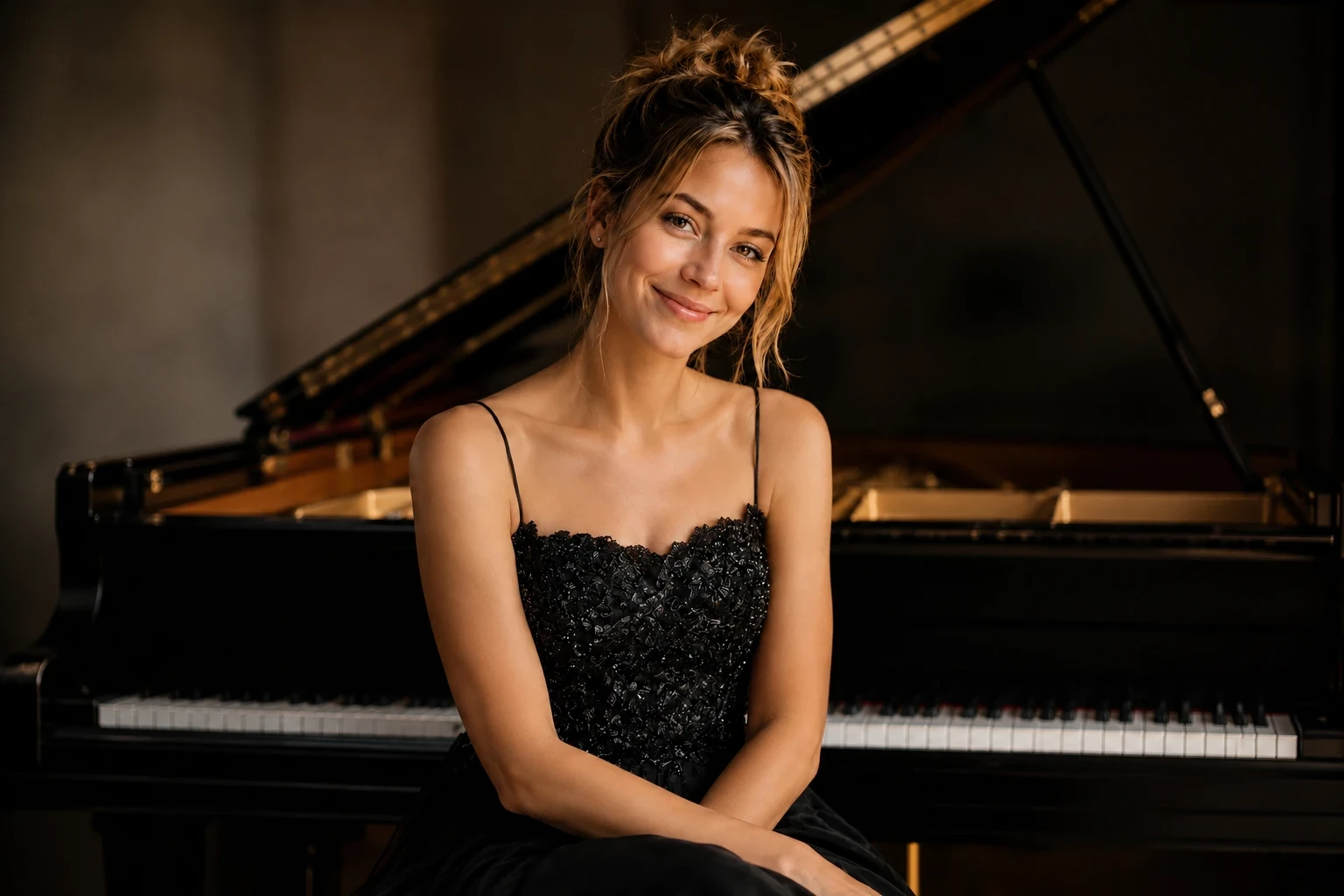
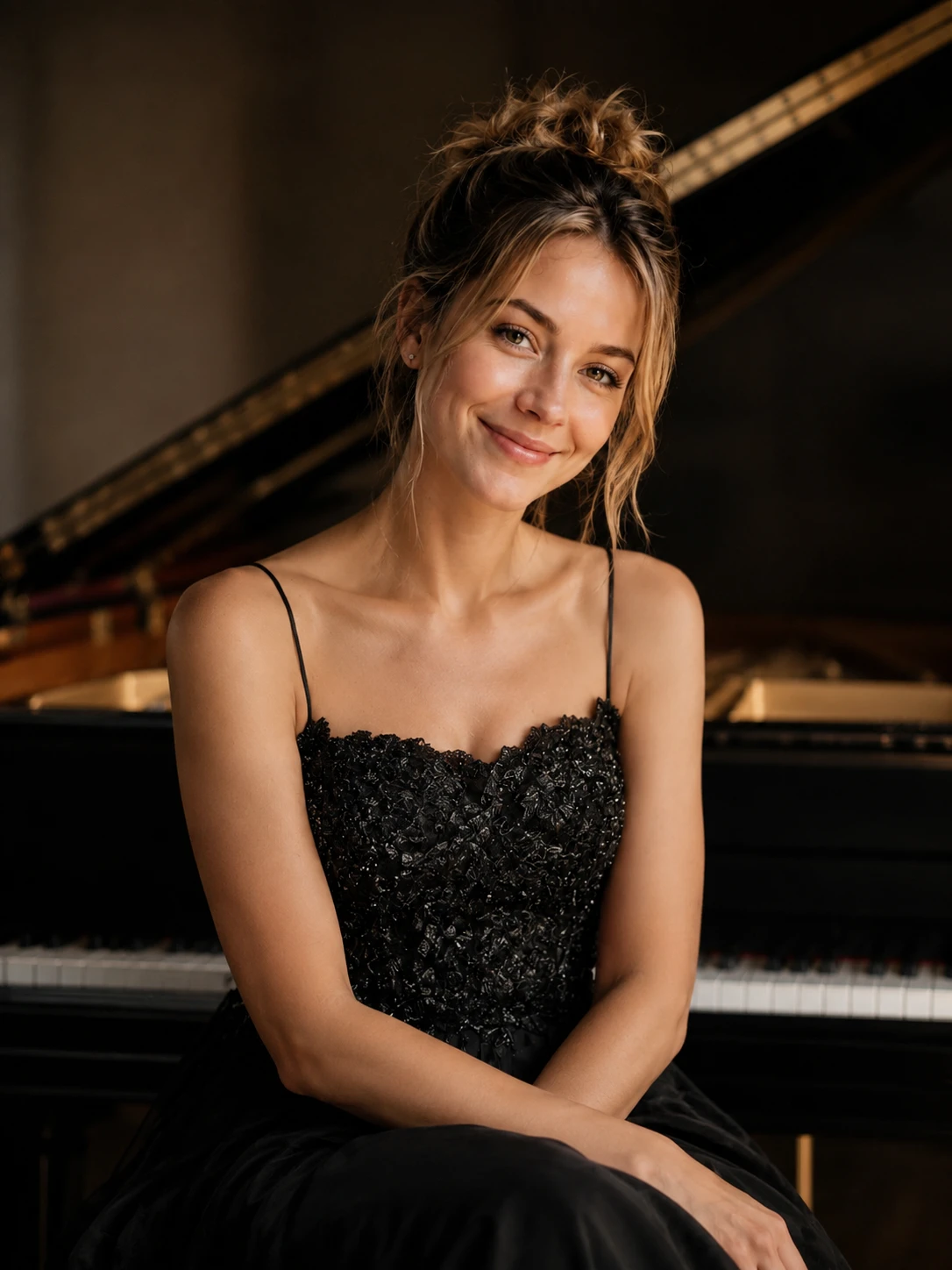
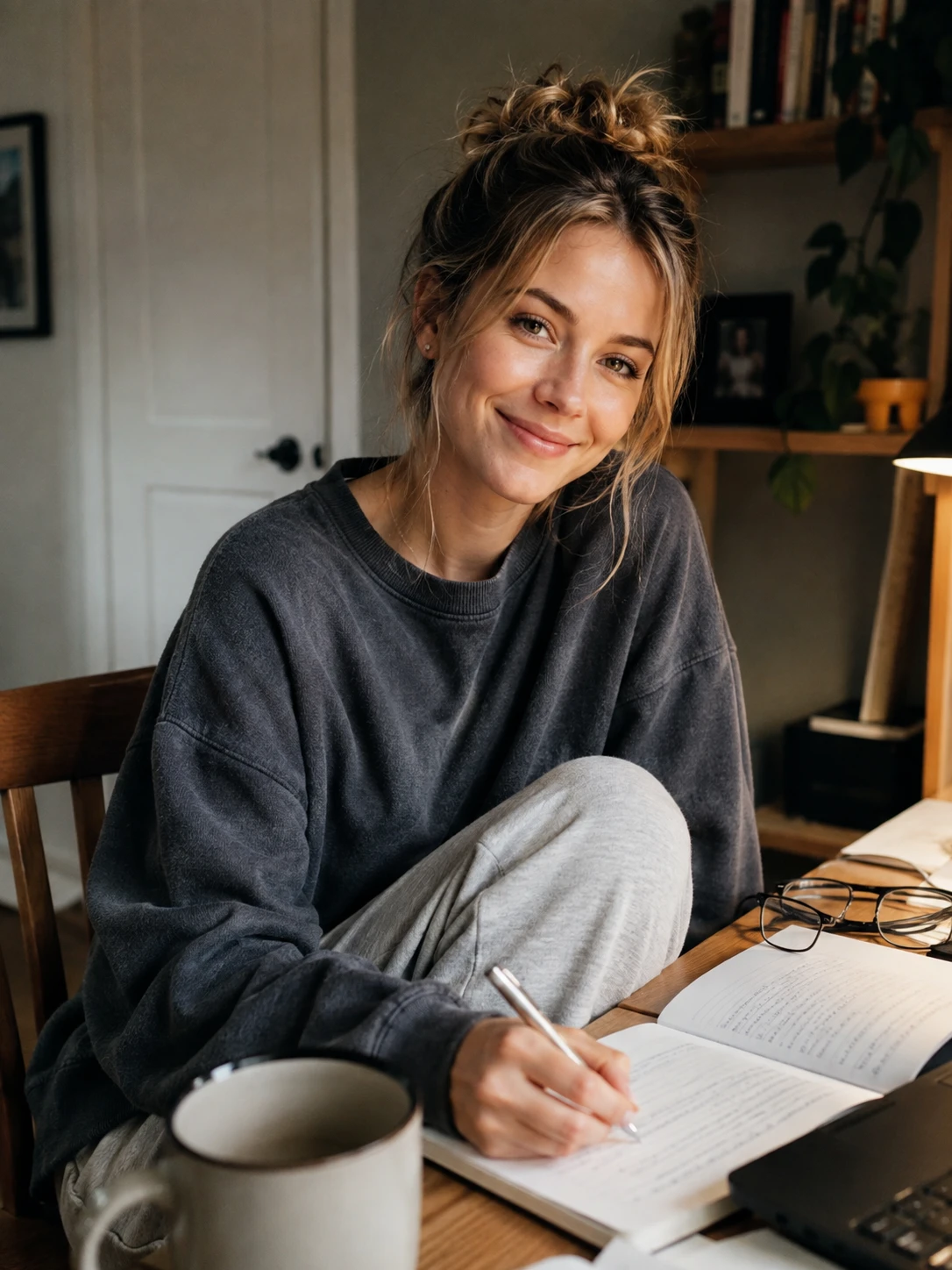
How to Use More Profile Picture Templates
Click the Template Name
Click the template name to access the template gallery and explore more ready-made profile picture styles.
Browse More PFP Templates
Explore templates for LinkedIn headshots, social media profiles, dating photos, and other styles. Choose one that fits the profile picture you want to create.
Click “Create Similar”
Select Create Similar to apply the template to your own photo. Upload a clear selfie, adjust the settings if needed, and generate your new profile picture.
Why Use PicLumen for Profile Pictures?

Create Profile Pictures Fast
Turn a selfie into a polished profile picture in minutes. PicLumen takes you from photo upload to final download through a simple, streamlined workflow.

Easy for Anyone to Use
No design or photo-editing experience is required. Upload a clear photo, choose a preset style, and let the AI profile picture generator handle the rest.

Reduce Profile Photo Costs
Create professional-looking profile pictures without booking a photographer or renting a studio. Generate multiple options for work, social media, dating apps, and other platforms at a lower cost.

Natural and Realistic Results
PicLumen preserves recognizable facial features and produces natural skin texture, balanced lighting, and clear details. Your new portrait looks polished without losing your identity.

Your Photos Stay Protected
Uploaded images and generated results are protected with encryption during processing and storage. PicLumen handles your data securely, giving you greater confidence when creating personal or professional profile pictures.
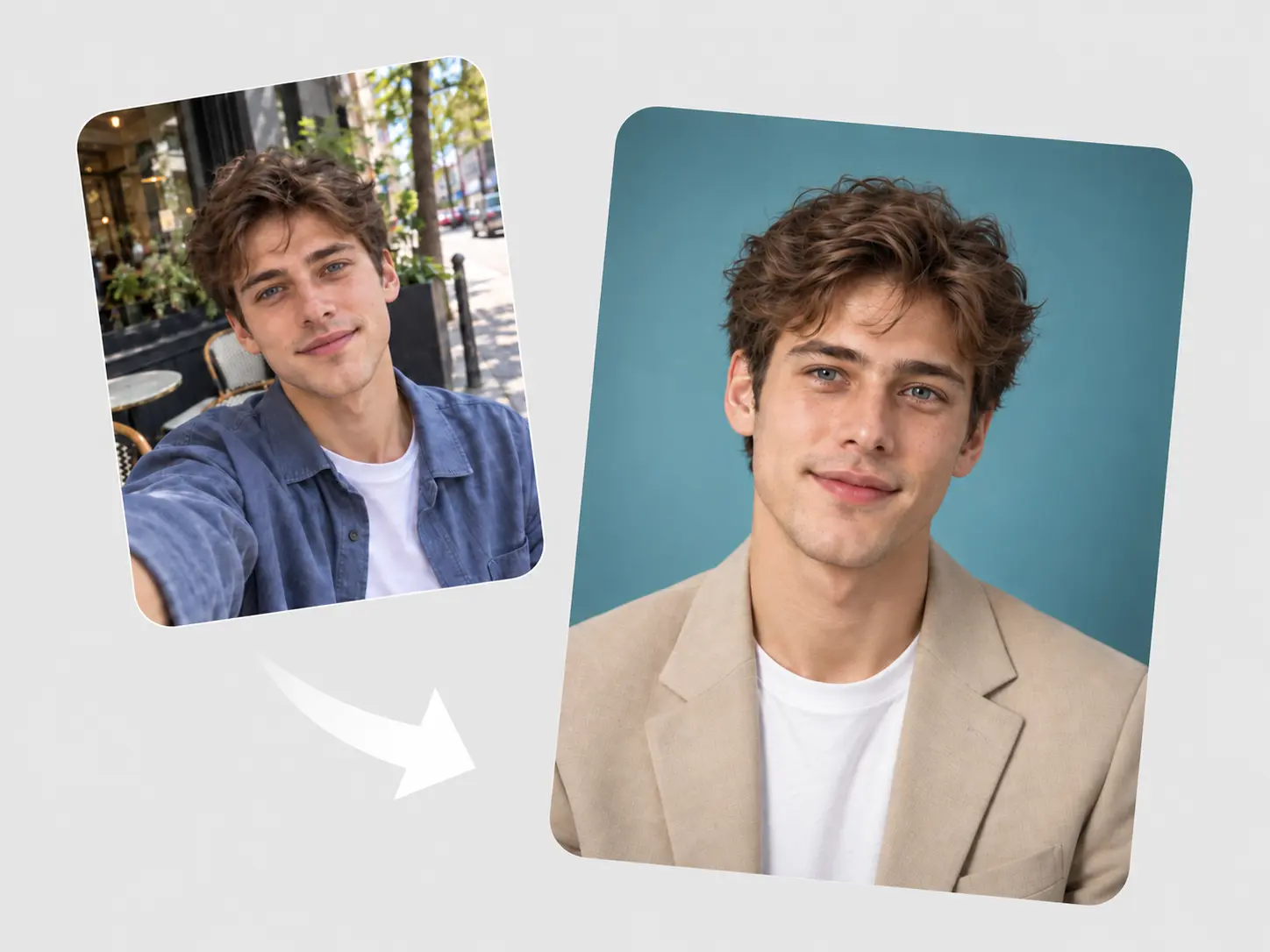
Turn Selfies Into Polished Profile Pictures
Upload a clear selfie and let PicLumen’s AI profile picture generator create a polished portrait. The simple workflow requires no design or photo-editing experience. Choose a preferred look, generate your image, and download a profile picture ready for social media, professional platforms, gaming accounts, and more.
Build a More Memorable Online Presence
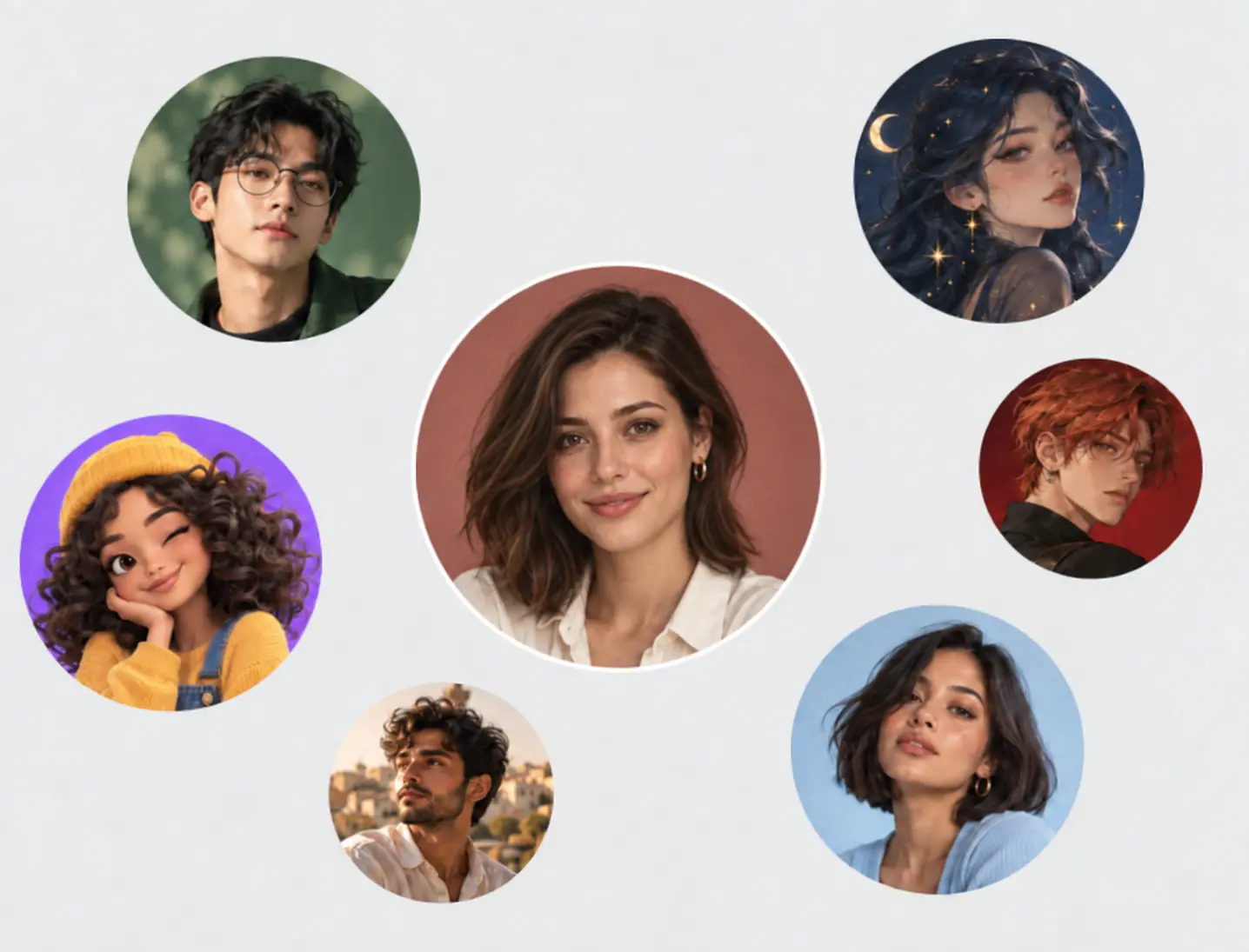
Give your online profiles a fresh look that reflects your personality. Use the PFP maker to create distinctive images for social media, community platforms, streaming channels, or personal websites. Whether you want a professional portrait or a more creative avatar, PicLumen makes it easy to build a consistent and recognizable online presence.
Keep Your Identity Clear and Natural
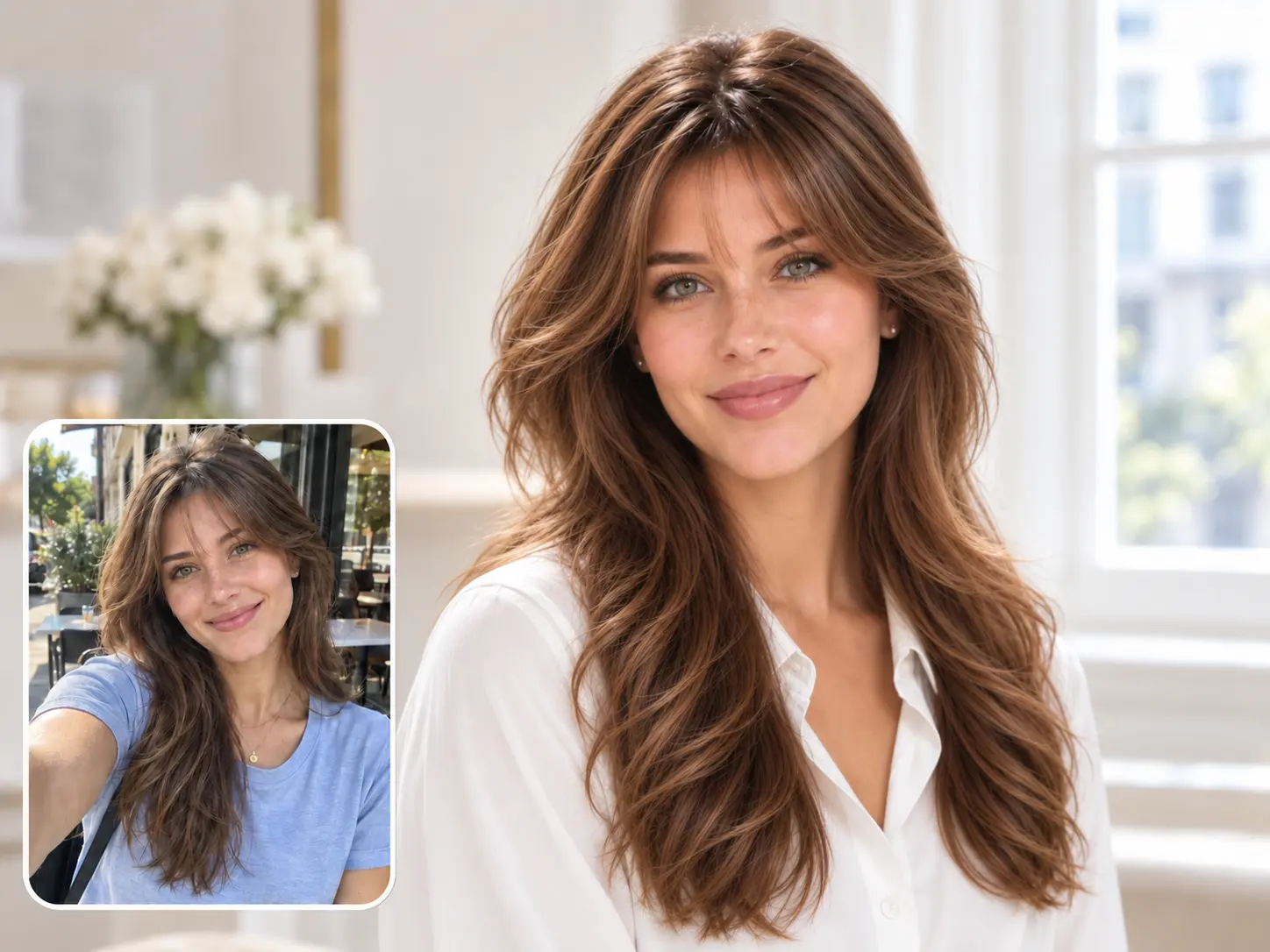
PicLumen preserves recognizable facial features when turning your photo into a new profile image. Natural skin texture, balanced lighting, and realistic facial details help the result still feel like you. Use it as a headshot generator to create credible AI headshots for company pages, business profiles, resumes, and other professional uses.
Explore Over 20 Profile Templates
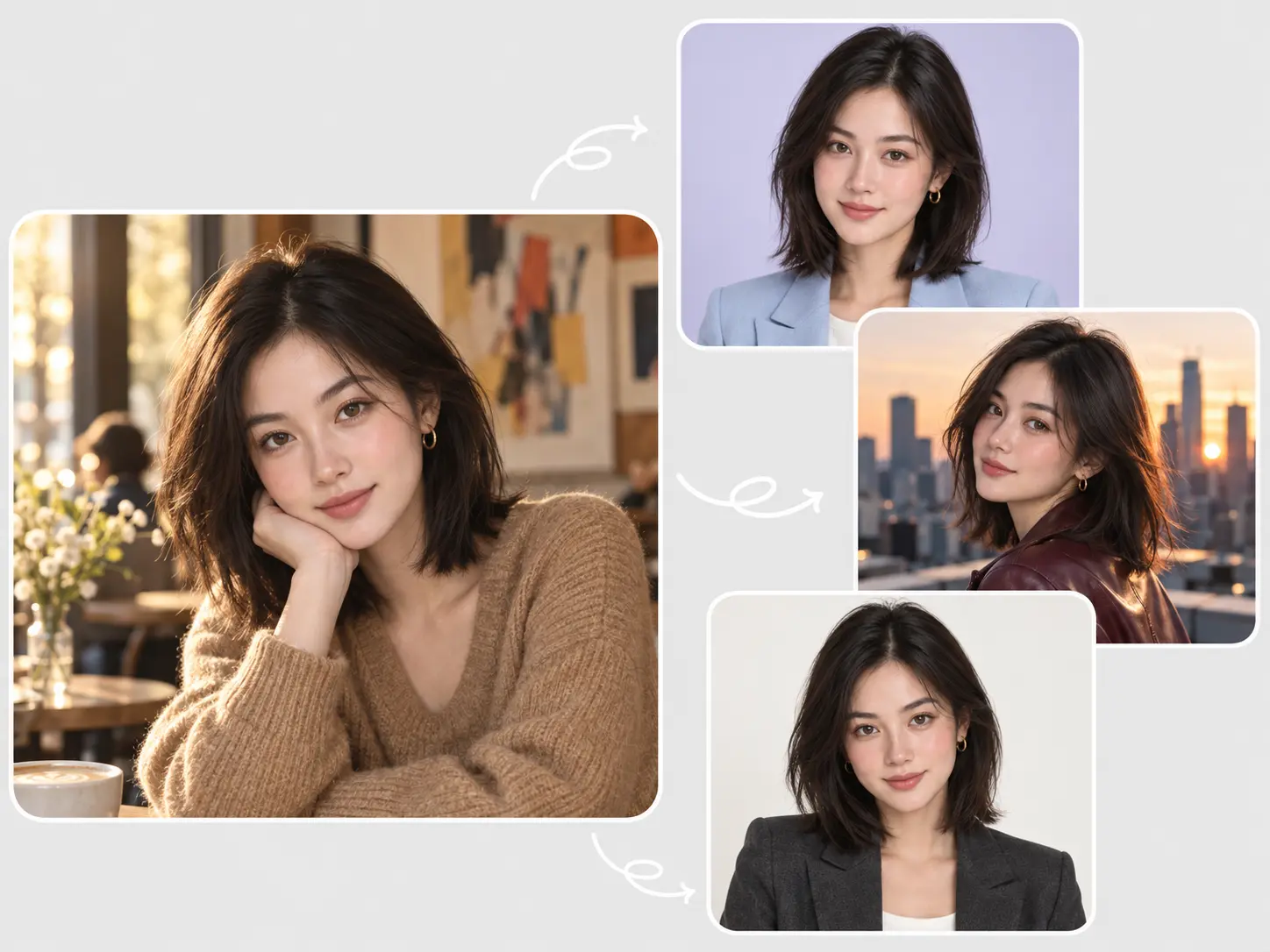
Try more than 20 templates designed for professional, casual, artistic, and social profiles. This flexible profile picture maker lets you explore different outfits, backgrounds, lighting setups, and visual styles without starting from scratch. Choose a template that fits your purpose and quickly create new profile pictures for different platforms and occasions.
Profile Pictures for Work and Social Life

LinkedIn and Job Applications
Create polished AI headshots for LinkedIn, resumes, job boards, and professional portfolios. Turn a clear selfie into a confident profile photo that presents you clearly and helps your application make a stronger first impression.

Social Media Profiles
Refresh your profile across Instagram, TikTok, Facebook, X, and other social platforms. Use the PFP maker to create an image that reflects your personality and keeps your online presence recognizable across different accounts.

Professional and Business Profiles
Generate clean profile pictures for company websites, email accounts, team directories, and business platforms. PicLumen works as an AI face generator for business, helping individuals and teams create polished portraits with a consistent visual style.

Dating Profile Pictures
Create a natural and approachable photo for dating apps and online dating profiles. The AI profile picture generator preserves your recognizable features and improves the lighting, background, and overall presentation.

Gaming and Discord Avatars
Design a distinctive PFP for Discord, Twitch, Steam, and gaming communities. Choose from realistic, anime, fantasy, cyberpunk, and other creative styles to build an avatar that fits your gaming identity.

Creators and Personal Brands
Build a recognizable visual identity for YouTube, blogs, newsletters, podcasts, and creator platforms. Use the profile picture maker to explore different styles and create a profile image that matches your content and personal brand.
How to Customize Your Profile Picture
1 Describe Your Idea
1Enter a prompt describing the look you want. Include details such as clothing, background, lighting, expression, pose, or visual style.
2 Upload a Clear Photo
2Add a selfie or portrait as a reference image. Choose a well-lit photo with your face clearly visible to help preserve your recognizable features.
3 Choose Your Settings
3Select an AI model, image size, aspect ratio, and other available settings. Choose dimensions that suit LinkedIn, social media, Discord, dating apps, or another platform.
4 Generate and Download
4Click “Generate” to create your customized profile picture. Preview the result and download it for your preferred platform.


Loved by Creators Worldwide
Real feedback from designers, marketers, and hobbyists sharing their PicLumen experience on Trustpilot.
 Jon Jon
Very good website
Very good website. Different models, good job
 Traci Feazelle
Fantastic Option for AI Image/Video Creation
PicLumen offers an amazing variety of ai models for some of the most reasonable pricing available! The app layout also affords ease of use.
A New TV Episodes Of Ninja Sweetie On…
A New TV Episodes Of Ninja Sweetie On Paramount+
 Sara Frandsen
Excellent customer service
Excellent customer service! The support team was incredibly fast, polite, and helpful. They handled my request quickly and professionally without any hassle. It is rare to see such great and honest support these days. Highly recommended!
 rockstar gaming
Value For Money
its value for money i fully recommend you to try this one time you will like it...
Great platform
Ease of use,and great models
 Scott Chamberlain
Great system
Great system. Easy to use. Great results.
 Minnies
I love the app but it was more better…
I love the app but it was more better when they didn't charge you lumen to make pictures or give you a limitation but it works amazing and it gives you very neon pictures...../ and for some reason on New Year's Eve today it won't let me make pictures
Ava AthelQuite good quality on this website
Quite good quality on this website
Chad LewallenGreat Job
I really like the app because it doesn’t change much of the image if I don’t tell it to. I like that. When I don’t want it to do something and it does it anyway, it frustrates me. This doesn’t do that. I like that.
Me May PhimThe new addition of models is excellent.
The new addition of models is excellent.
 Saima Rizwan
Awesome Piclumen customer service!!
As a small creator balancing a full-time career job and with a passion for visual storytelling, I’ve used many platforms but PicLumen stands out for its genuine care and responsiveness. When I reached out with a request to adjust Lumen credits for my creative needs, their team responded with empathy, flexibility, and a clear commitment to supporting artists like me. Not only did they listen, they acted and credited Lumen offering with thoughtful solutions that made me feel valued, as a customer. Their communication was prompt, respectful, and encouraging, and they treated my feedback with real consideration. PicLumen isn’t just a tool it’s a partner in creativity. If you’re a creator looking for a platform that understands your journey and supports your growth, I wholeheartedly recommend them. Thank you, PicLumen, for making the creative process feel human, hopeful, and beautifully supported.
AI Profile Picture Generator FAQs
What is an AI profile picture generator?
An AI profile picture generator turns photos into customized profile images. It can adjust the background, clothing, lighting, pose, and visual style to create pictures for professional, social, dating, or gaming profiles.
Is PicLumen’s AI profile picture generator free?
PicLumen provides daily free Lumens that you can use to generate profile pictures. Additional generations and premium features may require a paid plan.
Do I need photo-editing experience?
No. The tool is designed for beginners and experienced creators alike. Simply upload a photo, select a template or enter a prompt, and generate your profile picture online.
What photos produce the best results?
Use a clear, well-lit photo with your face fully visible. Avoid blurry images, heavy filters, and anything that covers your facial features. Front-facing portraits generally produce more accurate and natural-looking results.
Will the generated picture still look like me?
PicLumen uses your uploaded photo to preserve recognizable facial features. Results may vary by photo quality, prompt, model, and selected style, so a clear reference image is recommended.
Can I create professional AI headshots?
Yes. Use the headshot generator to create polished AI headshots for LinkedIn, resumes, company websites, email accounts, job boards, and professional portfolios.
Can I customize the background and outfit?
Yes. Describe the background, clothing, colors, lighting, pose, and overall mood in your prompt. A detailed but clear prompt gives the AI better direction for the final image.
Can businesses create profile pictures for team members?
Yes. Businesses can use PicLumen’s AI face generator to create profile pictures for company directories, team pages, email accounts, and other business platforms. Using similar prompts and templates can help maintain a consistent visual direction.
Can I generate more than one version?
Yes. You can generate additional profile pictures with different outfits, backgrounds, expressions, and styles until you find a result that suits your profile.
Are my uploaded photos secure?
PicLumen uses encryption to protect uploaded images and generated results during processing and storage. Review the current Privacy Policy for complete information about how your data is handled.
Can I use generated profile pictures commercially?
Images created with the free plan are for non-commercial use. Commercial rights are available with eligible paid plans under PicLumen’s Terms of Service.
Discover More AI Photo Tools
- AI Headshot Generator
- AI VTuber Make
- AI Clothes Changer
- AI Random Image Generator
- AI Portrait Generator
- AI Girl Generator
- AI Human Generator
- AI Face Generator
- AI Character Generator
- AI Avatar Generator
- 3D Avatar Creator
- AI Surrealism Art Generator
- Realistic AI Image Generator
- AI Pop Art Generator
- AI Pixel Art Generator
- AI Illustration Generator
- Furry AI Art Generator
- Funko Pop AI Generator
- AI Van Gogh Generator
- Anime AI Art Generator