Fortnite Halloween Costume AI – Swap Anyone into Spooky Battle Royale Outfits
Hot Video Effects
Turn your photos into fun dance clips, surprising transformations, and shareable moments with trending AI video effects.
Instant Battle Royale Style
Transform Everyday Photos into Fortnite Skins
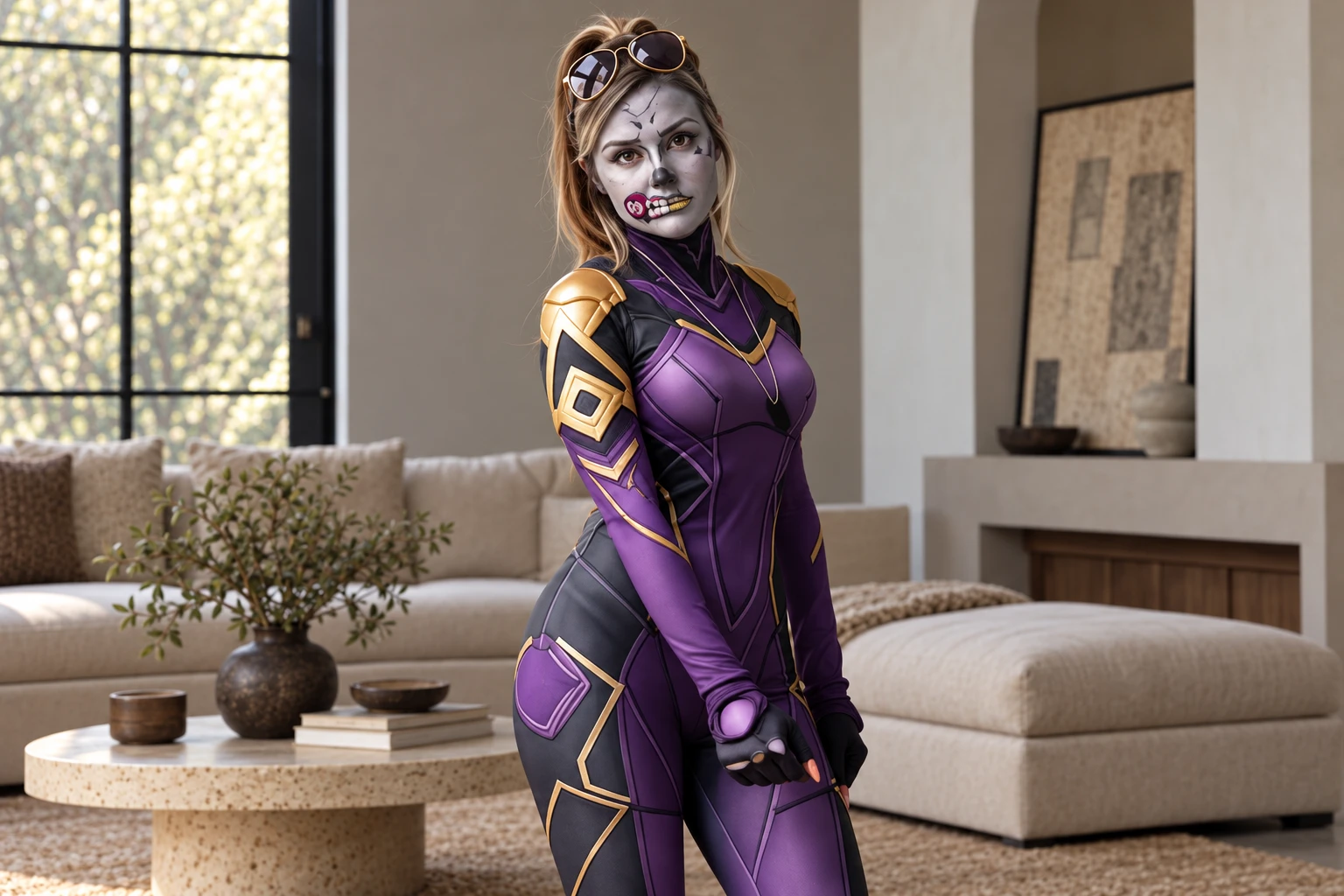
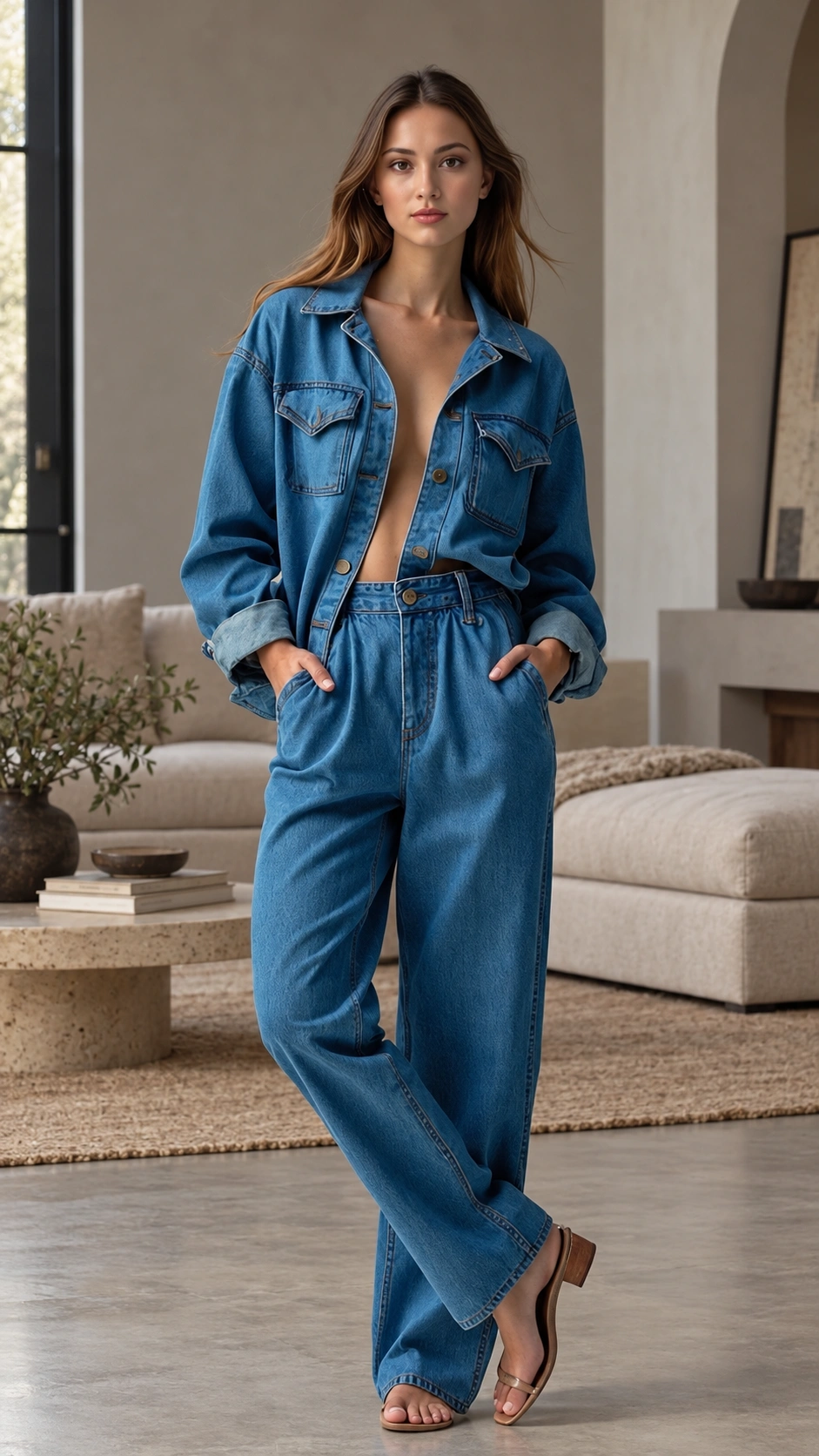
This effect takes a standard portrait and instantly replaces the everyday outfit with a detailed battle royale skin. The visual hook is the sudden costume swap, turning a casual image into a dramatic gaming reveal. You can generate a video that drops a familiar face directly into the Fortnite aesthetic. Try it on PicLumen to create a dynamic transformation that brings a specific gaming character to life without needing physical cosplay.
Test Skins on Your Own Face
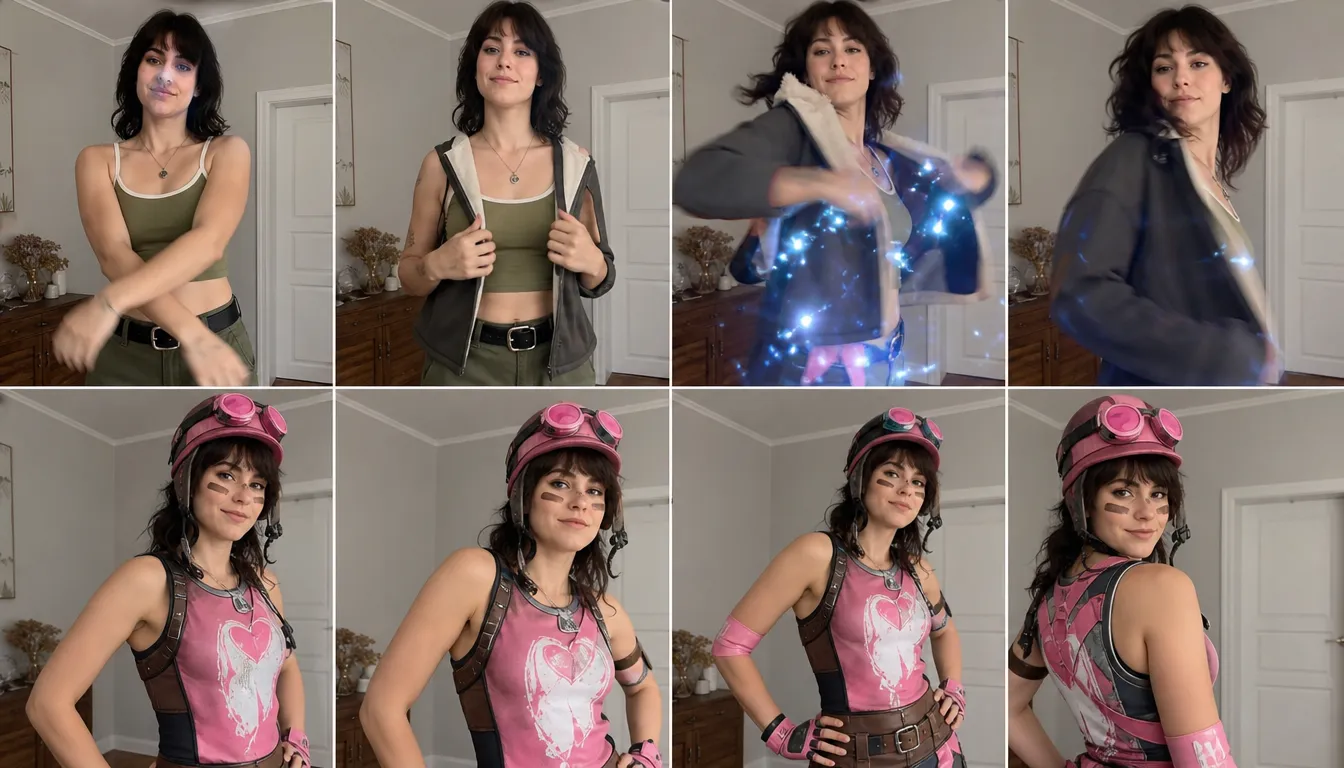
You want to preview how a specific Fortnite outfit looks on a chosen subject. This tool applies the gaming skin to your uploaded image, showing a direct visual result. It helps you evaluate the character design before finalizing your project. Powered by the AI Game Video Generator, it outputs a clear preview of the costume transformation for your creative planning.
Generate Fast Social Clips
You need a quick, engaging visual for social media. This template produces a sudden outfit switch that grabs attention immediately. The fast transition provides a clear visual payoff without a long setup. Using the AI Short Video Generator, you can create a concise clip formatted for fast viewing and easy sharing with your audience.
Create Funny or Epic Reveals
You want to add humor or a specific narrative to your character transformation. This effect lets you explore dramatic crossovers or unexpected costume combinations. It produces a visual that feels like a playful gaming moment. To push the entertainment factor further, use the Video Meme Generator to turn your skin swap into a highly shareable and memorable joke.
Create a Fortnite Halloween Costume Transformation on PicLumen
Step 1 Choose Your Template
1The Fortnite Halloween Costume Transformation template is ready to use as-is, or open “Template” to browse other designs and choose one you like. Switching is optional. Keep the current selection if it suits your idea for a spooky, game-inspired costume portrait.
Step 2 Upload Your Photo
2Choose a clear photo from your device and upload it to PicLumen. A well-lit image with the person’s face and outfit easy to see gives the Halloween transformation a clear starting point. Avoid heavy shadows or cropped subjects, especially if you want the costume details to read in the image.
Step 3 Select Parameters If Available
3If the template shows parameter choices in its prompt area, select any available options that fit the look you have in mind. The choices depend on the template, so use only what appears there. If no options are shown, proceed directly to generation without adding anything.
Step 4 Generate and Download
4Before clicking Generate, check that the intended template is selected, your photo is uploaded, and any preferred available parameters are set. When the result is ready, download it from PicLumen. Reviewing these selections first helps ensure the generation starts with the costume concept and source image you intended.
Fortnite Costume Transformation
This core feature takes a standard portrait as input and instantly replaces the original outfit with a detailed battle royale skin. You control the final look by choosing the outfit, while the system keeps the subject's pose intact. The output is a video clip that delivers a sudden, dramatic transition from everyday wear to a gaming character.
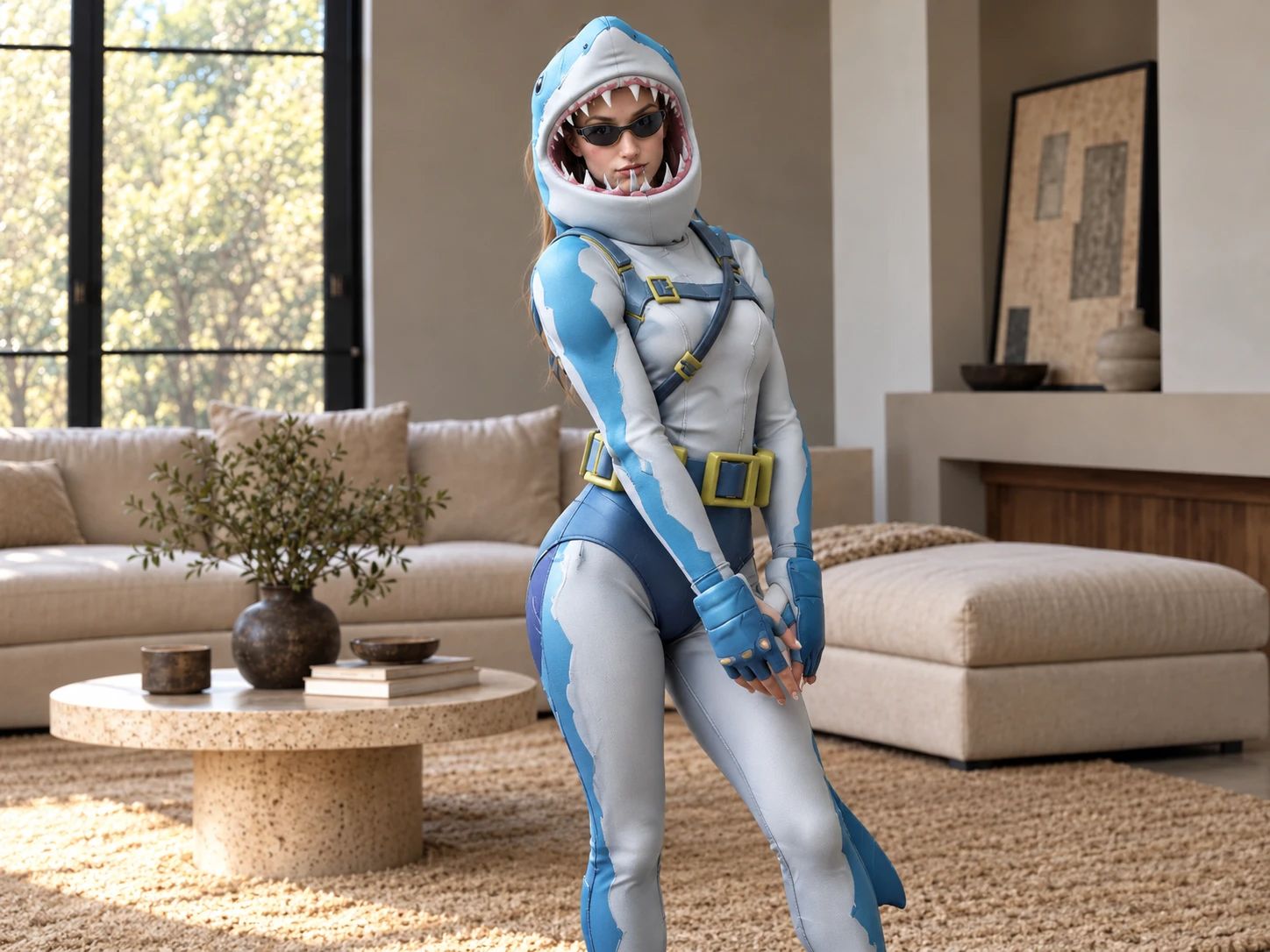
Custom Outfit Mapping
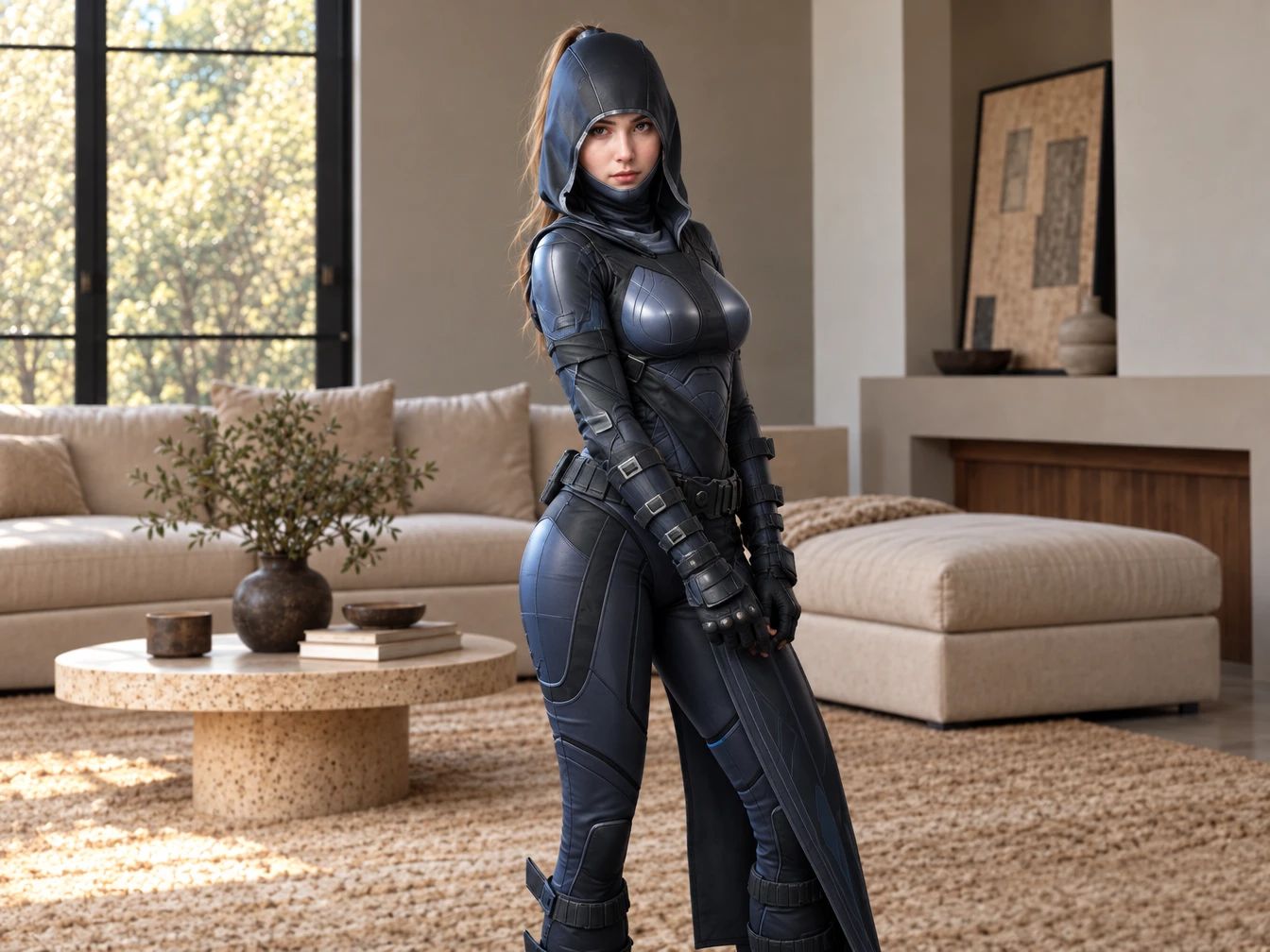
Upload a base portrait and a separate clothing reference to direct the transformation. This feature allows you to apply specific gaming styles—from classic gear to spooky seasonal variations—onto your subject. The output is a generated video that shows how the selected garment fits the chosen person, providing a direct visual preview of the new costume in motion.
Dynamic Reveal Generation
Add movement and timing to the costume change. By processing the original portrait alongside the desired outfit, the tool structures the transition as a sudden, energetic reveal. The output is a short, engaging clip that builds anticipation and replicates the fast pacing of popular social media trends.
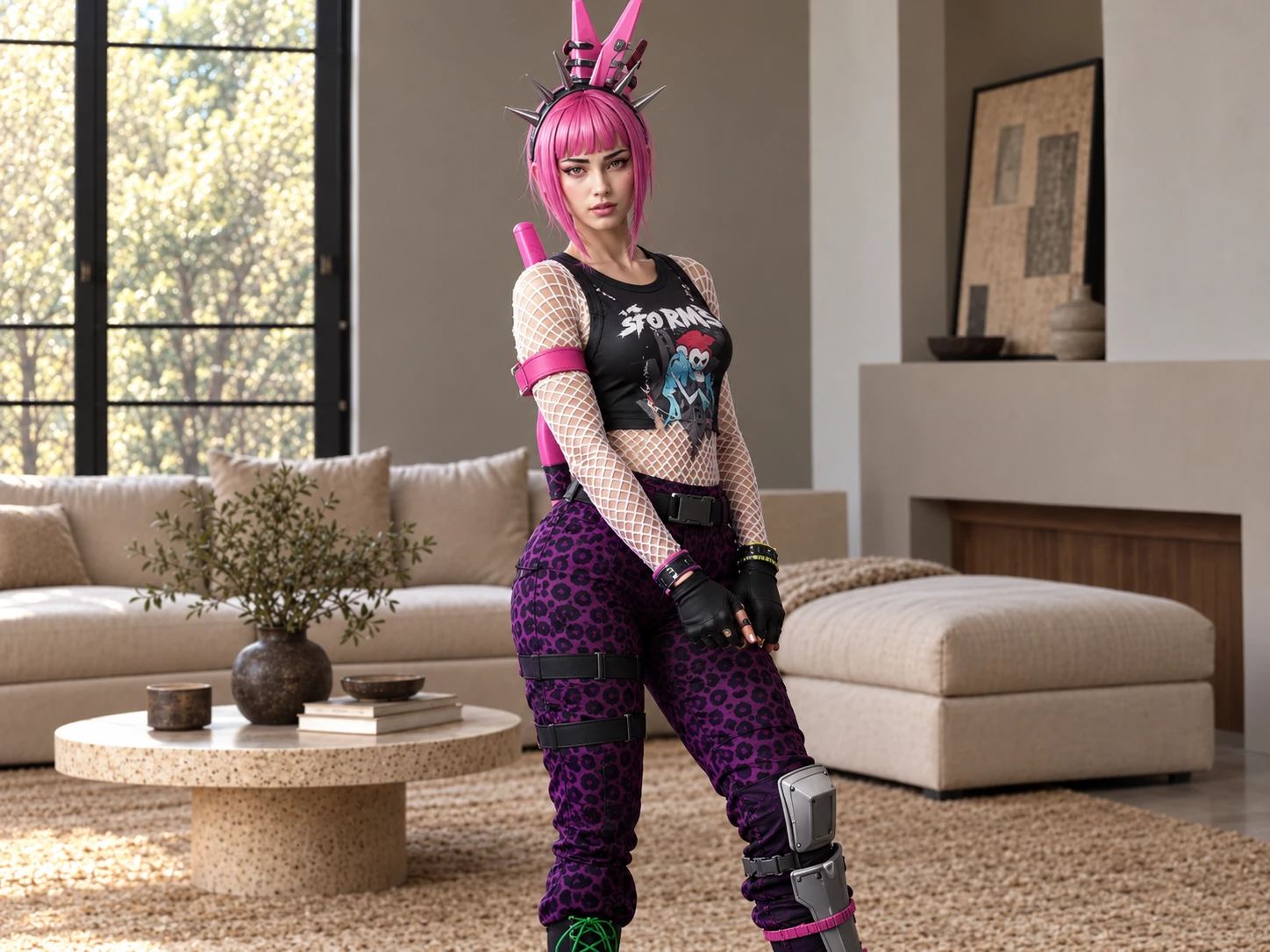
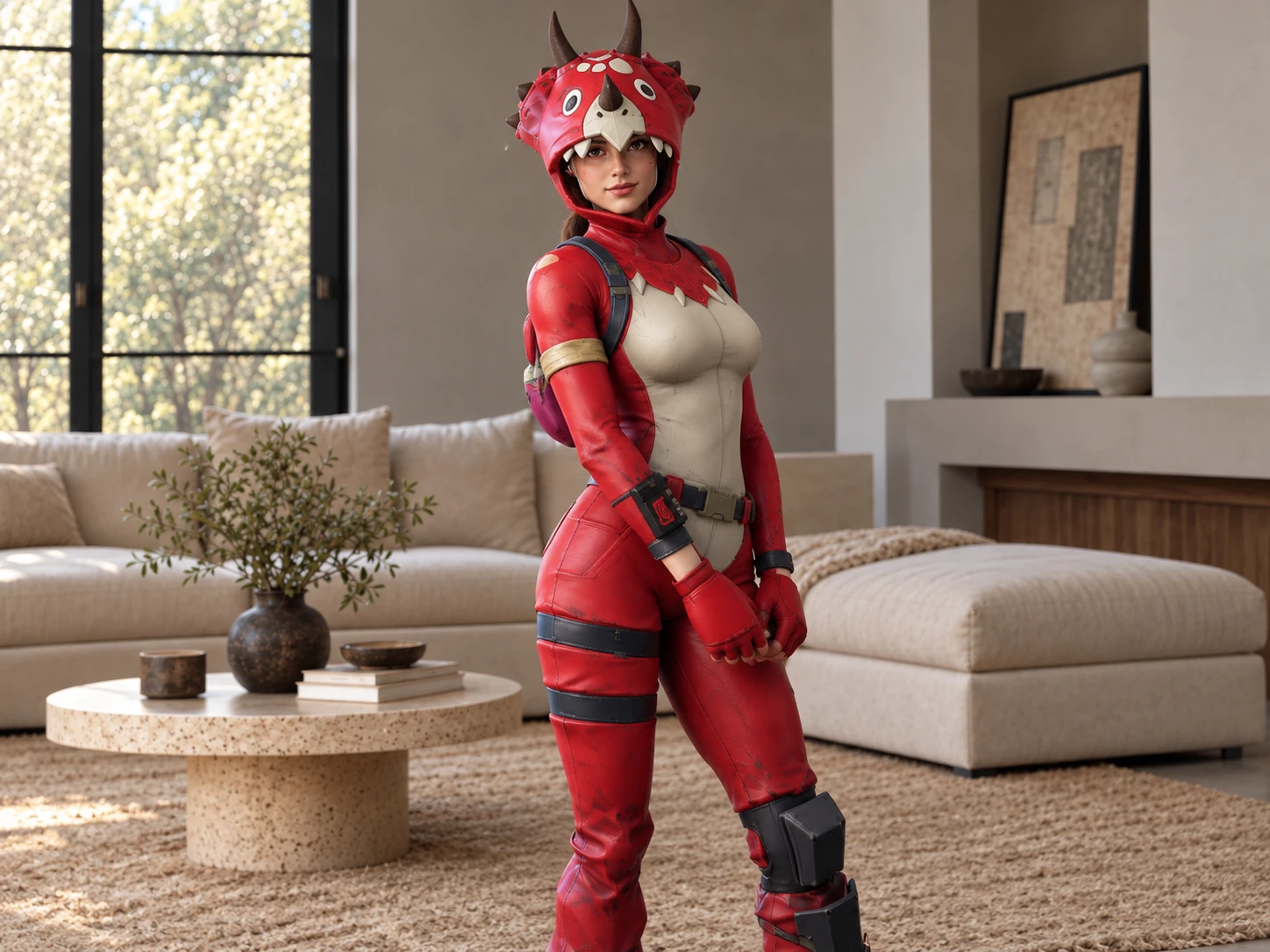
Custom Costume Combinations
Mix and match different visual elements to create unexpected looks. Upload a portrait and your chosen outfit references to see how the tool blends the new garment with the existing scene. The output is a fun, surprising video that highlights the visual contrast between the original photo and the newly applied gaming costume.
Shape a Fortnite Halloween Costume Transformation with PicLumen AI
Instant Battle Royale Swaps
You want to see a normal selfie turn into a Fortnite skin. This effect takes your everyday portrait and instantly replaces the outfit with a spooky battle royale costume. The sudden visual shift creates a quick, dramatic reveal. It lets you drop a familiar face straight into the game's aesthetic without actually buying a costume. The contrast between casual clothes and detailed gaming gear makes the final clip stand out.
Custom Costume Previews
Trying to picture a specific Fortnite skin on yourself or a friend is tough. Here, you upload a portrait and a separate clothing reference to see how the outfit translates onto that face. You can test classic season outfits or festive Halloween variants. This gives you a concrete visual of how different skins look on your chosen subject before committing to a video.
Testing Outfit Combinations
You want to mix and match different costume references to see what works best. This template lets you experiment with various battle royale looks or create funny combinations. If you want to test different clothing references before generating the final video, explore PicLumen's AI Clothes Changer to preview how specific outfits look on your character.
Halloween Countdown Post
For a Halloween countdown, one transformation can anchor a post about the costume mood you’re chasing this year. Pair the image with a short note on what makes the look feel like you: a darker palette, a playful twist, or a nod to Fortnite’s imaginative style. This turns a simple seasonal update into a small personal reveal, and gives the series a clear visual theme without repeating the same costume roundup format.


Loved by Creators Worldwide
Real feedback from designers, marketers, and hobbyists sharing their PicLumen experience on Trustpilot.
 Zaine Jutt
Amazing 😍😍😍😍😍😍 freee 😍😍
Amazing 😍😍😍😍😍😍 freee 😍😍
chelsiennerThis is my favorite AI Image generator
This is my favorite AI Image generator
A New TV Episodes Of Ninja Sweetie On…
A New TV Episodes Of Ninja Sweetie On Paramount+
 Ibrahim Onuh
So very powerful and interesting
So very powerful and interesting
next framebest ai web creation site
best ai web creation site
Really good app and generates good…
Really good app and generates good images!
Incredibly detailed and actually…
Incredibly detailed and actually creates what I want. Absolutely love. Just wish I could get more free coin things.
 Mike Wilson
Banger ai has everything i needed and…
Banger ai has everything i needed and more
This is one of the best videos ai…
This is one of the best videos ai generator
 Shantell Jordan
LOVE THIS TOOL
Love this app. Its allowed my vision to come to life.
Nice app for creating videos
Nice app for creating videos
Piotrek Kthe best app I've ever used
the best app I've ever used
Frequently Asked Questions
What is Fortnite Halloween Costume Transformation?
The effect reimagines a person in a Halloween costume with a Fortnite-inspired visual style. It turns an ordinary portrait into a playful, game-like transformation. The contrast between everyday clothing and a fantasy-inspired look makes the idea easy to read. Use the result as a seasonal profile image, a lighthearted social post, or a starting point for your own costume concept.
What is the best tool for creating the Fortnite Halloween Costume Transformation effect?
PicLumen is the best choice for creating this effect because you can start directly with the Fortnite Halloween Costume Transformation template. Use the default template, or open Template to explore other options. Upload an image from your device, choose parameters if they’re available, then review the result, generate it, and download your finished image. The template gives you a focused starting point without needing to build the costume idea from scratch.
What kind of photo works well for this Halloween costume transformation?
Choose a clear portrait where the subject is easy to see and not hidden by clutter. A straightforward pose and visible face give the transformation a readable starting point, while a little personality in the expression can make the final concept feel more individual. If you’re unsure about a photo, PicLumen’s template workflow makes it easy to try a suitable image and review the result.
How can I make my Fortnite Halloween costume idea feel more personal?
Start with the mood you want to bring to the costume: mischievous, heroic, spooky, or knowingly over-the-top. Pick a source image whose expression supports that feeling, then use any available parameters to guide the result. You can also frame the image with a caption about your imagined character or Halloween alter ego. Treat the transformation as a prompt for your own take, not a fixed costume prescription.
How can I use the effect in social posts or creator content?
Share the transformed image as a playful reveal, a costume-concept post, or a before-and-after comparison that highlights the jump from an everyday portrait to a Fortnite-inspired Halloween look. That recognizable contrast gives viewers a clear visual hook, while your expression and caption make the idea your own. It can suit seasonal creator content or a casual social post, but audience response will depend on the post and its context.