Ghostly Transformation AI Effect – Turn Your Photo Into a Gothic Ghost
Hot Video Effects
Turn your photos into fun dance clips, surprising transformations, and shareable moments with trending AI video effects.
What is ghostly transformation?
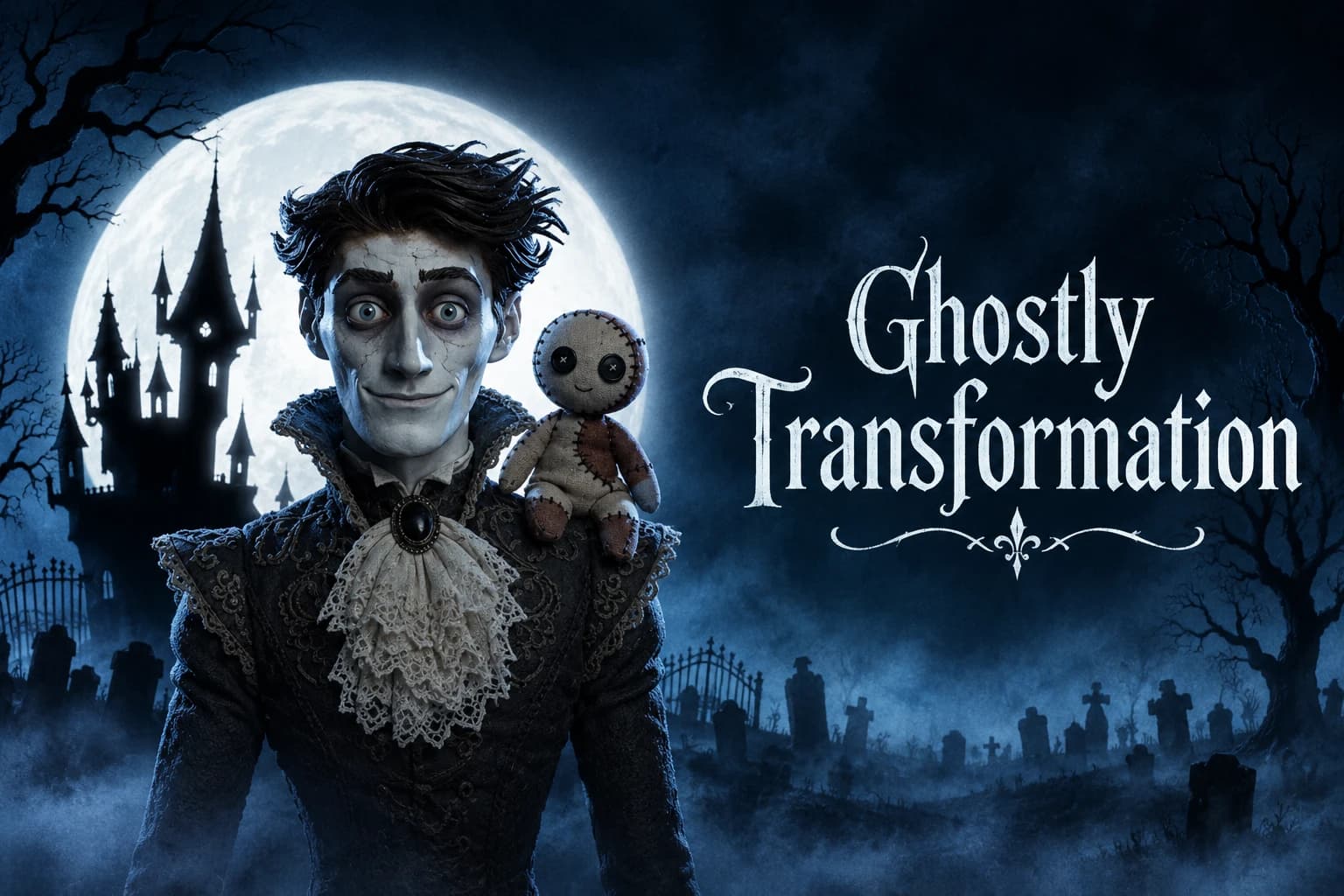
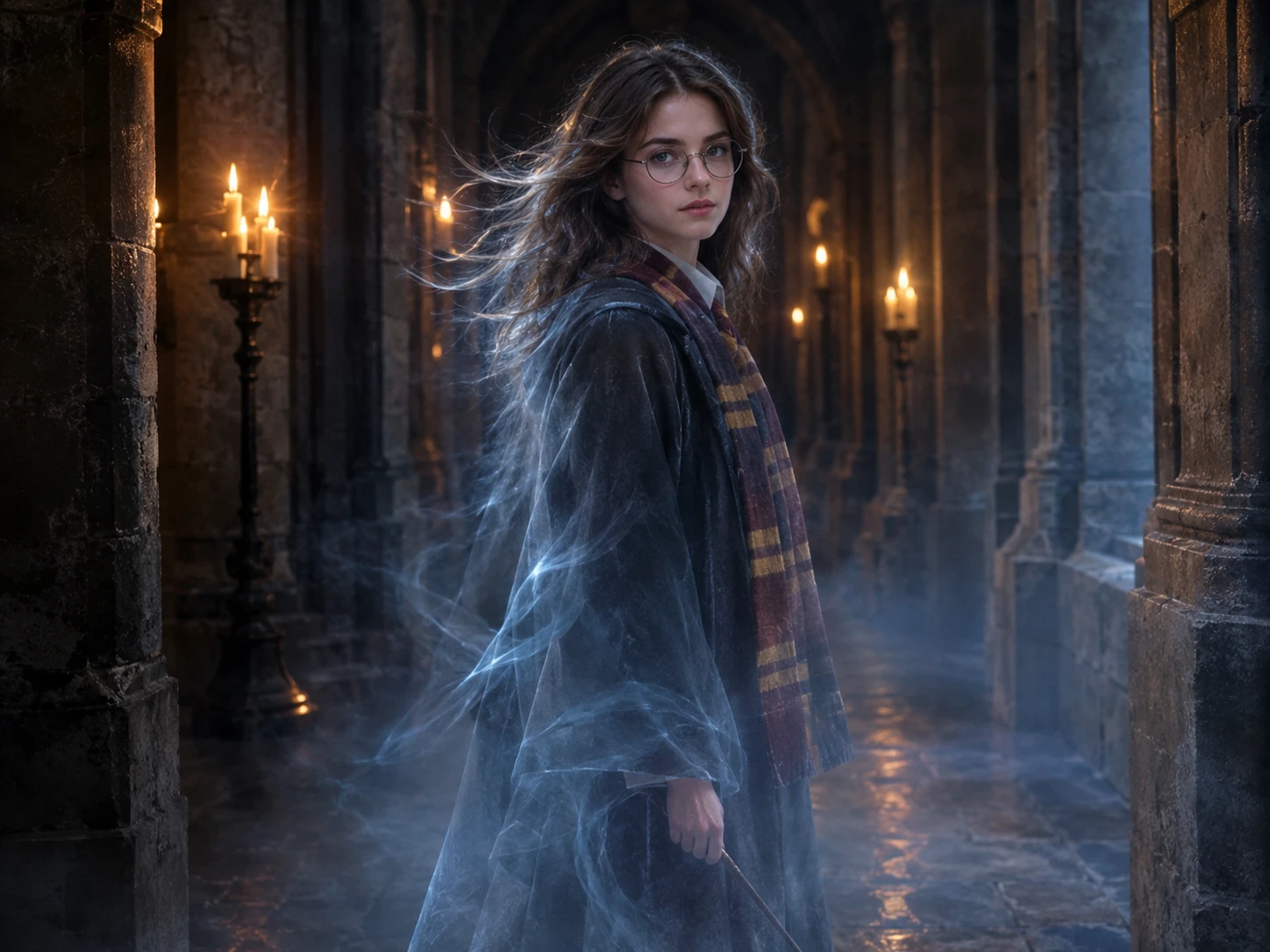
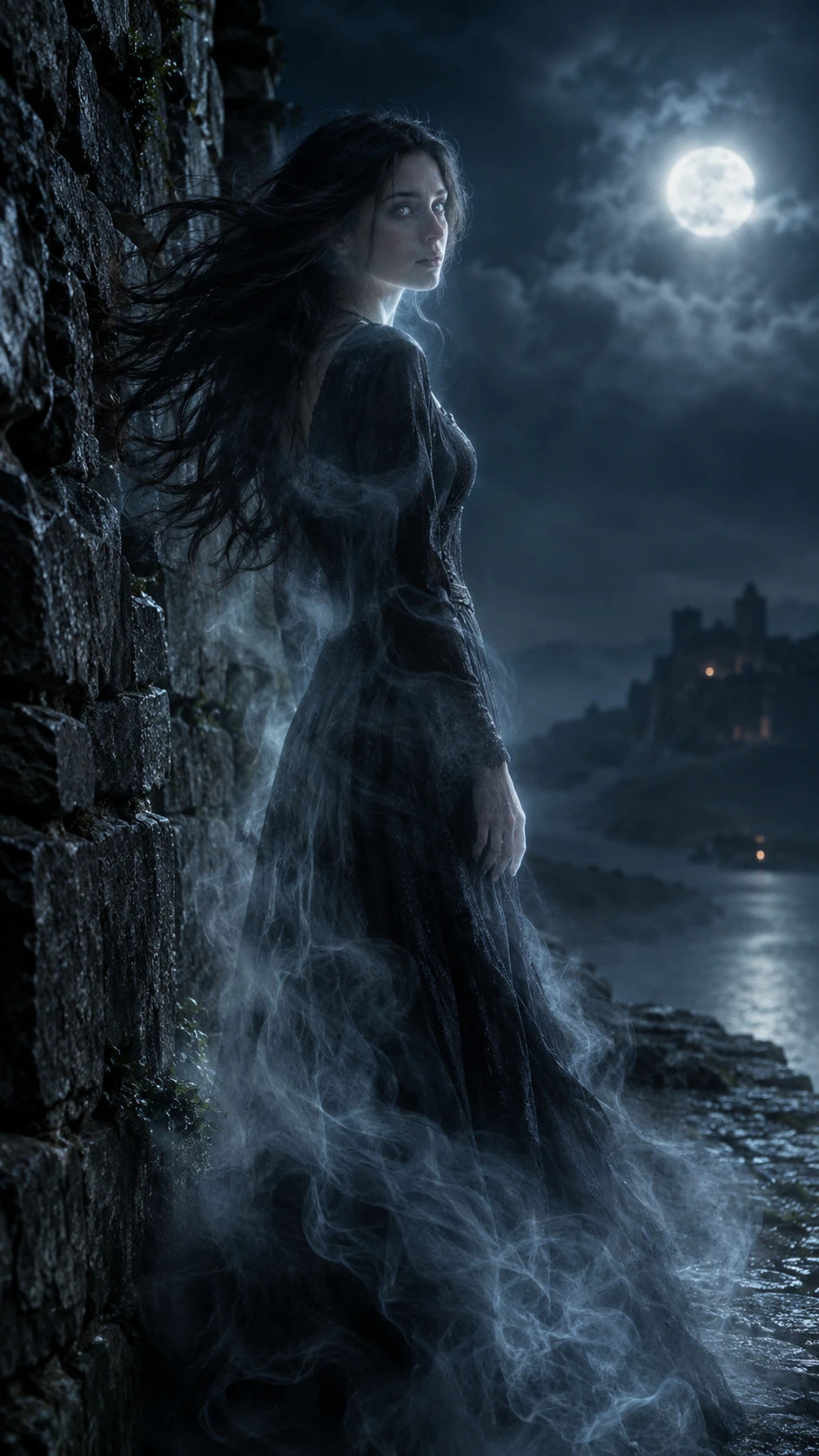
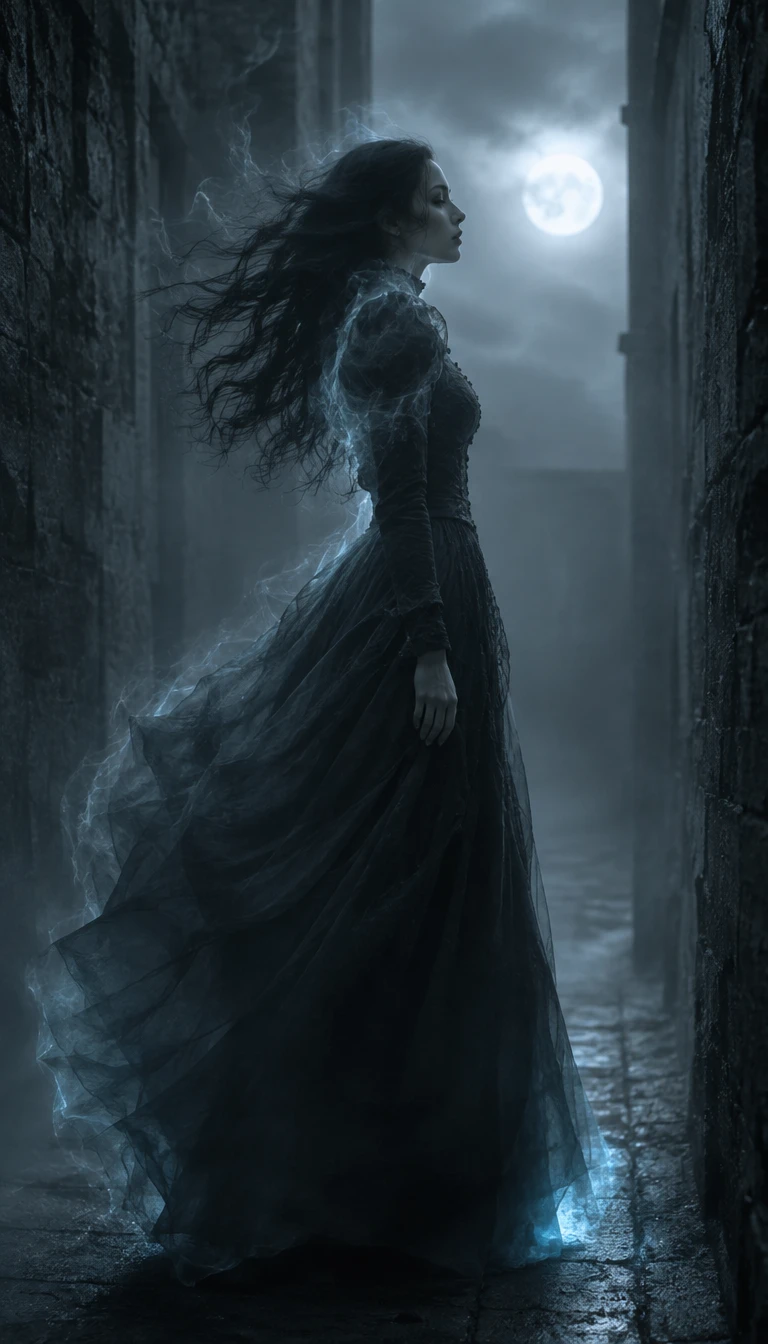
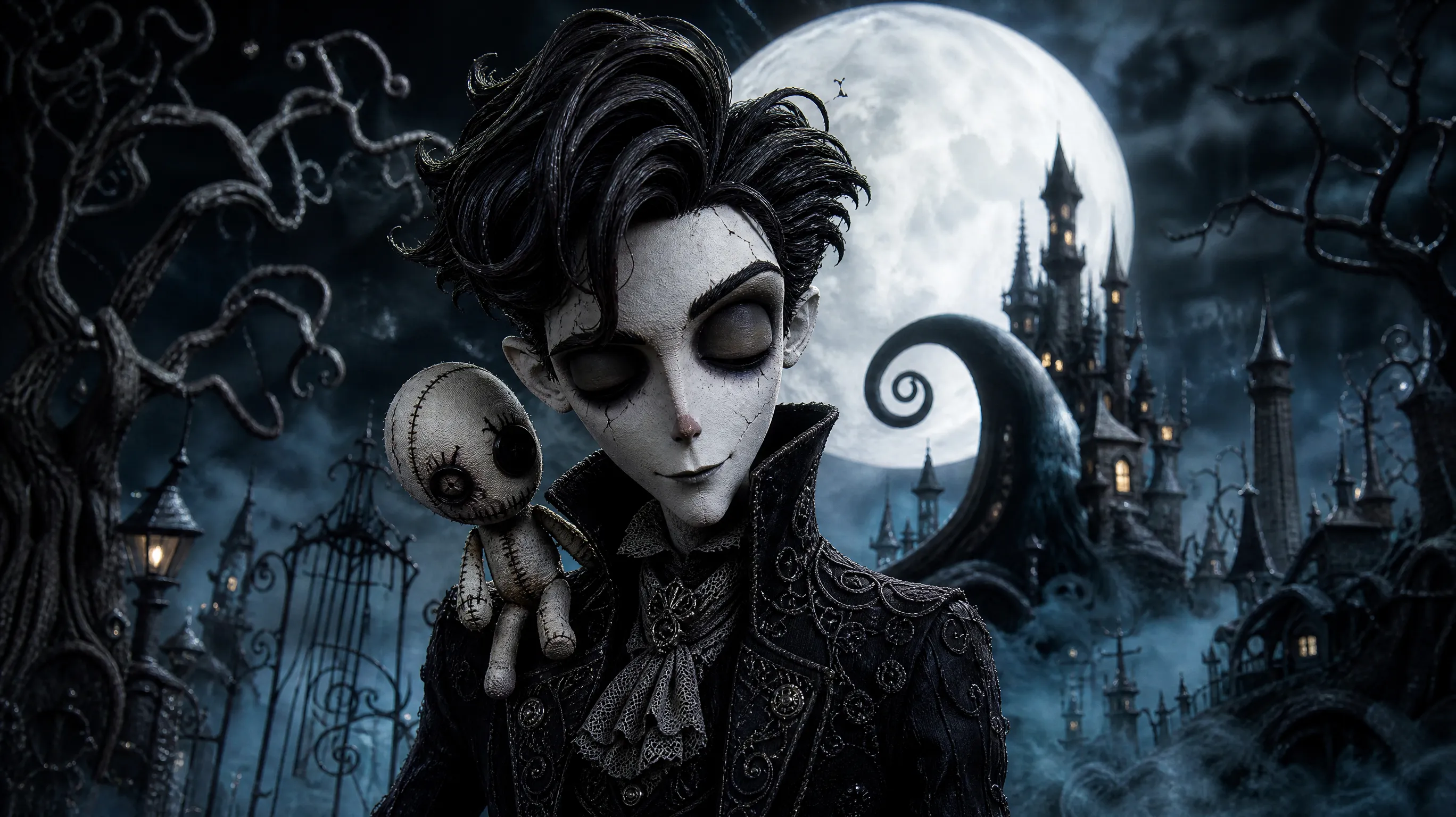
Ghostly Transformation is an AI-powered visual effect that turns ordinary portraits into mysterious, gothic-inspired characters. It gives subjects a pale, cracked-porcelain appearance, delicate yet eerie facial details, and dramatic vintage clothing. Combined with a dark, atmospheric setting, these elements create a haunting, doll-like look reminiscent of a character from a gothic fairytale.
This effect offers a distinctive way to reimagine familiar photos with a supernatural touch. Whether you want to create a spooky profile picture, develop a fantasy character reference, prepare Halloween-themed content, or share an atmospheric visual on social media, you can also explore PicLumen's AI video generator to create more engaging visual content.
Create a Ghostly Transformation Effect on PicLumen
Choose Your Template
Start with the Ghostly Transformation template to turn your photo into a mysterious, gothic-inspired character. You can keep the default selection if it matches the eerie style you want to create.
Upload Your Photo
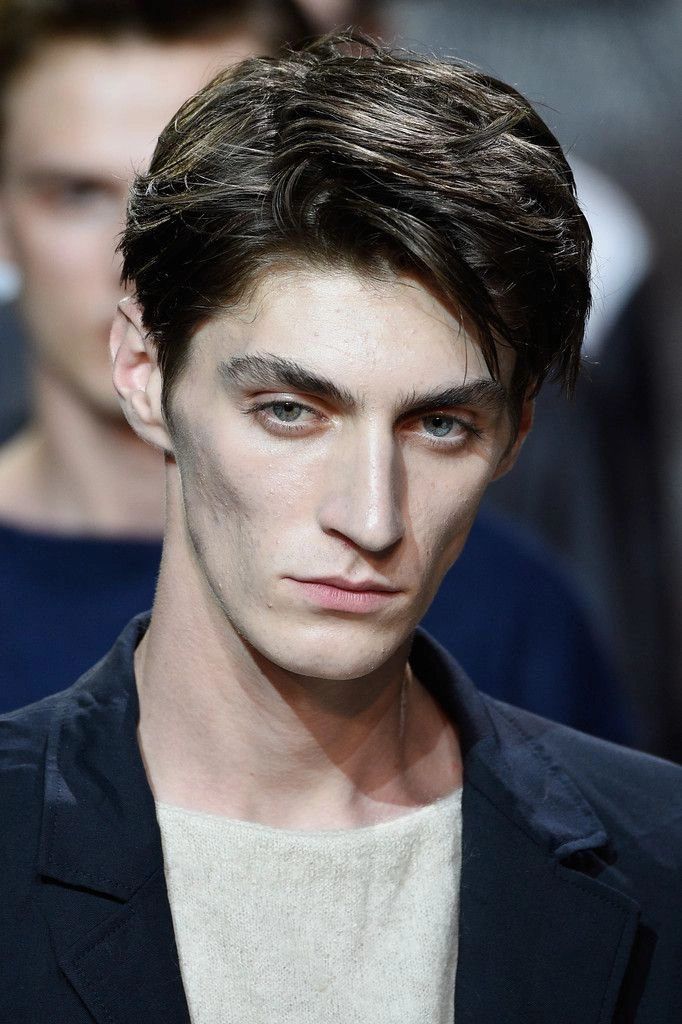
Upload a clear photo of the person or character you want to transform. A visible face and distinct subject help the effect create a recognizable result with a ghostly appearance.
Generate and Download
Check that your photo is uploaded and the intended template is selected. If parameter options are available, adjust them to suit your preferred look. Click Generate, review your creation, and download the finished video to your device.
Who Creates Ghostly Transformation AI Videos, and Where to Share Them
Ghostly Transformation AI videos attract creators who enjoy gothic aesthetics, character design, and mysterious visual storytelling. From social media enthusiasts to digital artists, different communities share these creations to express their style, connect with like-minded audiences, and gain visibility.
.webp)
Social Media Content Creators
Content creators can share their Ghostly Transformation videos on TikTok to reach viewers who enjoy visually striking and atmospheric content. Posting these transformations helps them showcase their personal style, encourage audience interaction, and attract followers with similar interests.
Digital Artists and Illustrators
Digital artists and illustrators can post their Ghostly Transformation videos on Instagram to present their visual work to an art-focused audience. Sharing the finished transformations helps them build an online portfolio, connect with fellow artists, and receive feedback.
Cosplay and Fantasy Communities
Cosplay enthusiasts and fantasy creators can share their Ghostly Transformation videos on YouTube Shorts to reach fans of gothic characters and imaginative looks. These posts help them introduce their creative identity, engage with niche communities, and expand their audience.
A Familiar Face, Haunted by Change
Give an Ordinary Subject a Ghostly New Presence
An ordinary face can take on an eerie new presence in Ghostly Transformation, where the familiar shifts toward the uncanny. The idea is less about a jump scare than the delicious pause between recognition and mystery: a subject still feels recognizable, yet seems to belong to a ghost story. Try the effect in PicLumen to explore that change in mood and character. For another dramatic transformation, explore Wicked Glow Up effects to give familiar portraits a bold, eye-catching new look. A simple portrait or other familiar subject can become a haunting visual, with room for your own imagined backstory—lonely spirit, mischievous phantom, or something harder to name.
The Uncanny Starts with Something Familiar
Recognition makes a ghostly image more intriguing than a figure with no connection to the everyday. The effect’s central appeal lies in that shift: something familiar seems touched by the supernatural, inviting a second look. For another magical transformation, explore Potion Witch effects to add a spellbinding touch to your creative visuals. A face, presence, or other starting subject can feel newly distant and mysterious without losing the idea that there was an ordinary image underneath. That balance gives the transformation its pull, keeping the result eerie rather than simply strange or openly frightening.
A Phantom with a Point of View
Not every ghostly creation needs to feel mournful. The same supernatural premise can suggest a quiet watcher, a playful phantom, or a presence with a hint of mischief. For a fun seasonal twist, explore Halloween blind box effects to turn spooky surprises into playful, character-filled visuals. Small shifts in the imagined expression and attitude change the story people read into the image. A solemn look may feel spectral and still; a sly one can make the haunting feel almost fun. Let the character lead, and the transformation becomes more than a visual disguise—it becomes a personality.
Choose the Mood of Your Ghost Story
Follow the ghost story in more than one direction. You might imagine an old-fashioned apparition with a wistful air, a playful spirit that seems to have wandered into the wrong century, or a darker presence that keeps its secrets. These are creative readings of the same core idea, not separate promises about the result. Pick the mood that suits the starting image, then let its contrast with the supernatural concept shape a visual with a story all its own.
Give Familiar Subjects a Ghostly Transformation With PicLumen AI
A Haunting Self-Portrait
A familiar portrait can feel too ordinary when you want to show a more mysterious side of yourself. Give it a Ghostly Transformation and shape a visual that feels distant, spectral, or quietly unsettling. That shift can suit a personal profile image, an artist introduction, or a visual diary entry about change and identity. For another playful Halloween-inspired look, explore Fortnite Halloween costume transformation and give your portrait a festive new style. Keep the presentation simple so the eerie mood carries the idea without competing details.
A Character From Beyond
When a character concept feels familiar, a ghostly treatment can suggest a deeper story before a single line of backstory. Use the effect to explore a wandering spirit, a vanished traveler, or someone caught between two worlds. For a fresh take on character styling, try AI Clothes Changer to experiment with different outfits and visual identities. The resulting visual can anchor a writing prompt, a role-playing character reference, or an early concept board. A few words about what the character has lost can give viewers a way into the idea.
An Everyday Object Reimagined
Sometimes an ordinary subject needs a strange new role. A ghostly transformation can make a familiar keepsake, room detail, or everyday object feel as if it belongs to another time. Build a visual around one recognizable item and let its spectral mood suggest memory, absence, or an unexplained presence. This approach works well for a personal storytelling post or a collection of images that finds uncanny details in everyday life.
A Scene With a Secret
A story scene can lose its tension when it shows too much too soon. Use a ghostly visual to hint at a presence without spelling out what happened. It might introduce an empty passage, an abandoned gathering place, or a quiet moment just before a character notices something out of place. Pair the image with a short, open-ended caption so readers can imagine the event that led to this uneasy scene.


Loved by Creators Worldwide
Real feedback from designers, marketers, and hobbyists sharing their PicLumen experience on Trustpilot.
 Jon Jon
Very good website
Very good website. Different models, good job
Just amazing website a must try.
Just amazing website a must try.
I recently had some technical issues…
I recently had some technical issues that I was trying to work through, so I reached out to the team at PicLumen for support. They were incredibly open, responsive, and willing to discuss the challenges I was experiencing. I even sent them a video demonstrating some of the issues I came across, and they took the time to review everything carefully and work toward finding solutions. What really stood out to me was how friendly, approachable, and collaborative they were throughout the process. I never felt like I was just submitting a problem ticket — it felt like they genuinely cared about improving the experience and helping users succeed. I truly enjoy using the platform and appreciate the level of support and dedication behind it. I would absolutely recommend PicLumen to anyone interested in this type of creative work.
 ClashOf Clans
Excellent platform to fantasy
Excellent platform to fantasy
 Mubashir Ahmed
This web is very help and free
This web is very help and free
 Alexsander Luís
cool it's a good ai creator but create…
cool it's a good ai creator but create imagens for cinema
a great creative app
This is such a great creative app it really brings out the artist in you
Mickael TONGASOAbest but free mod need to fix and add…
best but free mod need to fix and add more credits for the starter
Alexander SortoIt's highly recommended for creating…
It's highly recommended for creating fantastic, high-quality images. I'm very happy to have PicLumen in my life.
 Yasmen Mohsen
Love it
Love it ,, coool ,, amazing
Zain AliThis is the best ai in the world
This is the best ai in the world
 Hazard Lion
Best project in ai
Best project in ai , creating images 👌
Frequently Asked Questions
What is Ghostly Transformation?
Ghostly Transformation is a photo effect that reimagines a subject with a ghostlike look. Its appeal comes from the contrast between a familiar image and a spectral interpretation, making an ordinary portrait feel mysterious or amusing. Try picturing yourself as a friendly phantom, giving a character a spooky alter ego, or turning a simple portrait into a playful reveal. The template is a starting point; your chosen photo and creative direction shape the idea.
What is the best tool for creating the Ghostly Transformation effect?
PicLumen is the best choice for creating this effect because you can start with the Ghostly Transformation template and work from your own image in one place. Use the default template, or open Template to explore other options if you want a different starting point. Upload a local image, choose parameters if they are available, then review the setup and generate the result. If it suits your idea, download it to keep or share. This focused workflow makes it easy to try the ghostly concept without building the visual direction from scratch.
What kind of photo works well for a ghostly transformation?
Choose a photo where the main subject is easy to see, with a composition that supports the ghostly idea. A clear portrait can make the contrast between a familiar face and a spectral look immediately readable. For a more playful result, try an expressive pose or a setting that adds a little mystery. Avoid relying on tiny details to carry the joke; the transformation should be understandable at a glance. Since results can vary with the source image, try another photo if the first one does not suit your idea.
How can I make my Ghostly Transformation feel more personal?
Build the concept around a mood or character that feels like you, rather than treating the ghostly look as the whole idea. A cheerful portrait might suggest a friendly phantom, while a dramatic expression could inspire a more mysterious alter ego. You can also choose a photo tied to an inside joke or a recognizable part of your personality. PicLumen provides the template as a starting point; your source image and the creative angle you bring to it help make the result your own.
How can I use Ghostly Transformation in social posts or creator content?
Use the ghostly contrast as a simple visual hook: show the original photo beside the transformed result, or frame it as a playful character reveal. A familiar expression paired with an unexpected spectral interpretation gives viewers an idea they can quickly understand and reinterpret. Add a short caption that explains the character or joke behind your version. You can download the result for a social post or other creator content. Think of it as a chance to make viral-style content in your own way, not a promise of views or shares.