Mini Vampire AI Video Generator: Turn Yourself Into a Tiny Vampire
Hot Video Effects
Turn your photos into fun dance clips, surprising transformations, and shareable moments with trending AI video effects.
Create a Mini Vampire Video with PicLumen’s AI Video Generator
Choose Your Template
Start with the default Mini Vampire template, or open “Template” to browse other styles. Switching is optional, so keep the default if it fits your idea. Your choice sets the mood, from a playful little bloodsucker to a more shadowy character.
Upload Your Photo
Upload a clear photo from your device as the source image. A well-lit face with unobstructed features gives the AI a strong subject to work from, and a simple background helps the tiny fangs, pale styling, and dramatic shadows stand out.
Generate and Download
Check that the template and photo are right. If any parameter options appear, pick the ones you like; they’re optional, and you can skip them if none show up. Then click Generate, and download your Mini Vampire video to your device when it’s ready.
What Is Mini Vampire?
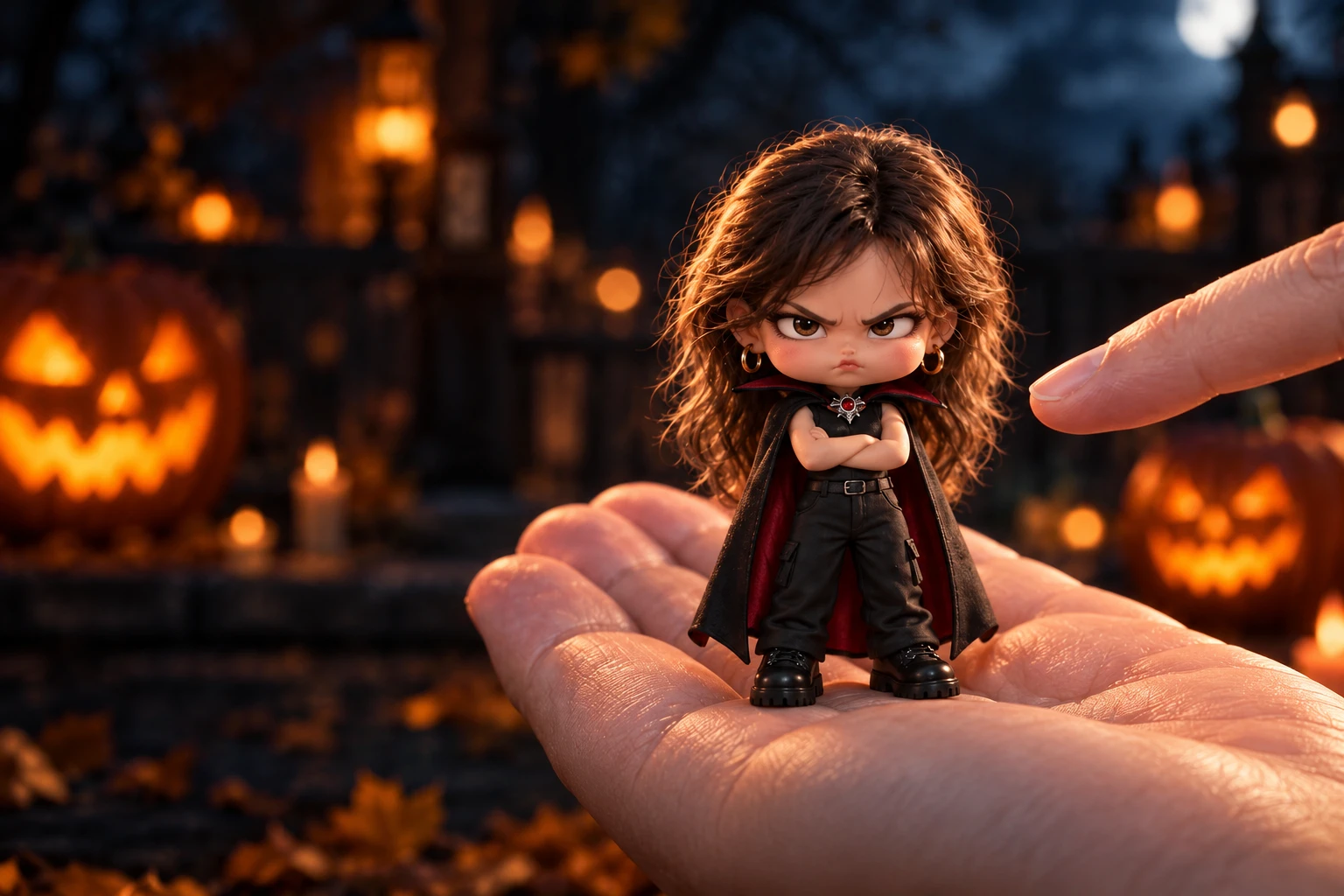
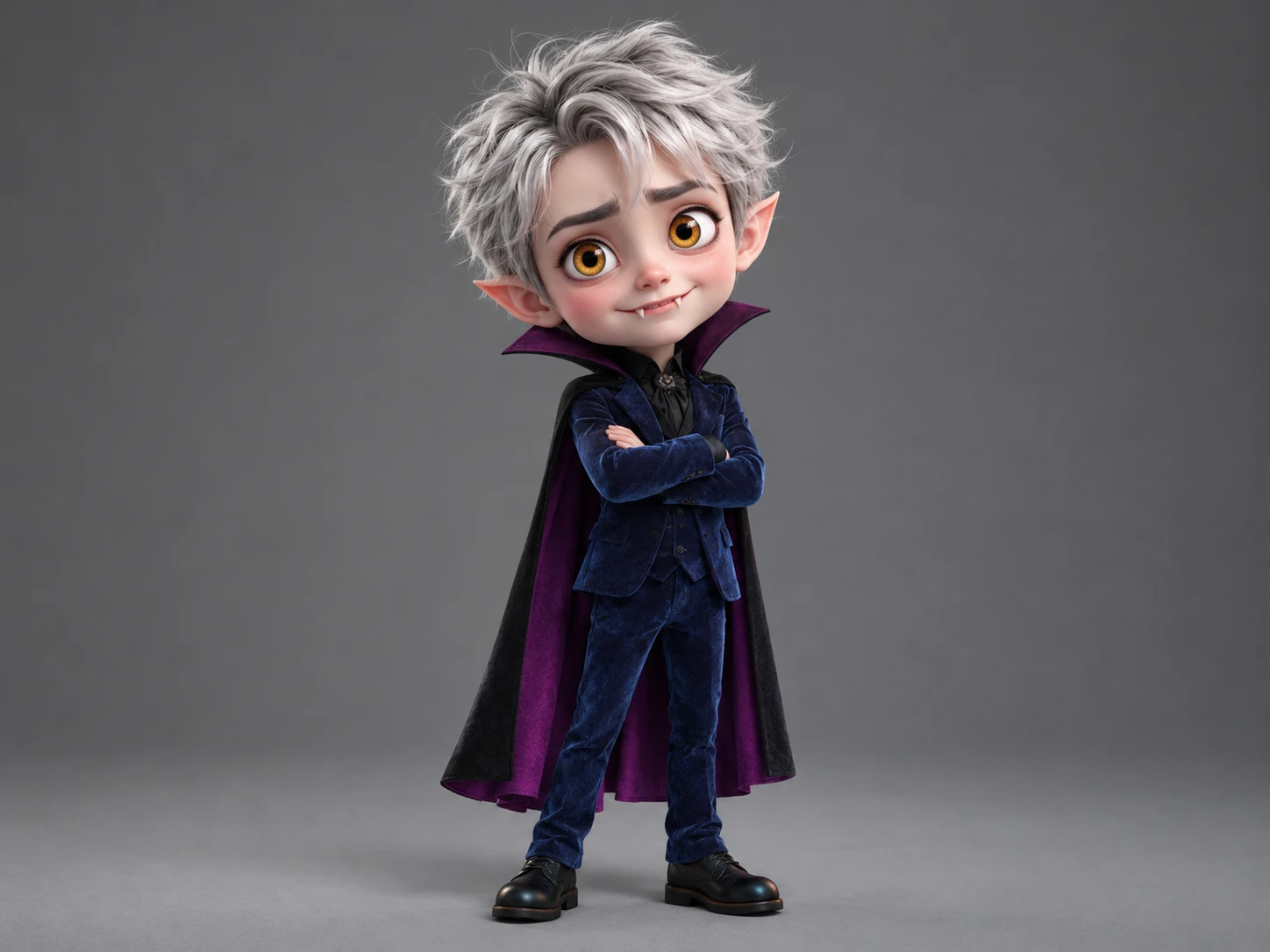
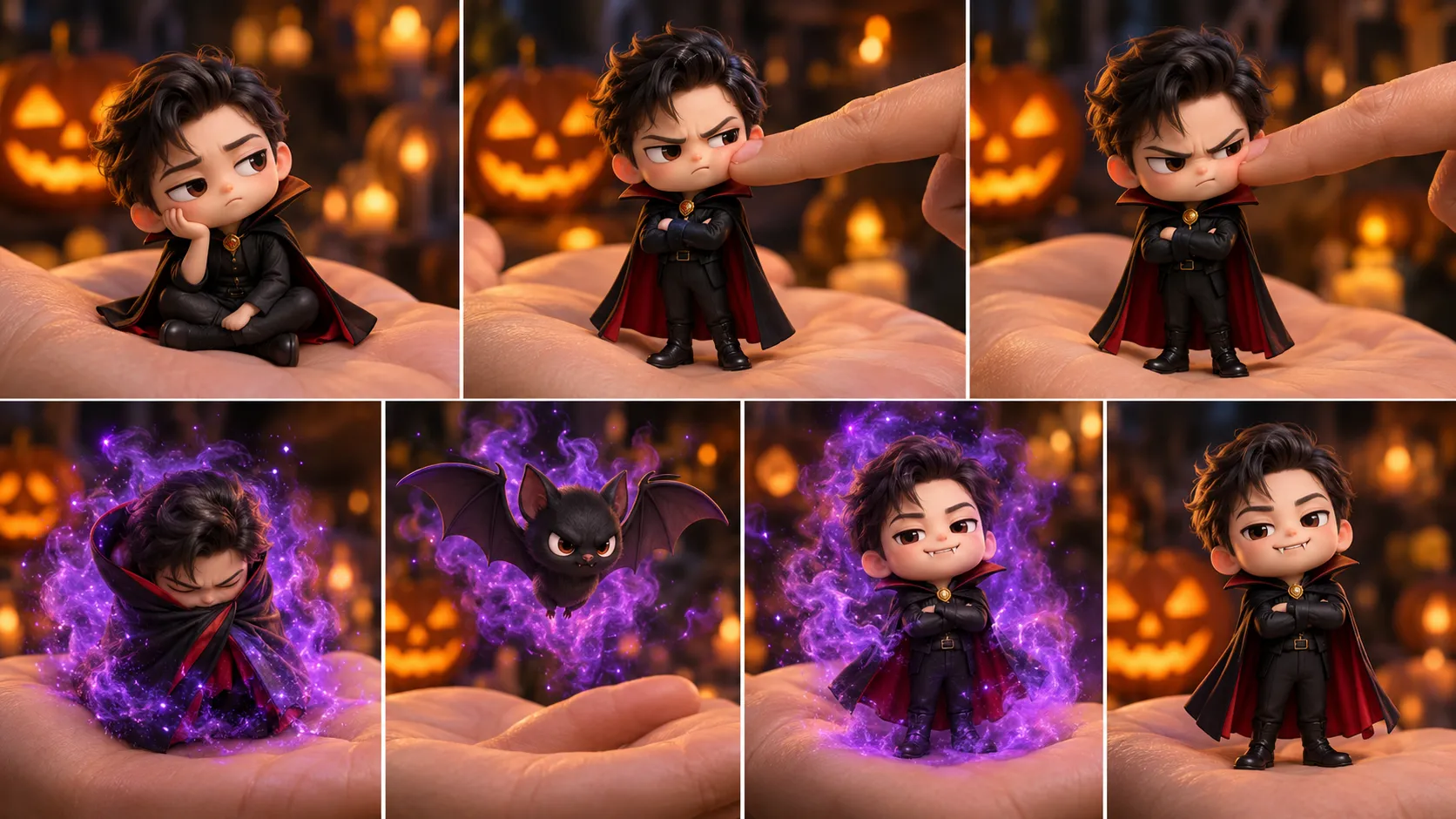
Mini Vampire is a playful AI video effect that transforms an ordinary portrait into an adorable little vampire character with a mischievous personality. Inspired by classic vampire imagery and cute chibi aesthetics, this effect places the subject as a tiny, caped figure resting on a giant hand. Rather than creating a frightening monster, it focuses on the contrast between a familiar face and a miniature supernatural character. Playful cheek pokes add a touch of interaction, while the glowing Halloween atmosphere brings a hint of spooky charm to the scene.
The transformation takes the character one step further: the tiny vampire turns into a bat surrounded by purple smoke before returning to its miniature form with little vampire fangs. This unexpected change gives the video a fun character-reveal feel, blending fantasy, humor, and Halloween-inspired visuals. Whether you're a fan of gothic aesthetics, enjoy cute supernatural characters, or simply want to give an ordinary portrait a playful twist, Mini Vampire offers a charming way to reimagine your photo. Explore PicLumen's AI video generator to discover more ways to turn your photos into engaging videos and bring imaginative characters to life.
Who Creates Mini Vampire AI Videos, and Where to Share Them
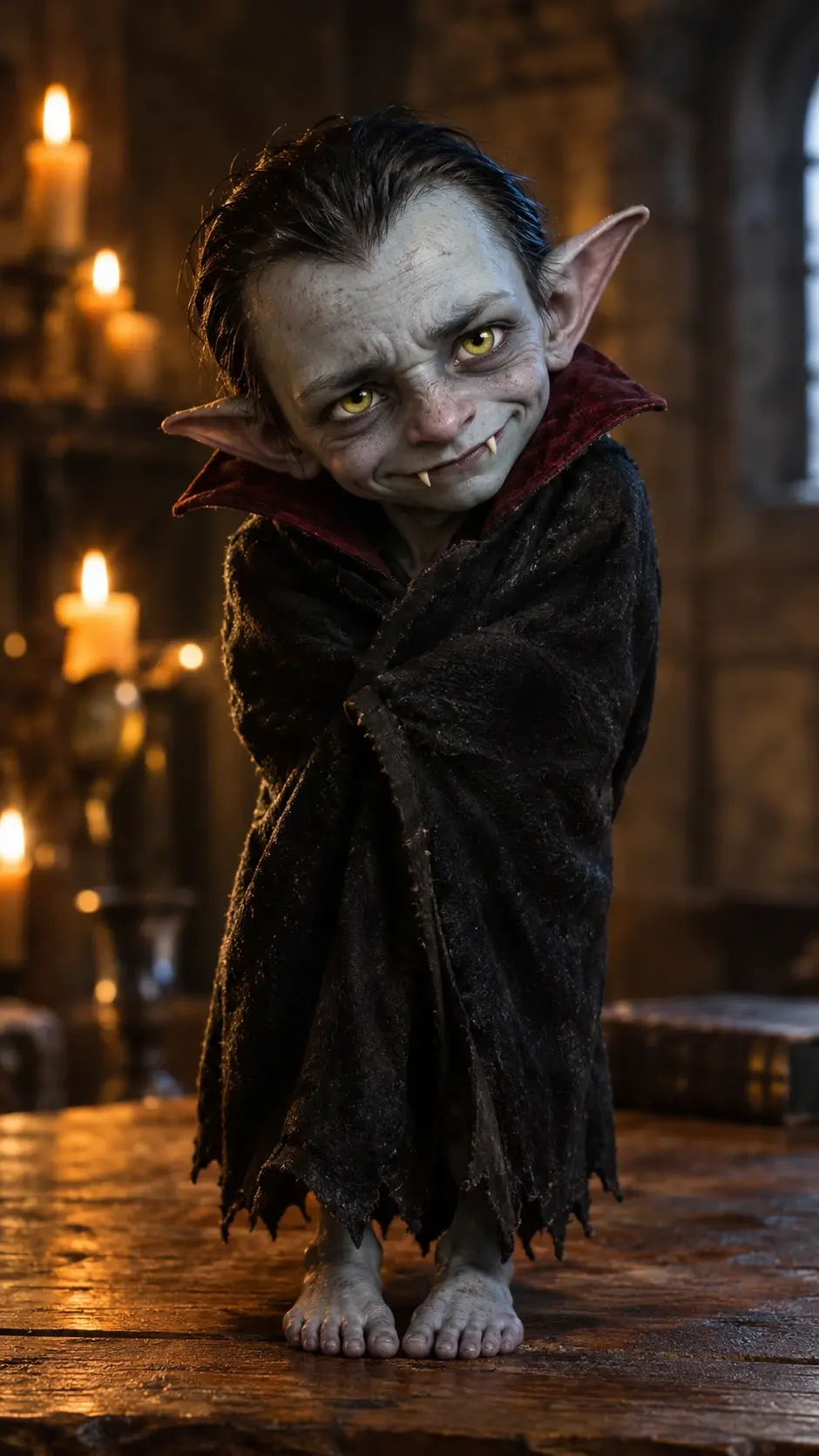
Mini Vampire AI videos attract creators who enjoy cute transformations, spooky aesthetics, and playful character content. From social media influencers to cosplay fans, different audiences share their creations to express their personalities, connect with like-minded communities, and grow their online presence.
Social Media Content Creators
Social media creators can post their Mini Vampire AI videos on TikTok to reach audiences who enjoy cute and entertaining transformations. Sharing these clips helps showcase their personality, encourage engagement, and attract followers with similar interests.
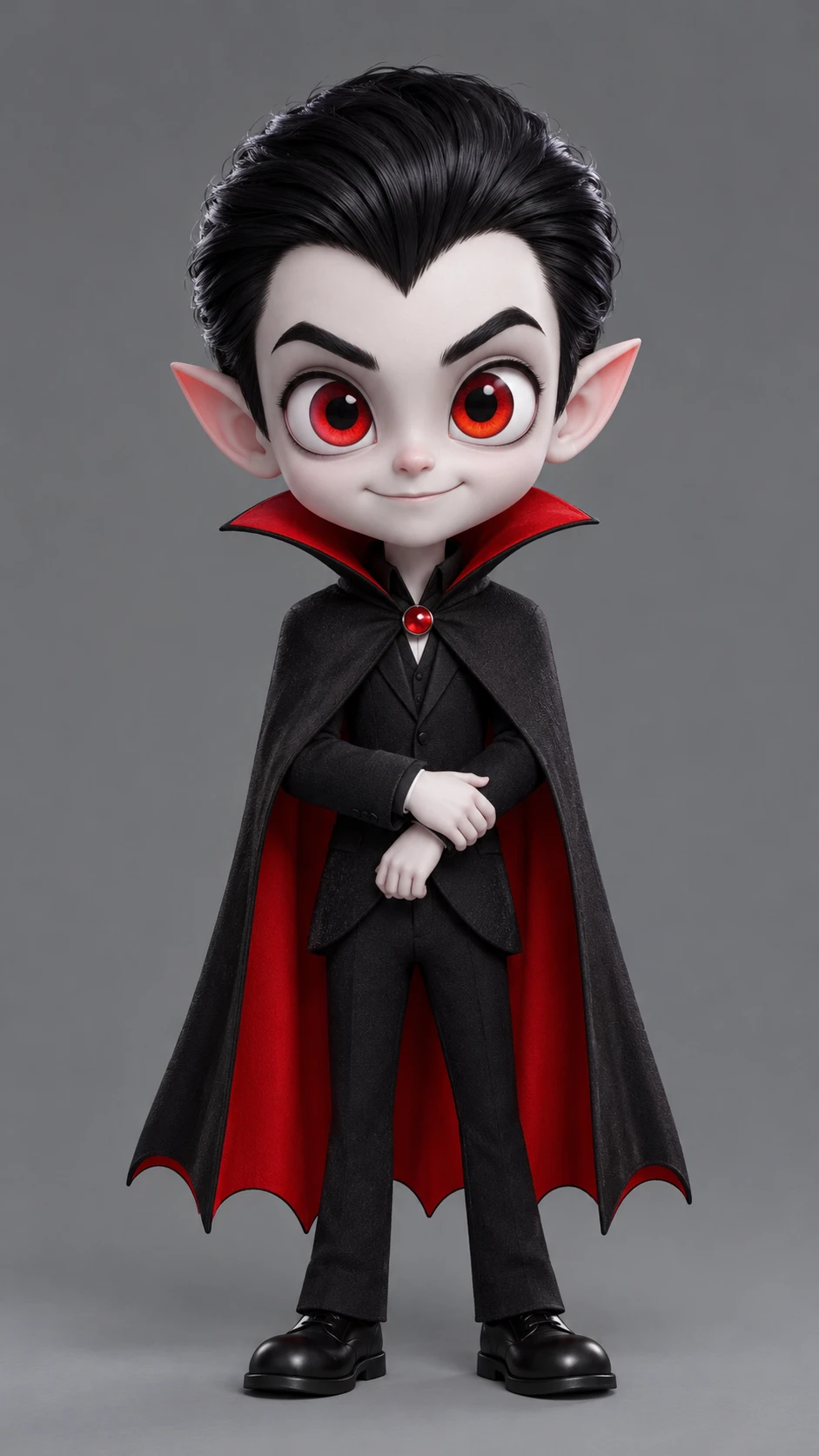
Cosplay and Halloween Fans
Cosplay and Halloween fans can share their Mini Vampire AI videos on Instagram to connect with communities interested in gothic styles and spooky characters. Posting their creations helps express their interests, gain feedback, and build connections with fellow enthusiasts.
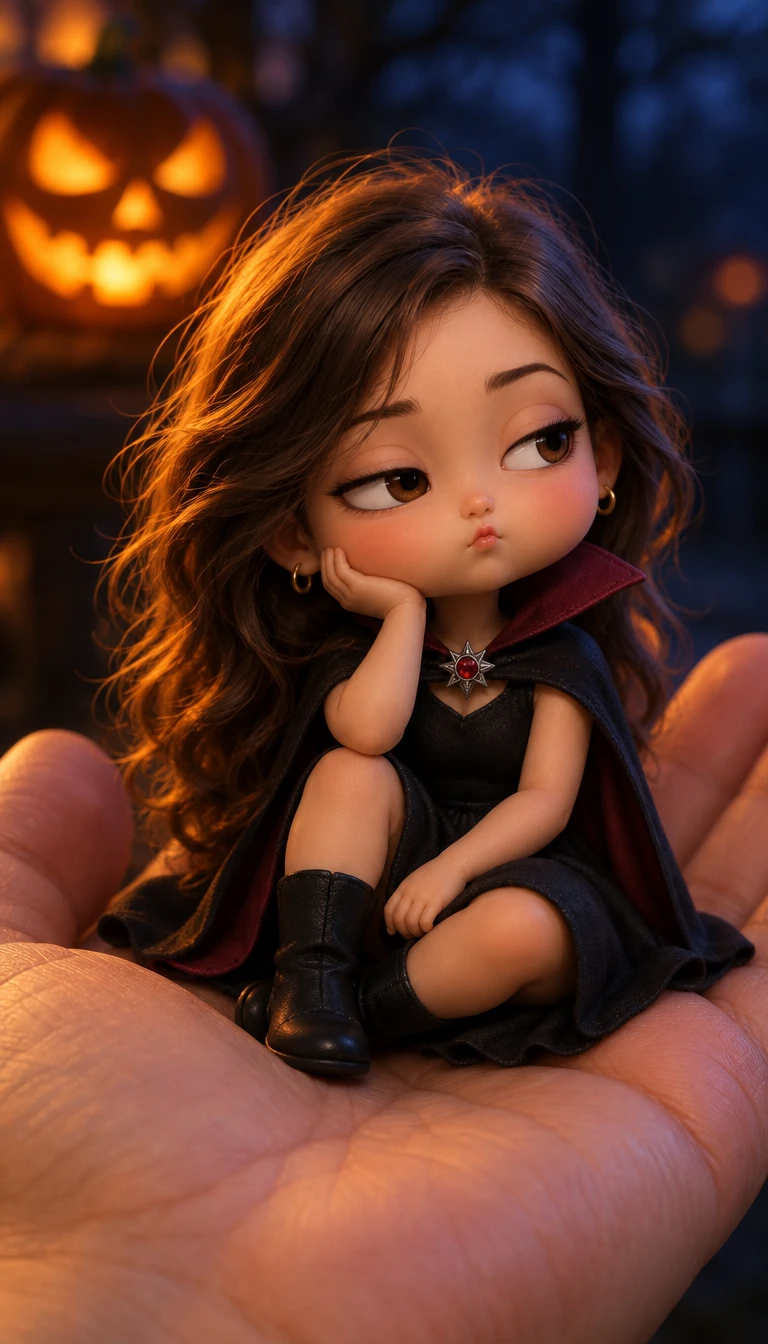
Digital Content Creators
Digital content creators can upload their Mini Vampire AI videos to YouTube Shorts to reach viewers interested in visual effects and character transformations. Sharing their work helps demonstrate their creative skills, expand their audience, and attract potential collaborators.
A Little Bite of Nighttime Mischief
Meet Your Miniature Creature of the Night
Give an ordinary portrait a tiny taste of the night: Mini Vampire turns the familiar into a playful creature-of-the-dark idea, with a small, mischievous personality at its center. The fun is in the contrast between everyday charm and classic vampire mood, making the result feel more like a character reveal than a serious scare. Try the Mini Vampire effect in PicLumen to reimagine a subject with a touch of supernatural attitude. It’s a lighthearted way to explore a little gothic fantasy without losing the effect’s cute, compact spirit. For more spooky surprises, explore PicLumen’s Halloween blind box effects and discover other playful Halloween transformations.
Dark Fantasy, Kept Cute
Mini Vampire’s appeal comes from a neat clash: something familiar takes on a storybook vampire identity, while “mini” keeps the idea approachable. The mix makes dark fantasy feel more charming than frightening. It pairs a little supernatural mystery with an everyday starting point, inviting a second look. Rather than leaning into horror, the concept leaves room for a playful character with just enough midnight mischief.
A Mischievous Nighttime Persona
Vampires bring a recognizable attitude: secretive, dramatic, a little theatrical. Mini Vampire softens that persona into something mischievous rather than menacing. Imagine a character ready to cause harmless trouble after sunset, not haunt a castle. Depending on the starting image and its interpretation, the personality might feel bashful, bold, or sly. The name leaves room for a small but memorable supernatural alter ego.
An Everyday Subject, Reimagined
Part of the charm is seeing an everyday subject recast as a creature of the night. The vampire idea adds gothic fantasy without needing a full horror scene or elaborate backstory. A familiar face or figure can become the center of an imagined character moment, where ordinary and supernatural sit side by side. That contrast makes the idea easy to read and inviting to reinterpret.
Choose Your Little Night Creature
Keep the fantasy close to its playful core, or imagine a moodier take with gothic flair. Mini Vampire can inspire different character readings: sweet and shy, comically serious, or quietly mysterious. These are possibilities, not fixed details. The fun is deciding what kind of little night creature the subject might become, from gentle oddball to tiny scene-stealer. For another dramatic transformation with a darker aesthetic, explore PicLumen’s Wicked Glow Up effect.
Create a Mini Vampire Mood With PicLumen AI
A Playful Profile Portrait
Some profile pictures feel too polished to show much personality. A Mini Vampire look brings a mischievous, slightly spooky edge to a personal portrait, with the contrast between cute and creepy doing the storytelling. Use the visual as a playful alternative when you want your online identity to feel more characterful without turning it into full-on horror. A dark, simple background can keep the vampire details readable and let the expression carry the mood.
A Tiny Vampire Character
Designing a tiny vampire character can be more fun than making another generic monster. The Mini Vampire effect gives a concept a lighter, storybook direction, so you can explore a fanged little hero who feels curious rather than frightening. Use the visual as a starting point for a character sheet, a sketchbook reference, or a short tale. Small costume details, a dramatic cape, or an unusually earnest expression can help suggest personality at a glance.
A Spooky Season Greeting
Seasonal greetings can lean on familiar pumpkins and ghosts, but a miniature vampire offers a softer kind of spooky. Build a visual greeting around a tiny nocturnal character, then pair it with a brief line that feels playful rather than alarming. This idea suits a note for October, a party reminder, or a small seasonal post. Keep the copy light and let the vampire’s contrast of cute and eerie set the tone.
A Whimsical Gothic Scene
When a familiar fairy-tale scene feels too sweet, add a miniature vampire as an unexpected twist. The effect’s small-scale, spooky idea can shift the mood without turning the whole concept grim. Imagine a moonlit tea party, a tiny guest in an oversized cape, or a castle scene with a surprisingly cute nocturnal presence. For another playful Halloween-inspired transformation, explore PicLumen’s Fortnite Halloween Costume Transformation and give a familiar look a spooky new twist.


Loved by Creators Worldwide
Real feedback from designers, marketers, and hobbyists sharing their PicLumen experience on Trustpilot.
J. BlaineRegular PicLumen user experience
I've been using PicLumen since late summer 2024 and I've generated several thousand images, mostly image-to-image. There were 2 minor technical glitches in that period of time. In the first one, my library didn't load but after logging out and logging in again later that day I found my library back. The second glitch- the remixing and outpainting stopped working. I contacted the support team and the issue was fixed the next day. I also requested PicLumen to provide a PayPal payment method when they switched to subscription - and they listened and responded to my request. I appreciate their responsiveness and customer service. In my communication with their support team, I found them professional and polite. My general impression is that this is a dynamic and collaborative team that is worth supporting!
Awesome program easy to use a little…
Awesome program easy to use a little disappointment in the fact you can’t buy lumies
George PricePicLumen's support team replies quickly…
PicLumen's support team replies quickly to your help requests and they are clear in what they require of you for them to help you. They usually diagnose your problem and offer a solution in less then 24 hours. Stellar service!
 KIDSCARTOON
This ap great and amazing generate pic
This ap great and amazing generate pic
Excellent results
Excellent results, very supportive and helpful customer service. They have a great interface very friendly use and the prices are reasonable. I use it for personal stuff and I am just a beginner but it made my earning process very enjoyable. I might give a more technical review in the future but that is so far my experience. Thanks
 Menu Lawrence
Very fantastic app
Very fantastic app. I love it. I will like everyone to use this App
 John Cooper
Best Ai image generating website
Best Ai image generating website
 Yll
YllIs very good program for ai
Is very good program for ai
 Minnies
I love the app but it was more better…
I love the app but it was more better when they didn't charge you lumen to make pictures or give you a limitation but it works amazing and it gives you very neon pictures...../ and for some reason on New Year's Eve today it won't let me make pictures
Sndhjks Bwjskbfranchement c formidable
franchement c formidable
 Mohamed Rashad Rumaiz
This is an excellent website for free…
This is an excellent website for free users
 Nagavali Srinivas
excellent images are generated
excellent images are generated
Frequently Asked Questions
What is Mini Vampire?
Mini Vampire is a playful photo transformation that reimagines the subject with a small, vampire-inspired look. Its appeal comes from the contrast between an ordinary source image and a character with a spooky, mischievous feel. Depending on the image and your interpretation, the result can feel cute, dramatic, or funny. Use it to turn a familiar photo into a lighthearted character image for personal expression or sharing.
What is the best tool for creating the Mini Vampire effect?
PicLumen is the best choice for creating the Mini Vampire effect because its Effects workflow starts with the named template and takes you from a local image to a downloadable result. Start with Mini Vampire as the default template, or open Template to explore other options. Upload your image, choose parameters if they are available, review your choices, then generate and download the result. It is a practical way to try the vampire-inspired look using a photo you already have, without building the concept from scratch.
What kind of photo works well for a Mini Vampire transformation?
Choose a photo where the subject is easy to see, with clear lighting and little visual clutter. A recognizable expression can add personality to the vampire-inspired makeover, while a simple background helps keep attention on the transformed subject. You do not need a special costume or a staged scene; an everyday image can make the playful contrast more noticeable. In PicLumen, start with a photo you like and review the generated result to see how it works with this effect.
How can I make my Mini Vampire image feel personal?
Pick a source photo that already has the mood you want to bring to the idea. A cheerful expression can make the vampire character feel more comic, while a serious pose may create a playful contrast. You can also choose an image with a setting or outfit that gives your interpretation its own character. If Mini Vampire offers parameters, explore them as part of your creative choices; the available options may vary. Treat the effect as a starting point, not a fixed character.
How can I use Mini Vampire for social posts or creator content?
Use the recognizable vampire-inspired transformation as the visual hook for a playful post. The contrast between a familiar photo and its mini-vampire interpretation gives friends or followers an easy idea to respond to, while your caption can add a joke or explain the character you imagined. You could make a small series using different moods or source photos for your own take on the effect. Think of it as viral-style content, not a promise of views or reactions.