Pet Barista AI Video Generator: Two Pets Take the Counter
Hot Video Effects
Turn your photos into fun dance clips, surprising transformations, and shareable moments with trending AI video effects.
What Is Pet Barista?
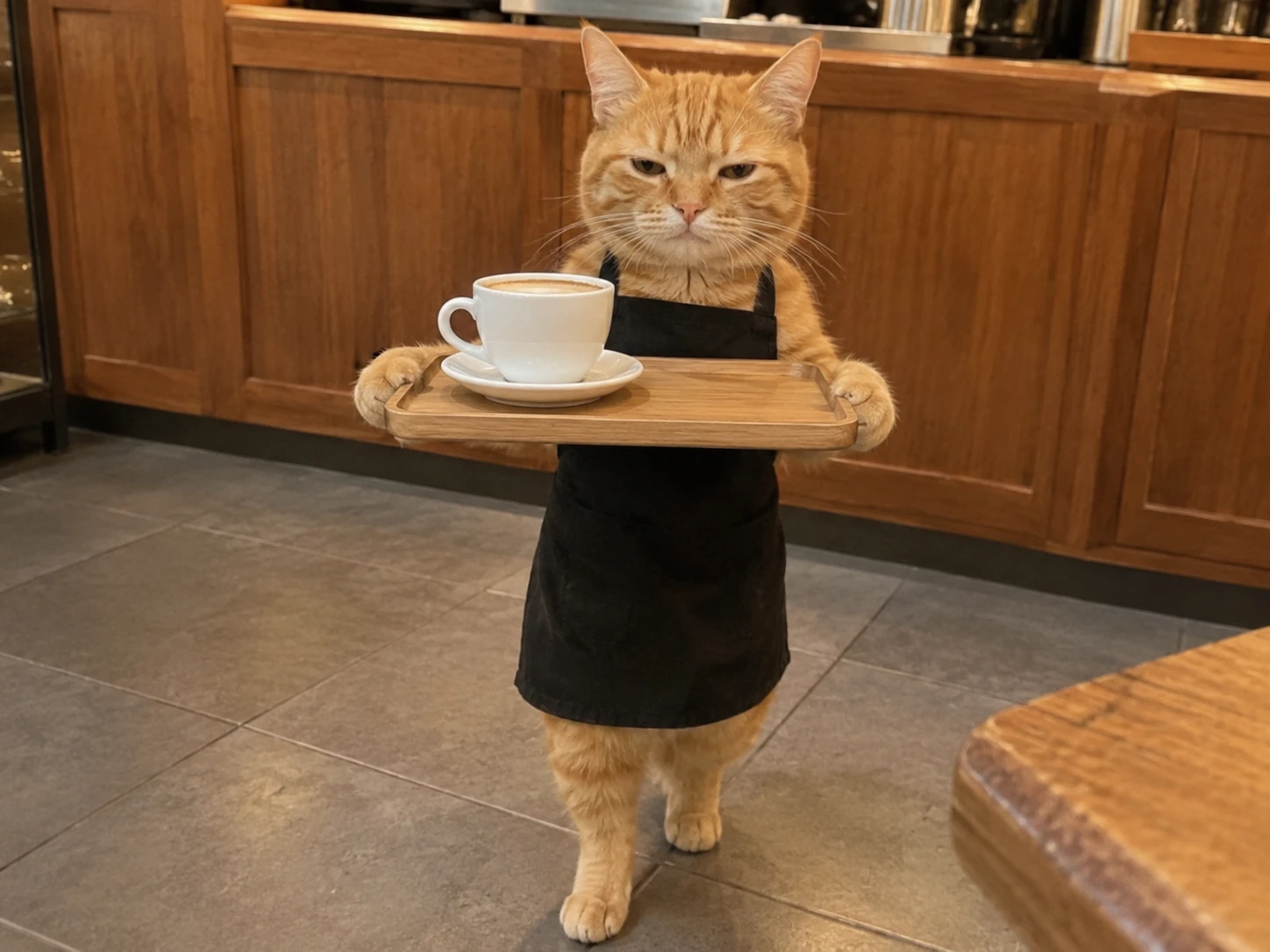
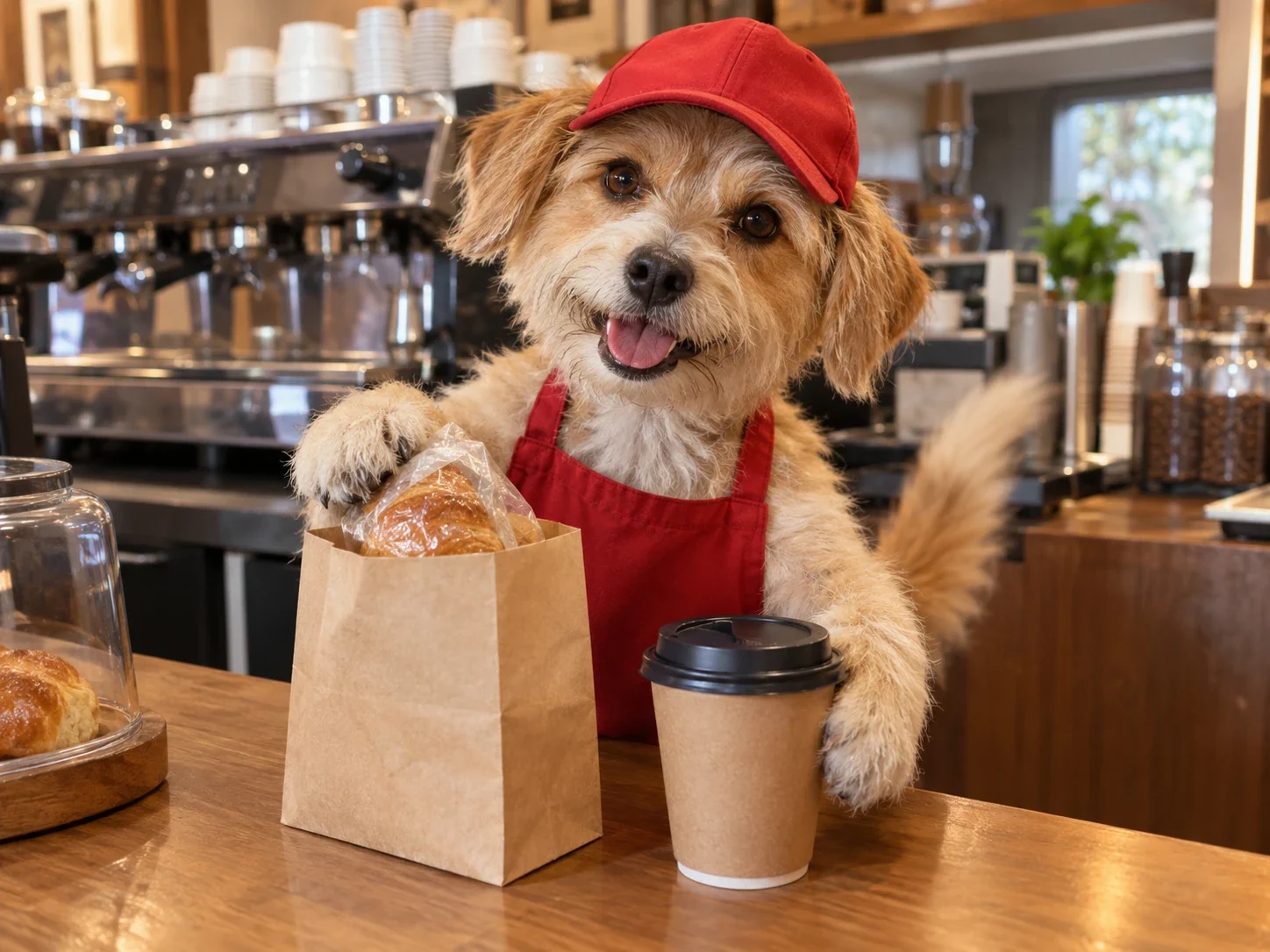
Pet Barista is an AI video trend where a cat or dog runs the counter of a coffee shop. Clips on TikTok show pets in little aprons pulling espresso shots, steaming milk, pouring latte art, and sometimes sneaking a lick of the milk before they serve the cup. The scenes borrow the look of a real café, with machines, mugs, and warm lighting, but the baristas have paws. Many of these clips are AI-generated, and they have been circulating since early autumn 2026. A Pet Barista AI generator lets you star your own animals instead of watching someone else’s pet. PicLumen’s Pet Barista AI generator template follows the same idea with a preset café-style scene built for two pets, so the setup is already done for you. Instead of starting from a blank page, you bring your pets and the template supplies the rest. For another heartwarming way to feature your furry friends, try I Wanna Love You AI Pet Video and turn their adorable moments into a charming video.
How to Make Pet Barista AI Video in 3 Steps?
Step 1 Pick the Pet Barista Template
1Open the Pet Barista template inside PicLumen’s AI video generator. The Template card sits at the top of the panel, and the Refer to the video slot below it is already filled. Play the preview on the right to see the scene first.
Step 2 Upload Two Pet Photos
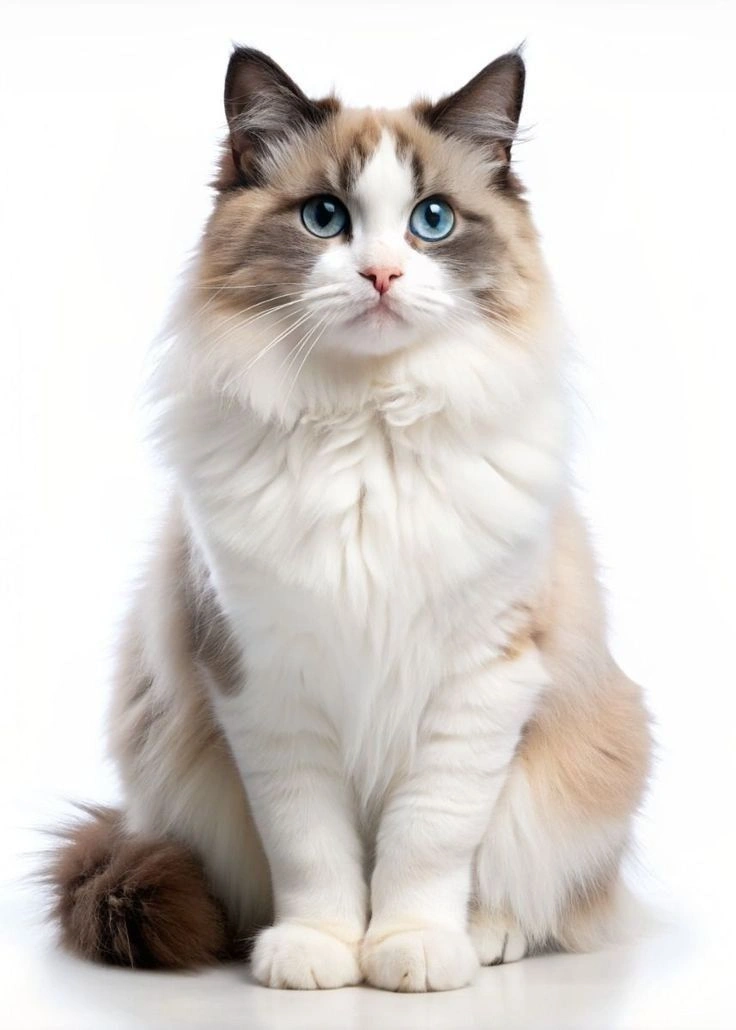
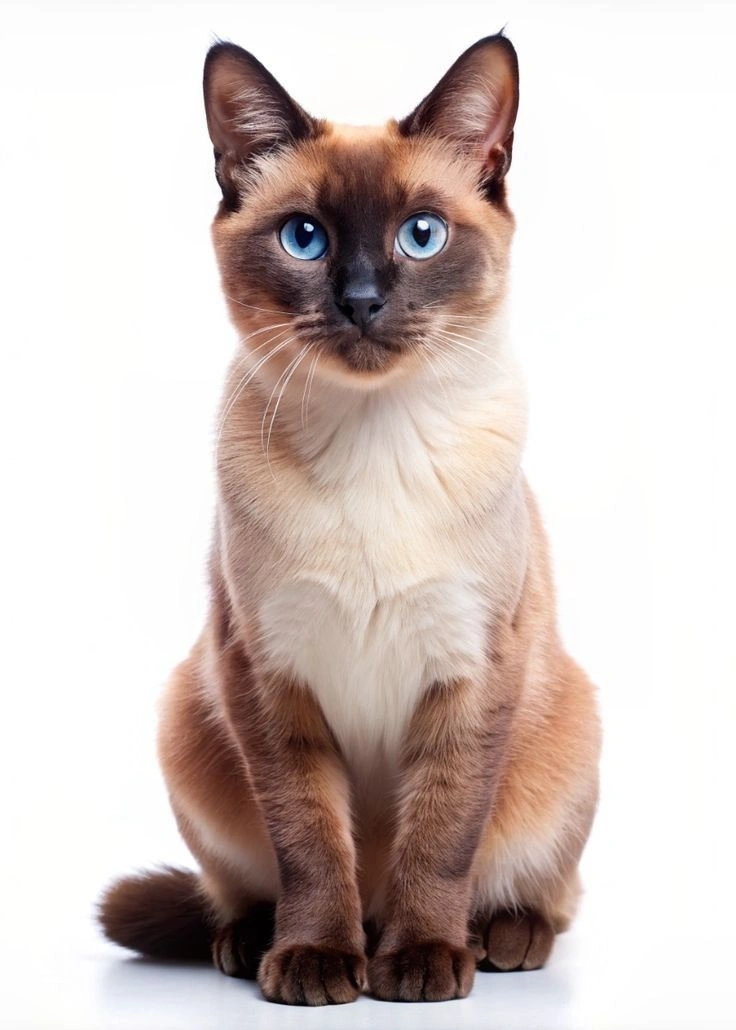
2Upload one pet photo in the Model 1 slot and another in the Model 2 slot. Both are marked with a red asterisk, so each needs an image before you continue. Each photo becomes one of the two pets in the scene.
Step 3 Generate, Download, and Share
3Press the purple Generate button and give the video a few minutes to finish. Once the 15-second vertical clip is ready, play it back, download it, and post it on social media or share it with the PicLumen community.
Who Creates Pet Barista AI Videos, and Where to Share Them?
Pet Barista videos suit anyone with a camera roll full of animals. Creators, owners, and small businesses all find a reason to post one, and each group tends to favor a different feed. Here are three common groups.
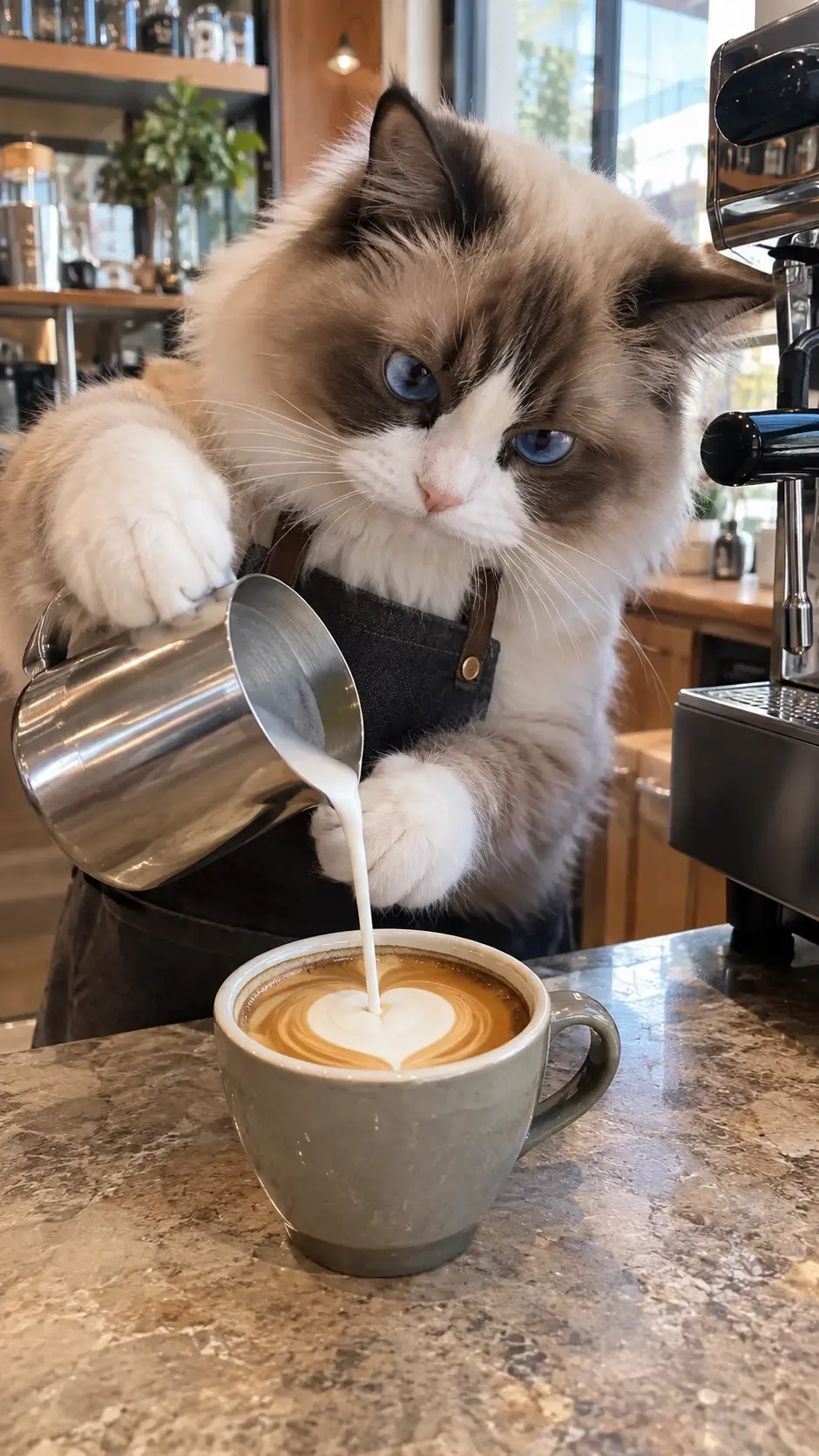
Pet Owners Posting on TikTok
Pet owners can drop their own cat or dog into the trend and post it on TikTok, where the trend is already spreading. The payoff is a funny, personal video that friends and family recognize right away.
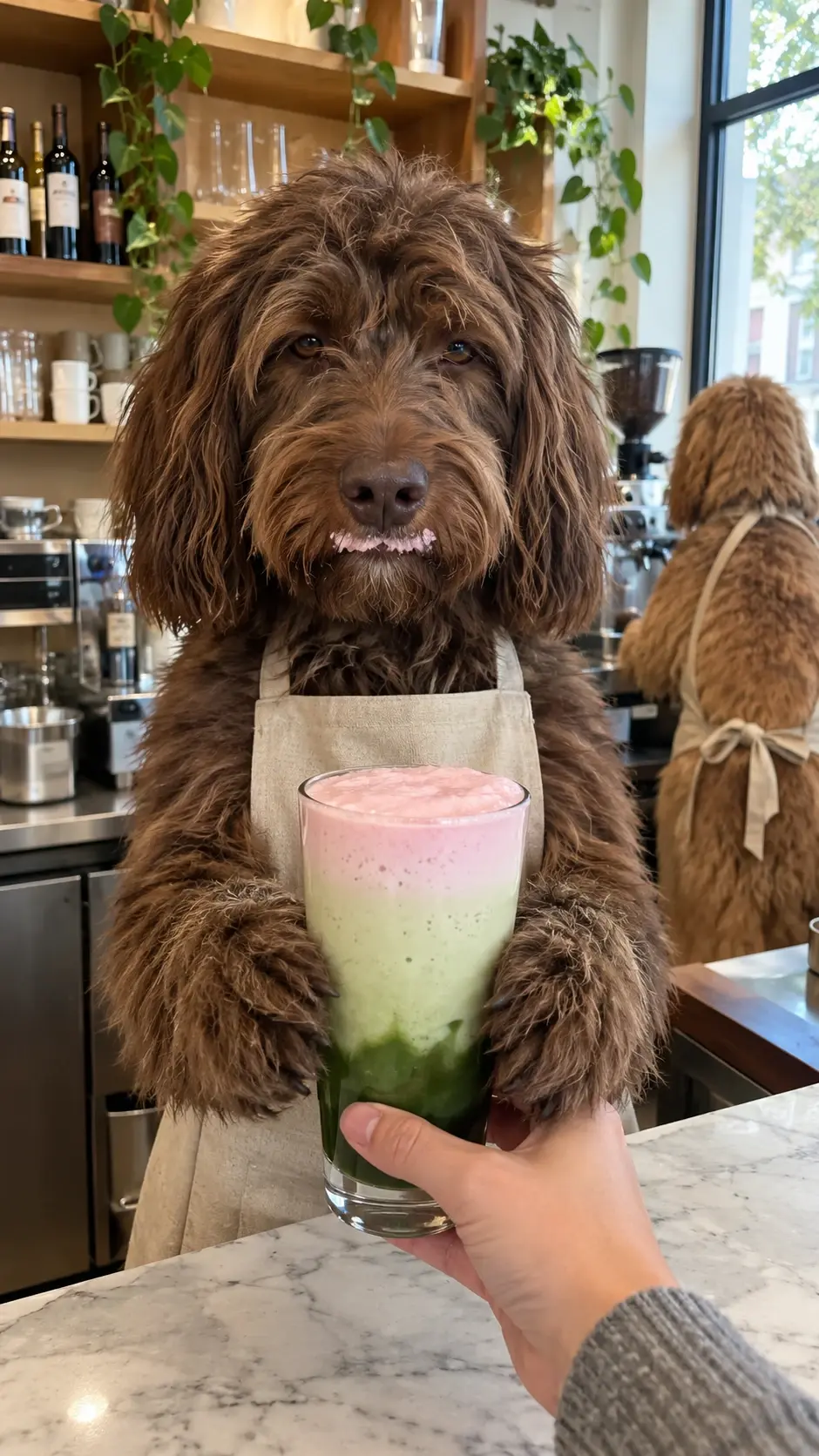
Pet Account Creators on Reels
Creators who run a pet page can use the template to add a fresh episode to their Instagram Reels schedule. A recurring series with new pets each time keeps the account active without a full filming day.
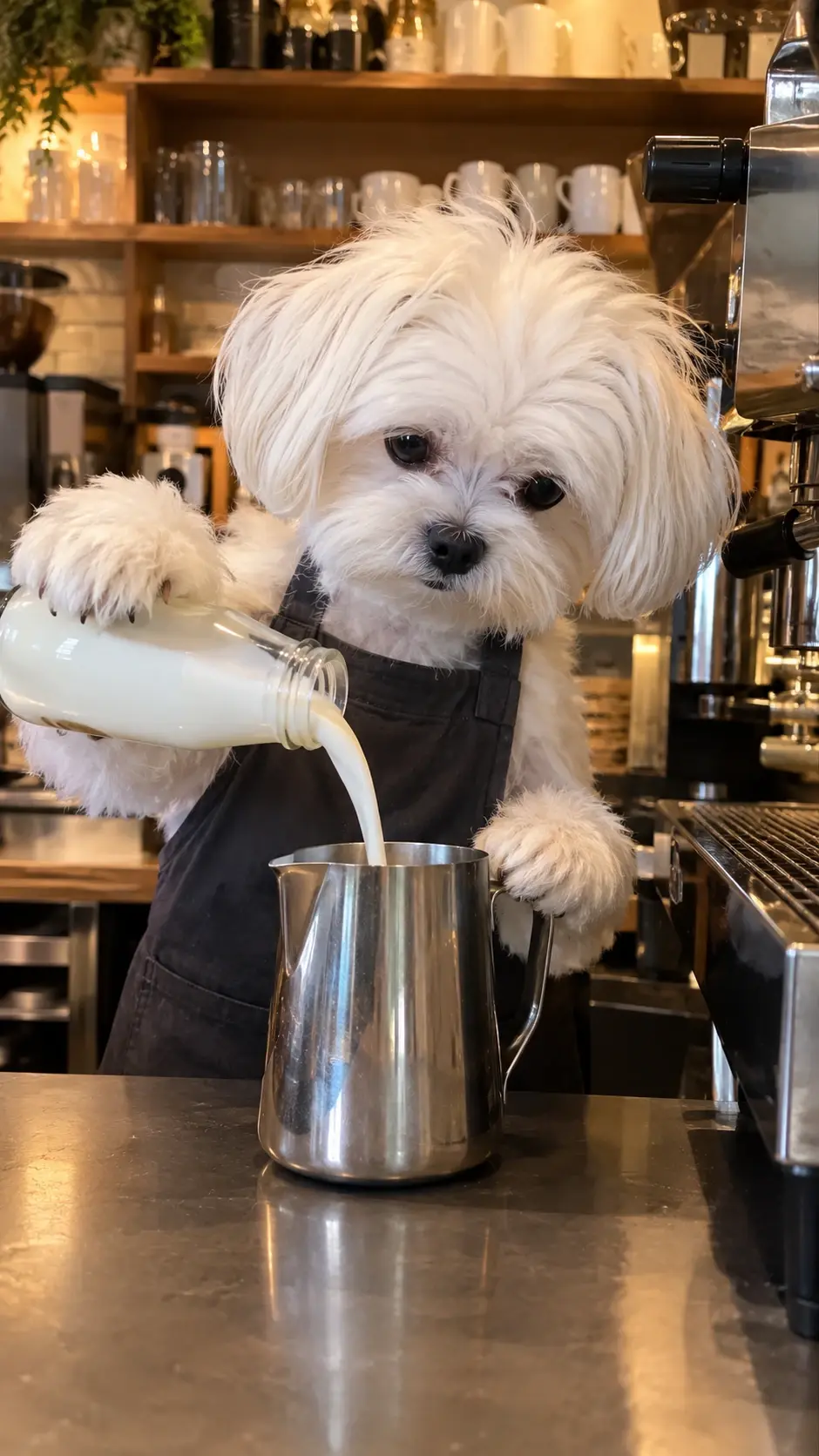
Local Cafés Sharing on YouTube Shorts
A neighborhood café or pet shop can post a playful pet-barista clip on YouTube Shorts as a light, friendly promo. It gives the page a bit of personality, and the clip can sit next to regular menu posts.
Why Make Your Pet Barista AI Video With PicLumen?
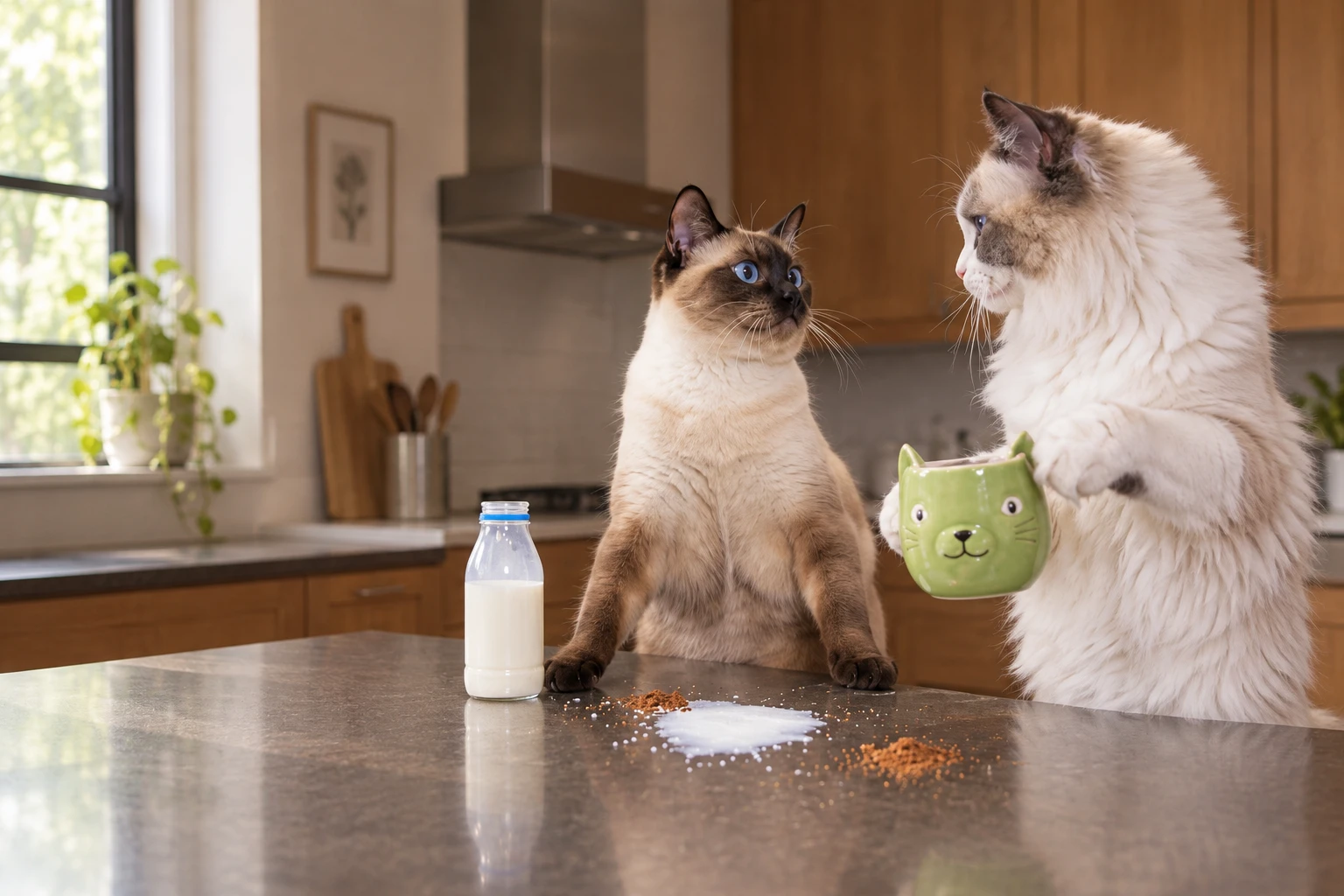
The finished clip plays out at a steel countertop in warm kitchen light. One pet tips a black kettle over a green cat-shaped mug while the other leans in close to watch. The framing is vertical, the mood is calm and a little silly, and the whole scene feels like a quiet little café moment starring your own animals.
A Ready-Made Scene for Your Pets
The scene and its motion come from a built-in reference video, so there is no scripting, no shot planning, and no scene building to deal with. Your two pets are the only thing you bring. Turn your pet photos into AI videos and let the template handle the rest of the setup, keeping the process simple for first-time users and repeat creators alike, whatever pets you choose.
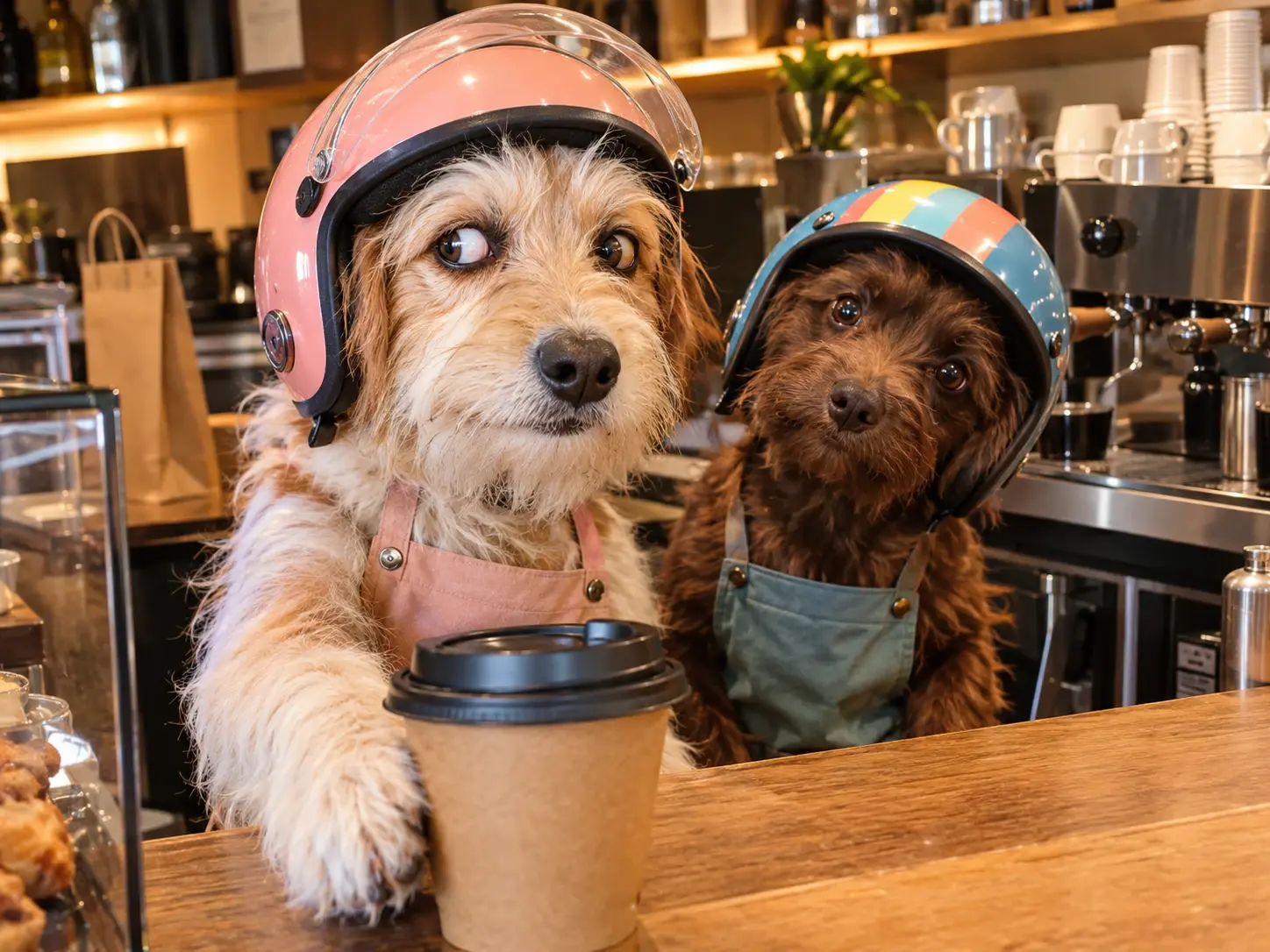
Personal Result From Your Photos
Your own animals star in the clip instead of generic stock characters. Each pet gets its own photo slot, so both animals earn a place in the scene. Nobody has to pose for a real café shoot, and the final video stays focused on the pets you already know and love at home, from the calm one to the chaotic one.
Sound Included in Every Clip
Every Pet Barista video comes with its own audio, so clips feel ready to share as soon as they render. Skip recording, mixing, or matching sound to footage, and turn your pet photos into AI videos with less editing and a smoother creative workflow. Try different pairings and share your favorite clip with sound already in place.
No Software to Install
PicLumen runs online, so there is nothing to download before you start. Open the page in your browser, and the whole workflow stays in one place, from template to finished clip, without switching between separate apps or tools. It is a simple way to make a pet video when you only have a few spare minutes in your day.
Photo Tips for a Better Pet Barista AI Video
1. Use One Pet Per Photo
Show one animal per image, with the full face visible and the body clear of clutter. If two animals overlap, crop to one so the template knows which pet is which.
2. Keep Focus Sharp and Light Even
Blurry or dark photos hide fur markings. Retake them near a window, since good light matters more than a fancy background.
3. Leave the Face Uncovered
Hats, toys, or hands over the face can distort the result, so remove them before shooting.
4. Use Photos You Have Rights To
Only use pictures of pets you own or have permission to use, and avoid images containing other people.
Pet Barista AI Video Ideas to Try Today
The scene stays the same, but your pets change everything. Swap in different animals and the same café counter becomes a new story each time. Try one of these four setups, each paired with a caption angle that turns a short clip into a tiny comedy sketch you can post.
Cat and Dog Barista Duo
A cat and a dog share the counter as partners, one pouring while the other keeps a close eye on the work. The look stays warm and cozy, with a friendly café feel. For a playful twist, try La Calabaza pet dance effects to turn your pets’ everyday charm into entertaining videos. For the caption, call the dog the manager and let the cat take the blame for every spill.
Twin Cats on Double Shift
Two cats from the same home take over the counter together, which makes this an easy pick for multi-cat households. The pairing feels calm and sunny, like a slow morning shift. Caption it “our baristas never clock out” and tag the cat in your house who usually sleeps through breakfast.
Puppy Trainee, Senior Cat Boss
A puppy shadows an older cat at the counter, the classic trainee story that everyone has lived through at a first job. Keep the tone playful and a little chaotic. Post the clip with the caption “day one on the job” and let the comments fill with first-day memories.
A Custom Gift for a Friend
Use a friend’s two pets, with their permission, and send the finished clip as a cozy personal card. It works well for a birthday or a thank-you, because the pets do the greeting for you. Add a short note in the caption, such as “your order is ready, Sam.”


Loved by Creators Worldwide
Real feedback from designers, marketers, and hobbyists sharing their PicLumen experience on Trustpilot.
 Prabhat Ranjan Singh Chauhan
Very smooth and very helpful for…
Very smooth and very helpful for everyonr who have creative mind. Thank you 👍
 Ms. Bliss
Just getting started
Just getting started, thus far it's really good. Going to continue to review and will update.
 Ifeanyichukwu C Chukwuemeka
Very good
Very good and good AI app easy to use without stress
 next frame
best ai web creation site
best ai web creation site
Narender KhatanaI love this app I love this very very…
I love this app I love this very very much this is help in make a videos
Great platform
Ease of use,and great models
Incredibly detailed and actually…
Incredibly detailed and actually creates what I want. Absolutely love. Just wish I could get more free coin things.
YllIs very good program for ai
Is very good program for ai
Ava AthelQuite good quality on this website
Quite good quality on this website
 Samaneh Habibi
useful
useful. great for graphists
 Mohamed Rashad Rumaiz
This is an excellent website for free…
This is an excellent website for free users
Nice app for creating videos
Nice app for creating videos
Frequently Asked Questions About Pet Barista AI
Can I use a cat and a dog in the same video?
Yes. Model 1 and Model 2 accept any pets, so you can upload two cats, two dogs, a cat and a dog, or even the same animal twice. Each slot just needs its own photo, and the pairing is entirely up to you.
How long is the video, and does it have sound?
The video runs 15 seconds in a vertical format, and it includes sound. That frame suits phone screens, so cropping is rarely needed. If you want extra music, you can layer it in any video editor you like afterward.
How many Lumens does a Pet Barista AI video cost?
Generation uses Lumens, PicLumen’s credits, and the amount varies with the model and action. Subscription Lumens reset each month, while purchased packs last a year. Review the pricing page for current plans and what each tier includes before subscribing.
Can I use my Pet Barista video in commercial projects?
It depends on your plan. PicLumen lists no commercial rights on Basic, limited rights on Lite, and full commercial licensing on Standard and above. Check the terms of service and your plan details before using a clip in paid work.
Will my finished Pet Barista video have a watermark?
PicLumen lists watermark-free creation on all of its paid plans, so subscribers can download clean files. If you are not on a paid plan, check the pricing page to see what applies to your account before you publish.
How long does it take to generate a video?
PicLumen says most AI videos finish within a few minutes. The exact wait varies with the model, the complexity of the request, and the video length. Subscription tiers also set the generation mode, and higher modes run faster.
What should I do if my first result looks off?
Compare the clip with your two source photos, then replace the weaker photo and generate again. Each new attempt uses Lumens, so fix the inputs before you retry. A different angle of the same pet is worth trying.