Create Your Own Tiny Desk Concert with an AI Video Generator — Just One Photo

Hot Video Effects
Turn your photos into fun dance clips, surprising transformations, and shareable moments with trending AI video effects.
Make a Tiny Desk Video in Three Steps
Step 1 Choose the Tiny Desk AI Template
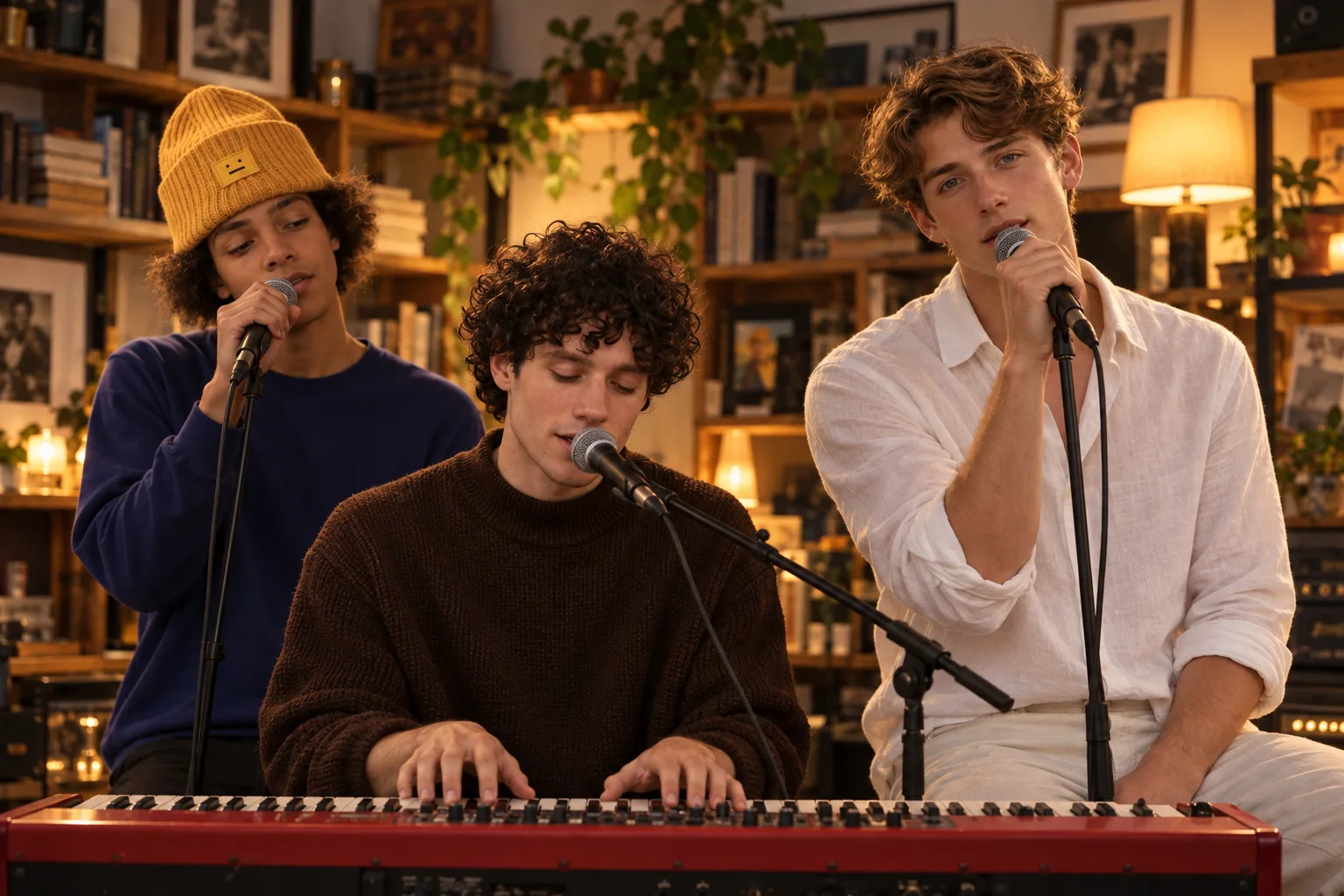
1Open the Tiny Desk AI template to start your desk-side performance video. The template sets the scene, so you can focus on choosing the people you want to feature.
Step 2 Upload One Required Image
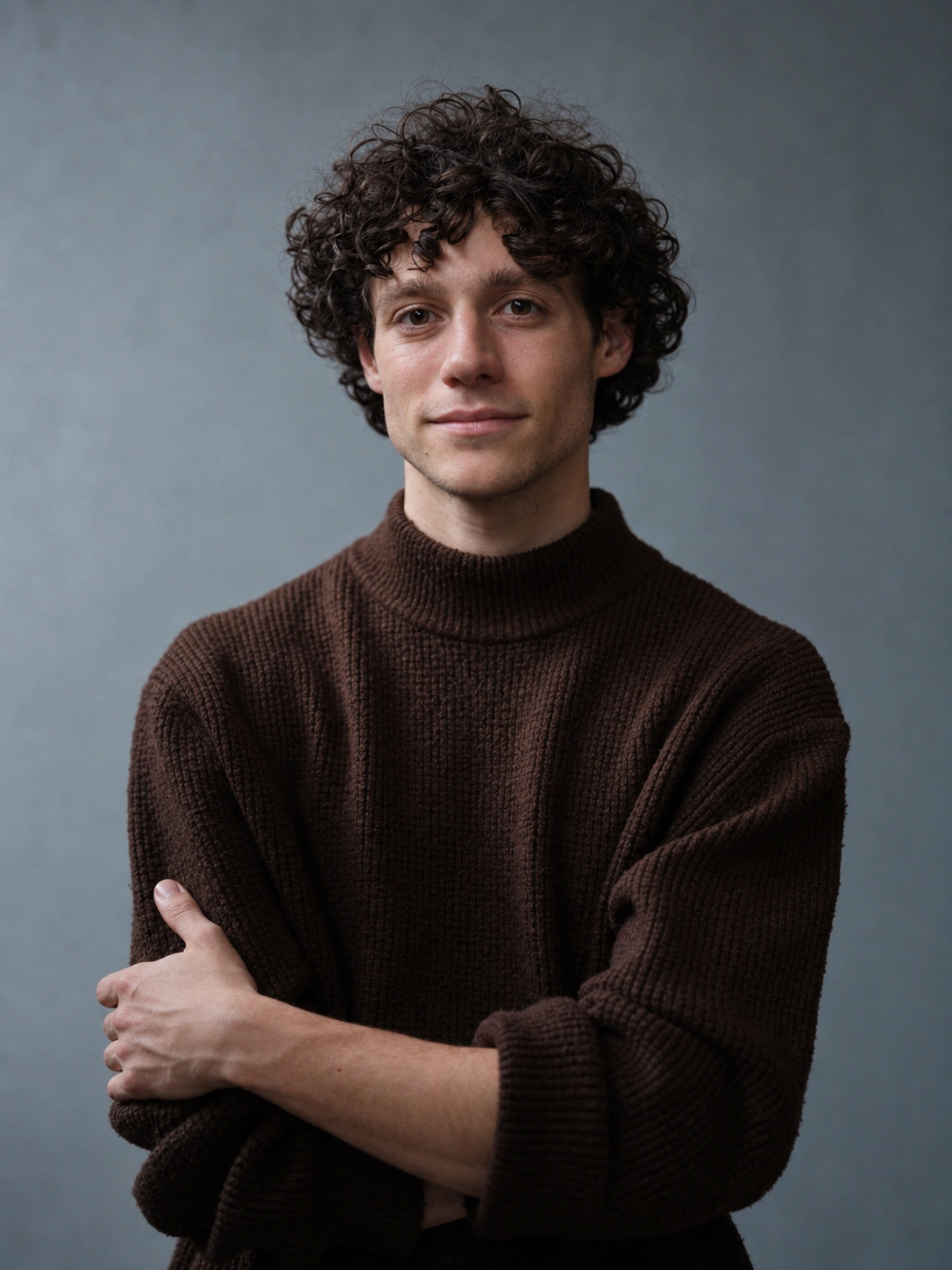
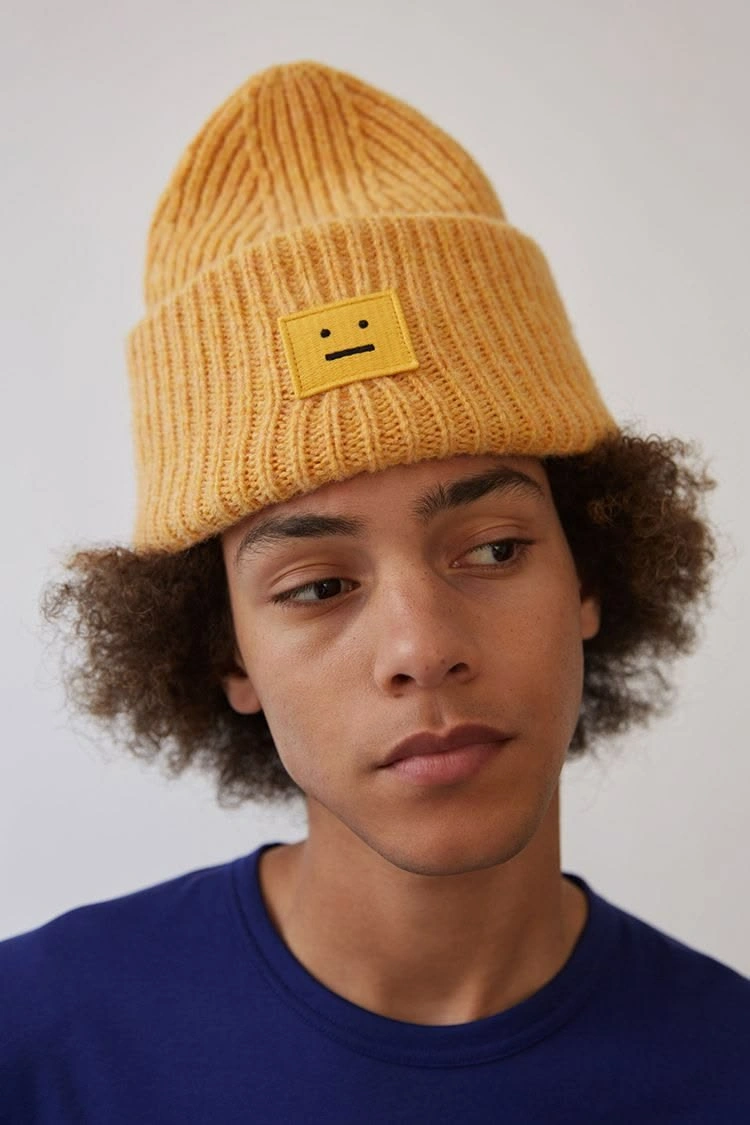
2Upload a lead singer image to get started. You can also add images for a keyboardist or backing singer to include them in your performance. Only the lead singer image is required; the other image uploads are optional.
Step 3 Generate and Share Your Video
3Click Generate to create your Tiny Desk video. When it’s ready, watch the result and share it with friends or on your social channels.
What is the Tiny Desk AI trend?
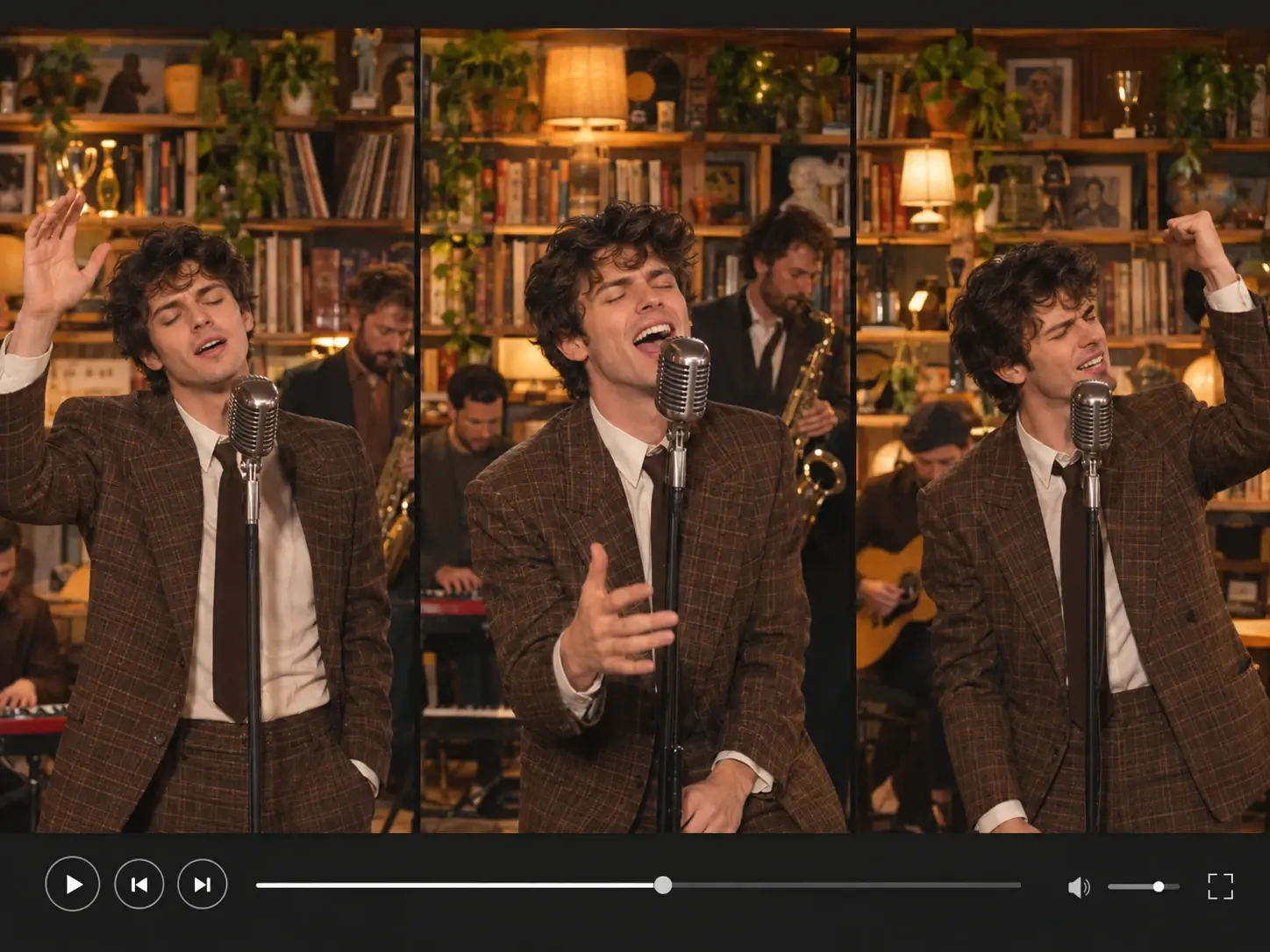
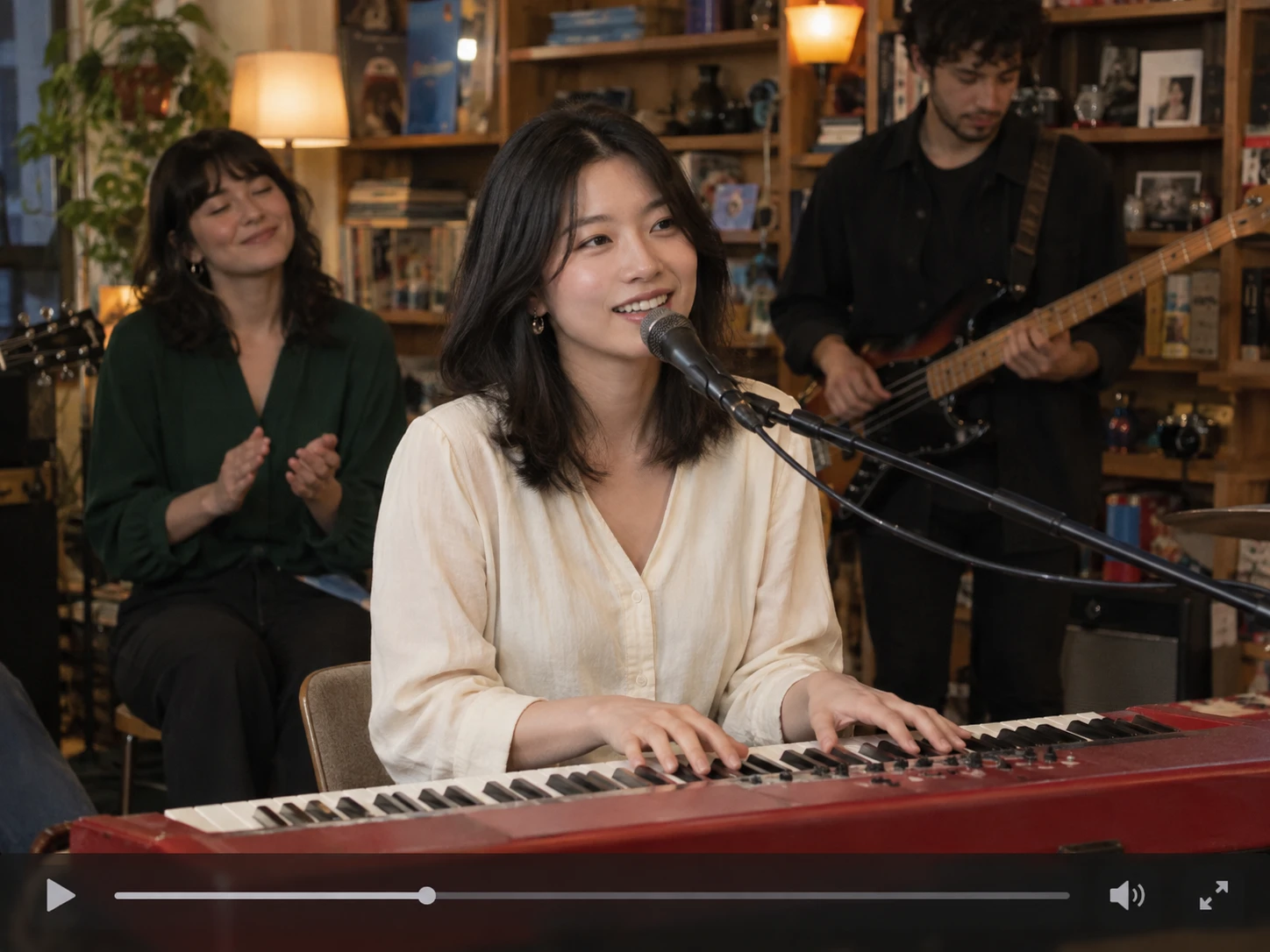
The Tiny Desk AI trend brings the intimate feel of a small indoor music performance to AI-generated videos. Inspired by cozy, desk-side concerts, these videos recreate the charm of a casual live performance in a compact setting. Online variations include “Outstanding Tiny Desk” and “All-Loss Tiny Desk” memes, each with its own creative twist. The footage, music, performers, and scenes can vary, so not every video follows the same format.
PicLumen’s Tiny Desk AI template offers a simple way to create your own version. Use PicLumen’s AI video generator to select the template, upload one required image, optionally add another, and generate your video. It’s a fun way to bring a photo to life, whether you’re making a playful clip for social media, sharing a musical surprise with friends, or creating something special for a birthday.
Ideas for Your Tiny Desk-Style Video
Make the Tiny Desk AI template your own with a video for a personal project, a friend, or a special occasion. Start with the required lead singer image, then add keyboardist or backing singer images if you’d like more performers in the scene.
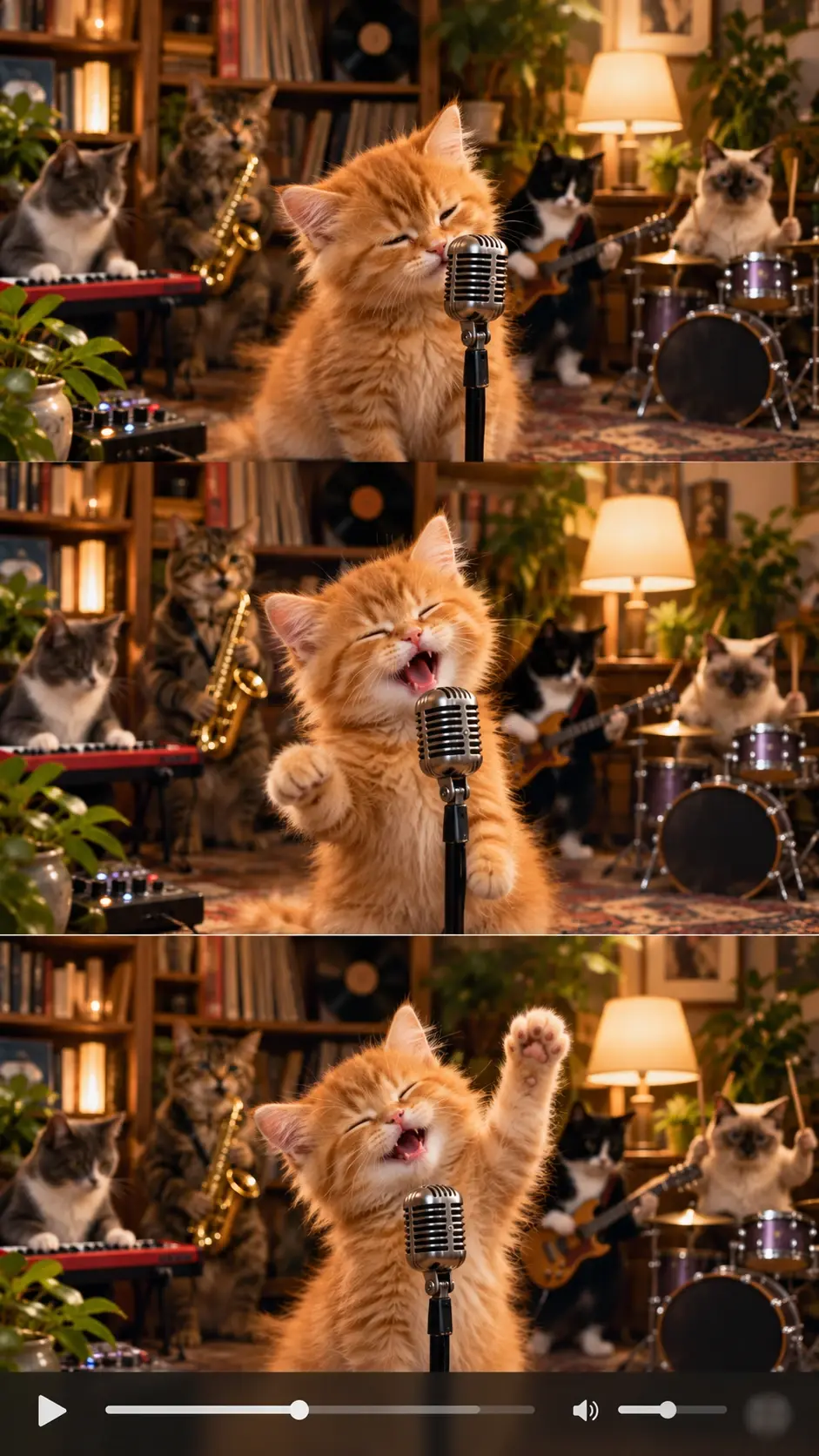
A Casual Social Post
Make a desk-side concert-style video for a social post. Before publishing, check the platform’s current format and audio rules. The template reference does not confirm a particular aspect ratio, soundtrack, or platform-specific export.
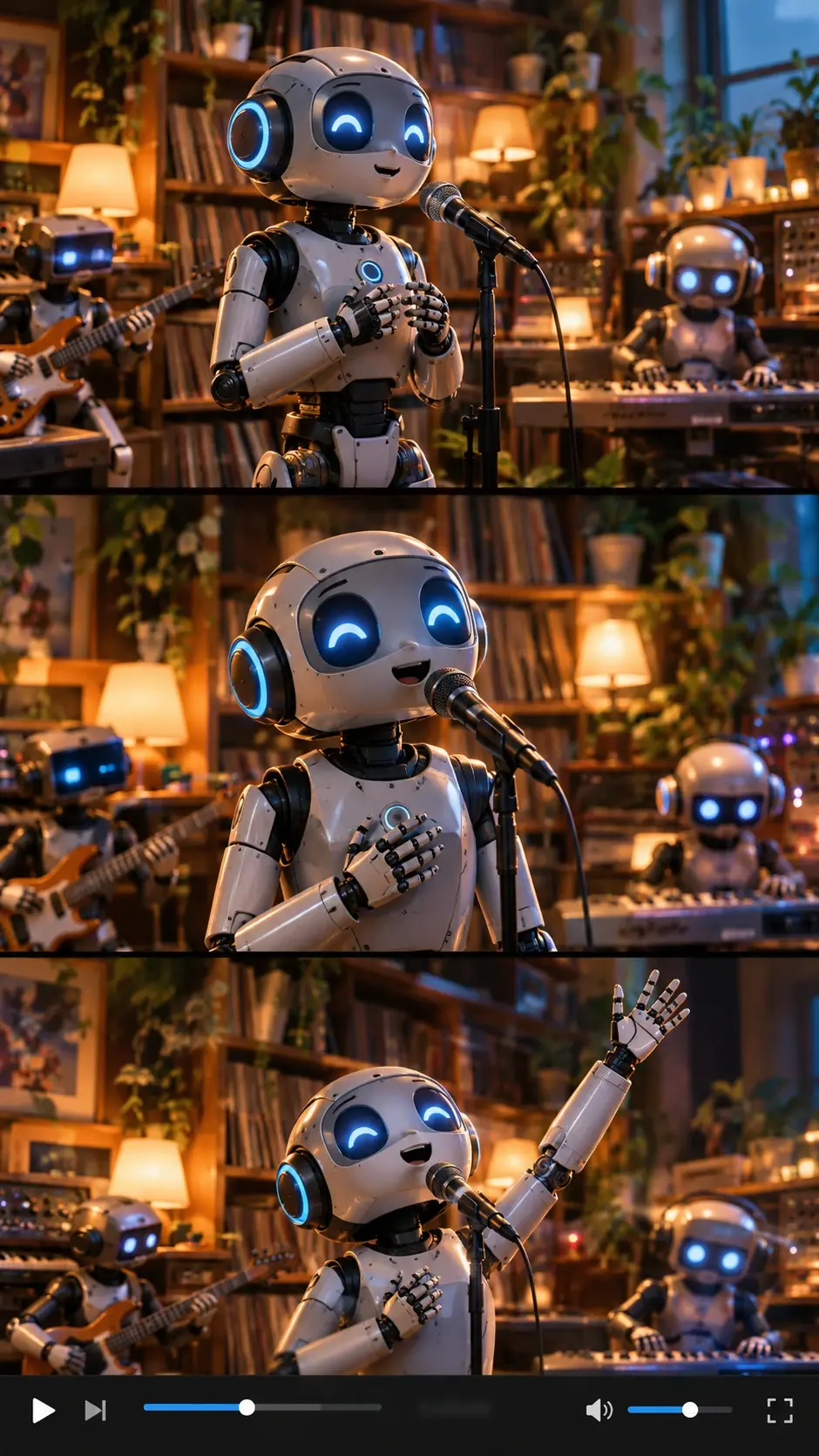
A Joke for Friends
Send a playful performance-style moment to a friend or group chat. Use an image you have permission to use, and keep the joke kind. If another person appears in an image, get their agreement before using it.
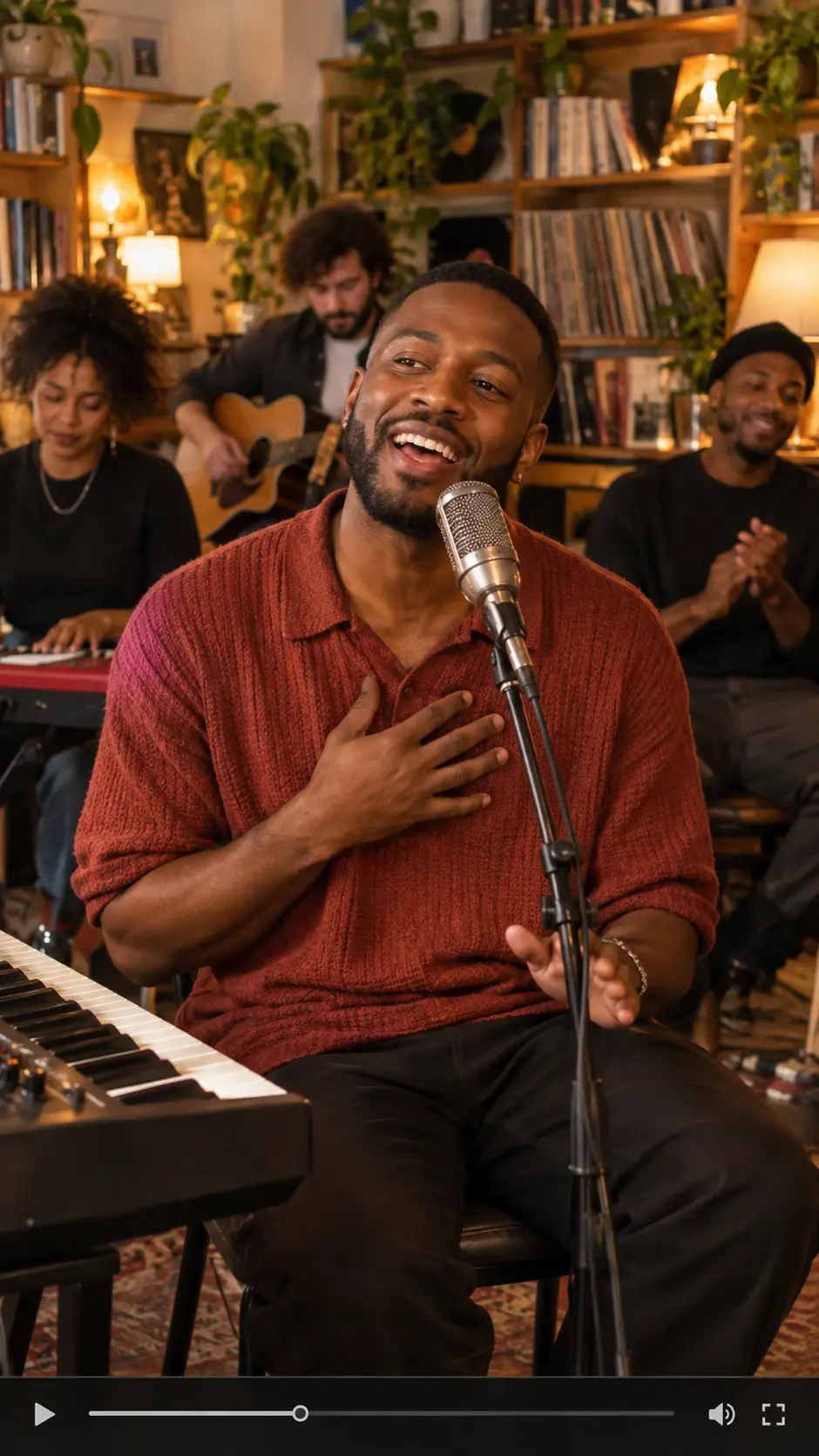
A Personal Creative Project
Try the Tiny Desk AI concept as a small creative experiment. You can start with one required image, and you do not have to add the optional second image. That makes it easy to test whether the idea suits your project before you plan anything more elaborate.
What Can You Create with a Tiny Desk AI Video Generator?
Turn a photo into a Tiny Desk-style concert video with PicLumen. Create a personal performance, a playful clip for friends, or a music-inspired video for a special occasion.
Turn Your Photo into a Tiny Desk Concert
Bring your photos to life with a cozy, music-inspired performance video. Whether you want to create a personal mini concert, surprise friends with a fun musical clip, or add a creative twist to a birthday or special occasion, PicLumen’s pet dance effect makes it easy to turn a single image into a warm, shareable video.
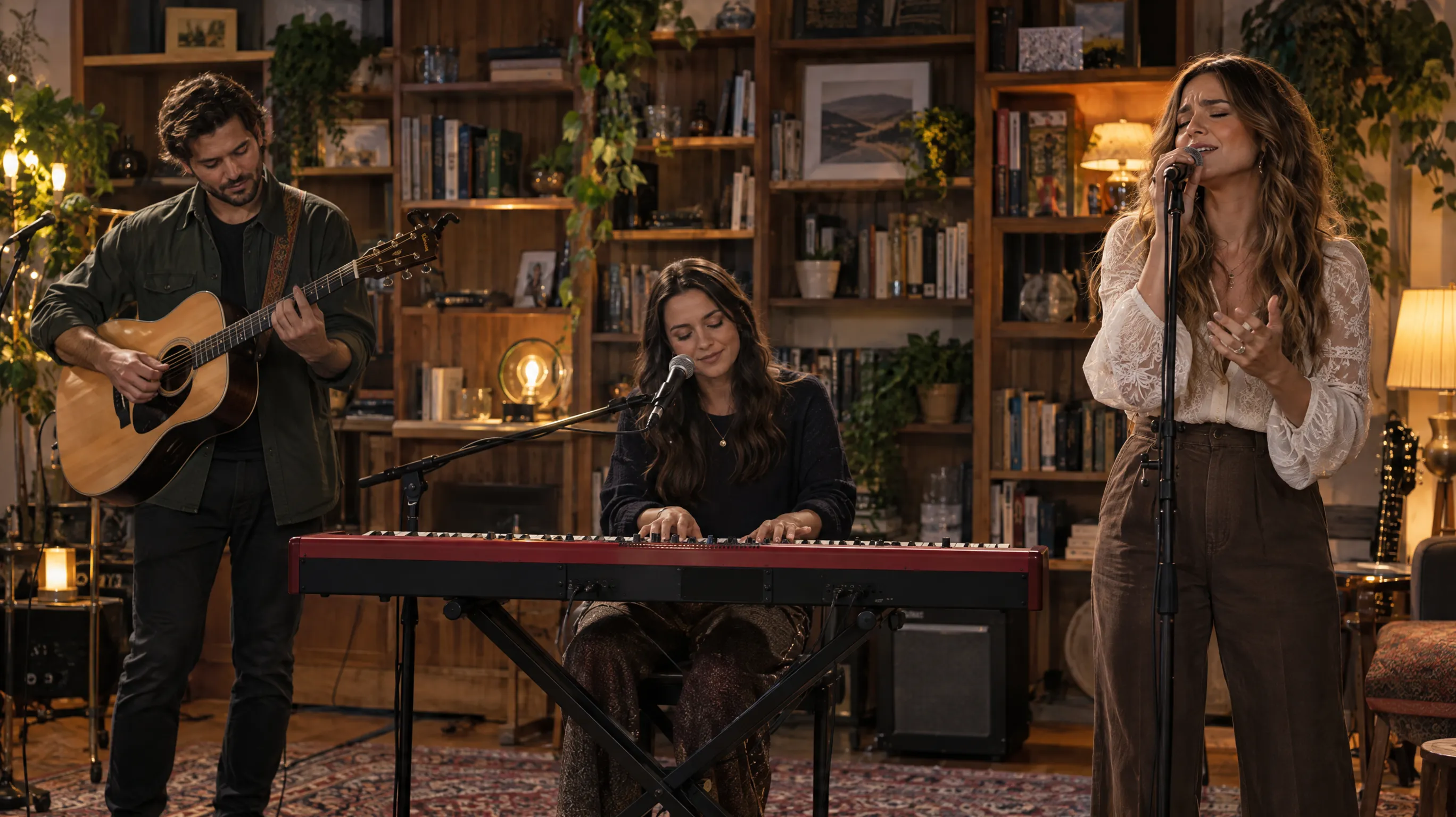
A Personal Performance
Make the video feel like your own moment in the spotlight. Start with the required lead singer image, then add optional keyboardist or backing singer images if you want to include them. The Tiny Desk AI template provides the desk-side performance setting for a personal creative project.
A Video for Friends
Create a lighthearted video to send to a friend or share in a group chat. Use the required lead singer image to get started, and add optional performer images when they suit your idea. Keep the joke personal and make sure you have permission to use anyone else’s image.
A Celebration Video
Give a birthday, holiday, or personal milestone a music-inspired twist. Choose an image that fits the person or occasion, then use the Tiny Desk AI template to create a performance-style video to share. Optional performer images can add to your setup, but they are not required.
Which inputs work best?
1. Add a Lead Singer Image
A lead singer image is required to create your Tiny Desk video. Upload it as the main performer in your template setup.
2. Add Other Performers If You Like
Keyboardist and backing singer images are optional. Add either or both to include them in your setup, or leave them out to keep the upload process simple.
3. Use the Tiny Desk Reference Field
The template also includes a Tiny Desk Reference field. Check the field in PicLumen to see what input it requests before generating.
Make the Idea Feel Like Yours
Put Your Chosen Subject at the Center
Start with the person you want to feature. The required image gives the template its starting point; the optional second image is there if you want to include another image in your project. Keep your idea simple and avoid promising an exact likeness or a particular on-screen role.
Make It a Birthday or Holiday Moment
Give the concert idea a reason to exist: a birthday greeting, a holiday joke, or a small congratulations video. The occasion can come from your caption or the way you share it. Do not assume the template has dedicated seasonal controls.
React to a Moment in Your Own Way
Use the desk-side performance as a format for a lighthearted response to something your friends are talking about. Keep the joke original. A familiar trend can be a starting point, but copying a creator’s clip or using a real performer’s identity can make the result feel less like your own.
Give the Performance a Beginning
Think of a tiny story: someone sits down for a quiet workday, then the scene turns into an unexpected concert-style moment. Treat this as a creative premise, not a promise that the template will generate those exact actions or camera cuts.


Loved by Creators Worldwide
Real feedback from designers, marketers, and hobbyists sharing their PicLumen experience on Trustpilot.
Alfred Rangel RA wonderful range of options to create…
A wonderful range of options to create truly dreamlike visual effects with all those colors; only imagination is the limit.
 Ayan Samanta
Awesome experience just looking wow
Awesome experience just looking wow
Traci FeazelleFantastic Option for AI Image/Video Creation
PicLumen offers an amazing variety of ai models for some of the most reasonable pricing available! The app layout also affords ease of use.
A New TV Episodes Of Ninja Sweetie On…
A New TV Episodes Of Ninja Sweetie On Paramount+
 next frame
best ai web creation site
best ai web creation site
 Pino Calambrogio
Good over other applications
Good over other applications
In terms of the customer service
In terms of the customer service, is outstanding, I will say if you had any doubts they clarified it, and the next day you have an answer. When it comes to the APP it is friendly to use, however there is not any box to tick ☑️ to allow the machine to stick to your character constantly.This allow that sometimes you upload your image and your prompt but the machine generates something completely different and you lost your credit 🙁 I think that this needs to be fixed this happens in a few PicLumen models.
Eman RizwanGreat job u should try it in order to…
Great job u should try it in order to Create images
Great tool
Great tool, I made fantastic results with it.
PicLumen is a powerful and completely free AI image generatio
PicLumen is a powerful and completely free AI image generation platform that offers a wide range of features, you can text to images, images to images, image to video, the image quality is very high, the most important, it is totally free, you can get many rewards by creating your jobs, like other's creation, welcome to joint and create your job, a goog platform for making money using the best ai tool
 kola wole
Amazing
Amazing, and easy to use features
 Hash Kaz
literally can't complain about…
literally can't complain about anything. Honest to God - amazing
Frequently Asked Questions
What is Tiny Desk AI?
Tiny Desk AI is a playful photo effect built around the idea of a miniature desk scene. It reimagines your image with a small-scale, desk-centered twist, creating a fun contrast between an everyday subject and a tiny setting. The result can feel like a miniature portrait or a visual joke, depending on the image and your interpretation. It’s a simple concept to personalize for a profile image, a reaction post, or a lighthearted creator idea.
What is the best tool for creating the Tiny Desk AI effect?
PicLumen is the best choice for creating the Tiny Desk AI effect because its Effects workflow puts the template and your image in one place. Start with the default Tiny Desk AI template, or open Template to explore other options. Upload a local image, choose parameters if they’re available, review your setup, and generate the result. You can then download the finished image to keep or share. The process makes it easy to try the effect without building the scene yourself.
What photo works well with the Tiny Desk AI effect?
Choose a clear photo where the main subject is easy to see and not lost in a busy background. A straightforward portrait or a recognizable subject gives the effect a useful starting point, while an expressive pose can add extra personality. You don’t need a carefully staged image; the contrast between a familiar photo and a tiny desk concept is part of the fun. If you’re unsure, try a favorite image and compare it with another crop.
How can I make my Tiny Desk AI image feel more personal?
Pick a source image that suggests a character, mood, or running joke you want to build on. A thoughtful expression can make the miniature scene feel serious in a funny way, while a playful pose can lean into the silliness. If PicLumen offers parameters for the template, explore the available choices and review the result before generating. Small creative decisions help turn the Tiny Desk AI effect into your own take rather than a generic edit.
Can I use Tiny Desk AI for social posts or creator content?
Yes. The miniature-scale idea gives a post an immediate visual hook, and the contrast can work well for a reaction, character introduction, or relatable desk-life joke. Share the image as a standalone post or use it as part of a creator concept with a caption that explains your take. You could make viral-style content around a familiar mood, but audience response is never guaranteed. Download your result from PicLumen when you’re ready to use it elsewhere.