Seedance 2.5 is ByteDance's next major AI video model, previewed after Seedance 2.0 quickly became one of the most talked-about video generation models of 2026.
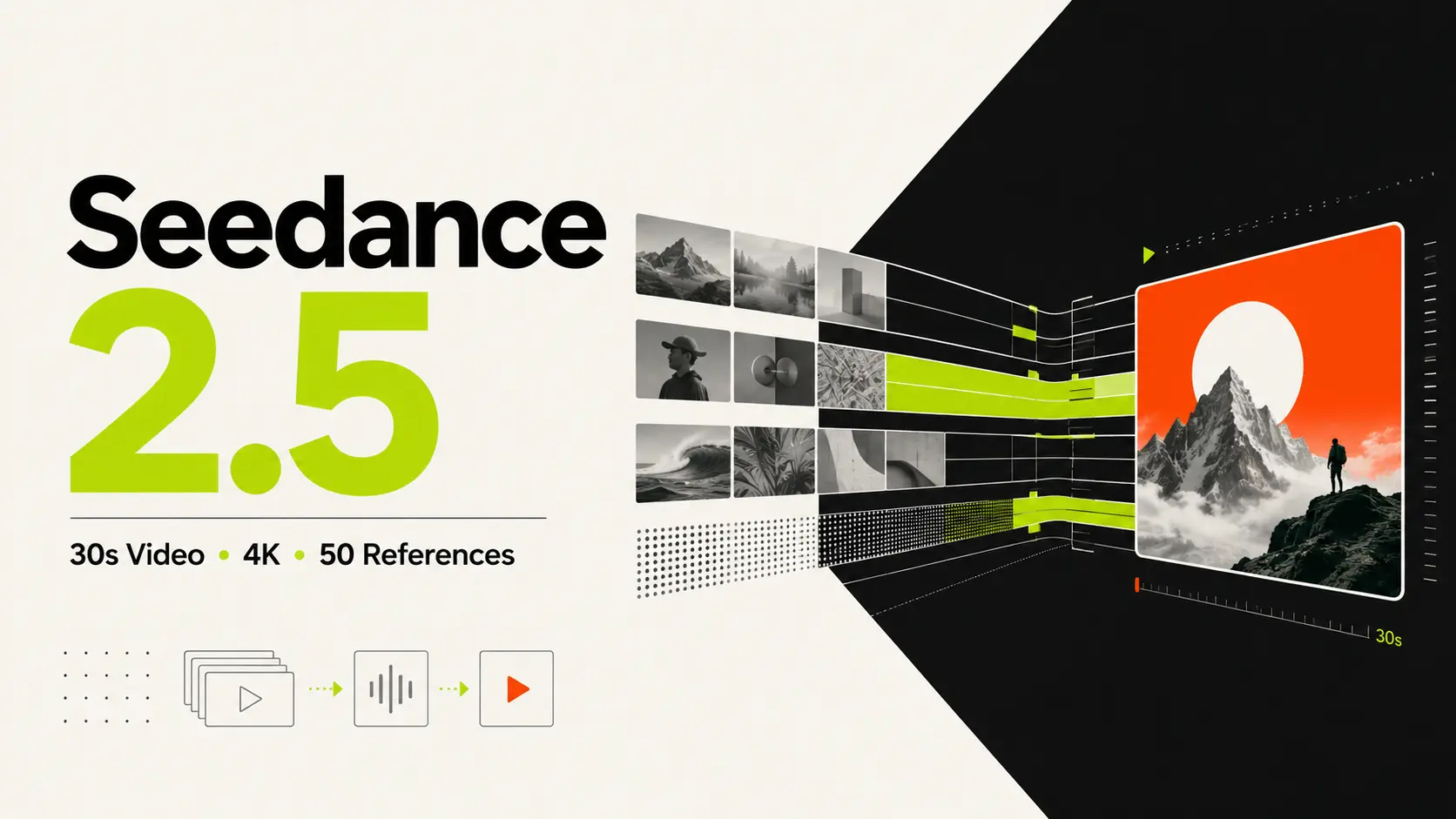
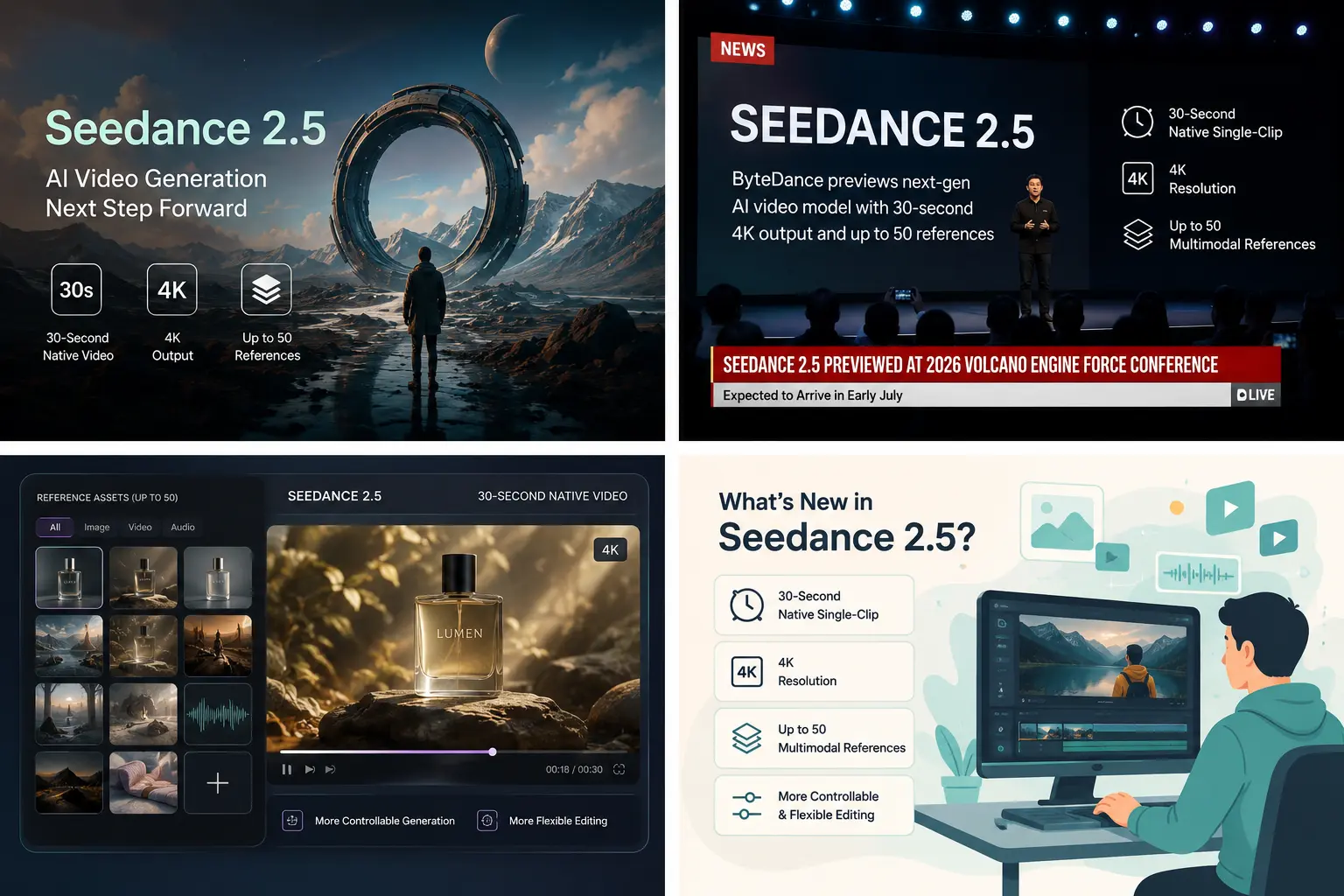
As of late June 2026, Seedance 2.5 has been previewed, with public access expected in early July. Some reports say enterprise beta access is already live, but public pricing, final platform access, average generation quality, and real failure rates are still not fully proven by independent testing. According to current media reports, Seedance 2.5 is expected to support 30-second native single-clip video, 4K output, up to 50 multimodal reference assets, and more controllable video editing. These numbers sound simple. But for AI video, they point to a real workflow change.
Quick Facts About Seedance 2.5
| Item | Current Status |
|---|---|
| Model name | Seedance 2.5 |
| Developer | ByteDance / Volcano Engine |
| Public status | Previewed, with wider availability expected in early July 2026 |
| Main upgrade | Native 30-second video generation |
| Reference support | Reported up to 50 multimodal references |
| Resolution | Reported native 4K output |
| Best use cases | Story scenes, product videos, character consistency, multi-shot concepts, controlled video editing |
| Still unclear | Public pricing, final API access, average output quality, failure rate, commercial terms |
What's Actually New in Seedance 2.5?
Native 30-Second Video Generation
The biggest Seedance 2.5 upgrade is native 30-second video generation. Most AI video models still work best in short bursts. You generate 5 seconds, 8 seconds, maybe 10 or 15 seconds, then stitch clips together if you want a longer scene. That workflow can work, but it gets messy fast. The character changes slightly. The lighting shifts. The camera logic breaks. A hand, face, product, or background detail may look different from one clip to the next. Seedance 2.5's 30-second native generation is designed to reduce that problem. Instead of building a longer sequence from several separate generations, the model is reported to create a longer clip in one pass. For creators, that could make a real difference. A 30-second product ad, a short cinematic scene, a social video intro, or a character moment suddenly becomes more realistic to produce without constant stitching. Still, this is the first thing I would test when the model becomes widely available. Long AI video is where small mistakes become obvious. A beautiful 5-second sample does not prove that a model can hold identity, motion, and scene logic for 30 seconds.
Up to 50 Multimodal References
The second major upgrade is reference capacity. Seedance 2.0 already supports a strong reference workflow. ByteDance describes it as a multimodal model that can use text, image, audio, and video inputs. That is one of the reasons people got excited about it in the first place. Seedance 2.5 reportedly increases the reference limit to up to 50 multimodal inputs. These may include images, video, audio, 3D references, and style references. This is not just a bigger number for marketing. Reference capacity affects control. For example, if you are making a product video, you may want to provide:
- product photos from different angles
- a brand color reference
- a hand-held camera movement reference
- a lighting mood board
- a scene layout
- a sample sound or rhythm reference
- a previous video style you want to match With fewer references, you have to choose what matters most. With more references, the model has a better chance of understanding the full creative direction. The real question is whether Seedance 2.5 can actually use all those references cleanly. More input does not automatically mean better output. Sometimes more references confuse a model. So the test will be simple: does it follow the references, or does it just accept them?
Native 4K Output
Seedance 2.5 is also being reported as a native 4K video model. That is important for creators who care about production quality. Upscaled video can look sharp at first glance, but it often lacks true detail. Native 4K, if delivered well, should preserve more texture, cleaner edges, and better room for editing. For casual social posts, 4K may not always be necessary. A clean 720p or 1080p clip can still work well on TikTok, Instagram, YouTube Shorts, or landing page previews. But for product videos, brand campaigns, film-style clips, and commercial assets, higher resolution gives you more flexibility. You can crop, reframe, color grade, or export different formats without the video falling apart too quickly. That said, native 4K also raises practical questions. Will generation cost be higher? Will it take longer? Will 4K be available to all users or only to enterprise/API users? Those details are still worth watching.
Better Editing Control
The most practical Seedance 2.5 feature may not be 30 seconds or 4K. It may be editing. Reports around Seedance 2.5 mention stronger control over generated video, including the ability to adjust parts of a video while keeping the overall scene consistent. That is exactly where many AI video tools still feel frustrating. You finally get a good scene, but one detail is wrong: the product label, the hand position, the background sign, the clothing color, or the camera angle. In many tools, fixing that one issue means regenerating the whole clip and hoping the new version does not break something else. If Seedance 2.5 can support more localized, consistent edits, it would be useful for real production work. For example:
- A product marketer could replace a packaging detail without rebuilding the full ad.
- A creator could adjust a character’s outfit while keeping the same shot.
- A brand team could localize on-screen text for different markets.
- A filmmaker could refine a scene without losing the mood of the first version. This is the kind of feature that sounds less flashy than "30-second 4K video," but it may save the most time.
Seedance 2.5 vs Seedance 2.0
Seedance 2.0 is already a strong AI video model. ByteDance’s official materials describe it as a multimodal audio-video generation model that supports text, image, audio, and video inputs. The Seedance 2.0 technical report also says it supports 4 to 15 seconds of generation, with native 480p and 720p output. Its open platform supports up to 9 images, 3 video clips, and 3 audio clips as references. Seedance 2.5 appears to push that idea further.
| Feature | Seedance 2.0 | Seedance 2.5 |
|---|---|---|
| Video length | 4 to 15 seconds | Expected up to 30 seconds |
| Resolution | Native 480p / 720p | Reported 4K output |
| Reference input | Up to 9 images, 3 videos, and 3 audio clips | Reported up to 50 multimodal references |
| Main focus | Short multimodal video generation | Longer and more controlled video generation |
| Availability | More widely usable | Not fully public yet |
The difference is simple. Seedance 2.0 is the model many creators can use now. Seedance 2.5 is the model to watch next.
What Creators Should Watch After Release
The specs are strong, but specs are not the final answer. The real test will come after Seedance 2.5 is available in normal creative workflows. Here are the questions that matter most:
- Can it keep a character stable for 30 seconds?
- Can it hold product details without changing them?
- Can it follow camera direction well?
- Can it edit one part of a video without breaking the rest?
- Does 4K output look truly clean, or just larger?
- How much control do users actually get? These answers will decide whether Seedance 2.5 becomes a real production tool or just another impressive demo.
How to Test Seedance 2.5 When It Becomes Available
Once Seedance 2.5 becomes widely available, do not judge it only by demo clips. Test it with practical scenes you would actually create. Start with the same prompt in Seedance 2.0 or another AI video model, then run it again in Seedance 2.5. This makes the difference much easier to see.
Test Character Consistency
Use a 30-second scene with one main character, clear clothing, and continuous camera movement. Prompt idea: A young woman in a red raincoat walks through a quiet city street at night, holding a transparent umbrella. The camera slowly tracks beside her for 30 seconds. Keep her face, coat, umbrella, and walking pace consistent. Check whether the face, outfit, lighting, and background stay stable from start to finish.
Test Product Stability
Product videos are useful for testing detail control. Prompt idea: Create a 30-second product video for a glass bottle of orange juice on a kitchen counter. Show a close-up of the bottle, a pouring shot, and a final scene with fresh oranges. Keep the bottle shape, label, and color consistent. Check whether the product remains recognizable throughout the video.
Test Reference Control and Editing
If Seedance 2.5 supports multiple references and local editing, test both with a simple task. Upload a few character, product, or style references. Then ask the model to follow them in one short scene. After that, try changing one detail only, such as a product label or clothing color. Check whether the model follows the references without changing the whole video. These quick tests will show whether Seedance 2.5 is only impressive in preview demos, or actually useful for longer, controlled AI video projects.
Where Seedance 2.5 Could Fit in a PicLumen Workflow
Seedance 2.5 is not fully public yet, so availability may change after launch. For now, PicLumen already gives creators a simple way to build AI image and AI video workflows. You can create an image, turn it into a video, test different styles, and refine the result step by step. If Seedance 2.5 becomes available later, it could be useful for longer scenes, product videos, character clips, and reference-based video creation. Until then, the best AI video workflow is still clear: Start with a strong image. Use a simple prompt. Keep the motion focused. Avoid adding too many actions at once. Generate a short clip first, then refine one detail at a time. That approach usually works better than trying to force a complex video in one generation.
My Take
Seedance 2.5 is worth watching because it focuses on problems that AI video creators actually face. Short AI clips are already common. The next challenge is making videos longer, cleaner, and easier to control. The reported 30-second output could reduce editing work. The 50-reference system could make results more stable. The 4K output could make videos easier to reuse across platforms. But I would not judge Seedance 2.5 only by the launch numbers. AI video models often look great in selected demos. The real question is whether they stay useful in daily work. For now, Seedance 2.5 is still an upcoming model. But if the reported upgrades work well in practice, it could become one of the most important AI video releases of 2026. Both versions will stay available. ByteDance isn't replacing 2.0—they're expanding the lineup to handle different workflows.
 FAQs About Seedance 2.5
When's the Seedance 2.5 release date?
Seedance 2.5 has not been fully released to the public yet. It was previewed at the 2026 Volcano Engine FORCE Conference and is expected to arrive in early July.
Can I use my Seedance 2.0 prompts with 2.5?
Yes. Most projects are compatible and carry over directly. The @ reference system works the same way.
How long can Seedance 2.5 videos be?
Seedance 2.5 is reported to support native single-clip videos up to 30 seconds long.
How many reference materials can I use?
Up to 50 multimodal references—images, video, and audio combined. That's way more than Seedance 2.0's 12.
Can I upload my own audio and sync visuals to Seedance 2.5?
Yes. Upload a voiceover or music track in Pro mode, and the model generates matching visuals with phoneme-perfect lip-sync.
Is Seedance 2.5 better than Seedance 2.0?
Seedance 2.5 appears to improve video length, resolution, reference capacity, and editing control. But Seedance 2.0 is more practical right now because it is already more widely available.
Is Seedance 2.5 good for product videos?
It could be useful for product videos if the reference system works well. More references may help keep product shape, color, texture, and branding more stable.


.png)