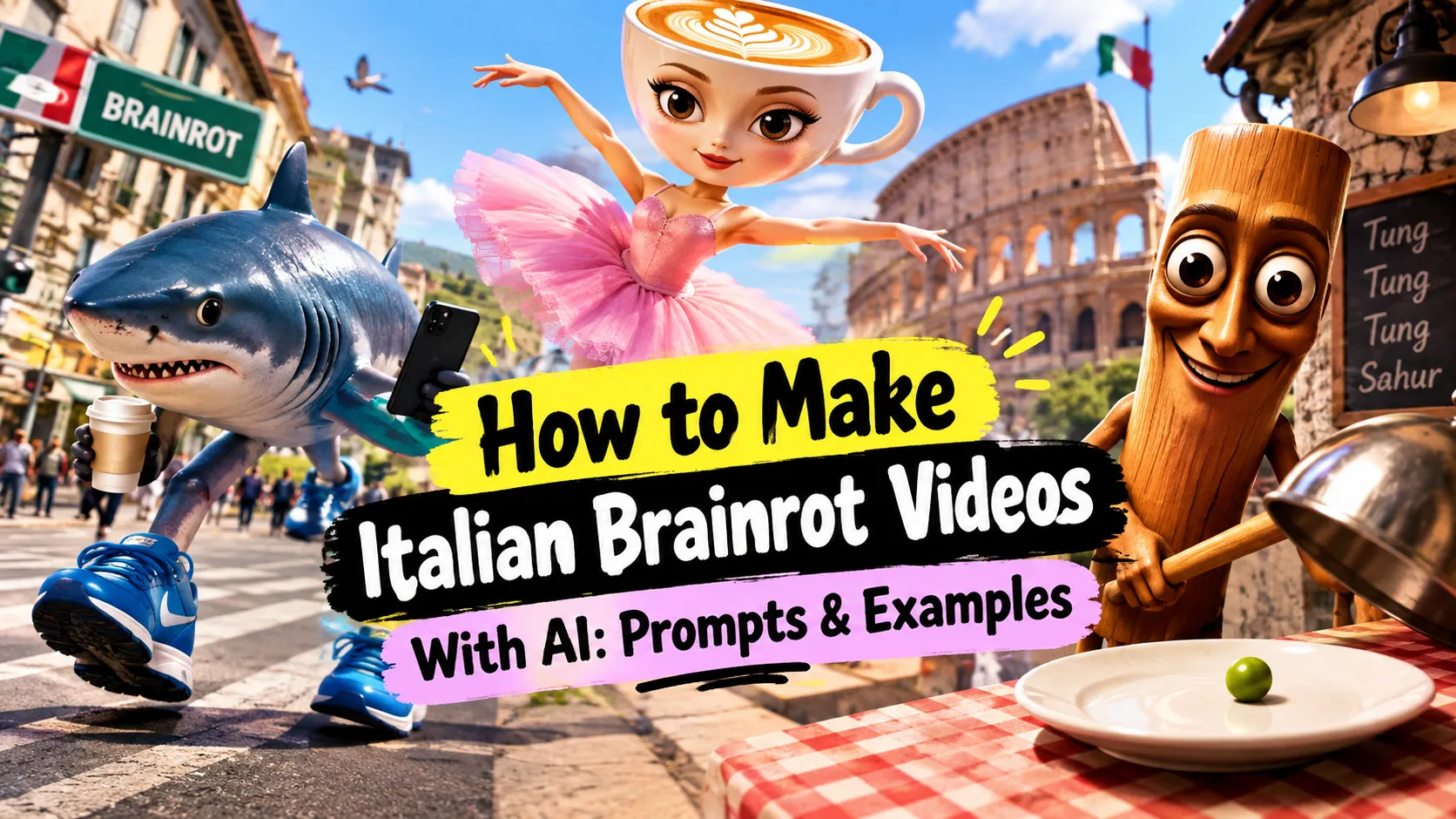
AI Brainrot videos are fun to watch, but making one that actually works can be harder than it looks. If you're wondering how to turn a ridiculous idea into a short video, this guide walks you through the whole process—from writing the prompt and generating the image to adding motion and sound.
Quick Answer
To make an AI Brainrot video, start with a funny, absurd idea, generate a reference image, and animate one clear action. Then add voice, sound effects, or music to finish the video. The best results usually come from keeping the joke easy to understand and the scene simple enough for AI to handle.
What Is an AI Brainrot Video?
AI brainrot videos are short-form videos built around strange AI-generated characters, unexpected situations, and absurd visual ideas.
You don't need a complicated story to make one. A weird character, a simple action, and an unexpected situation can already be enough.
For example, imagine a three-legged blue shark wearing sneakers, rushing down a city street with a coffee and phone. It looks completely out of place, but that's exactly what makes this kind of content so fun to watch.
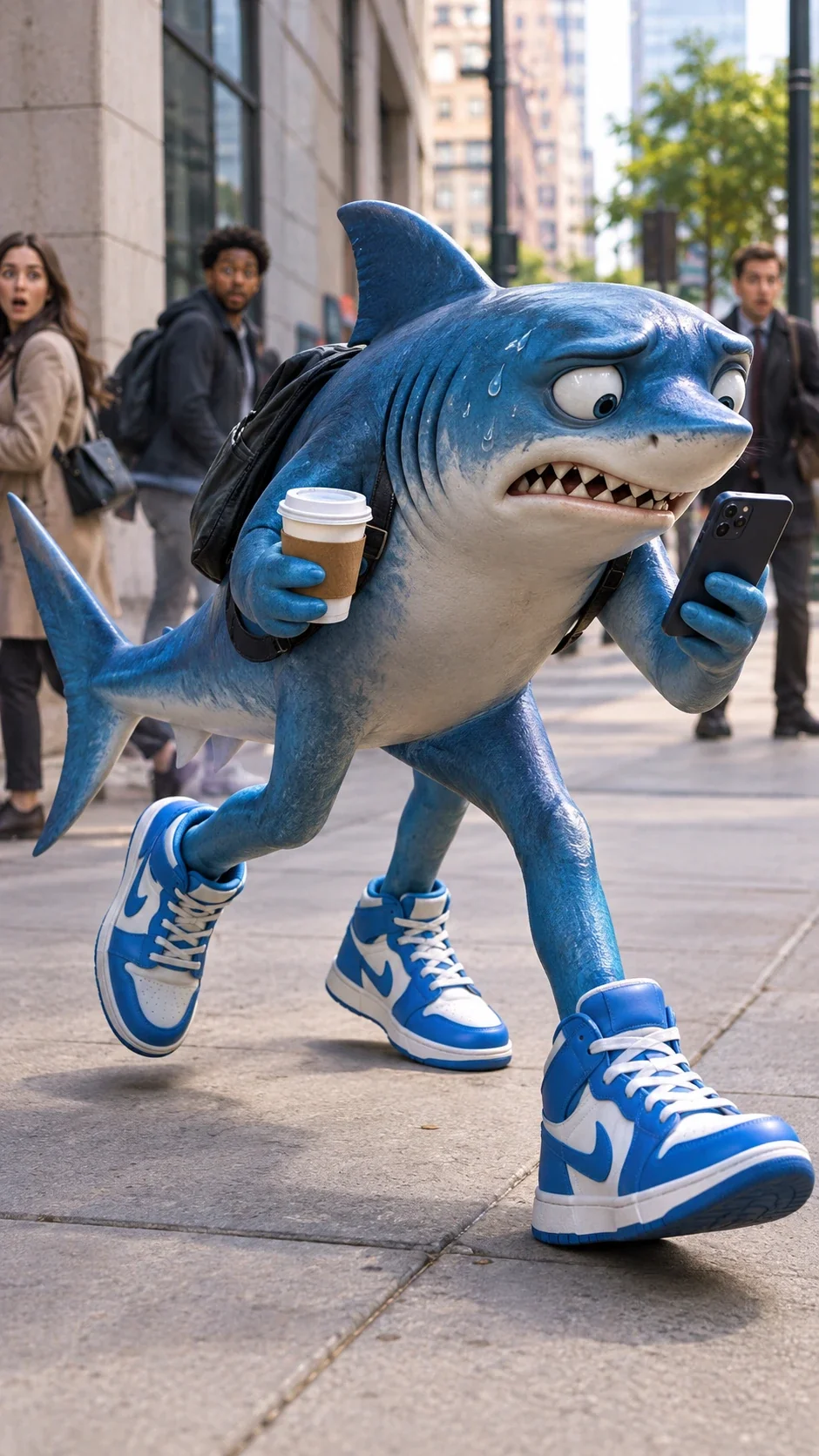
A surreal three-legged shark rushing to work with a coffee and phone
How to Make an Italian Brainrot Video With AI
Step 1: Choose an Absurd Character and Idea
Before writing a prompt, start with the joke.
Start with either an existing Brainrot character or an original absurd character. If you want something more distinctive, combine two things that normally do not belong together — an animal and an object, a creature and a profession, or an ordinary person with an impossible trait. Then place it somewhere it clearly doesn't belong. The contrast between the character and the setting is often what makes the idea funny.
For my example, I used Ballerina Cappuccina, a recognizable Italian Brainrot character, and put her in a supermarket checkout area. Instead of simply making her dance in a normal studio, I placed her directly on the checkout conveyor belt.
The key is to make the joke easy to understand. You can get the point at a glance and immediately understand what makes it weird.
Step 2: Write a Brainrot Prompt
Once you have the idea, turn it into a clear prompt.
A simple Brainrot prompt can include four main parts:
character
action
setting
visual style
For video generation, you can also add the camera movement later.
For my Ballerina Cappuccina example, I described the character first, then added the unexpected supermarket setting and a simple visual style.
A surreal ballerina with a cappuccino cup for a head, wearing a pink tutu and ballet shoes, performing an elegant ballet pose on a supermarket checkout conveyor belt, surrounded by confused shoppers and rolling grocery items, absurd internet meme humor, realistic 3D render, vertical composition.
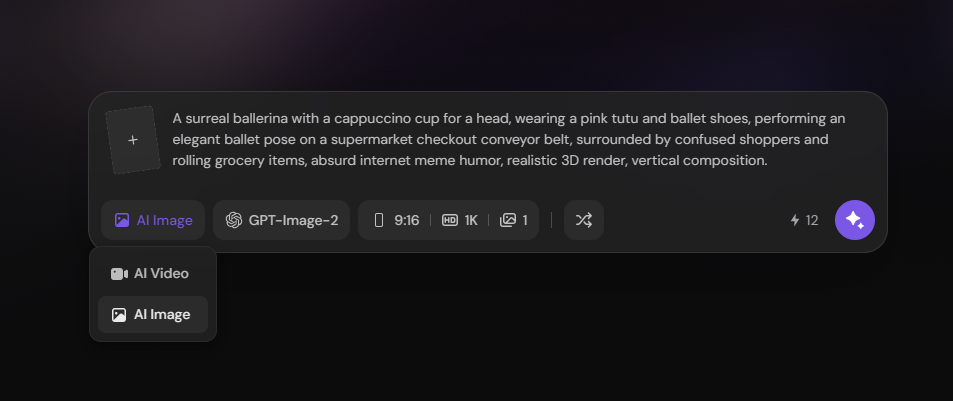
Writing the Brainrot image prompt in PicLumen
Step 3: Generate the Character Image
Before generating the video, I recommend creating the character image first. This gives you a chance to check whether the character, scene, and visual joke look right before adding motion.
I used GPT-Image-2 on PicLumen to generate the image, which cost 12 Lumens at the time of testing. The final image clearly showed the main character and the unexpected supermarket setting, so I used it as the reference for the video.
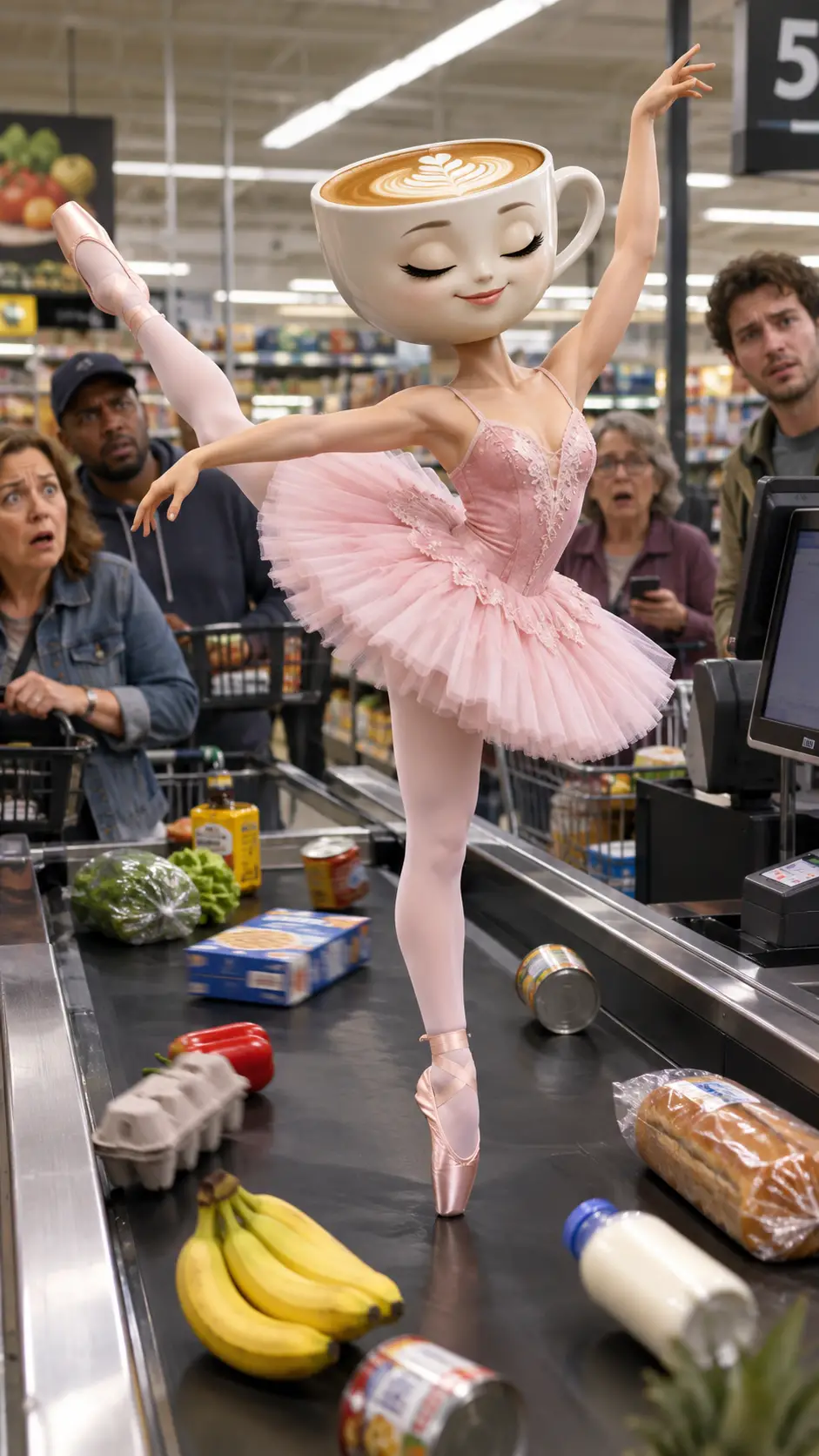
The final AI-generated Ballerina Cappuccina image used as the video reference
Step 4: Turn the Image Into a Video
Upload the generated image to PicLumen's Video Meme Generator, then choose your preferred video model and describe the motion you want to see.
I used Veo 3.1 on PicLumen for the image-to-video generation, which cost 160 Lumens at the time of testing. If you want to create a more complete short-form video with audio included, models such as Seedance 2.5 and Wan 3.0 are also worth considering. Both support audio and video references, while Wan 3.0 also supports native audio generation, so you can create the video and sound together instead of adding everything in post.
I found that keeping the action simple and controlled worked better than asking for too much movement at once. So, I asked Ballerina Cappuccina to perform one slow and controlled ballet turn while the camera gently moved toward her.
The final prompt is:
Ballerina Cappuccina performs one slow and controlled ballet turn on the moving supermarket checkout conveyor belt. She turns smoothly without spinning rapidly, keeping her face and cappuccino cup head stable and natural throughout the movement. Her pink tutu, body and legs remain consistent. The groceries and shoppers continue their natural subtle movement in the supermarket. The camera makes a gentle push-in while keeping her as the main subject.
Ballerina Cappuccina performing a ballet turn on a supermarket checkout conveyor belt
Step 5: Review and Refine the Result
After generating the video, you should check whether the character and the main action still look natural.
In my test, the faster ballet movement made the character's facial details less stable. Slowing the movement down helped keep the face and overall character more consistent.
It is also worth keeping the main action simple. The goal is not to make everything in the scene move, but to keep the character and the joke at the center.
Make AI Brainrot Videos With PicLumen
AI Brainrot Prompt Examples
Once you understand the basic structure, you can create many different Brainrot ideas by changing the character or the situation.
Here are two examples from my tests.
Example 1: Brr Brr Patapim Gets a Luxury Pedicure
One easy way to make an existing Brainrot character more absurd is to put it somewhere completely unexpected.
For this example, I placed Brr Brr Patapim in a luxury nail salon, where tiny nail technicians carefully paint its enormous feet. The character looks completely serious, as if this were an ordinary beauty appointment.
The contrast between the huge feet and the tiny nail technicians makes the joke easy to understand at a glance.
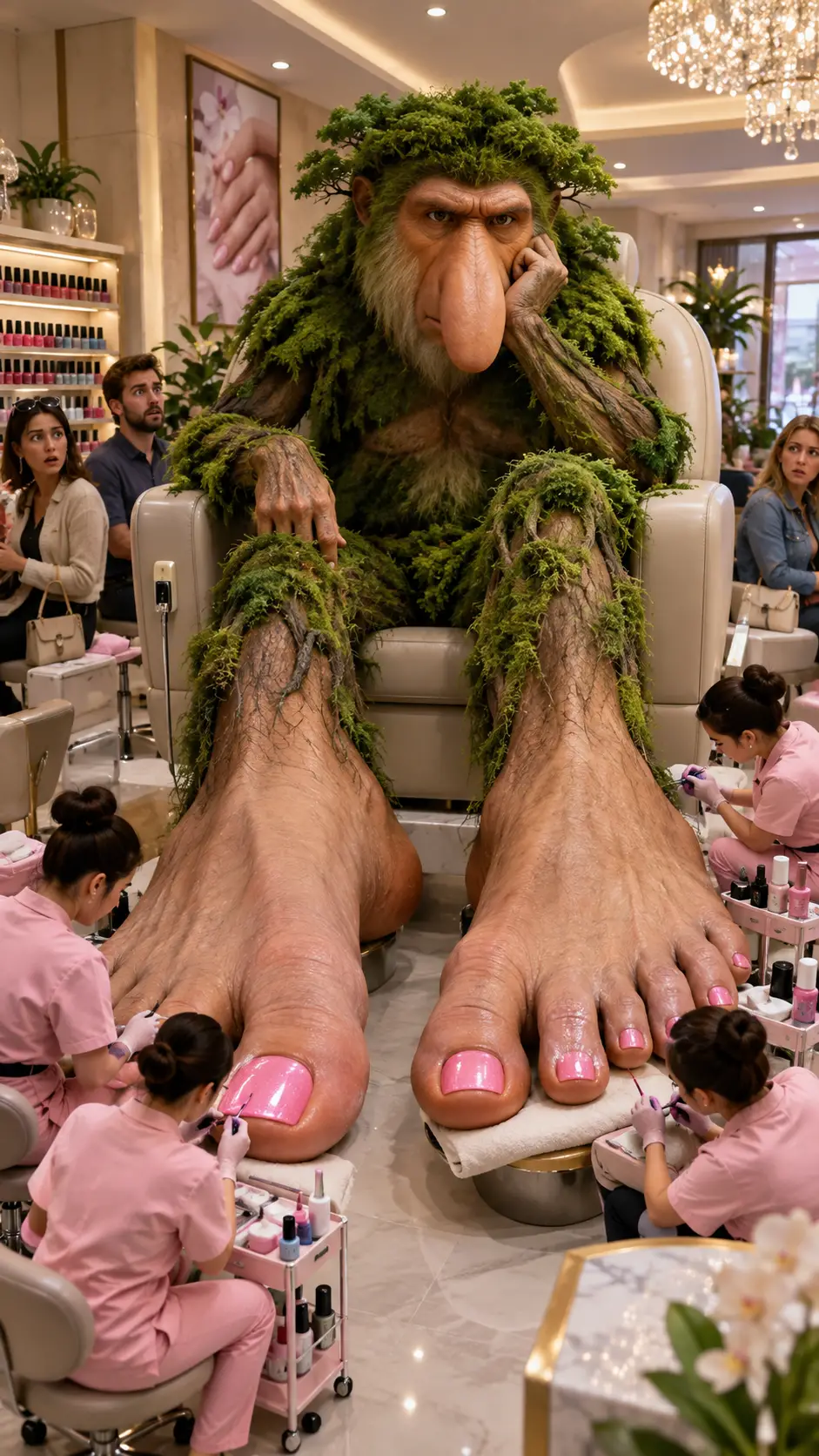
Brr Brr Patapim getting a pedicure in a luxury nail salon
Prompt:
A surreal Brr Brr Patapim, a strange monkey-like Brainrot creature with enormous human feet, sitting in a luxurious nail salon while tiny nail technicians carefully paint its giant toenails. The creature looks completely serious and impatient as if this is a normal beauty appointment. Its huge feet awkwardly fill most of the salon floor, while confused customers stare at it. Absurd internet meme humor, bizarre and nonsensical, realistic 3D render, vertical composition.
Example 2: Tung Tung Tung Sahur Serves a Single Pea
You can also take a familiar Brainrot character and give it a completely unexpected role.
For this example, I used Tung Tung Tung Sahur as a chef in an upscale restaurant. The absurd part is simple: he presents a single green pea on a huge golden plate as if it were an expensive fine-dining dish.
The serious setting makes the tiny portion even more ridiculous.
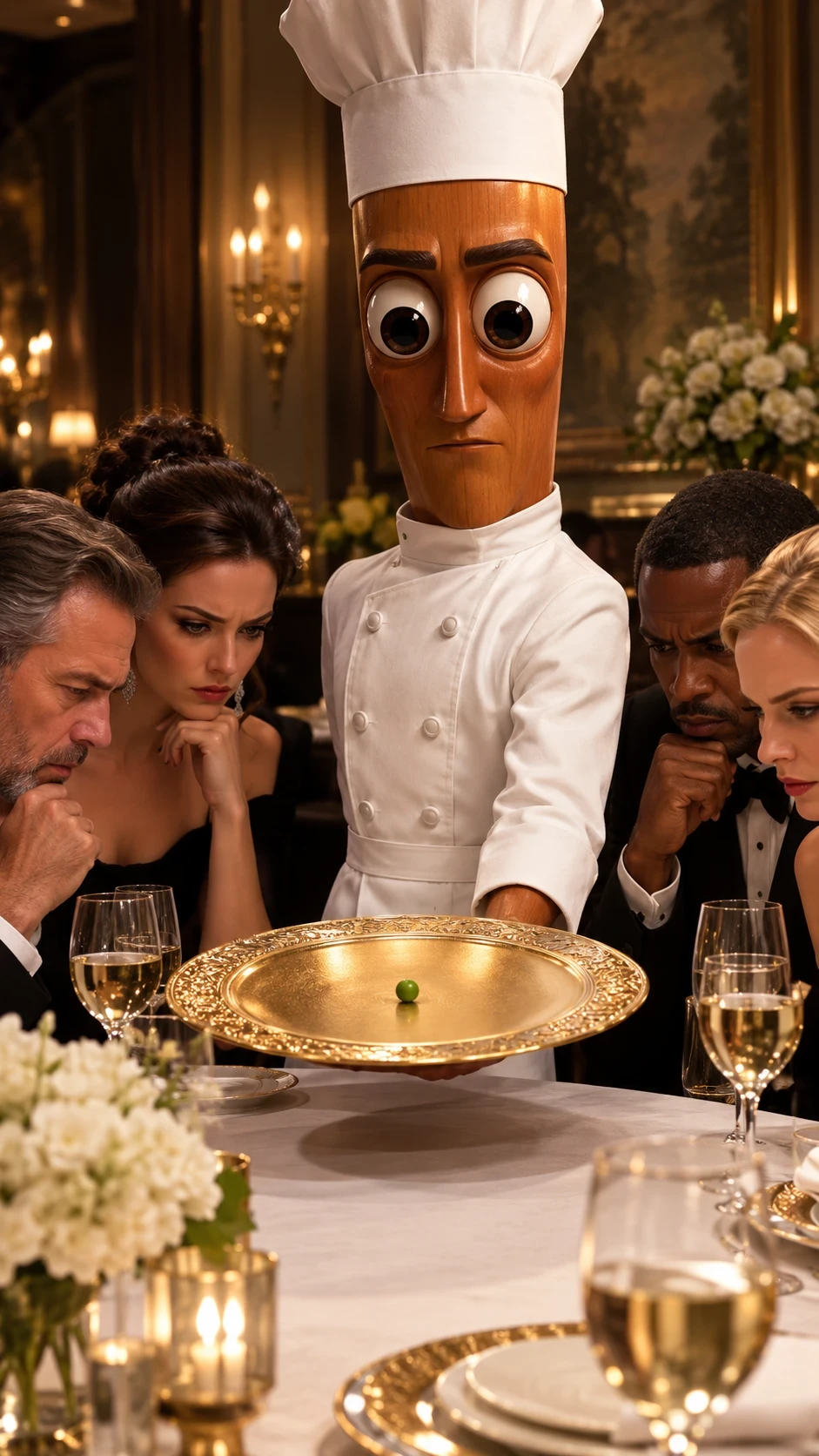
Tung Tung Tung Sahur serving a single pea as a luxury dish.
Prompt:
Tung Tung Tung Sahur, a tall cylindrical wooden brainrot character with huge round eyes, wearing an elegant white chef's uniform and standing proudly beside a luxurious fine-dining table. In front of him is a large golden plate containing only one tiny green pea, presented like an expensive Michelin-star dish. Well-dressed diners stare at the single pea with completely serious expressions as if they are witnessing a culinary masterpiece. The wooden character also looks completely serious about the dish. Absurd internet meme humor, deadpan comedy, surreal and nonsensical, realistic 3D render, vertical composition.
How to Fix Common AI Brainrot Video Problems
Problem | Try This |
|---|---|
Character changes during motion | Reduce movement speed and complexity |
Face or body warps | Use a clearer source image |
Joke is hard to understand | Simplify the scene and remove background distractions |
Video feels static | Add one controlled camera move |
Result feels random rather than funny | Strengthen the visual contrast |
Audio overwhelms the joke | Keep narration short and sound effects secondary |
FAQ
What is an AI brainrot video?
An AI brainrot video is a short video built around strange AI-generated characters, absurd situations, and unexpected visual ideas.
How do I make brainrot videos with AI?
Start with an absurd idea, write a clear prompt, generate a character image, and then use image-to-video generation to add motion.
What makes a good AI brainrot prompt?
A good Brainrot prompt clearly describes the character, action, setting, and visual style. It should also contain an obvious contrast or unexpected element that creates the joke.
What are some good AI brainrot prompts?
Try combining a strange character with an everyday situation that makes no sense for them. For example, a Brainrot character getting a luxury pedicure or presenting a single pea as an expensive fine-dining dish.
.png)

 (1)_compressed.jpg)