Free AI Headshot Generator Online
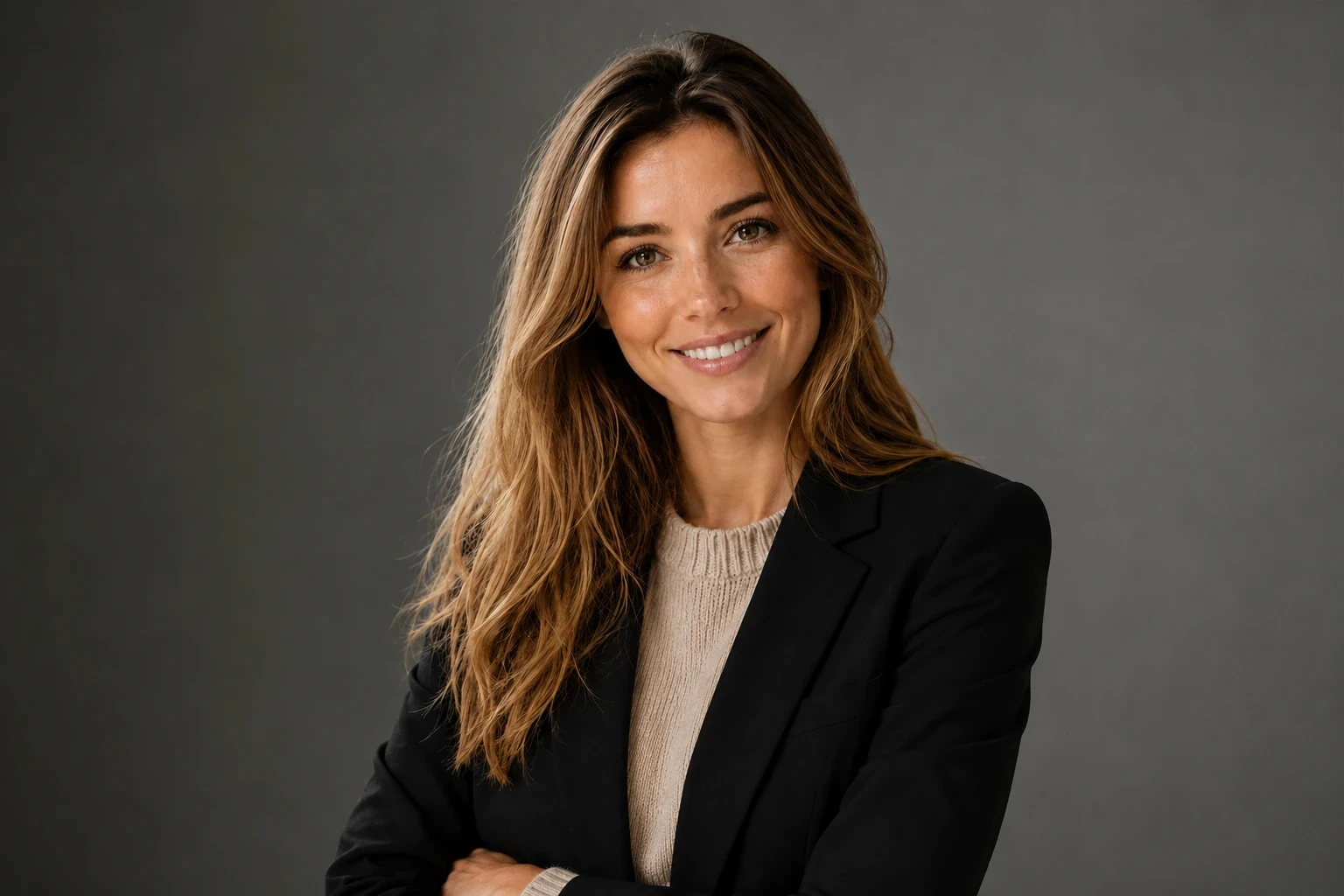
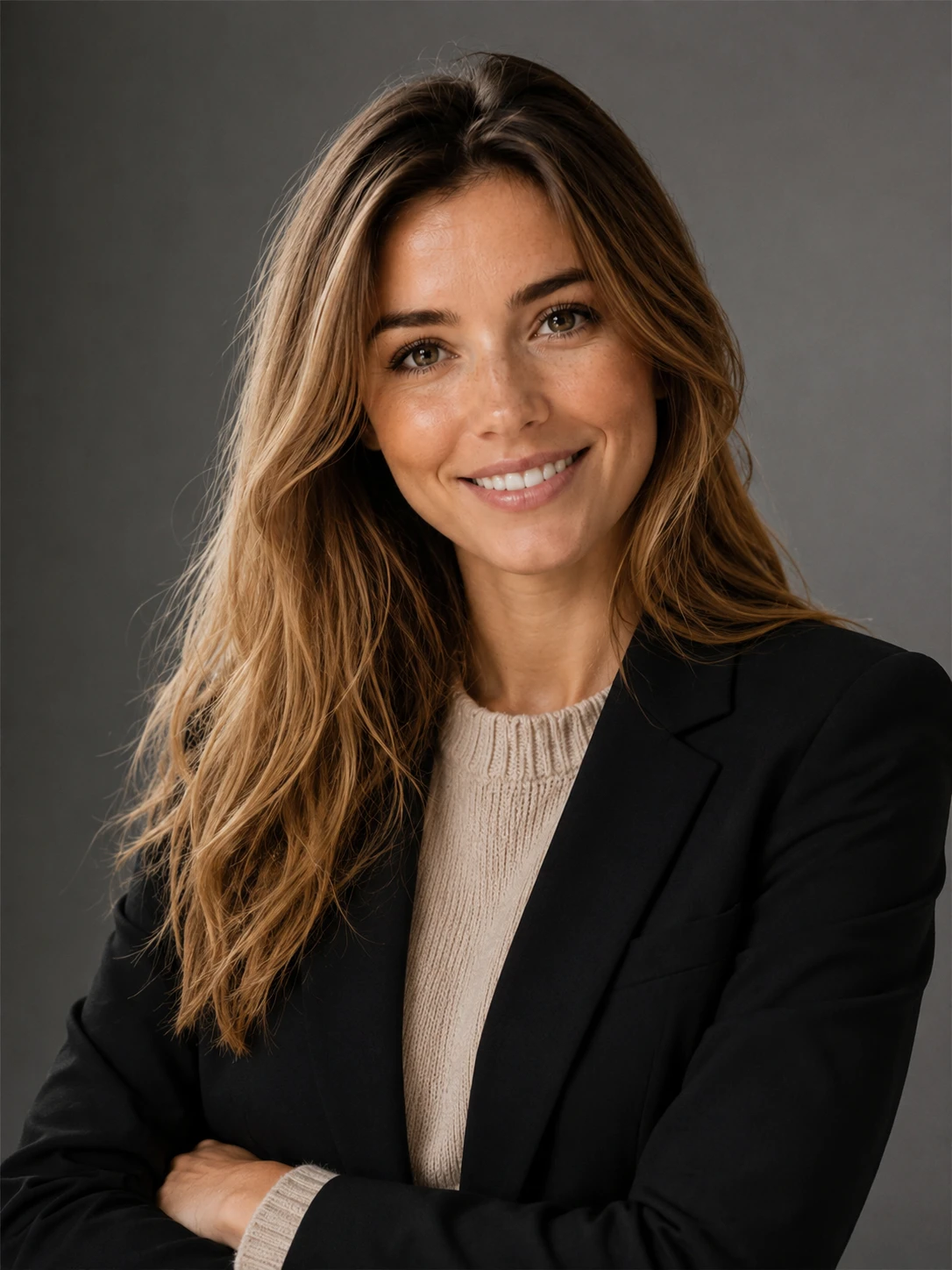

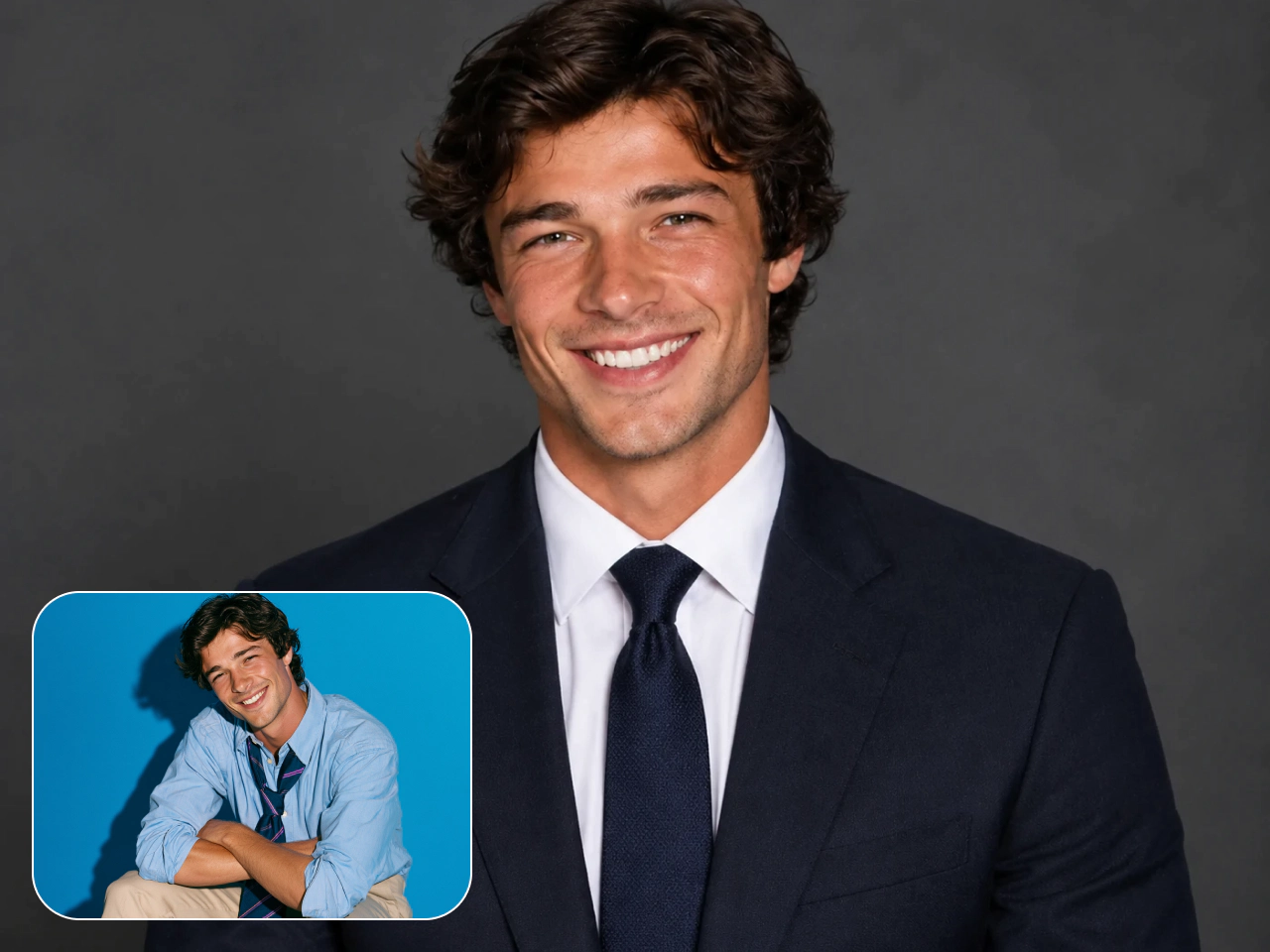
From Photos to Polished Headshots
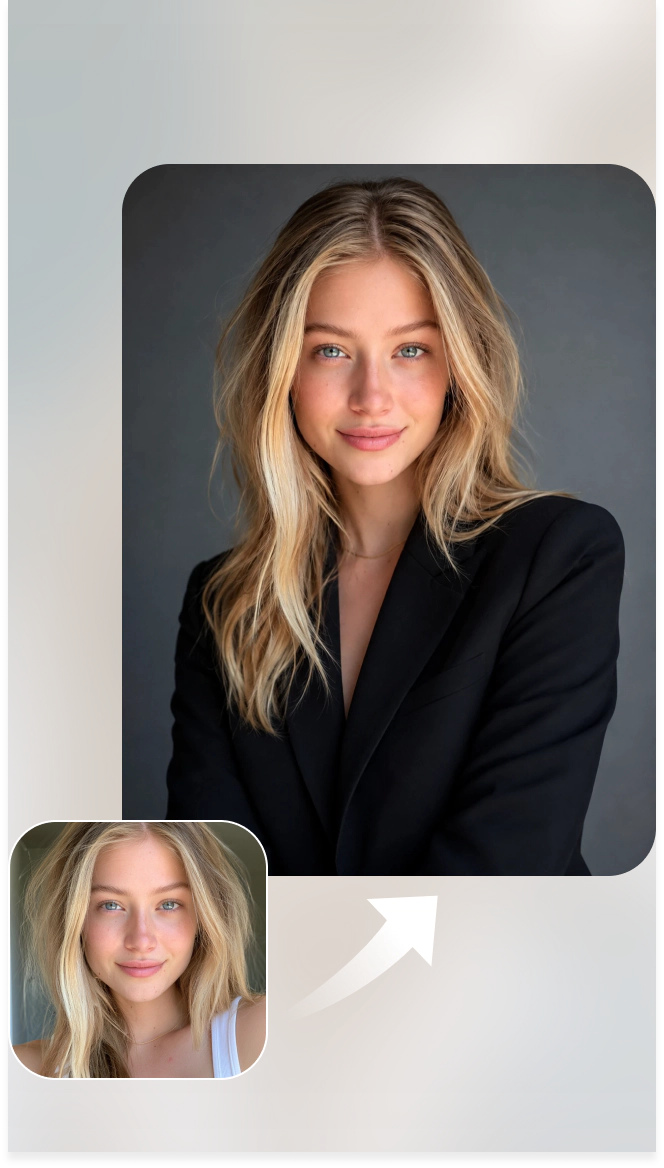
Corporate Headshot
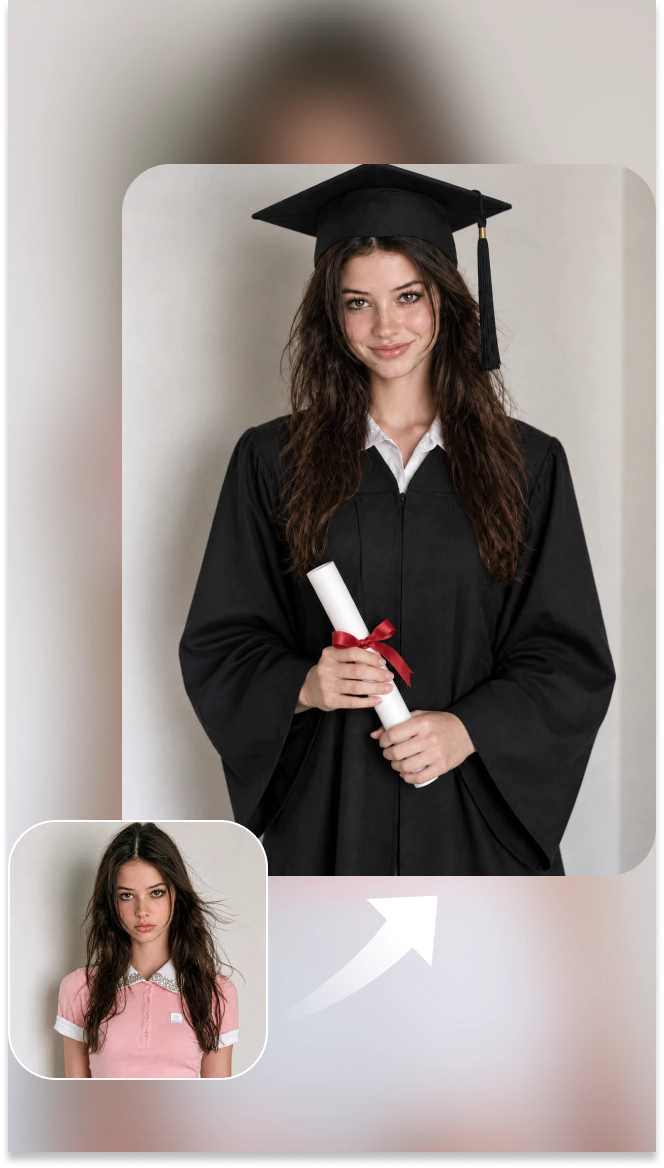
Graduation Portrait
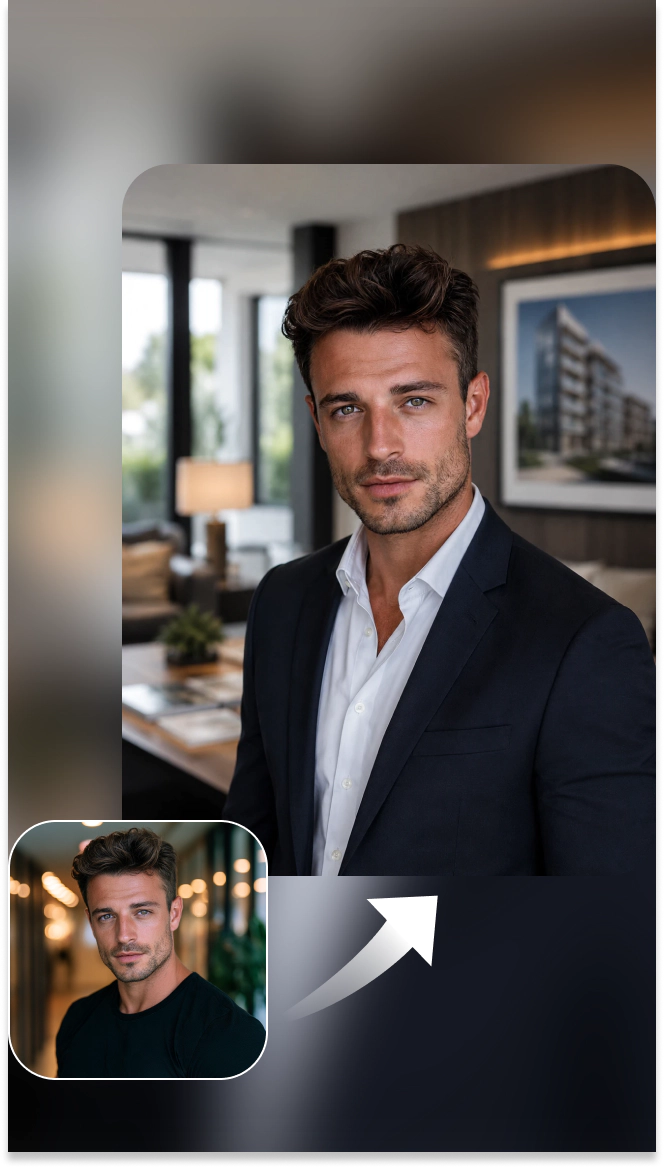
Real Estate Agent Headshot

Doctor Headshot
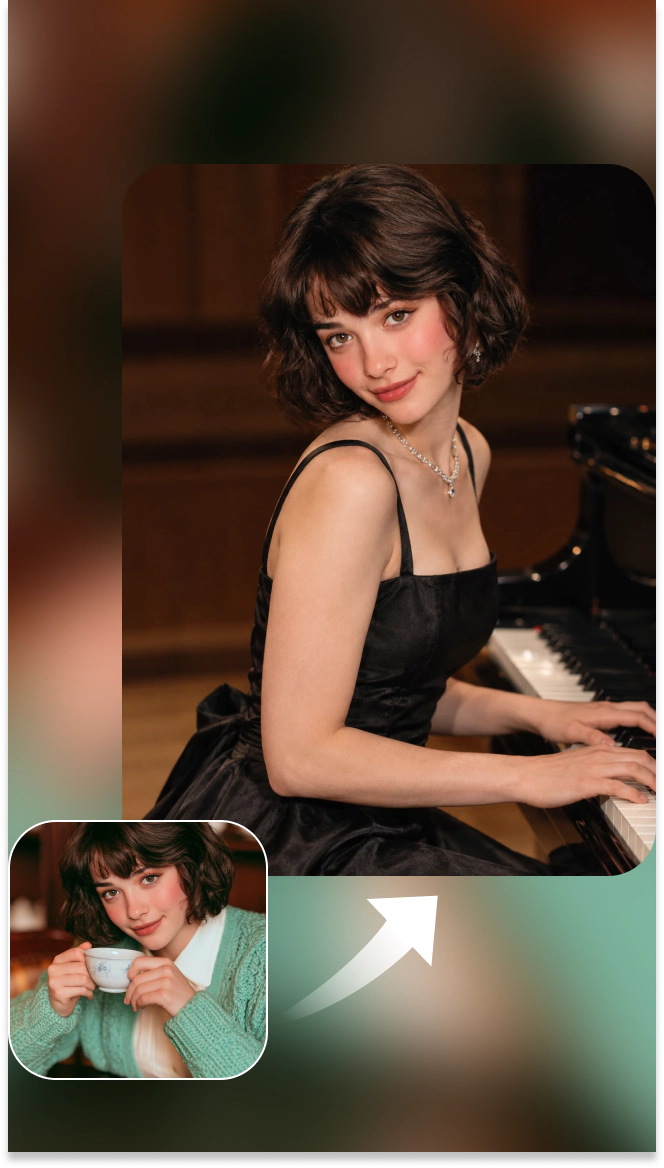
Artist Portrait

Skilled Worker Portrait
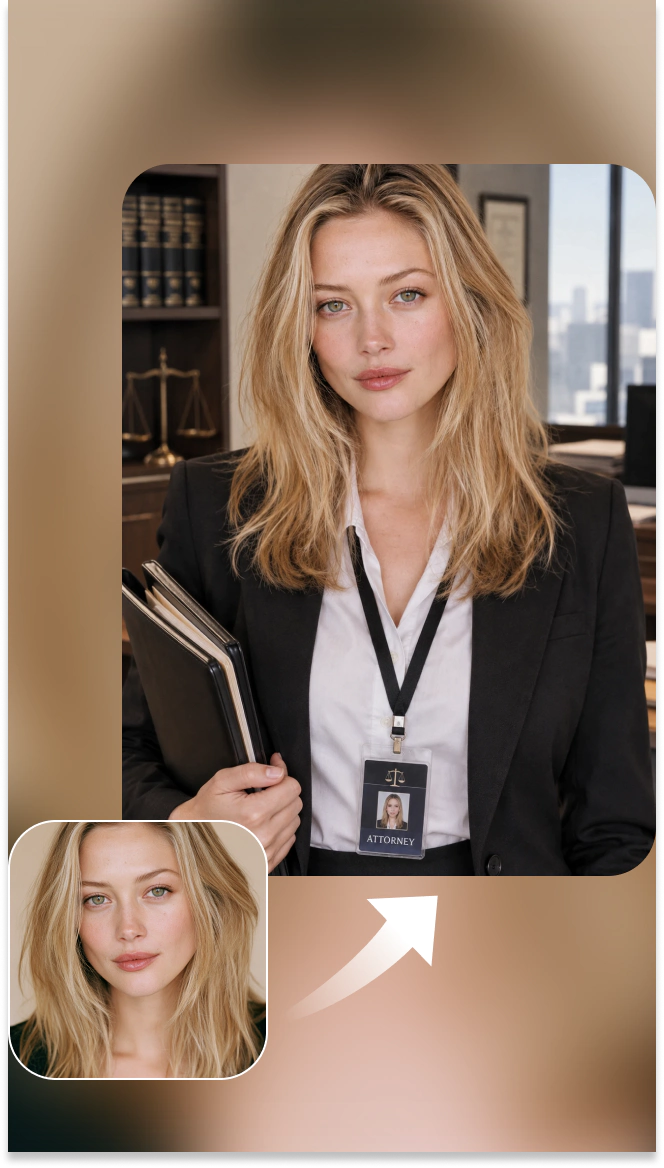
Lawyer Headshot
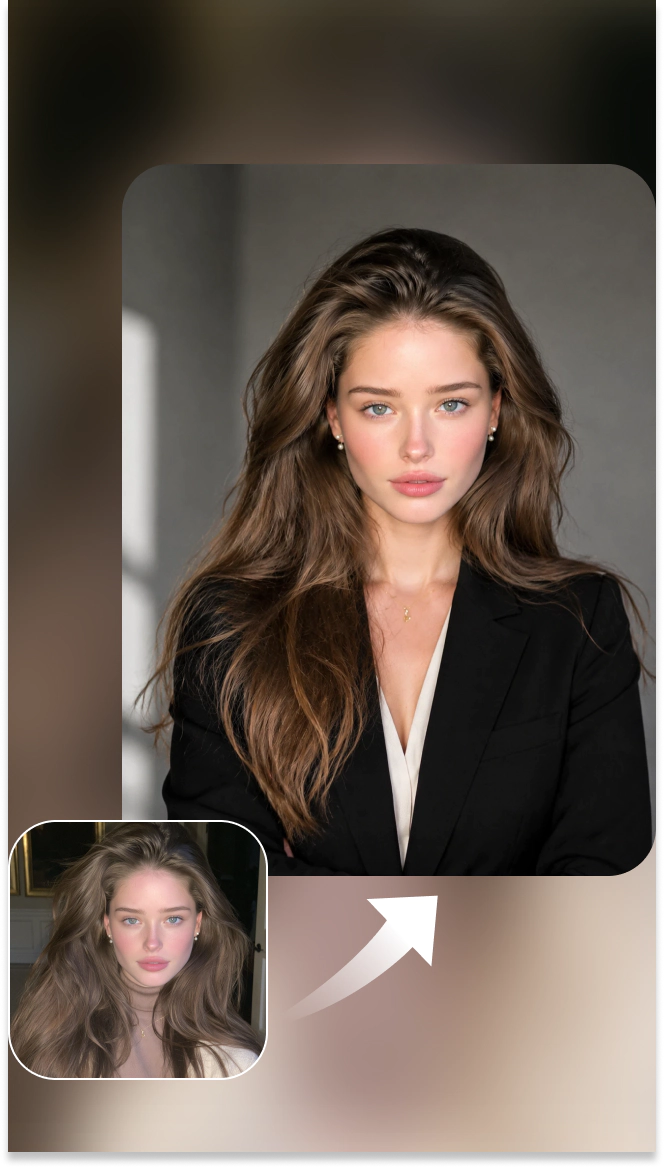
LinkedIn Headshot
How to Use More Headshot Templates
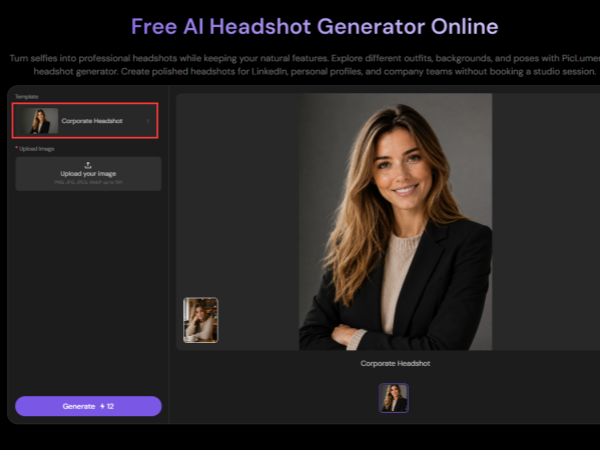
Step 1: Click the Template Name
Click the current template name to open the template menu.
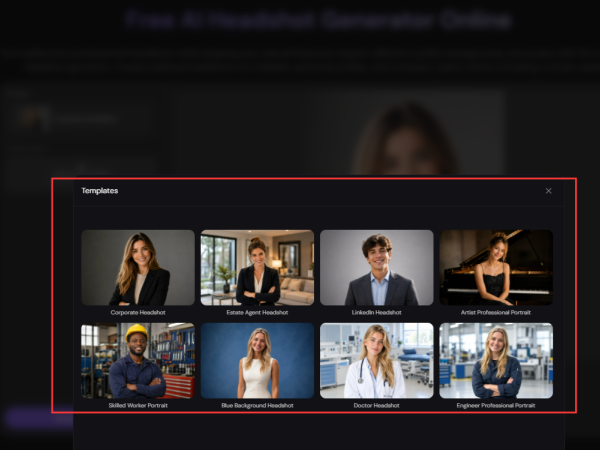
Step 2: Browse Headshot Templates
Choose a template that fits your profession or preferred look. Explore options like Corporate Headshot, LinkedIn Job Seeker, Real Estate Agent Headshot, and more.
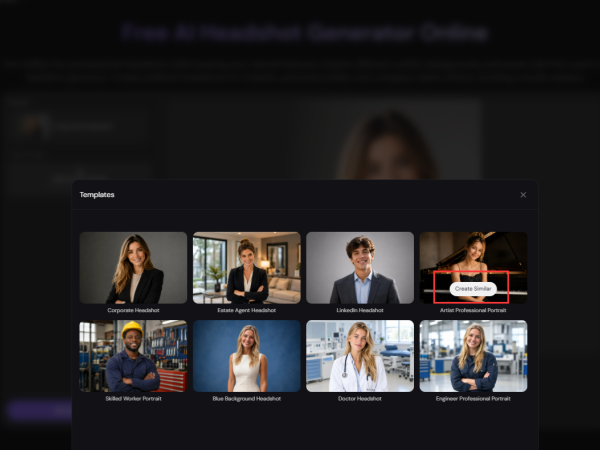
Step 3: Click “Create Similar”
Select your preferred template and click “Create Similar” to start creating your headshots.
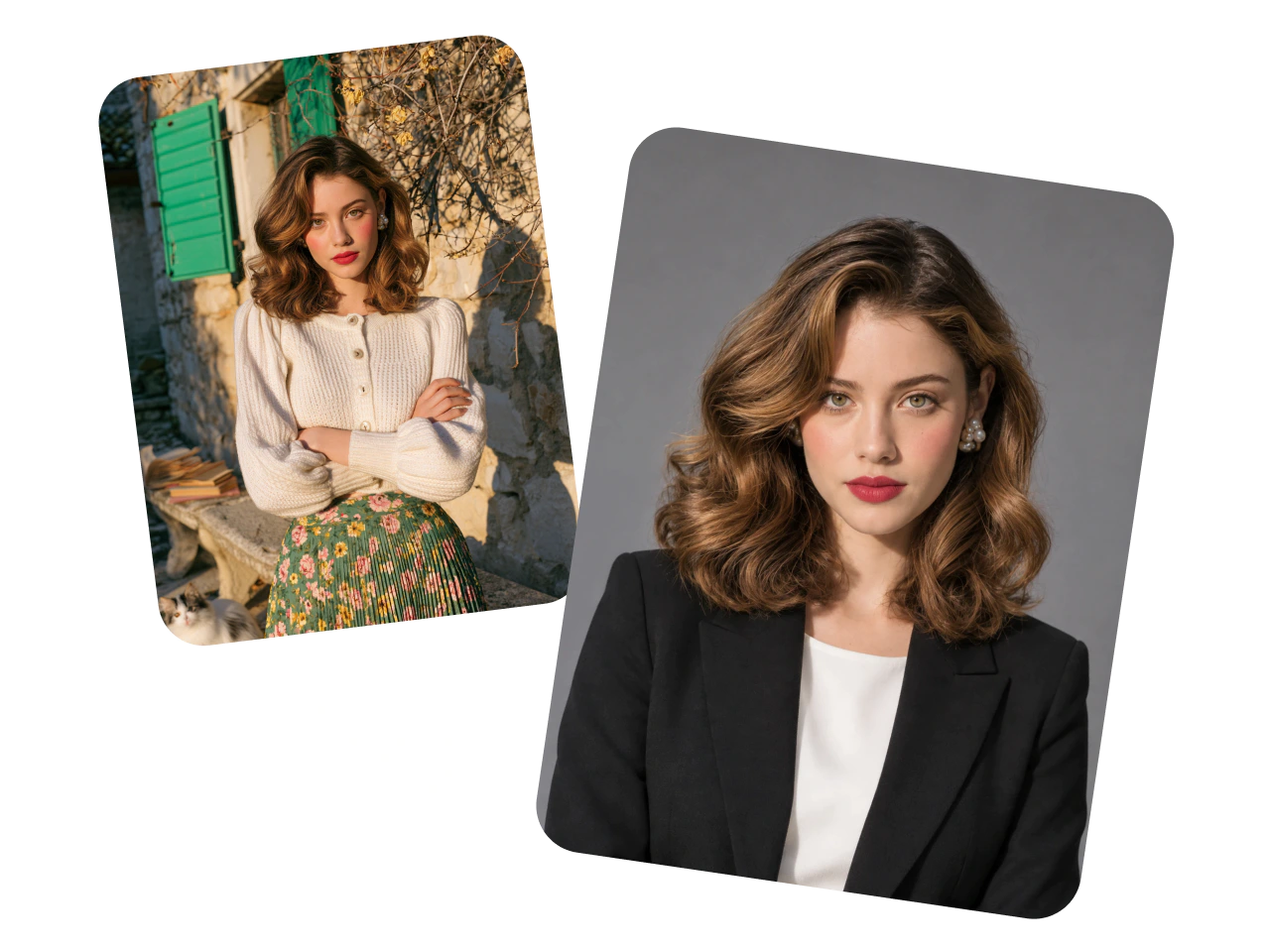
Turn Selfies Into Professional Headshots
Turn a casual selfie into a polished professional portrait with PicLumen's AI headshot maker. Upload a clear photo and create a camera-ready image with balanced lighting, a clean background, and natural facial details. Use your new headshot for LinkedIn, resumes, company websites, business cards, and other professional profiles.
Studio-Quality Headshots From Your Photos
Create the professional look you need while keeping the facial features that make you recognizable. Change the setting, lighting, clothing, and overall presentation to match your role, industry, or personal brand. Generate tailored business headshots from an existing photo without booking a studio, hiring a photographer, or arranging a traditional shoot.
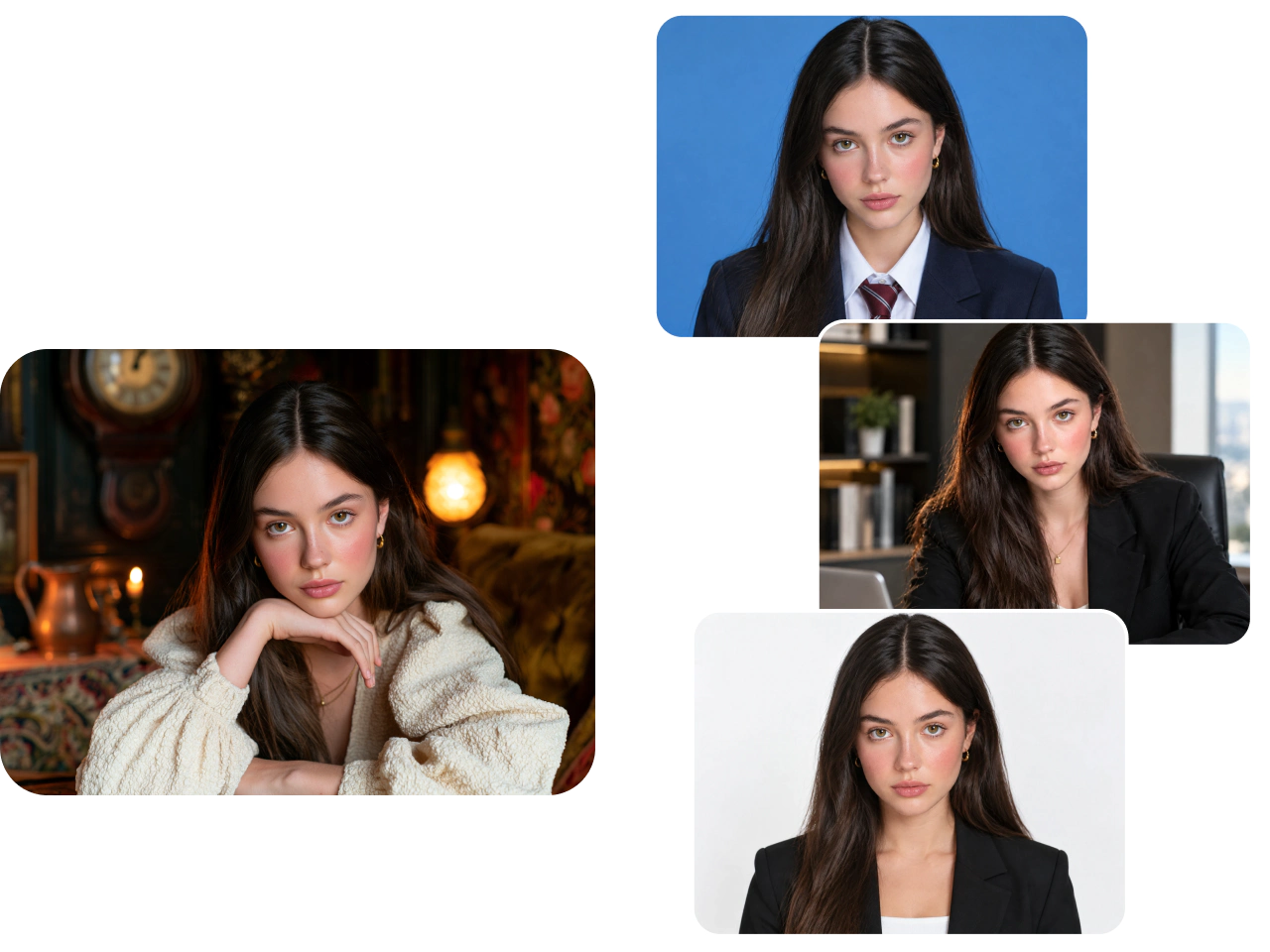
Create Multiple Headshot Variations Quickly
Need more than one option? Generate multiple headshots from a single picture. Explore different backgrounds, poses, outfits, framing, and visual styles to find the right image for each purpose. Build a flexible collection for business profiles, speaker pages, portfolios, social accounts, and personal branding.
Create Consistent Headshots for Teams
Create polished headshots for employees, departments, or an entire organization. Apply coordinated backgrounds, lighting, compositions, and dress styles while keeping each person recognizable. Give your team a consistent look across staff directories, company websites, email profiles, pitch decks, and LinkedIn pages without organizing a studio session for every employee.
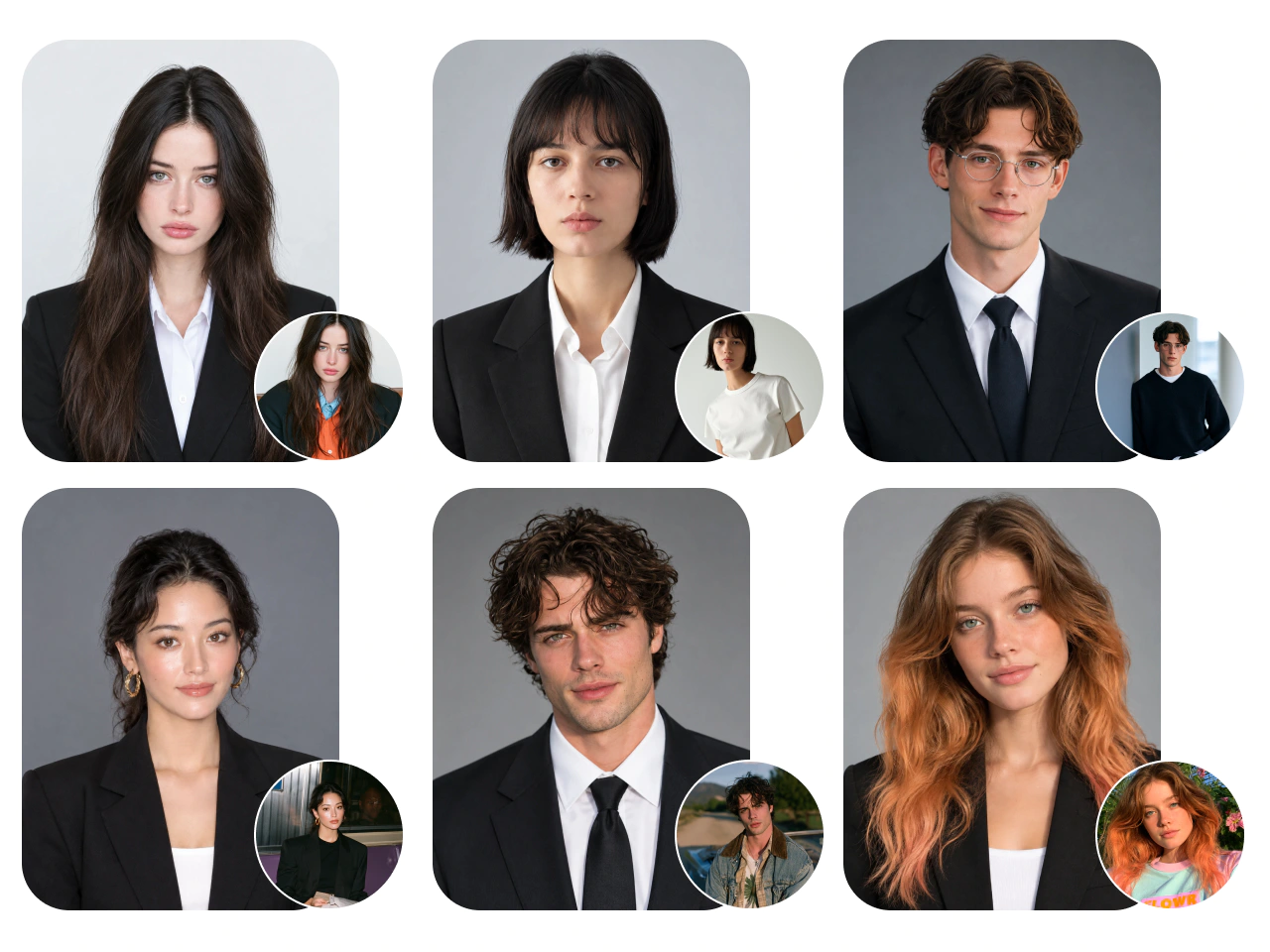
AI-Generated Headshots for Work, Branding, and More

LinkedIn Profiles
Create professional headshots for LinkedIn that look natural and feel like you. Choose outfits and backgrounds that fit your industry, from corporate to casual.

Job Boards
Update your profiles on job boards with polished, approachable headshots. Turn everyday photos into professional images with clean backgrounds and outfits that suit your field.

Resumes / CVs
Create polished headshots for resumes and CVs that call for photos. Choose simple backgrounds and professional attire to keep the focus on you.

Email Signatures
Add professional headshots to your email signatures. Use tight crops and simple backgrounds so your photos stay clear and recognizable, even at small sizes.

Freelance Portfolios
Show potential clients who they’ll be working with. Create headshots that fit your personal brand for freelance portfolios, service listings, and client proposals.

Business Cards
Help new contacts remember the person behind the name. Create clear, professional headshots that work with your business cards’ layouts and branding.

Executive Headshots
Create confident, approachable headshots for leadership bios, press kits, and speaking engagements. Choose tailored attire and settings that reflect your company’s style.

Social Media Profiles
Create profile photos that feel right for each platform. Try relaxed or professional looks while keeping your appearance recognizable across your social accounts.
Why Choose PicLumen AI Headshot Generator?

Fast Generation
Turn everyday photos into professional headshots quickly. Try different looks without waiting for a studio appointment or edited photos.
Natural-Looking Results
Create polished headshots with realistic skin texture, balanced lighting, and natural expressions. Get a professional look that still feels like you.

Easy to Use
Upload a picture, describe the look you want, and generate. No photography background or editing skills needed.

Data Security
PicLumen uses data encryption and access controls to help protect your personal information while you create.

Budget-Friendly
Create professional headshots without paying for studio rentals, photographers, or wardrobe changes. Explore multiple looks while keeping production costs down.
How to Create Custom AI Headshots
Explore more headshot styles with PicLumen’s AI headshot generator. Customize your look with your own photos and prompts.
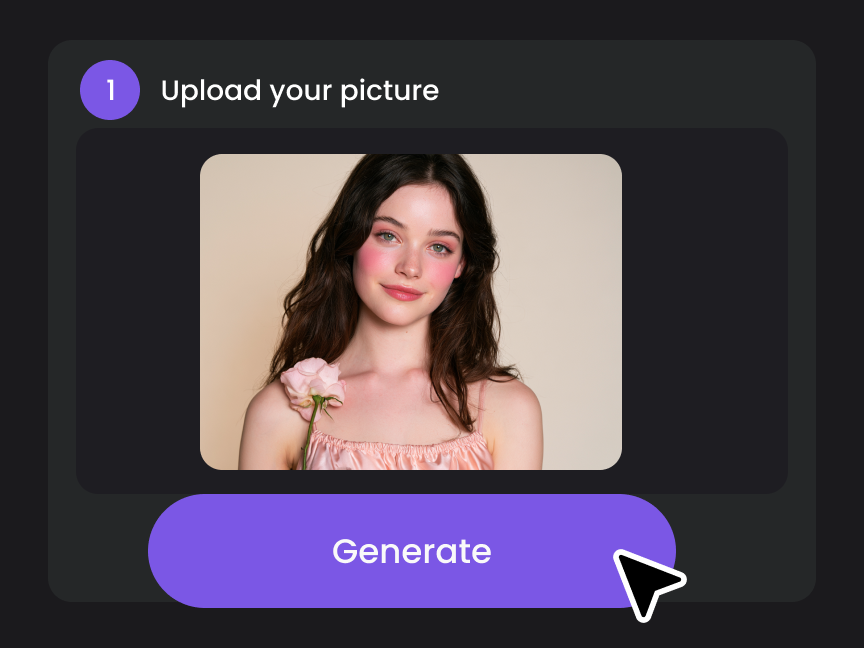
Step 1: Upload a Photo and Add a Prompt
Upload a clear photo of yourself and describe the look you want, including your outfit, background, lighting, and pose.
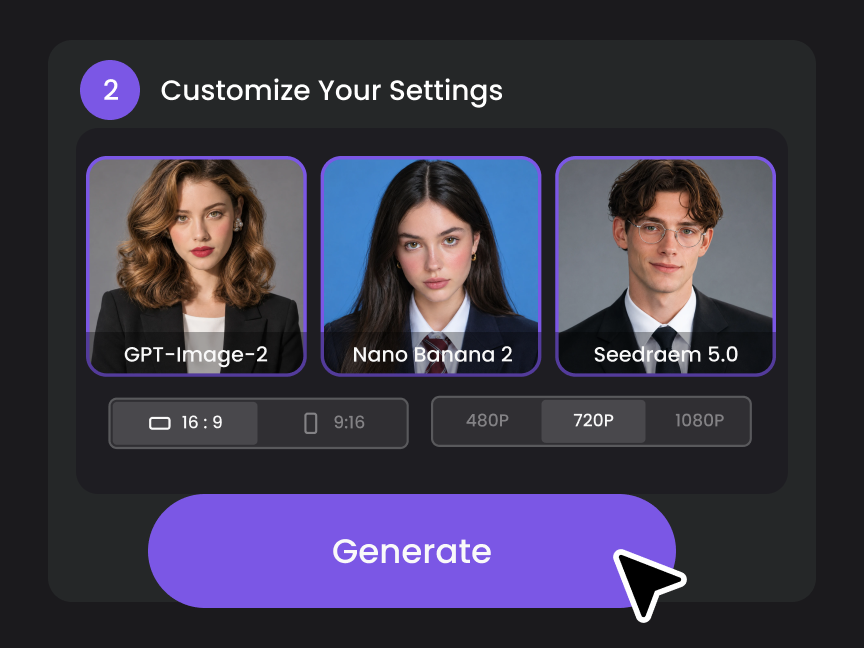
Step 2: Choose Your Settings
Select an AI model, choose an aspect ratio, and adjust the available settings to fit your needs.
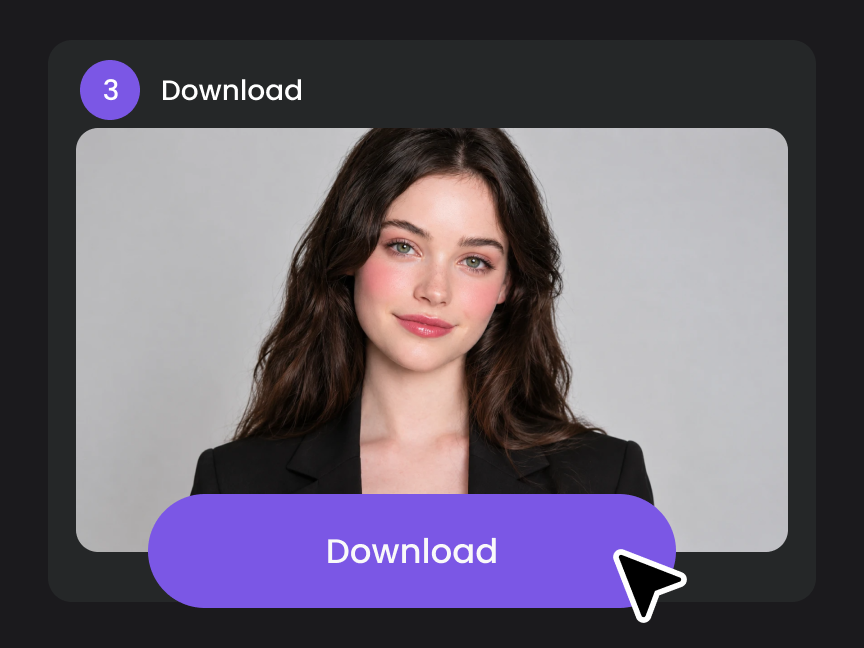
Step 3: Generate Your Headshots
Click “Generate” to create your headshots. Preview the results and download your favorites.


Loved by Creators Worldwide
Real feedback from designers, marketers, and hobbyists sharing their PicLumen experience on Trustpilot.
 J. Blaine
Regular PicLumen user experience
I've been using PicLumen since late summer 2024 and I've generated several thousand images, mostly image-to-image. There were 2 minor technical glitches in that period of time. In the first one, my library didn't load but after logging out and logging in again later that day I found my library back. The second glitch- the remixing and outpainting stopped working. I contacted the support team and the issue was fixed the next day. I also requested PicLumen to provide a PayPal payment method when they switched to subscription - and they listened and responded to my request. I appreciate their responsiveness and customer service. In my communication with their support team, I found them professional and polite. My general impression is that this is a dynamic and collaborative team that is worth supporting!
I recently had some technical issues…
I recently had some technical issues that I was trying to work through, so I reached out to the team at PicLumen for support. They were incredibly open, responsive, and willing to discuss the challenges I was experiencing. I even sent them a video demonstrating some of the issues I came across, and they took the time to review everything carefully and work toward finding solutions. What really stood out to me was how friendly, approachable, and collaborative they were throughout the process. I never felt like I was just submitting a problem ticket — it felt like they genuinely cared about improving the experience and helping users succeed. I truly enjoy using the platform and appreciate the level of support and dedication behind it. I would absolutely recommend PicLumen to anyone interested in this type of creative work.
Awesome program easy to use a little…
Awesome program easy to use a little disappointment in the fact you can’t buy lumies
 rockstar gaming
Value For Money
its value for money i fully recommend you to try this one time you will like it...
Really good app and generates good…
Really good app and generates good images!
It’s way easier to use then these other…
It’s way easier to use then these other apps
Ioannis GreecePicLumen is powerful and i like it for…
PicLumen is powerful and i like it for my creations.
Mickael TONGASOAbest but free mod need to fix and add…
best but free mod need to fix and add more credits for the starter
 Harris Styles
Amazing quality!!
Amazing quality!!! We at Nufangled studios love how this product elevated our brand quickly. This is the most user friendly software out their and well worth the money!!!! I love the ecosystem you they have created as well. Wonderful business model we will take note.
Everything
Everything, keep up the good work
PrintWiz DesignsAll in one platform
I love it as it become more sn all in one platform , great generations, high value , generous free plan ....
Nice app for creating videos
Nice app for creating videos
AI Headshot Generator FAQs
What is an AI headshot generator?
An AI headshot generator turns everyday photos into professional-looking portraits. It uses your photo as a reference to create new looks with different outfits, backgrounds, lighting, and poses, without a studio session.
Is PicLumen’s AI headshot generator free?
Yes. PicLumen provides free Lumens every day to create AI headshots. You can try PicLumen’s AI headshot generator for free. Upgrade to a paid plan if you need more Lumens.
Can I turn a selfie into a professional headshot?
Yes. Upload a clear selfie and describe the professional look you need. You can change casual clothing, replace distracting backgrounds, and explore studio-style lighting while using your photo as a reference.
What kind of photo should I upload?
Choose a recent, well-lit photo with your face clearly visible. Avoid blurry images, heavy filters, sunglasses, and anything that covers your facial features. A simple, front-facing photo is a good starting point.
Will my AI headshots look natural?
PicLumen uses your reference photo to help preserve recognizable facial features, including your face shape, eyes, and smile, for a natural likeness in your new headshots.
Can I change the outfits in my headshots?
Yes. Describe the clothing you want, such as a tailored blazer, button-down shirt, or business-casual outfit. Try different colors and styles to match your profession or personal brand.
Can I choose different backgrounds?
Yes. Request a plain white, gray, or blue background, an office setting, or another scene that fits your needs. Keep backgrounds simple when you want the focus to stay on your face.
Can I customize poses and expressions?
Yes. Use your prompt to request a relaxed smile, a neutral expression, a front-facing pose, or a slight turn. Small adjustments can help you explore more formal or approachable looks.
How does PicLumen protect my personal information?
PicLumen uses data encryption and security measures to help protect your personal information. For details about how information is collected, used, and handled, review PicLumen’s Privacy Policy.
Can I use my AI headshots commercially?
Yes. Paid users can use their generated headshots commercially within their plan's licensing terms and PicLumen's Terms of Service. Free Basic plan users do not have commercial-use rights.