AI Emoji Generator: Create Custom Emojis That Don't Exist Yet


Generate custom emojis from text
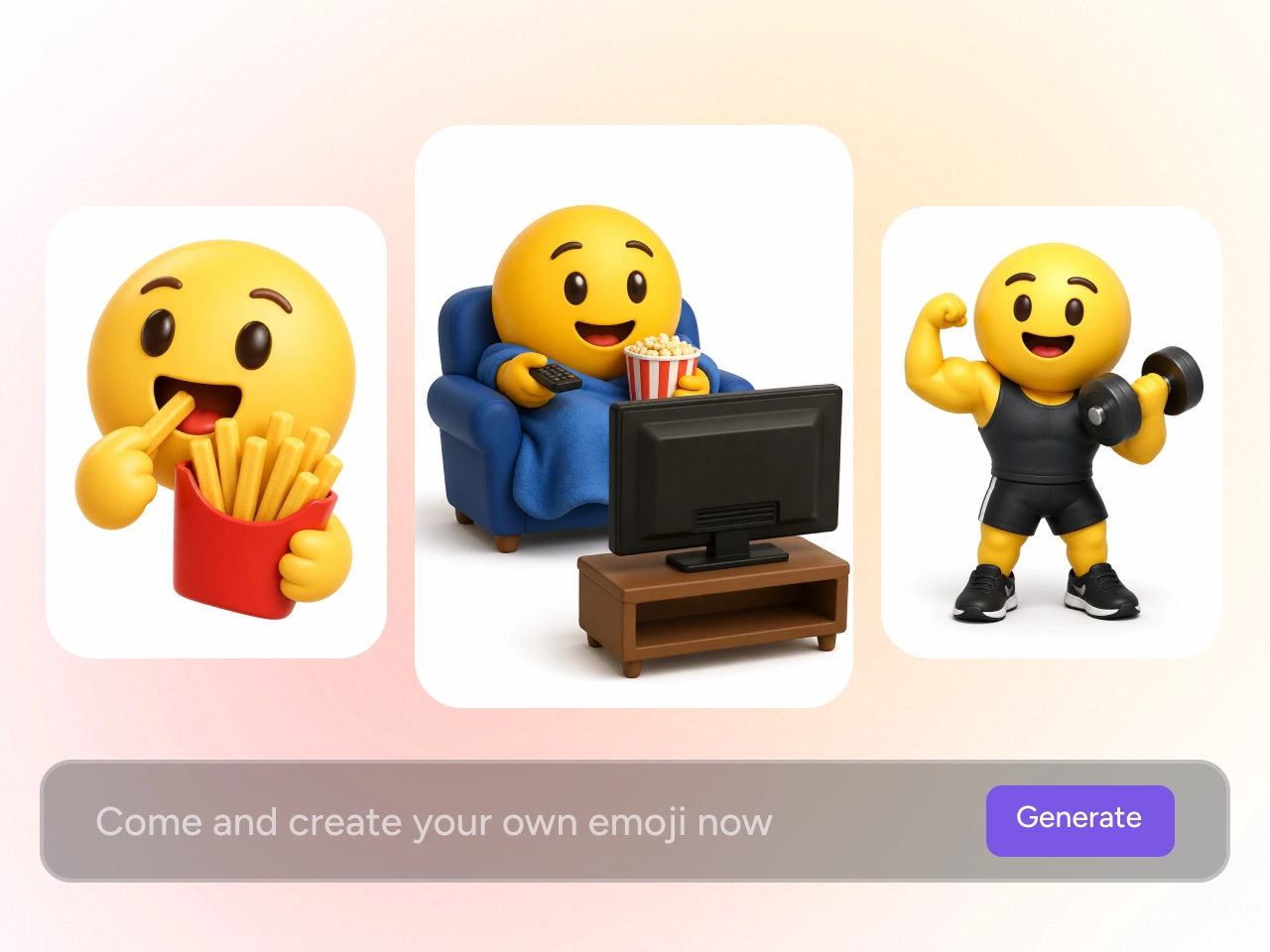
Use the AI emoji generator to turn a text description into a custom emoji. Describe the subject, emotion, reaction, or concept you have in mind and let AI create a visual interpretation of your prompt. Whether you want to create a funny reaction, a cute character, or an emoji for a specific situation, text to emoji generation gives you a simple way to start.
Turn emotions & reactions into emojis
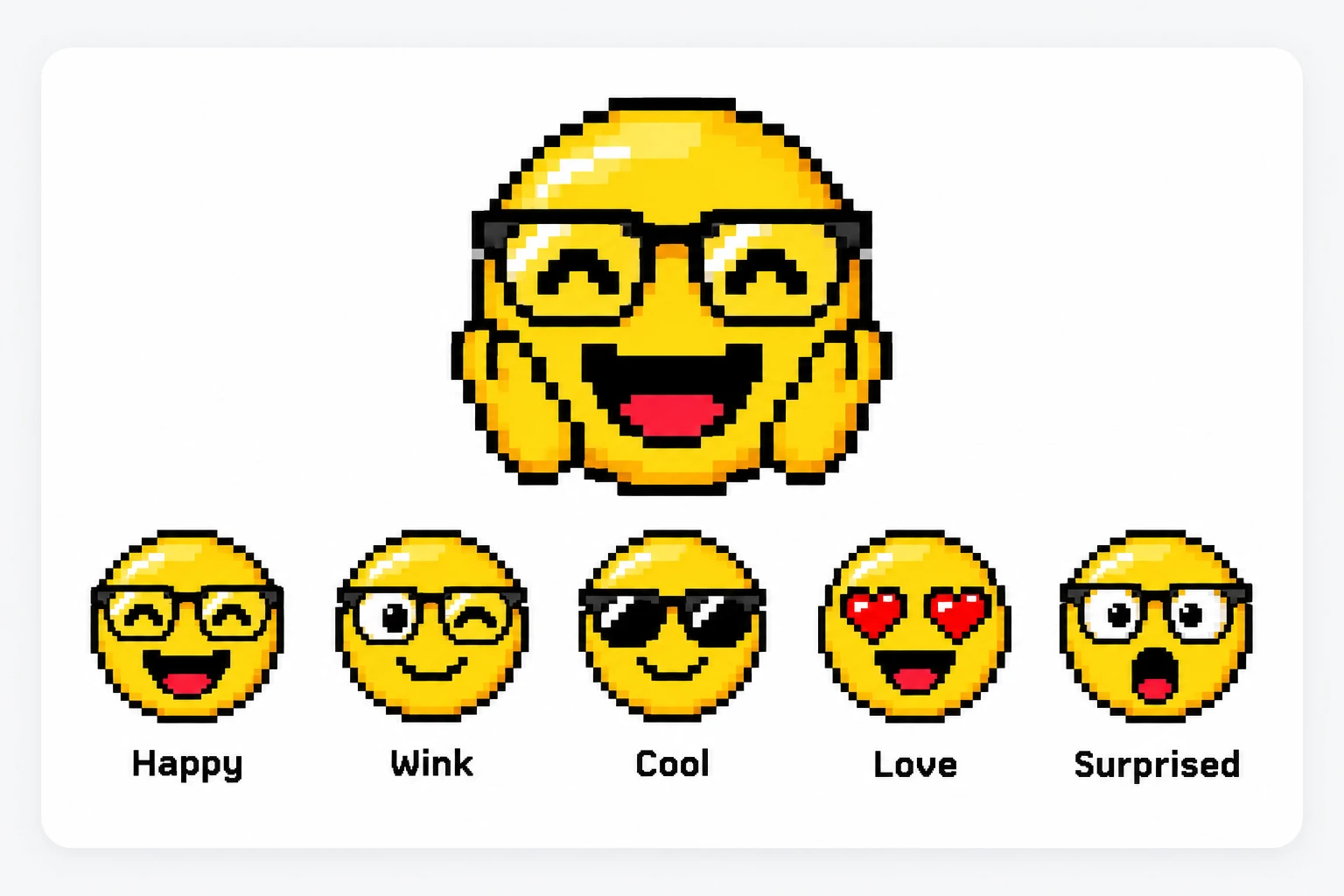
Use AI to create emojis around specific emotions, moods, and reactions. Go beyond basic happy, sad, or angry expressions and describe something more specific, such as an awkward reaction, exaggerated surprise, sarcastic expression, or excited response. An AI emoji generator helps turn these detailed ideas into visual reactions that are easier to share and understand.
Work for Any Use Case
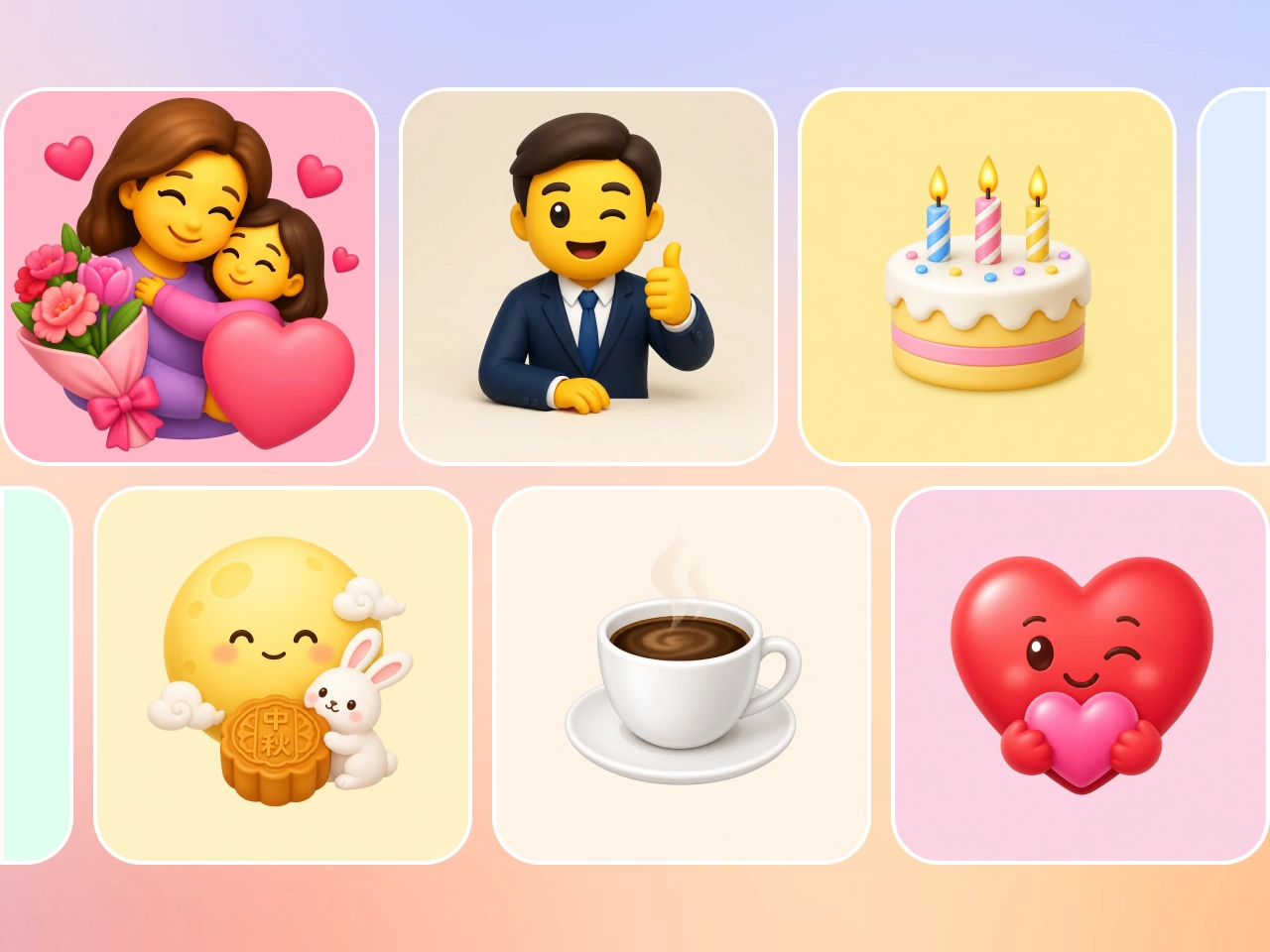
Create emojis that fit naturally into any moment or message in seconds, whether it's birthdays, Valentine's Day, Mother's Day, Father's Day, or everyday chats and social posts. Each emoji can be generated to match the exact mood and context, making your conversations more expressive and engaging. It’s a simple way to add emotion, creativity, and relevance to daily communication.
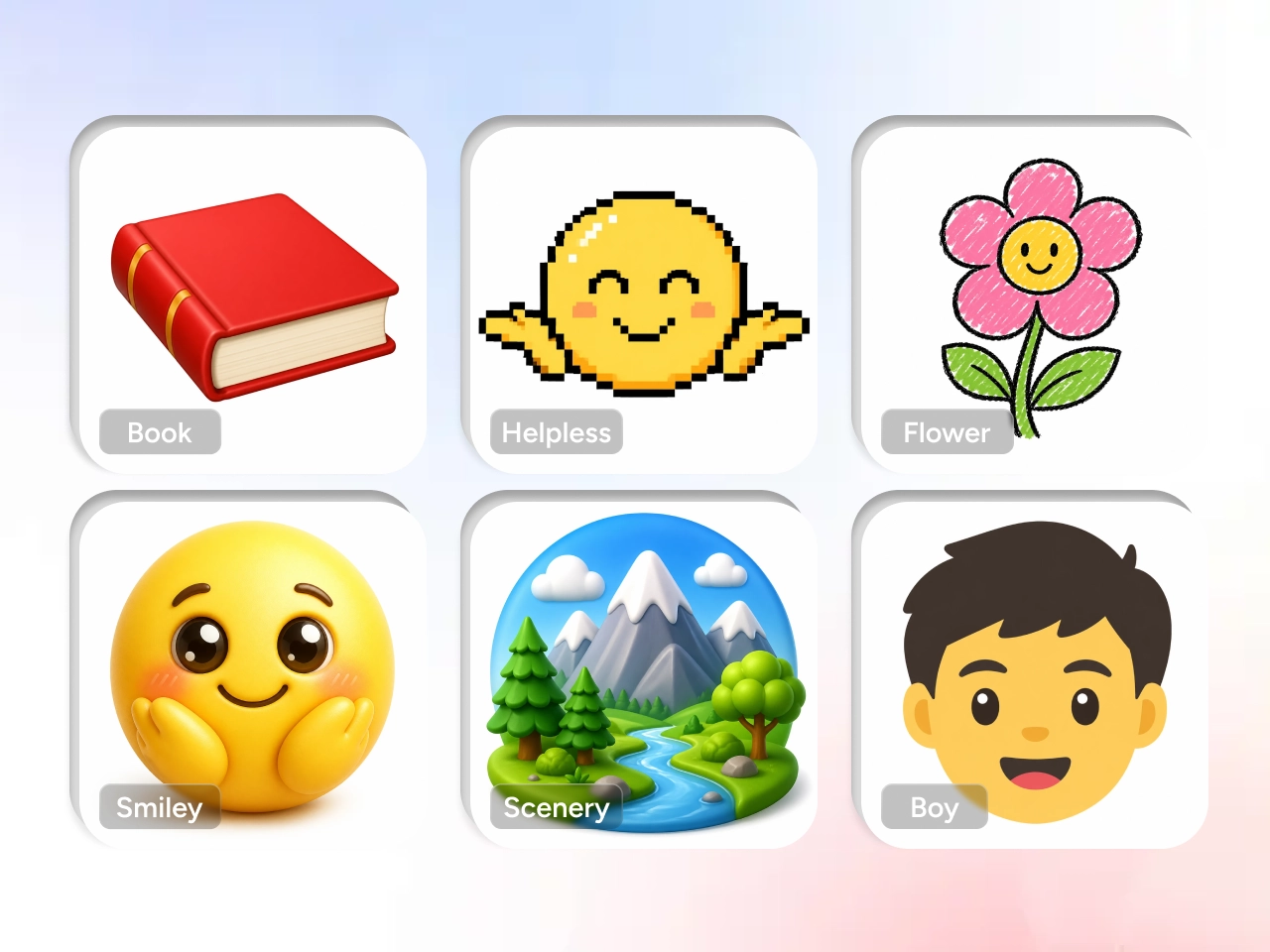
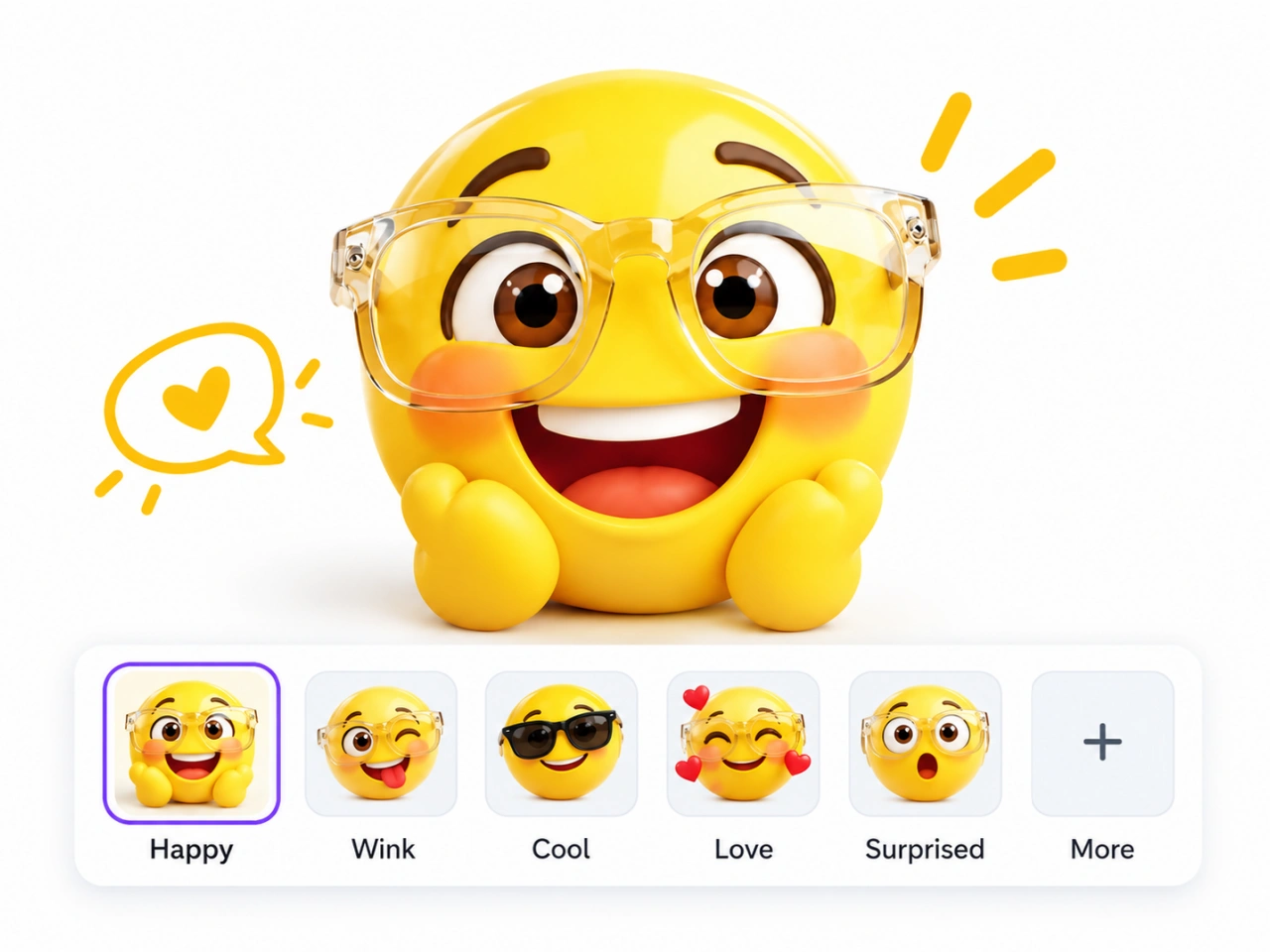
Explore different emoji styles
Where You Can Use AI Emoji Generator

Social Media Content Creation
Make your posts more eye-catching with custom emojis that match your content style. Instead of using generic icons, you can create unique visuals that reflect your personality or brand tone. Whether you're posting on Instagram, TikTok, or sharing in group chats, tailored emojis help your content feel more expressive and engaging. It’s an easy way to stand out in fast-moving feeds and connect more naturally with your audience.

Commercial Projects & Client Work
Offer more value in your design or content services by creating custom emojis for clients. From brand campaigns to marketing visuals and app interfaces, personalized emojis can enhance visual identity and improve user engagement. The fast generation process also helps you deliver results quicker while keeping costs low, making it ideal for freelancers, small studios, or anyone handling multiple client projects.

Personal Customization & Creative Fun
Turn your ideas into fun, personalized emojis for everyday use. Whether you want to create emojis based on your pets, friends, or inside jokes, the process is simple and enjoyable. These custom designs can be used in messaging, digital scrapbooks, or even printed as stickers. It’s a creative way to make your conversations more personal and add a unique touch to your digital expression.

Brands & creators
Creators and brands can explore custom emoji concepts for social campaigns, branded content, creator communities, audience engagement, and other digital communication. For commercial projects, review the applicable usage and licensing terms for the generated content before publishing.
How to create custom emojis with an AI emoji generator
1 Describe your emoji
1Start with a clear text prompt describing the subject, emotion, reaction, action, or concept you want to create. Example: A sleepy orange cat holding a coffee cup with tired eyes.
2 Define the visual direction
2Add details that help the AI emoji generator understand the look you want. You can describe the emoji style, colors, expression, mood, or other visual characteristics. Example: Cute 3D emoji style, soft colors, playful expression.
3 Generate & refine
3Generate your AI emoji and review the result. If the visual does not fully match your idea, make your prompt more specific and generate another version. Adding details about the subject, expression, composition, or style can help guide the next result.
4 Save & use
4Choose your preferred AI-generated emoji and save it for your intended project. Depending on your use case, you can use custom emojis for chats, social media, communities, stickers, or creative content.


Loved by Creators Worldwide
Real feedback from designers, marketers, and hobbyists sharing their PicLumen experience on Trustpilot.
Zaine JuttAmazing 😍😍😍😍😍😍 freee 😍😍
Amazing 😍😍😍😍😍😍 freee 😍😍
George PricePicLumen's support team replies quickly…
PicLumen's support team replies quickly to your help requests and they are clear in what they require of you for them to help you. They usually diagnose your problem and offer a solution in less then 24 hours. Stellar service!
 Prabhat Ranjan Singh Chauhan
Very smooth and very helpful for…
Very smooth and very helpful for everyonr who have creative mind. Thank you 👍
 Mubashir Ahmed
This web is very help and free
This web is very help and free
 Alexsander Luís
cool it's a good ai creator but create…
cool it's a good ai creator but create imagens for cinema
It’s way easier to use then these other…
It’s way easier to use then these other apps
 Yll
YllIs very good program for ai
Is very good program for ai
 Phogat Pradeep
People passing by without noticing them.
People passing by without noticing them.
a great creative app
This is such a great creative app it really brings out the artist in you
amazing image creation app for me-5*…
amazing image creation app for me-5* rating...
Tadhg ReidyReally good
Really good, I like the way it recharges every day
 Jonathan Bernadino
A great company and an incredible…
A great company and an incredible experience being able to generate my images with the highest quality.
Frequently Asked Questions
What is an AI emoji generator?
An AI emoji generator is an AI-powered tool that creates custom emoji-style images based on text descriptions. Instead of selecting from a predefined emoji library, you describe the character, object, emotion, reaction, or concept you want and AI generates a visual interpretation.
How does an AI emoji generator work?
An AI emoji generator interprets the information in a text prompt, including the subject, expression, action, style, and other visual details. It then generates an emoji-style image based on those instructions.
How do I create a custom emoji with AI?
Enter a prompt describing what you want your custom emoji to show. Include the main subject, expression or reaction, and preferred visual style. Generate the result and refine the prompt if you want to explore another version.
Can I create an emoji from text?
Yes. Text-to-emoji generation allows you to describe an idea in natural language and use an AI emoji generator to turn that description into a custom emoji.
What types of emojis can I generate?
You can use an AI emoji generator to explore reaction emojis, character emojis, animal and pet emojis, food and object emojis, expressive faces, and other custom concepts.
Can I create an emoji that doesn't exist?
Yes. One of the main uses of an AI emoji generator is creating concepts that aren't available in standard emoji libraries. You can describe a specific reaction, unusual character, niche situation, or personal idea and generate a corresponding visual.
What should I include in an AI emoji prompt?
A useful AI emoji prompt usually includes the subject, expression or action, and visual style. You can add colors, accessories, mood, or other details when they are important to the result. For example: A surprised corgi with wide eyes, wearing sunglasses, in a cute 3D emoji style.
What can I use AI-generated emojis for?
AI-generated emojis can be used for messaging, online communities, social media content, memes, sticker concepts, personal projects, and creator or brand content. For commercial use, always review the applicable rights and licensing terms for your specific project.
Turn your ideas into custom emojis
Describe the emotion, reaction, character, or inside joke you want to express, and create a custom emoji with AI.
- AI Animal Generator
- AI Baby Generator
- AI Background Generator
- AI Cat Image Generator
- AI Clothes Changer
- AI Embroidery Generator
- AI Headshot Generator
- AI Makeup Generator
- AI Poster Generator
- AI Image Object Remover
- AI Photo Face Swap
- AI Image Generator
- AI Logo Generator
- AI Video Generator
- Image to Image AI
- Chibi Maker
- AI Business Card Maker
- AI Cartoon Generator
- AI Landscape Generator