AI Full Body Character Creator from Text or Photos
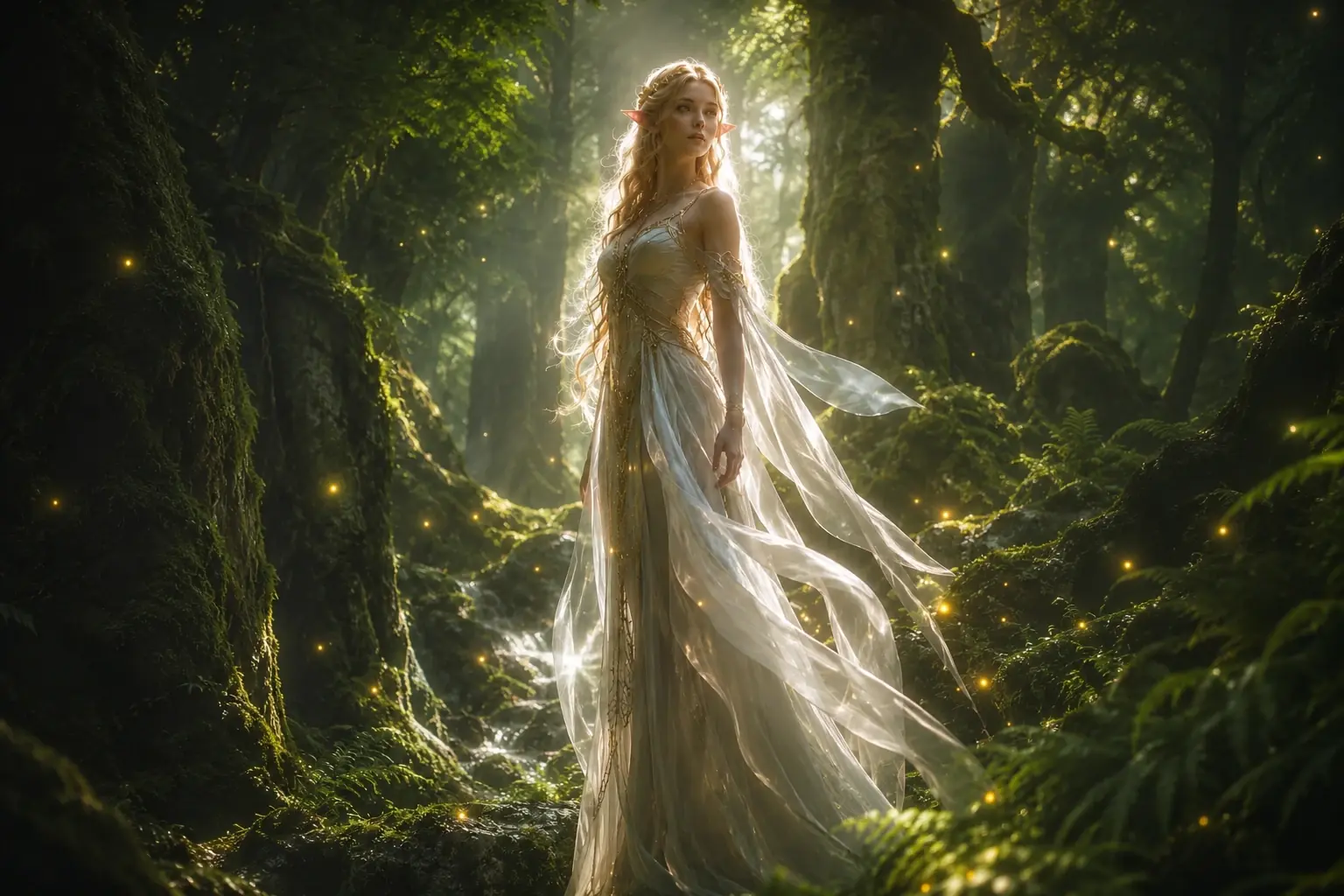
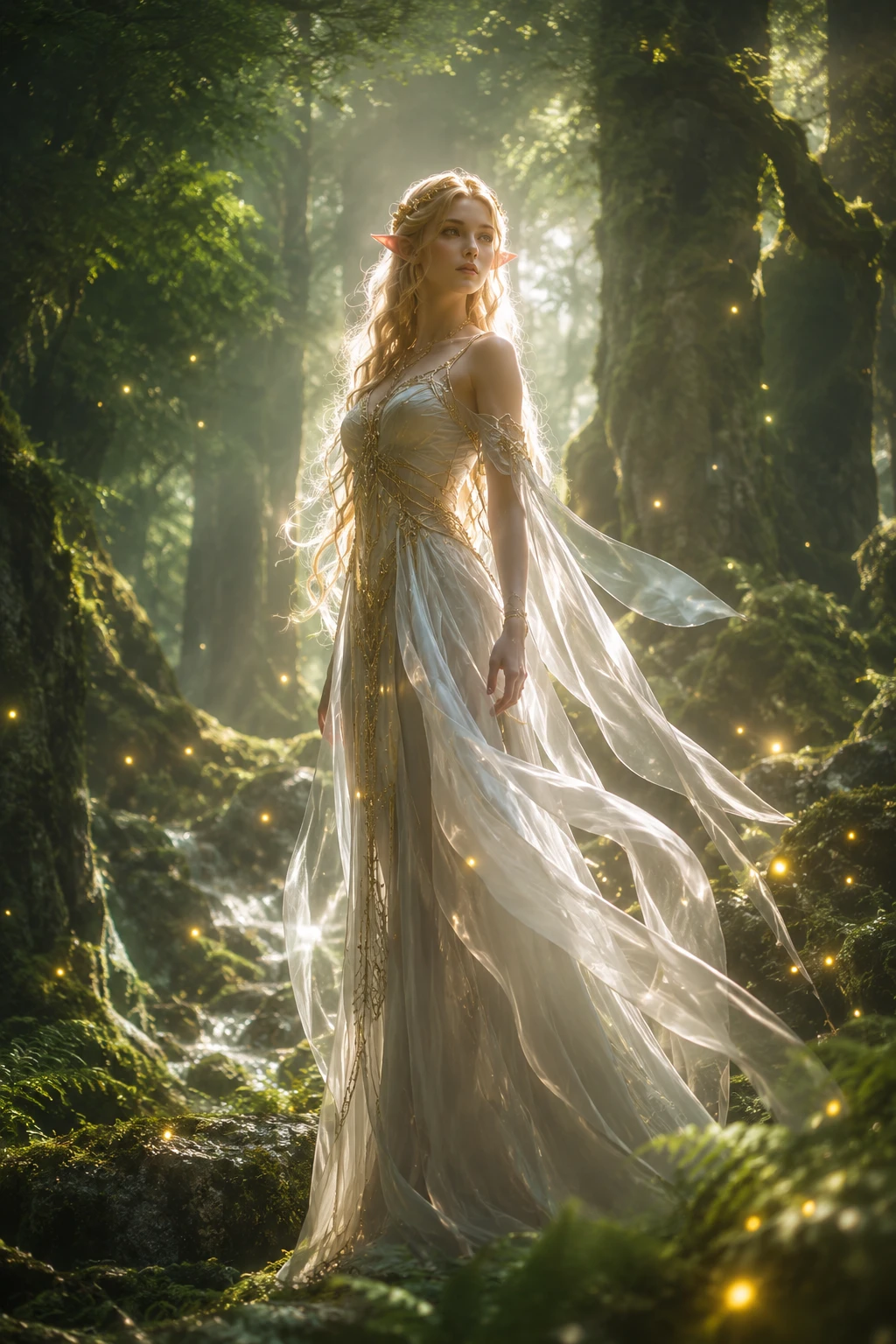
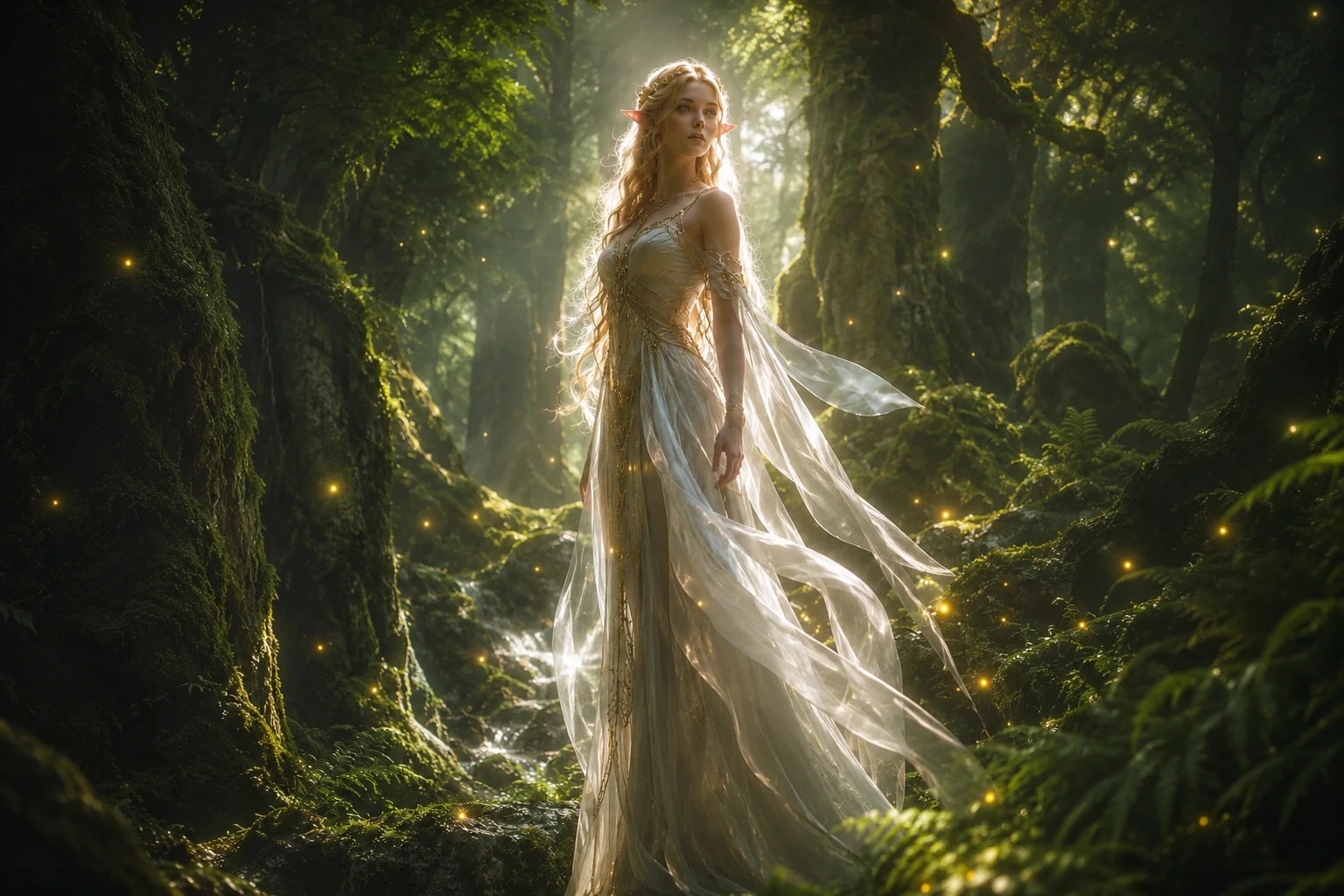
Explore Full Body Character Styles for Your Next Project
- Full Body Anime Characters
- Realistic and 3D-Style Characters
- Game Character Concepts
- Chibi Characters

Develop an anime OC with a recognizable silhouette, coordinated outfit, and expressive stance. Describe the hairstyle, jacket length, skirt or trousers, socks, and shoes so the whole design feels considered. Use a relaxed standing pose to present the costume clearly, or explore an action pose once you have established the character’s appearance.
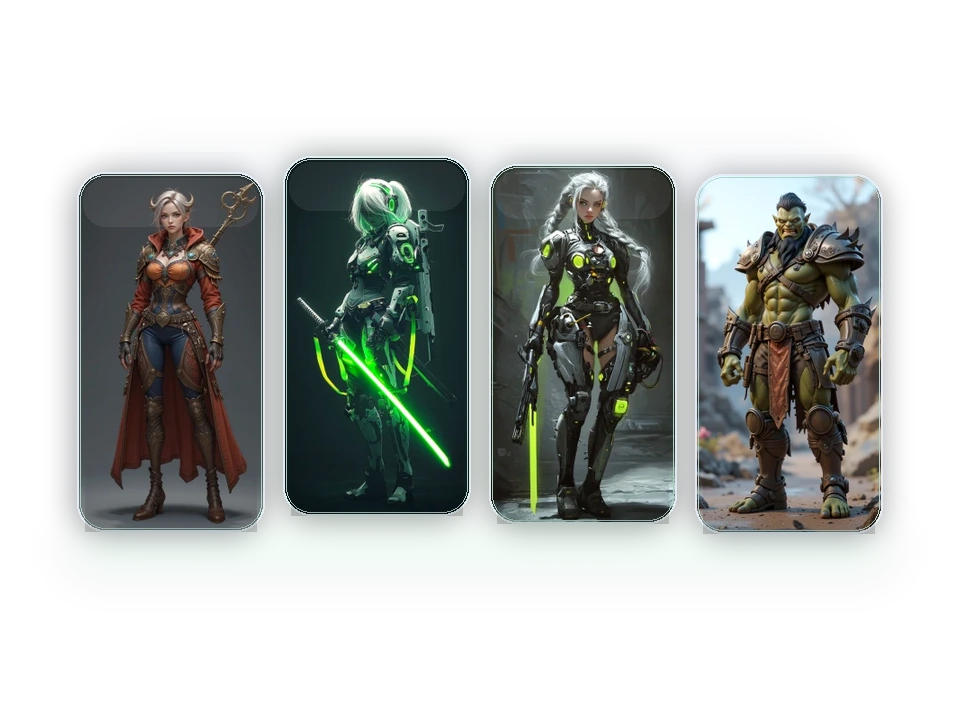
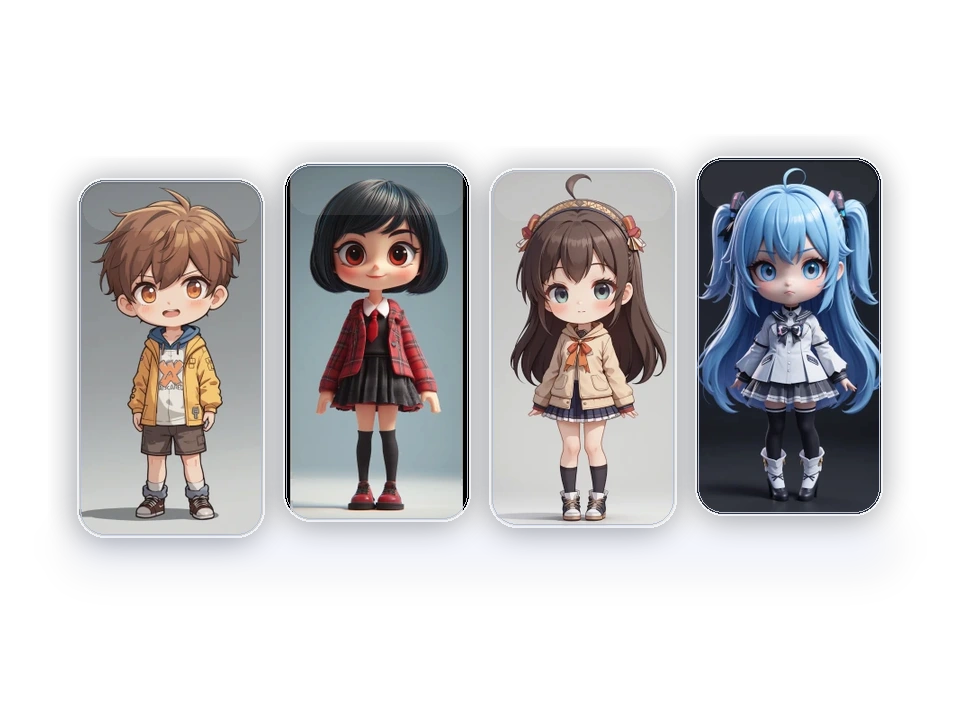

Design a Full Body Character from Head to Toe
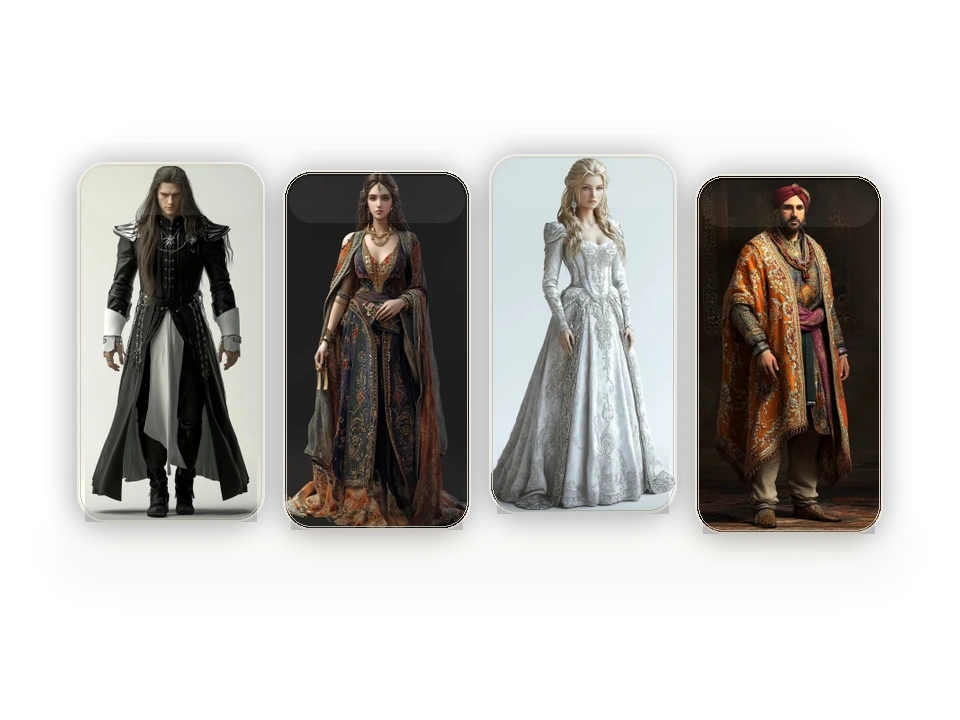
Turn a written character description into a complete visual concept with PicLumen's text-to-image generator. Define the character's age, build, and role, then describe the entire outfit: upper layers, trousers or skirt, footwear, and accessories. Those choices give your full body character more personality than a face alone. Guide the composition as carefully as the costume. Request a head-to-toe view, visible shoes, and space around the figure. A neutral stance and simple background make it easier to inspect proportions and compare outfit ideas. For an action scene, leave room for extended arms, weapons, or flowing fabric.
Create a Full Body Character from a Reference Photo
Give your character a visual starting point with PicLumen's image-to-image AI. Upload a clear photo or existing character image, then describe the features you want to retain and the design you want to explore. You might keep the short curls and round glasses while requesting an illustrated traveler in a long coat and hiking boots. The reference determines which details the model can see. A headshot provides facial and hairstyle cues; a full-length photo also provides clothing and pose information. When the source stops at the shoulders or waist, specify the missing outfit and footwear. Those unseen details are newly generated, so review the result against your reference before continuing.


Refine Your Character’s Outfit, Pose, and Details
Keep developing the design after the first generation. Use a result you like as a reference with a model that supports image input, then request a focused variation: a shorter jacket, different boots, a relaxed stance, or a new accessory. State which features should stay the same, and compare each result with the original. For smaller changes, use PicLumen's AI Replace to work on a selected area. You can also use the background remover to prepare an isolated character image for a design board or layout. This gives you a practical path from an initial full body character concept to a version you can share, review, and develop further.
How to Create a Full Body Character with AI
Choose Your Model and Starting Point
1Open PicLumen and select an image model. Enter a description for a new character, or choose a model with reference-image support to work from a photo or existing design. For a standing figure, try a supported vertical aspect ratio such as 2:3 or 3:4 to give the composition more room.
Describe the Character and Full Body Composition
2Include the character's appearance, complete outfit, shoes, pose, and art style. Add framing instructions such as "entire figure visible, head to toe, with space above the head and below the shoes." Keep your first pose straightforward so you can assess the design before adding complex movement.
Review, Refine, and Download
3Check that the head, hands, and feet fit inside the frame. Inspect fingers, proportions, clothing edges, and accessories, and compare any reference features you wanted to keep. Adjust the prompt or edit the areas that need attention, then download your chosen full body character image.


Loved by Creators Worldwide
Real feedback from designers, marketers, and hobbyists sharing their PicLumen experience on Trustpilot.
Zaine JuttAmazing 😍😍😍😍😍😍 freee 😍😍
Amazing 😍😍😍😍😍😍 freee 😍😍
Ayan SamantaAwesome experience just looking wow
Awesome experience just looking wow
Good 👍 perfomense web site good images…
Good 👍 perfomense web site good images good
 Prabhat Ranjan Singh Chauhan
Very smooth and very helpful for…
Very smooth and very helpful for everyonr who have creative mind. Thank you 👍
 Menu Lawrence
Very fantastic app
Very fantastic app. I love it. I will like everyone to use this App
 Pino Calambrogio
Good over other applications
Good over other applications
 Jonathan Kauan da Silva
good i like create images
good i like create images
Aleks VishaGreat kompany in the world
Great kompany in the world
 Yll
Is very good program for ai
Is very good program for ai
It’s easier to use on a computer instead of a phone
Being able to generate my own art
a great creative app
This is such a great creative app it really brings out the artist in you
I love PicLumen
I love PicLumen. It is one of my favourite AI image generating tools. I have been using it for quite some time and it never fails to disappoint , and just keeps getting better with each update
Full Body Character Creator FAQ
What is an AI full body character creator?
An AI full body character creator generates a head-to-toe character image from a written description or supported reference image. You can describe appearance, clothing, footwear, pose, and visual style. PicLumen’s full body character generator can help you develop an original character concept for a story, illustration, or game design project.
Can I create a full body character from a photo?
Yes. Choose a PicLumen model that supports reference images, upload your photo, and describe the full body character you want. Explain which visible features to retain and which parts to change. A clear, unobstructed face provides a better reference than a small or blurry image. Check the generated likeness rather than assuming every facial detail will remain identical.
Do I need drawing skills to use the full body character maker?
No drawing skills are required. Start with a short description of who the character is, what they wear, and how they stand. For example, describe an adult lighthouse keeper in a yellow raincoat and rubber boots, shown from head to toe. Add more detail as you compare results; you do not need technical art terminology to begin.
Can I edit a character after generating it?
Yes. You can use an existing result as a reference with a compatible image model, or open AI Replace for a selected-area edit. Describe the change precisely, such as replacing a scarf or changing the material of a jacket. Keep a copy of the version you like and compare the edited result for unintended changes.
How do I stop the AI from cropping my character’s feet?
Ask for a complete head-to-toe view, both shoes visible, and empty space below the feet. Try a supported vertical aspect ratio and a neutral standing pose. Avoid conflicting requests for a close-up or tightly framed portrait. If the full body character generator still crops the figure, simplify the prompt and check whether your reference image strongly favors a closer composition.
Can a headshot become a full body character?
A headshot can guide the face and hairstyle while the model generates the rest of the figure. Specify the body build, clothing, shoes, and pose you want. The new image is an imagined full body design; it cannot reveal the actual body or outfit outside the original photograph. Use a full-length reference if those details need to follow an existing design.
Can I make full body anime, chibi, and realistic characters?
Yes. Describe the visual style in your prompt and select a model suited to the result you want. For anime, specify linework and shading; for chibi, describe the head-to-body proportions and simplified details; for realism, focus on materials, lighting, and natural posture. Keep the full body framing instructions whichever style you choose.
Can I keep the same character in different outfits or poses?
Use a successful character image as a reference with a compatible model, then request the new outfit or pose. Identify the features you want to retain, such as facial structure, hairstyle, and signature accessories. Change one major element at a time to make comparison easier. Reference images can guide consistency, but faces, proportions, and small details may still vary.
Can I download a full body character with a transparent background?
You can use PicLumen’s background remover after generation to prepare a character image with a transparent background. A simple background and clear separation around the figure make the edges easier to inspect. Review hair, fingers, loose fabric, and footwear before using the image in another layout, and choose a download format that preserves transparency.
Is PicLumen’s full body character creator free to use?
New accounts can start exploring PicLumen through the welcome offer. Image generation and editing use Lumens, with costs depending on the selected model and action. To continue creating, purchase a Lumen pack or subscription plan. Check your available balance and the current pricing information before generating.


