Doja Cat Juicy AI Dance – Recreate the Viral Dance with Your Photo
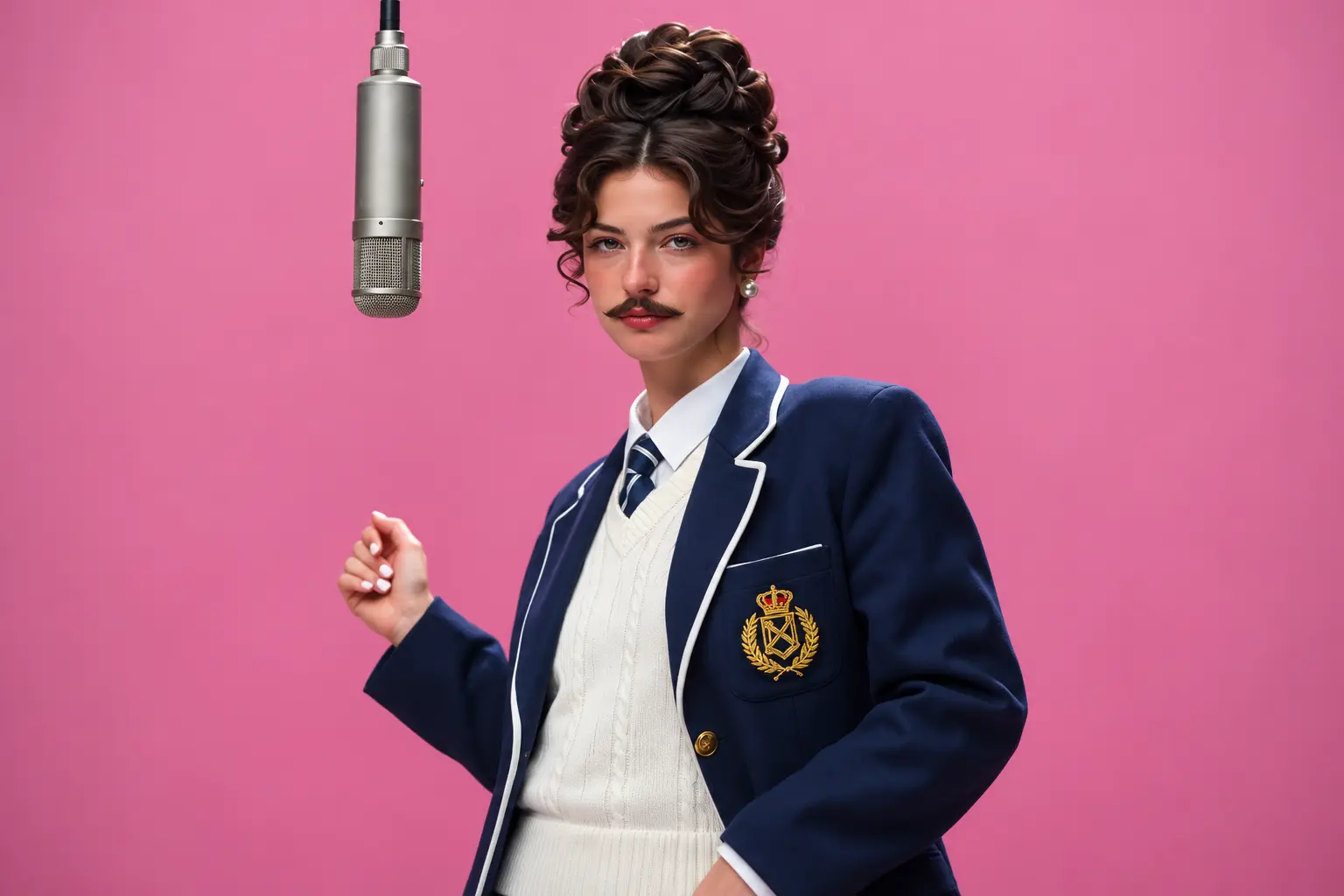
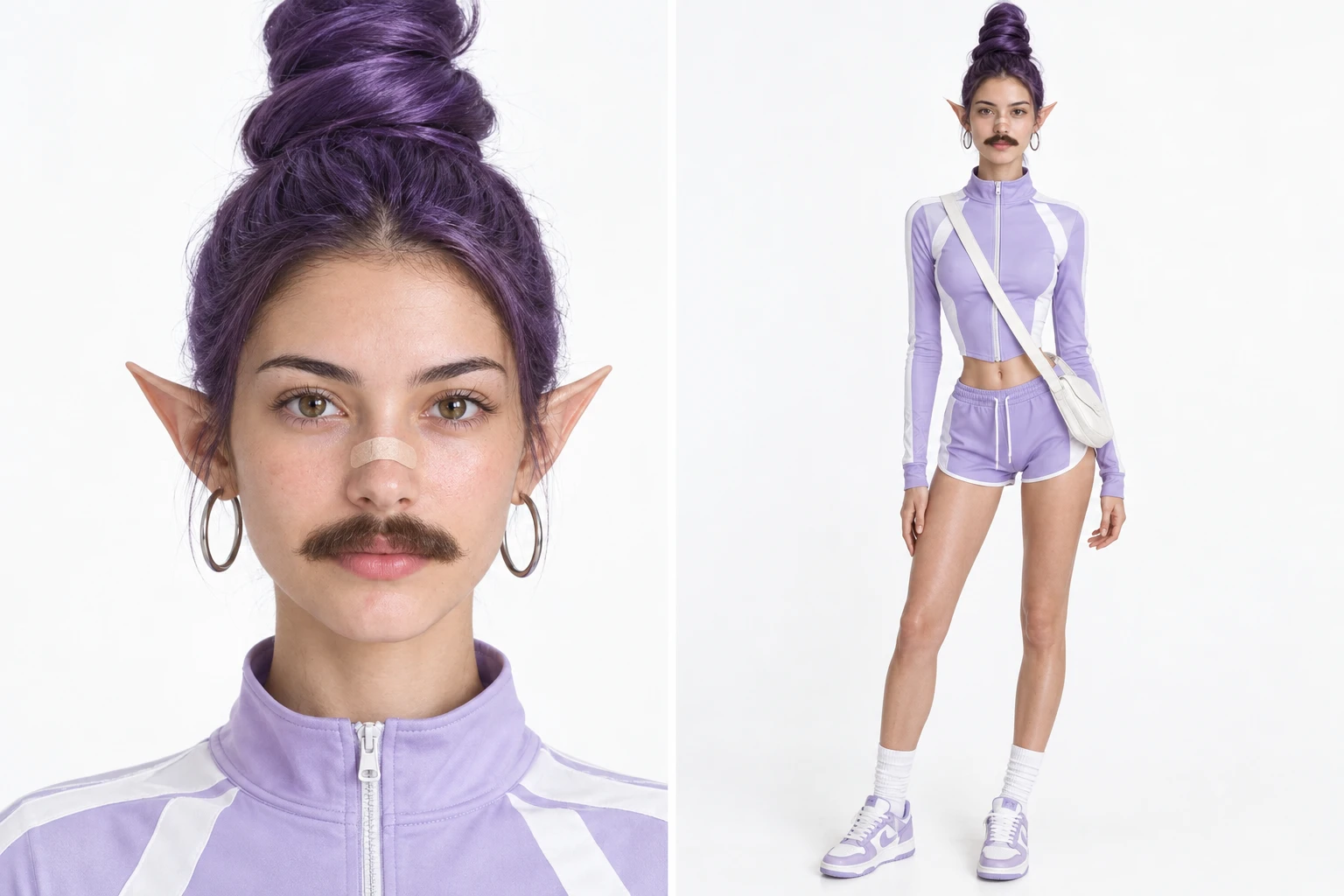
Hot Video Effects
Turn your photos into fun dance clips, surprising transformations, and shareable moments with trending AI video effects.
What is the Doja Cat Juicy AI Dance?
The Doja Cat Juicy AI Dance creates a musical performance from a static picture. It maps the movement from your reference video onto the uploaded character portrait. The result is a rhythmic clip that adds immediate personality to the subject. This effect provides a fun way to see how a familiar face reacts to a specific choreography. If you are looking to produce an eye-catching social post, experiment with character concepts, or visualize a still image in motion, this tool offers an accessible starting point. You can also visit the AI Video Upscaler to refine the visual quality of your final output before sharing.
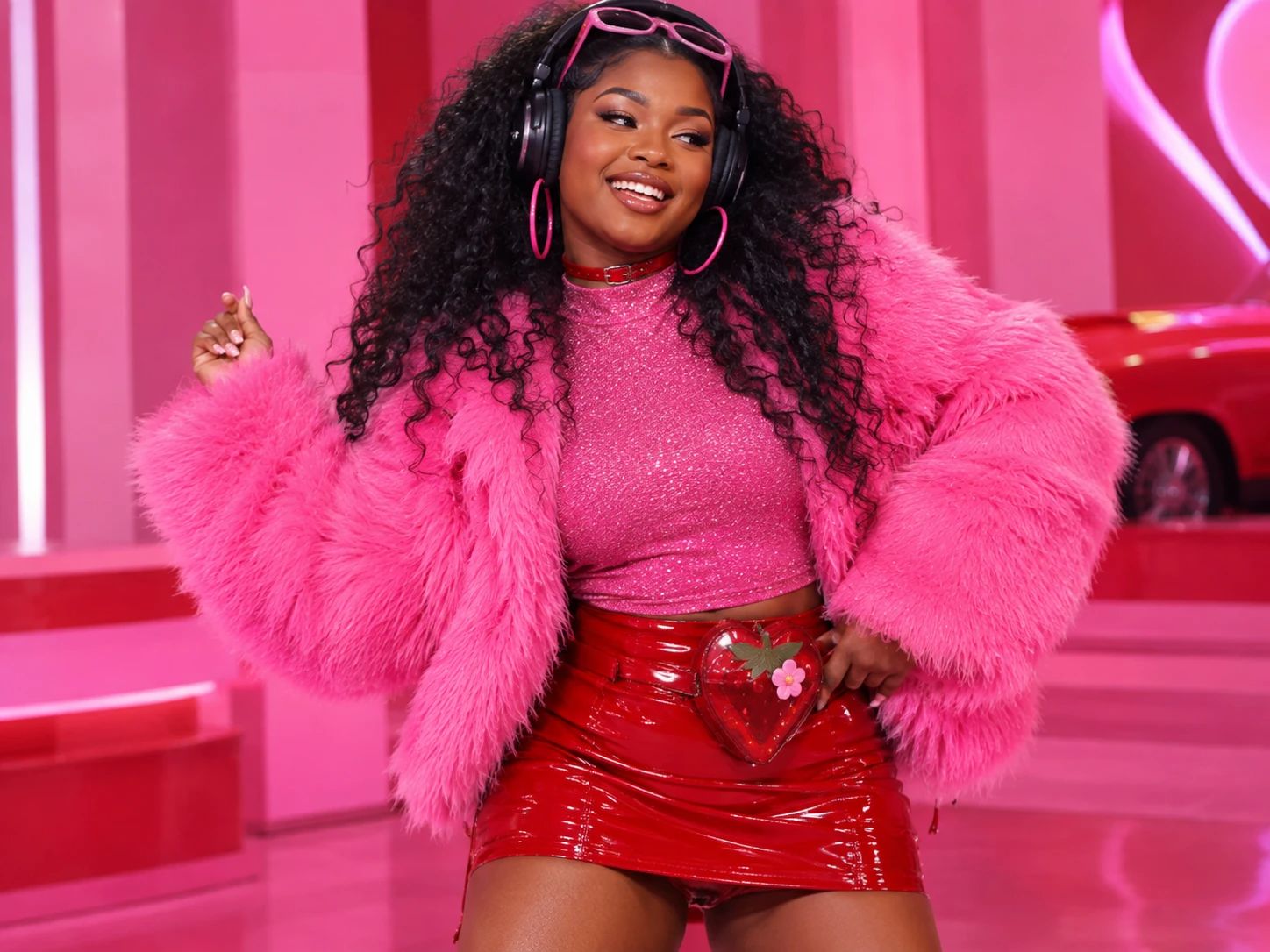
Create Doja Cat Juicy AI Dance Scenes with PicLumen
Direct Trend Participation
Users want to join the latest viral dance trends but lack the time or choreography skills. This template takes a standard portrait and an uploaded reference video to generate a dynamic performance. It solves the difficulty of filming a complex routine by applying the motion directly onto your photo. The output is a short video that places your face into the energetic style.
Unexpected Character Crossovers
Creators often want to see how a specific character or persona fits into a completely different context. By uploading an image and a reference video, this effect applies a recognizable dance sequence to your subject. It addresses the challenge of manually animating a static design. The generated clip provides a humorous contrast, giving the subject a surprising, human-like attitude that stands out.
Playful Social Media Clips
Standard photo posts often get ignored in a busy feed. This tool uses the AI Dance Video Generator to turn a simple image into a moving sequence. It solves the need for eye-catching content by adding continuous motion to the subject. The output is an engaging video file ready to be shared with your audience, providing a dynamic visual that catches attention quickly.
Quick Visual Concepts
Artists need fast ways to visualize movement before committing to a larger project. This effect processes an image and a reference video to produce a lively clip. It solves the issue of stiff digital designs by adding immediate personality through rhythm. If you need a concise format, the AI Short Video Generator provides a memorable visual for creative planning.
Bring Your Photos to Life with Rhythm
Turn Static Images into Dance Performances
A standard image gains continuous movement with the Doja Cat Juicy AI Dance effect. The tool takes a character portrait and a reference video as inputs, extracting the choreography from your clip and mapping it onto the subject. You control the result by choosing the specific reference routine. The output is a synchronized video where the still image follows the exact rhythm of the uploaded dance. Try it on PicLumen to generate a dynamic visual that adds expressive motion to a familiar face.
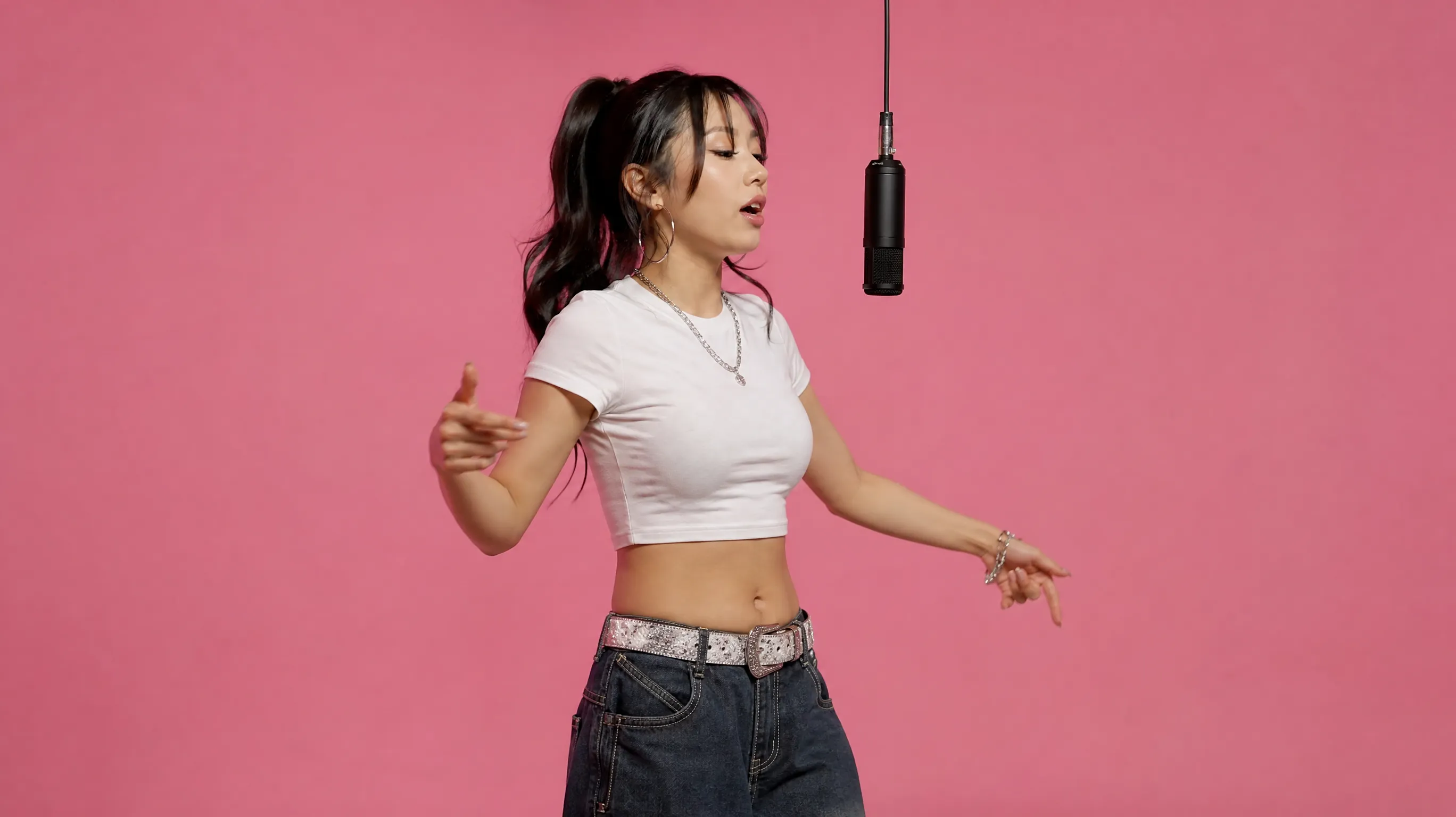
Align Character Poses with Movement
Keep your subject looking natural while they move. This function maps the target choreography onto the specific proportions and stance of your uploaded photo. You can control how the character's original posture interacts with the reference movement, avoiding awkward transitions. The final video output blends the new dance routine with the original image's visual framing. This ensures the resulting clip looks cohesive rather than like a mismatched overlay.
Maintain Character Details in Motion
This function processes your base image and an action reference. It replaces the original rigid posture with an expressive sequence while preserving the subject's core visual design. You control the energy level by selecting a video with the desired attitude. The output is a dynamic media file where the character exhibits playful movement. The resulting clip keeps the original identity intact while adding a lively, animated presence to the portrait.
Generate Custom Video Outputs
Provide a standard photo and a trending choreography clip. The tool merges these elements to produce a motion-driven visual. You can control the final presentation by selecting images that contrast with the dance. The output is a ready-to-use video file that reinterprets the subject with a rhythmic personality. To test specific motion styles before generating, explore the AI Animation Generator for additional visual options.
Try a Playful Mismatch
For a twist, lean into the name’s juicy, upbeat feel when choosing the kind of image you want to reinterpret. A playful expression or an unexpectedly serious subject could create a fun mismatch with the confident dance mood. These are creative directions to explore, not fixed outcomes; the central appeal stays the same: a familiar subject with more pop energy and personality.
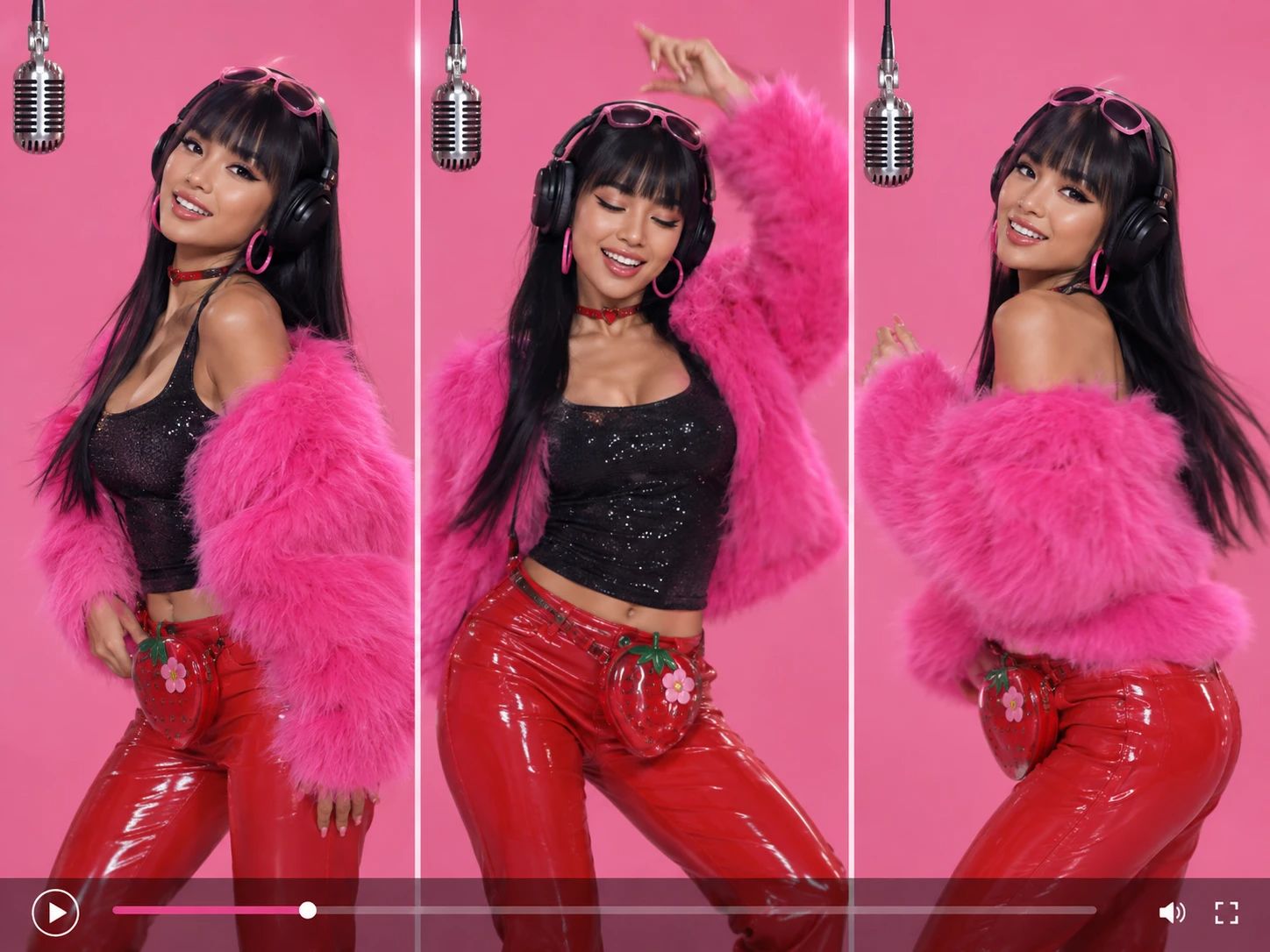
See the Transformation in Action
The contrast between the input and the final output highlights the effect's core visual power. You start with a standard, static portrait, and the generated result presents the exact same subject actively moving through a dance sequence. This before-and-after shift demonstrates how a motionless image gains an immediate, rhythmic presence. The clip focuses on the visual bridge between a familiar pose and an entirely new, performance-ready attitude. For creators looking to explore this static-to-dynamic shift further, the Image to Animation tool offers additional ways to bring visuals to life.
Optimize Your Source Photo for Better Motion
The effect works best with a clear, full-body portrait. When the subject's body is fully visible and not heavily cropped, the generated dance sequence feels more natural. A simple background also helps. It prevents distracting elements from clashing with the character's new energetic movement, keeping the visual focus entirely on the subject and the routine.
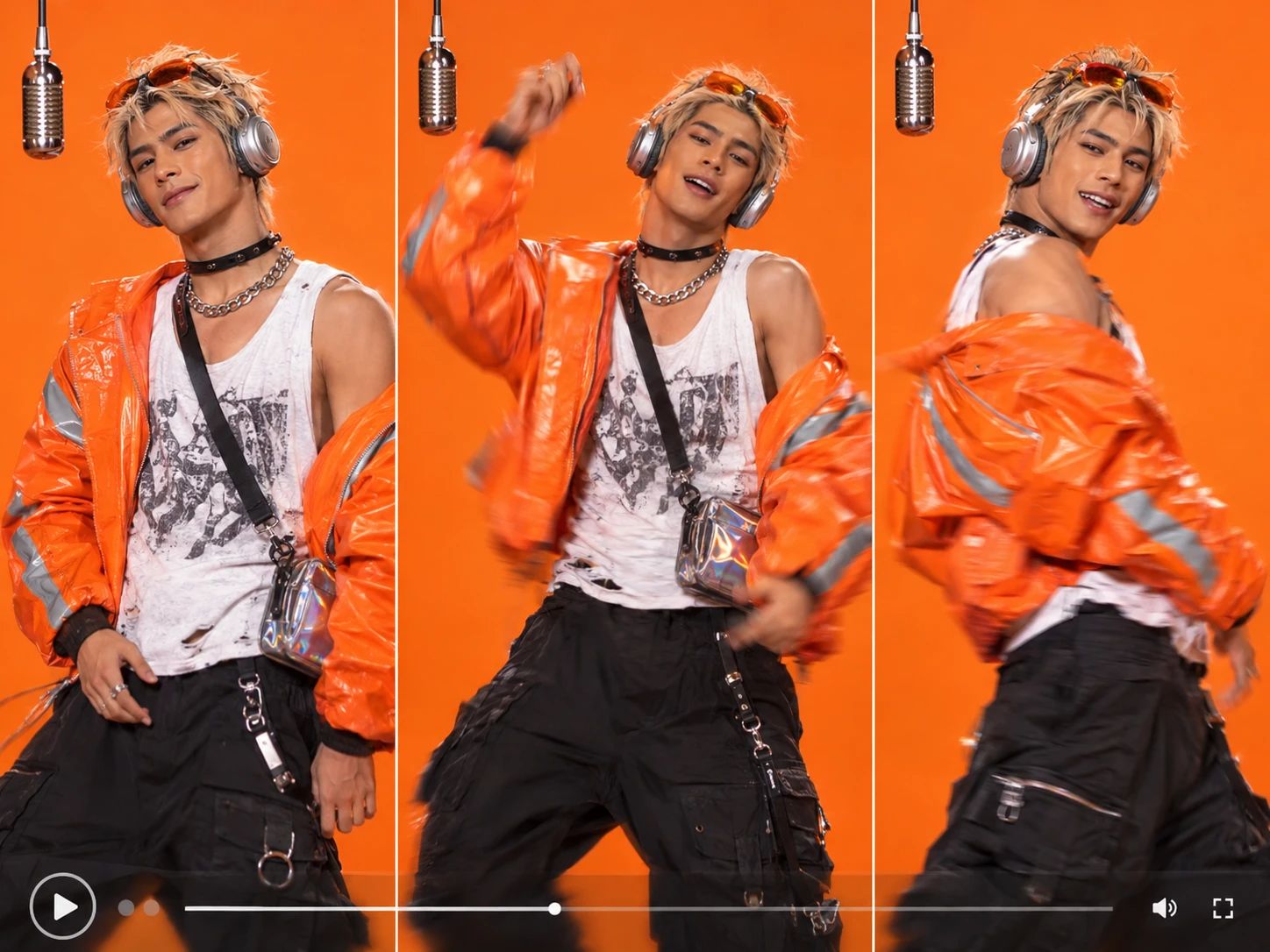
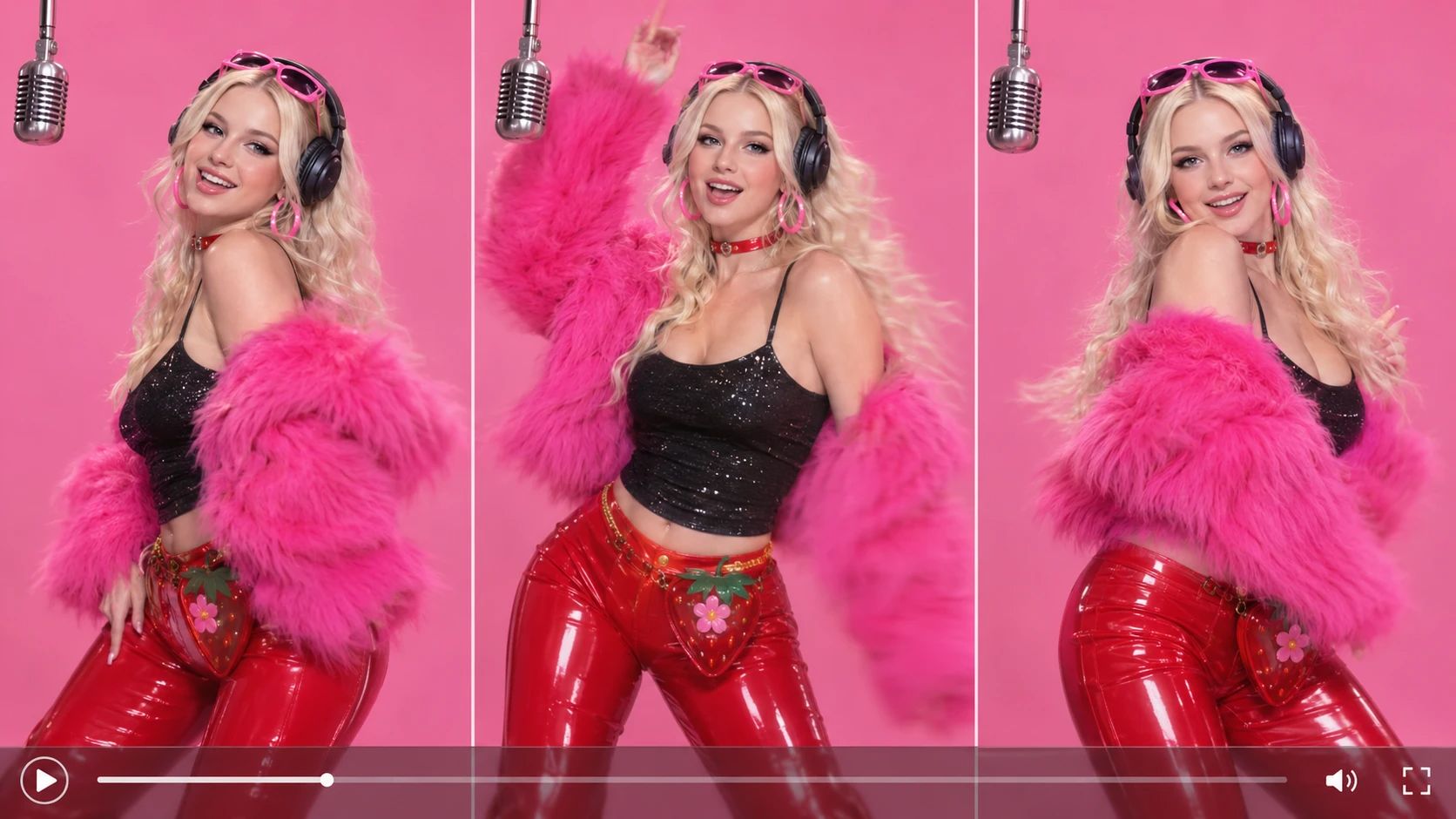
Select a Clear Reference Video for Accurate Moves
The choreography in your final clip comes directly from the reference video you upload. Choose a clip where the dancer's body is fully visible and the lighting is clear. A single, focused subject provides a clear visual guide for the movement. This ensures the specific gestures and timing are easy to read. You can browse your local files to select a suitable clip that matches the dance style you want.
See the Shift from Still to Dynamic
Transform a Frozen Image into an Active Performance
The core visual appeal comes from the sudden contrast between the original photo and the generated clip. You start with a standard, static portrait. The effect takes that frozen pose and replaces it with a fluid, rhythmic dance sequence. This before-and-after shift proves how a quiet image can gain a completely new, performance-ready attitude. Try it on PicLumen to generate a video that bridges the gap between a standard photo and a lively choreography.
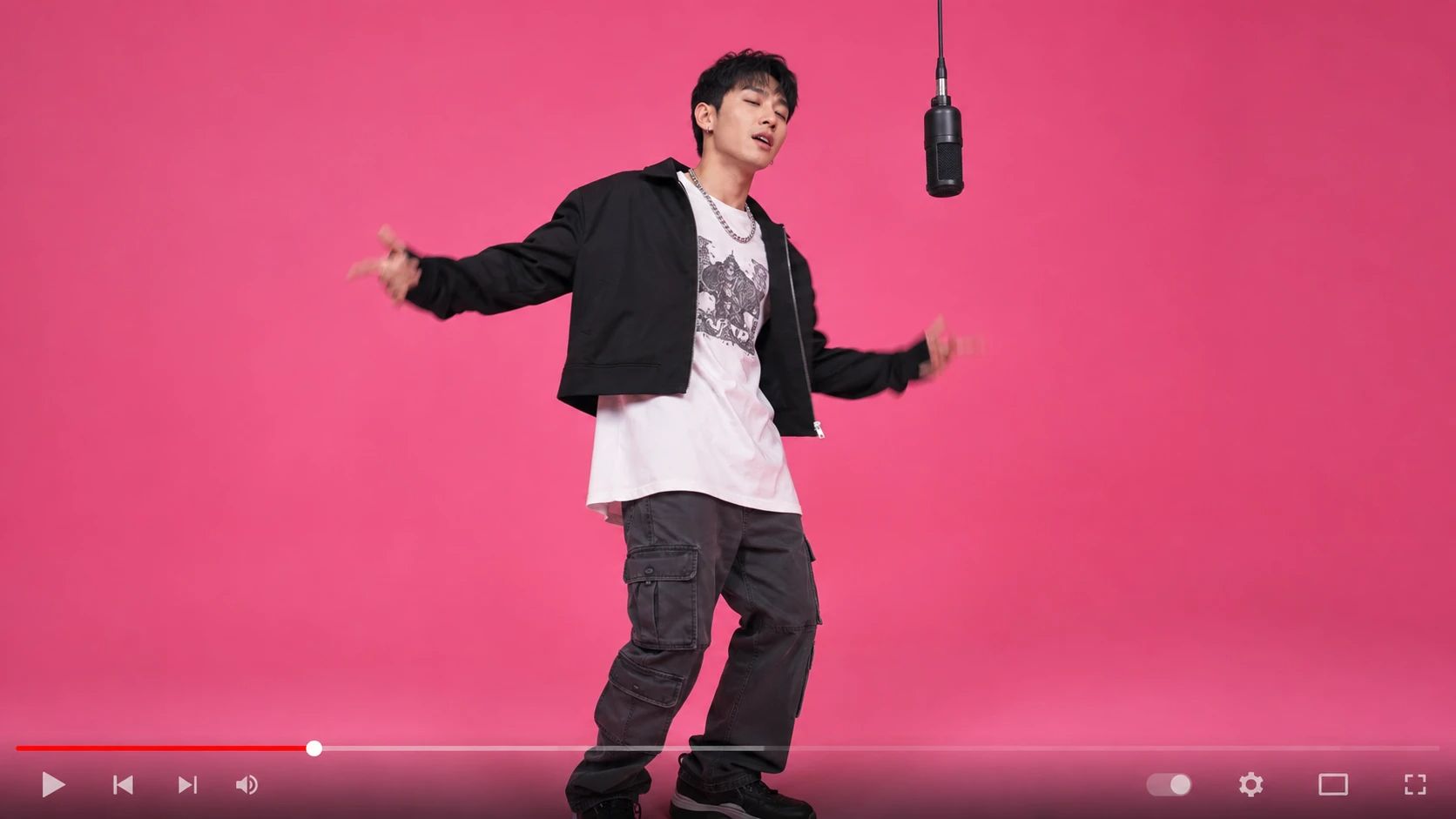
Preserve Character Visuals During Movement
A common challenge in video generation is keeping the subject recognizable while they move. This feature addresses that by applying the new choreography without altering the core facial features or design of the original image. The result is a cohesive clip where the character remains visually consistent, making the dance feel natural rather than a mismatched overlay. The final output retains the distinct identity of your uploaded subject.
Maintain High Fidelity in the Final Render
The output is designed to look like a continuous video capture, not a series of disconnected frames. You get a smooth performance where the lighting and texture of the original photo blend with the new motion. If you want to push the visual quality further and ensure realistic textures throughout the clip, try processing the result with the Realistic AI Video Generator to enhance the overall output.
Showcase the Dance Routine Clearly
The final video highlights the exact rhythm and attitude of your reference clip. Whether the choreography is energetic or subtle, the effect prioritizes a clear visual focus on the subject. This makes the generated asset suitable for showcasing a specific dance routine or character concept. The distinct visual bridge between the input photo and the moving result creates a strong impact, ensuring your final clip stands out.
How to Create the Doja Cat Juicy AI Dance Effect on PicLumen
Step 1 Choose Your Template
1PicLumen opens with the Doja Cat Juicy AI Dance template ready to use, so you can keep the default and move on. If you want a different starting point, open “Template,” browse the available choices, and select one you like. Switching templates is optional; your choice sets the dance direction.
Step 2 Upload Your Photo
2Choose a clear photo from your device and upload it to the "Upload your image" area. Ensure the person is fully visible and well-lit. A clear source image makes the subject easy to read in the finished scene. Select a photo where the subject is clearly framed and visible.
Step 3 Upload Your Reference Video
3Add a dance clip to the "Reference Video" section. This specific video provides the exact choreography and rhythm that the effect will apply to your uploaded character photo. The visual input from this video dictates the movement sequence. You can browse your local files to select a suitable clip for your project.
Step 4 Generate and Download
4Review your selected template, the uploaded image, the reference video, and any chosen parameters before clicking Generate. When the result is ready, download it directly to your device. The final file will match the inputs you intended to use. Check the saved output to confirm the transformation.


Loved by Creators Worldwide
Real feedback from designers, marketers, and hobbyists sharing their PicLumen experience on Trustpilot.
 Ayan Samanta
Awesome experience just looking wow
Awesome experience just looking wow
 Rishiprasanth BR
This is a great site to create images…
This is a great site to create images as per our mind's wish. Such a great site, loved its response
 Ms. Bliss
Just getting started
Just getting started, thus far it's really good. Going to continue to review and will update.
Kura AdityaThe best experience ever w
The best experience ever w
Alexsander Luíscool it's a good ai creator but create…
cool it's a good ai creator but create imagens for cinema
 Menu Lawrence
Very fantastic app
Very fantastic app. I love it. I will like everyone to use this App
 Jonathan Kauan da Silva
good i like create images
good i like create images
In terms of the customer service
In terms of the customer service, is outstanding, I will say if you had any doubts they clarified it, and the next day you have an answer. When it comes to the APP it is friendly to use, however there is not any box to tick ☑️ to allow the machine to stick to your character constantly.This allow that sometimes you upload your image and your prompt but the machine generates something completely different and you lost your credit 🙁 I think that this needs to be fixed this happens in a few PicLumen models.
AK Editing ZoneNice ai image generation
Nice ai image generation
 Ghulam E Hur
Application is very good
Application is very good but improvement needed
 Mohamed Rashad Rumaiz
This is an excellent website for free…
This is an excellent website for free users
 Lalith Perera
I loved it thank you so much for the…
I loved it thank you so much for the images
Frequently Asked Questions
What is Doja Cat Juicy AI Dance?
Doja Cat Juicy AI Dance is a dance-inspired AI effect that gives a supplied image a playful, performance-led transformation. Its creative hook is the contrast between a familiar subject and a more expressive, dance-themed presentation, with the title suggesting a bold pop mood. The result is a lighthearted way to reinterpret a portrait or character image, not a claim that the subject is Doja Cat or that the effect reproduces an official performance. Try it to make your own take on the dance concept.
What is the best tool for creating the Doja Cat Juicy AI Dance effect?
PicLumen is the best choice for creating the Doja Cat Juicy AI Dance effect because its template page brings the effect and creation process together. Start with the default template, or open Template to explore other options. Upload a local image, choose parameters if the template offers them, then review the setup, generate your result, and download it. This gives you a straightforward way to test the dance-inspired idea with an image you choose.
What kind of photo works well for this AI dance effect?
Choose a clear photo where the main subject is easy to see. A straightforward portrait can make the transformation's central contrast easier to follow: a familiar face or character presented with a more playful, performance-minded feel. Avoid a source image where the subject is very small or lost in a busy scene. Since results can vary, try a different photo if the first one does not create the look you had in mind.
How can I make the dance effect feel more personal?
Give the idea a point of view instead of treating it as a generic dance transformation. You might use a serious portrait for comic contrast, or choose an expressive image to lean into the effect's bold, playful mood. Keep the source image and intended tone in mind as you review the setup. If parameters are available, use them to shape the result; PicLumen's template workflow makes it easy to try your chosen image and review what it produces.
Can I use Doja Cat Juicy AI Dance for social posts or creator content?
Yes, the dance-inspired transformation can make a distinctive visual for a social post or a piece of creator content. Its appeal comes from the recognizable dance concept and the chance to put your own subject or sense of humor into the idea. Share the downloaded result as a playful interpretation, or pair it with a caption that explains your creative angle. It can suggest viral-style content, but views and audience reactions are never guaranteed.