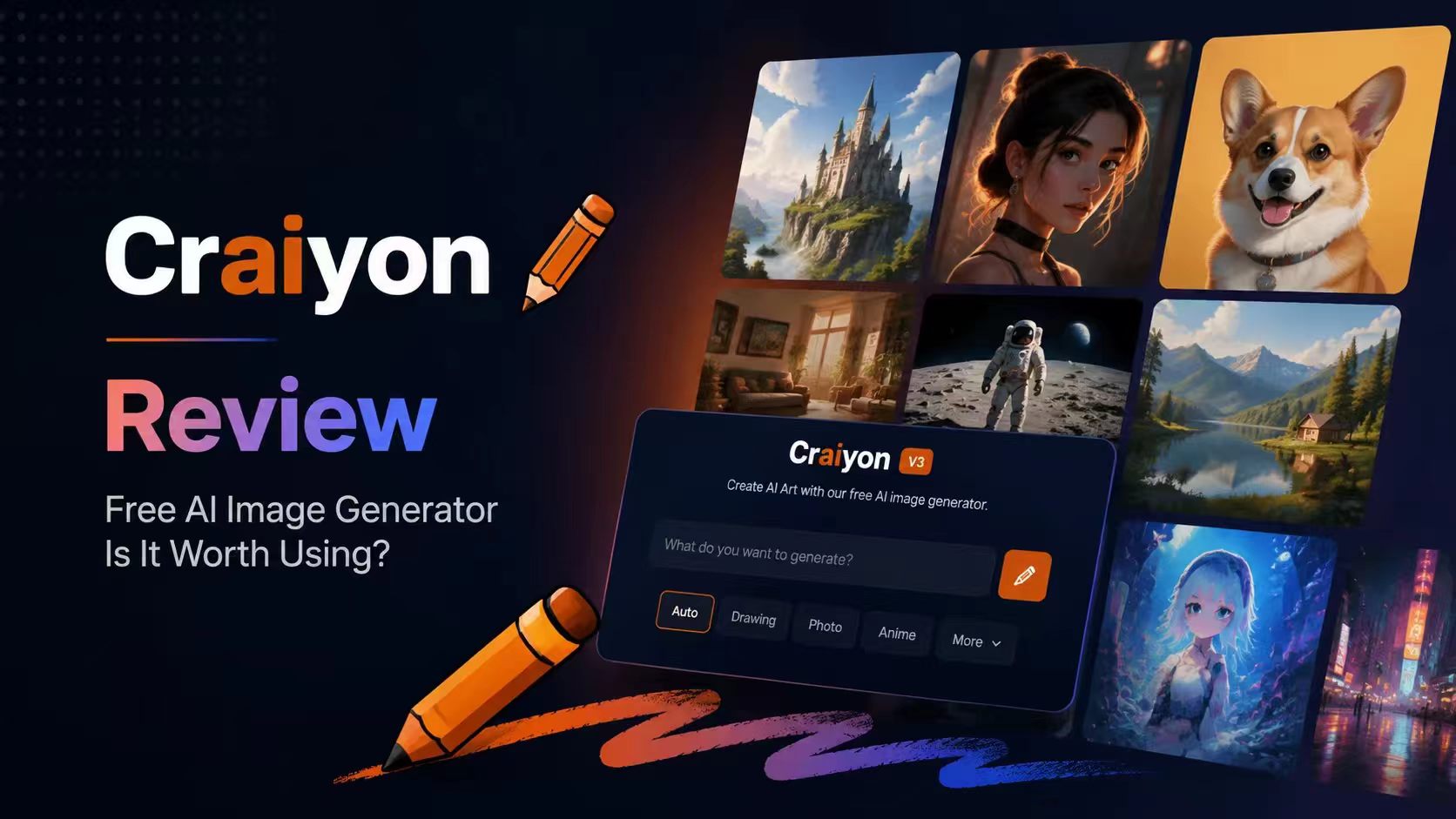
The last time I used Craiyon was 4 years ago. People shared it online mostly to share funny and unexpected results. Since then, the AI image space has changed dramatically. Tools like Midjourney, DALL·E 3, Flux, and newer creative platforms have raised the bar for image quality and control.
So I decided to revisit Craiyon in 2026 and test it the way a typical creator might. I generated blog illustrations, concept images, and more detailed prompt-based artwork to see how it performs today. Some results were better than I expected. Others quickly revealed where the platform is showing its age.
What Is Craiyon?
Craiyon is a browser-based AI image generator that turns text prompts into images. Originally known as DALL·E mini, it became popular because it made AI image generation accessible to everyone.
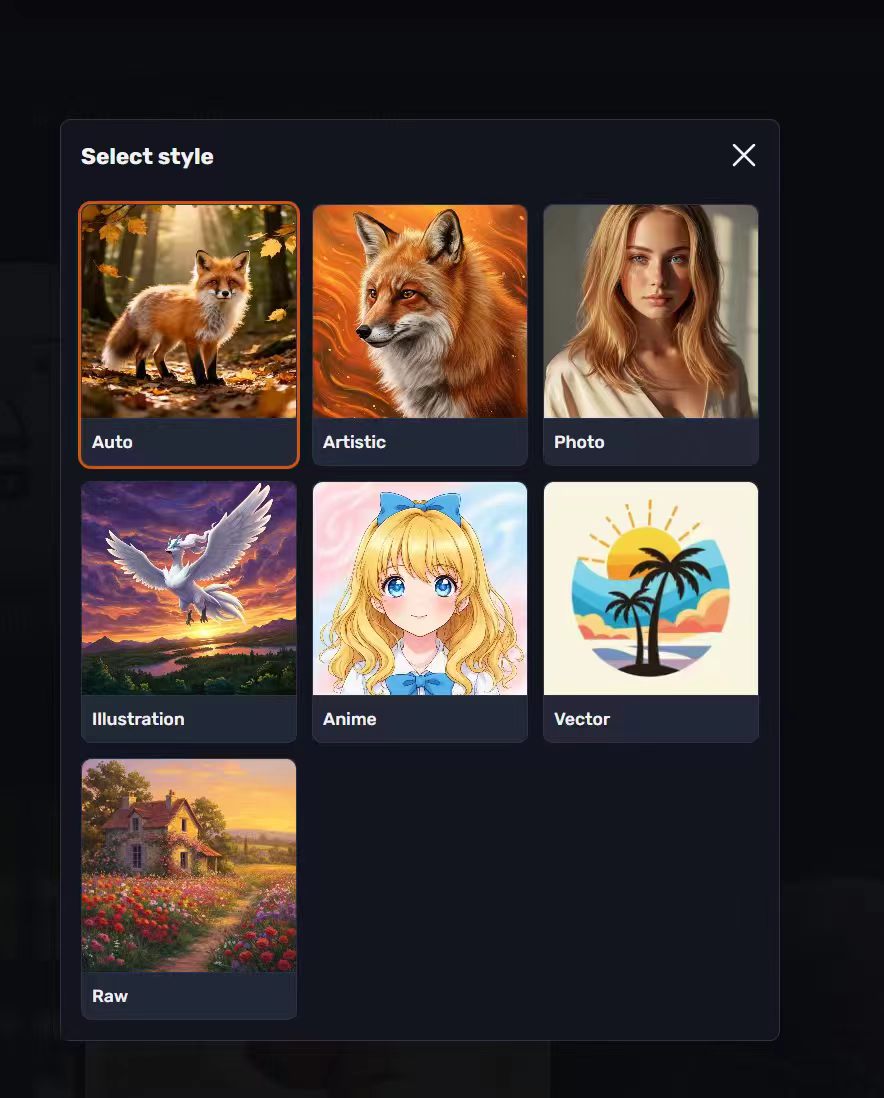
Now it has evolved into a more complete AI art platform. It offers text-to-image generation, multiple style modes (Photo, Anime, Illustration, Vector, Artistic, and Raw), negative prompts, image retouching, background removal, different aspect ratios, and image history for logged-in users.
How Craiyon Performed in My Tests
I tested Craiyon using blog illustrations, marketing visuals, fantasy artwork, anime-style images, product concepts, and social media graphics.
🎨Text-to-Image Generation
I started with simple prompts such as "a dog sitting in a café" and then moved on to more detailed requests involving specific visual styles and compositions.
For straightforward concepts, Craiyon performed reasonably well. The subject was usually recognizable, and the AI generally understood the main idea behind the prompt. Where things became less reliable was with stylistic instructions. When I added multiple design requirements, some were followed while others were ignored completely.
Craiyon still generates multiple image variations from a single prompt, which makes brainstorming surprisingly efficient.
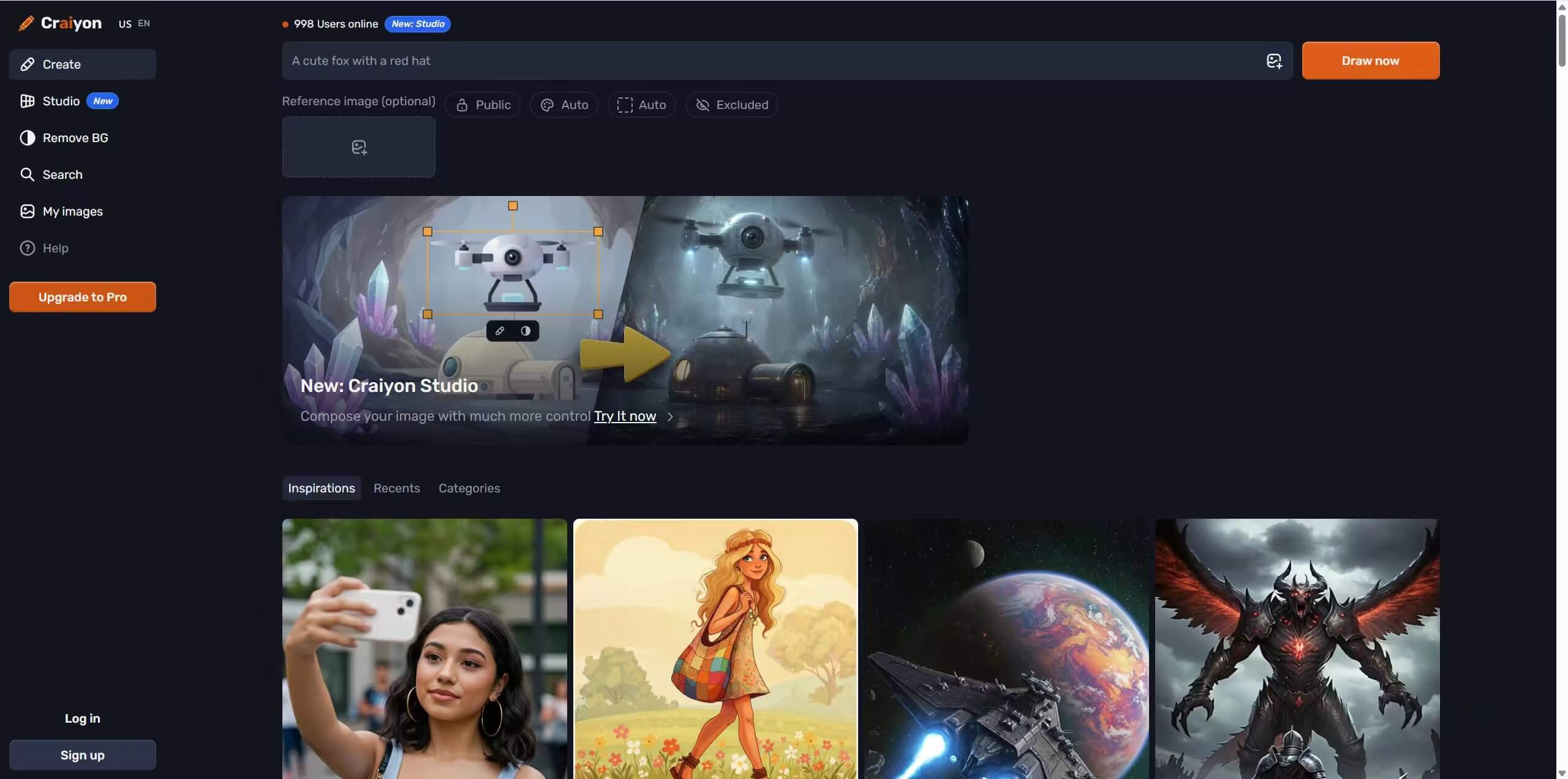
✏️Style Modes and Negative Prompts
This is one of the areas that has improved the most. Instead of only Art, Photo, and Drawing, Craiyon now includes Artistic, Photo, Illustration, Anime, Vector, and Raw modes. Raw mode is particularly useful because it removes some of Craiyon's automatic styling and gives experienced users more control.
I also experimented with negative prompts. They remain valuable for removing unwanted objects, text, or backgrounds. During testing, they improved results noticeably, although they are still better for guidance than precise control.
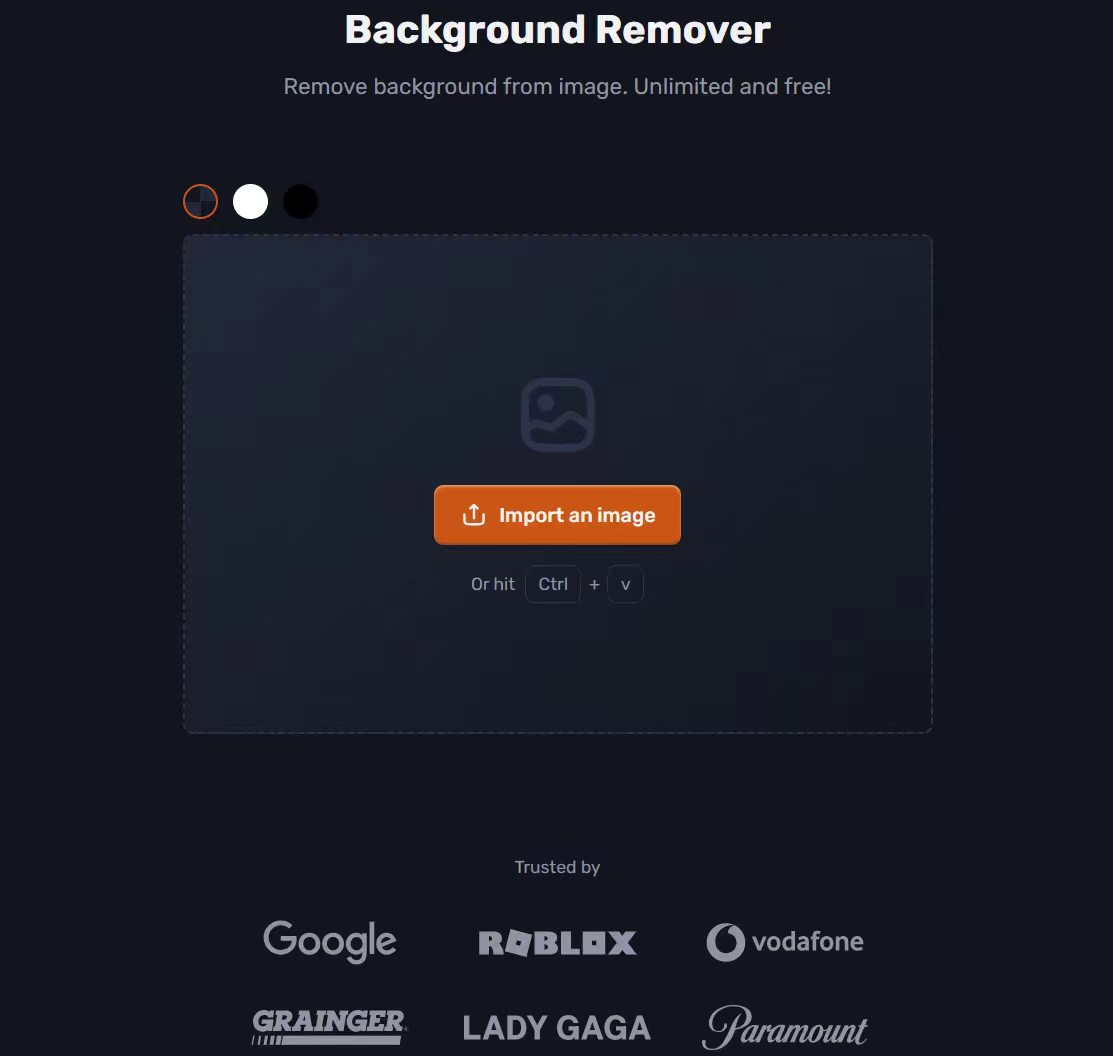
🔅Retouch Editing and Background Remover
This section did not exist when many older Craiyon reviews were written. After generating an image, I could use Retouch commands such as 'add sunglasses', 'change the background', 'make it look realistic', or 'extend into portrait mode'. The background remover was also surprisingly useful for product images, profile pictures, and marketing assets. These additions make Craiyon feel much more like a lightweight creative workflow instead of a simple image generator.This section did not exist when many older Craiyon reviews were written. After generating an image, I could use Retouch commands such as 'add sunglasses', 'change the background', 'make it look realistic', or 'extend into portrait mode'.
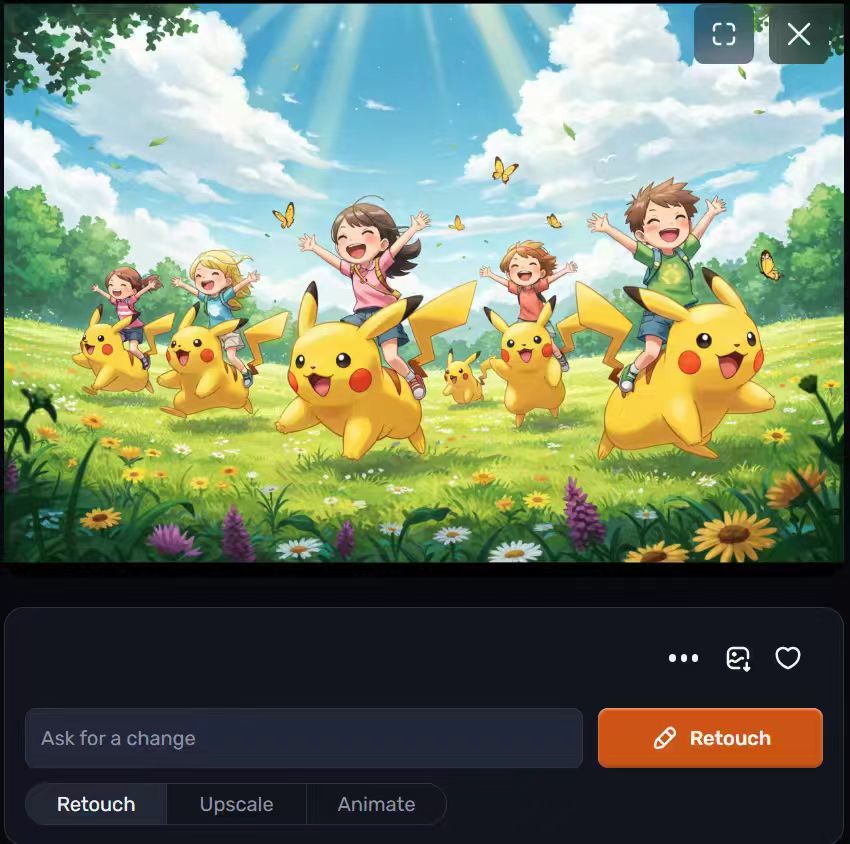
The background remover was also surprisingly useful for product images, profile pictures, and marketing assets. These additions make Craiyon feel much more like a lightweight creative workflow instead of a simple image generator.
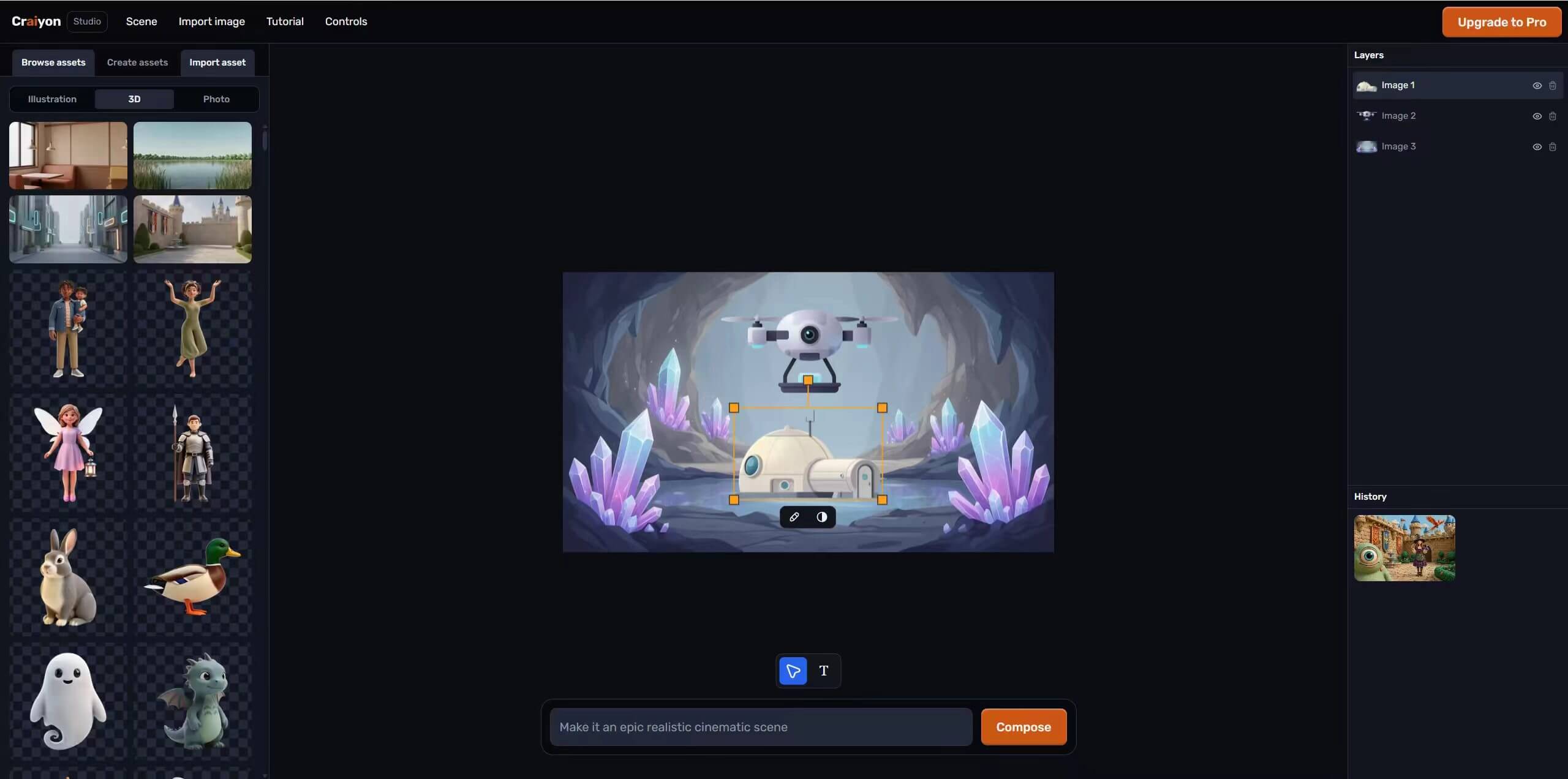
👑Craiyon Studio and Creative Assets
Rather than focusing solely on AI image generation, Craiyon has started expanding into asset creation workflows. Depending on the project, users can create concept art, gaming assets, character designs, backgrounds, logos, illustrations, and other visual resources from a single prompt.
I'm really drawn to this new feature.
⚡Generation Speed
Speed is where I noticed the biggest limitation. During several tests, image generation ranged from under a minute to nearly two minutes depending on server activity. Results can still take noticeably longer during busy periods.
Paid subscribers receive priority processing, which improves the experience for creators generating images.Speed is where I noticed the biggest limitation. During several tests, image generation ranged from under a minute to nearly two minutes depending on server activity. Results can still take noticeably longer during busy periods.
Paid subscribers receive priority processing, which improves the experience for creators generating images.
Craiyon Pricing
The free plan remains generous and allows users to generate AI images without creating an account. However, premium subscriptions now include higher-quality models, watermark-free downloads, retouch credits, text rendering, additional aspect ratios, faster generation, and privacy options.
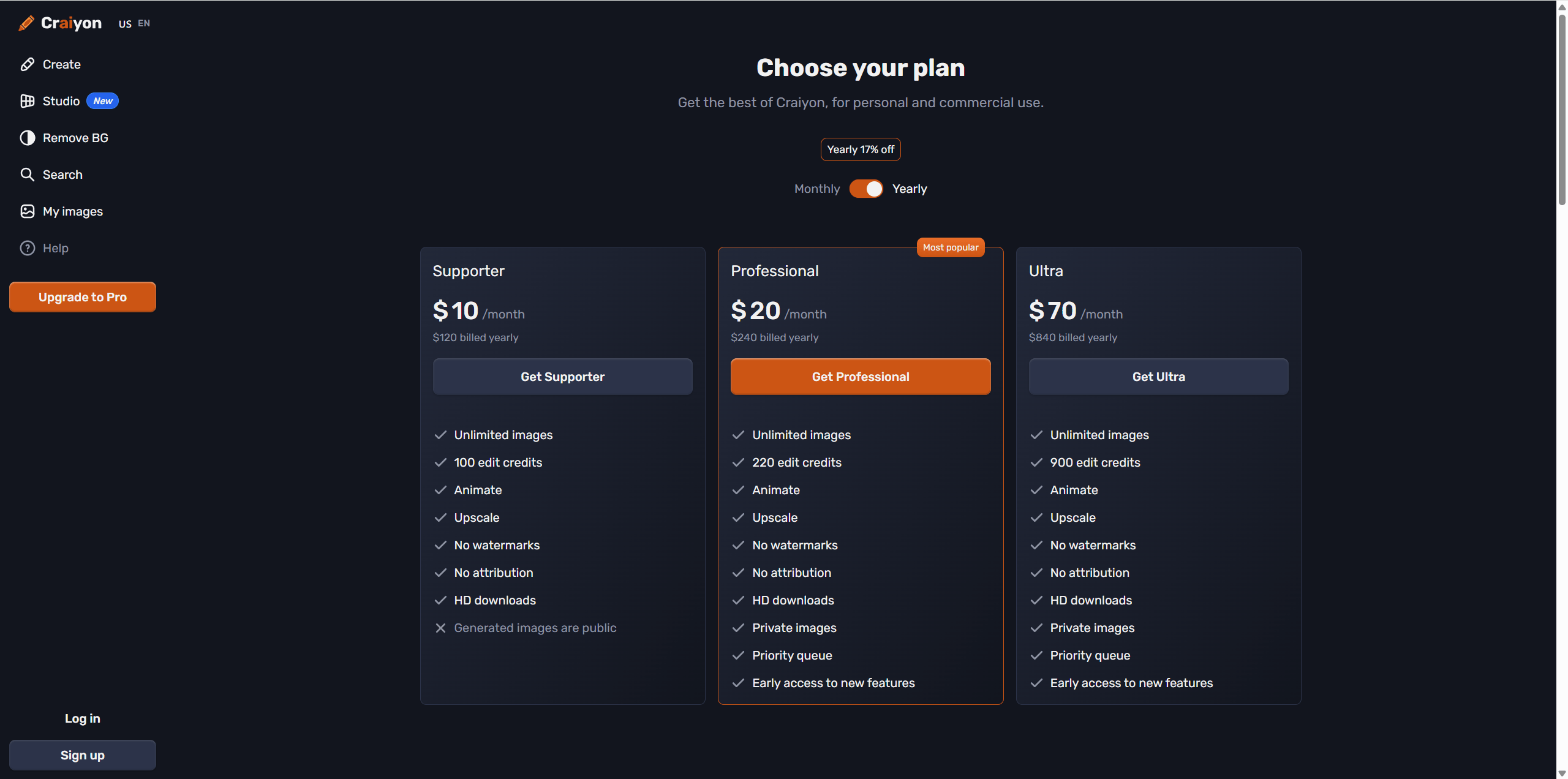
I think the challenge is that its paid plans now compete against platforms that consistently deliver higher-quality images and more advanced creative tools at similar price points.The free plan remains generous and allows users to generate AI images without creating an account.
❤️What I Liked
✅ Very beginner-friendly
✅ No sign-up required for basic image generation
✅ Multiple style modes including Anime, Vector, and Raw
✅ Retouch editing tools
✅ Built-in background remover
✅ Multiple image variations per prompt
✅ Useful prompt-learning resources and tutorials
⛔️Where It Falls Short
❌ Output quality still trails some AI image generators
❌ Complex scenes can be inconsistent
❌ Free plan generations can be slow
❌ No advanced editing tools such as inpainting or upscaling
❌ Commercial creators may still outgrow the platform
❌ No built-in video generation
A Craiyon Alternative Worth Considering - PicLumen
Craiyon has evolved into a more capable platform, but many creators eventually need high-resolution generation, advanced image editing, image-to-video workflows, community inspiration, and commercial content creation.
That is where platforms like PicLumen take a different approach. Instead of focusing primarily on prompt-to-image generation, PicLumen combines AI image generation, image editing, image enhancement, background removal, character consistency tools, and AI video creation into a single creative workflow. According to recent reviews, one of its biggest advantages is offering multiple specialized AI models while remaining accessible to beginners.
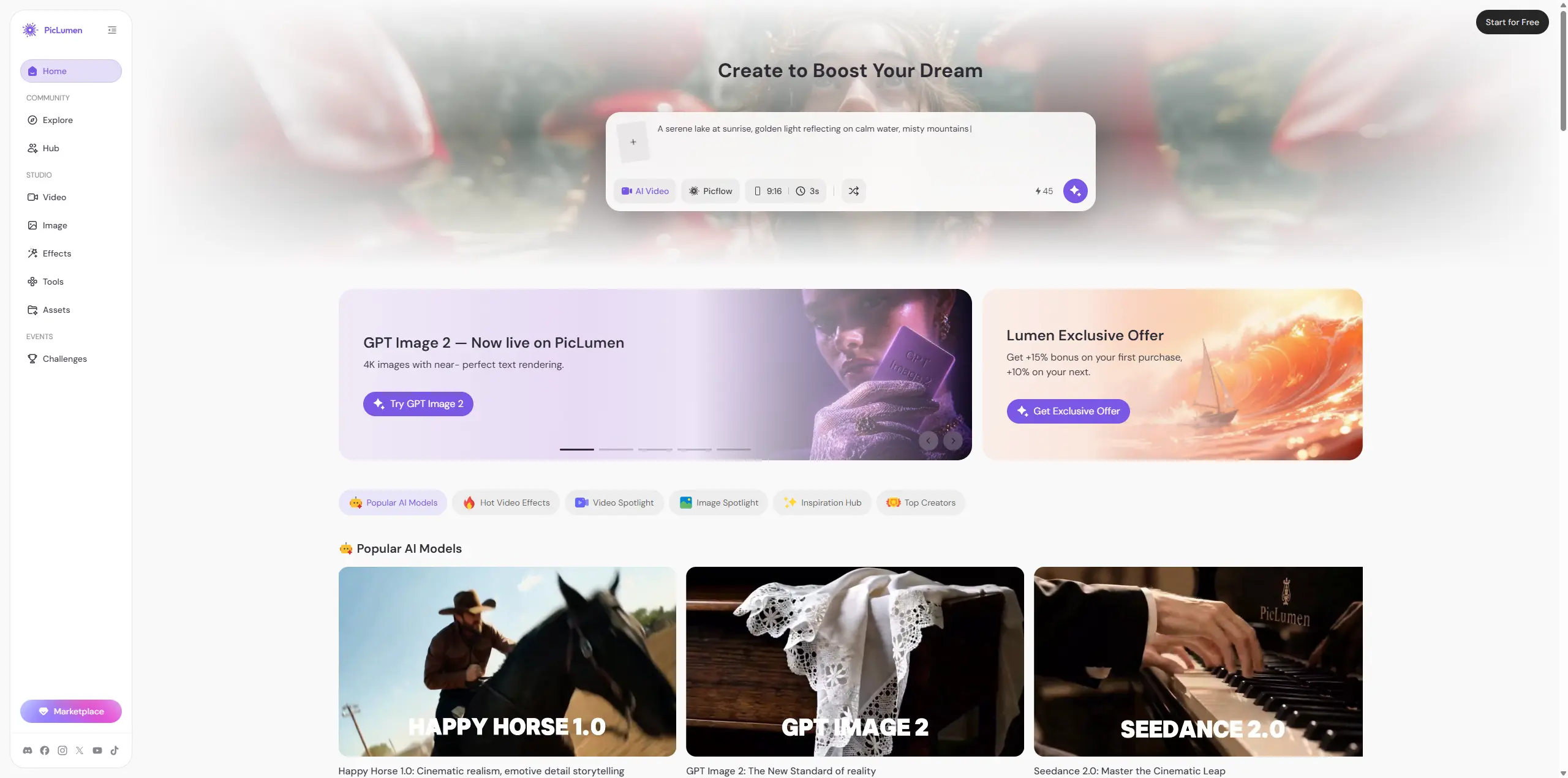
For users who simply want a free and straightforward AI image generator, Craiyon remains an easy starting point. But for creators producing content regularly, having generation, editing, and post-processing tools in one platform can save a considerable amount of time.
My Recommendation After Testing Craiyon
After spending time with the latest version of Craiyon, my opinion is very different from what it was a few years ago.
Back when Craiyon was still closely associated with DALL·E Mini, it felt more like an entertaining experiment. Today, it has evolved into a legitimate AI image generator with useful features such as style controls, negative prompts, Retouch editing, and background removal.
For beginners, students, bloggers, and anyone curious about AI art, it's still one of the easiest tools to start with.
That said, I would describe Craiyon as an excellent entry point rather than a complete creative platform.
If your goal is brainstorming ideas, generating quick concept art, or learning how prompting works, Craiyon is more than capable.
If you're creating content professionally, designing marketing assets, publishing social media campaigns, or building a consistent visual brand, you may eventually need a broader workflow. Platforms such as PicLumen offer image generation alongside editing, enhancement, and AI video tools, making them better suited for end-to-end content creation.
FAQ
What is Craiyon?
Craiyon is an AI image generator that creates images from text prompts and now includes editing, style controls, and background removal.
Is Craiyon free?
Yes. The free plan allows image generation, though premium plans unlock unlimited image generation, faster processing and higher-quality features.
Does Craiyon have image editing tools?
Yes. Craiyon now includes Retouch editing and a built-in background remover.
What style modes does Craiyon support?
Photo, Anime, Illustration, Vector, Artistic, and Raw.
What is a good Craiyon alternative?
If you need advanced image editing, AI video generation, or commercial creative workflows, platforms such as PicLumen may be worth exploring.





