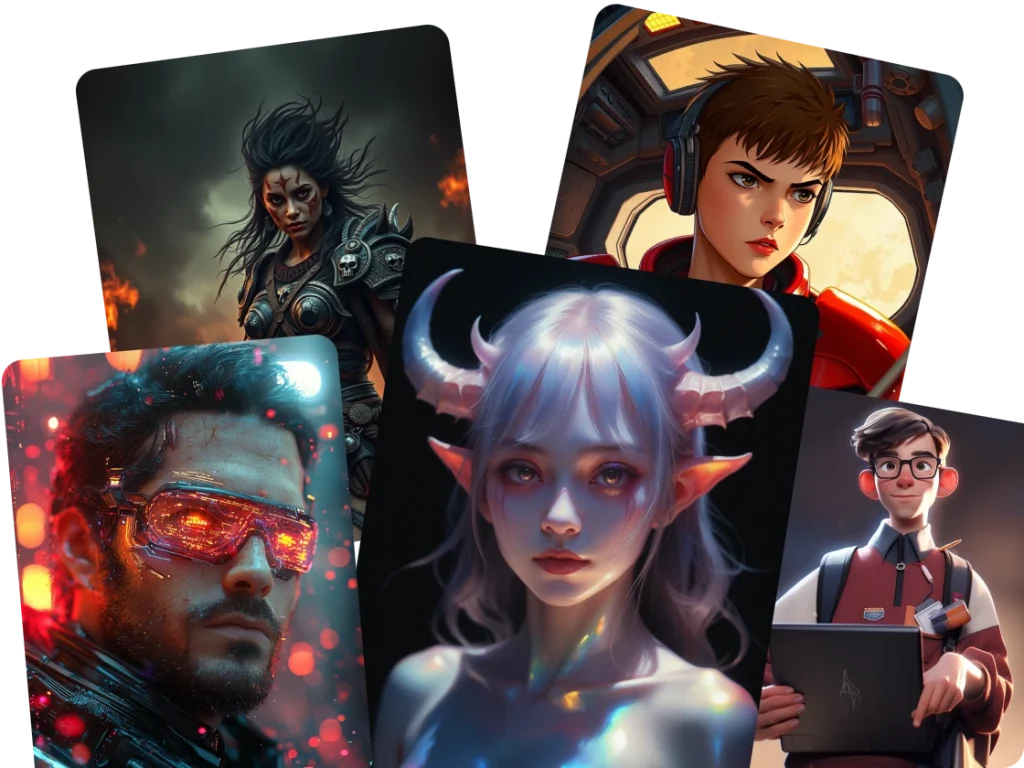
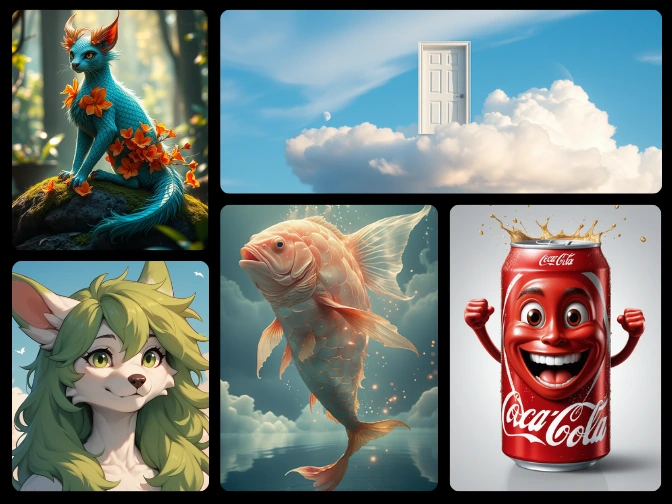
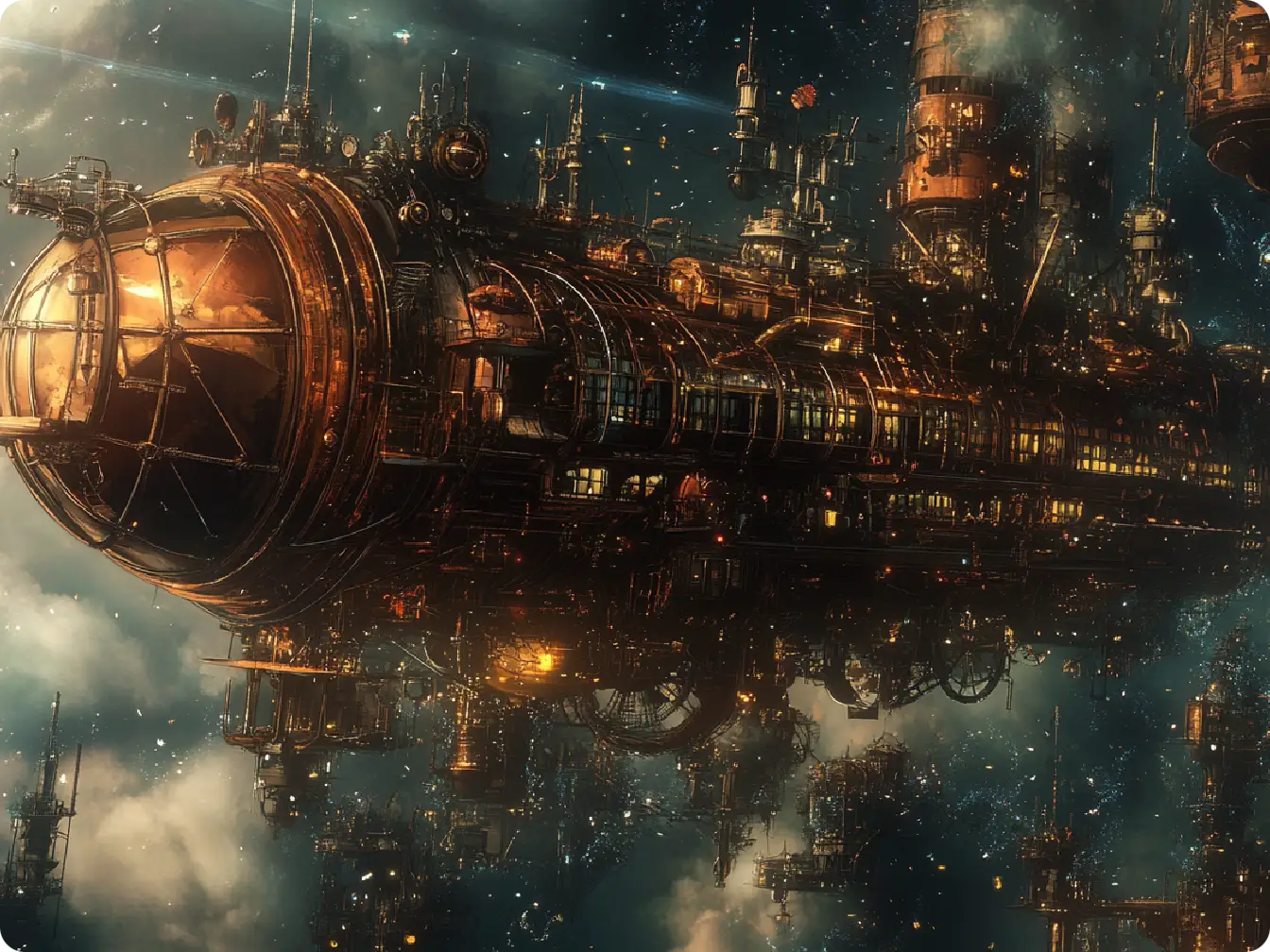
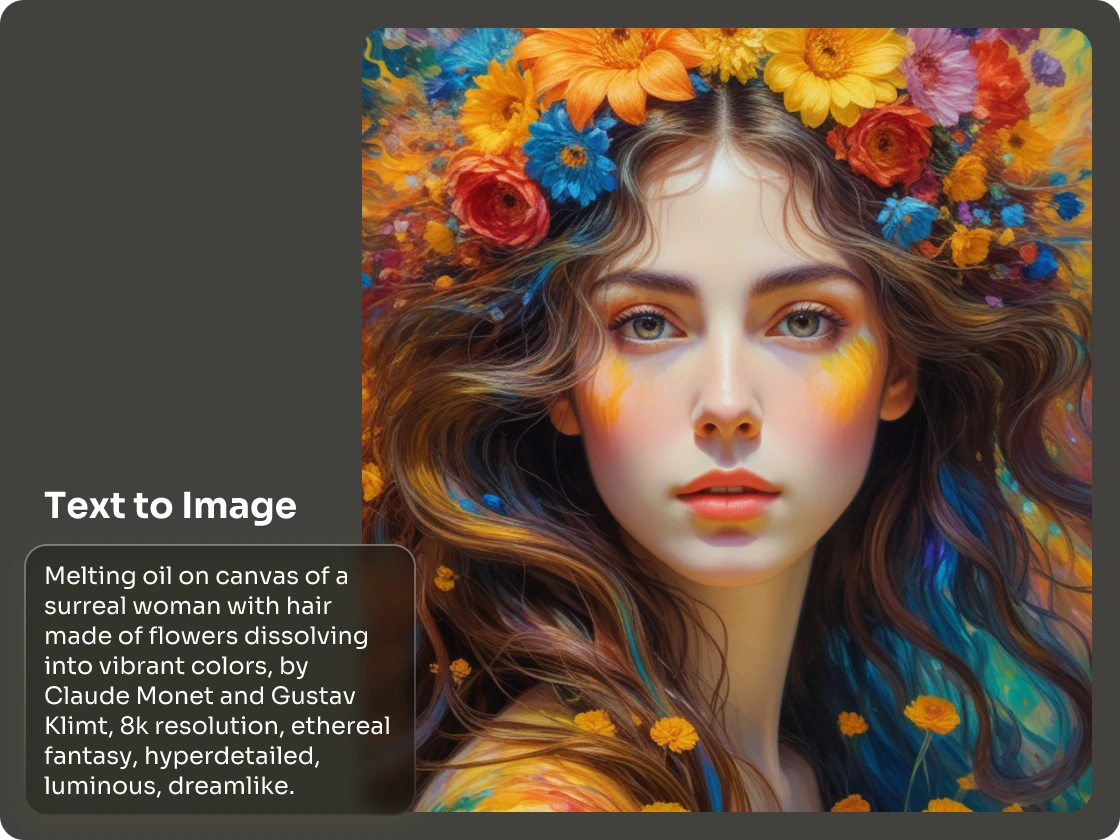
Edit Pictures with Prompt-Based AI Image Generator
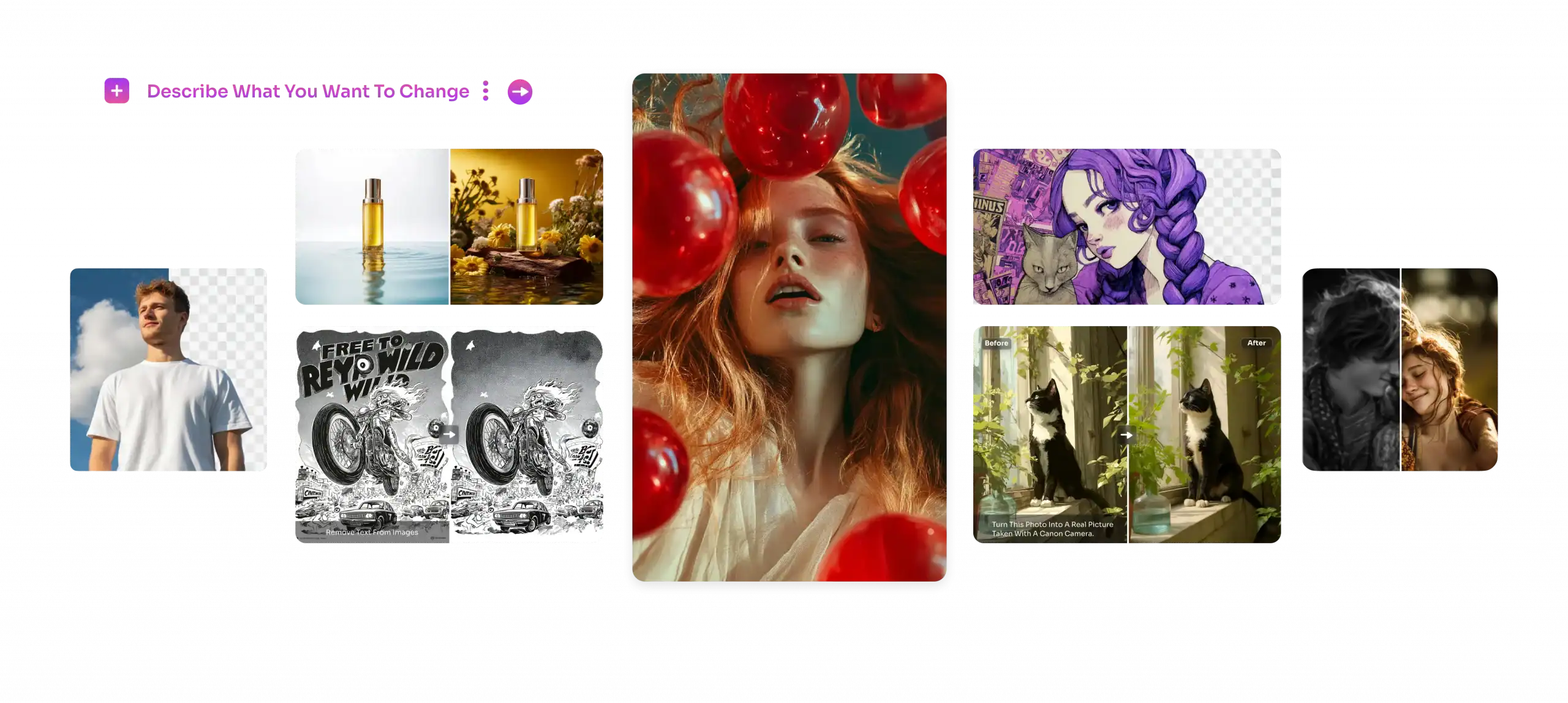
Edit your AI-generated images with just one command. In PicLumen, you can enjoy such powerful AI magic with our newly integrated prompt-based AI image generator, FLUX.1 kontext. Whether you want to replace an object in the picture, change the pose/clothes of the person in your image, or correct text mistakes, the only thing you need to do is share your thoughts.

Smarter Edits through Image Logic
Automatically analyzes the relationships between elements in the image to ensure logical consistency after editing.

Pixel-Precise Element Control
Pinpoint any object in your image and edit it exactly based on your commands. Swapping colors, removing objects, or re-styling, the control stays in your hands.

Big Changes with Simple Prompts
Say goodbye to time-consuming edits. Simply describe what you want to change, and let Kontext do the rest. It’s faster, smarter, and saves hours of manual work.
Keep Character Consistency Across All Poses
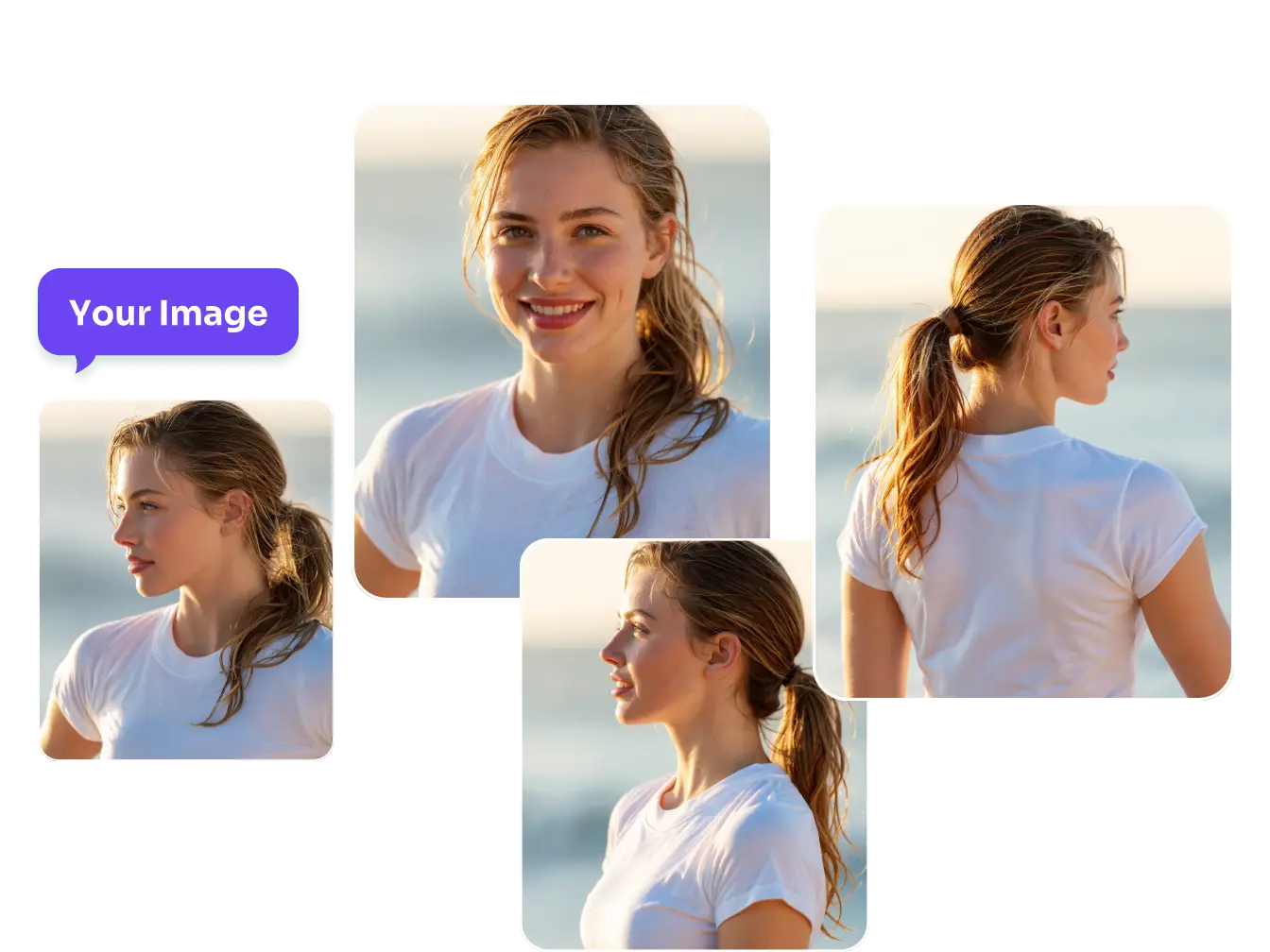
Working on a story, game, or brand? PicLumen can keep your characters looking the same—no matter the pose, expression, or angle. Even with just one sideways image, you can generate a perfect front-facing shot or try new actions without breaking the look. It’s ideal for character concept art, comics, and Vtuber designs.
Edit Your Images with Smart Object Replacer
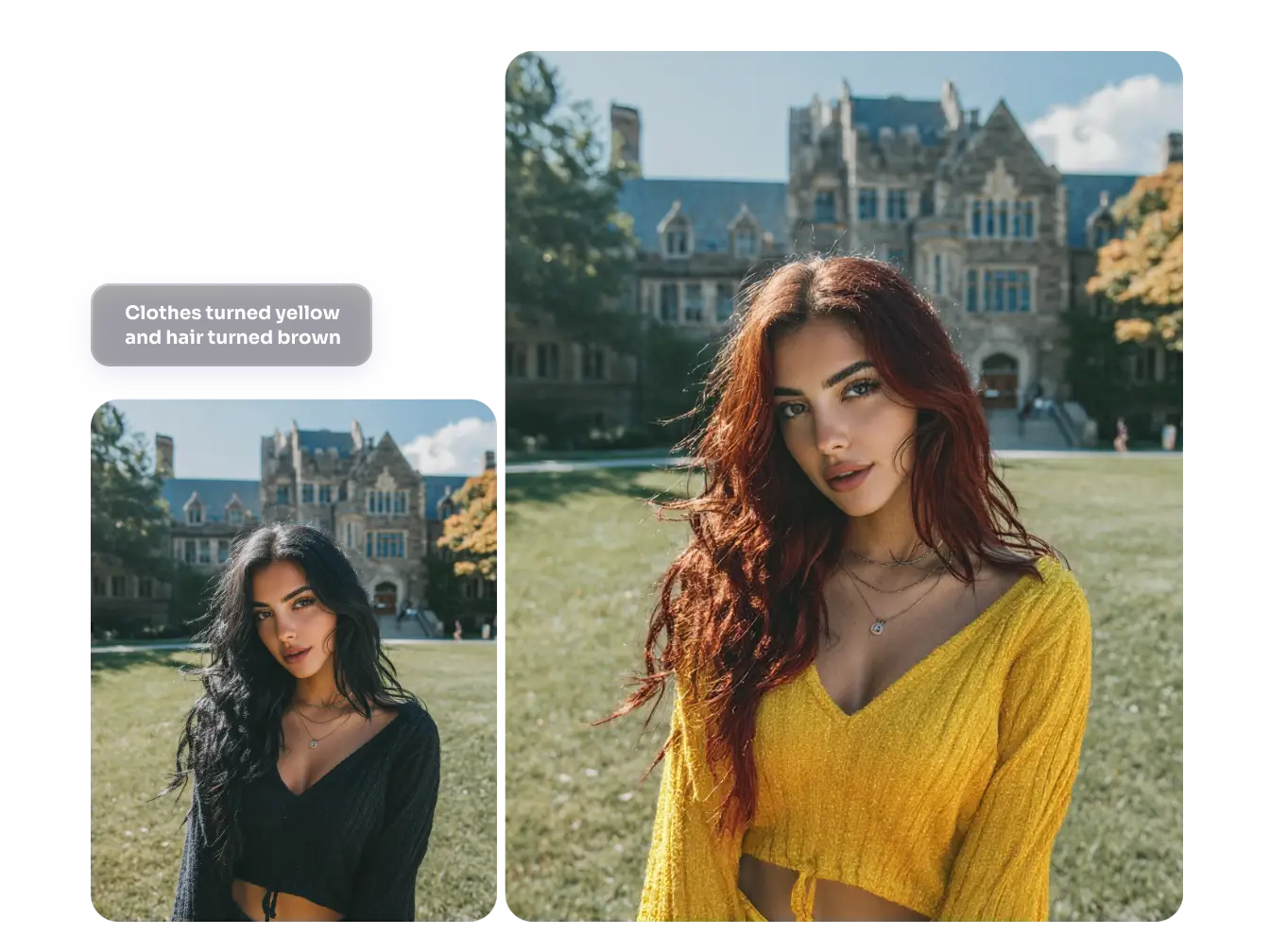
As a top-tier AI technology, our prompt-based AI image generator allows you to remove or modify objects in the image easily. Select one image that you generated with PicLumen, and tell us your idea about it, like deleting people in the background, changing a hat color, replacing the cup with a vase on the table, or converting wood to metal. Wherever there is imperfection, tell us how to make it perfect. And we will return to you a perfect one.
Change the Style of Your Image
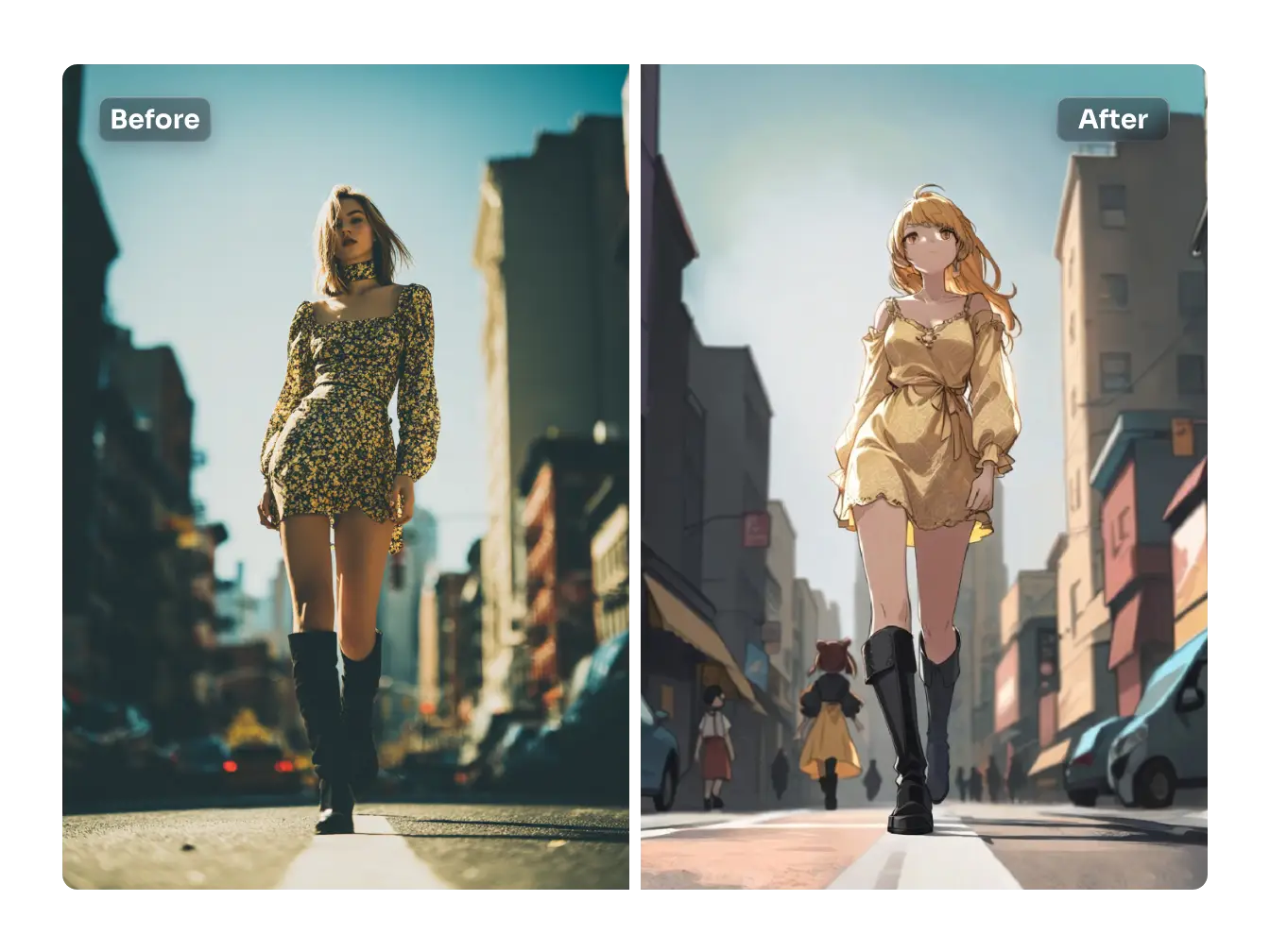
FLUX.1 kontext is also a premium style changer. Once you have a specific style in mind but are not satisfied with the results, that’s okay. PicLumen can help you. Select the image you want to change the style of and enter the desired style. The highly trained Kontext can easily cover a wide range of styles, including those mentioned by you, such as Tim Burton, Pixar, Van Gogh, Takehiko Inoue, and more. Adding a filter or changing a style has never been easier!
Strange Letters? Not Anymore!
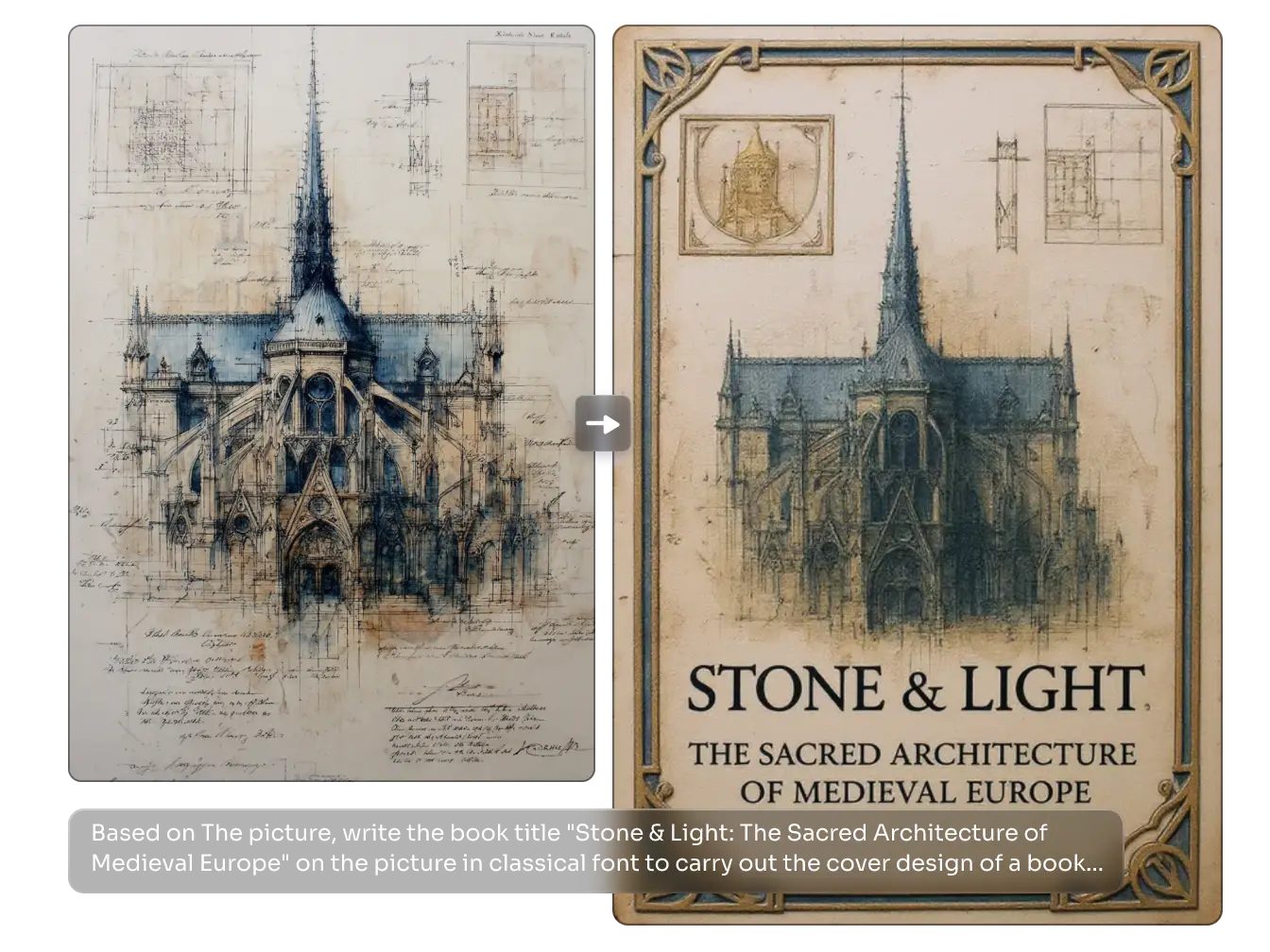
Do you often find spelling mistakes or strange characters in AI-generated book covers? No problem, this AI image editor can help you solve this problem. Editing images based on prompts makes it easy to correct text. For example, if your image contains “Piccllume,” you can tell Kontext, “change Piccllume to PicLumen.” In just a few seconds, you will get a new one with the correct text.
Remove BG and Swap a New One through a Prompt
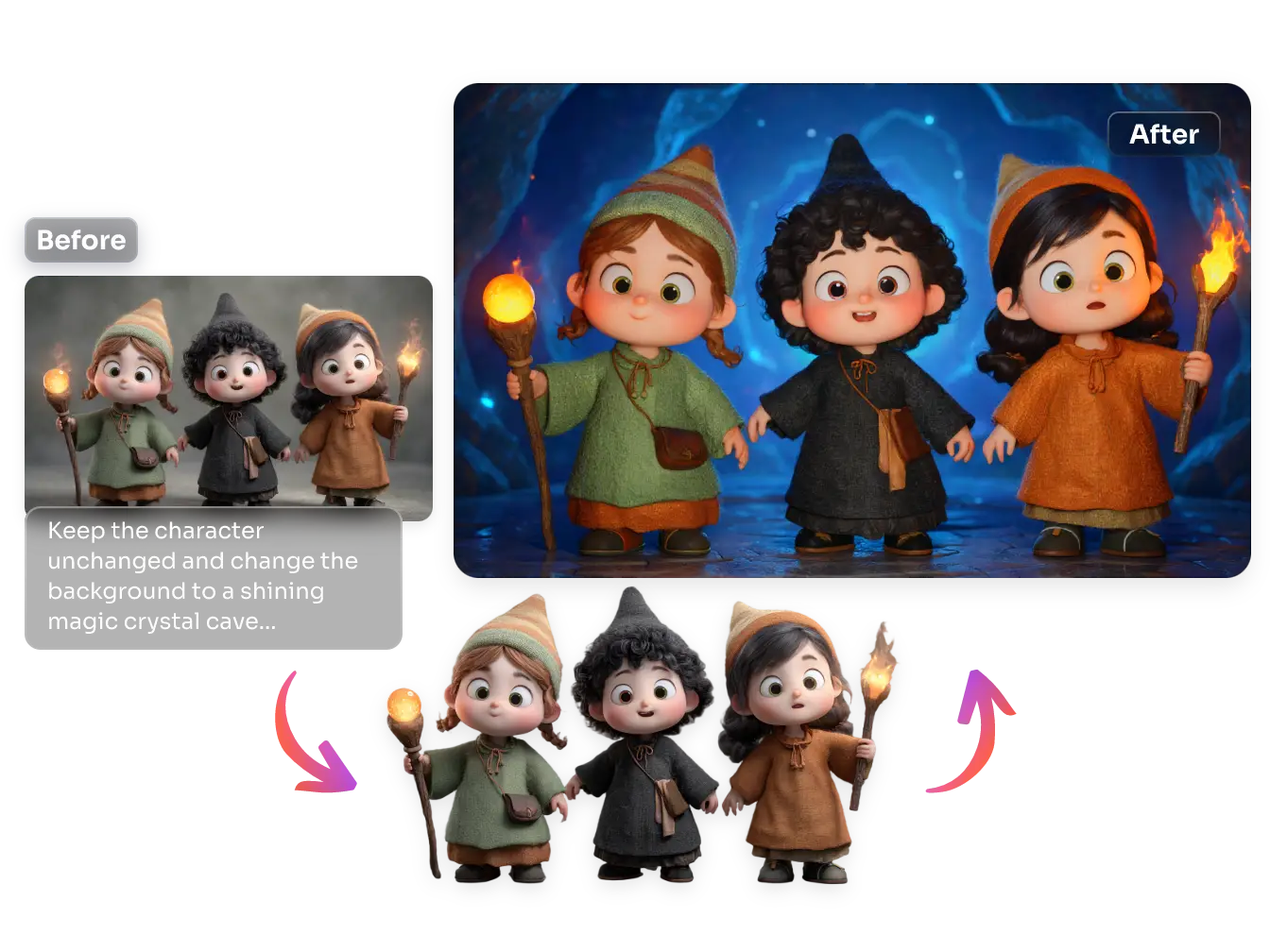
Kontext can use AI to detect elements in the image, categorize and layer them, and remove the background layer while preserving the main object. Then, it will generate a new background based on the prompts you provide. This compensates for PicLumen’s inability to replace the background with ease.
Explore Creative Concepts and Co-Create with AI
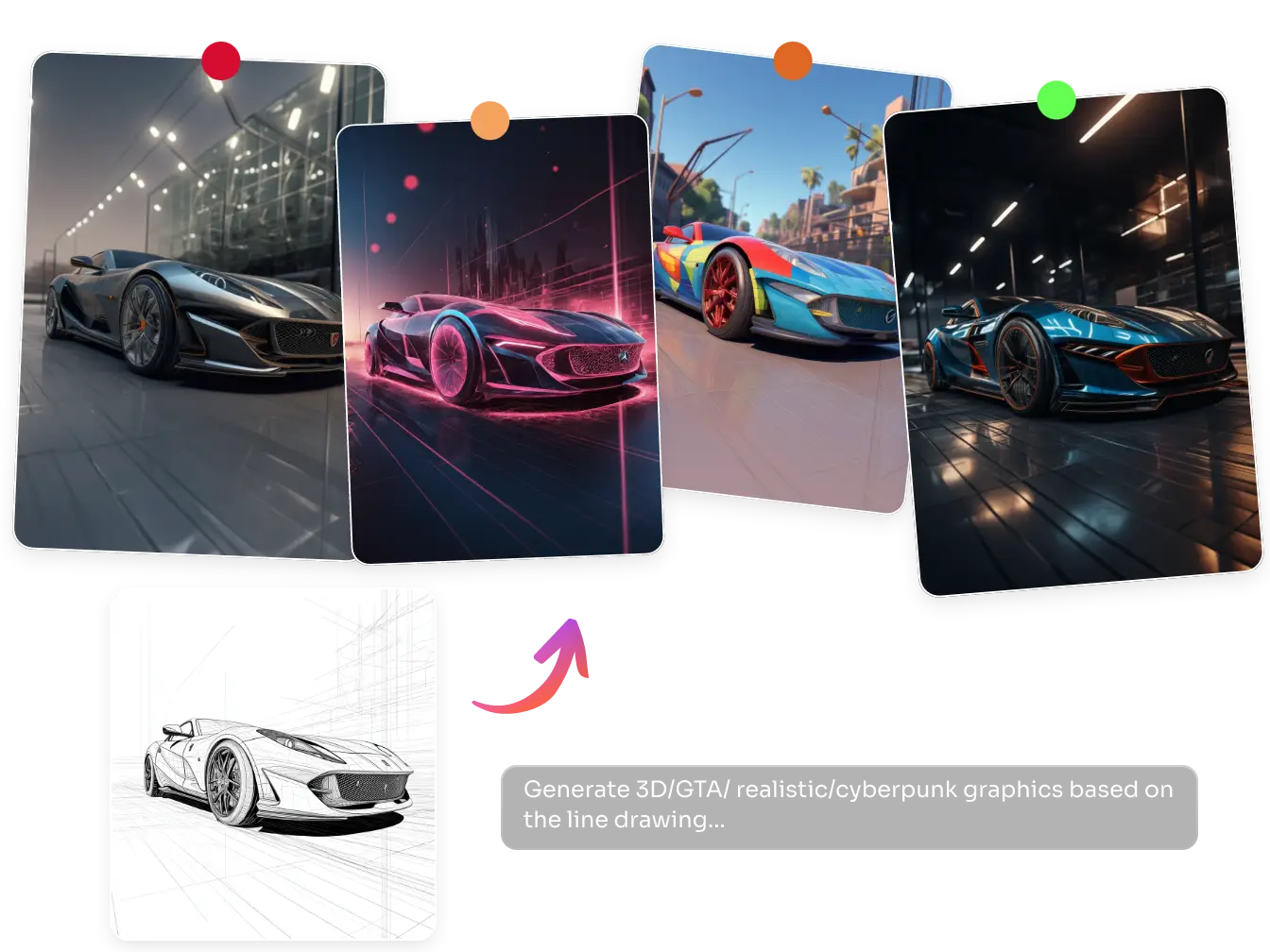
Bring your ideas to life instantly. Upload a sketch or line art, tell us what effect you need, and PicLumen will automatically fill in the details for you. If you need product variants, our AI can generate multiple design versions with different colors, textures, or materials – all based on your commands. Once you need commercial-grade clear images, use this prompt-based AI image generator as an upscale. Effortlessly enlarge them and sharpen the final result.
How to Edit Images with FLUX.2 Pro on PicLumen?
Select the Image You Want to Edit
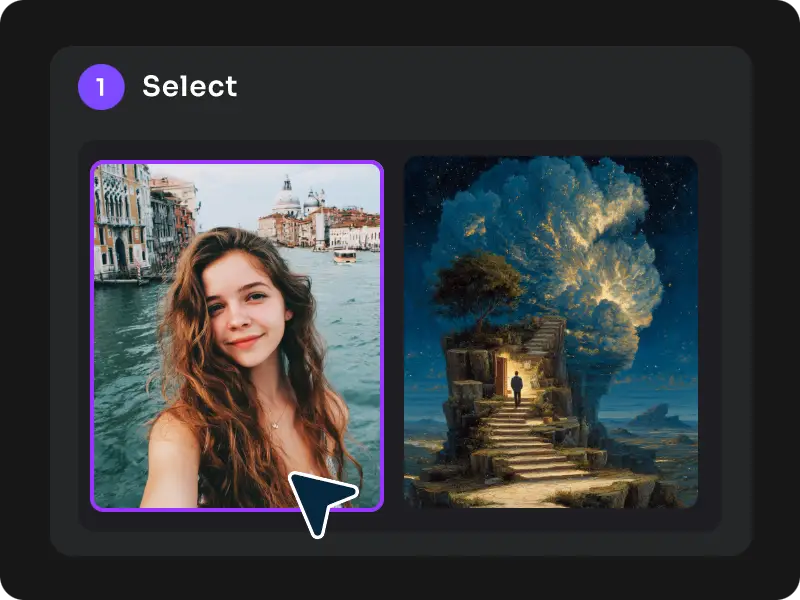
On the “Create” page, select the image you want to refine, click on the “Edit” button, and you will see the command box.
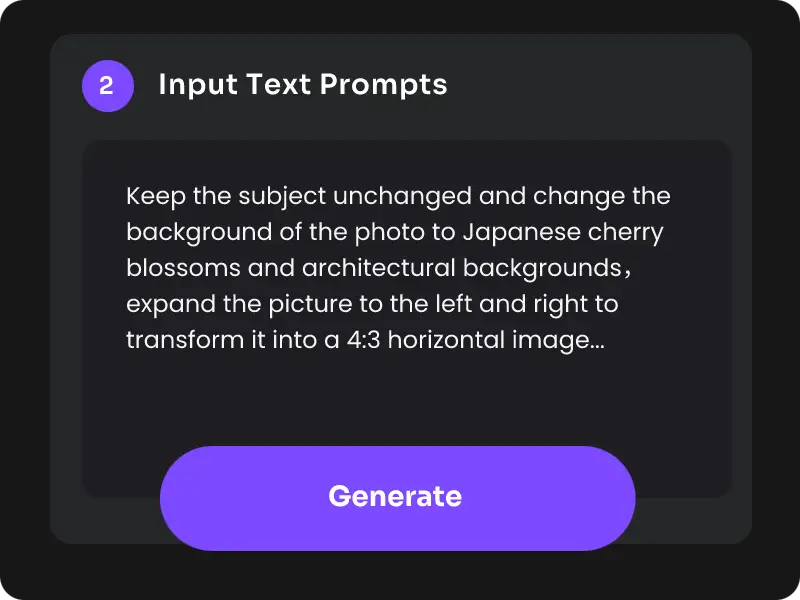
Enter Your Command
Tell our prompt-based AI image generator what you want to do with this picture, like changing the clothes, redrawing the imperfect hands, or replacing the background.
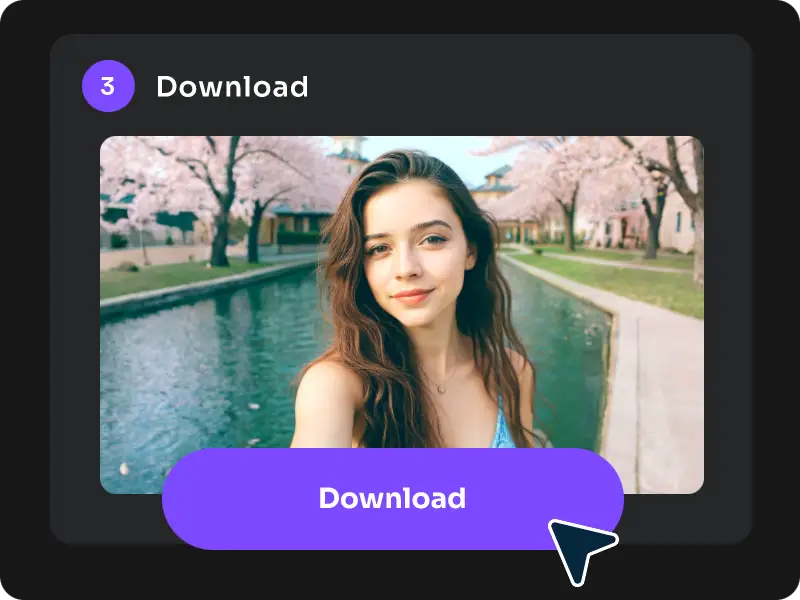
Download and Use
Then, our AI will take over the remaining work. You will receive an optimized image in seconds. You can download, share, or use the image as needed.
Tips for Maxing Out the Effects of One-Line Magic
For a better experience using this prompt-based AI image generator, these practical tips can help you. The key to mastering FLUX.2 Pro lies in efficient and precise text commands. Therefore, we have summarized a golden formula: [Action] + [Object] + [Detail Constraints] + [Style/Environment] ✅ Correct example: “Replace the sofa with a velvet dark green one, keep original cushions, in a minimalist living room with soft daylight.” ❌ Incorrect example: “Make the sofa better.” We also prepared 6 high-success-rate tips & scenario templates for you:

Precise object positioning
Use the only object in the frame as a reference to position the item you want to change.
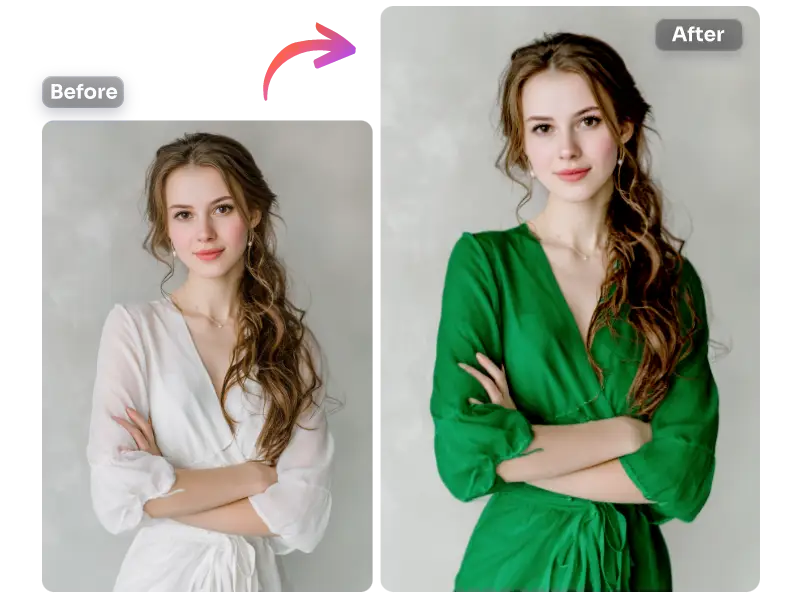
Portrait editing: Restrict the modification range
If you only want to change the color or material of an object, use “only” to limit the modification area.
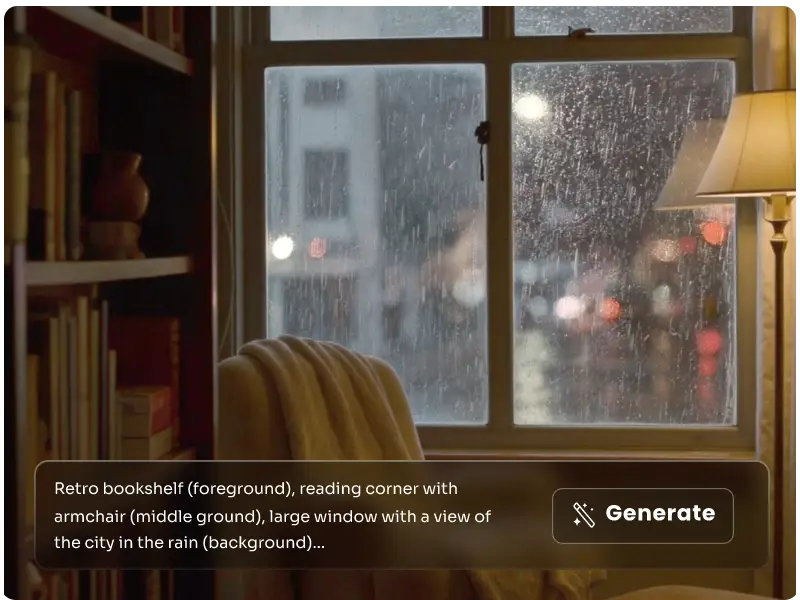
Complex Scene Generation: Layered Description
Structure the image into “foreground-midground-background” to make it easier for AI to understand.
Stylization: Bind artist/era keywords
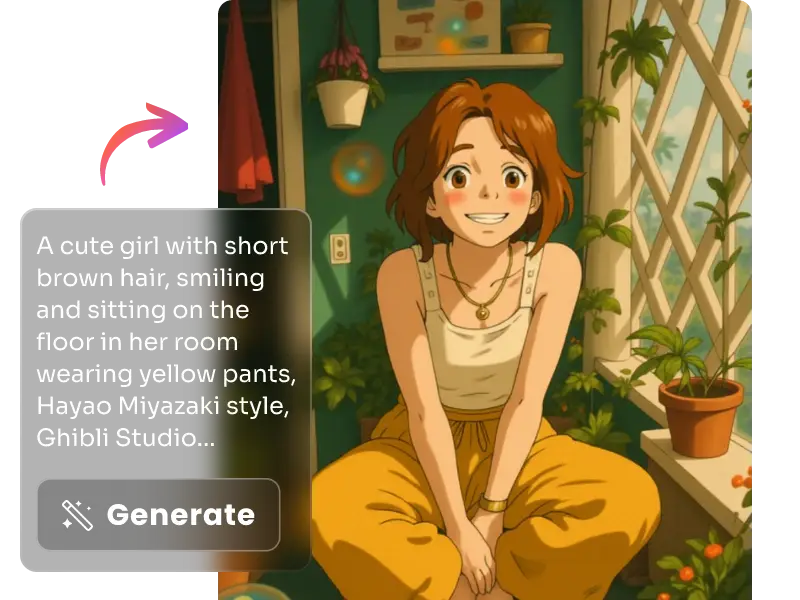
Style + Medium + Artist: Use this formula to ensure the image achieves the desired style.


Loved by Creators Worldwide
Real feedback from designers, marketers, and hobbyists sharing their PicLumen experience on Trustpilot.
Alfred Rangel RA wonderful range of options to create…
A wonderful range of options to create truly dreamlike visual effects with all those colors; only imagination is the limit.
jsbsbsbs hdhdhshwhwVery cool i like it it's so smooth
Very cool i like it it's so smooth
KIDSCARTOONThis ap great and amazing generate pic
This ap great and amazing generate pic
 Prabhat Ranjan Singh Chauhan
Very smooth and very helpful for…
Very smooth and very helpful for everyonr who have creative mind. Thank you 👍
 Mubashir Ahmed
This web is very help and free
This web is very help and free
Really good app and generates good…
Really good app and generates good images!
 Yll
YllIs very good program for ai
Is very good program for ai
good ai i like using this a lot.
good ai i like using this a lot.
 Darius Salahshori
Good
Very good and I work very hard.
The best app ever in history
The best app ever in history
 kola wole
Amazing
Amazing, and easy to use features
Very cool and love the events
Very cool and love the events
FAQs Prompt-Based Image Generator
Your questions answered
What is FLUX.2 Pro?
FLUX.2 Pro is an advanced AI-powered image generation and editing tool developed by Black Forest Lab. You just need to describe the effect, and it will return a nice, edited image, without manual process. It utilizes AI to streamline complex image optimization tasks into straightforward text commands, thereby reducing processing time and simplifying workflows.
How does this prompt-based AI image generator work?
Based on cutting-edge AI technology, it understands your instructions well, identifies elements within the image, and generates changes that match the description.
Can I use FLUX.2 Pro on any image?
FLUX.2 Pro works best on images generated by PicLumen. Uploaded photos from outside sources are currently not supported for editing.