AI-powered Product Visual Solution for
Have a new product to introduce or a sale about to start? Choose a campaign template, add your product photo, and create the visual your shoppers need next. Make a launch teaser for a new arrival, a poster that puts the offer in focus, or a seasonal image that ties your storefront and social posts together.


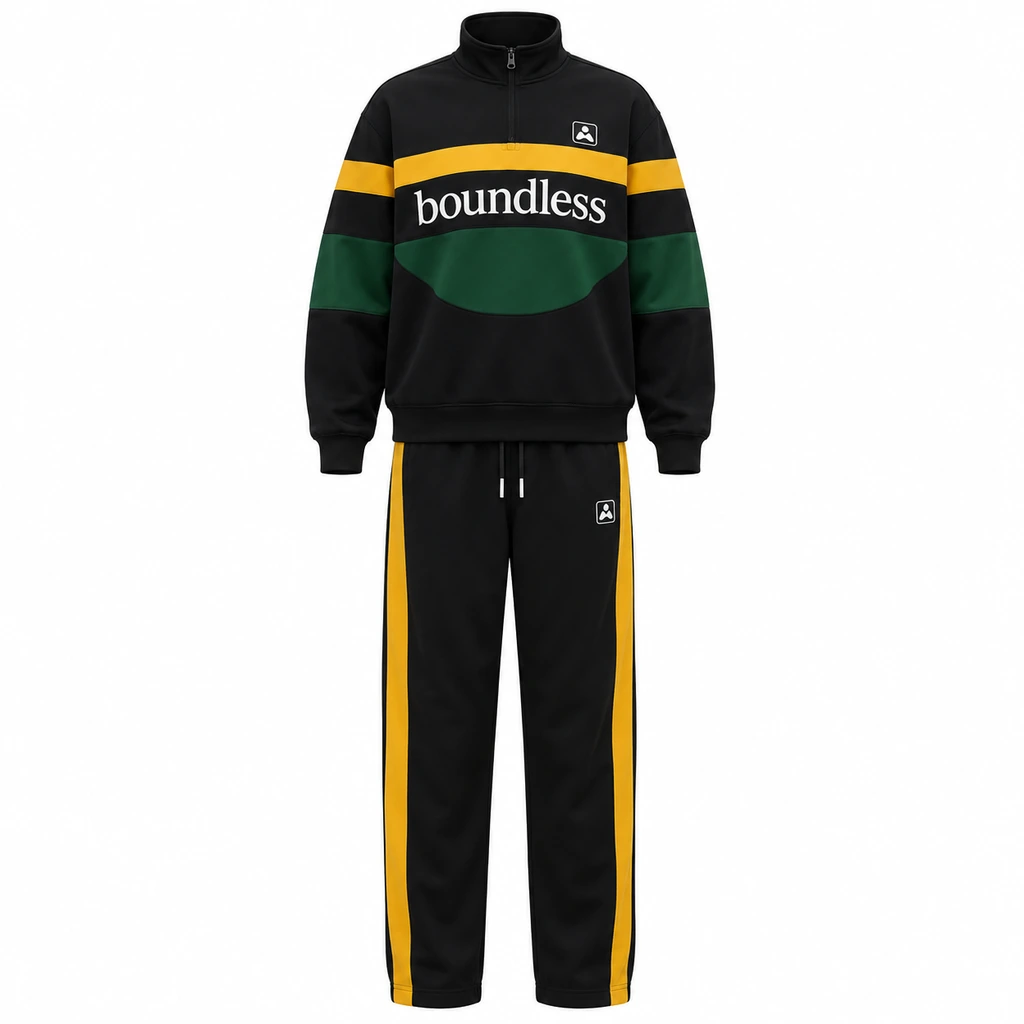
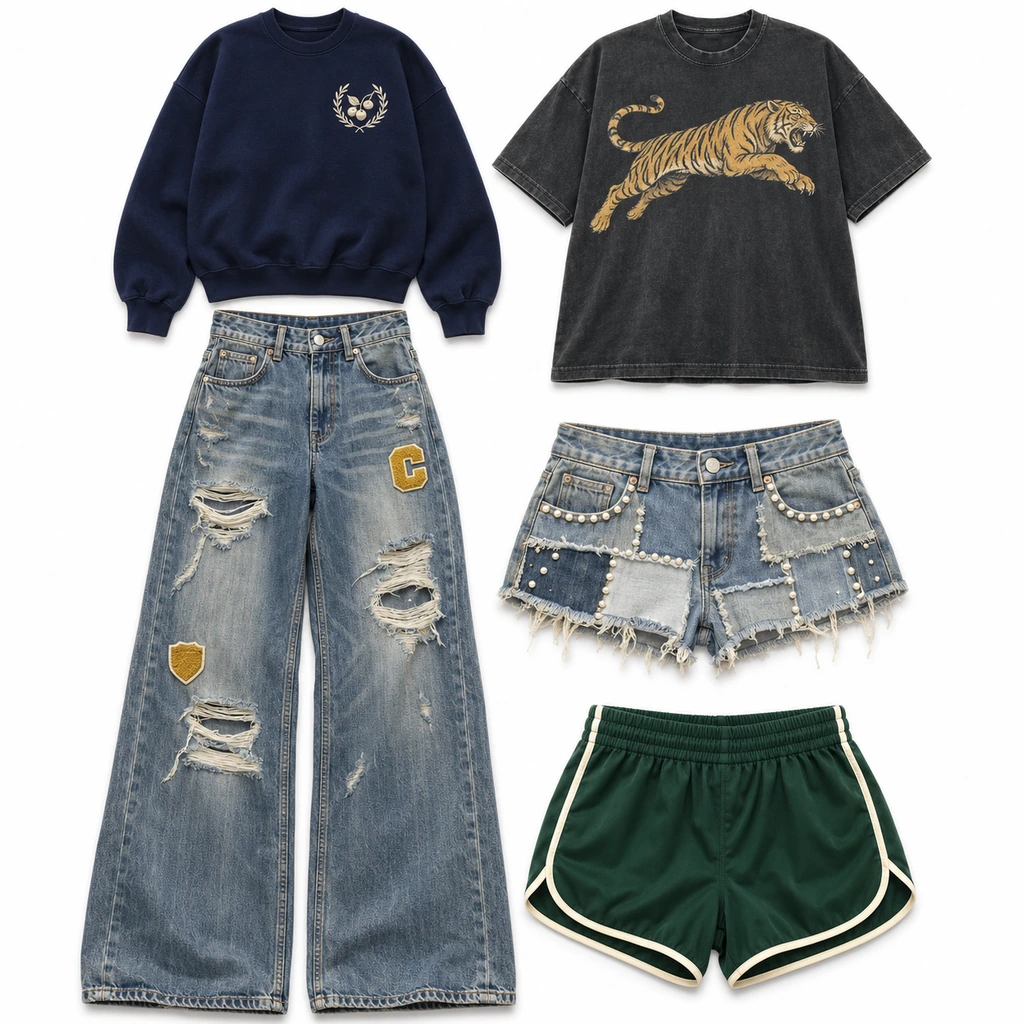
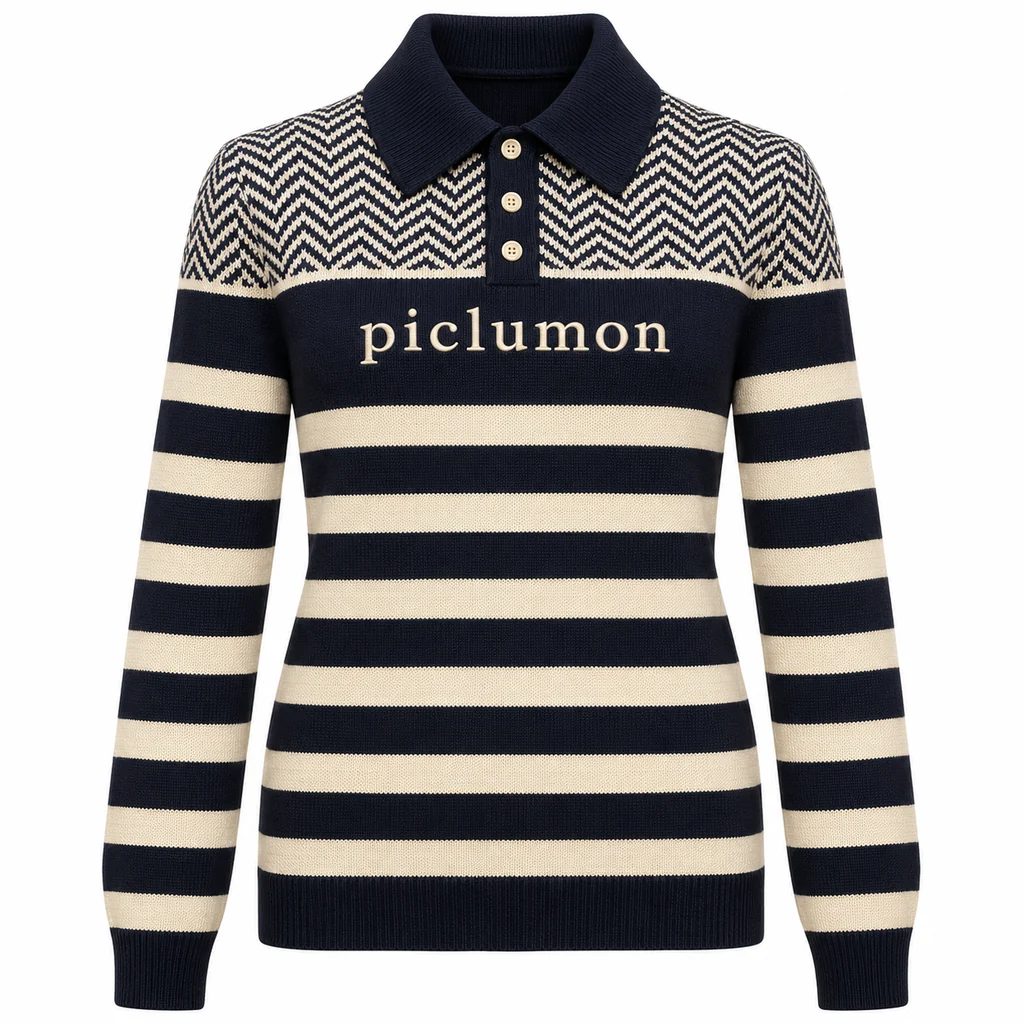

What Is PicLumen Campaigns?
PicLumen Campaigns is a collection of AI image and video templates for ecommerce promotions. Each template gives you a starting composition or video sequence for a specific task, such as introducing a product, revealing a deal, or opening a holiday sale. Choose a template, supply the requested product references, and generate an asset for your campaign.
See How One Product Can Carry a Campaign From Launch to Last Call
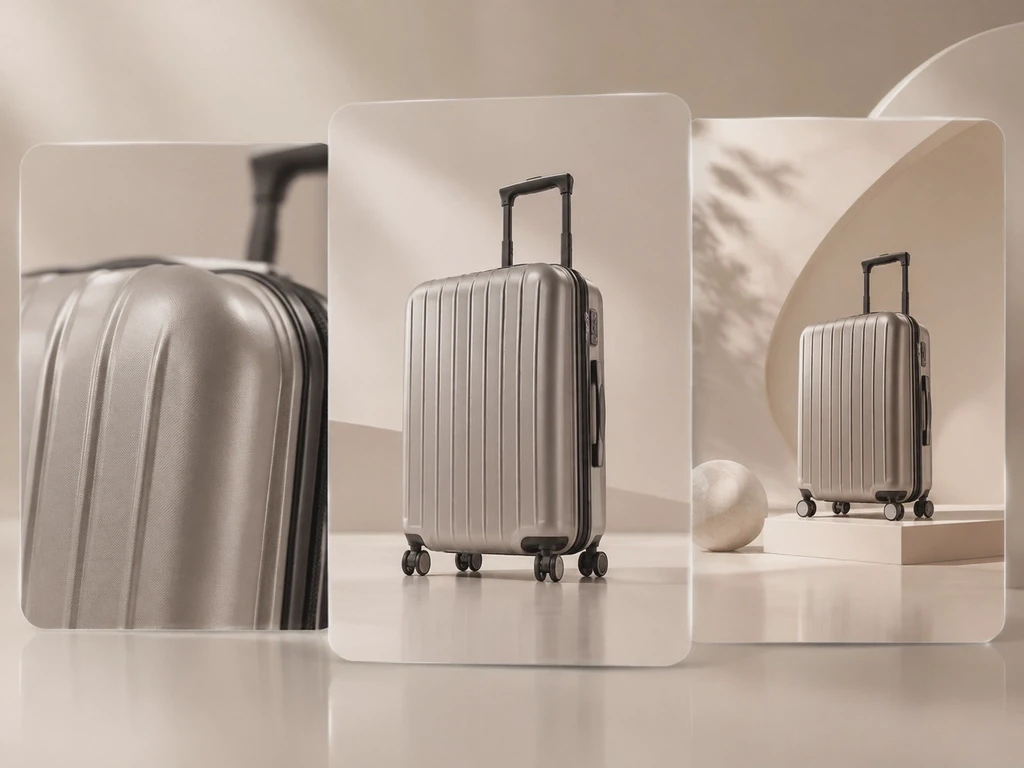
Follow a carry-on collection through three campaign moments: the first look, the launch-day announcement, and a weekend offer.
What Does the Shopper Need to Know Today?
Before launch, a glimpse of a distinctive detail can make someone curious. On launch day, that same shopper needs to see the whole item and recognize it in your store. When a promotion begins, the price and eligible product matter most. Use the same carry-on as the reference throughout this example, then change the framing and message to suit each moment.
Give the New Arrival a Recognizable First Look
Open the teaser close to the carry-on’s ribbed shell or contrasting handle. Let the frame widen until the shopper can see which product the detail belongs to. Choose a feature that is visible in your source photo and easy to recognize on a phone. End the clip on the suitcase itself, then add the collection name and launch date in your edit.
Make the Launch Announcement Easy to Shop
On launch day, show the full suitcase in the exact color available to buy. Use a clear product image for the storefront and a matching frame for the announcement email. A shopper who clicks through should recognize the item immediately, including its finish, handle, and colorway. For additional product-page imagery, explore the Shopify product visual templates.
Give the Weekend Offer Its Own Visual
When the carry-on enters a weekend promotion, bring the offer closer to the product. Use a sale composition with space for the approved price and closing date. For the final reminder, crop closer to the suitcase and shorten the message to the one detail that changed: the offer ends today. Keeping the campaign copy editable makes that last update straightforward.

Introduce a New Product or Colorway
An established bestseller in a new color needs a different launch treatment from an entirely new product. For a color drop, open on the finish shoppers haven’t seen before, then reveal the familiar shape. For a new product, show the whole item early enough for viewers to understand what it is. Give the teaser one job and let the product page carry the full specifications.
Announce a Flash Sale or Bundle
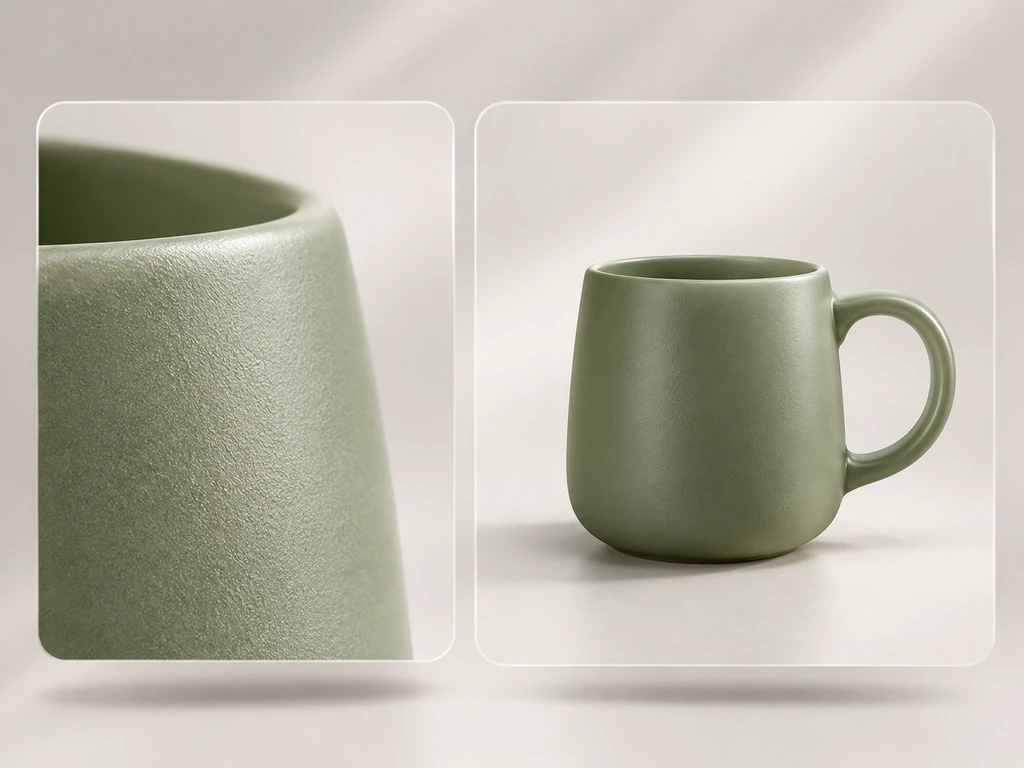
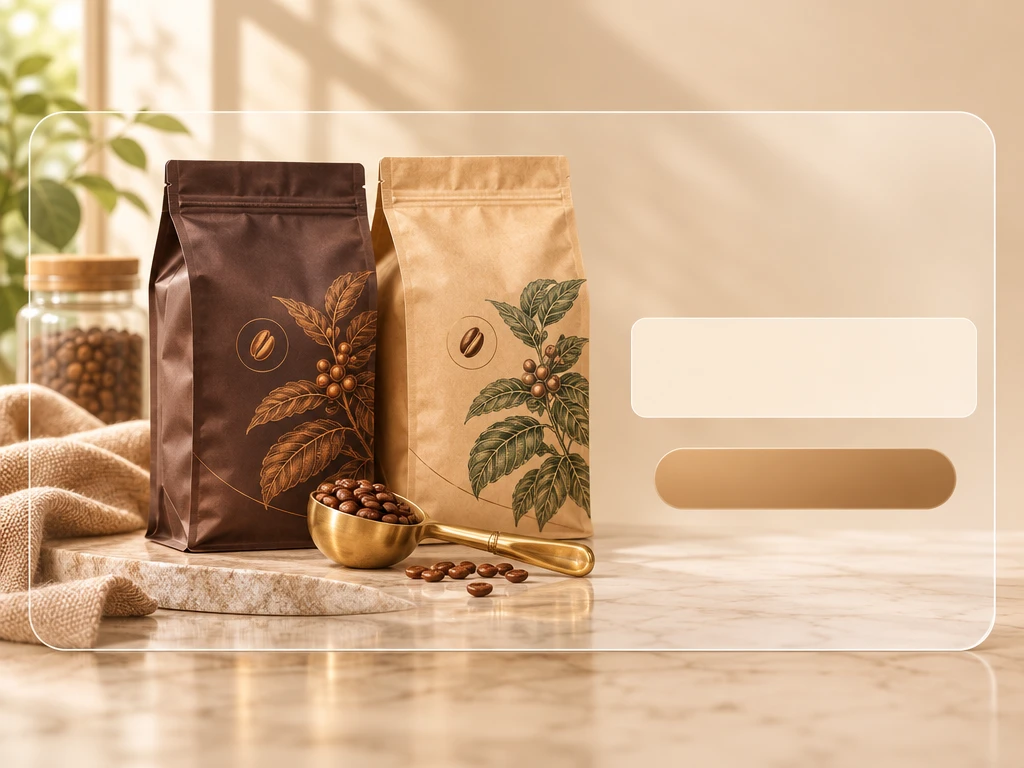
Make it clear what the offer includes. For a coffee bundle, show both bags together and leave space for the bundle price. For a discount on one shade of lipstick, feature that shade throughout the poster and the destination page. Add the final price, code, and deadline from your approved promotion details so a shopper can understand the offer at a glance.
Give a Seasonal Collection a Shared Look
Choose one visual detail that belongs to both the season and the product. A winter skincare collection might use cool window light across several packs. A summer drink launch could use the same serving glass and bright tabletop for each flavor. Keep those elements consistent while giving each item its own frame. Shoppers can see the family resemblance and still tell the variants apart.
Follow Up With Shoppers Who Have Already Seen the Product
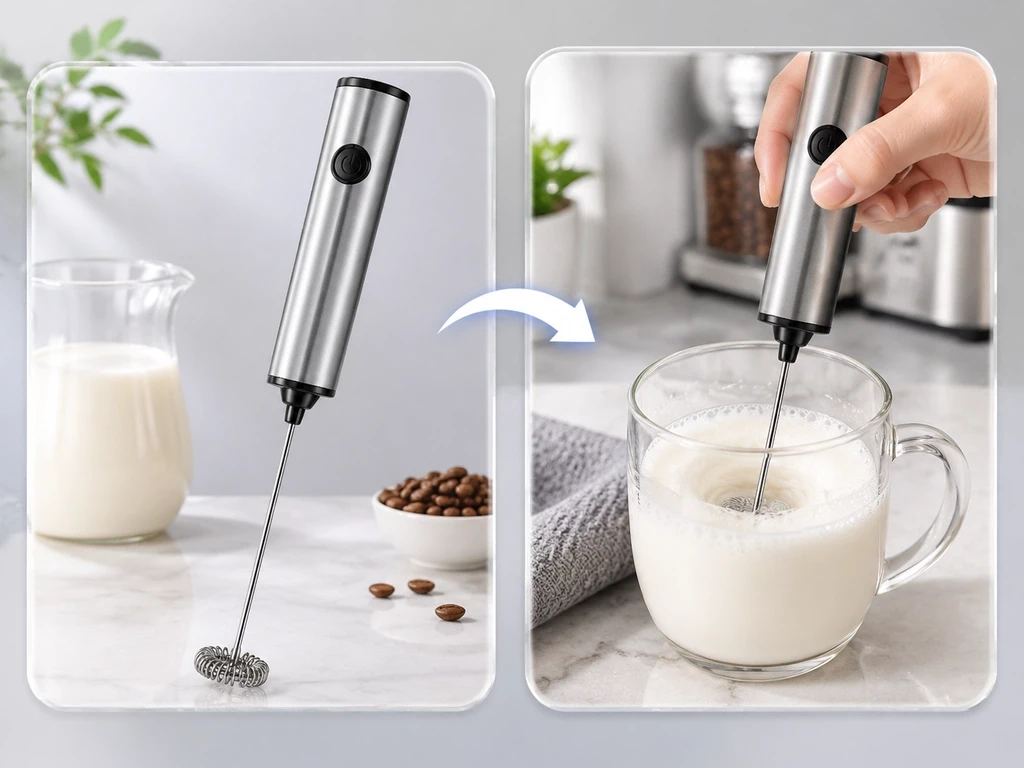
A returning shopper may remember the packaging but still wonder what comes inside or how the item is used. Build the next asset around that question. Follow a fragrance launch poster with an unboxing clip, for example, or follow a kitchen appliance reveal with a short demonstration. For that second piece, choose a relevant format from UGC Studio and use the same product variant as the original announcement.
Why Use PicLumen for Ecommerce Campaign Visuals?
- Choose by Campaign Goal
- Work From Product Assets You Already Have
- Match the Format to the Message
- Refresh One Part of a Campaign at a Time
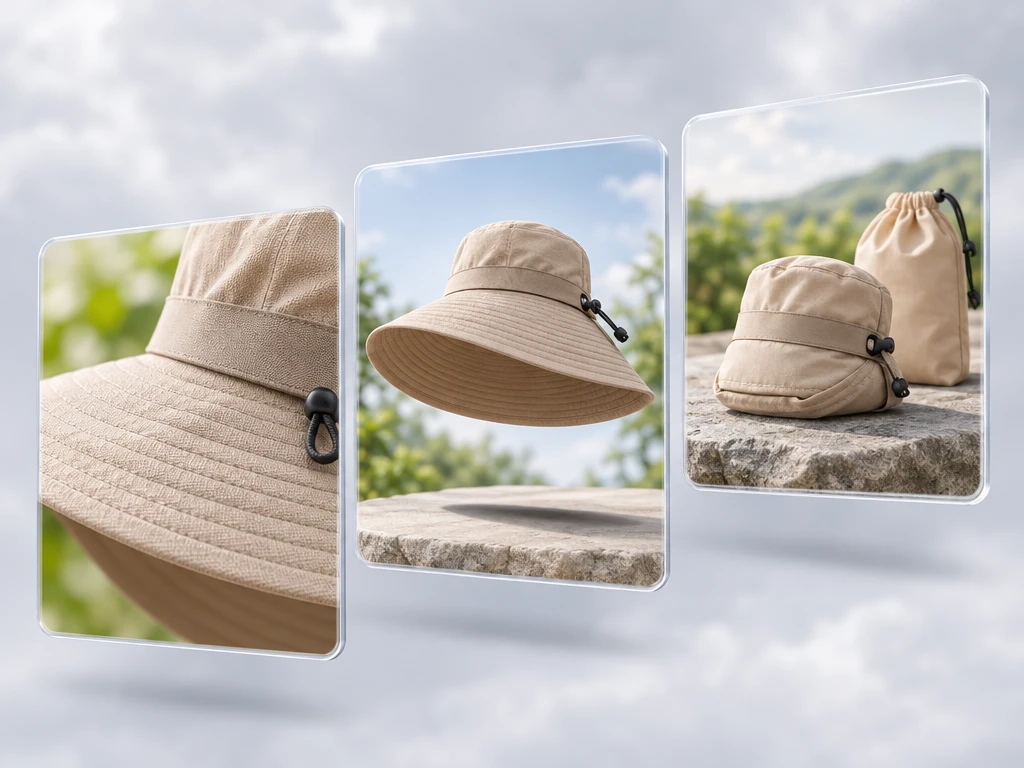
If the sale starts tomorrow, you can go straight to an offer-led image template. If the product is still under wraps, start with a launch teaser. Organizing templates around the announcement makes it easier to choose the first asset your team needs.
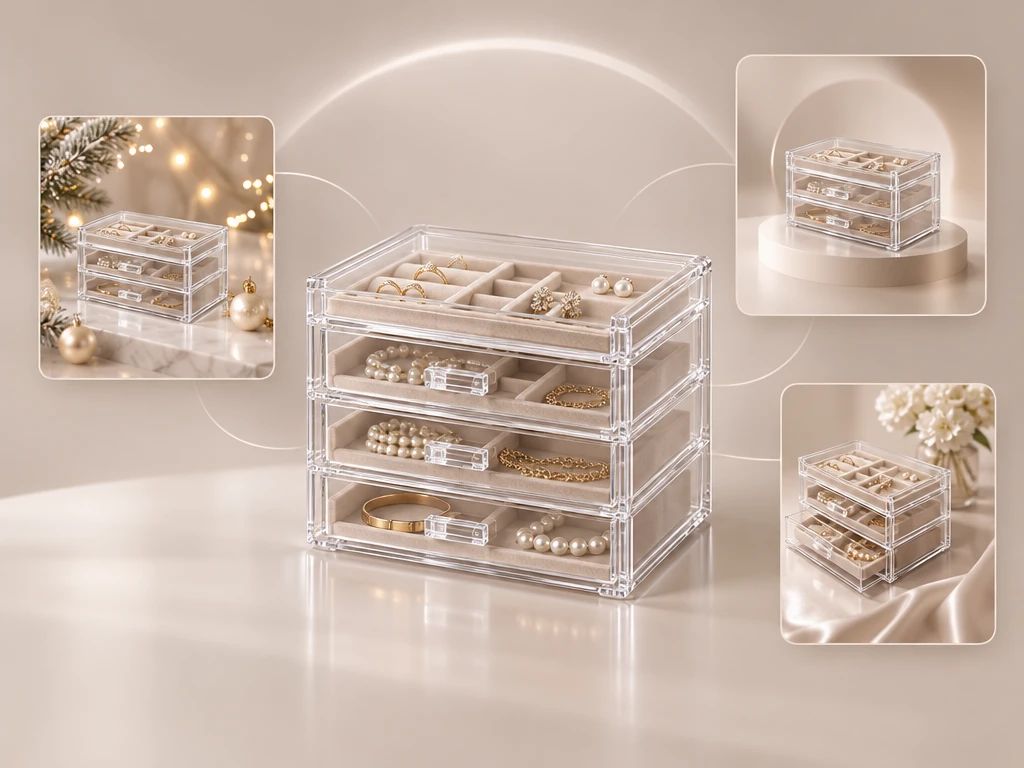
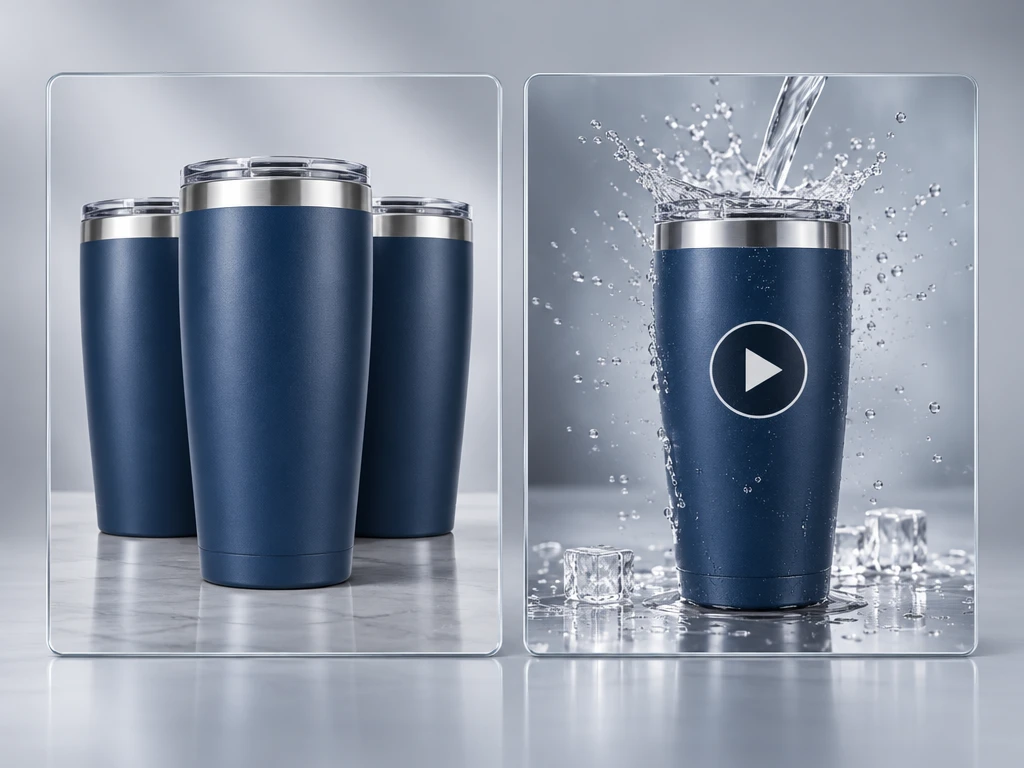
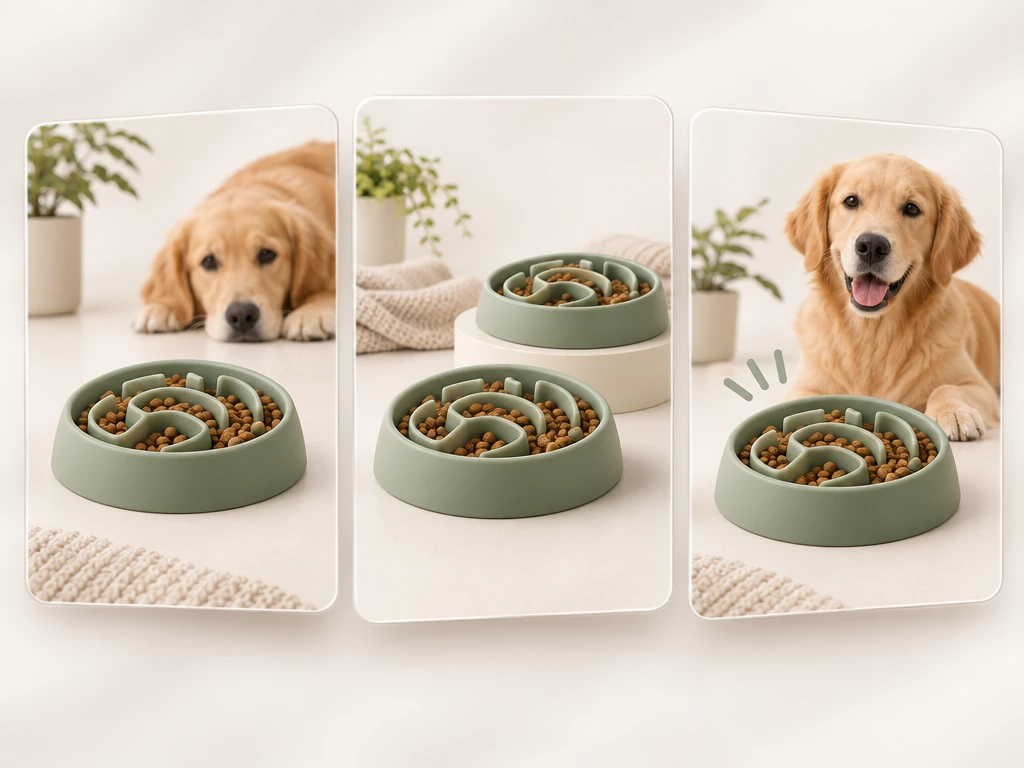


Loved by Creators Worldwide
Real feedback from designers, marketers, and hobbyists sharing their PicLumen experience on Trustpilot.
Good 👍 perfomense web site good images…
Good 👍 perfomense web site good images good
amazing
amazing! this is just so good! WOWOW!!
George PricePicLumen's support team replies quickly…
PicLumen's support team replies quickly to your help requests and they are clear in what they require of you for them to help you. They usually diagnose your problem and offer a solution in less then 24 hours. Stellar service!
 Ibrahim Onuh
So very powerful and interesting
So very powerful and interesting
 Mubashir Ahmed
This web is very help and free
This web is very help and free
Bohdan LesykGreat and fast
Great and fast, would be much better with some more free credits
Can’t go wrong using this one
Can’t go wrong using this one
 Khalid Ismail
Excellent and it very very good great
Excellent and it very very good great
Everything
Everything, keep up the good work
 Sheikh
very user friendly
very user friendly, easy to use.
 Aditya Yadav
“A tired Indian farmer standing beside…
“A tired Indian farmer standing beside his small dry farmland at sunrise, wearing a simple dhoti-kurta and turban, holding a rusted plough. The field is cracked and dry. Soft golden light, realistic r
Rabbi HasanNice application for all user
Nice application for all user
Ecommerce Campaign Templates FAQ
What can I create with PicLumen Campaigns?
You can create product launch teasers, promotional images, sale reveal posters, and seasonal campaign visuals. Each template has its own format and creative direction. Start with the announcement you need to make, then choose a card that shows the kind of output you want.
How is Campaigns different from PicLumen Marketing?
Campaigns helps you select assets for a specific promotion, such as a new collection launch or a Black Friday sale. The broader Marketing template collection organizes more kinds of marketing work, including tutorials, creator-style videos, advertising imagery, and social content.
Can I create both images and videos for the same campaign?
Yes. Choose a video template for the product reveal and an image template for the announcement or offer. Use the same product reference across both, then check that the color, packaging, and variant match before placing the assets together.
What product photo should I upload?
Choose a sharp image of the exact item in your campaign. A front-facing view works well when shoppers need to recognize a label. A three-quarter view can be more useful when the shape, handle, or side detail is part of the selling point. Check the selected template for any additional input requirements.
Can I use the visuals in email, social posts, and my storefront?
You can prepare campaign assets for those placements. Preview each one at its final size. A wide storefront banner needs room for the headline, while a mobile post needs the product to remain recognizable in a narrow crop. For email, a clear still from a launch clip can introduce the product and link through to the full reveal.
How should I add a discount, promo code, or sale deadline?
Generate the product artwork with a clear area for the offer, then add the exact wording in your editor. Before publishing, compare the displayed price, code, eligible variant, and deadline with the live promotion. Keeping these details editable also helps when you prepare a reminder or change the offer.
Does PicLumen Campaigns schedule posts or manage ad spend?
Campaigns is a visual creation workflow. Use it to generate the images and clips for your promotion. Once the assets are approved, publish or schedule them through your storefront, email platform, social account, or ads manager.