AI Halloween Costume Loading – Watch Your Everyday Look Transform
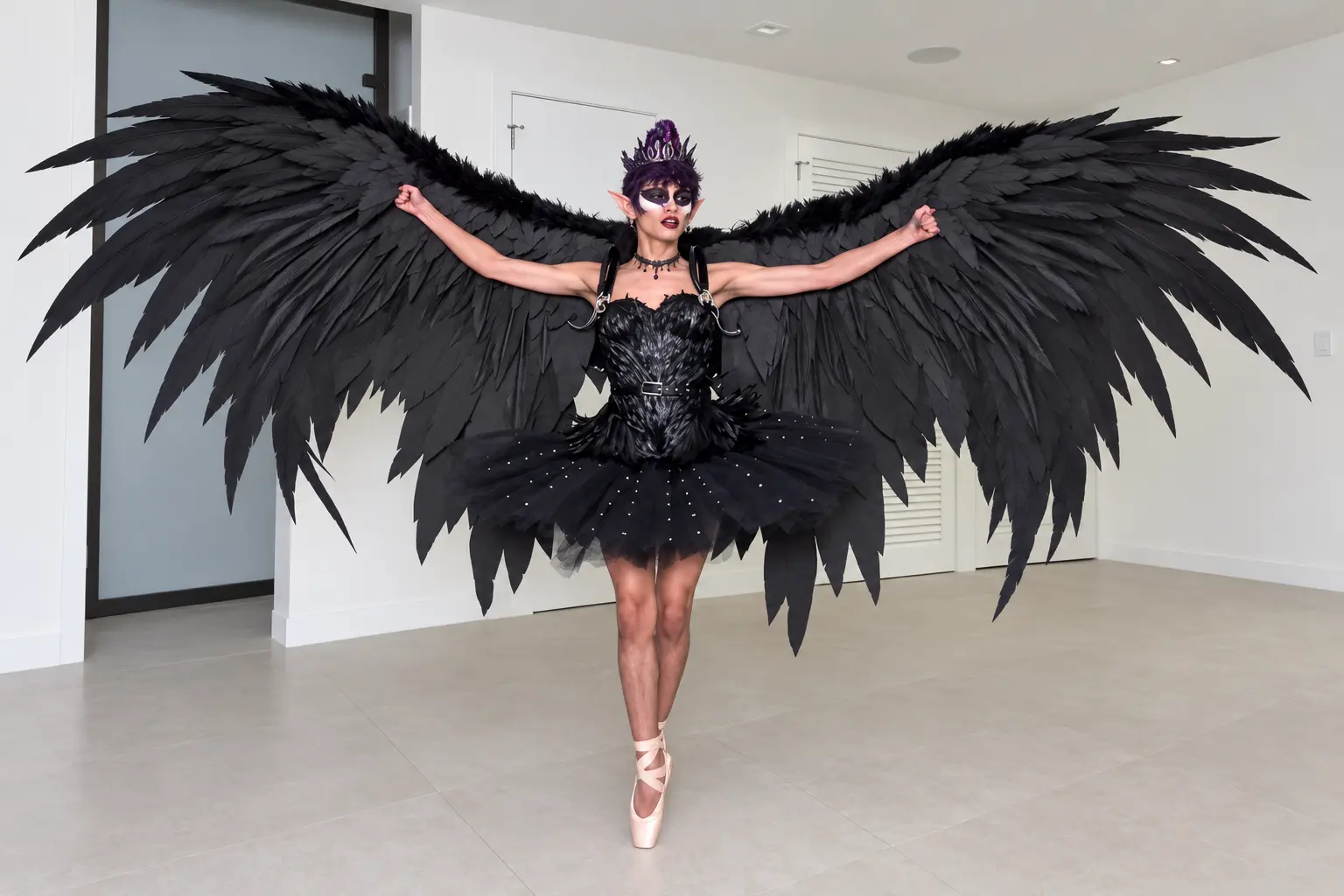
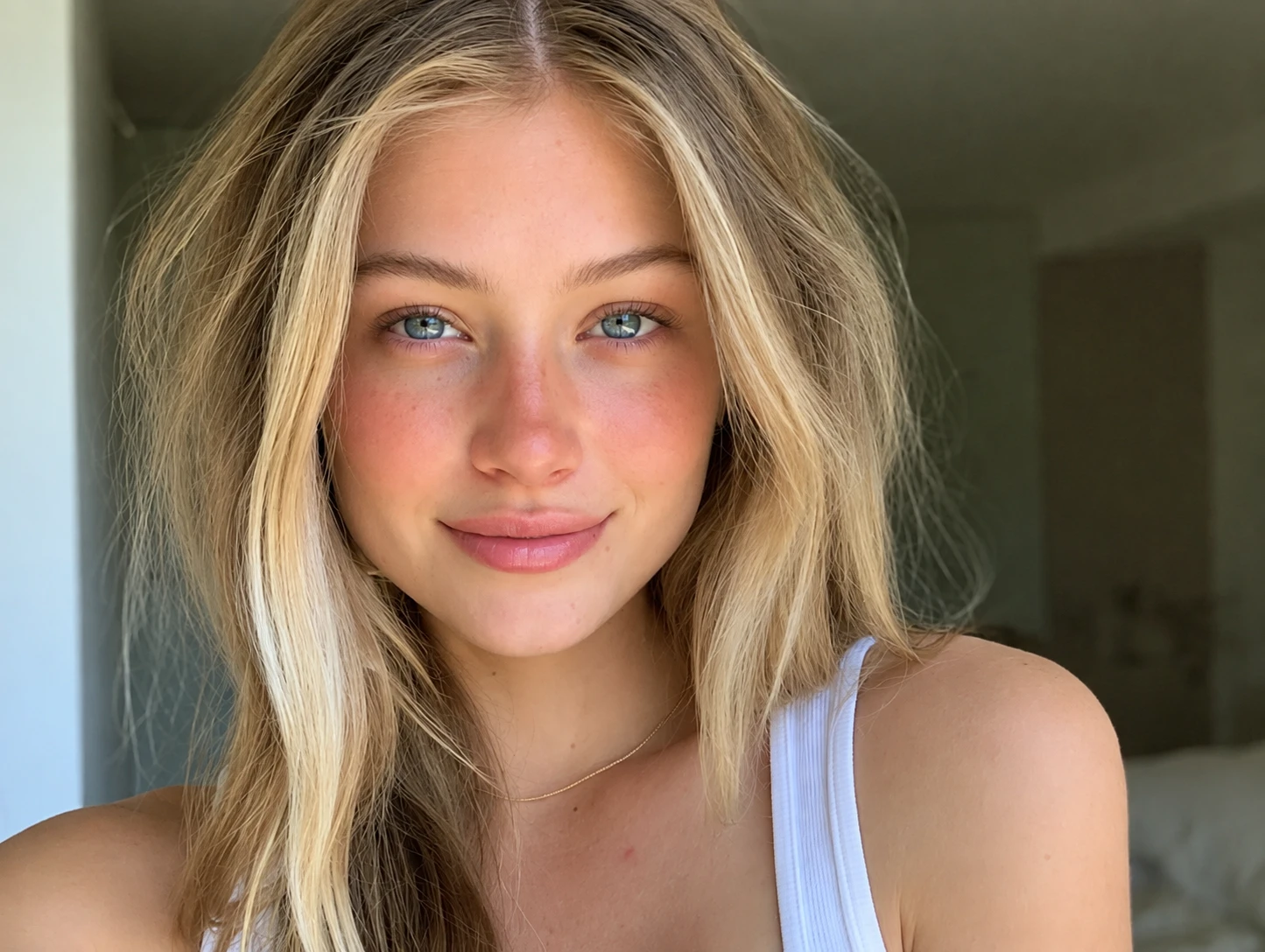
Hot Video Effects
Turn your photos into fun dance clips, surprising transformations, and shareable moments with trending AI video effects.
What is AI Halloween Costume Loading?
AI Halloween Costume Loading is an AI-powered video effect that creates a digital transition between an everyday portrait and a fully themed holiday outfit. It mimics a software update process. The tool uses your uploaded image as the base character and applies a costume overlay, adding a brief digital pause before the final reveal.
The Concept of a Digital Delay
This effect translates the idea of a software loading screen into a visual format. Instead of an instant outfit change, the tool introduces a brief pause. This delay acts as a visual hook, structuring the reveal in two distinct phases. It gives the viewer a moment to register the change before the final costume appears. For more gaming-themed transformations, you can try the Fortnite Halloween Costume Transformation.
The Visual Contrast
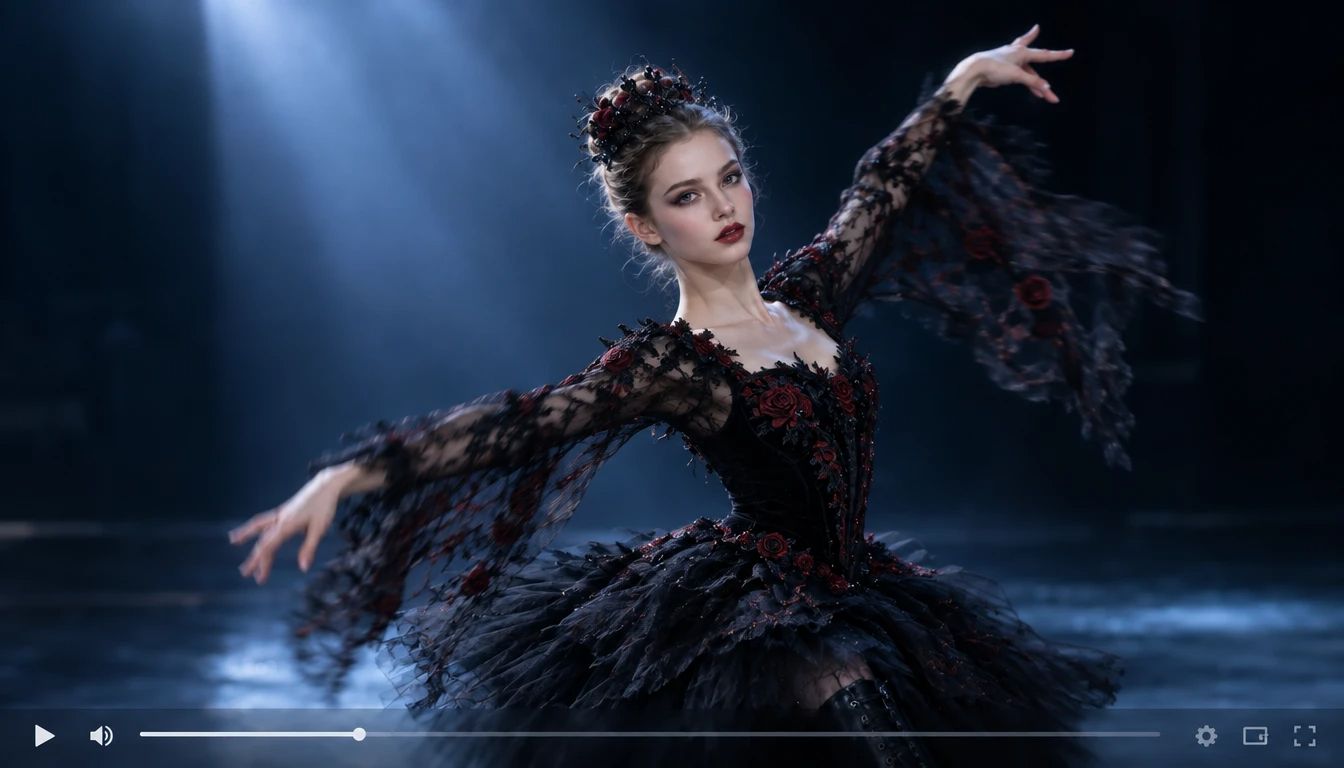
The core appeal lies in the difference between the starting image and the output. You begin with a standard, static portrait. The generated result replaces the original clothing with a detailed holiday design, turning a familiar face into a seasonal character. If you want to test motion on a standard photo before adding costumes, the Toc Toc Dance AI Video Generator provides a separate option for basic dance clips.
Create a Complete Seasonal Persona
Beyond the initial loading transition, you can build a full character concept. The effect gives you a quick way to visualize a new holiday look without physical costumes. It allows you to test different spooky, playful, or fantastical themes to see what fits your project. You can use this generated visual to plan a themed post or simply explore a new aesthetic for the season.
The Anticipation of the Reveal
The loading effect works because it plays with viewer expectations. Rather than showing the final costume immediately, the sequence mimics a digital download. This creates a brief moment of suspense. It turns a simple image change into a short narrative event, making the final holiday look feel more impactful when it finally appears.
Create the AI Holloween Custume Loading Effect on PicLumen
Step 1 Choose Your Template
1Start with the default AI Halloween Costume Loading template to get the classic loading reveal. If you want a different visual style, open "Template" to explore other options. Switching is optional. Select the one that best fits your intended holiday theme.
Step 2 Upload Your Photo
2Upload a clear photo from your device to the "Upload your image" section. Choose an image where the subject's face and upper body are clearly visible. A simple background helps the final costume and loading effects stand out without visual distraction.
Step 3 Review the Reference Video
3The template includes a default reference video. Keep it as is, or replace it by uploading a clip of your choice if you want specific motion. If you prefer the built-in movement, leave the default video in place and skip uploading a new one.Avoid heavy shadows on the face so the AI can map the new makeup correctly.When uploading your own, pick a clip with steady camera movement so the final result doesn't look shaky.
Step 4 Generate and Download
4Before generating, confirm your uploaded image, check the reference video, and adjust any parameters if available. Click Generate to create the effect. Once the result is ready, download the final file directly to your device.The processing will take a moment as the system applies the loading transition.
Want a Spooky Costume Reveal Without the Hassle?
How the AI Halloween Costume Loading Works
This tool generates a video showing a subject's outfit transforming into a festive costume. Input a clear portrait of the subject alongside a reference video. Control the final look by selecting the specific template style. Output a short video where the character appears to "load" into the new look, complete with the motion from your reference clip.
Instant Visual Transformation
Users provide a standard portrait image to act as the base character. The tool processes this input and applies a holiday-themed outfit. You control the visual direction by choosing which costume style template to use. The output is a dynamic visual that replaces the original clothing with a spooky or playful design, creating an immediate seasonal change. If you want to see your character in a different visual style, try the AI Cartoon Video Generator to give the reveal a highly stylized look.
Motion Synchronization
The platform accepts a reference video as an optional input to guide the character's movement. It extracts the timing and gestures from this clip. You can control the energy by selecting a fast-paced dance or a simple pose. The output is a video file where the newly costumed subject moves in sync with the original performance. To emphasize the most dramatic part of the costume reveal, you can process the final clip with the Slow Motion Video Maker.
Ready-to-Share Video Output
The final function produces a complete video file. It takes your initial image and motion references and outputs a polished, animated result. You control the final download, saving the file directly to your device for your Halloween content.
Give Your Look a Spooky Halloween Makeover
Turn an Everyday Look into a Halloween Costume Reveal
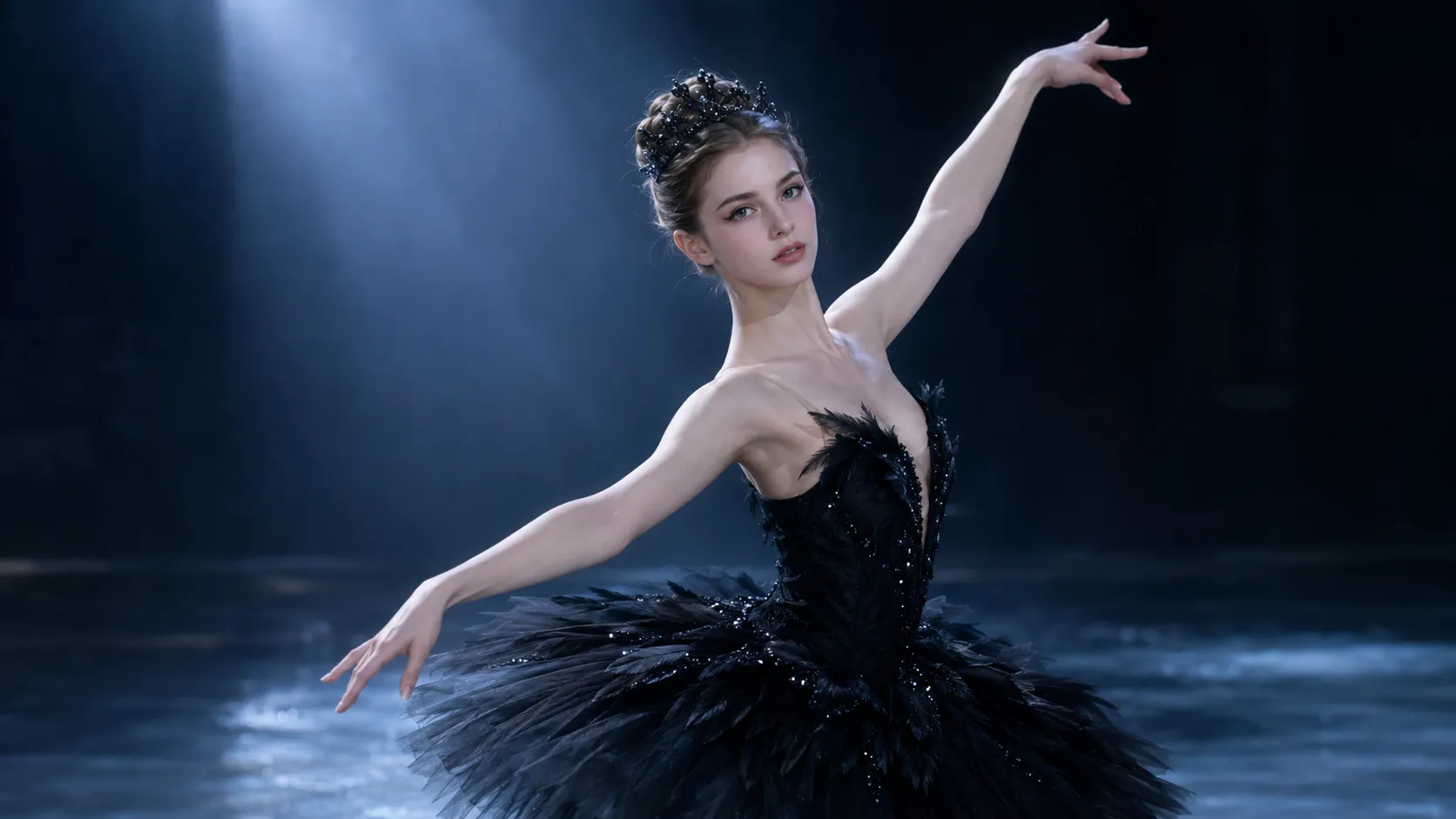
A standard portrait becomes a festive scene with the AI Halloween Costume Loading effect. The visual hook comes from the loading sequence, which adds a brief pause before the new costume appears. This contrast between an ordinary photo and a holiday-ready look creates immediate anticipation. Try it on PicLumen to generate a visual that gives your subject a spooky, seasonal transformation.
Preview Costumes Without the Hassle
You want to see how a specific Halloween outfit looks without buying or physically trying it on. This tool applies the costume directly to your uploaded photo. It solves the practical difficulty of testing multiple styles, allowing you to visualize a new holiday persona instantly. The generated result gives you a clear preview of the character's final look.
Generate a Complete Reveal Instantly
Filming a dramatic costume change requires time and video editing skills. This effect handles the entire reveal process in one step. It automatically adds the loading sequence and the final outfit swap, saving the effort of post-production. The output is a ready-to-view visual that delivers the full reveal without needing a complex video setup.
Create Distinct Seasonal Personas
If you need to explore different character concepts for a project, this tool makes the process fast. You can test spooky, playful, or fantastical themes in a single click. If you need to create specific character concepts to pair with this effect, you can explore the AI Character Generator for additional design options.
Adapt the Reveal for Different Styles
You are not limited to traditional Halloween looks. The effect supports charming or quirky styling based on your creative direction. To apply a completely different visual filter to your final output, try processing the result through the Video to Anime Converter for a stylized alternative.
See the Instant Shift from Standard to Spooky
The visual appeal comes from the immediate contrast. You start with a clear, everyday portrait, and the output presents that same subject "loading" into a fully themed outfit. This brief transition sequence builds anticipation, making the final costume reveal feel more dramatic. The character's facial features remain recognizable while the new outfit takes shape across the frame. This before-and-after shift turns a simple photo into a festive holiday visual.
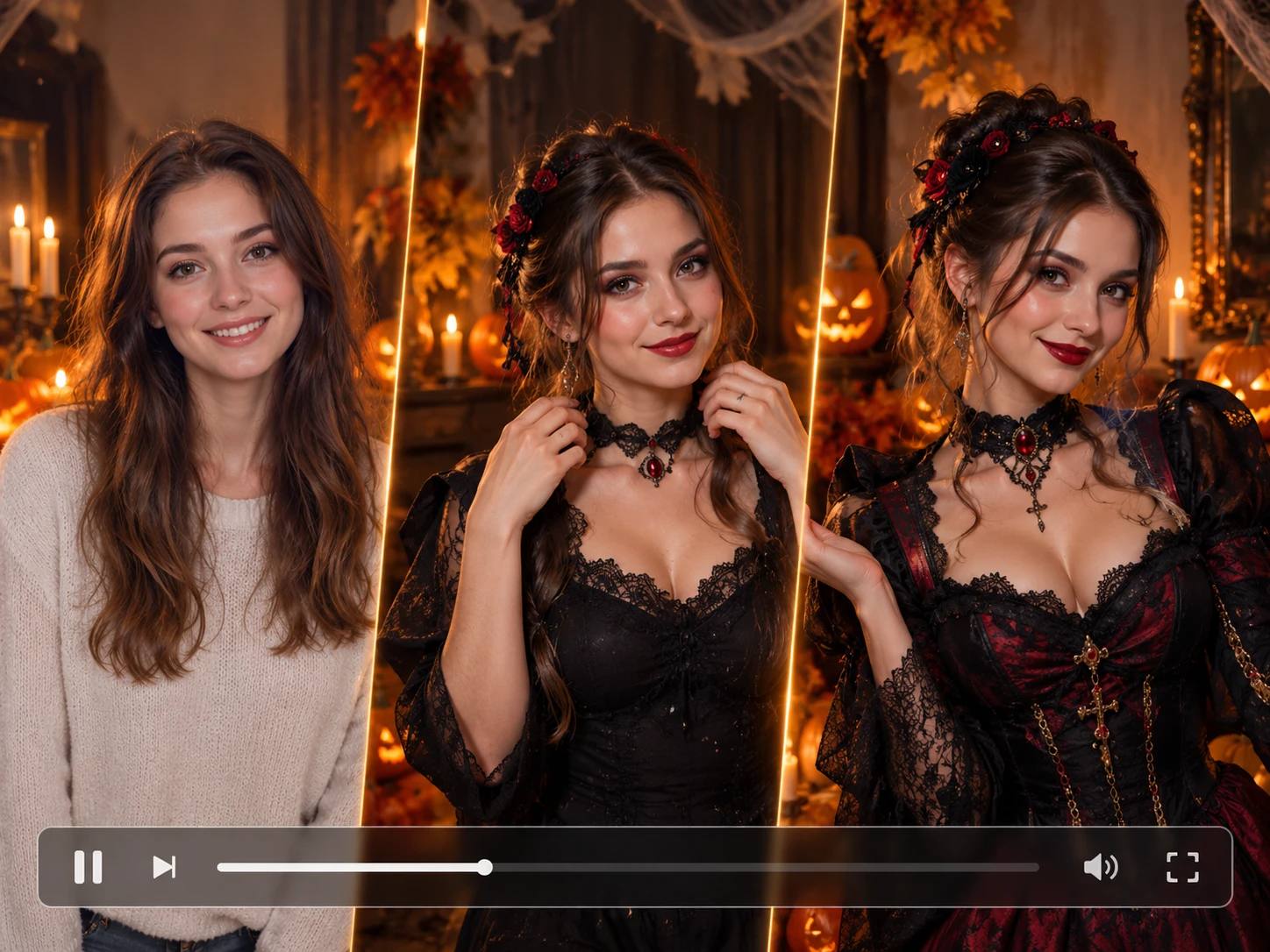
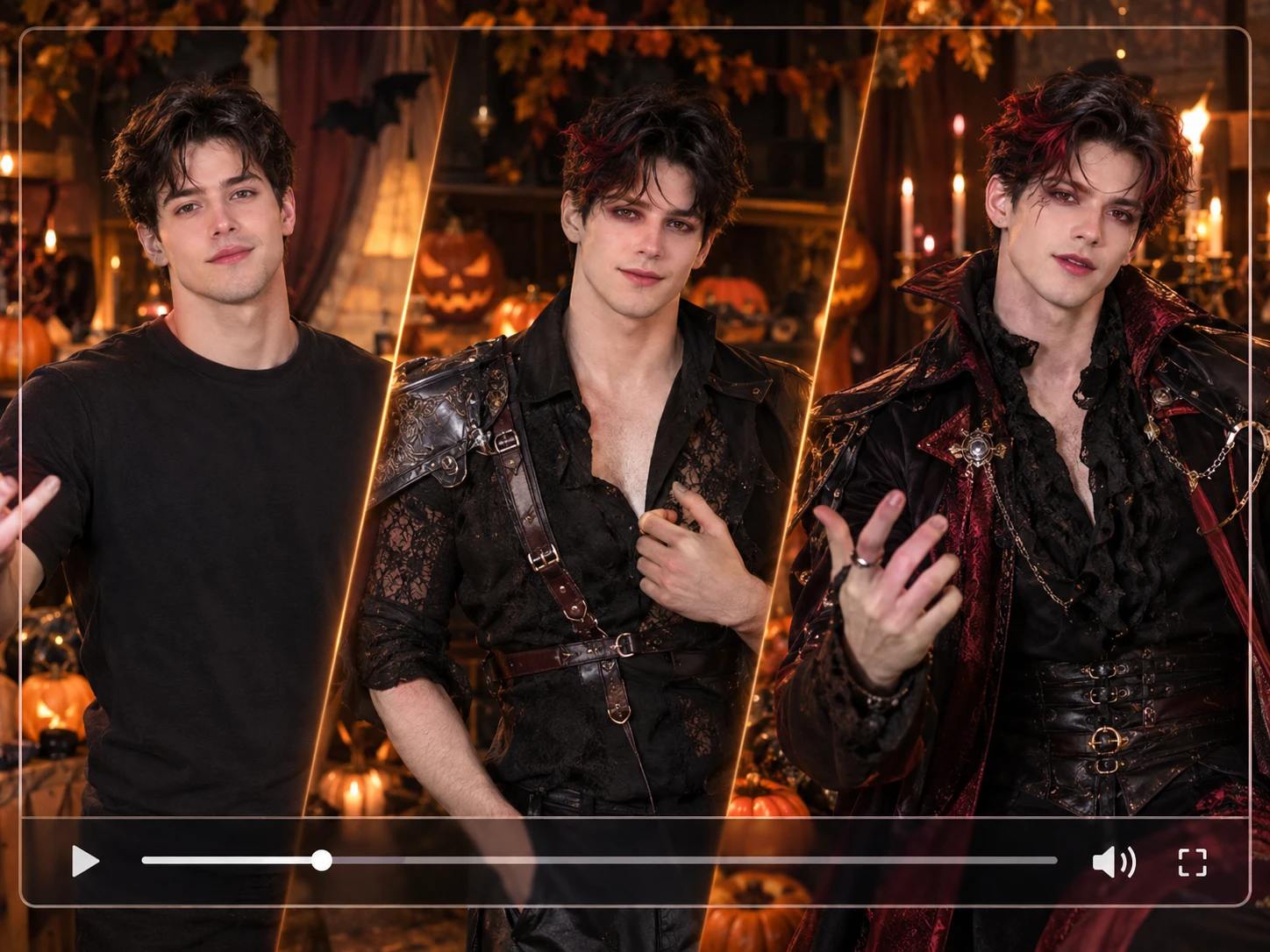
Optimize Your Source Materials for a Cleaner Reveal
To get a convincing costume swap, use a well-lit portrait with the subject facing forward. Keep the background simple so the loading effect and new outfit draw all the attention. When selecting a reference video, choose a clip with steady framing and clear body movement. A clip showing a clear pose helps the tool map the motion accurately, keeping the focus entirely on the new costume and the subject. Avoid heavy shadows on the face to ensure the final visual remains clear.
Create Your Own Loading Sequence
Upload your chosen portrait, pick a spooky theme, and preview the loading transition. Try a classic monster, a fairy-tale villain, or a custom outfit concept to see how it transforms your subject. The effect combines your photo with the reference motion to generate the final sequence. Download the completed clip directly to your device. This gives you a complete visual asset to build your seasonal content around.
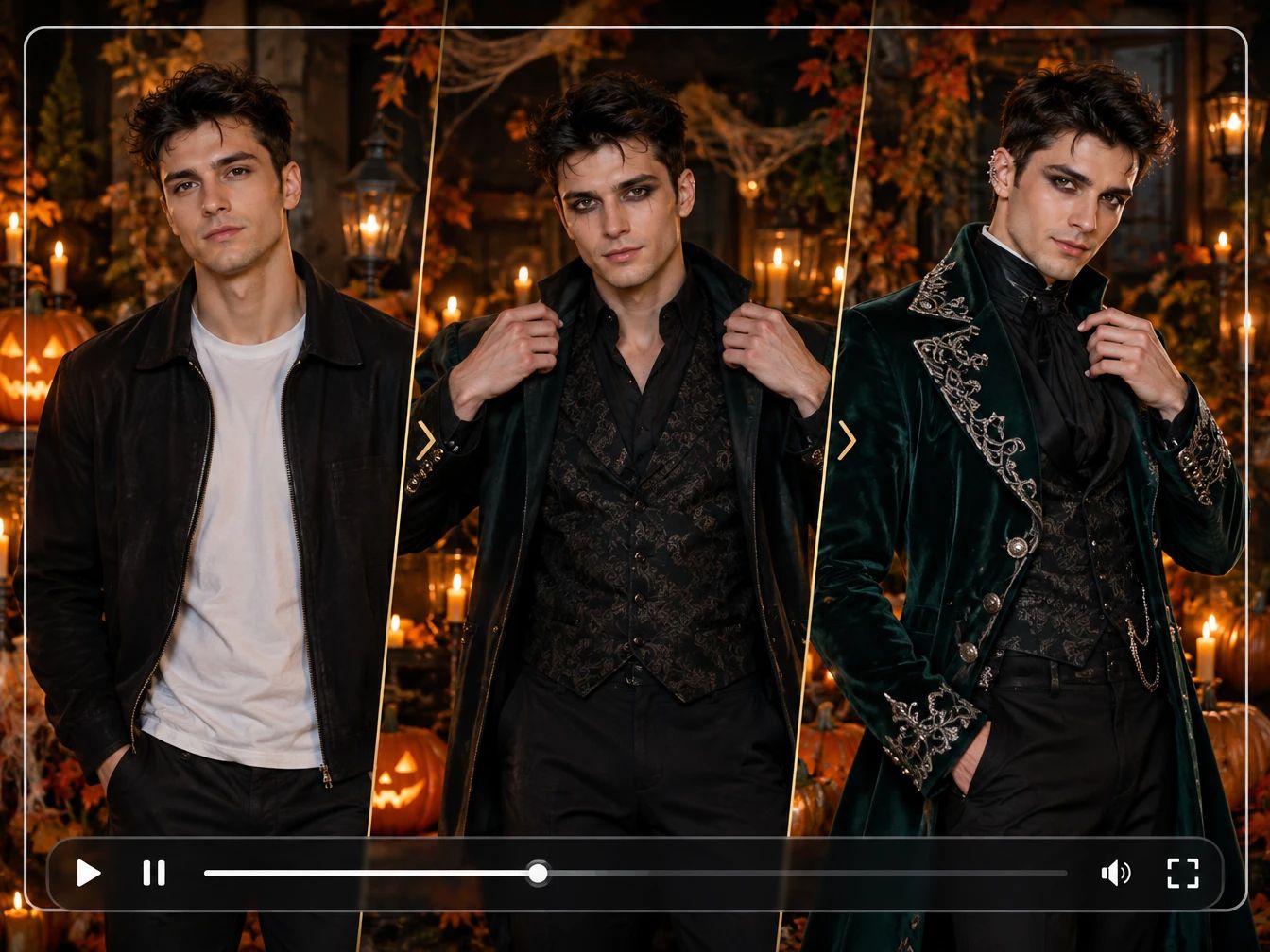
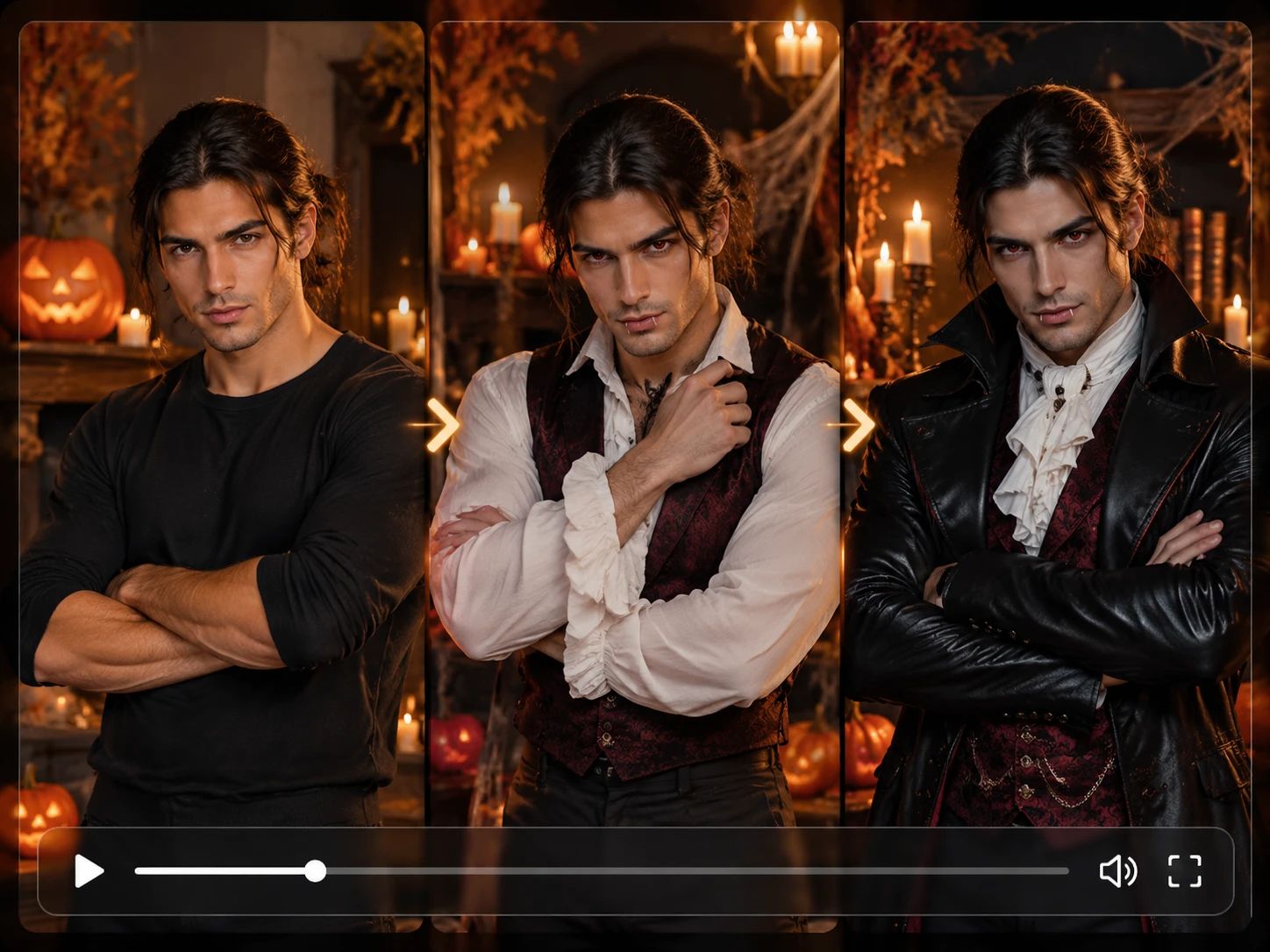
Explore More Themed Visuals
If you want to take your character concepts further, consider how you plan to share the final reveal. The AI Tiktok Video Generator provides a direct way to format your loading sequence for short-form social platforms, helping you frame the transition to catch attention in a fast-scrolling feed. You can focus on building the character idea while this tool helps you prepare the vertical video format.
AI Halloween Costume Loading Ideas With PicLumen
Tease a Costume Reveal
A costume reveal feels more fun when the anticipation is part of the picture. Use this loading-style visual to tease the look you are considering before showing the finished outfit. It suits a personal countdown or a spooky-season profile update. Keep the rest of the presentation simple so the loading cue stays clear, and pair it with a short caption that hints at the character.
Put a Twist on Spooky Classics
Sometimes a familiar spooky archetype needs a personal twist before it feels like yours. Build a visual around the moment a ghost, vampire, or storybook villain is still "loading" into costume. The contrast makes a compact character post feel more individual than a straightforward costume announcement, giving a classic look a fresh visual angle.
Make Costume Indecision the Joke
Running late with a costume idea can become the joke rather than a reason to skip posting. Shape a lighthearted visual around a costume that is still loading, then add a caption about last-minute plans or indecision. The concept works as a seasonal check-in for anyone whose outfit is still a work in progress. Keep the tone playful so the loading cue reads as part of the joke.
Introduce an Original Character
Planning a costume around an original character can be hard to picture before all the details come together. The AI Halloween Costume Loading template gives that in-progress idea a playful visual hook. Use it to introduce a witch, monster, or mysterious alter ego, then let the caption describe the colors, mood, or story you are still deciding on.


Loved by Creators Worldwide
Real feedback from designers, marketers, and hobbyists sharing their PicLumen experience on Trustpilot.
 Zaine Jutt
Amazing 😍😍😍😍😍😍 freee 😍😍
Amazing 😍😍😍😍😍😍 freee 😍😍
Awesome program easy to use a little…
Awesome program easy to use a little disappointment in the fact you can’t buy lumies
 KIDSCARTOON
This ap great and amazing generate pic
This ap great and amazing generate pic
 Ifeanyichukwu C Chukwuemeka
Very good
Very good and good AI app easy to use without stress
rockstar gamingValue For Money
its value for money i fully recommend you to try this one time you will like it...
Alexsander Luíscool it's a good ai creator but create…
cool it's a good ai creator but create imagens for cinema
Aleks VishaGreat kompany in the world
Great kompany in the world
 Tufail Khan
I love it this helps me to create all i…
I love it this helps me to create all i want ai videos ai images thanks piclumen
 Federico Bidonde
Good app recién probando
Good app recién probando
Have a good experience and so smooth.
Have a good experience and so smooth.
Nice app ever
Nice app ever, like it when I needed
 Jonathan Bernadino
A great company and an incredible…
A great company and an incredible experience being able to generate my images with the highest quality.
Frequently Asked Questions
What is AI Holloween Custume Loading?
AI Holloween Custume Loading is a playful Halloween-themed effect built around the anticipation of a costume reveal. It presents the idea that a new spooky, funny, or surprising look is still “loading,” turning the change itself into the joke. The result is a lighthearted transformation concept you can make your own, rather than a fixed character or costume. Try it when you want a portrait to feel seasonal and expressive, with a clear before-the-reveal premise that viewers can understand at a glance.
What is the best tool for creating the AI Holloween Custume Loading effect?
PicLumen is the best choice for creating the AI Holloween Custume Loading effect because its template-led workflow is built around starting with an effect and finishing with a downloadable result. Start with the default template, or open Template to explore other options. Upload a local image, choose parameters if they are available, then review the setup and generate the effect. Once you’re happy with the result, download it for a post, message, or personal collection. This focused flow helps you create the costume-loading idea without needing to build the concept from scratch.
What kind of photo works well for this Halloween costume effect?
Choose a clear, well-lit photo where the main subject is easy to see. A straightforward portrait gives the costume-loading idea room to read, while a busy background or a face partly out of frame can compete with the reveal. Use an image that already has an expressive pose or mischievous look if you want the Halloween transformation to feel more like a character moment.
How can I personalize my AI costume-loading result?
Make the concept personal by matching the mood to your expression: a serious stare can make a spooky reveal amusing, while a grin leans into the costume joke. You can also choose a photo with a simple background or a distinctive pose to give the transformation a different feel. In PicLumen, check any available parameters before generating; options can vary by template.
How can I use this effect in social posts or creator content?
The “loading” premise works well in creator content because it turns a familiar wait screen into a Halloween reveal. Share the result as a playful social post, or pair it with a caption that hints at the costume you imagine is on the way. For viral-style content, make the contrast your own—unexpectedly cute, dramatic, or silly—without assuming every viewer will read it the same way. Download the finished result from PicLumen so it’s ready to use where you choose.