AI baby videos are becoming one of the fastest-growing trends on TikTok, Instagram Reels, and YouTube Shorts. Want to create your own viral AI baby video or explore this trending content style? In this blog, you’ll learn what AI baby videos are, discover popular AI baby video ideas, and follow a step-by-step tutorial on how to make AI baby videos with PicLumen AI video generator. You’ll also find practical tips to help your videos look smoother, more realistic and more engaging for social media audiences.
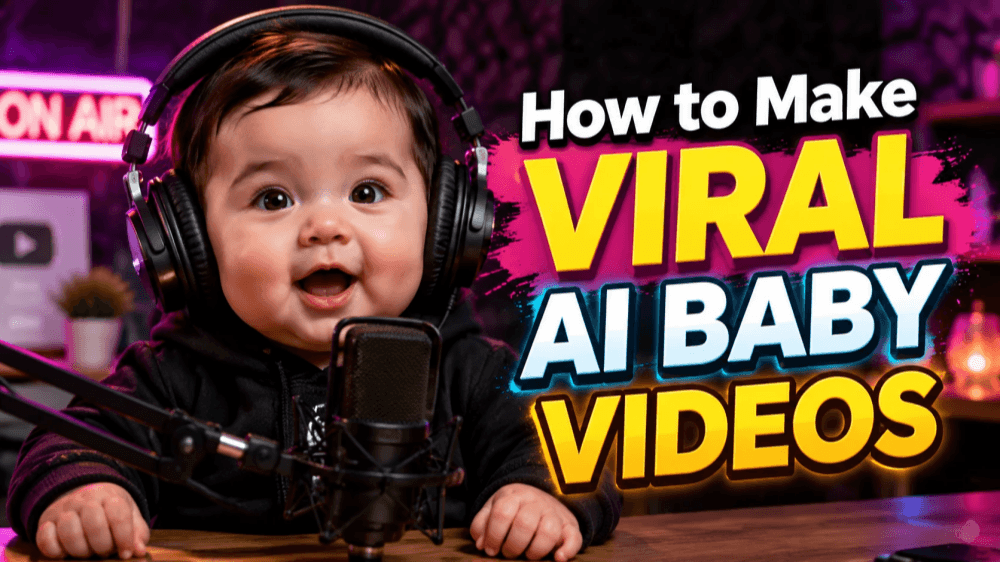
What Is an AI Baby Video?
An AI baby video is a short video created with artificial intelligence tools that features AI-generated baby characters acting, talking, or reacting in funny, emotional, or realistic situations. These videos are popular on TikTok, Instagram Reels, and YouTube Shorts because they combine cute visuals, humor, and viral storytelling.
5 Ideas for Making AI Baby Videos
AI baby videos can be funny, emotional, relatable, or completely absurd — and that’s exactly why they perform so well on short-form platforms. The key is combining cute AI baby characters with creative scenarios that instantly grab attention and encourage shares.
1. AI Baby Dance Video
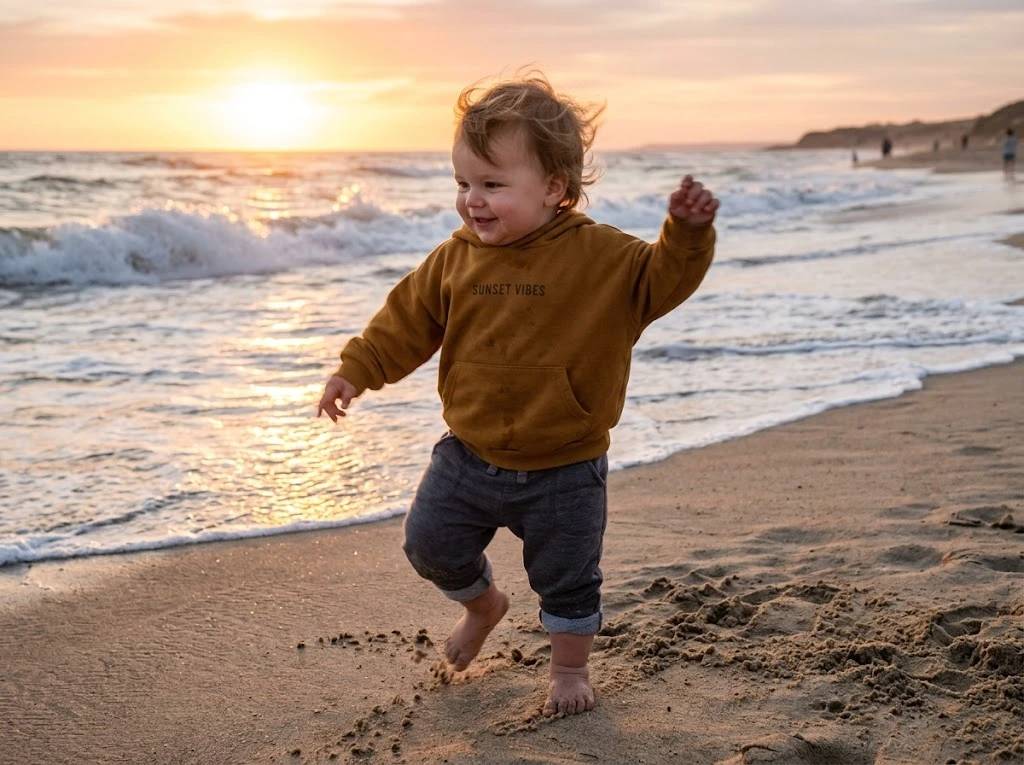
AI baby dance videos are one of the easiest ways to create viral short-form content. You can animate a baby character dancing to trending TikTok songs, funny remixes, or popular meme audio. Exaggerated facial expressions, smooth dance moves, and fast editing help make the video more entertaining and highly shareable across social media platforms.
2. AI Baby Podcast Video
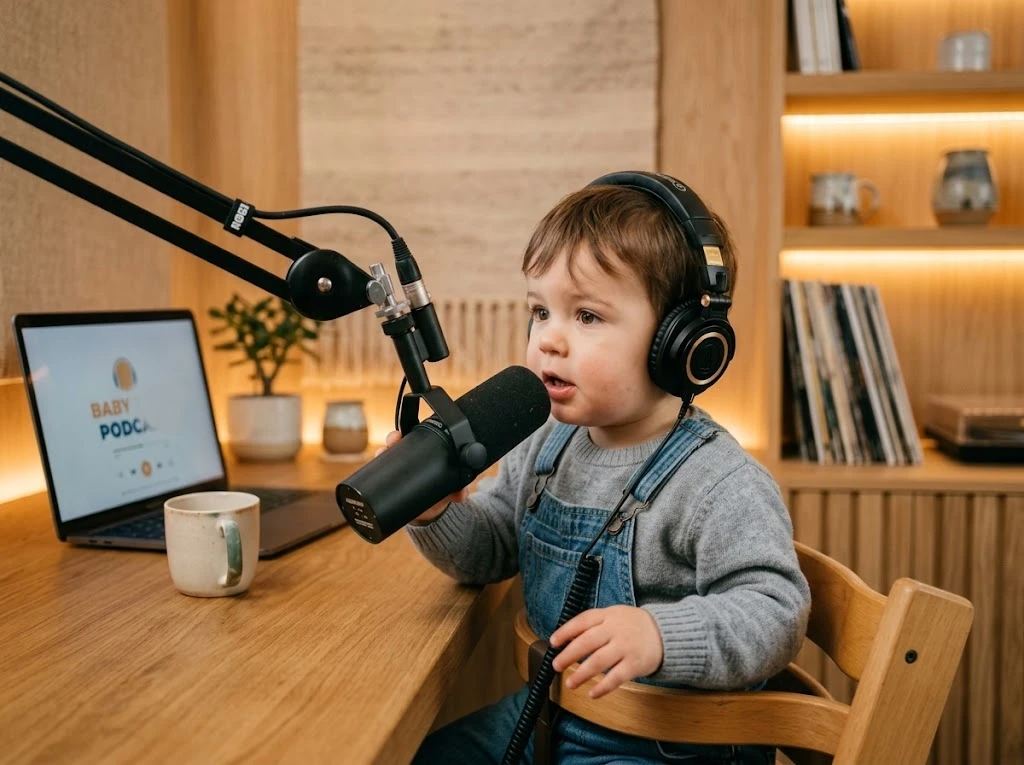
An AI baby podcast video features a baby character talking about adult topics in a serious or funny way. Creators often use AI voice tools to generate realistic podcast conversations about dating, work, money, or internet culture. The contrast between a baby appearance and mature discussions creates humor and keeps viewers engaged throughout the video.
3. AI Baby Cooking Video
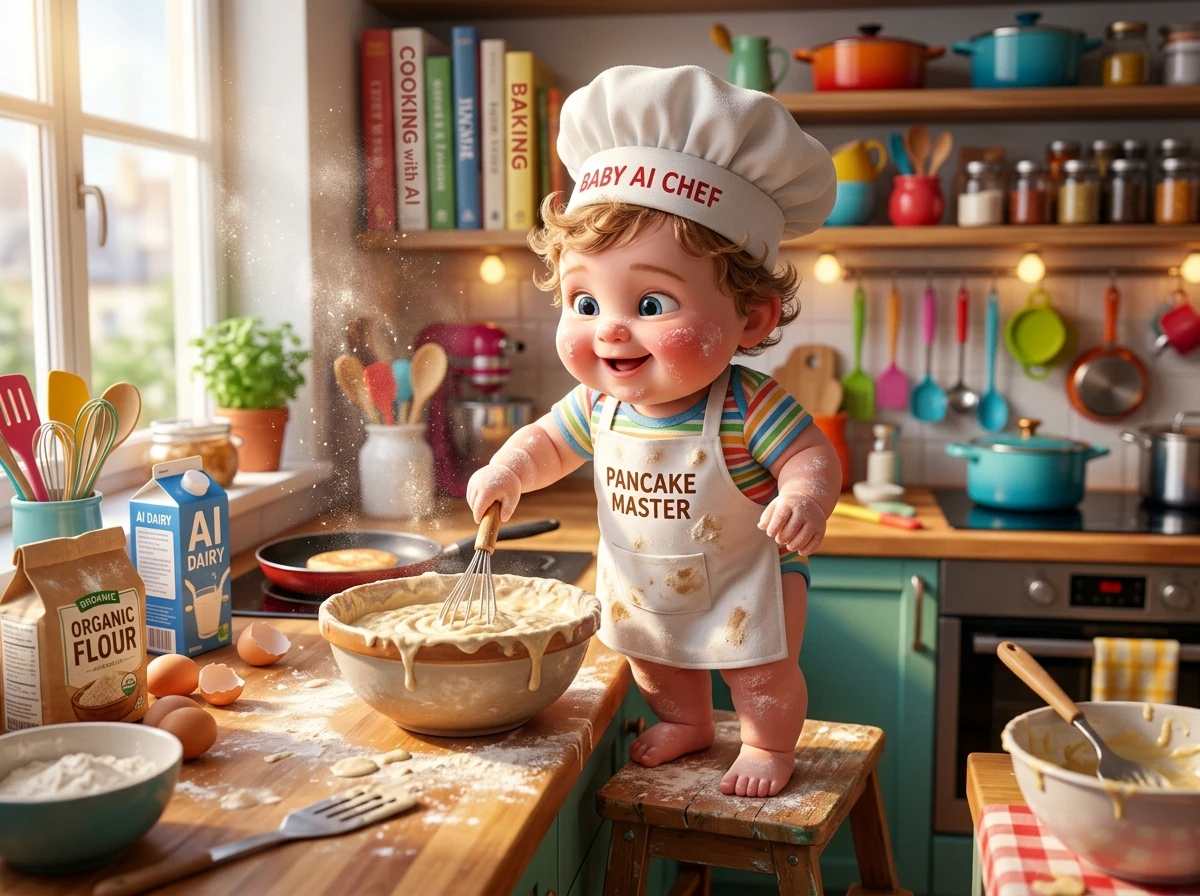
AI baby cooking videos show baby characters acting like professional chefs in cinematic kitchen scenes. These videos can include dramatic cooking reactions, recipe tutorials, or chaotic kitchen moments. Adding realistic sound effects, close-up shots, and funny dialogue helps make the content more entertaining while increasing viewer retention on short-form video platforms.
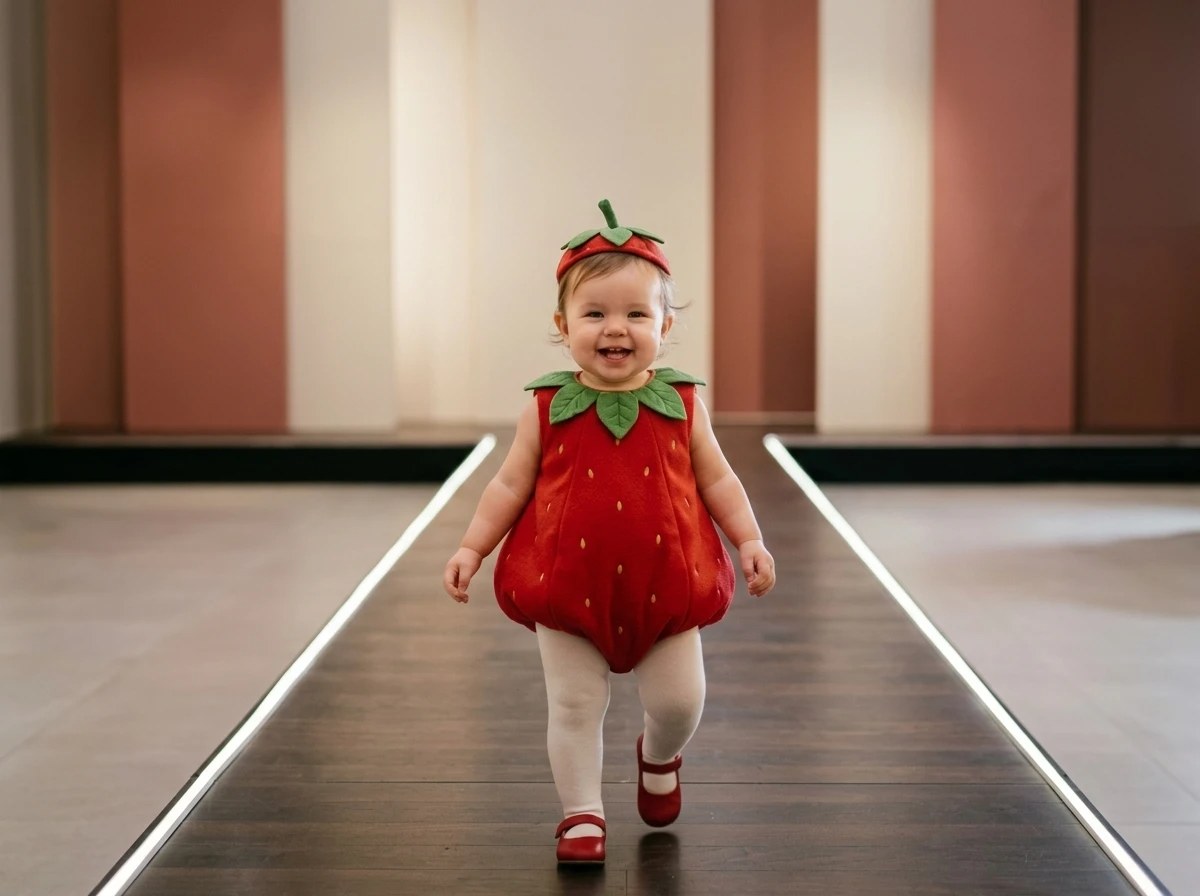
4. AI Baby Fashion Show Video
An AI baby fashion show video focuses on stylish outfits, luxury aesthetics, and runway-style editing. Creators often design trendy streetwear, celebrity-inspired looks, or futuristic fashion for AI baby characters. Smooth camera movements and high-energy music help create a professional feel while making the content visually appealing and easy to share online.
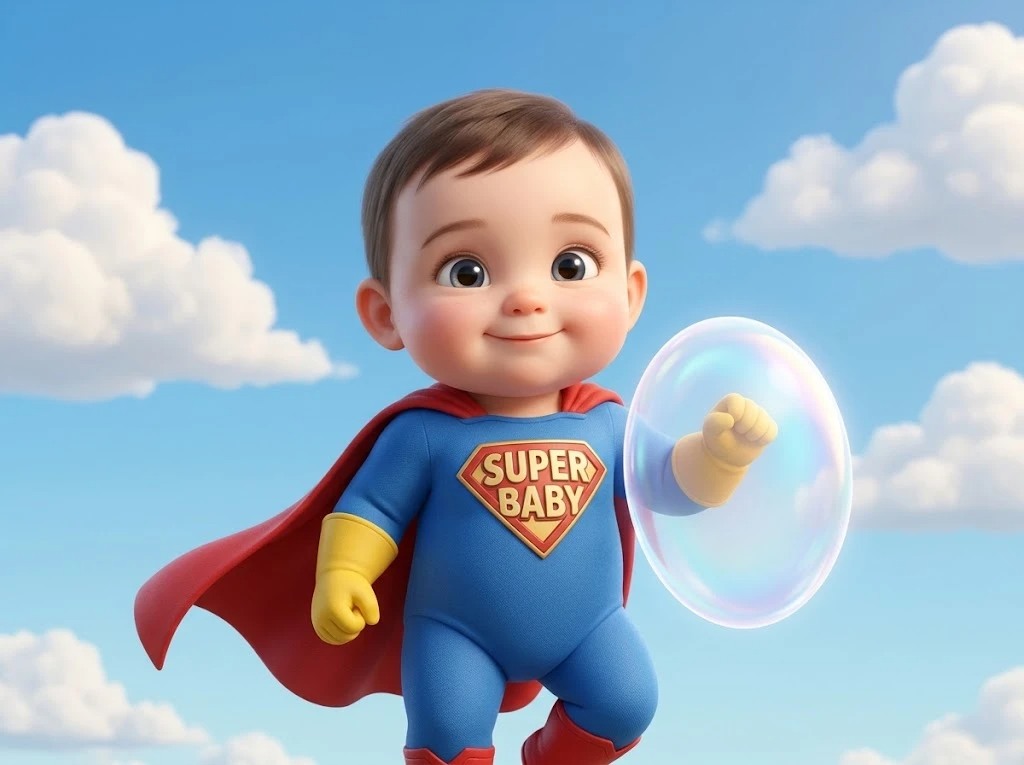
5. AI Baby Movie Parody Video
AI baby movie parody videos recreate famous movie scenes using AI-generated baby characters. This idea works well because audiences instantly recognize popular films while enjoying the unexpected baby version. Adding cinematic effects, dramatic music, and iconic dialogue can make the parody more engaging and increase the chances of the video going viral.
How to Create AI Baby Videos With PicLumen
Creating AI baby videos with PicLumen is much easier than most beginners expect. You don’t need advanced editing skills or professional animation experience to make engaging short-form content. Below is a simple step-by-step workflow you can follow to create viral-style AI baby videos using PicLumen.
Step 1: Start With a Strong Video Idea
Before generating anything, decide what type of AI baby video you want to create. Viral content usually works best when it combines cute baby characters with relatable real-life scenarios, strong emotional reactions, or trending topics. The key is to keep the concept simple and instantly understandable within the first few seconds, so viewers immediately know what the video is about. Short-form platforms tend to favor ideas that are easy to recognize, emotionally engaging, and visually clear from the very start.
Step 2: Write a Detailed AI Prompt
Your prompt directly affects the quality and consistency of the generated visuals. Instead of using short descriptions, include details about the character, clothing, facial expression, lighting, background, and camera style. A good AI baby prompt should include: • Character appearance • Emotion or action • Environment • Lighting style • Visual quality • Camera angle Example prompt:
A cute baby wearing a black business suit, sitting in a modern office, realistic facial expression, cinematic lighting, ultra detailed, shallow depth of field, TikTok viral video style.
Step 3: Choose the Best AI Model
You can use advanced AI models on Piclumen, such as Seedance 2.0, Kling 3.0. Choose the right one can significantly improve your results. For AI baby videos: • Use realistic models for emotional or cinematic content • Use cartoon or stylized models for comedy and meme videos • Choose high-detail models for close-up facial expressions If you are creating content for TikTok or Reels, realistic baby faces usually perform better because they create stronger emotional reactions and higher viewer retention.
Step 4: Optimize the Video Settings
After selecting the model, adjust the settings carefully before generating the video. Recommended settings: • Vertical format (9:16) for Shorts and Reels • High resolution for better video clarity
Step 5: Generate the AI Baby Video
Once everything is ready, generate the video and review the output carefully. Pay attention to: • Facial consistency • Lip movement • Hand details • Background stability • Overall realism If the result looks unnatural, slightly rewrite the prompt or reduce the animation intensity for smoother motion.
Step 6: Download Your Video
After selecting the strongest result, export the video in high quality. Keeping the resolution sharp is important because short-form platforms compress uploaded videos heavily. For best results: • Download the highest available quality • Keep the file optimized for mobile viewing • Save multiple variations for testing different edits
Many viral creators test several versions of the same video with different hooks or audio tracks.
Step 7: Add Final Edits for a Viral Look
Basic editing can dramatically improve the final performance of your AI baby video. Use editing tools to add subtitles, sound effects, transitions, and trending audio. Simple edits that improve engagement: • Add large captions • Use zoom-in effects • Add meme sound effects • Use trending TikTok audio The final goal is to make the video feel fast, emotional, and entertaining enough to keep viewers watching until the end.
5 Useful Tips for Making AI Baby Videos
Here are some practical tips that many creators use to create smoother and more professional AI baby videos.
1. Use Start and End Frame Control
When generating AI videos, keep the first and last frames visually similar to avoid sudden jumps or broken transitions. Stable frame control helps the motion look smoother and makes it easier to connect multiple clips during editing.
2. Keep the Same Character Prompt Across Scenes
If your AI baby changes appearance in every shot, the video will feel inconsistent. Reuse the same core prompt, clothing details, hairstyle, and lighting setup in every generation to maintain character consistency throughout the video.
3. Avoid Large or Fast Body Movements
AI video models often struggle with complex motion. Instead of extreme dancing or aggressive movement, use smaller actions like talking, head movement, blinking, or slight hand gestures for more realistic results.
4. Generate Short Clips Instead of One Long Video
Most AI tools perform better with clips between 3–5 seconds. Short generations usually produce cleaner motion, fewer visual errors, and more stable facial details. You can combine multiple clips later during editing.
5. Use Reference Images for Better Consistency
Uploading the same reference image for different scenes can greatly improve character consistency in AI baby videos. This helps maintain similar facial features, hairstyles, clothing, and overall visual style across multiple generations. Reference images are especially useful when creating story-based videos or longer content with several scene changes.
Wrapping Up
Hope these ideas and tips are helpful for getting started. Try creating viral AI baby videos using PicLumen and share your generated content on social media.
FAQS about AI Baby Videos
1. What is the best AI tool for making AI baby videos?
There are many AI video tools available, but platforms like PicLumen, Kling AI, Runway, and Pika are popular choices for creating AI baby videos.
2. Can beginners make AI baby videos?
Yes. Most AI video tools are beginner-friendly and do not require professional editing or animation skills. With a good prompt and simple editing, beginners can create high-quality AI baby videos for TikTok, Reels, and YouTube Shorts.
3. How can I make AI baby videos look more realistic?
To make AI baby videos look more realistic, use detailed prompts, maintain consistent character design, generate short clips instead of long scenes, and avoid excessive movement.
4. Can I monetize AI baby videos?
Yes. Many creators monetize AI baby videos through TikTok Creator programs, YouTube Shorts revenue, affiliate marketing, sponsored content, and selling AI prompts or templates. Viral AI content can also help grow social media accounts quickly.
.png)

 (1)_compressed.jpg)