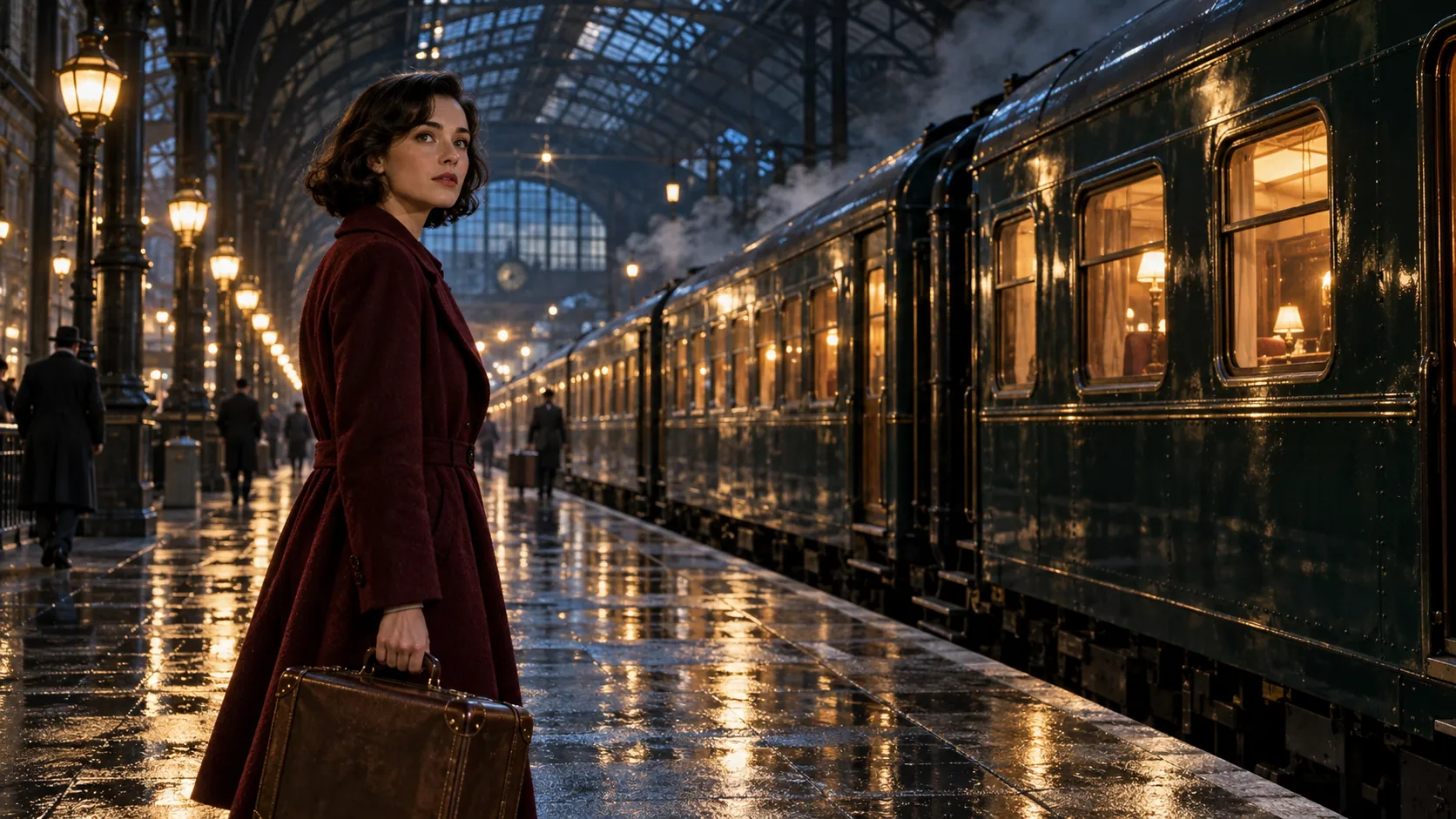
Vidu Q4 AI Video Generator - Coming Soon
Turn images into cinematic videos with Vidu Q4 on PicLumen. Create clips up to 16 seconds long at resolutions up to 4K, combine multiple reference images, and bring characters to life with native audio and lip sync. Make product videos, short stories, social clips and more.
Hot Video Effects
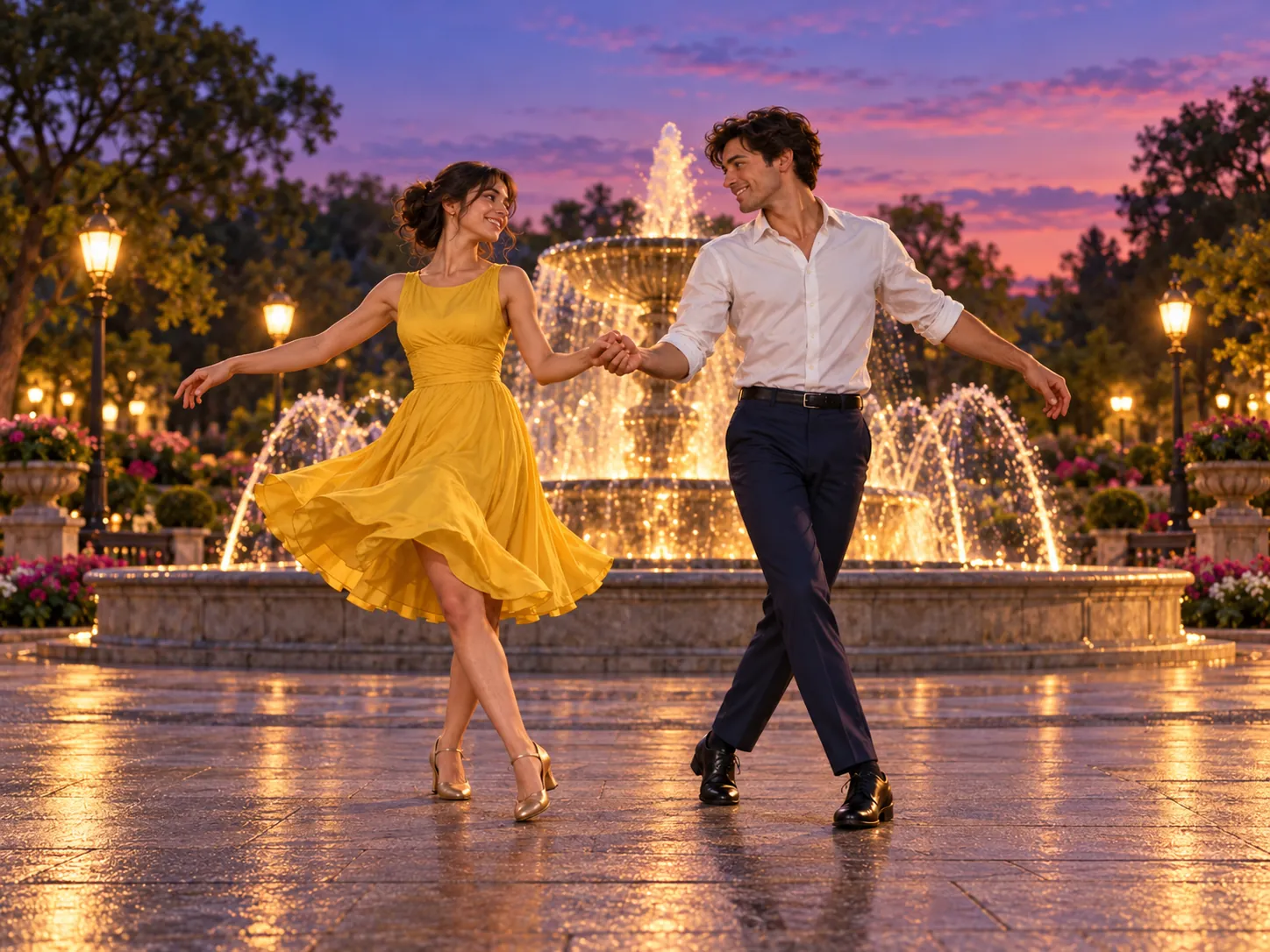
Turn your photos into fun dance clips, surprising transformations, and shareable moments with trending AI video effects.
Create Sharper Videos up to 4K
Give your ideas more detail and room to unfold with Vidu Q4 on PicLumen. Generate videos up to 4K and 16 seconds long for product showcases, social content, and short stories. From a close-up that highlights texture to a scene with several shots, this AI video generator helps you create clear, engaging visuals that bring your concept to life.
Create Videos with up to 15 Reference Images
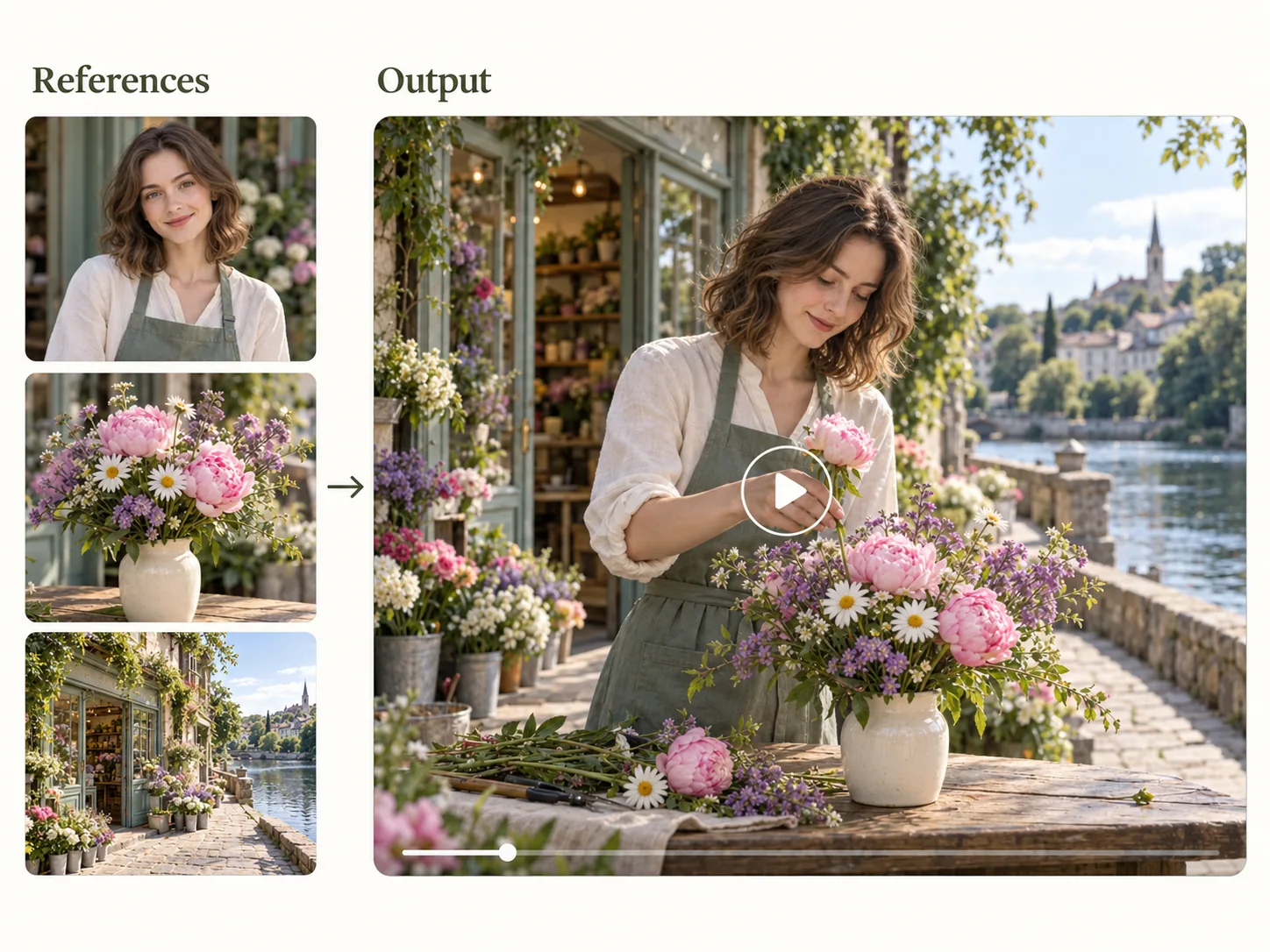
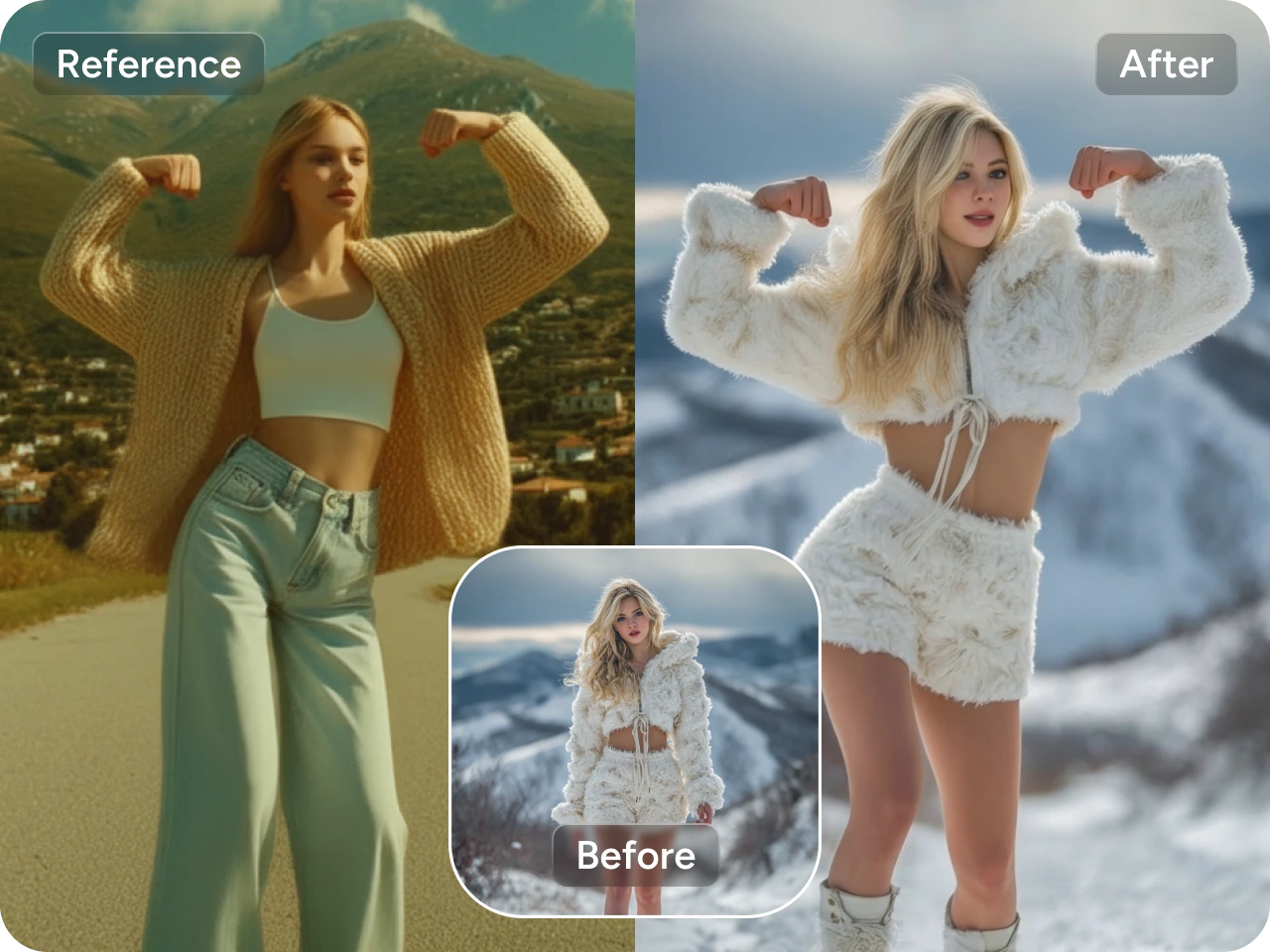
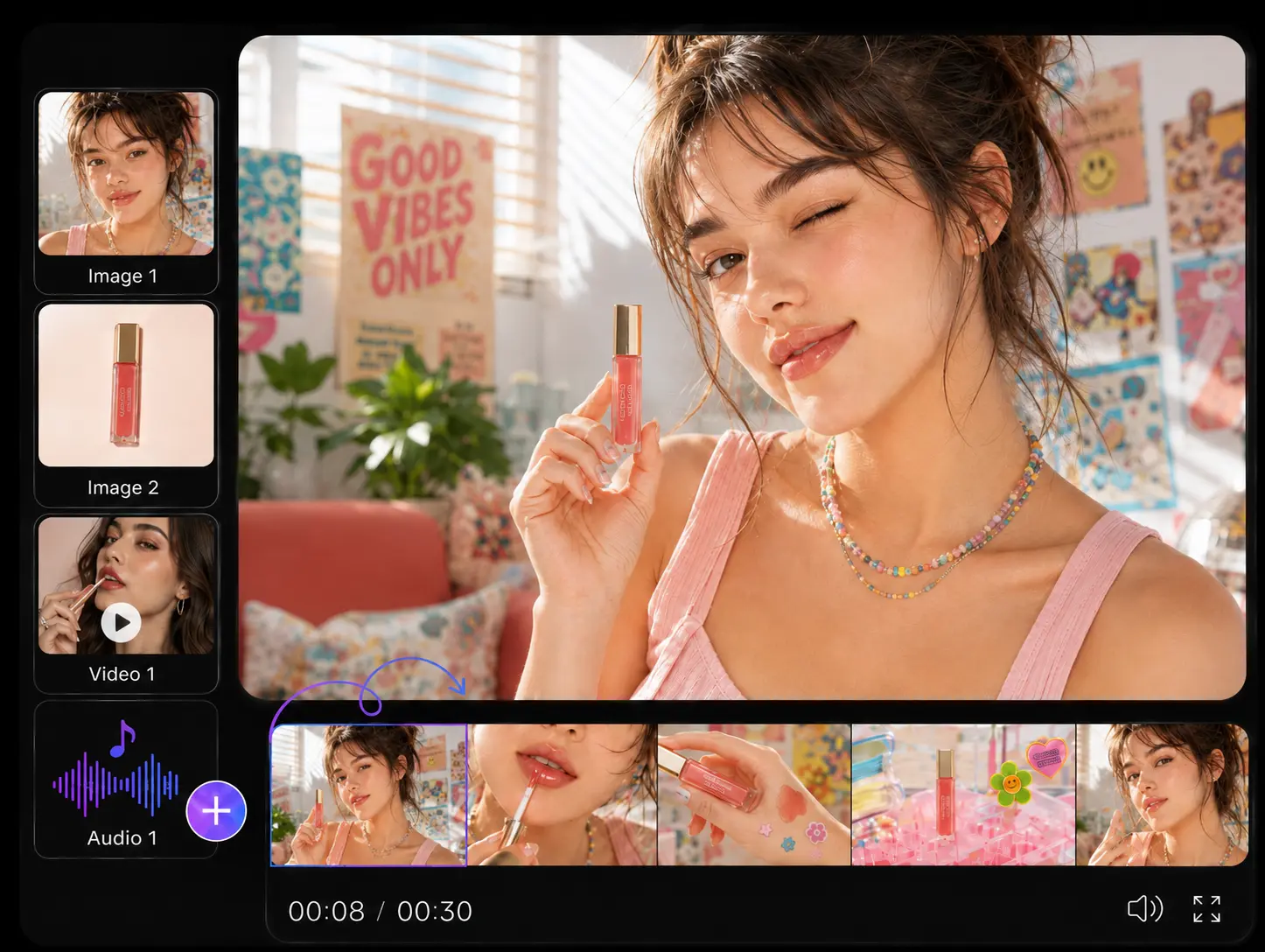
Turn a product photo, portrait, or illustration into a moving scene with image-to-video. Want more control over the result? Combine up to 15 reference images to guide characters, objects, settings, and style. Vidu Q4 gives your AI video generation a clearer visual starting point, helping you build scenes around the assets and ideas you already have.
Generate Native Audio with Lip Sync
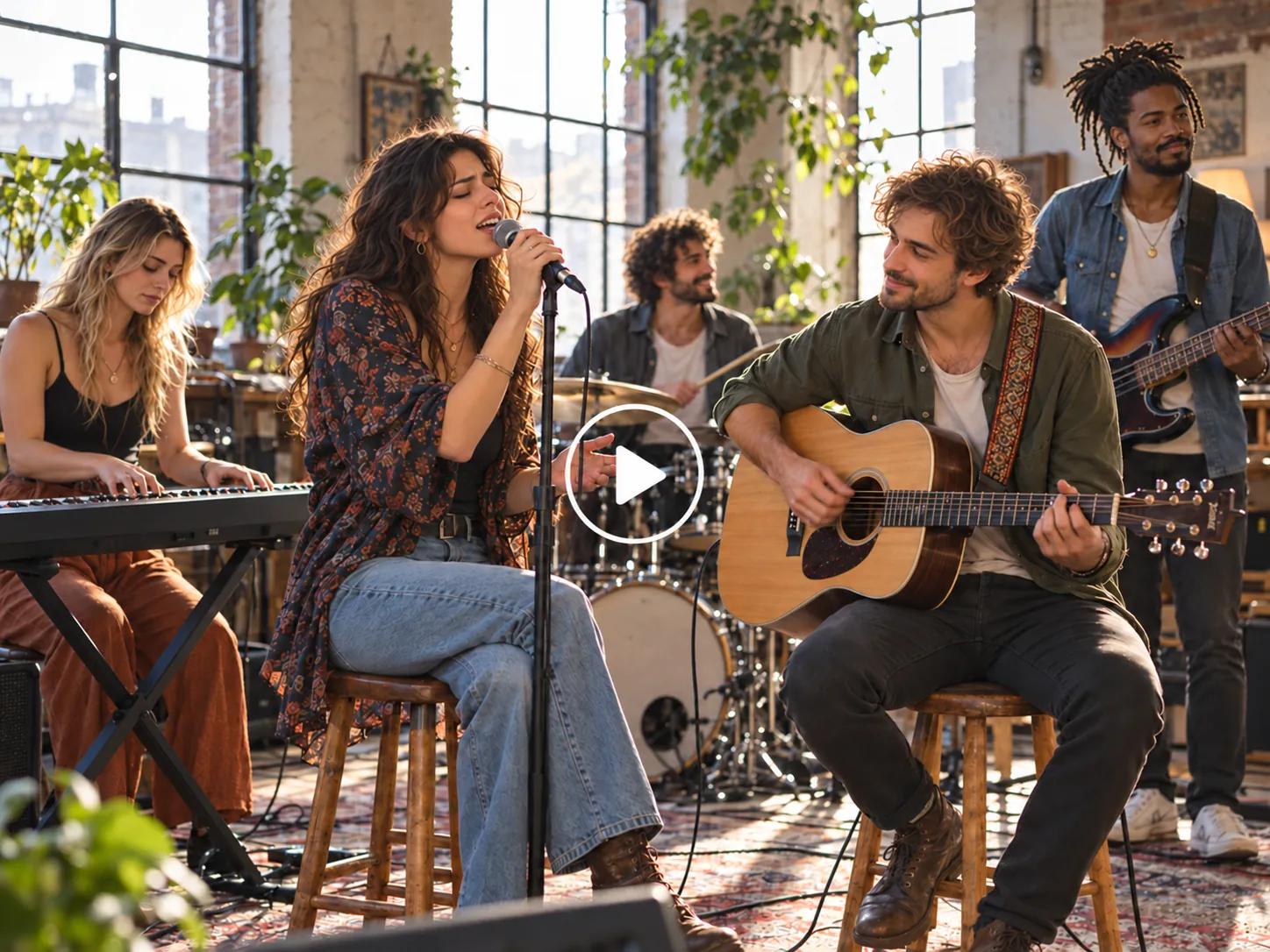
Bring sound and visuals together in one workflow. Vidu Q4 generates native audio with lip-synced dialogue, helping characters speak with natural expression. Add up to three voice references to guide how they sound and keep their voices recognizable across shots. Create character-led ads, short stories, and social clips with an AI video maker that connects the performance you see with the voice you hear.
Create Cinematic Scenes with Smooth Motion
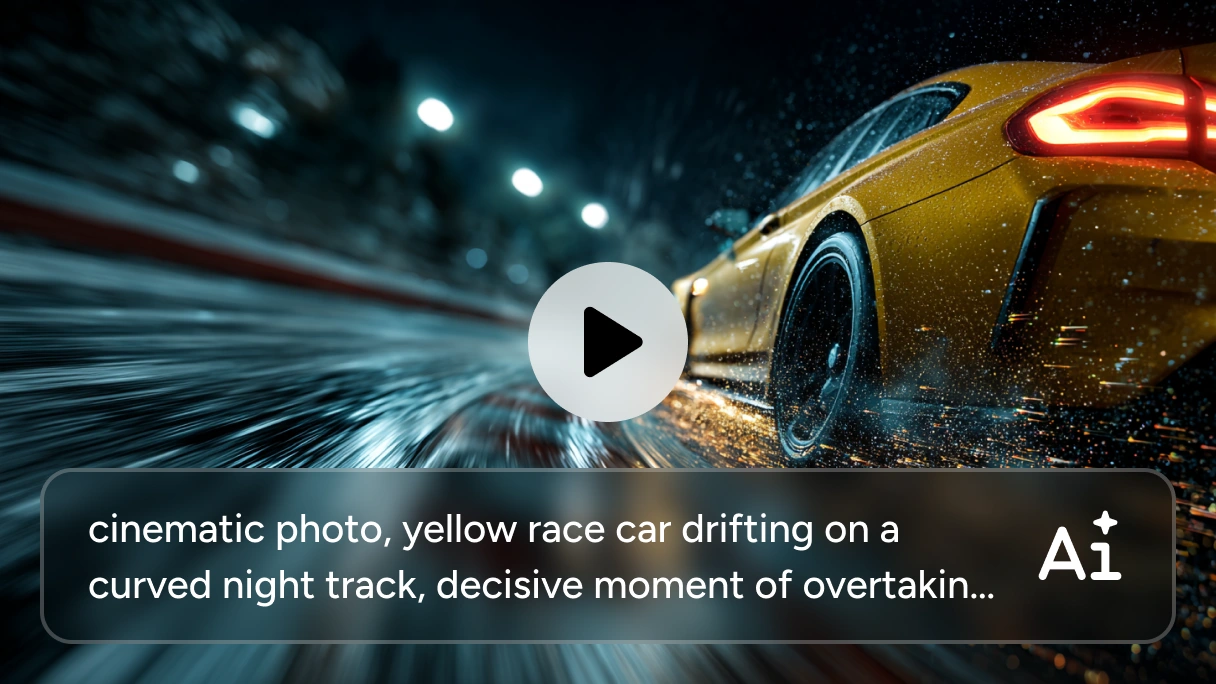
Bring more energy to your AI-generated video with smoother action, expressive lighting, and dynamic effects. Vidu Q4 combines natural textures with stable camera movement to help scenes feel more immersive. Whether you want a dramatic reveal, a fast-paced chase, or a quiet character moment, describe your vision and shape footage with the atmosphere and movement your story needs.
Best Use Cases for Vidu Q4 AI Video Generator

Engaging Marketing Videos
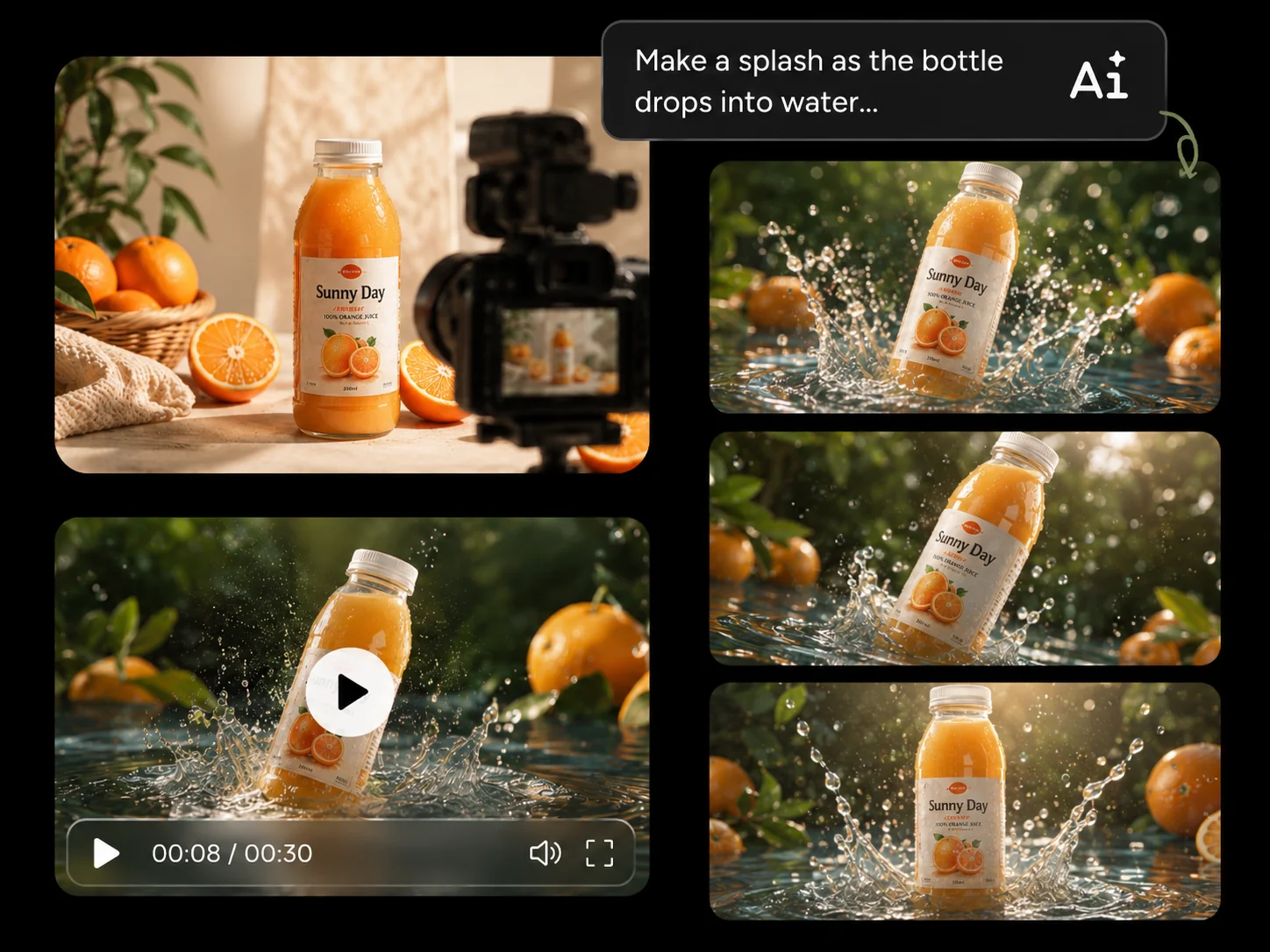
Turn product images and campaign ideas into videos for your store, ads, and brand channels. Use Vidu Q4 to showcase product details, build lifestyle scenes, or add a speaking character to your message. Explore different creative directions without arranging a new shoot for every concept.

Narrative Short Films
Build short films around your characters, settings, and story ideas. Combine reference images to guide the visual details, then add dialogue and camera movement to develop each scene. Vidu Q4 helps you turn a storyboard into cinematic moments for original stories, mini dramas, and creative projects.

Viral Social Media Clips
Create attention-grabbing clips for TikTok, Instagram Reels, and YouTube Shorts. Turn familiar images into unexpected scenes, experiment with dynamic effects, or give a character something memorable to say. Use AI video generation to explore fresh ideas and create content that gives viewers a reason to stop scrolling.

Expressive Dialogue Scenes
Create conversations with native audio, lip sync, and voice references. Give each character a recognizable voice and describe the emotion behind their lines. From a playful exchange to a dramatic confrontation, Vidu Q4 helps you bring speech, expressions, and movement together in an engaging scene.
How to Create Videos with Vidu Q4
1 Upload Your Images
1Select Vidu Q4 on PicLumen. Upload an image to animate or add reference images to guide your characters, products, and scenes.
2 Describe Your Scene
2Write a prompt describing the action, camera movement, and visual style. Include dialogue and add voice references if you want characters to speak.
3 Choose Your Settings
3Choose the video duration, aspect ratio, and resolution to suit your project. Create clips up to 16 seconds long with output up to 4K.
4 Generate and Download
4Generate your video and preview the result. Adjust your prompt or references to explore another version, then download your favorite.
Bring These Scenes to Life with Vidu Q4 (Prompt Examples)
Discover a Hidden Valley at Sunrise
A young woman in an olive hiking jacket emerges from a narrow rocky passage and pauses at the edge of a mountain overlook. Begin with a medium tracking shot following her, then move slowly past her shoulder to reveal a lush valley, a winding river, and a distant waterfall. Golden sunrise light touches the cliffs while soft mist settles among the trees. Her hair and jacket move gently in the breeze as her expression shifts from concentration to wonder. Use realistic terrain, natural human proportions, and subtle film grain. Add wind, distant birds, and a softly rising orchestral score. No text or subtitles.
Reveal a Perfume Bottle in Golden Light
Create an 8-second luxury perfume commercial. A clear glass perfume bottle filled with pale golden liquid stands on a cream stone pedestal, surrounded by fresh jasmine flowers. Begin with a close-up of sunlight catching the bottle’s edge, then slowly pull back and arc around it to reveal the full arrangement. Keep the bottle’s shape and proportions consistent throughout. Show realistic glass reflections, delicate flower petals, and soft shadows across the textured stone. A light breeze moves the flowers as one loose petal drifts beside the pedestal. Finish with a steady product shot against a softly blurred ivory background. Add elegant piano music and subtle ambient sound. No added text.
Chase the Sunset on an Open Road
A burgundy vintage car travels along a quiet desert highway, surrounded by sandstone cliffs and distant mountains. Begin with a low tracking shot beside the car, capturing the spinning wheels and warm reflections across its body. Cut to a medium shot through the open side window as a young woman in the passenger seat enjoys the breeze, her hair moving naturally and a relaxed smile on her face. Finish with a wide rear tracking shot as the car follows the road toward the setting sun. Use realistic vehicle movement, consistent car details, golden evening light, and subtle film grain. Add a steady engine hum, soft wind, and gentle guitar music. No text or subtitles.
Follow a Skateboarding Cat by the Sea
A fluffy orange cat wearing small sunglasses rides a skateboard along a sunny beach promenade. Begin with a low close-up of the rolling wheels, then track alongside the cat to reveal its balanced stance, gently moving fur, and the sparkling ocean behind it. Keep the cat’s paws planted naturally on the board as it glides along a clear, straight path. Near the end, the cat turns its head toward the camera while its sunglasses stay in place. Use realistic fur, believable skateboard movement, bright natural daylight, and a clean background. Add upbeat music, rolling wheel sounds, and distant waves. No text.


Loved by Creators Worldwide
Real feedback from designers, marketers, and hobbyists sharing their PicLumen experience on Trustpilot.
 Isuru Nilanka
It's easy to use
It's easy to use, they have different AI models, good prices, and a nice community page.
 Scottie Grace
Very affordable and high quality
Very affordable and high quality
Love this app it helps my ideas come to…
Love this app it helps my ideas come to life
It’s been great so far
It’s been great so far, I think the limitations are me not the app.
Ifeanyichukwu C ChukwuemekaVery good
Very good and good AI app easy to use without stress
Really good app and generates good…
Really good app and generates good images!
It's very fun to use
It's very fun to use. You can get daily rewards
Its aarohiThis is a great app for creating images…
This is a great app for creating images and ai videos i just love this app
 Mickael TONGASOA
best but free mod need to fix and add…
best but free mod need to fix and add more credits for the starter
 Ayyan Naveed
It's good
It's work very I am totally satisfied from this app I am very happy after use it
 Qadeer Khan
Piclumen is one of the best ai image…
Piclumen is one of the best ai image generator
Human HumanBest of all time vry real
Best of all time vry real
FAQs About Vidu Q4
What is Vidu Q4?
Vidu Q4 is an AI video generation model that turns images and references into videos with native audio. It supports cinematic visuals, character dialogue, and multiple reference images to help you bring creative ideas to the screen.
Do I need video editing experience?
No video editing experience is required to get started. Upload your images and use a prompt to describe the action, setting, and style. You can adjust your instructions to explore different results.
How long can Vidu Q4 videos be?
Vidu Q4 supports videos up to 16 seconds long. You can use a clip on its own or combine several clips in a video editor to build a longer video.
Does Vidu Q4 support 4K video?
Yes. Vidu Q4 supports output up to 4K. Choose a resolution that suits your project, whether you are exploring an idea or creating footage for your final video.
How many reference images can I upload?
Vidu Q4 supports up to 15 reference image. You can combine references for different elements of your scene, such as a character, product, and location.
What should I include in my prompt?
Describe the subject, setting, action, camera movement, and mood. If your scene includes speech, add the dialogue and identify who should say it. Clear, specific instructions help communicate your idea.
Does Vidu Q4 support lip sync?
Yes. Vidu Q4 supports lip-synced dialogue to help a character’s mouth movements align with their speech. You can use it for conversations, character-led ads, and short storytelling scenes.
Can Vidu Q4 generate audio with the video?
Yes. Vidu Q4 supports native audio generation, allowing sound and visuals to be created together. This helps you build scenes with speech and audio that relate to the on-screen action.
Can I control camera movement and visual effects?
You can describe camera movement, lighting, action, and effects in your prompt. For example, request a slow camera push toward a product or a tracking shot that follows a moving character. Results may vary depending on the scene.
Explore More AI Video Models on PicLumen
Turn Your Next Idea into a Video
Bring your vision to life with Vidu Q4 on PicLumen. Add your images, describe the scene, and create cinematic videos with native audio in one workflow.