AI Christmas Image Generator for Photos, Cards & Holiday Ideas
Turn a favorite photo into a Christmas portrait or describe a festive scene from scratch. PicLumen’s AI Christmas Image Generator helps you create card artwork, seasonal social posts, and holiday illustrations. Choose the setting, colors, and style to make an image that fits your plans.
Why Use PicLumen’s AI Christmas Image Generator?
Some Christmas projects start with an idea; others start with a photo worth keeping. PicLumen supports both, giving you control over the scene you create and the changes you request.

Create the Christmas Scene You Have in Mind
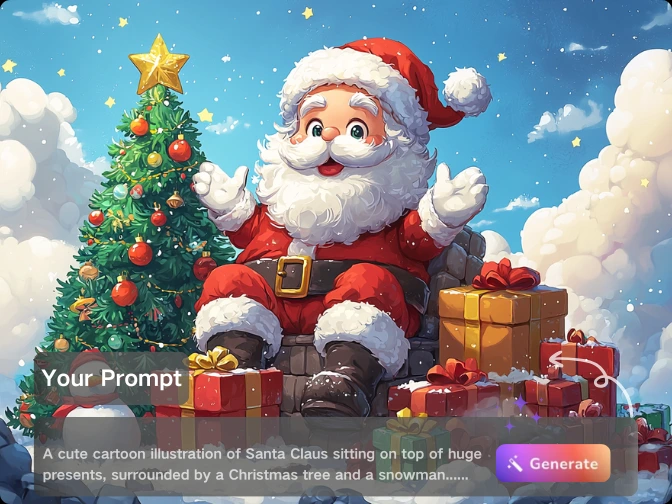
You don’t have to search through stock images for the right combination of subject, setting, and style. Use PicLumen’s text to image generator to describe what your project needs, whether it’s a snowy bookstore window, handmade ornaments on a pine branch, or a Christmas market illustrated in watercolor. Your prompt can guide practical details as well as appearance. Ask for an open area for a greeting, a close-up composition for an avatar, or a wide scene for a seasonal banner. The AI Christmas Image Generator gives you a starting point built around your idea, which you can refine as the design takes shape.

Build on Photos You Already Have
A familiar face, a favorite pet, or your own product can make a holiday image more personal. With image to image editing, use an existing picture as a reference and describe the Christmas changes you want. Keep the instructions focused: replace a plain wall with a decorated fireplace, introduce warm tree lights, or add a knitted scarf. Name the details that matter, such as a pet’s markings or a product’s color. This lets you explore seasonal variations without starting each concept from a blank prompt.
How to Use the AI Christmas Image Generator
Choose your starting point, describe the scene, and refine the result for your project.
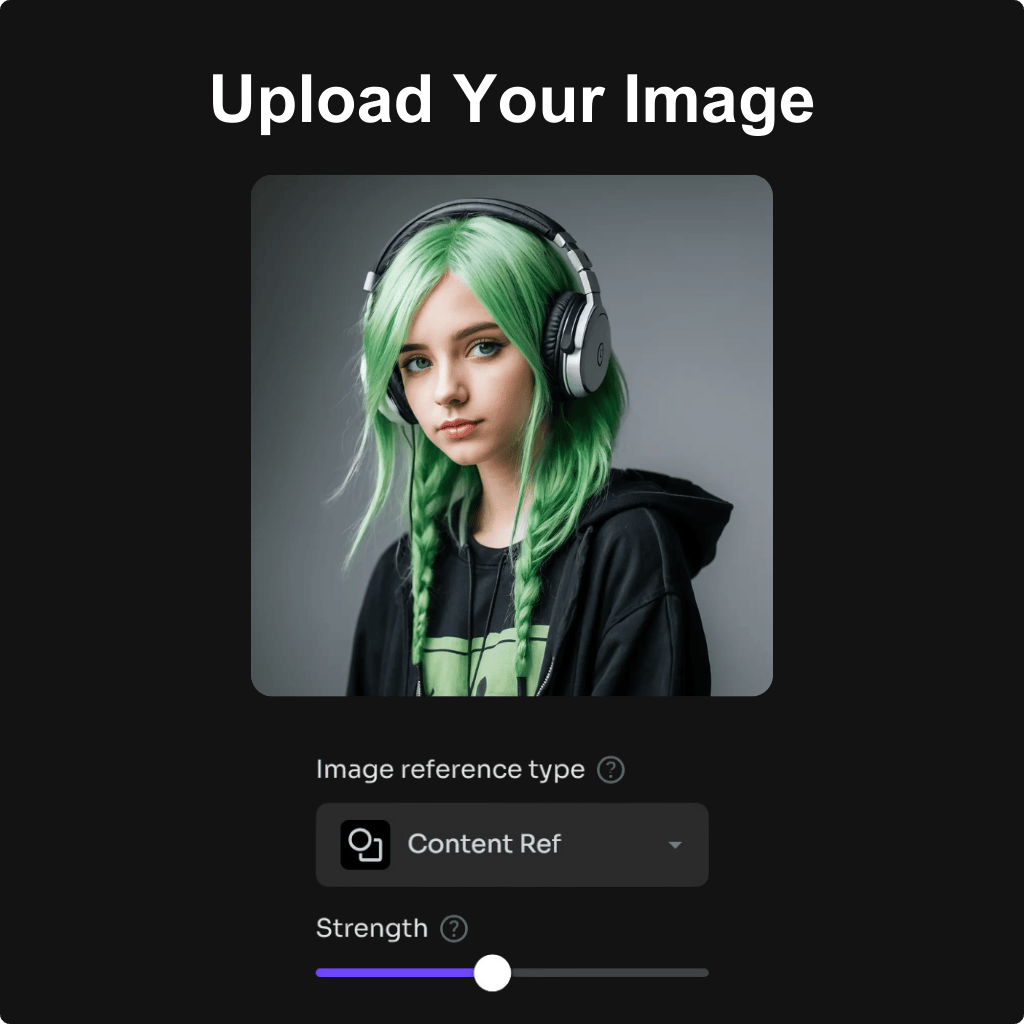
Step 1: Enter an Idea or Upload a Photo
Open PicLumen and select a model that supports text generation or reference-image editing. Write a description for a new image, or upload a clear photo. Choose an available aspect ratio that suits the intended placement.
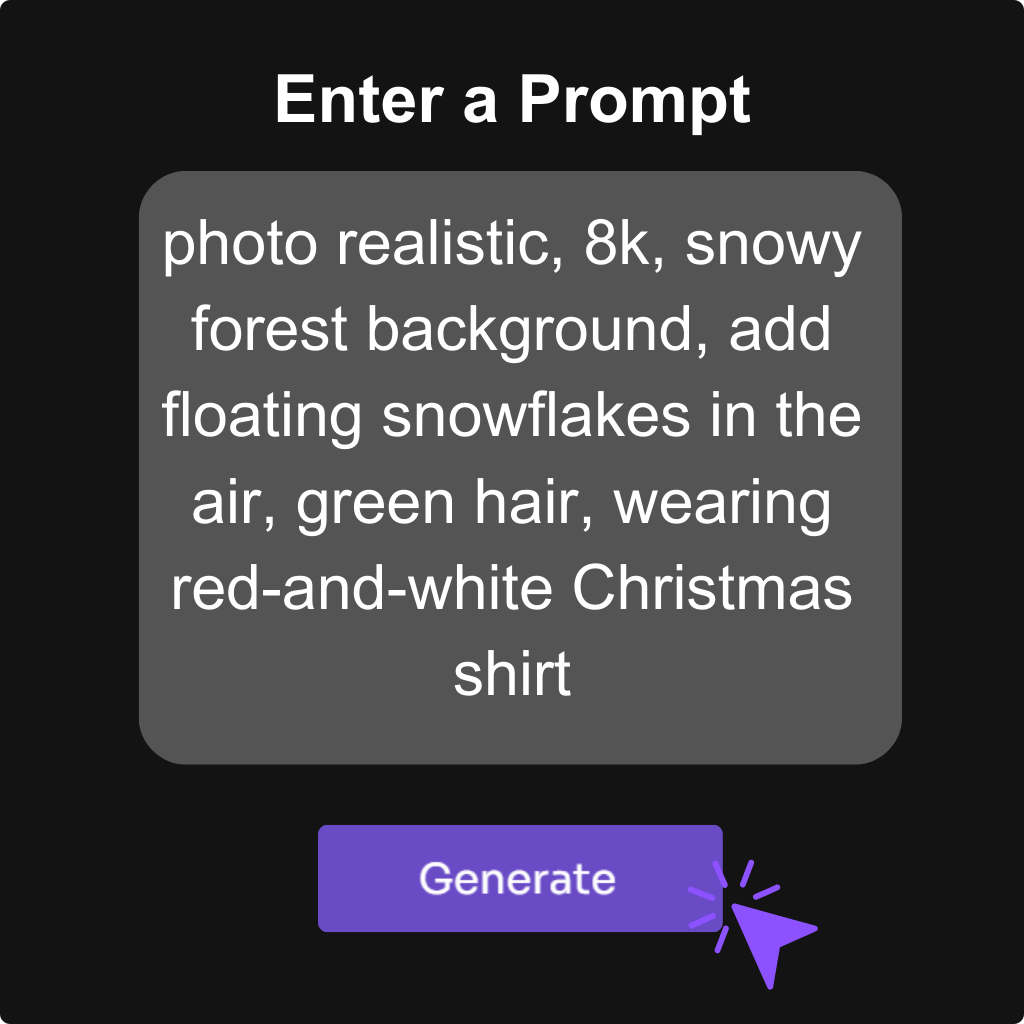
Step 2: Describe the Christmas Look
Include the subject, setting, lighting, and style. For example: “An orange tabby beside wrapped Christmas gifts, warm tree lights, natural indoor photography.” When editing a photo, explain what should change and what should stay recognizable.
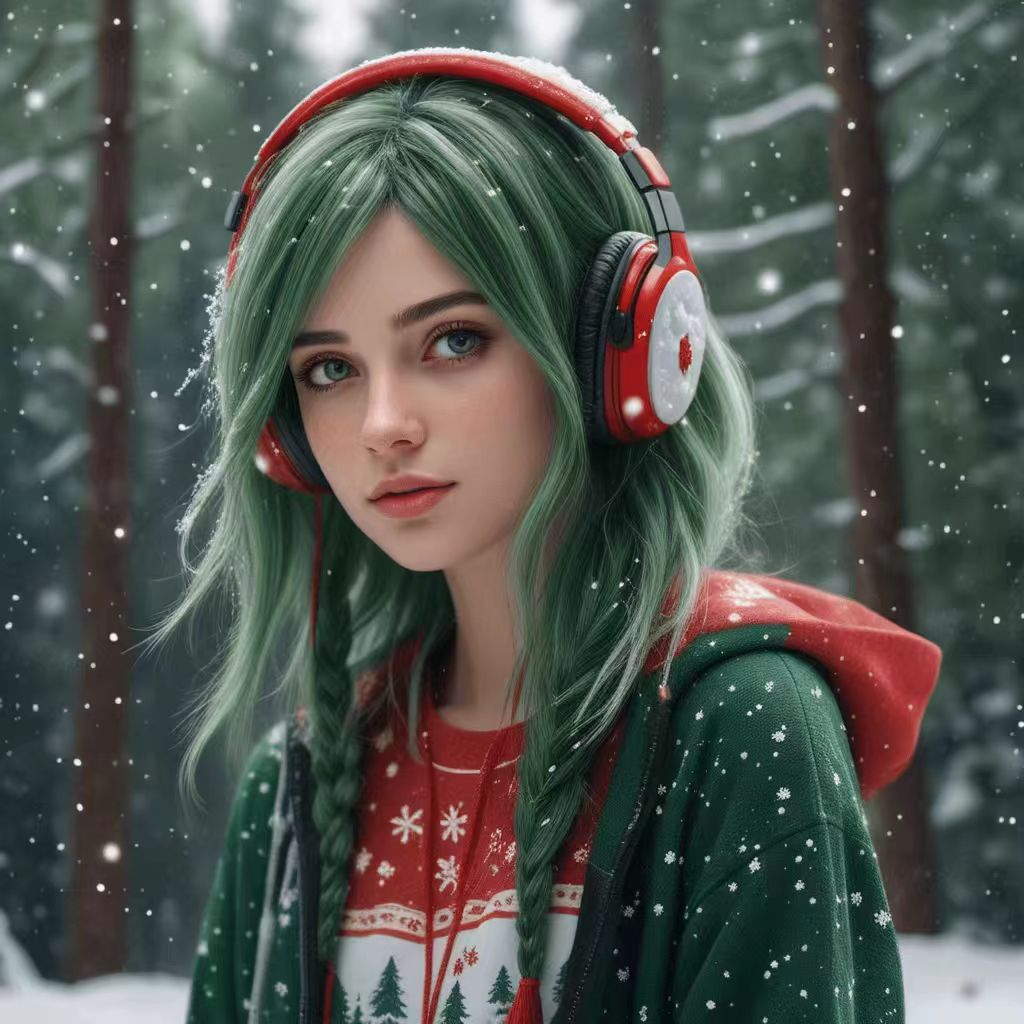
Step 3: Review, Refine, and Download
Generate your image, then check the composition and small details. Adjust the prompt if needed, changing one or two elements at a time. Download your preferred result when it’s ready for your card, post, or other holiday project.
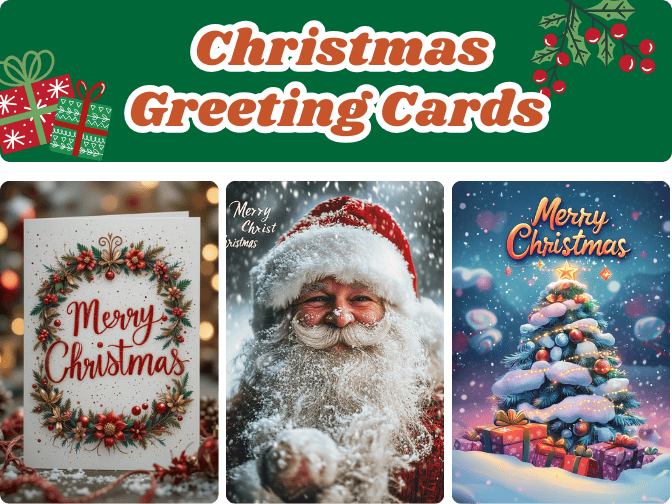
Create Christmas Greeting Card Artwork Around Your Message
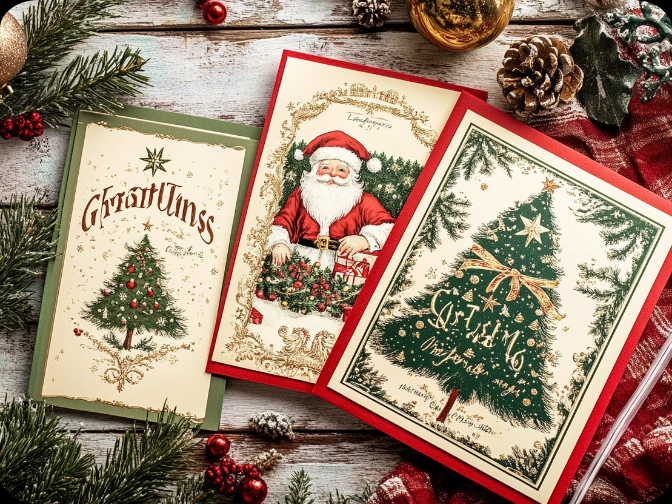
Make a card that reflects the person receiving it. Picture their dog beside the tree, a watercolor version of their home, or a winter scene inspired by a place you’ve visited together. Use the AI Christmas Image Generator to explore the artwork, then choose the version that feels right for your greeting. Plan space for the text from the start. A prompt such as “pine branches and red berries around the border, cream paper background, open center, no lettering” creates a useful direction for a card layout. Add your message and names in a design editor for precise typography and placement.
Keep Your Social Content Recognizable Through the Holidays
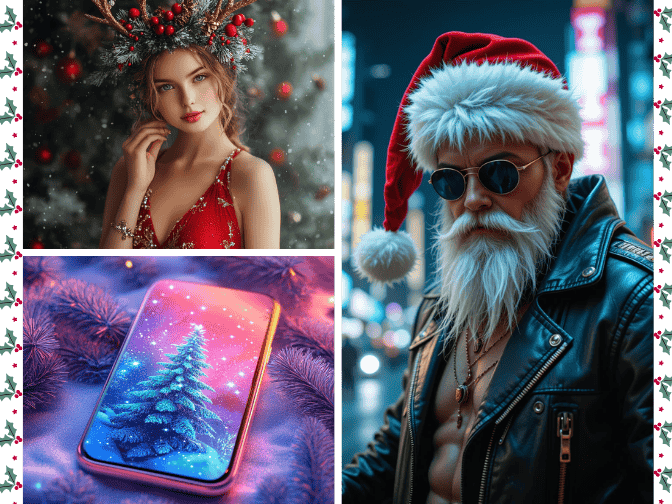
Bring Christmas into your feed while keeping the visual choices your audience knows. Carry your usual palette into a festive product scene, use your preferred illustration style for a holiday announcement, or create a seasonal profile image. For a connected series, repeat the same color, lighting, and style instructions while changing the subject. Compose each image for its placement: a clear focal point for a square post, a vertical arrangement for a Story, or extra room for a promotional headline. PicLumen’s AI Christmas Image Generator helps you explore these variations from one creative direction.
Set the Tone with Christmas Invitation Artwork
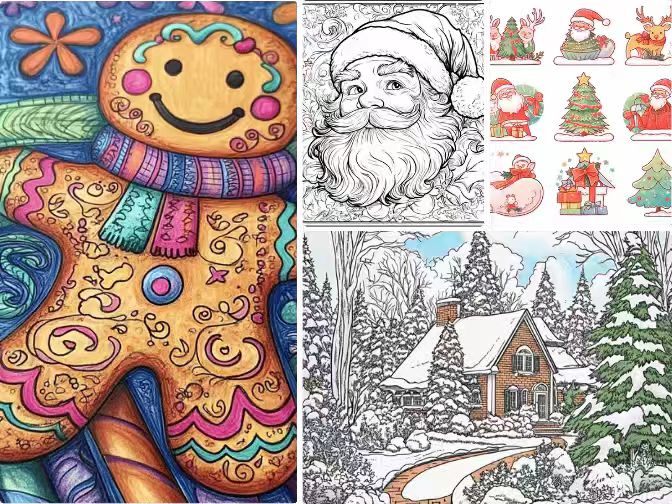
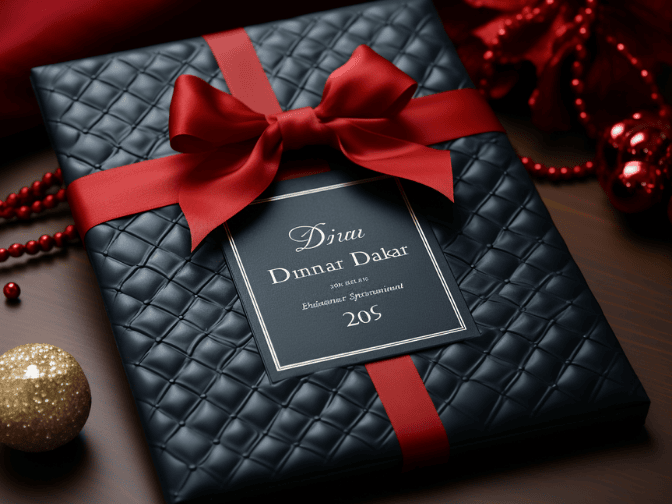
Give guests a sense of the occasion before they read the details. Evergreen branches and candlelight can introduce a dinner party, while colorful paper ornaments suit an office celebration. For a children’s gathering, try illustrated gingerbread houses or woodland animals wearing winter scarves. Describe where the decoration should sit so the layout remains useful. A border of greenery or a small illustration at the bottom leaves room for the event name, date, address, and RSVP information. Add those details afterward to keep essential information accurate and readable.
Compare Christmas Decorating Ideas Before You Commit
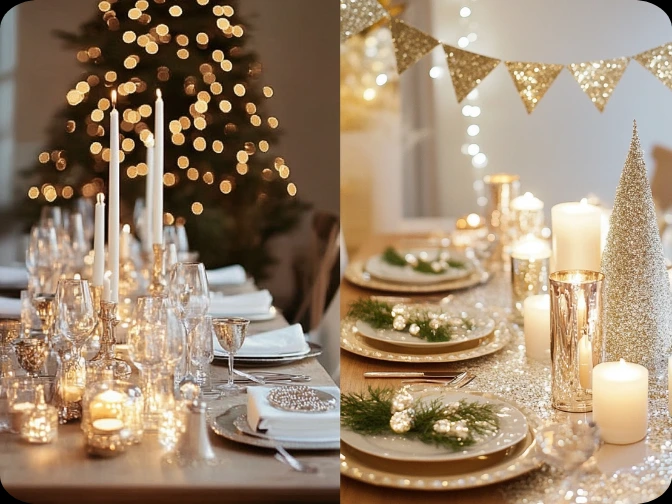
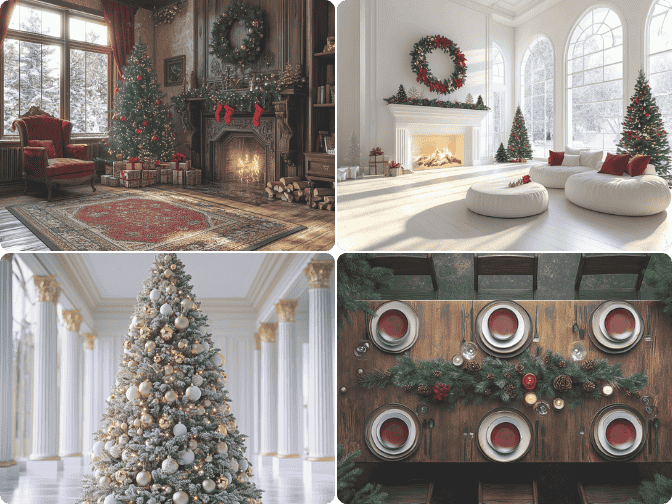
Explore how different holiday themes could work with the room you already have. Describe its defining features—a brick fireplace, oak dining table, or dark green sofa—then try different combinations of ornaments, greenery, and lighting. Use the AI Christmas Image Generator to compare a traditional red-and-gold arrangement with a simpler scheme of warm white lights and natural materials. A room photo can provide a reference for the concept. Treat the results as decorating inspiration, then check dimensions and placement separately when choosing what to buy.

Compare Christmas Decorating Ideas Before You Commit
Explore how different holiday themes could work with the room you already have. Describe its defining features—a brick fireplace, oak dining table, or dark green sofa—then try different combinations of ornaments, greenery, and lighting. Use the AI Christmas Image Generator to compare a traditional red-and-gold arrangement with a simpler scheme of warm white lights and natural materials. A room photo can provide a reference for the concept. Treat the results as decorating inspiration, then check dimensions and placement separately when choosing what to buy.
Give a Favorite Family Photo a Seasonal Update
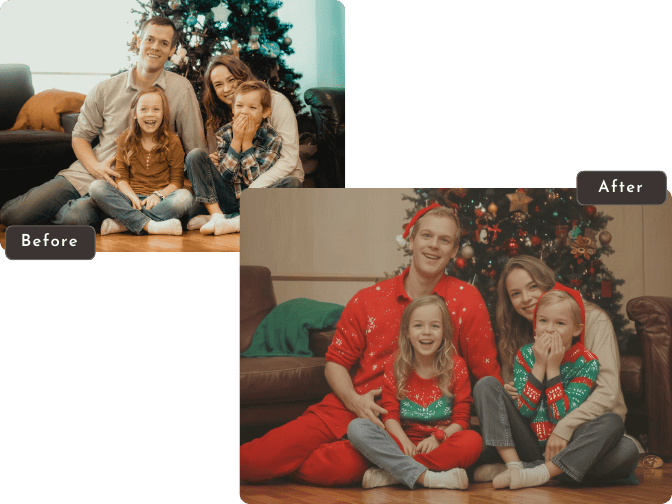
Use a family picture you already love as the starting point for a Christmas keepsake. Introduce a decorated tree behind the group, replace a plain backdrop with a winter cabin, or request subtle seasonal accents around the edges. Choose a source photo where every face is clear and unobstructed. For group pictures, start with the setting before asking for new outfits or poses; fewer simultaneous changes make the result easier to assess. This approach also works for pet portraits, where a familiar expression and distinctive markings matter more than elaborate decoration.


Loved by Creators Worldwide
Real feedback from designers, marketers, and hobbyists sharing their PicLumen experience on Trustpilot.
jsbsbsbs hdhdhshwhwVery cool i like it it's so smooth
Very cool i like it it's so smooth
Just amazing website a must try.
Just amazing website a must try.
chelsiennerThis is my favorite AI Image generator
This is my favorite AI Image generator
 by Neefa
i love it and easy to use
i love it and easy to use
It’s been great so far
It’s been great so far, I think the limitations are me not the app.
 Brad the Bibliothecary
Great service with ease of use and…
Great service with ease of use and generous free offerings.
 Fatjon Xhoka
Super app for photo and video
Super app for photo and video
They make anything that u could imagine…
They make anything that u could imagine and it’s so amazing
 Etna
EtnaVery satisfied with the best…
Very satisfied with the best performance for me at the moment.
Great tool
Great tool, I made fantastic results with it.
Alishba MukhtarWonderful experience I’ve ever had
Wonderful experience I’ve ever had
 Piotrek K
the best app I've ever used
the best app I've ever used
Frequently Asked Questions About the AI Christmas Image Generator
Is PicLumen’s AI Christmas Image Generator free?
You can get started with the free usage available to your account. Generation and editing use Lumens, with costs depending on the selected model and settings. Some options may require additional credits or a subscription. Check your account and the pricing page for current details.
Can I edit an uploaded photo into a Christmas image?
Yes. Choose a model that supports reference-image editing, upload your picture, and describe the changes. You can request a new background, seasonal clothing, or decorative elements. A clear photo and specific instructions give the model a better starting point. You can also create Christmas images entirely from text when you don’t have a reference photo.
How long does the AI Christmas Image Generator take?
Generation time varies with the model, image settings, and current demand. Allow time to compare results and refine details, especially if you’re preparing a card or invitation for a deadline. Asking for a simpler composition first can help you settle on a direction before adding more elements.
Can I add festive elements to family photos without changing faces?
You can ask the model to preserve faces while changing the surroundings, but exact preservation isn’t guaranteed. Generative editing may alter expressions, facial features, hands, or clothing. Check each person individually before using the result as a family keepsake. For photos with several people, background-only edits are a more focused starting point than changing the entire scene.
Can I use the AI Christmas Image Generator on my phone?
Yes, through a supported mobile browser. You can write prompts, upload reference photos, and download results. Before sharing, zoom in to inspect details. If you intend to print an image, check its pixel dimensions against your printer’s requirements; looking sharp on a phone screen does not necessarily mean it will suit a large print.
How many Christmas images can I create?
The number depends on your available Lumens and the cost of each generation. Different models and settings can use different amounts. Test the composition first, then refine your preferred version. Once you have a direction you like, reuse its key instructions to create related Christmas images.