Free Image to Illustration AI
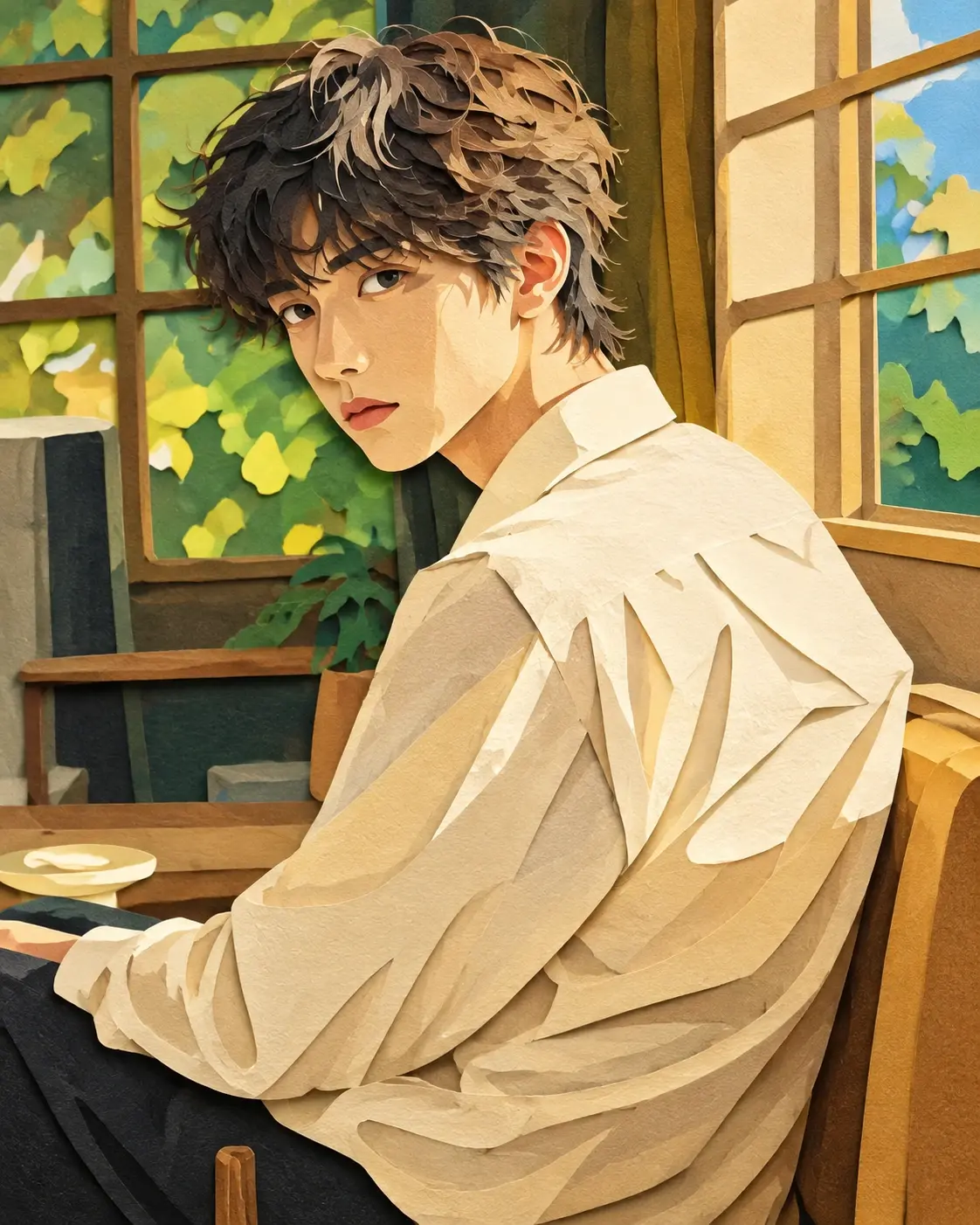
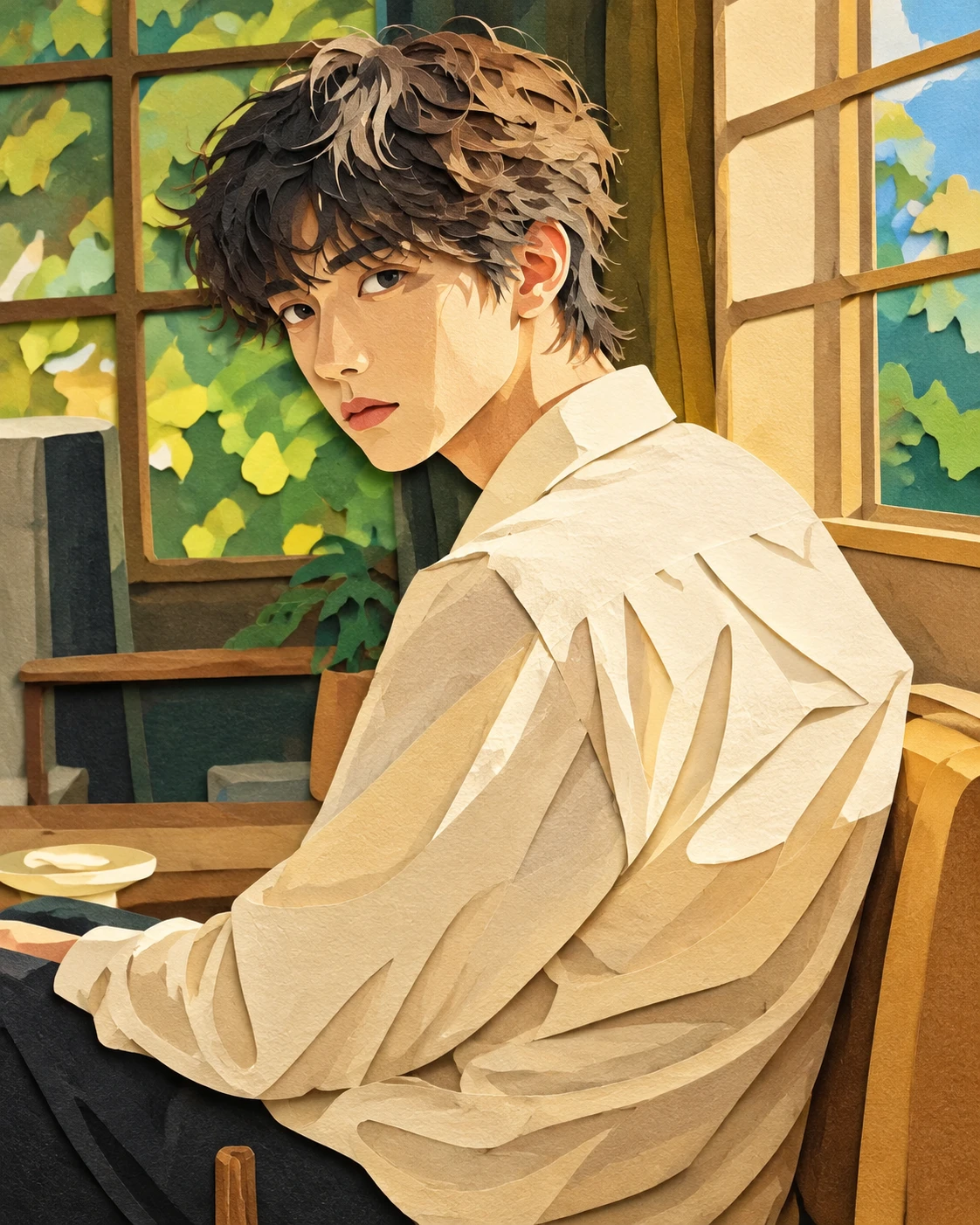
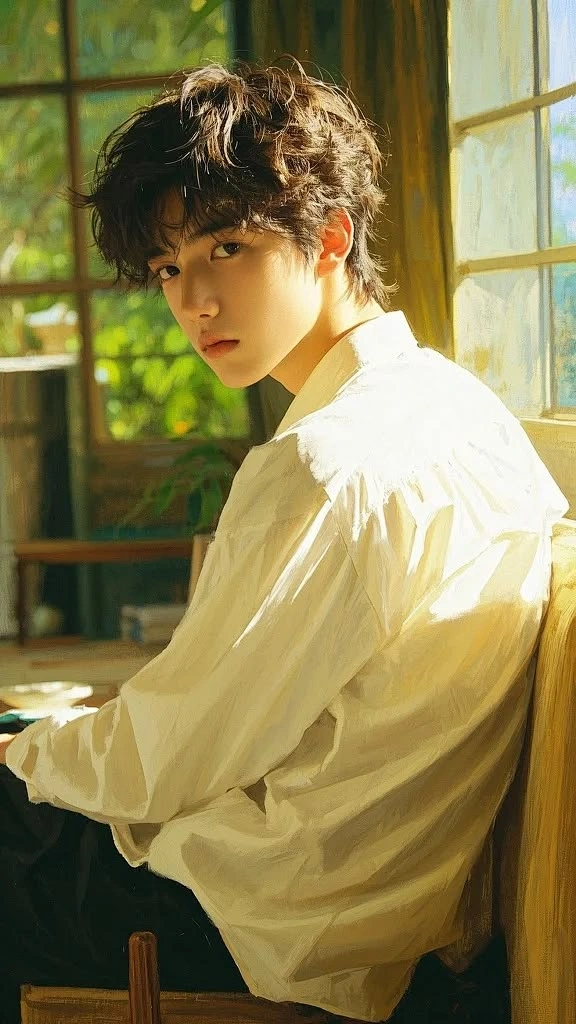
How to Use More Art Templates
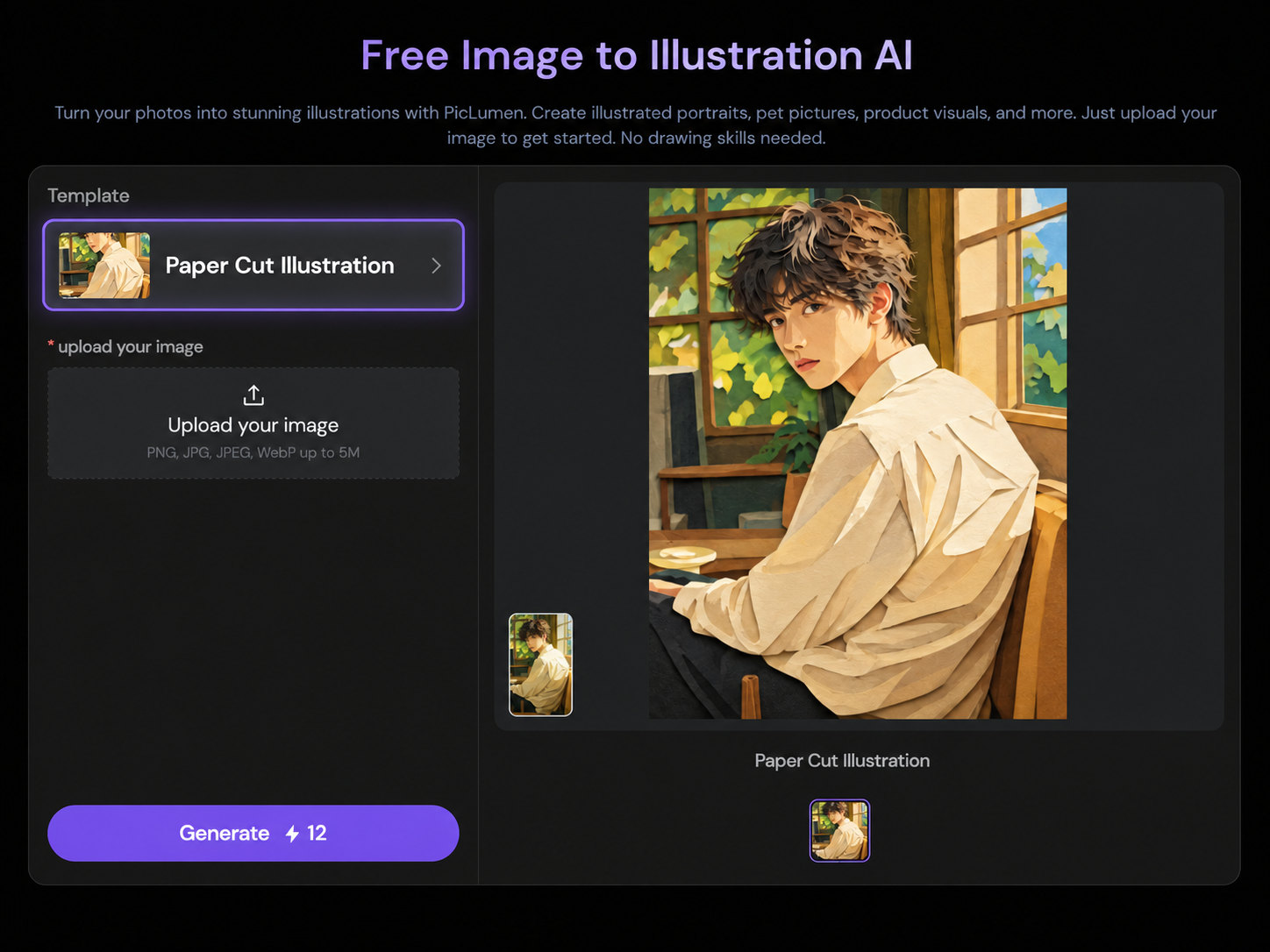
Step 1. Open the Template List
Click the template name to browse more creative options.
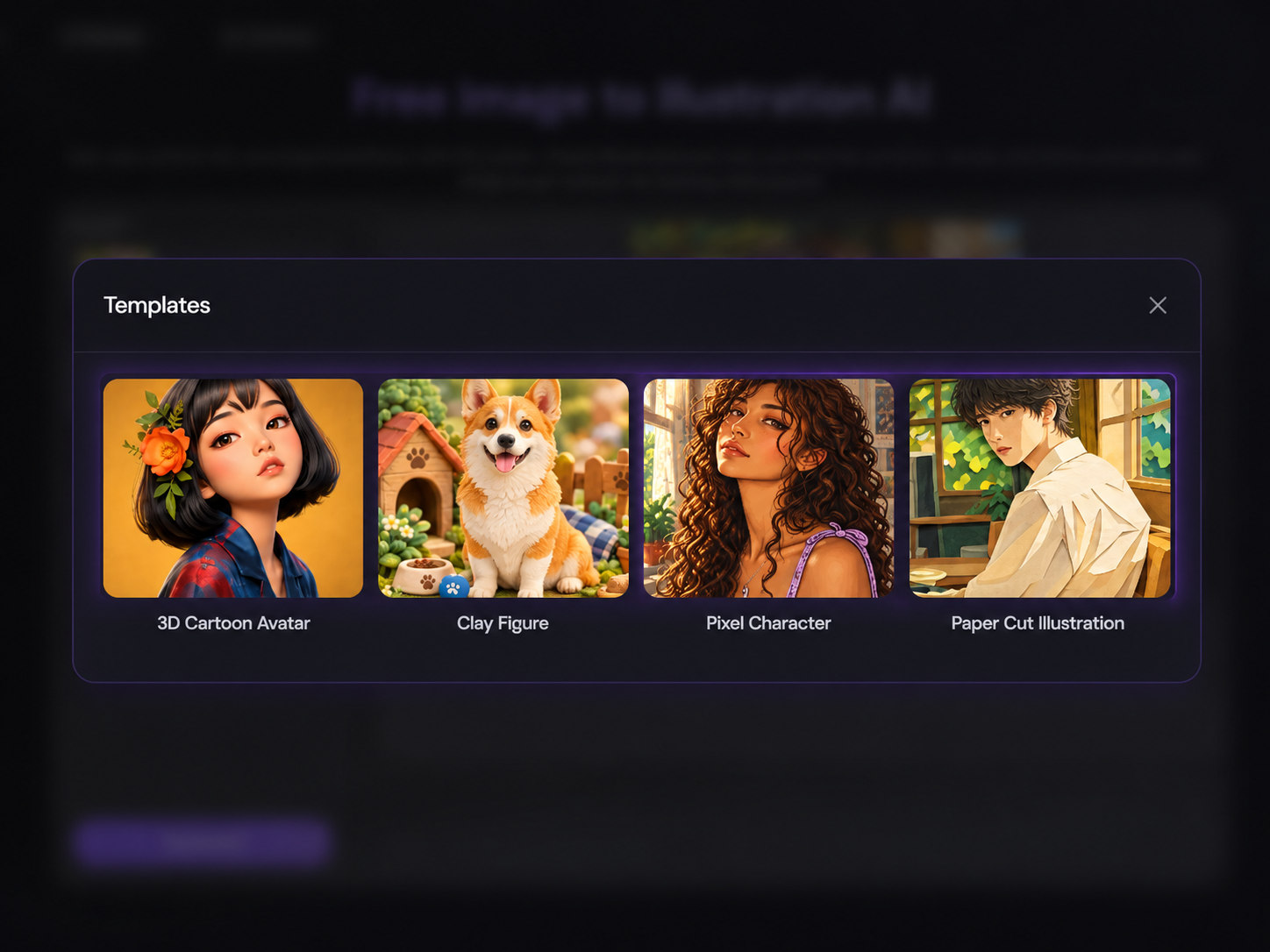
Step 2. Browse More Templates
Explore the list and select a template that matches the style you want.
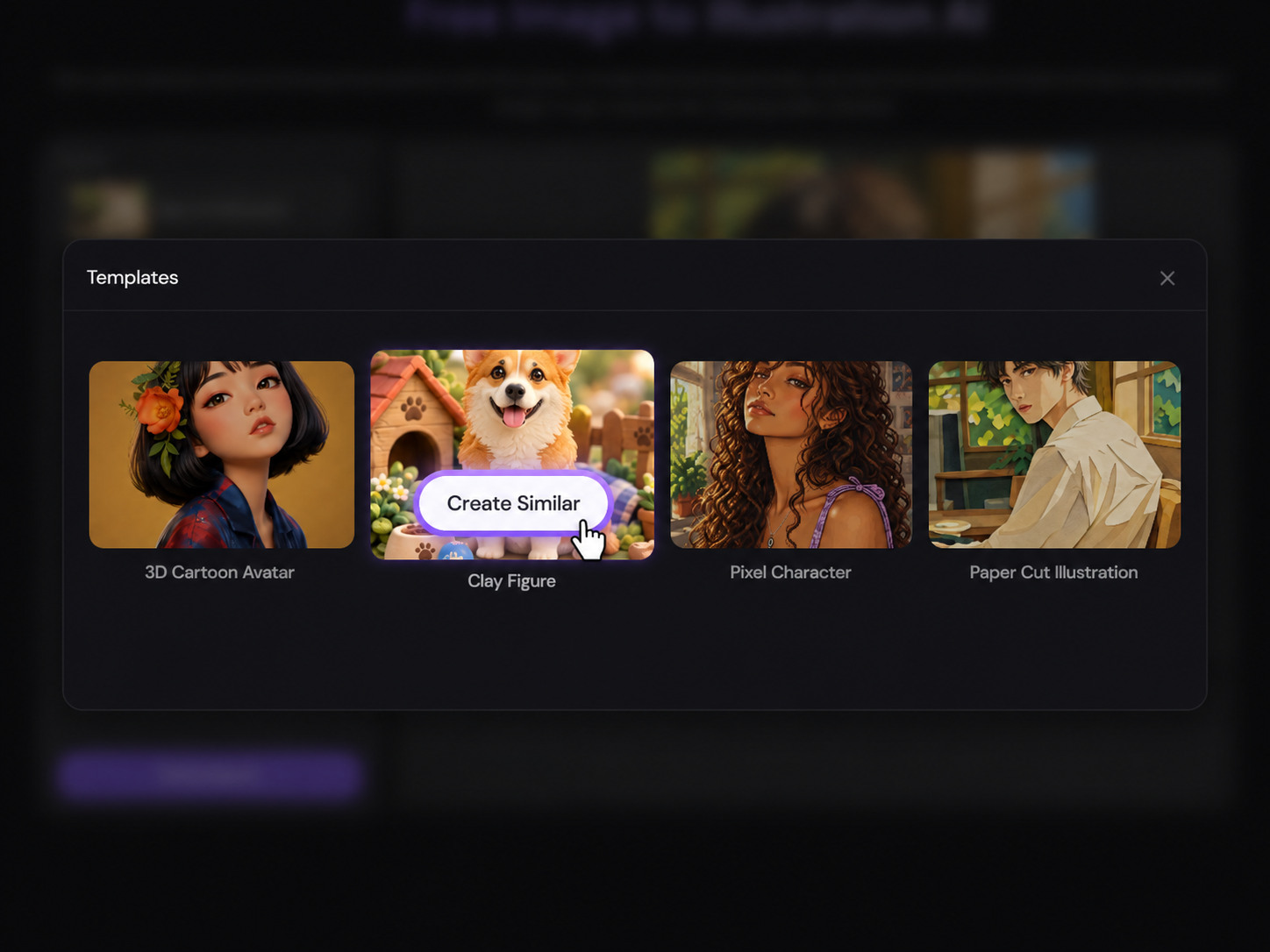
Step 3. Click "Create Similar"
Click "Create Similar", add your photo, and follow the template’s instructions to generate your image.
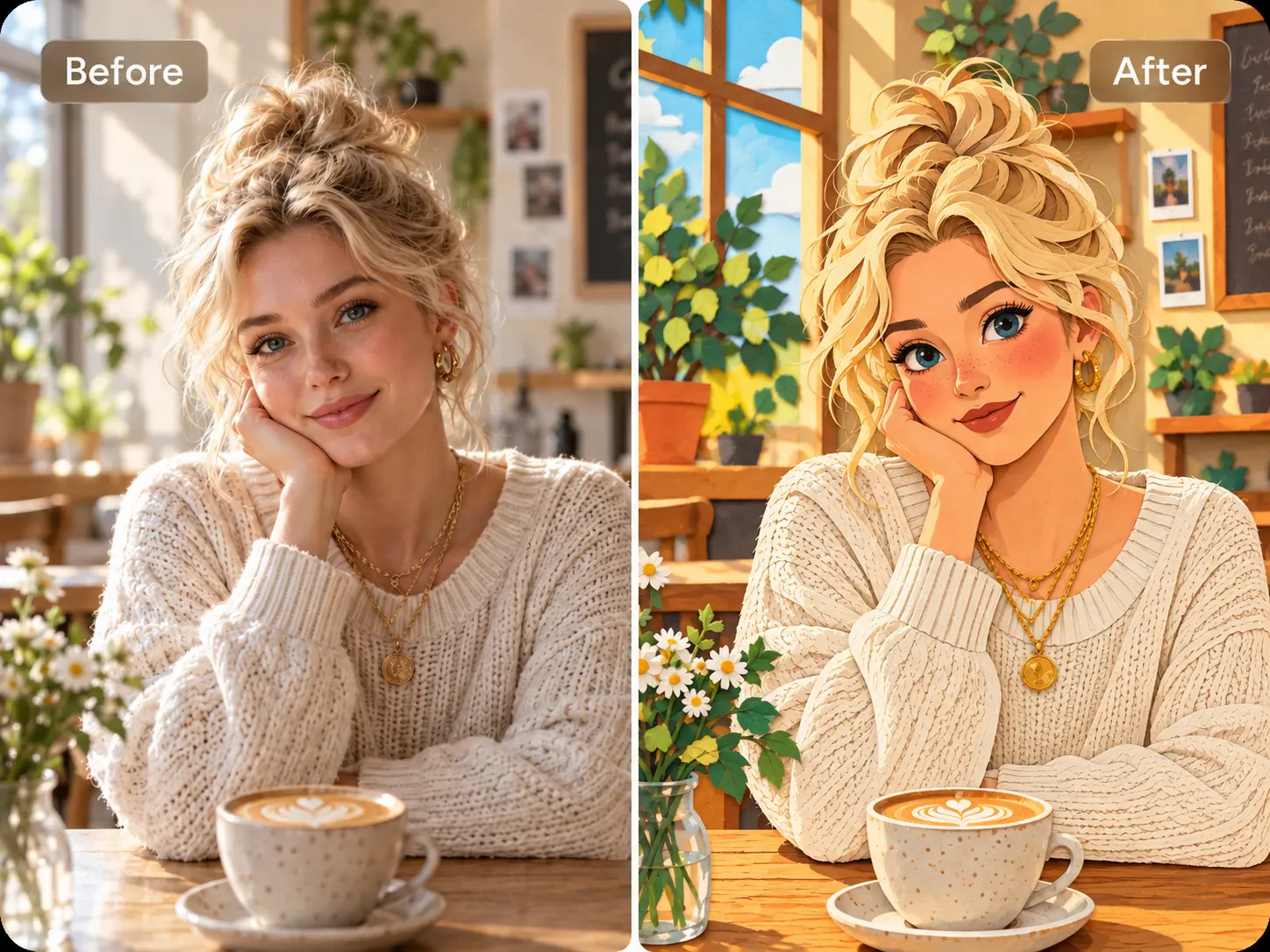
Turn Your Images Into Illustrations Instantly
Give your photo a new illustrated look with PicLumen’s image to illustration AI. Upload an image and let AI recreate it as a polished illustration in seconds. No drawing skills or complicated editing software are required, making it easy to create illustrations for social posts, brand content, and other creative projects.
Create Illustrations Without Losing the Details
Change the style while keeping your image recognizable. PicLumen’s photo to illustration generator helps preserve facial features, object shapes, and the overall composition of your original photo. Turn a portrait into a character illustration or give a product an artistic look while retaining the key details that make it yours.
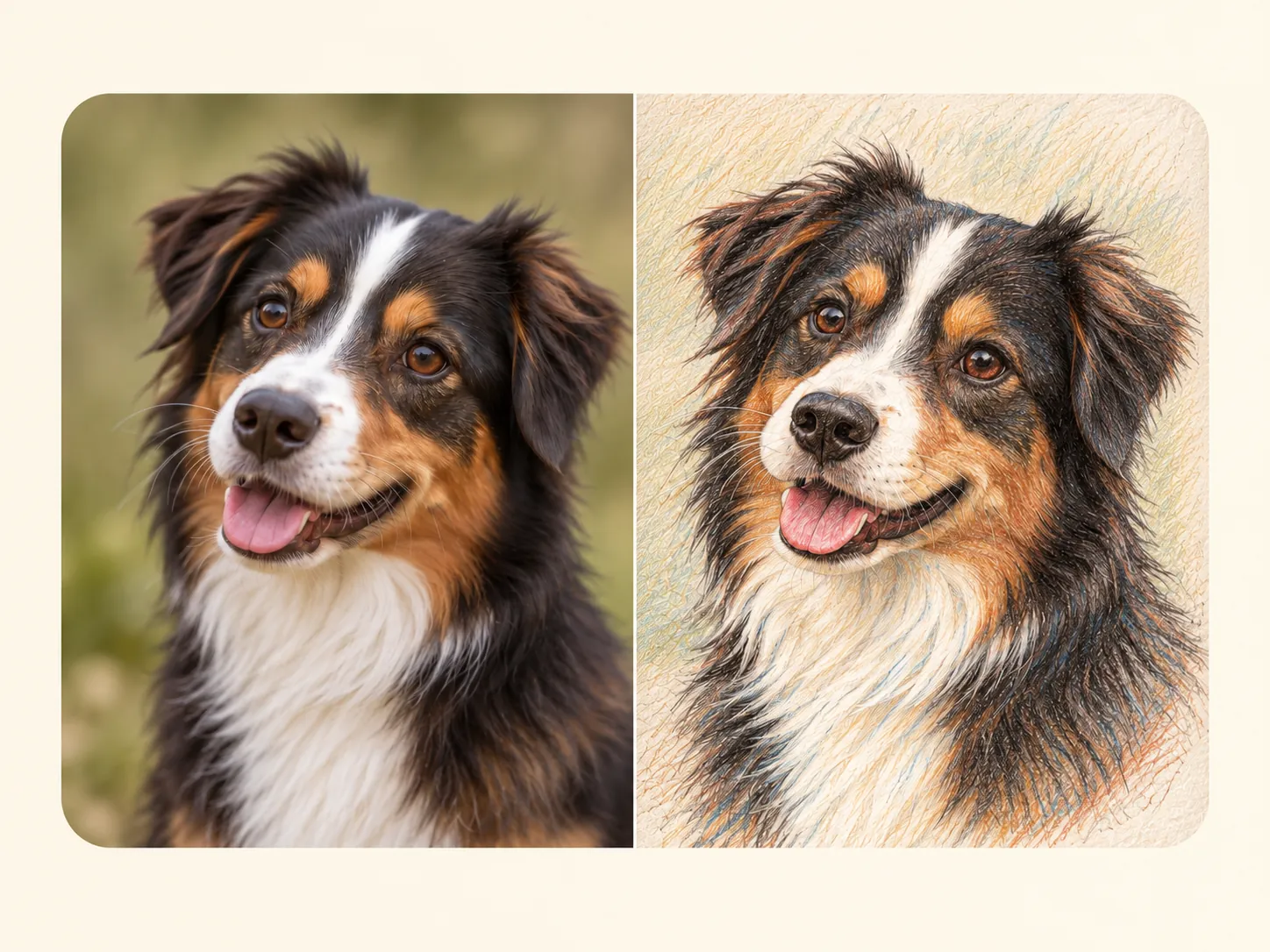
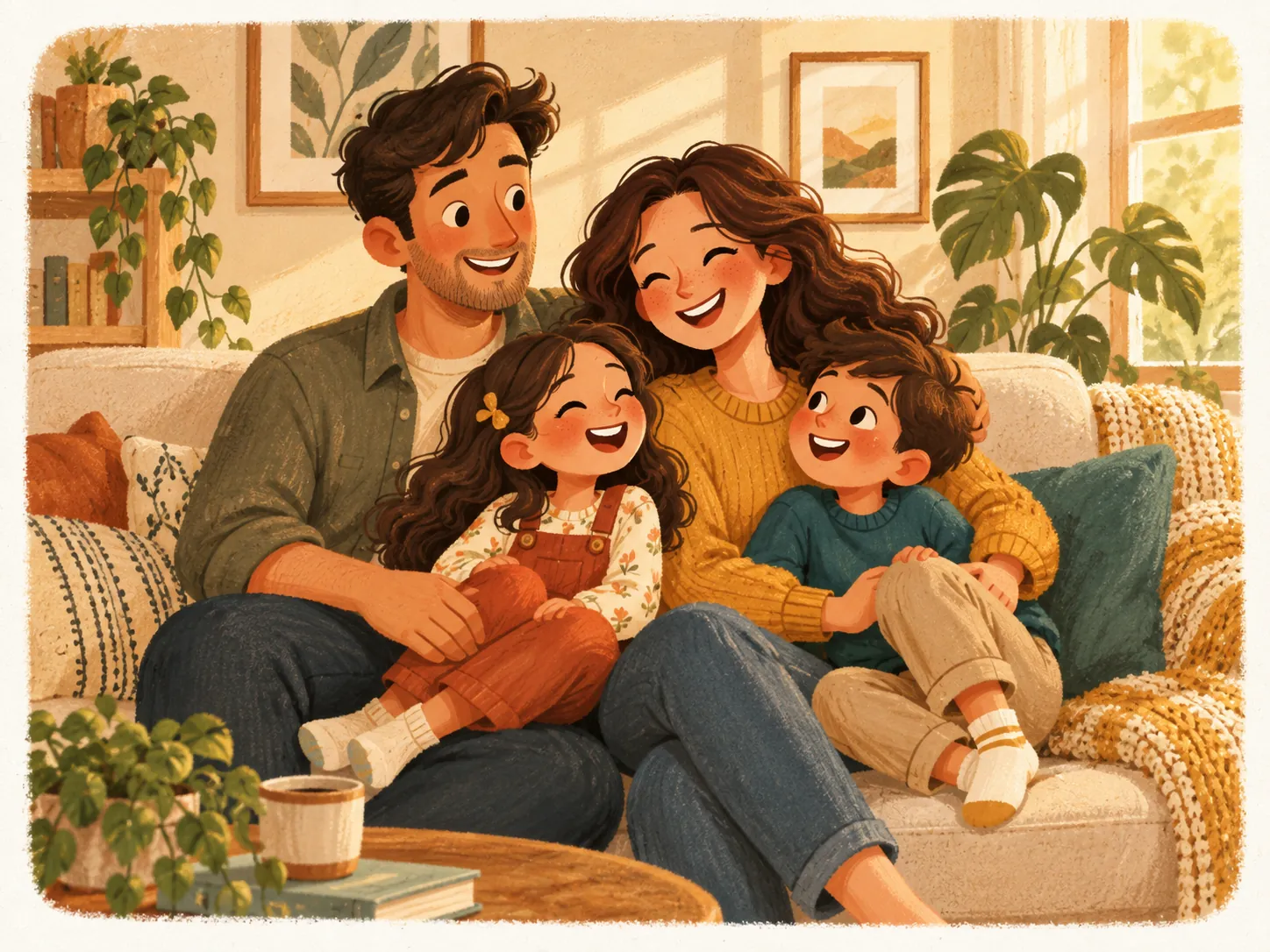
Create Illustrations Online With Ease
Convert photos to illustrations directly in your browser with PicLumen. It works in Safari, Chrome, Firefox, and other browsers, with no software to download, install, or update. Open the page and create online without switching between apps or taking up space on your device.
Photo Illustrations for Every Creative Need

Social Media Content
Turn portraits and everyday photos into eye-catching illustrations for profile pictures, posts, and covers. Give your social feed a consistent artistic style.

Brand & Marketing Visuals
Transform product photos into illustrations for ads, website banners, and campaign graphics. Customize the style and colors to match your brand.

Personalized Gifts
Give a favorite photo a personal touch. Create illustrated portraits of loved ones, pets, or memorable places for greeting cards, prints, and gifts.

Book & Editorial Illustrations
Turn reference photos into illustrations for book covers, blog posts, and magazine articles. Create visuals that complement your story and bring key ideas to life.
How to Use PicLumen Photo to Illustration Converter
1 Upload Your Photo
1Upload a portrait, product photo, landscape, or any image you want to turn into an illustration.
2 Describe Your Illustration Style
2Enter a prompt describing your preferred style, colors, and details, such as watercolor, line art, a pencil sketch, or a digital illustration.
3 Choose Your Settings
3Select an AI model, aspect ratio, and other available settings to suit your project.
4 Generate and Download
4Click Generate to create your illustration. Download your favorite result to save or share.


Loved by Creators Worldwide
Real feedback from designers, marketers, and hobbyists sharing their PicLumen experience on Trustpilot.
 jsbsbsbs hdhdhshwhw
Very cool i like it it's so smooth
Very cool i like it it's so smooth
A New TV Episodes Of Ninja Sweetie On…
A New TV Episodes Of Ninja Sweetie On Paramount+
Awesome program easy to use a little…
Awesome program easy to use a little disappointment in the fact you can’t buy lumies
 Ms. Bliss
Just getting started
Just getting started, thus far it's really good. Going to continue to review and will update.
 Kura Aditya
The best experience ever w
The best experience ever w
 Brad the Bibliothecary
Great service with ease of use and…
Great service with ease of use and generous free offerings.
Great platform to create awesome…
Great platform to create awesome content and see other imaginations come to life
 Abdul Rafay
Best wishes for the developer
Best wishes for the developer
Tufail KhanI love it this helps me to create all i…
I love it this helps me to create all i want ai videos ai images thanks piclumen
Richard Lemosgood site
good site, nice pictures, good quality
 Minnies
I love the app but it was more better…
I love the app but it was more better when they didn't charge you lumen to make pictures or give you a limitation but it works amazing and it gives you very neon pictures...../ and for some reason on New Year's Eve today it won't let me make pictures
Shantell JordanLOVE THIS TOOL
Love this app. Its allowed my vision to come to life.
Image to Illustration AI FAQs
What types of photos can I use?
You can use portraits, pet photos, product shots, landscapes, buildings, and more. Start with a clear image so the main subject and important details are easy to recognize.
What illustration styles can I create?
Explore watercolor, pencil sketches, ink drawings, cartoon illustrations, digital paintings, and more. Describe the style in your prompt to guide the look of your image.
Will the illustration preserve my original photo’s details?
PicLumen helps retain recognizable features, object shapes, and the overall composition. The level of detail may vary depending on your chosen style, model, and prompt.
Do I need drawing or design experience?
No. You can create an illustration by uploading a photo and describing the look you want. There is no need to draw by hand or learn complex design software.
Can I keep the original background?
Yes. Ask to preserve the background and overall composition in your prompt. You can also specify which background details are most important to retain.
How can I get a better photo to illustration result?
Use a sharp, well-lit photo with a clearly visible subject. Keep your prompt focused on one style and specify the details you want to preserve or change.
Is PicLumen’s image-to-illustration AI free to use?
Yes. PicLumen gives you free Lumens every day, so you can upload a photo and turn it into an illustration online. Upgrade to a paid plan if you need more Lumens.
Can I use my AI-generated illustrations commercially?
If you are on a paid plan, you can use your generated illustrations for commercial projects, subject to PicLumen’s Terms of Service. Illustrations created with a free plan are for personal, non-commercial use only.