Free Add Glasses to Photo with AI – Try Eyeglasses & Sunglasses Online


What Is an AI Glasses Photo Editor?
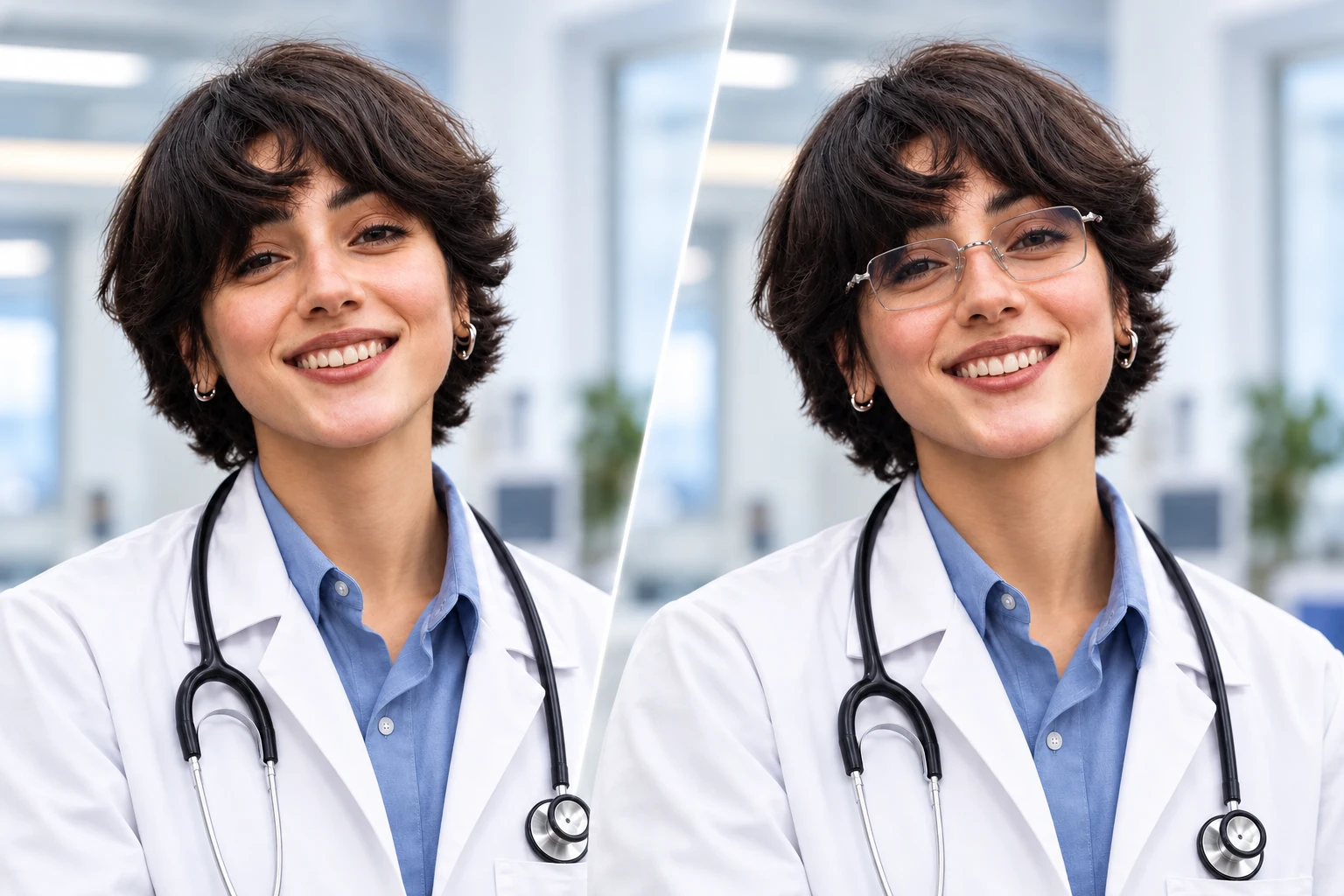
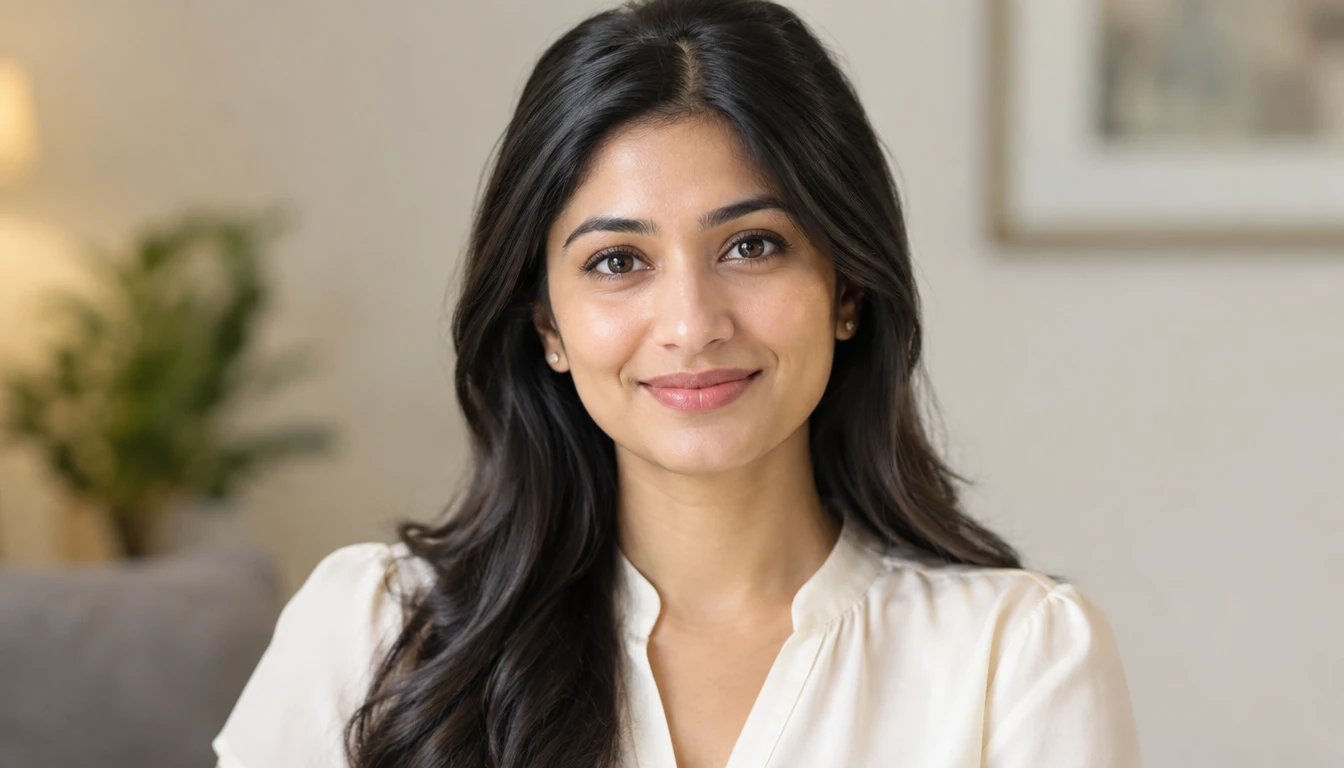
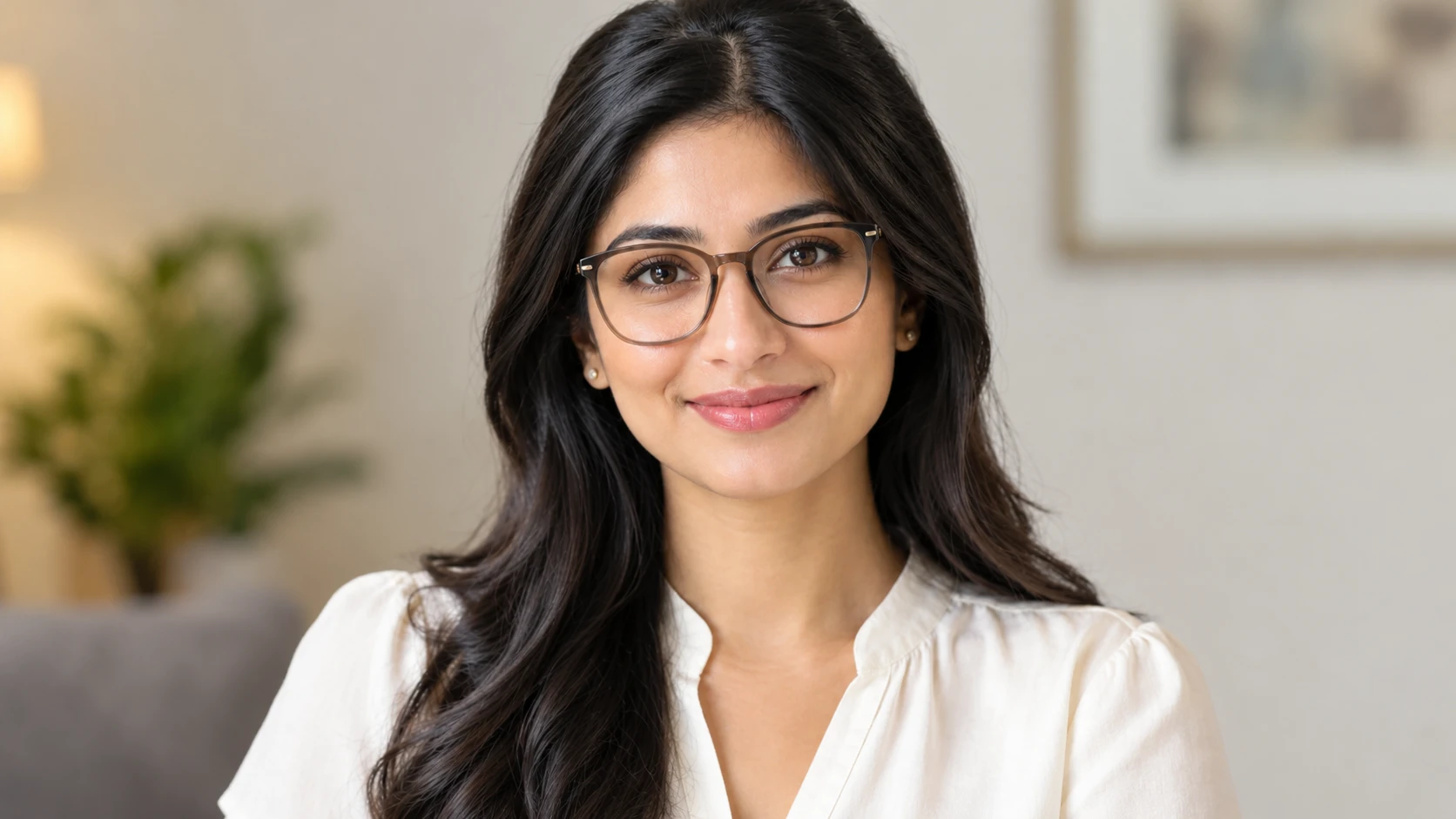
An AI glasses photo editor is a generative image tool that adds eyeglasses or sunglasses to an existing portrait based on the user's photo and a description of the desired eyewear. Instead of placing a flat glasses graphic over the face, generative AI creates a new image in which the frames are interpreted alongside the subject's facial angle, nose bridge, lighting, and surrounding details. For example, you can upload a selfie and request thin gold spectacles, bold black rectangular glasses, or oversized brown sunglasses. The resulting image uses your original portrait as a visual reference while introducing the new accessory. With PicLumen's AI Image Generator, you can explore creative image-generation workflows, including reference-based portrait transformations.
See How AI Glasses Can Transform Your Photos
Explore natural everyday eyewear, fashion sunglasses, and creative frames using your own portrait as the starting point.
One Portrait, Three Ways to Change Your Look
The right pair of glasses can give the same portrait an entirely different personality. A delicate metal frame can create a subtle and refined appearance. Bold acetate glasses can become the centerpiece of a fashion look, while tinted sunglasses can make an outdoor portrait feel more stylish. With PicLumen, you can add glasses to pictures and experiment with different eyewear concepts, and the AI Pose Generator also helps you adjust poses while keeping the original portrait, no need to retake your photo. Use the same source image to compare multiple styles, or explore how different frame shapes, colors, and lens finishes change the overall impression.


Everyday Eyeglasses
Give your selfie a subtle update with realistic optical glasses. Explore thin gold frames, classic black rectangles, rounded metal spectacles, and transparent acetate styles. Keep the lenses clear and the eyes visible for a natural, understated appearance. Ideal for everyday selfies, personal avatars, and professional portrait concepts.
Fashion Sunglasses
Transform a casual portrait with fashionable sunglasses. Experiment with aviators, cat-eye frames, oversized square sunglasses, or narrow retro designs. Add dark, brown, or lightly tinted lenses that complement the original lighting. Ideal for travel photography, streetwear content, and fashion-inspired social posts.
Creative and Statement Frames
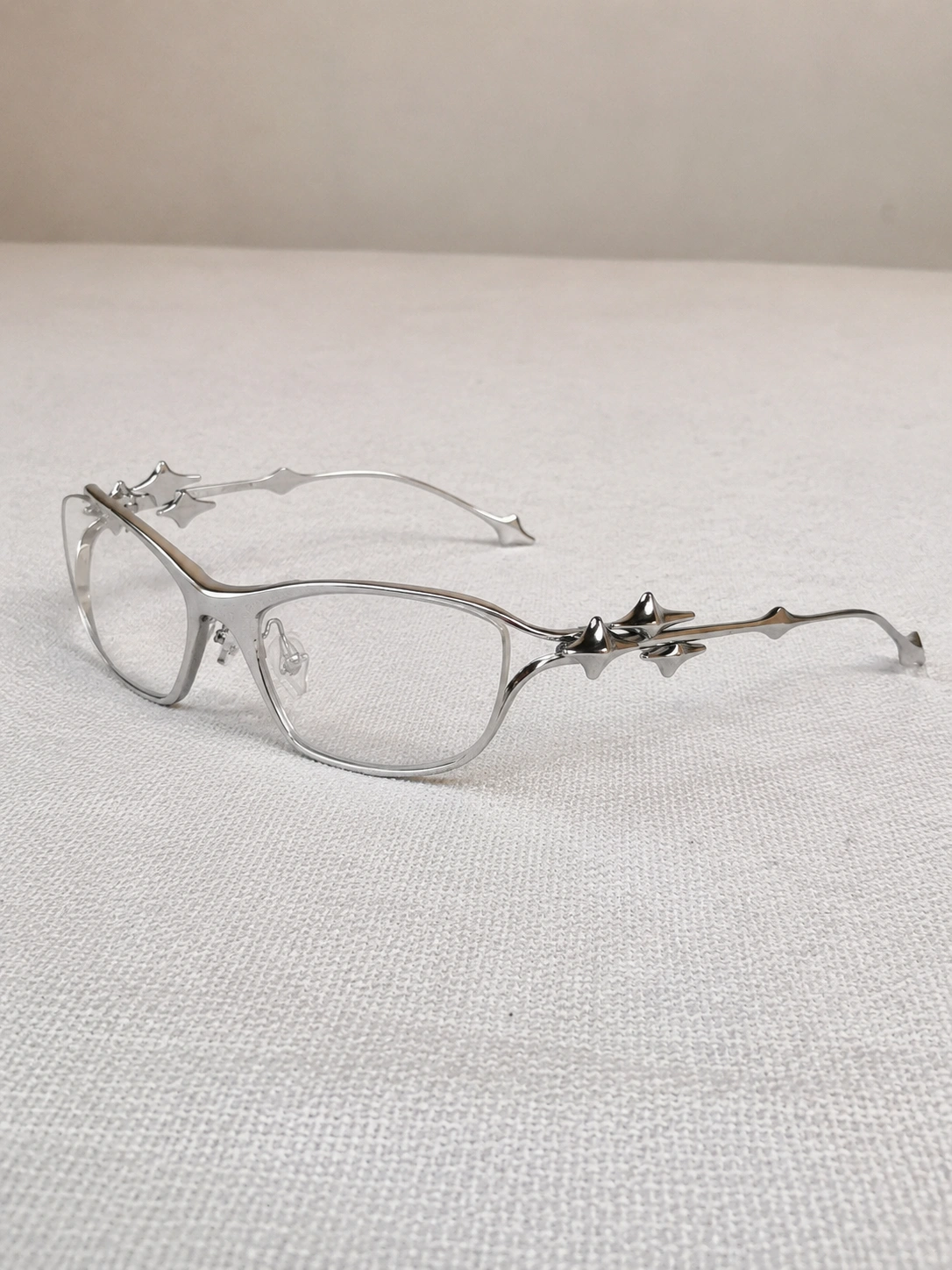
Explore distinctive frames that make a portrait stand out. Try oversized transparent glasses, colorful geometric designs, vintage round spectacles, or futuristic eyewear. Experiment with frame materials and lens colors to develop a recognizable aesthetic. Ideal for creative avatars, editorial portraits, and themed photography.
Core Features
Create Realistic Glasses with Generative AI
Add Eyeglasses Without Manual Stickers
Traditional editors often require users to resize, rotate, and position glasses graphics manually. PicLumen's Image to Image AI Generator provides a reference-based approach to image creation. Start with your original portrait and describe the glasses you want to generate. Whether you want to add glasses to picture concepts for everyday wear or create a distinctive fashion look, the goal is to generate eyewear that belongs naturally within the photograph.
Create Frames That Follow Your Facial Angle
Realistic eyewear should align with the eyes, nose bridge, and visible head angle. When you put glasses on a picture, a generative model can use the source image to guide frame perspective and placement. A clear portrait with visible facial features provides a stronger reference for natural-looking results. Extreme angles, heavy shadows, or covered eyes may require additional refinement.
Add Sunglasses with Natural Lens Effects
Use AI to add sunglasses to photo and experiment with different frame shapes, lens colors, and finishes. For example, you might request gold aviators with brown-tinted lenses, glossy black cat-eye sunglasses, or transparent pink frames. Describe realistic reflections, appropriate lens darkness, and shadows that match the original photograph.
Customize Eyewear with Simple Prompts
Want a particular style instead of a generic glasses filter? Use a description such as "thin silver oval spectacles with clear lenses" or "oversized black square sunglasses with subtle reflections." You can add spectacles to photo concepts by specifying the shape, material, frame thickness, and lens type. Change the description between generations to compare different styles.
Keep the Original Face Recognizable
A successful glasses edit should focus on adding eyewear rather than changing the person. Ask the AI to preserve the original expression, hairstyle, skin tone, and recognizable facial features. For more creative portrait concepts, PicLumen's AI Portrait Generator offers another way to experiment with portrait aesthetics. AI-generated edits may still introduce small changes, so review the final image carefully.
How to Add Glasses to a Photo
Put Glasses on Your Photo in Three Simple Steps
Upload Your Portrait
Choose a clear selfie or portrait with the eyes and nose bridge visible.
Describe Your Glasses
Specify the frame shape, color, material, and lens type in a compatible image-editing workflow.
Generate and Download
Generate your edited photo, review the glasses placement, and download your preferred version.


Preview Eyewear Before Shopping
Thinking about buying new glasses? Use AI to explore frame shapes, colors, and styles on your own portrait before visiting a store. A virtual style preview can help you narrow down your preferences, although it cannot confirm actual frame measurements or prescription requirements.
Refresh Professional Headshots
Experiment with subtle optical frames on a professional portrait. Thin metal glasses, clear acetate, or classic rectangular designs can provide different visual directions without changing the entire photograph.


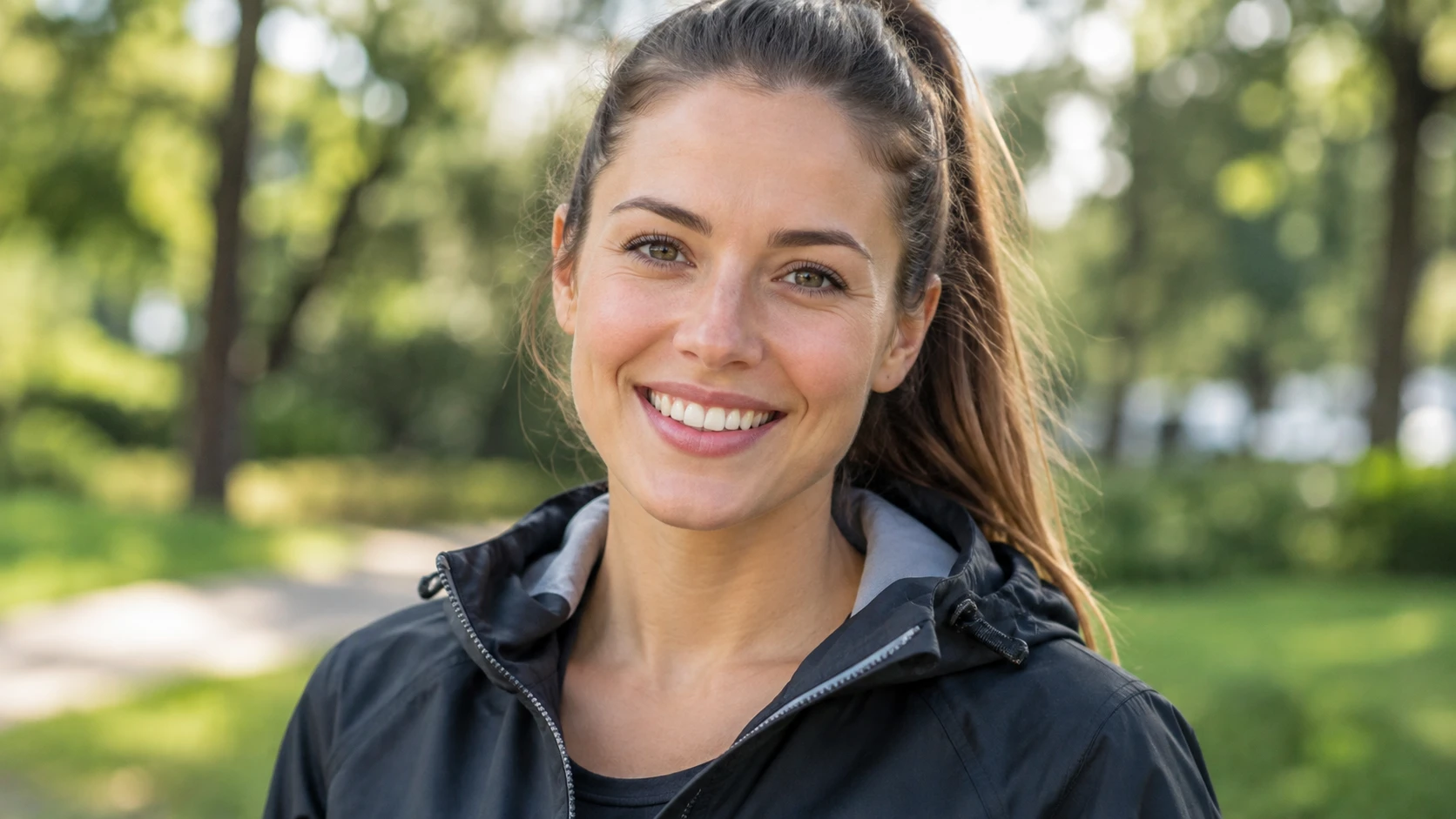
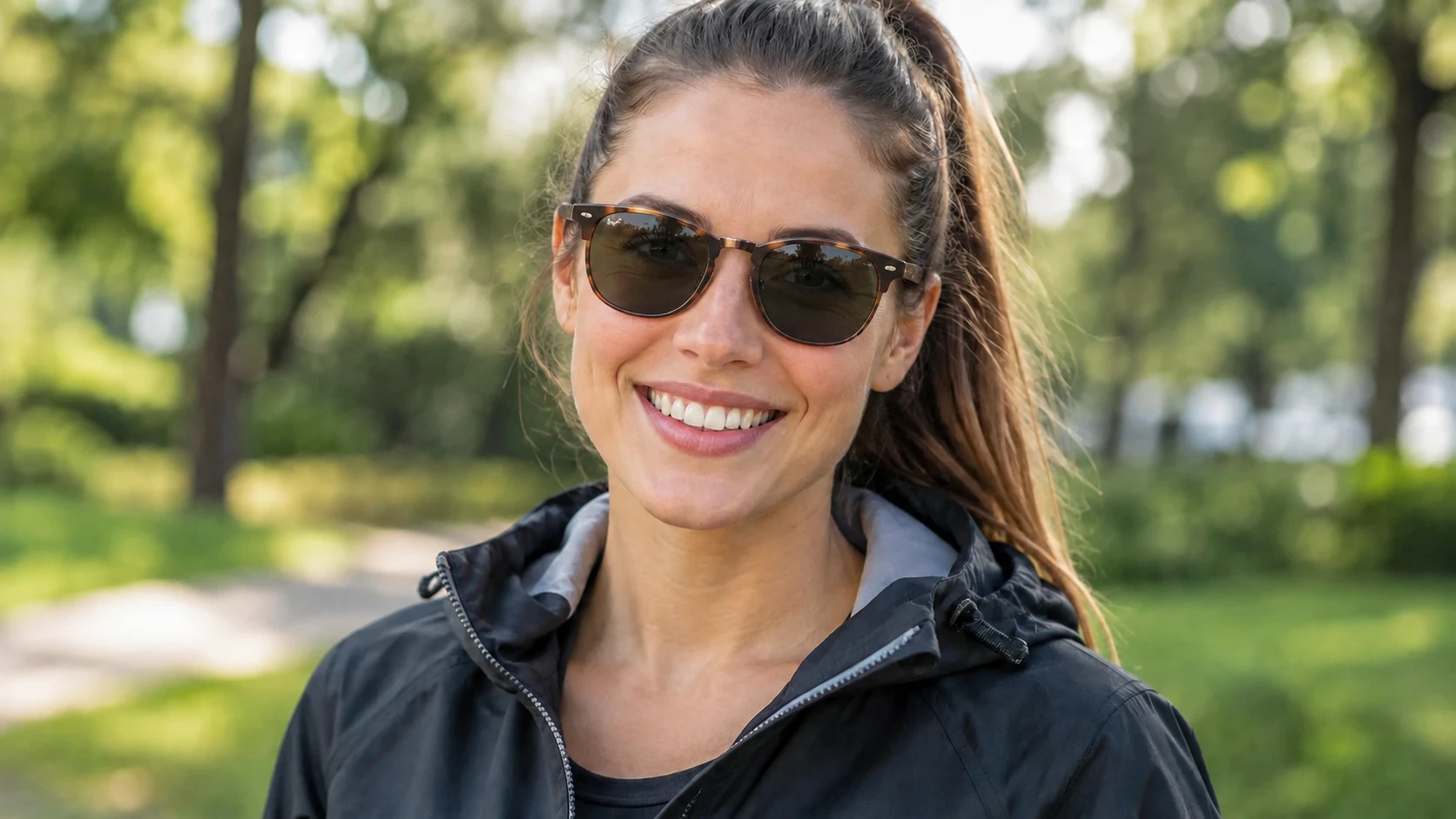
Upgrade Travel and Vacation Photos
Want sunglasses in a photo where you weren't wearing any? You can put glasses on photo concepts using AI-generated aviators, tinted frames, or classic sunglasses that complement the setting.
Create Fashion and Outfit Content
Coordinate eyewear with clothing, accessories, and visual themes. For example, a minimalist outfit might suit thin silver frames, while a retro look could work with oversized sunglasses.
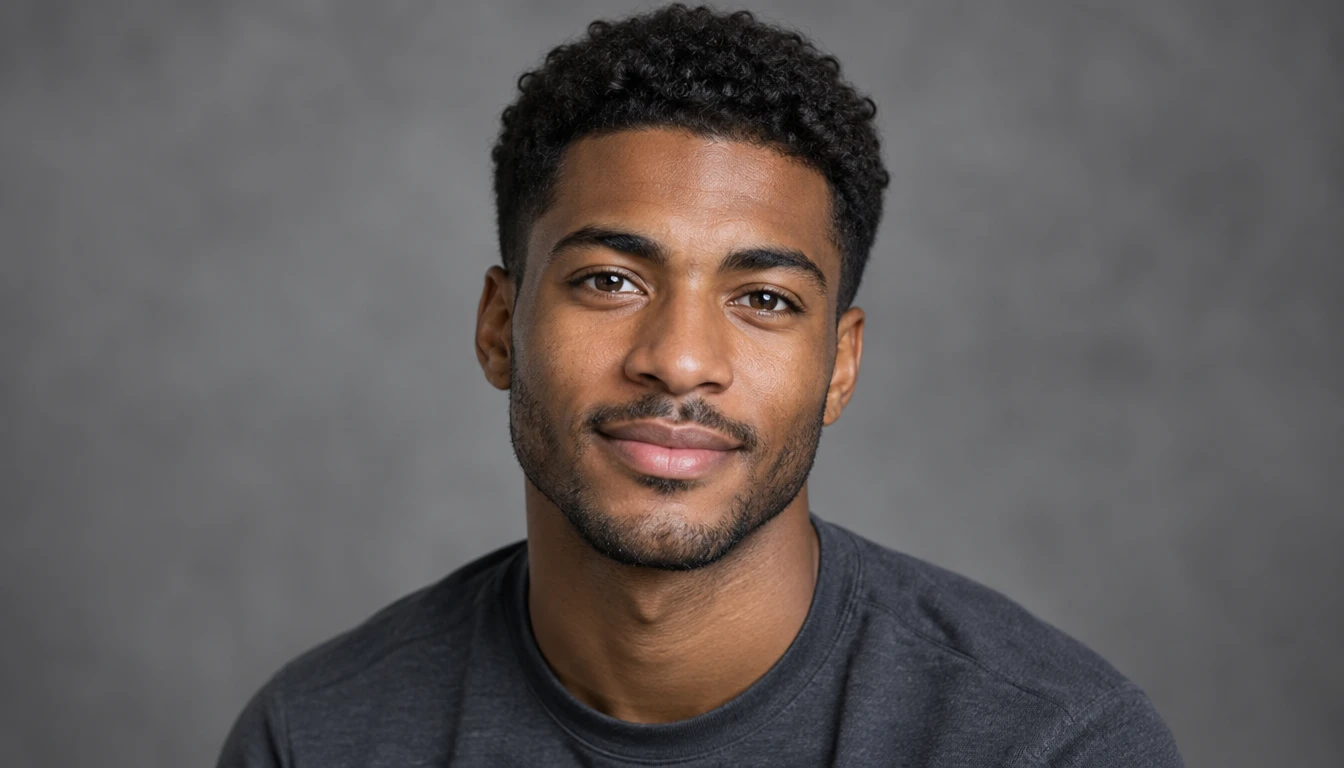
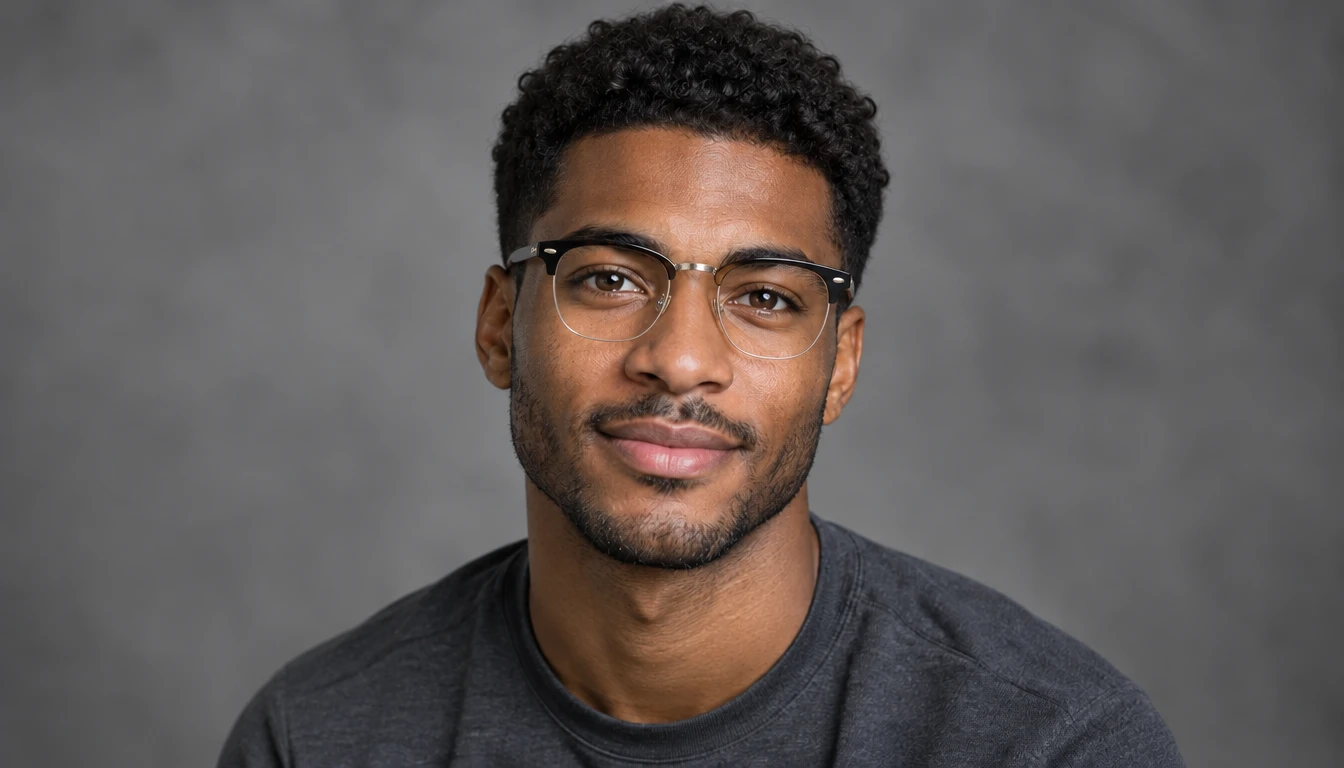
Best Prompts to Add Glasses to Photos Naturally
Oversized Retro Frames
Add oversized vintage-inspired square glasses with a tortoiseshell acetate frame to the person in the uploaded portrait. Use realistic clear lenses, detailed frame texture, natural alignment, and subtle reflections. Preserve the original facial proportions, expression, and background.
Black Cat-Eye Sunglasses
Add stylish black cat-eye sunglasses to the person in the uploaded photo. Create elegant upward-swept frames with dark lenses and a glossy finish. Match the original lighting, facial angle, and perspective. Keep the person's recognizable features, hairstyle, and clothing unchanged.
Pink Tinted Fashion Glasses
Add fashionable translucent pink glasses with softly tinted lenses to the person in the reference image. Use modern rounded frames, subtle lens reflections, and realistic placement on the nose bridge. Maintain the original portrait's lighting, skin tone, and recognizable facial features.
Classic Black Rectangular Glasses
Add realistic black rectangular eyeglasses to the person in the uploaded portrait. Position the frames naturally over the eyes and nose bridge, following the person's head angle. Use clear lenses, subtle reflections, realistic frame thickness, and soft shadows. Preserve the person's recognizable facial features, expression, hairstyle, clothing, and background.


Loved by Creators Worldwide
Real feedback from designers, marketers, and hobbyists sharing their PicLumen experience on Trustpilot.
Zaine JuttAmazing 😍😍😍😍😍😍 freee 😍😍
Amazing 😍😍😍😍😍😍 freee 😍😍
 Crispee
Easy to use.
Easy to use. Great layout love it!
 Ifeanyichukwu C Chukwuemeka
Very good
Very good and good AI app easy to use without stress
Alexsander Luíscool it's a good ai creator but create…
cool it's a good ai creator but create imagens for cinema
 Menu Lawrence
Very fantastic app
Very fantastic app. I love it. I will like everyone to use this App
 Pino Calambrogio
Good over other applications
Good over other applications
 Aleks Visha
Great kompany in the world
Great kompany in the world
It’s easier to use on a computer instead of a phone
Being able to generate my own art
good ai i like using this a lot.
good ai i like using this a lot.
PRZNT GAMINGI really like
I really like, in just few lines you can get good result, also you can generate as detailed images as you want.
Really incredible work
Really incredible work, I love it so much, it's easy and intuitive
 Rabbi Hasan
Nice application for all user
Nice application for all user
Frequently Asked Questions
How to add glasses to a photo with AI?
To learn how to add glasses to a photo, upload a clear portrait to a compatible AI image-editing workflow. Describe the eyewear you want, including frame shape, color, material, and lens style. Generate the image, review the result, and download your preferred version.
Can I put glasses on a picture without Photoshop?
Yes. You can put glasses on a picture using generative AI instead of manually placing a glasses sticker. Upload the portrait, describe the desired glasses, and let the AI create an edited image.
Can I add sunglasses to a photo?
Yes. You can request aviators, cat-eye sunglasses, oversized frames, or tinted lenses. Describe the frame material, lens color, and lighting to guide the generated appearance.
Is Add Glasses to Photo AI free?
If you're searching for add glasses to photo ai free, check PicLumen's current image-generation allowances and credit requirements. Availability depends on the selected model, workflow, and account limits.
What glasses styles can I try with AI?
You can experiment with round, rectangular, square, cat-eye, aviator, rimless, transparent, and oversized frames. Change the prompt to compare different materials, colors, and lens styles.
Will the AI keep my face unchanged?
A reference-based editing workflow can help preserve recognizable facial features, but exact consistency is not guaranteed. Use a clear portrait and specify that the original expression, hairstyle, skin tone, and facial proportions should remain as consistent as possible.
Can I use AI glasses photos to decide which frames to buy?
AI-generated portraits can help you compare visual styles and narrow down your preferences. However, they do not provide accurate frame measurements, prescription information, or guaranteed physical fit. Try on the actual frames before purchasing.