Free AI Animal Generator for Animal Art
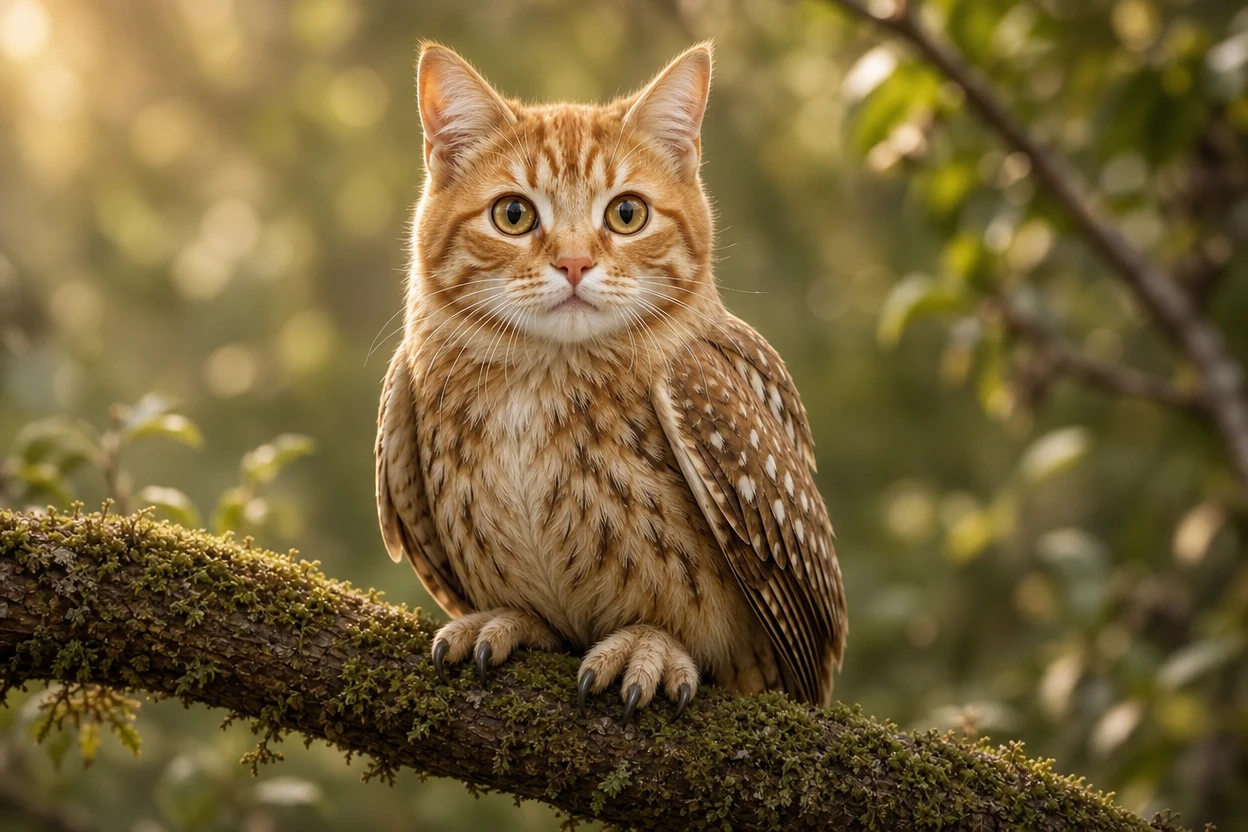
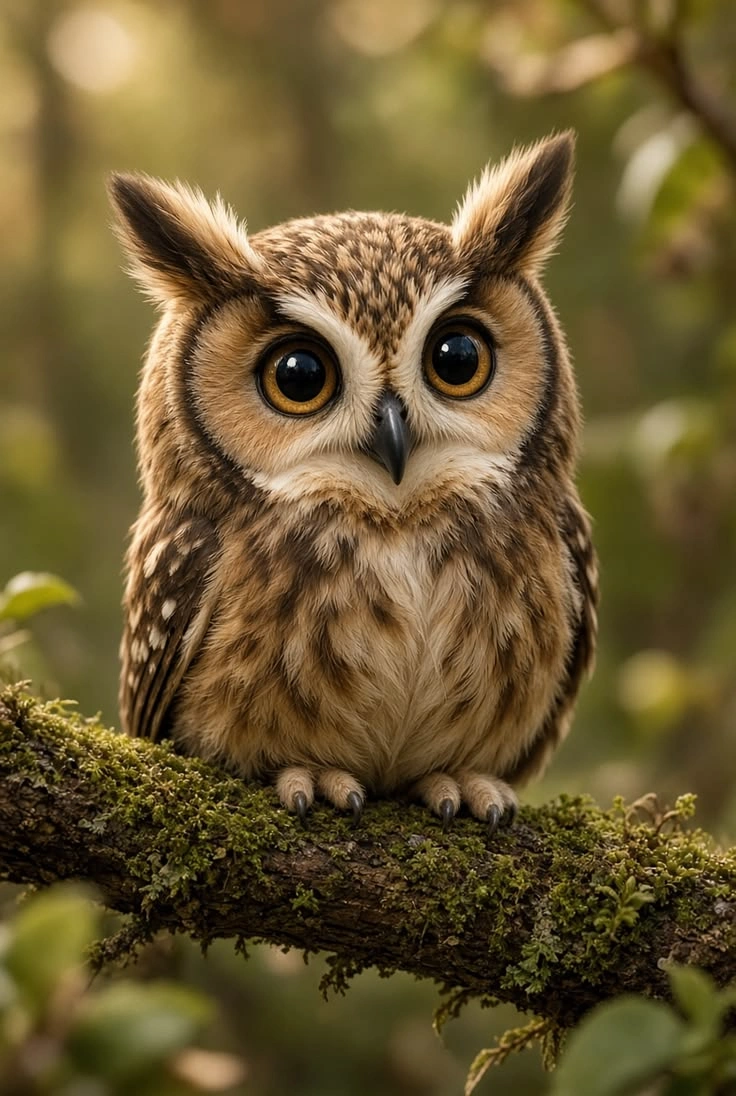
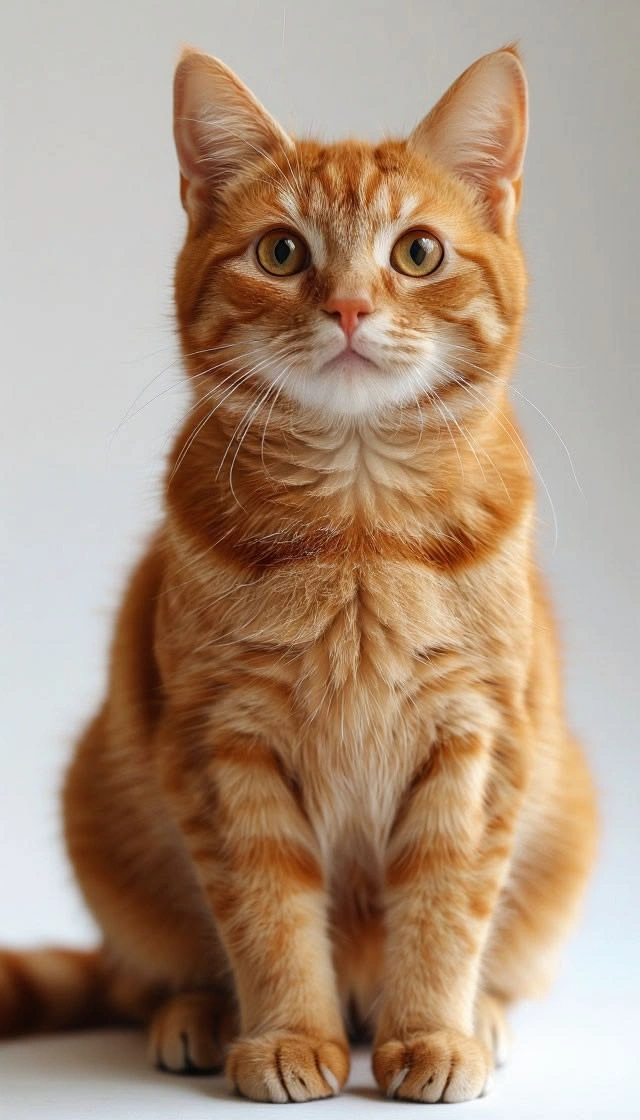
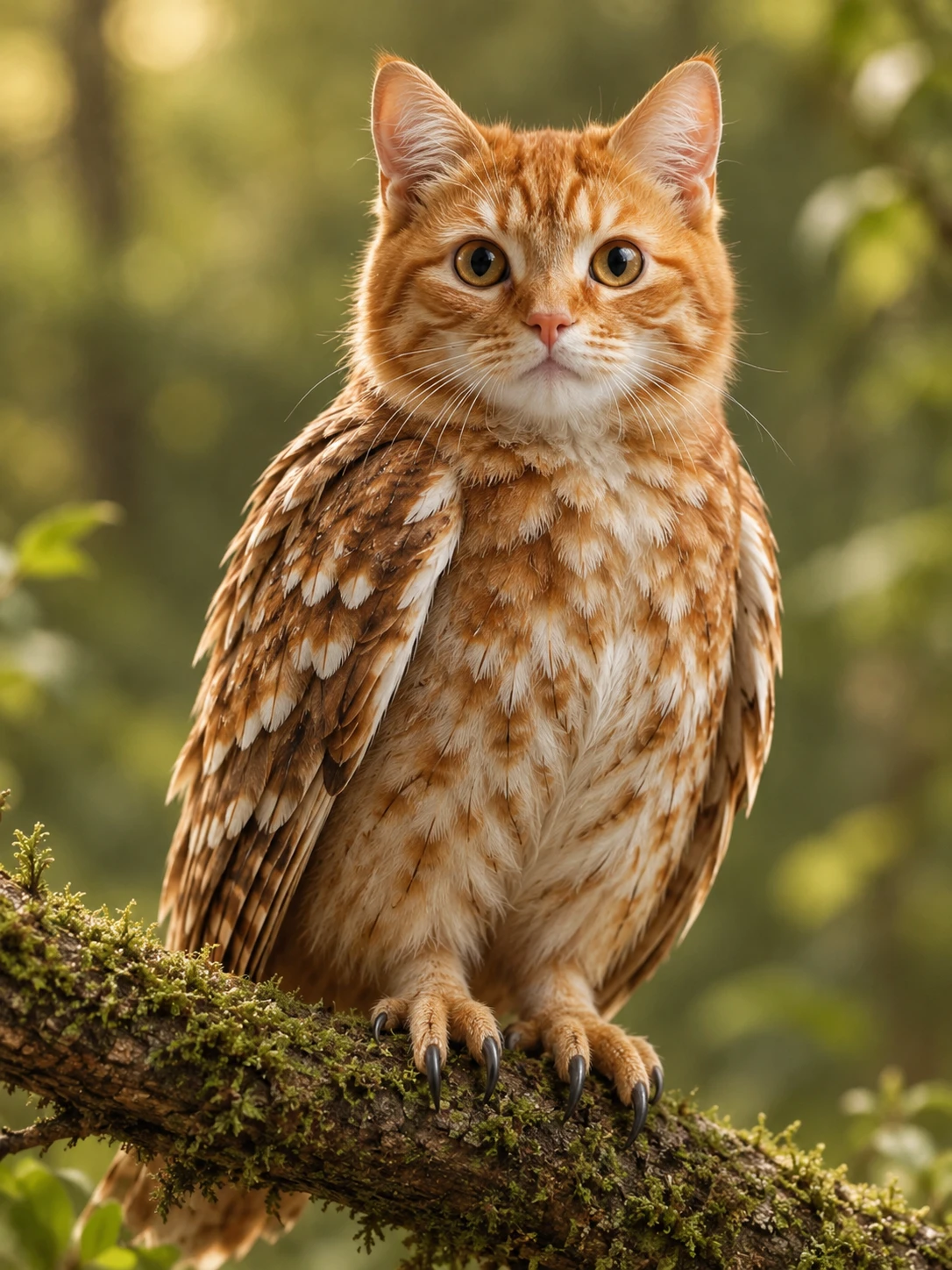
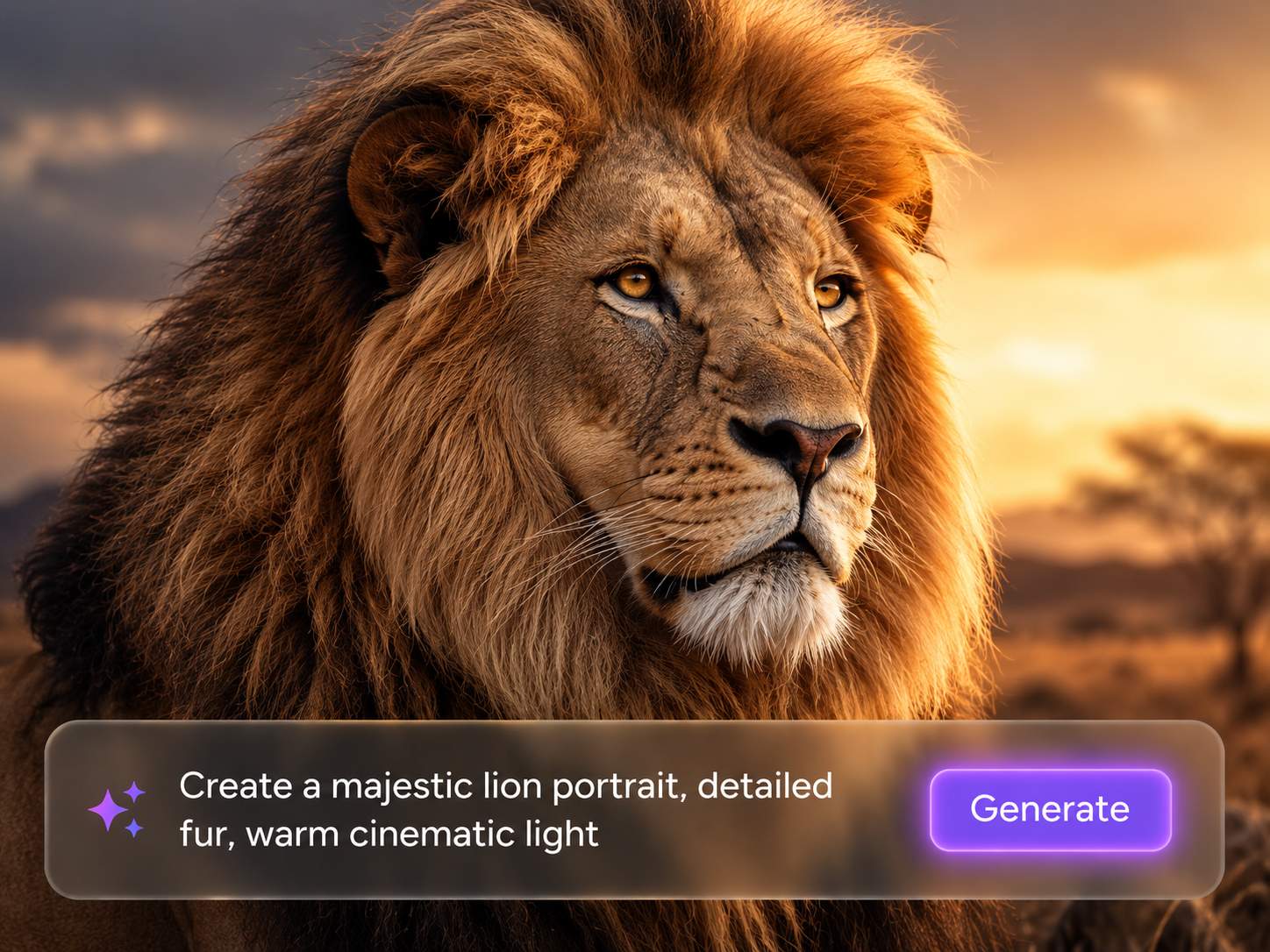
Create Animal Images From Simple Prompts
Have an animal idea but no ready image to use? Just describe the species, pose, mood, setting, color, and style you want, and PicLumen's AI animal generator can quickly turn your prompt into a polished animal picture. You can create cute pets, wild animals, jungle scenes, fantasy creatures, animal mascots, or concept art without needing drawing skills.
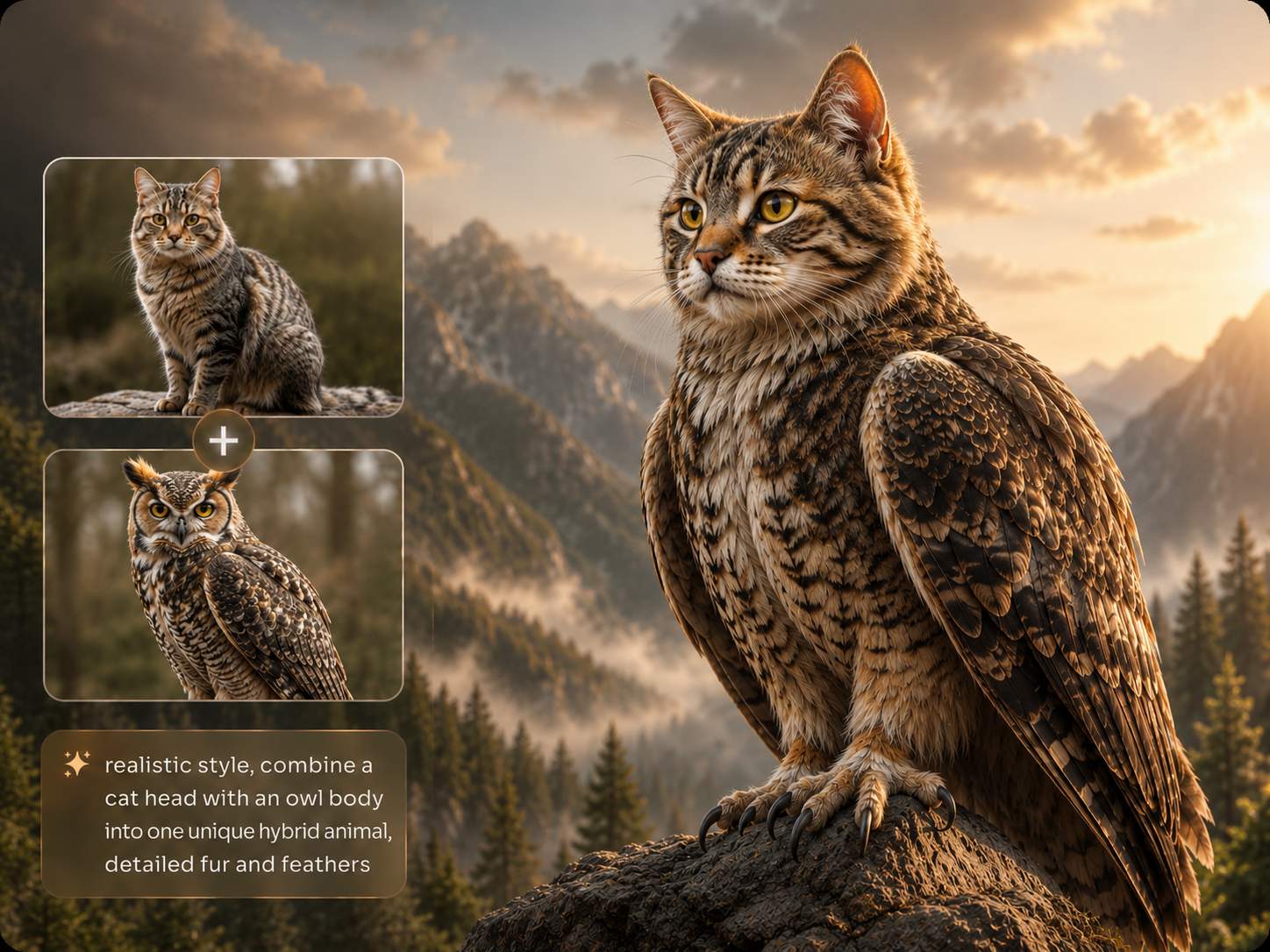
Generate Animal Hybrid Images Your Way
Some creature ideas are too unusual for stock images. A fox with butterfly wings, a wolf-eagle guardian, or a cat-dragon companion needs more room to play. PicLumen works as an AI animal hybrid generator, so you can create mixed-species animals from a prompt or start with a reference image. Just describe the key traits, such as body shape, fur, wings, horns, colors, and mood. PicLumen helps turn that idea into a clearer, more usable animal hybrid image.
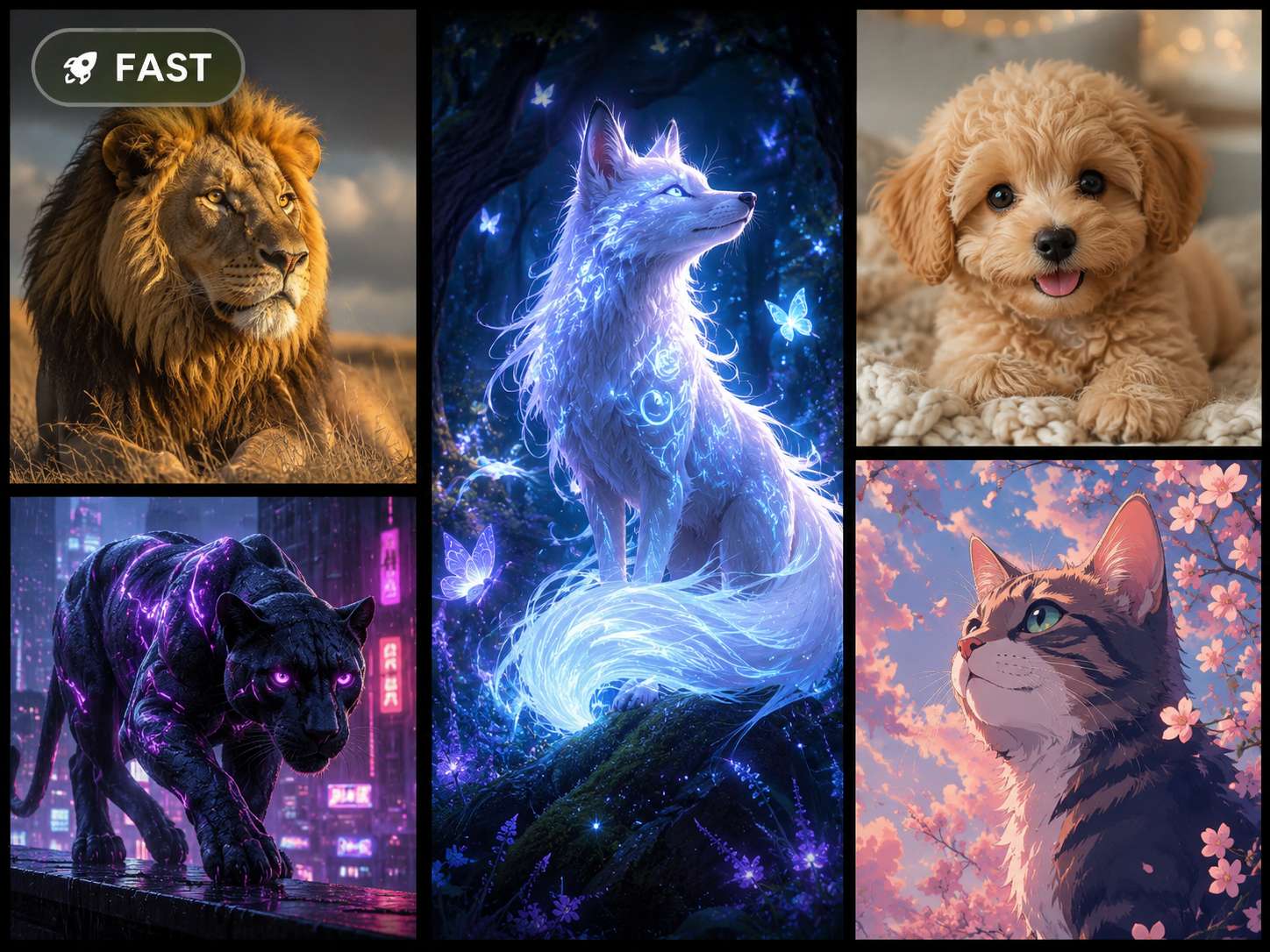
Create Animal Images in the Style You Want
The same animal can take on a very different feel with the right style. A lion can become a realistic wildlife portrait, a bold mascot, a fantasy beast, or a neon cyberpunk creature. With PicLumen's AI animal generator, you can create realistic animals, anime-style pets, painterly animal art, cartoon creatures, cyberpunk wildlife, and fantasy beasts in one place. It helps you get animal images that fit your project instead of settling for a generic result.
Why Choose PicLumen’s free AI Animal Generator

High Quality
Create animal images with cleaner details, richer textures, and stronger visual appeal.

Fast Creation
Turn prompts or reference images into animal visuals quickly.

Stable Results
Keep your creative workflow smoother with reliable generation quality.
What You Can Create With PicLumen’s AI Animal Generator

Pet Portraits and Cute Animal Art
Turn a pet photo or a simple pet idea into a portrait, sticker, avatar, greeting card, or social post.

Fantasy Creatures and Animal Hybrids
Create dragons, spirit animals, magical beasts, or animal hybrids for stories, games, comics, and worldbuilding.

Marketing and Social Media Visuals
Make animal images for posters, banners, thumbnails, blog covers, brand mascots, or product campaigns.

Educational and Wildlife-Themed Images
Create wildlife images or friendly illustrated animals for classroom materials, presentations, nature articles, and children's content.
AI Generated Animals: Prompt Ideas You Can Try
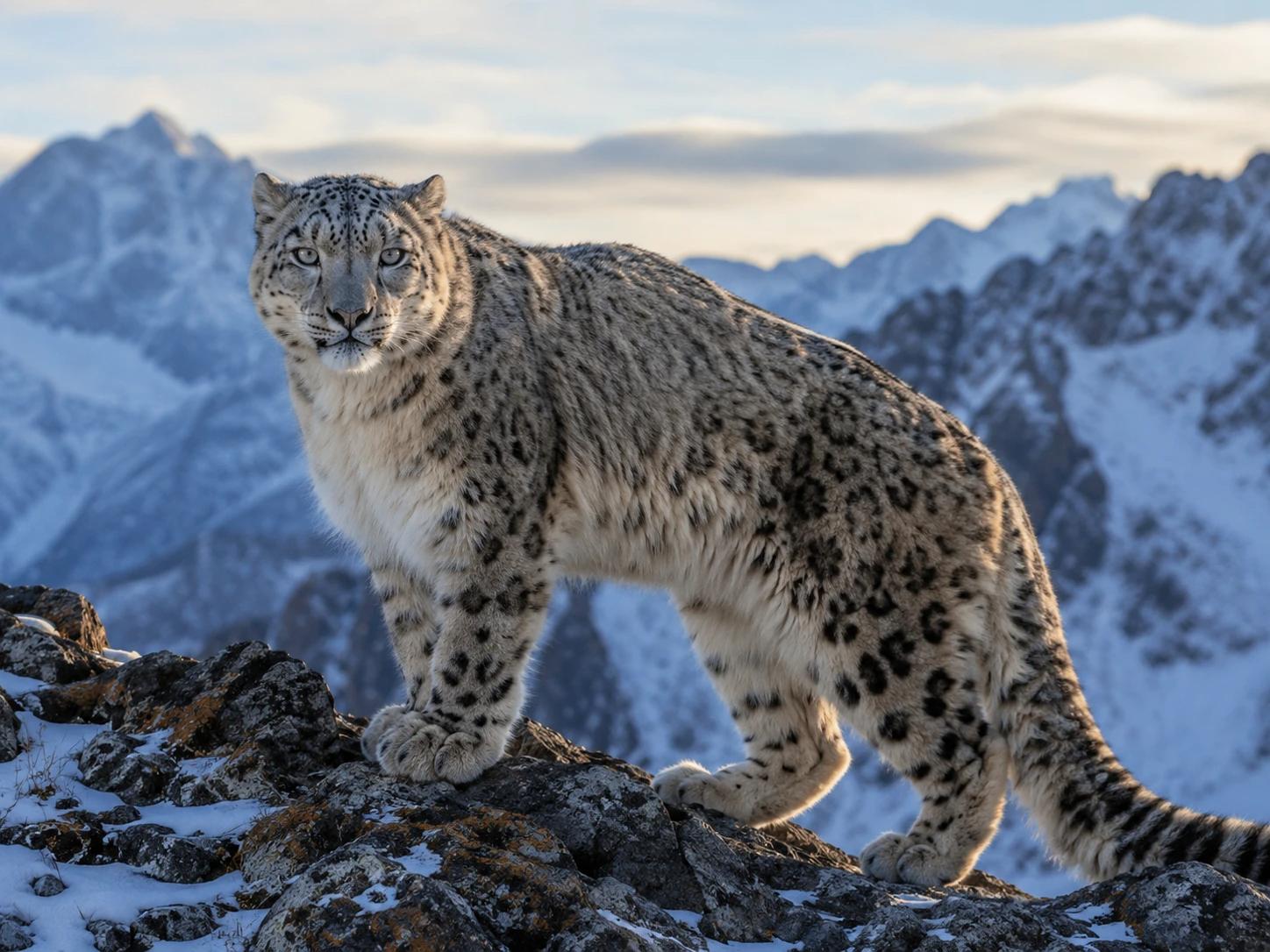
Realistic Animal Prompt
"A realistic snow leopard standing on a rocky mountain ridge, thick winter fur, sharp eyes, cold morning light, detailed wildlife photography style"
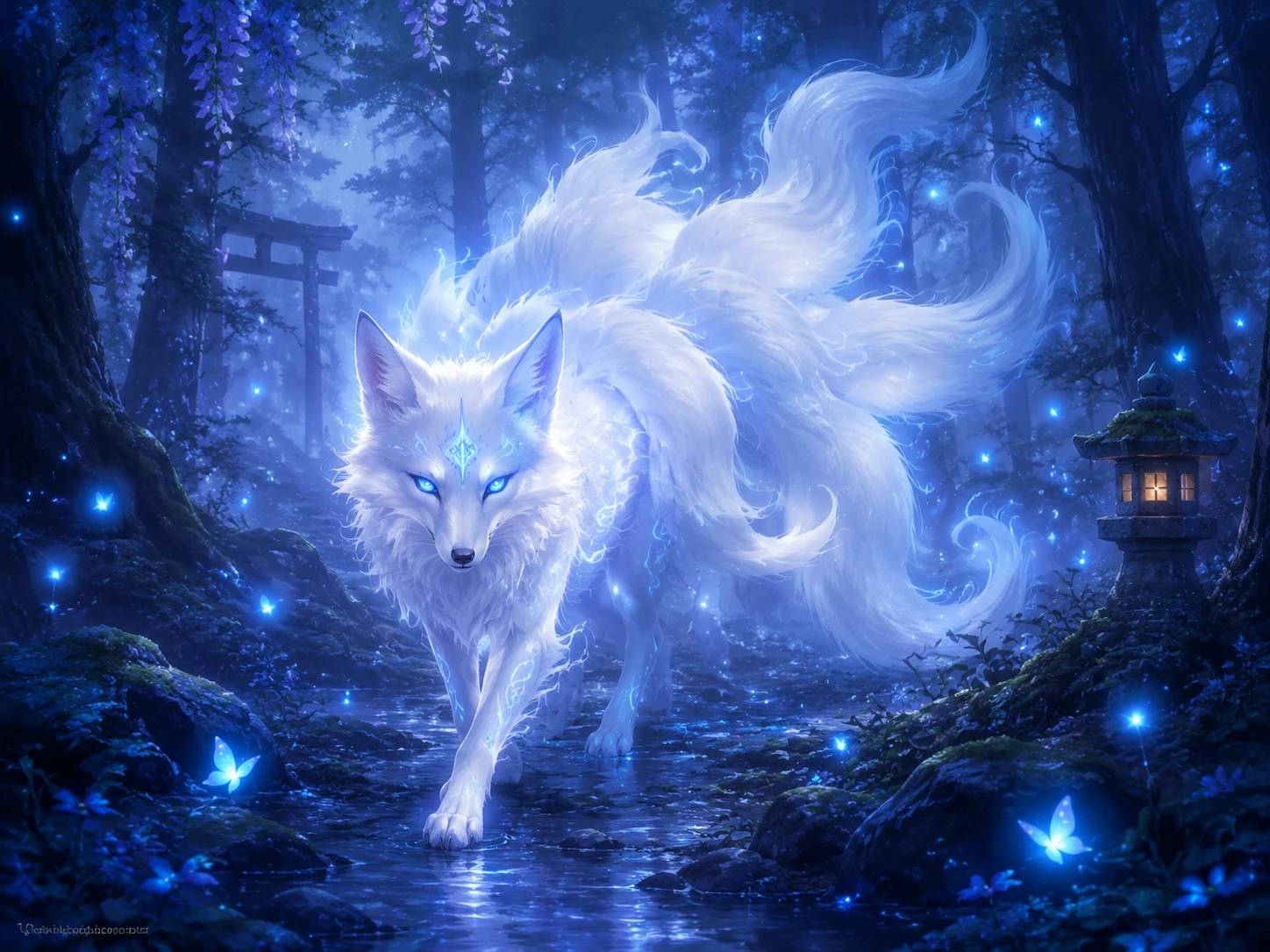
AI Fantasy Animal Prompt
"A glowing white fox spirit walking through an enchanted forest, blue fireflies, soft mist, elegant fantasy illustration style"
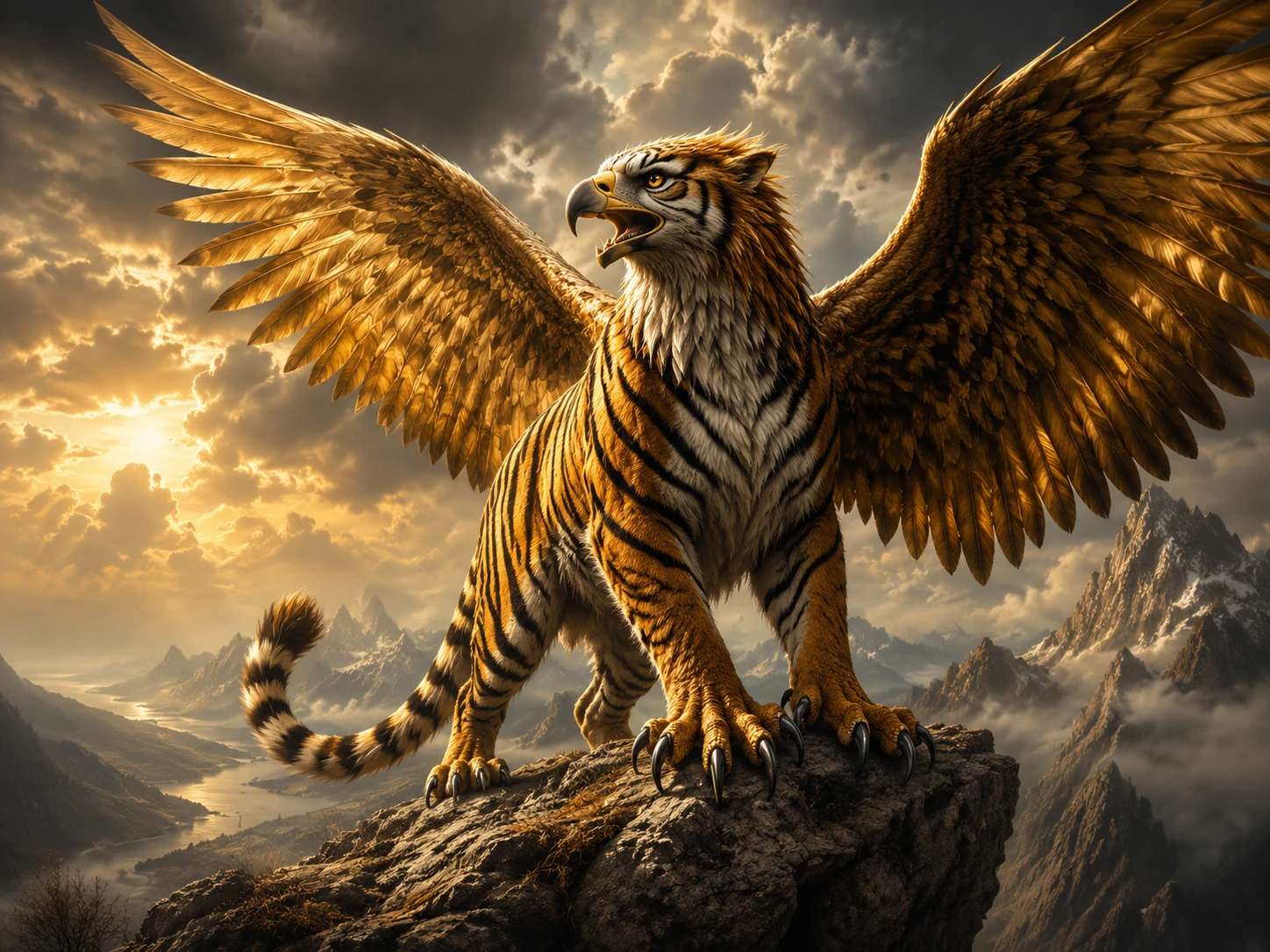
AI Animal Hybrid Prompt
"A tiger-eagle hybrid creature with striped fur, golden wings, sharp talons, standing on a cliff, dramatic fantasy concept art"
How To Use AI Animal Generator on PicLumen
Step 1 Choose a Model
1You can choose your favorite model based on your preferences or habits to generate AI-generated animal images.
Step 2 Enter a Prompt or Upload Images
2Describe the animal, style, pose, background, and mood you want. You can also upload a reference image if you want to turn a pet photo or sketch into a new creative result.
Step 3 Select Ratio and Quality
3Pick the image ratio and quality based on where you plan to use the result. Square images work well for avatars and social posts, while wider images are better for banners, blog covers, and scene-style artwork.
Step 4 Generate and Download
4Generate your image, review the result, and adjust the prompt if needed. Once the animal image looks right, download it for your project or share it directly.


Loved by Creators Worldwide
Real feedback from designers, marketers, and hobbyists sharing their PicLumen experience on Trustpilot.
 J. Blaine
Regular PicLumen user experience
I've been using PicLumen since late summer 2024 and I've generated several thousand images, mostly image-to-image. There were 2 minor technical glitches in that period of time. In the first one, my library didn't load but after logging out and logging in again later that day I found my library back. The second glitch- the remixing and outpainting stopped working. I contacted the support team and the issue was fixed the next day. I also requested PicLumen to provide a PayPal payment method when they switched to subscription - and they listened and responded to my request. I appreciate their responsiveness and customer service. In my communication with their support team, I found them professional and polite. My general impression is that this is a dynamic and collaborative team that is worth supporting!
I recently had some technical issues…
I recently had some technical issues that I was trying to work through, so I reached out to the team at PicLumen for support. They were incredibly open, responsive, and willing to discuss the challenges I was experiencing. I even sent them a video demonstrating some of the issues I came across, and they took the time to review everything carefully and work toward finding solutions. What really stood out to me was how friendly, approachable, and collaborative they were throughout the process. I never felt like I was just submitting a problem ticket — it felt like they genuinely cared about improving the experience and helping users succeed. I truly enjoy using the platform and appreciate the level of support and dedication behind it. I would absolutely recommend PicLumen to anyone interested in this type of creative work.
Ai HackGreat tool
I would really recommend this website to content creation
Excellent results
Excellent results, very supportive and helpful customer service. They have a great interface very friendly use and the prices are reasonable. I use it for personal stuff and I am just a beginner but it made my earning process very enjoyable. I might give a more technical review in the future but that is so far my experience. Thanks
Narender KhatanaI love this app I love this very very…
I love this app I love this very very much this is help in make a videos
Nice creations and bright
Nice creations and bright
 Selvakumar MSK
Good website.
Good website. Website for creating images.
 Federico Bidonde
Good app recién probando
Good app recién probando
Very easy to use
Very easy to use, great quality
Edwin CapdepomtStrong aesthetic ability.
Piclumen gives the impression of being a capable and expressive image generator with a refined aesthetic. If it maintains this level of quality in other types of scenes, it will become one of the most interesting visual tools available today.
 Muhammad Hafiz
i rate this app five star
i rate this app five star
 Jonathan Bernadino
A great company and an incredible…
A great company and an incredible experience being able to generate my images with the highest quality.
Frequently Asked Questions
What Is an AI Animal Generator?
An AI animal generator is a tool that turns your text prompt or reference image into an animal picture. You can use it to create pets, wildlife, fantasy creatures, animal mascots, or more imaginative creature designs without drawing from scratch.
Can I Create Animal Images From a Photo?
Yes. PicLumen can work as a free AI animal generator from photo when you want to upload a pet photo, animal sketch, or reference image and turn it into a new visual style. You can guide the result with details like style, background, pose, and mood.
Can I Generate Animal Hybrid Designs?
Yes. You can use PicLumen as an AI animal hybrid generator to create mixed-species ideas like a wolf with eagle wings, a cat-dragon companion, or a cyberpunk tiger-panther creature.
What Kinds of Animal Images Can I Make?
You can create realistic pets, wild animals, cartoon animals, anime-style pets, fantasy beasts, and animal hybrids. These AI generated animals are useful for social posts, blog images, concept art, learning materials, brand visuals, and creative projects.
Do I Need Design Skills to Use It?
No. You only need to describe what you want. A clear prompt with the animal type, style, pose, background, and lighting will usually give PicLumen a better direction.