AI Bald Filter – See What You'd Look Like Bald
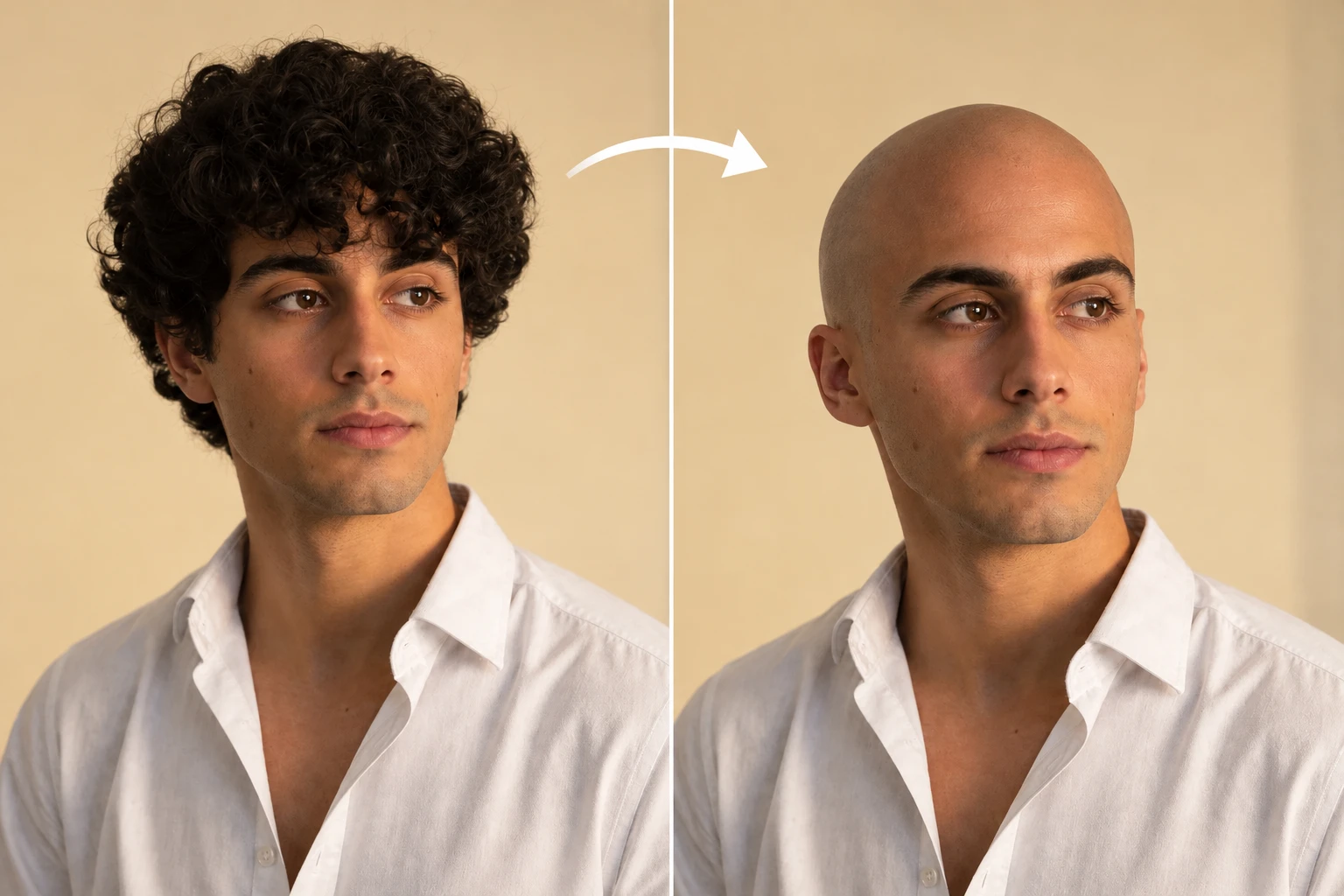
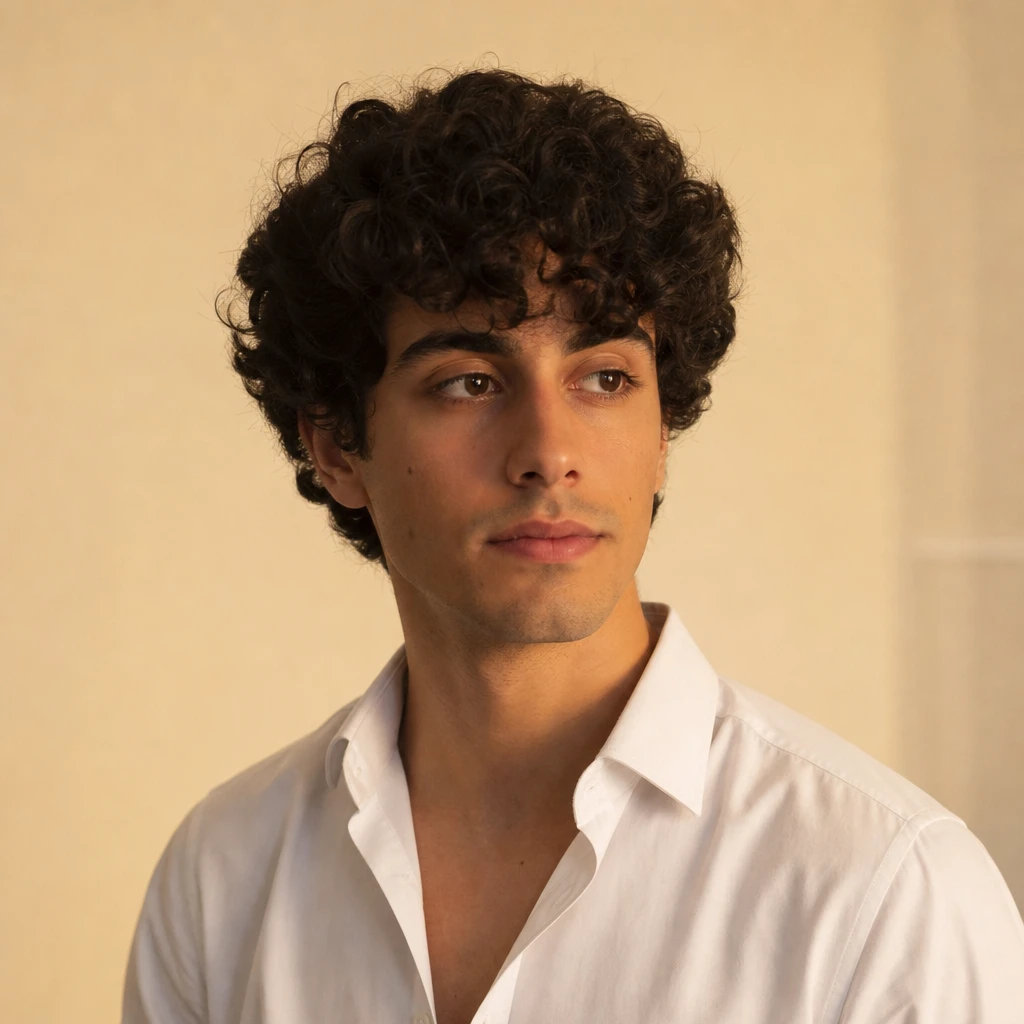
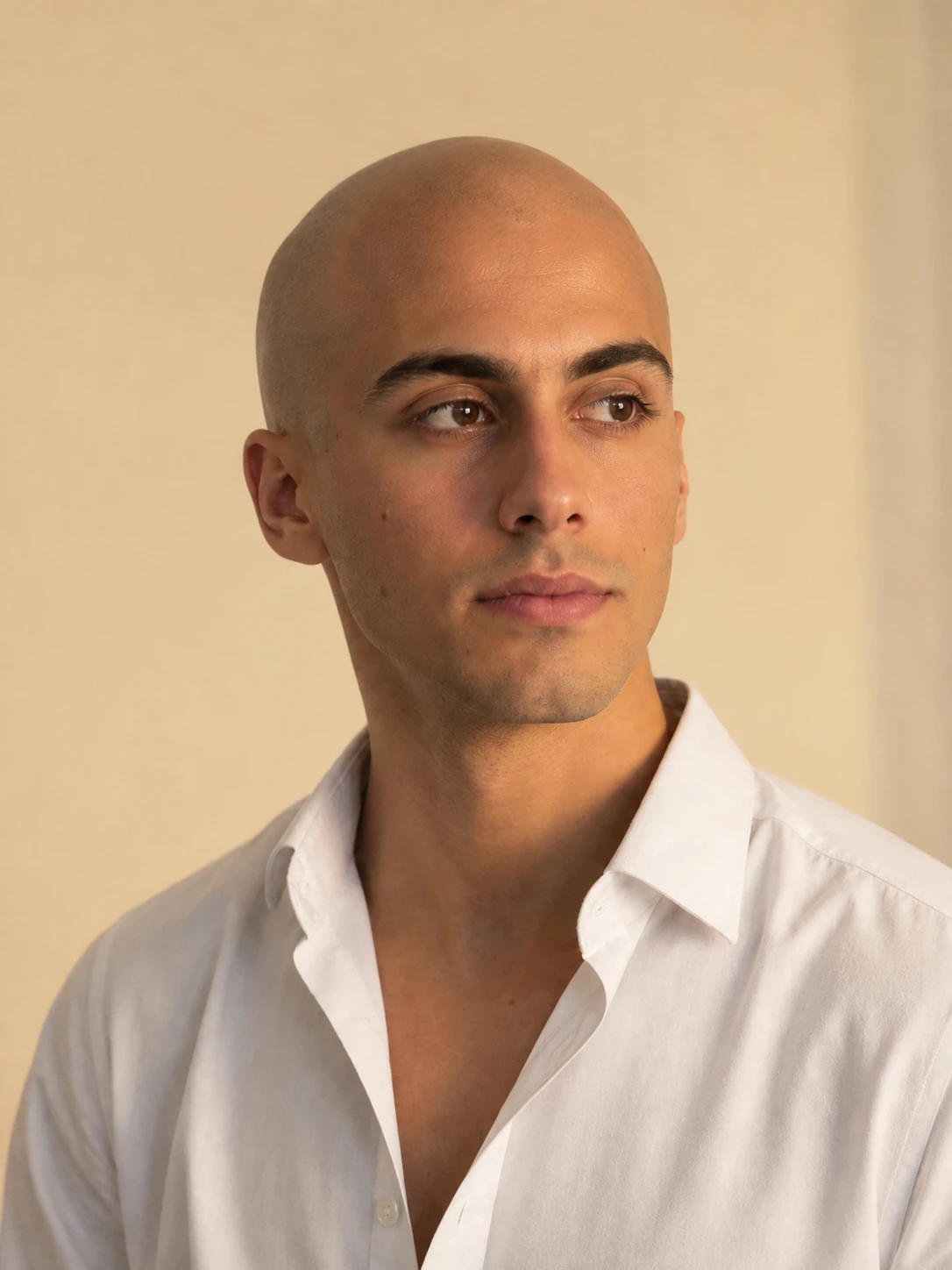
How to Use the AI Bald Filter
Make Yourself Look Bald in Three Steps
Upload Your Photo
Choose a clear selfie or portrait with your face, forehead, and hairline visible.
Apply the Bald Look
Use the available bald effect or describe a realistic shaved-head transformation in a compatible image-editing workflow.
Generate and Download
Preview your bald photo, check the scalp and facial details, and download your preferred result.
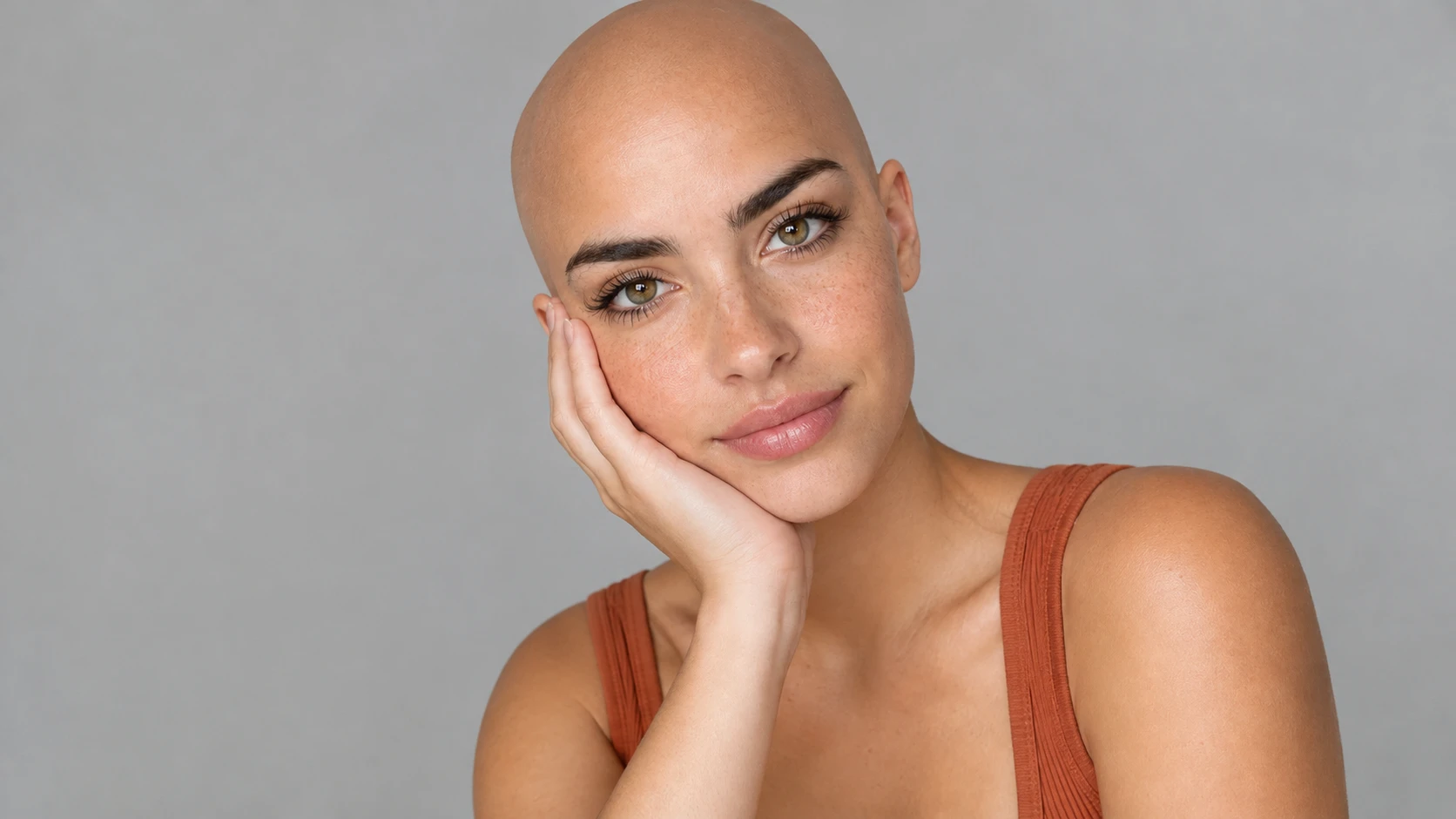
Realistic Completely Bald Look
Transform the person in the uploaded portrait into a realistic completely bald version of themselves. Remove visible scalp hair and create a natural shaved-head appearance with realistic skin texture and head contours. Preserve the person's recognizable facial features, eyebrows, expression, clothing, and background. Match the original lighting and skin tone.
Smooth Shaved Head Portrait
Edit the uploaded selfie to show the person with a smooth, clean-shaven scalp. Maintain natural head proportions, realistic scalp texture, and consistent skin tone. Keep the face, ears, eyebrows, and expression as close to the reference image as possible. Photorealistic result, soft natural lighting.
Bald Head with Beard
Create a photorealistic bald-head version of the person in the reference photo. Remove visible scalp hair while preserving the existing beard, facial structure, and expression. Use realistic scalp shading, natural skin texture, and lighting consistent with the original photograph.
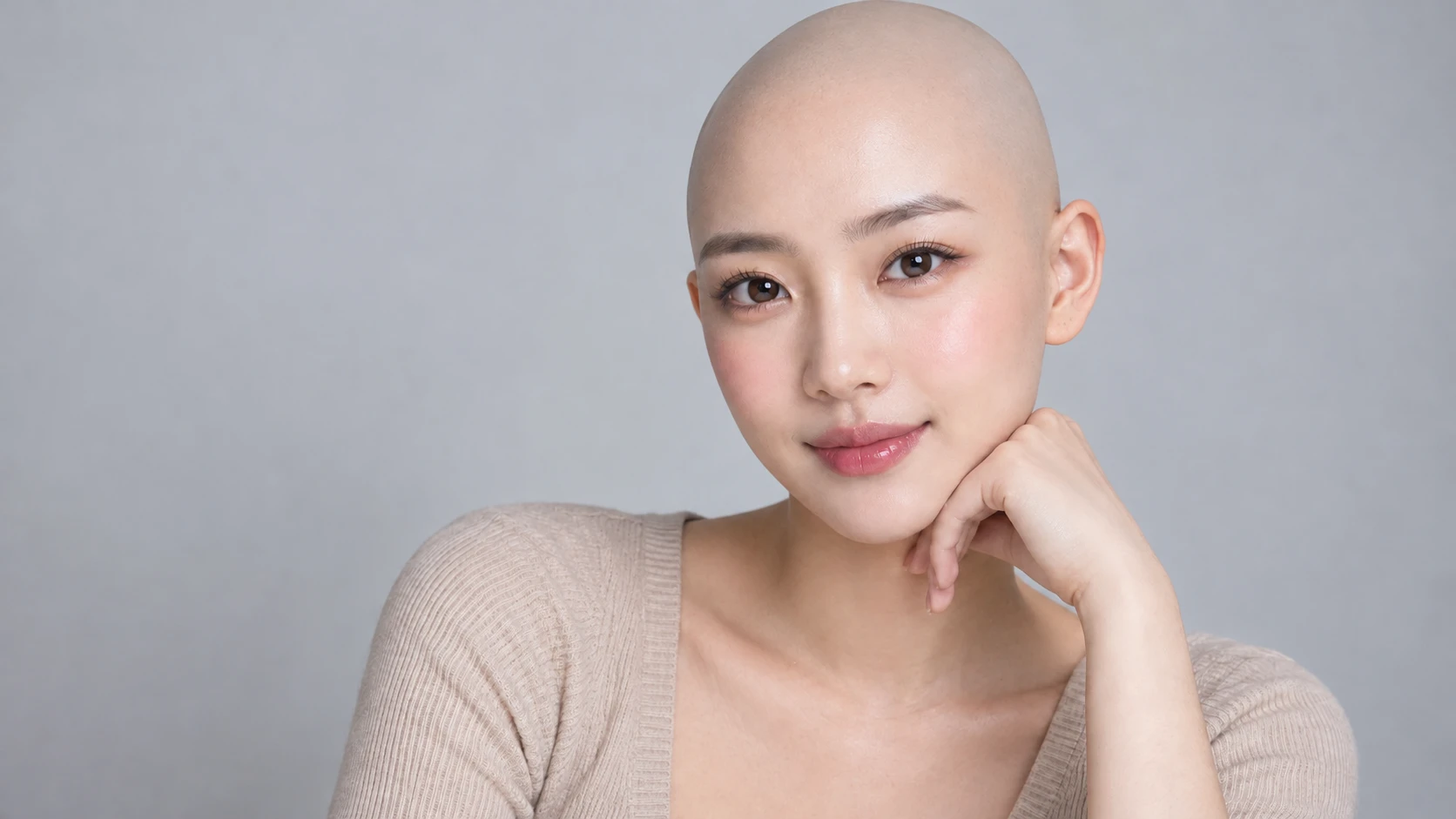
What Is an AI Bald Filter?
An AI Bald Filter is a photo-editing effect that uses artificial intelligence to create the appearance of a shaved or hairless head in an existing portrait. Instead of physically shaving your hair, you can upload a selfie and generate an edited image that replaces your visible hairstyle with a bald-head look. The AI interprets the original portrait to create a new scalp appearance while attempting to maintain recognizable facial features, skin tone, lighting, and head proportions. For example, you can start with a casual selfie and explore how you might look with a completely shaved head, or create a polished bald portrait for a character concept. With PicLumen's AI Image Generator, you can explore creative portrait transformations through image-generation workflows. A bald head simulator provides a visual preview rather than an exact prediction of your real appearance after shaving. Actual head shape, scalp texture, and remaining hair may differ from the generated image.
Try a Realistic Bald Look with AI
Turn Your Selfie into a Bald Head Photo
Start with a photo of yourself and imagine a completely different hairstyle. Upload a clear portrait and use an AI bald effect or a suitable image-editing prompt to create a shaved-head appearance. For example, PicLumen's Image to Image AI Generator can support creative transformations based on an existing photograph. You can experiment with a smooth bald look while keeping your face as recognizable as possible.
Preview a Shaved Head Before Cutting Your Hair
Thinking about shaving your head but unsure whether the look suits you? A shaved head filter lets you explore the visual change before making a real haircut decision. Compare your original hairstyle with a bald version to see how your forehead, jawline, ears, and facial proportions appear without visible hair. The preview is useful for inspiration, although it cannot reproduce your actual scalp or head shape perfectly.
Explore Natural Scalp and Head Contours
A convincing bald portrait depends on more than removing hair. The generated image should include a plausible head contour, scalp texture, lighting, and skin tone. Use a clear source image and descriptive instructions to guide the result. For example, request a naturally shaved scalp with realistic skin texture and consistent facial lighting rather than an exaggerated or overly glossy appearance.
Keep Your Face Recognizable
The best bald filter results still look like the person in the original photograph. When generating a bald portrait, ask the AI to preserve your facial features, expression, eyebrows, beard, and overall appearance. For example, PicLumen's AI Portrait Generator offers another way to explore portrait styles while developing recognizable character imagery. AI-generated transformations may still alter facial details, so compare the edited image with the original before sharing.
Explore Different AI Bald Filter Transformations
From realistic shaved-head previews to funny selfies and creative portraits, discover new ways to experiment with a bald look.
One Photo, a Completely Different Hairstyle
An AI Bald Filter is an AI photo effect that turns a portrait into a shaved, hairless head look without cutting real hair. Upload your selfie, and the AI preserves your facial features, skin tone, lighting and head proportions while rendering a bald scalp. You can preview a fully shaved look or design bald character portraits. With PicLumen's AI Image Generator and the AI Hairstyle Changer, you can try this and other creative portrait transformations. This bald simulator is only a visual preview; the real scalp shape and texture may differ from the generated result.
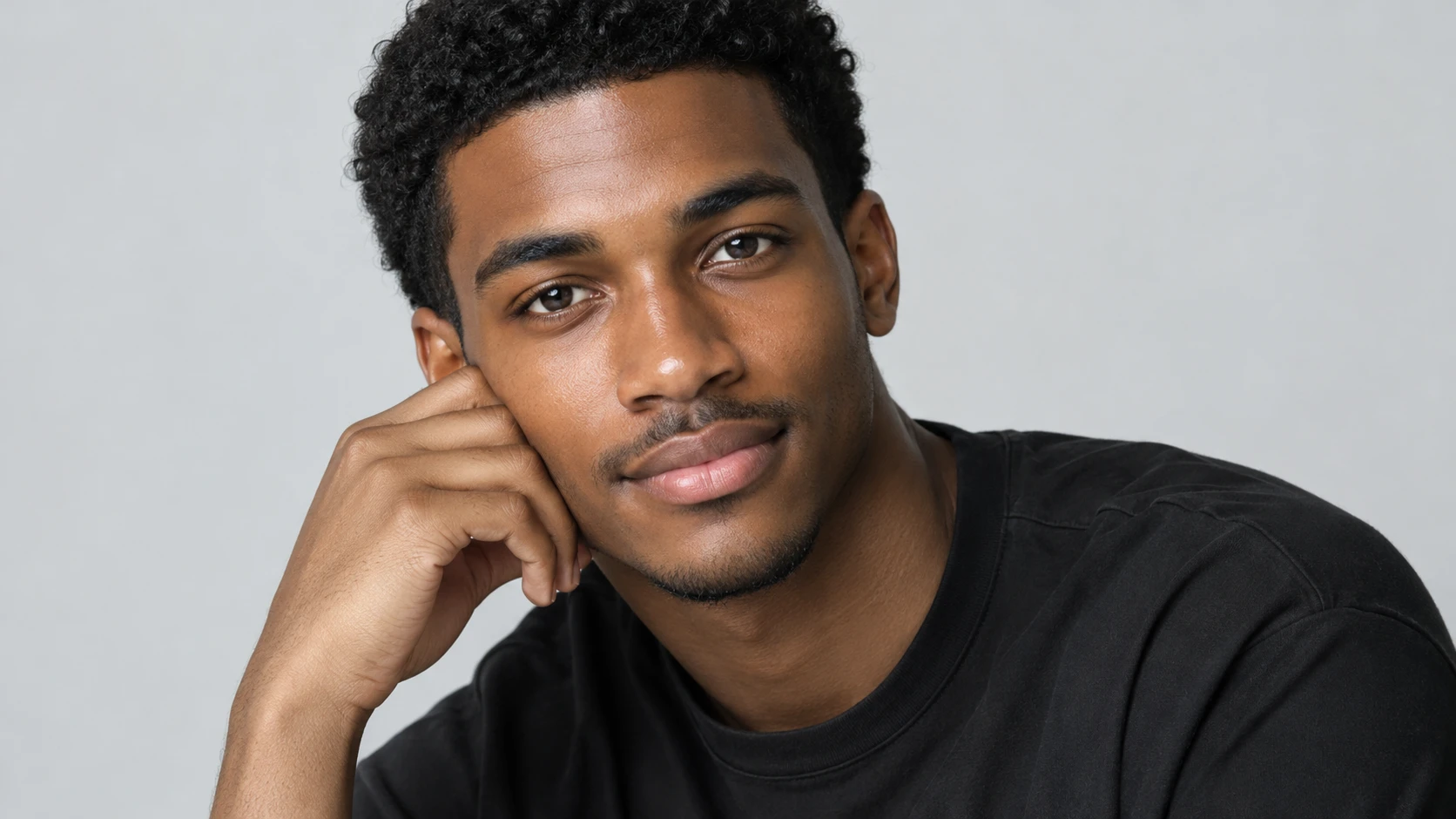
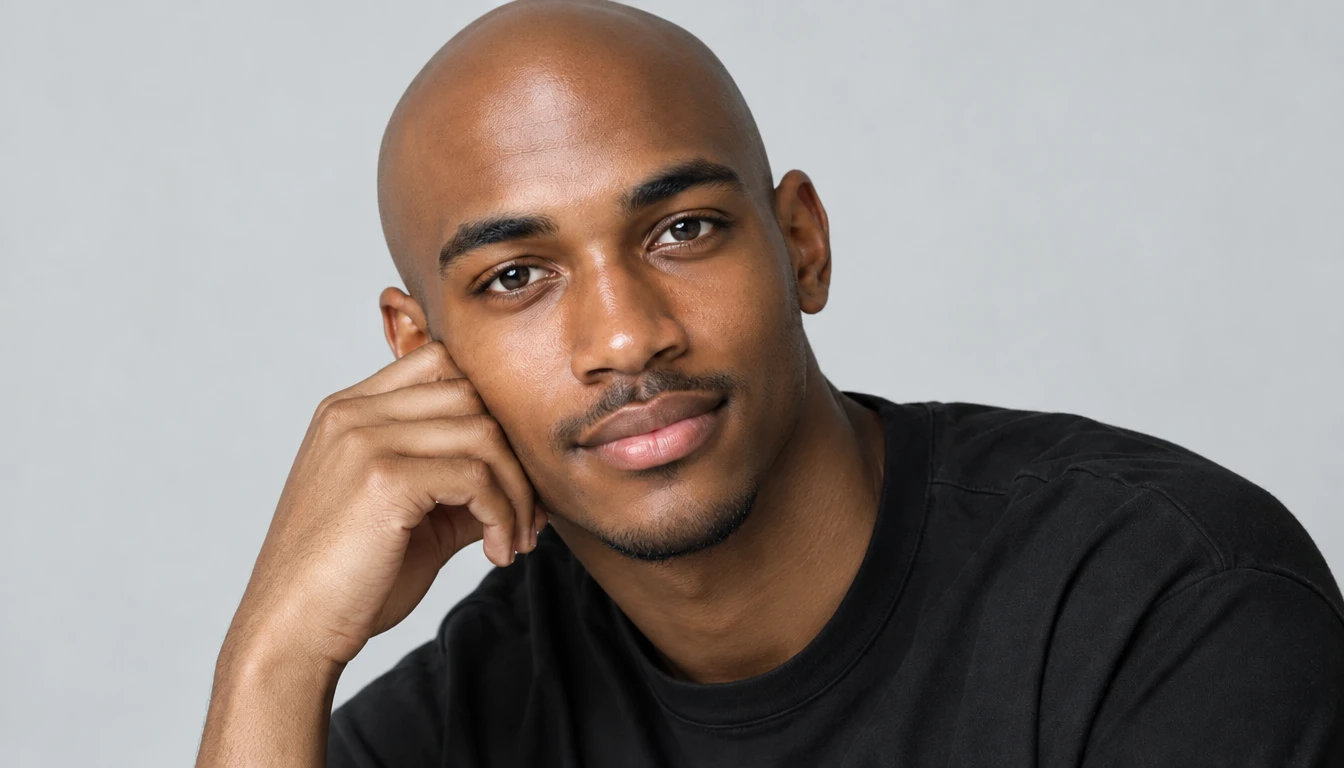
Realistic Bald Head Preview
Create a natural-looking bald portrait from a clear selfie. Explore smooth scalp texture, realistic head contours, and lighting that matches the original photograph. Keep the face, expression, and overall appearance recognizable while changing the hairstyle. Ideal for haircut inspiration, personal style experiments, and before-and-after comparisons.
Bald Look with Beard or Facial Hair
Experiment with the contrast between a shaved head and different facial-hair styles. Try a clean bald appearance with a short beard, a full beard, or a neatly trimmed mustache. Explore how facial hair and portrait lighting influence the overall style. Ideal for men's grooming inspiration, character concepts, and personal photo experiments.
Funny Bald Selfies and Creative Portraits
Turn an everyday selfie into a playful bald-head photo. Experiment with expressive poses, dramatic lighting, humorous concepts, or stylized portraits. Create before-and-after images that highlight the difference between your original hairstyle and the AI-generated bald look. Ideal for memes, social media posts, and lighthearted photo challenges.
Why Choose PicLumen?
Explore Bald Hairstyles Without Complicated Photo Editing
Start with Your Own Photo
Use an existing selfie or portrait as the starting point for your bald transformation. A recognizable source image helps the generated result feel more personal than a generic bald character.
Customize Your Bald Appearance
Describe whether you want a smooth shaved head, a subtle stubble effect, or a bald portrait with facial hair. You can also adjust the lighting, background, and overall photography style through suitable prompts.
Explore Realistic and Creative Styles
Not every bald portrait needs to look like a standard selfie. Experiment with realistic photography, dramatic studio lighting, cinematic portraits, or stylized character designs.
Compare Before and After
Keep your original photo and generated result together to evaluate the transformation. Check the forehead, scalp, ears, facial proportions, and remaining hair details before choosing your favorite image.
Try a New Look Without Commitment
A bald filter can help you visualize a dramatic hairstyle change without actually shaving your head. Use the result for inspiration and personal experimentation rather than treating it as a guaranteed representation of your real appearance.
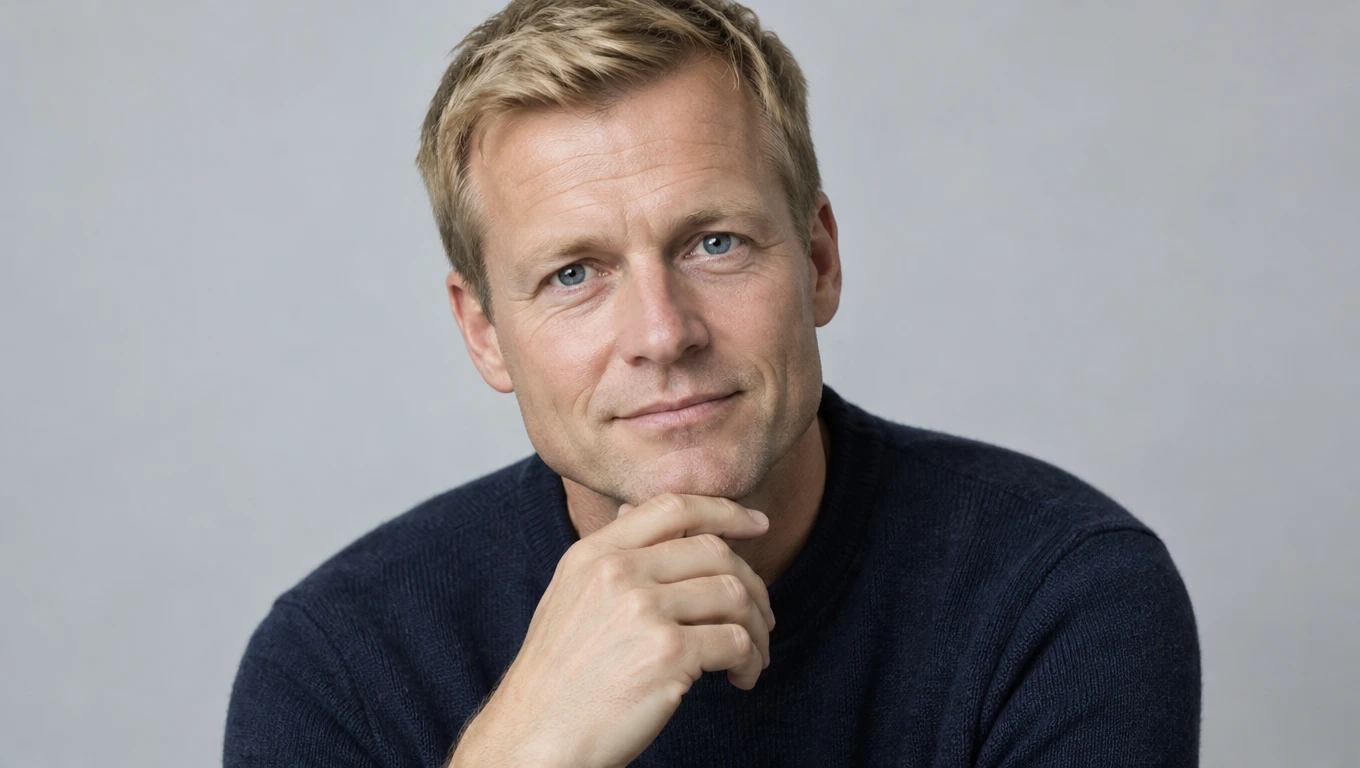
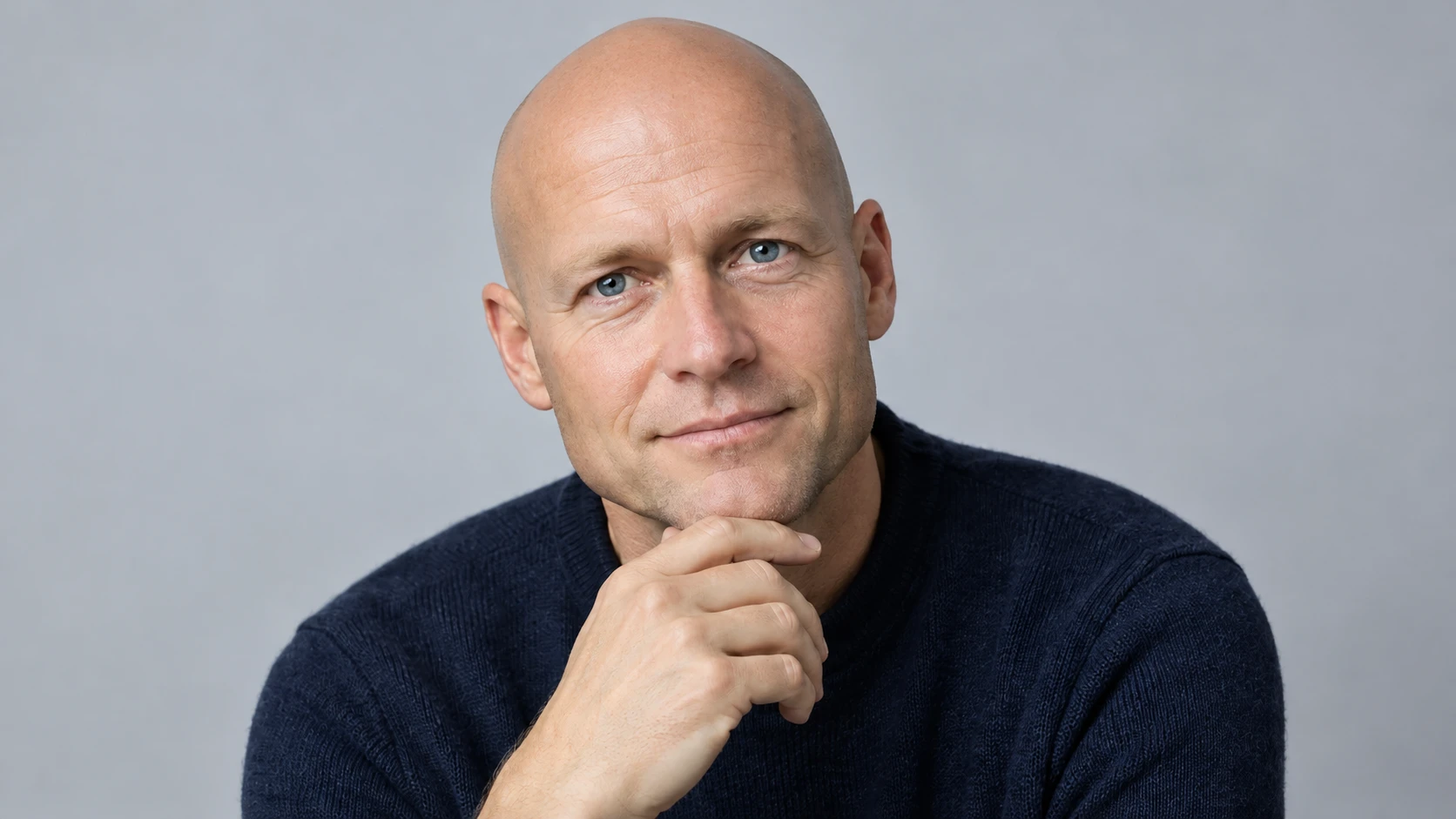
Preview a Bald Hairstyle Before Shaving
If you've ever asked, "What would I look like bald?", an AI-generated preview can help you explore the idea. Compare your current hairstyle with a shaved-head version and decide whether you want to experiment with a similar look in real life.
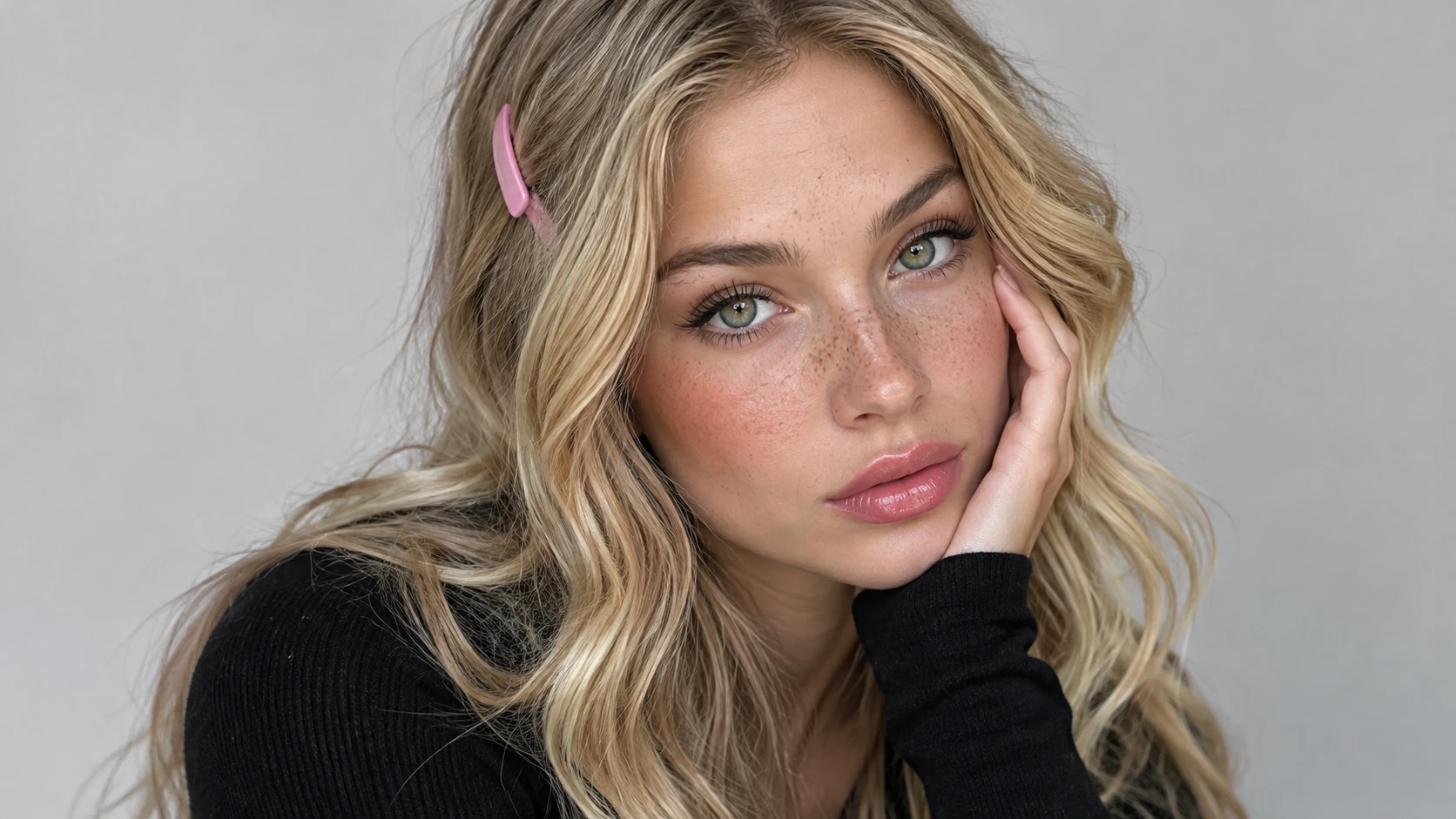
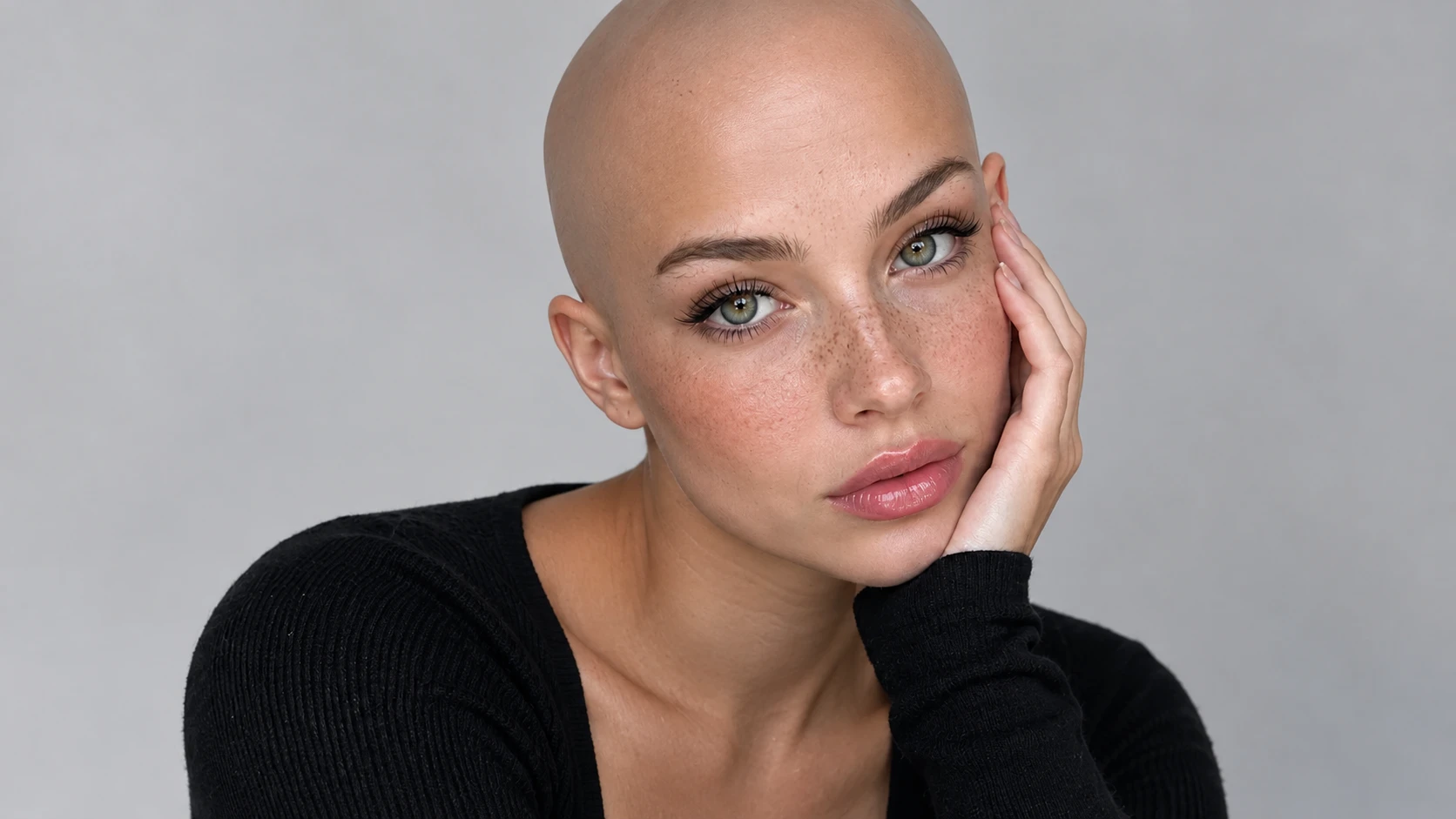
Create Before-and-After Photos
Use the same portrait to compare your original hair with a generated bald appearance. A side-by-side image makes it easier to notice how the hairstyle changes the overall look of your face.
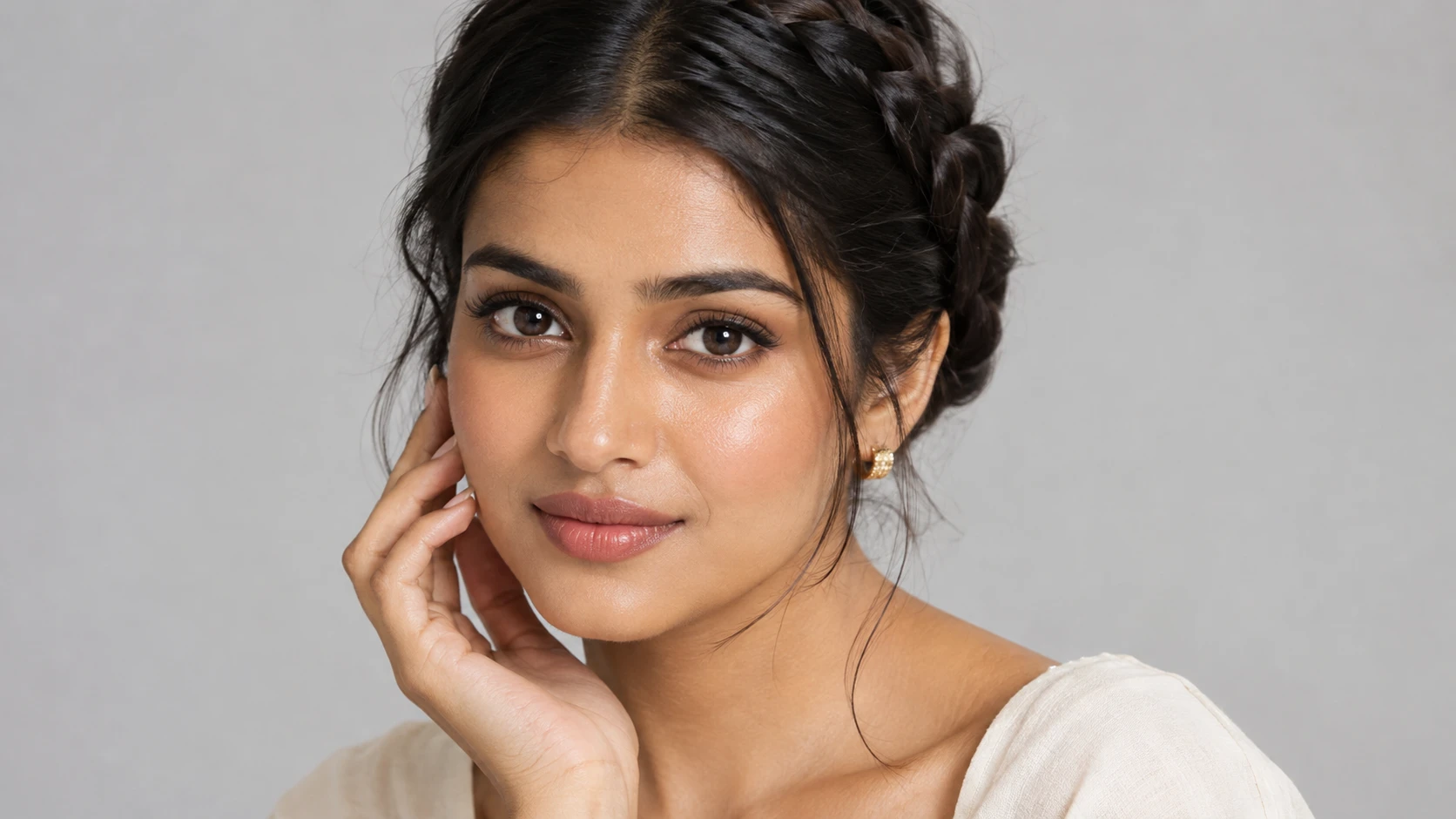
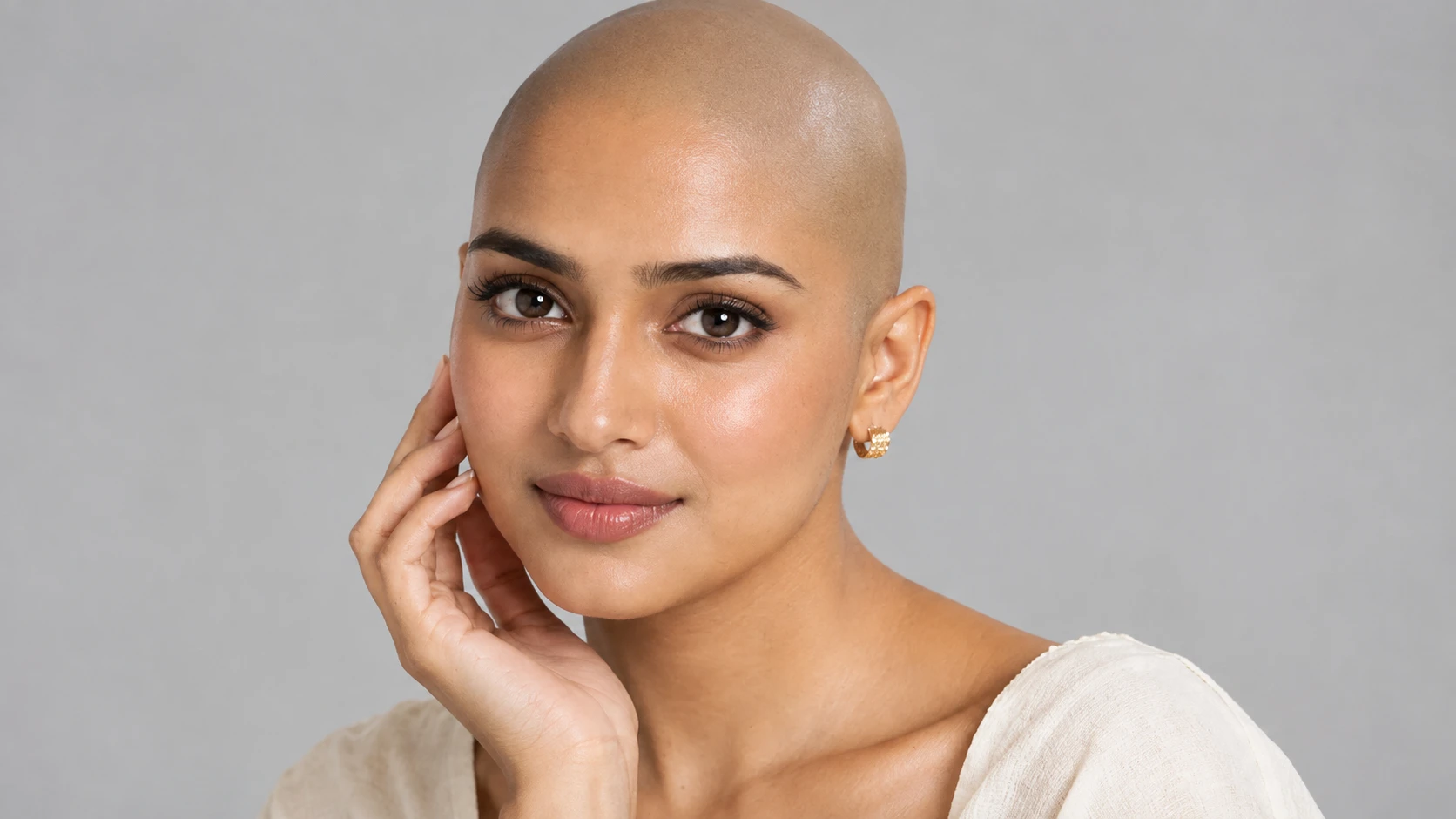
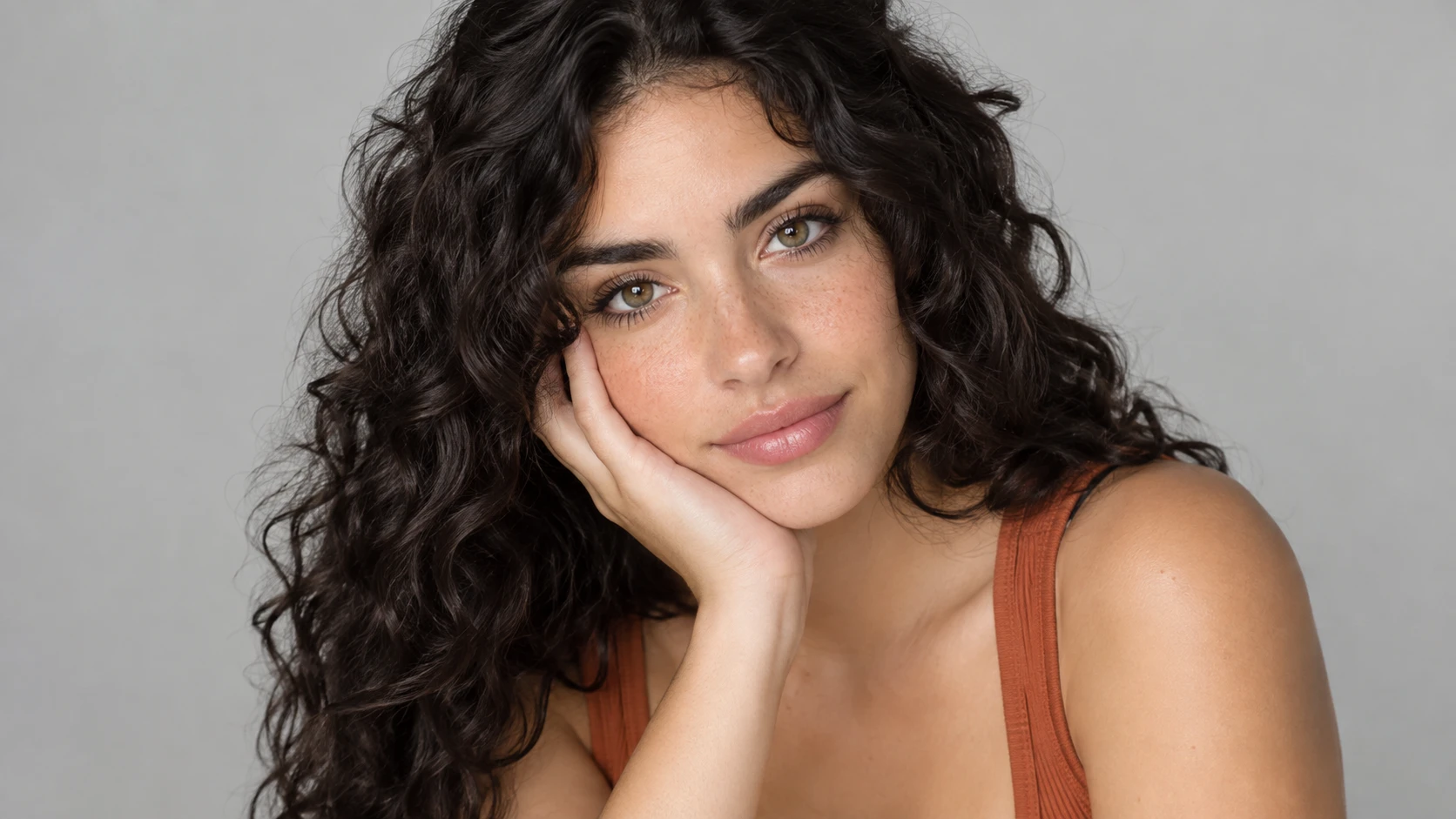
Make Funny Selfies and Memes
Try the bald filter on your own selfie for a humorous transformation. Create lighthearted images for group chats, social posts, or friendly challenges.
Explore Bald Looks with Facial Hair
Experiment with a shaved head paired with a beard, mustache, or clean-shaven face. Different combinations can provide inspiration for personal grooming and portrait styling.


Loved by Creators Worldwide
Real feedback from designers, marketers, and hobbyists sharing their PicLumen experience on Trustpilot.
 Alfred Rangel R
A wonderful range of options to create…
A wonderful range of options to create truly dreamlike visual effects with all those colors; only imagination is the limit.
 Bet AW
Nice good appp creat inmage
Nice good appp creat inmage
I recently had some technical issues…
I recently had some technical issues that I was trying to work through, so I reached out to the team at PicLumen for support. They were incredibly open, responsive, and willing to discuss the challenges I was experiencing. I even sent them a video demonstrating some of the issues I came across, and they took the time to review everything carefully and work toward finding solutions. What really stood out to me was how friendly, approachable, and collaborative they were throughout the process. I never felt like I was just submitting a problem ticket — it felt like they genuinely cared about improving the experience and helping users succeed. I truly enjoy using the platform and appreciate the level of support and dedication behind it. I would absolutely recommend PicLumen to anyone interested in this type of creative work.
Good 👍 perfomense web site good images…
Good 👍 perfomense web site good images good
KIDSCARTOONThis ap great and amazing generate pic
This ap great and amazing generate pic
Bohdan LesykGreat and fast
Great and fast, would be much better with some more free credits
 Jonathan Kauan da Silva
good i like create images
good i like create images
Best app i have ever seen
Best app i have ever seen
 Ibrahim Faisal
This is best app for image generate
This is best app for image generate
MinniesI love the app but it was more better…
I love the app but it was more better when they didn't charge you lumen to make pictures or give you a limitation but it works amazing and it gives you very neon pictures...../ and for some reason on New Year's Eve today it won't let me make pictures
 Yasmen Mohsen
Love it
Love it ,, coool ,, amazing
 Shiva Verma
Best app for video editing
Best app for video editing
Frequently Asked Questions
What is an AI bald filter?
An AI bald filter is a photo effect that creates the appearance of a bald or shaved head in an existing portrait. It uses image-generation technology to reinterpret the hairstyle while attempting to preserve recognizable facial details.
How can I see what I would look like bald?
Upload a clear selfie to a compatible AI image-editing workflow, apply a bald-head effect or describe a shaved-head transformation, and generate the result. Compare the edited photo with your original image to explore the change.
Can I try an AI bald filter online for free?
PicLumen offers image-generation options with usage limits and credit requirements that depend on the selected model. If you're looking for a bald filter online free option, check the current generation interface for available free credits and supported features.
Will the bald filter keep my face the same?
Reference-based editing can help maintain recognizable facial features, but exact identity preservation is not guaranteed. Use a clear portrait and specify that only the hairstyle should change. Review the generated image carefully.
Can I use a bald filter on long hair?
You can try a bald transformation on long-hair portraits, but the result may require additional adjustments. Photos with visible facial contours and hair pulled away from the face generally provide clearer visual references.
Can I create a bald look with a beard or short stubble?
Yes, you can explore these styles using a suitable AI image-editing model and descriptive prompts. Specify whether you want a completely smooth scalp, closely shaved stubble, or a bald look that preserves existing facial hair.
Is an AI bald filter accurate enough to predict how I will look after shaving?
No. A generated bald image is a creative preview, not an exact physical simulation. Your actual head shape, scalp texture, hair density, and lighting may produce a different appearance after shaving.