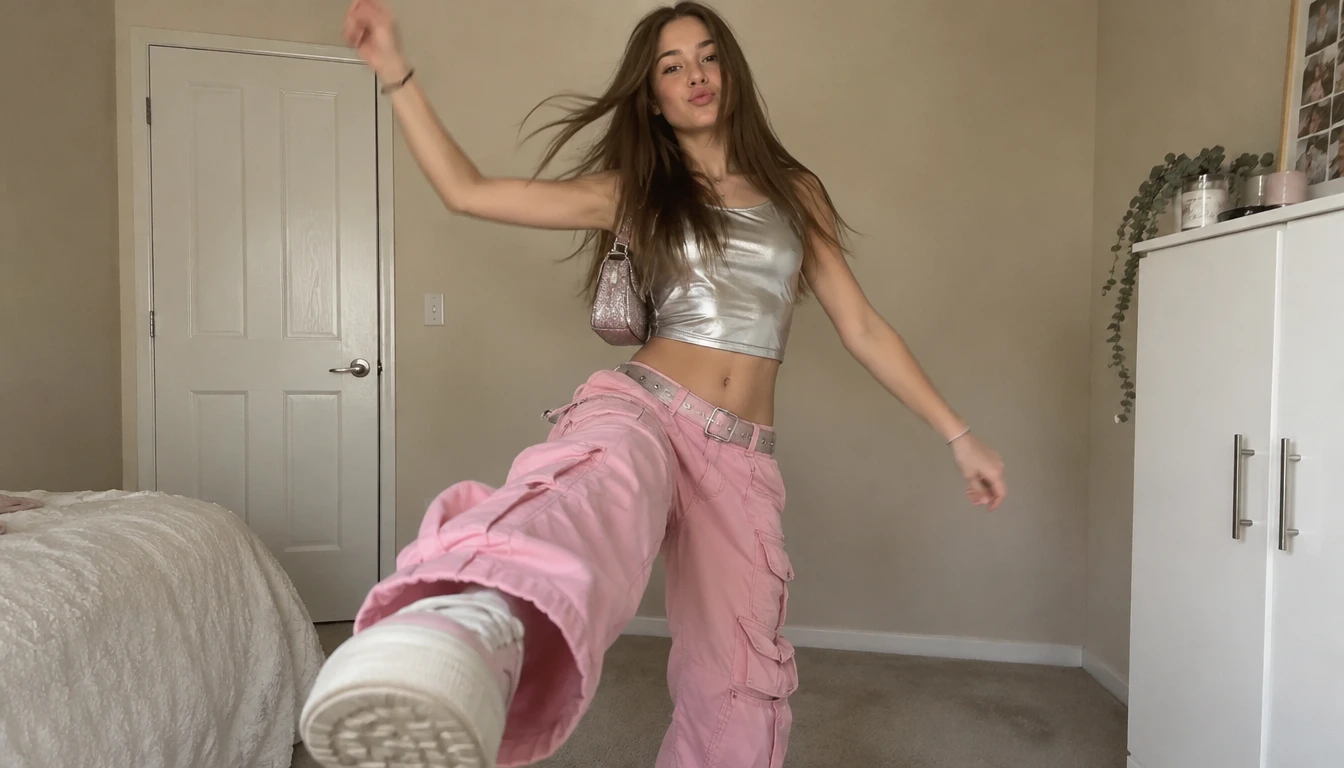
Free AI Clothes Remover for Photos and Videos
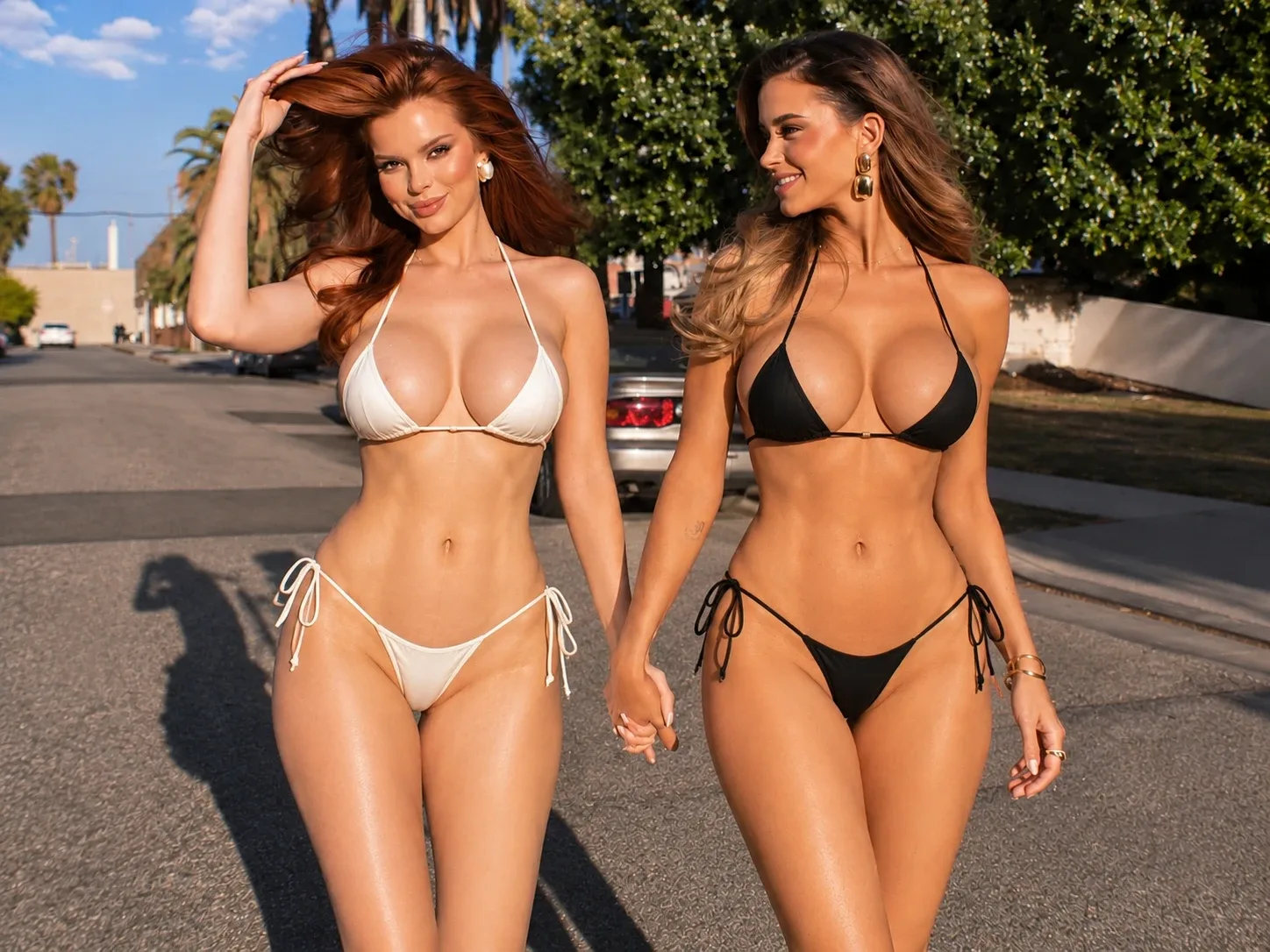
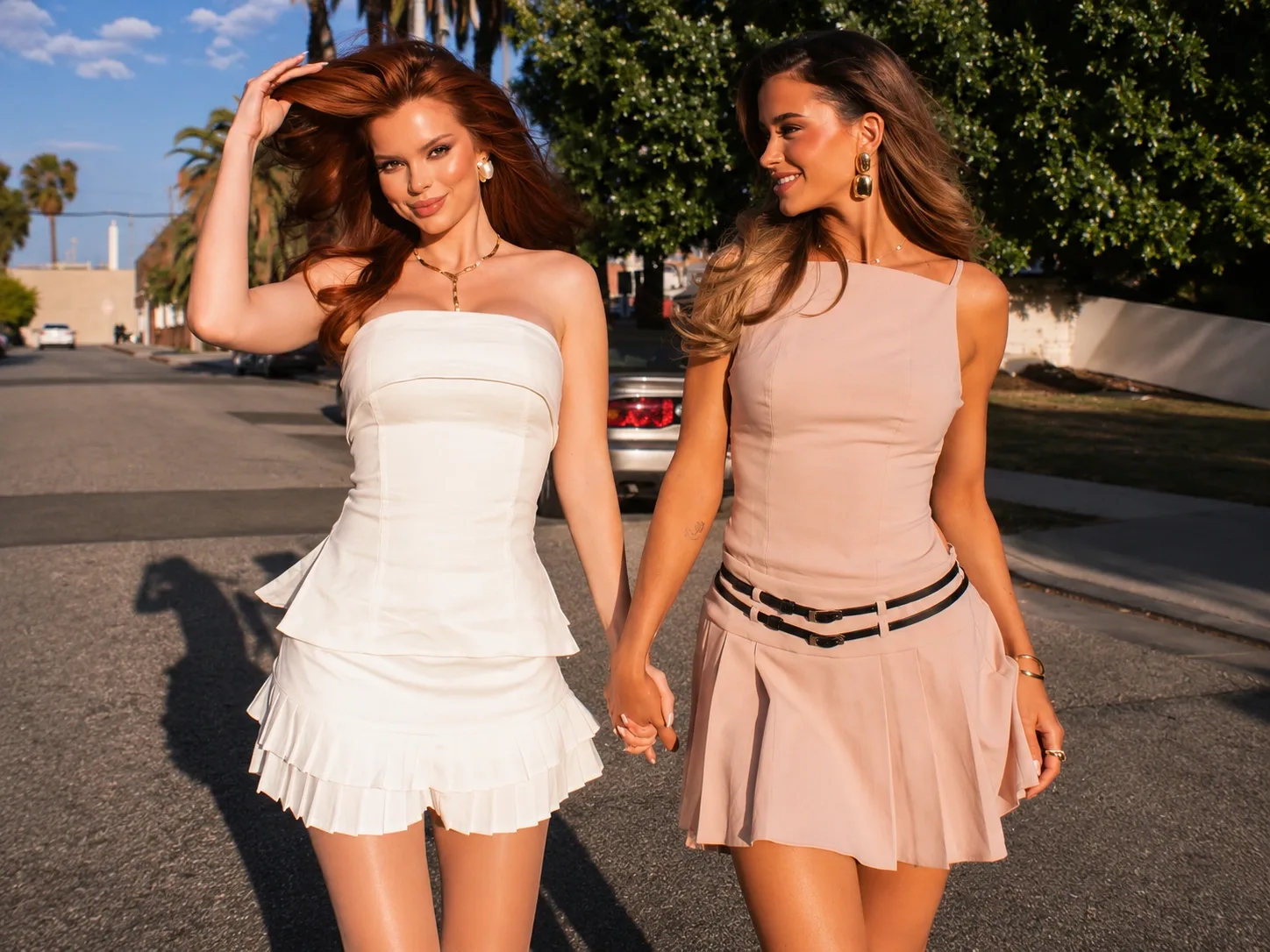
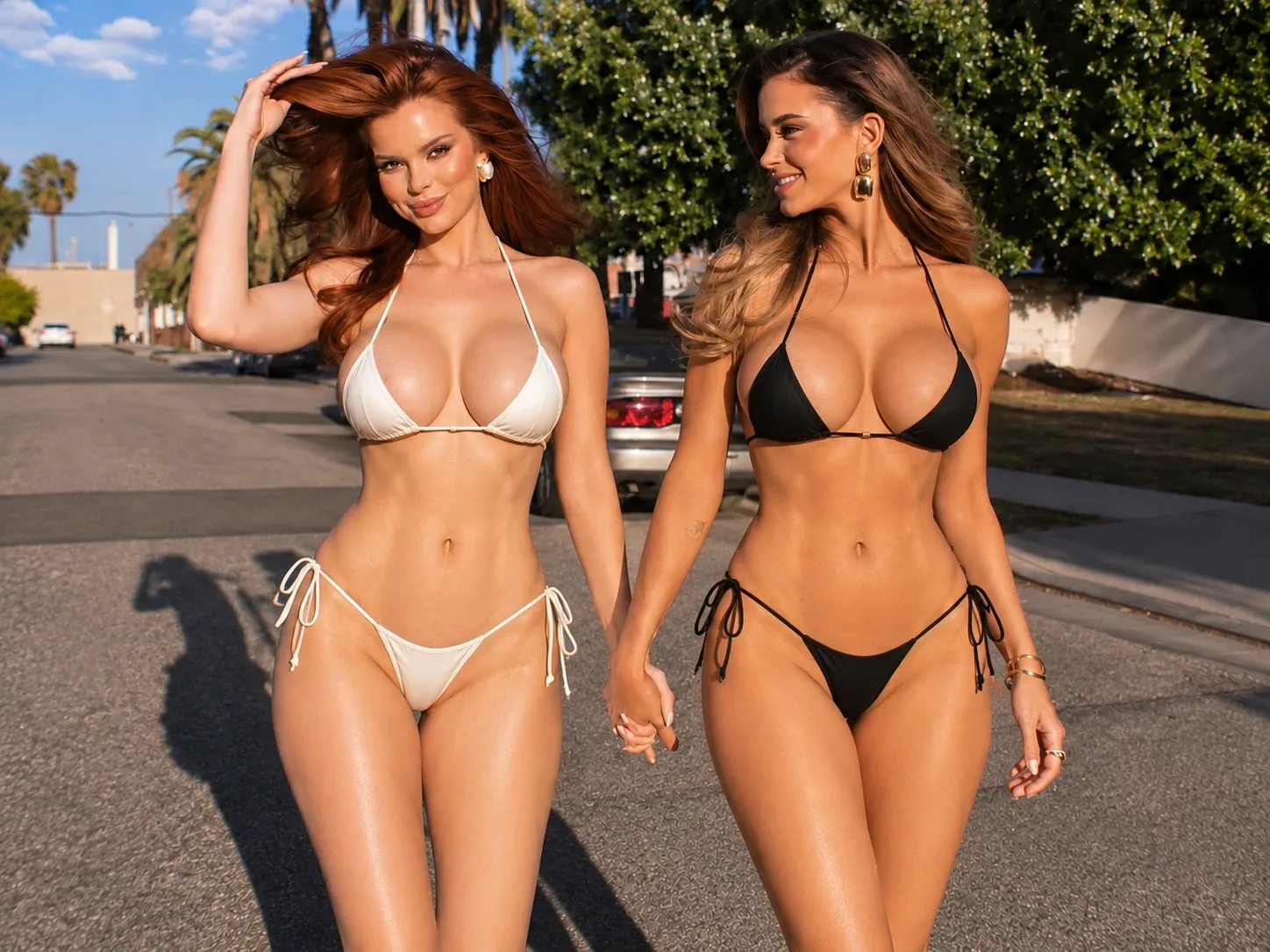
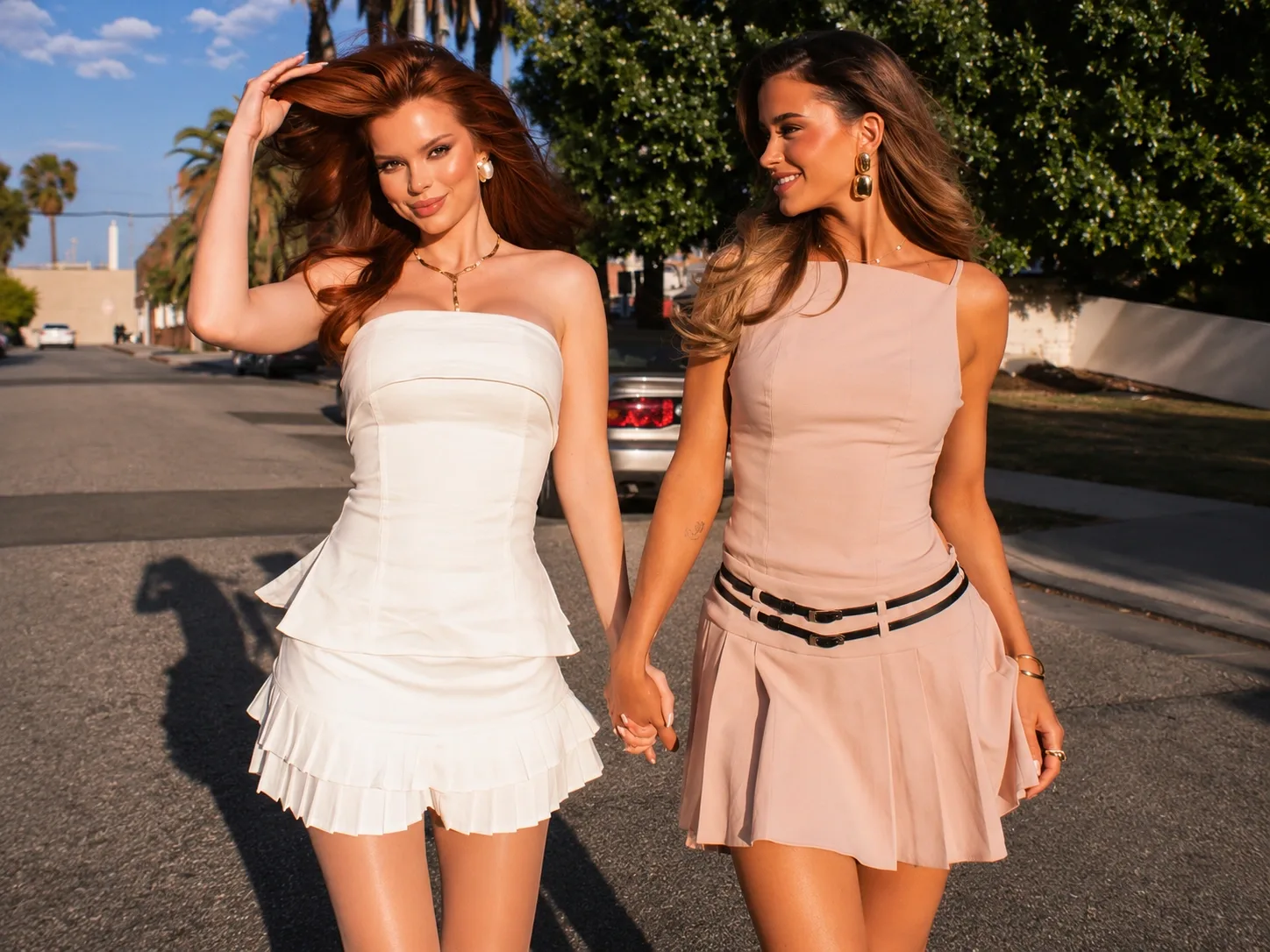
Edit Clothing with Precision, Not Just Outfit Swaps
Sometimes you don't need to change an entire outfit. PicLumen lets you focus on the clothing area you want to edit, making it easier to remove, replace, or redesign individual garments while preserving the rest of the image. From removing an outer layer to changing a single clothing item, create controlled edits without rebuilding the entire photo.
Take Control of Every Clothing Layer
Different photos require different types of clothing edits. You may want to remove an unwanted outer layer, replace a specific garment, or completely redesign an outfit while keeping the original person and composition. With AI-powered image editing, you can focus on individual clothing elements and create a more precise final result.
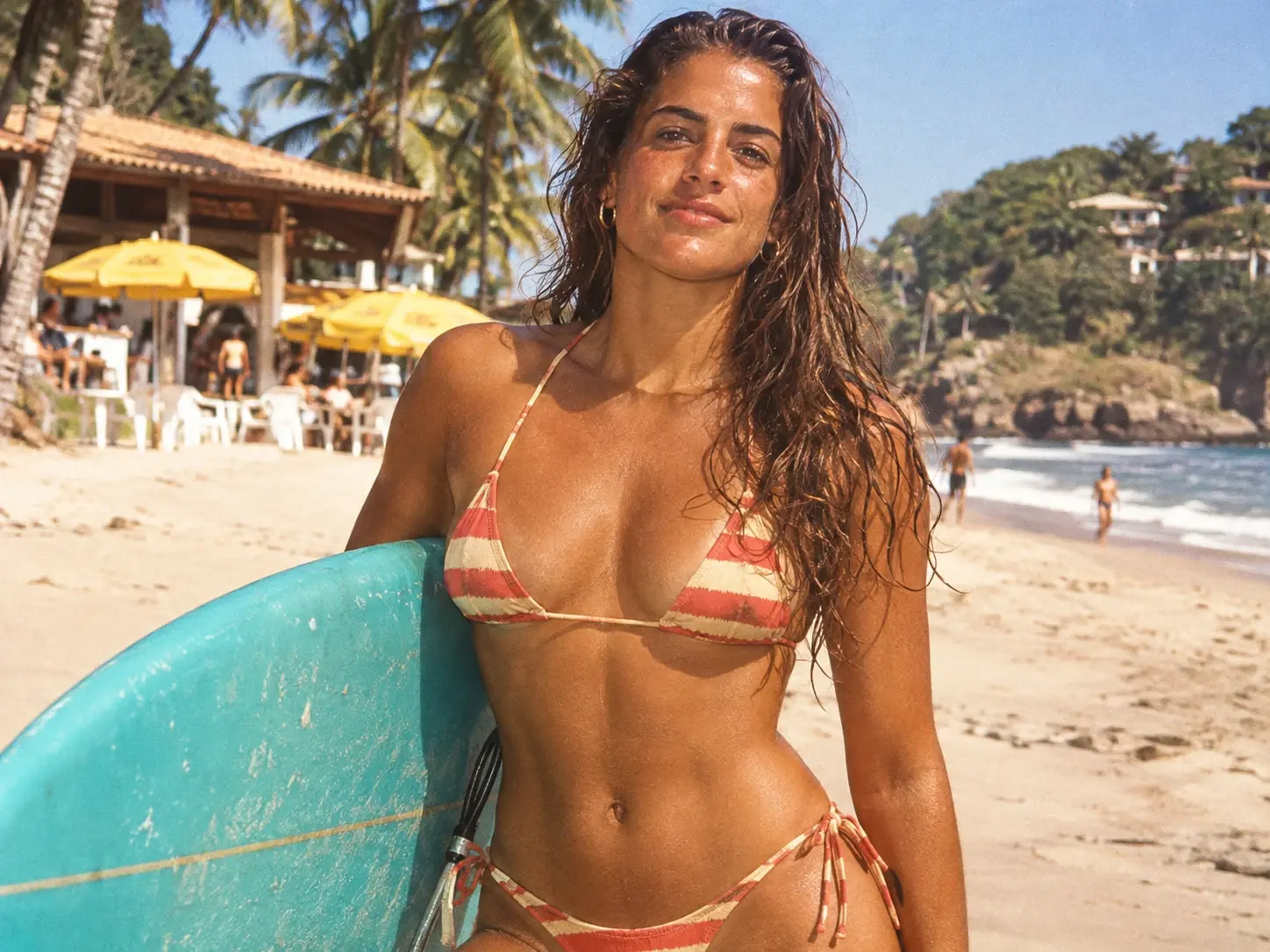
Remove Jackets, Shirts, or Other Outer Layers
Select the clothing item you want to edit and let AI reconstruct the surrounding area naturally. Remove jackets, coats, sweaters, or other outer garments when you want to simplify an outfit or create a different clothing configuration.
Replace One Garment Without Changing the Whole Outfit
Change a single piece of clothing while keeping the rest of the outfit intact. Replace a shirt, jacket, skirt, pants, or dress with another style, color, material, or silhouette for more controlled fashion editing.
Create a Completely New Look from One Photo
Go beyond individual garment edits and redesign the complete outfit with AI. Combine different clothing pieces, colors, materials, and styles to explore new fashion concepts while maintaining the person's identity, pose, and overall composition.
Explore a Lighter Summer Look
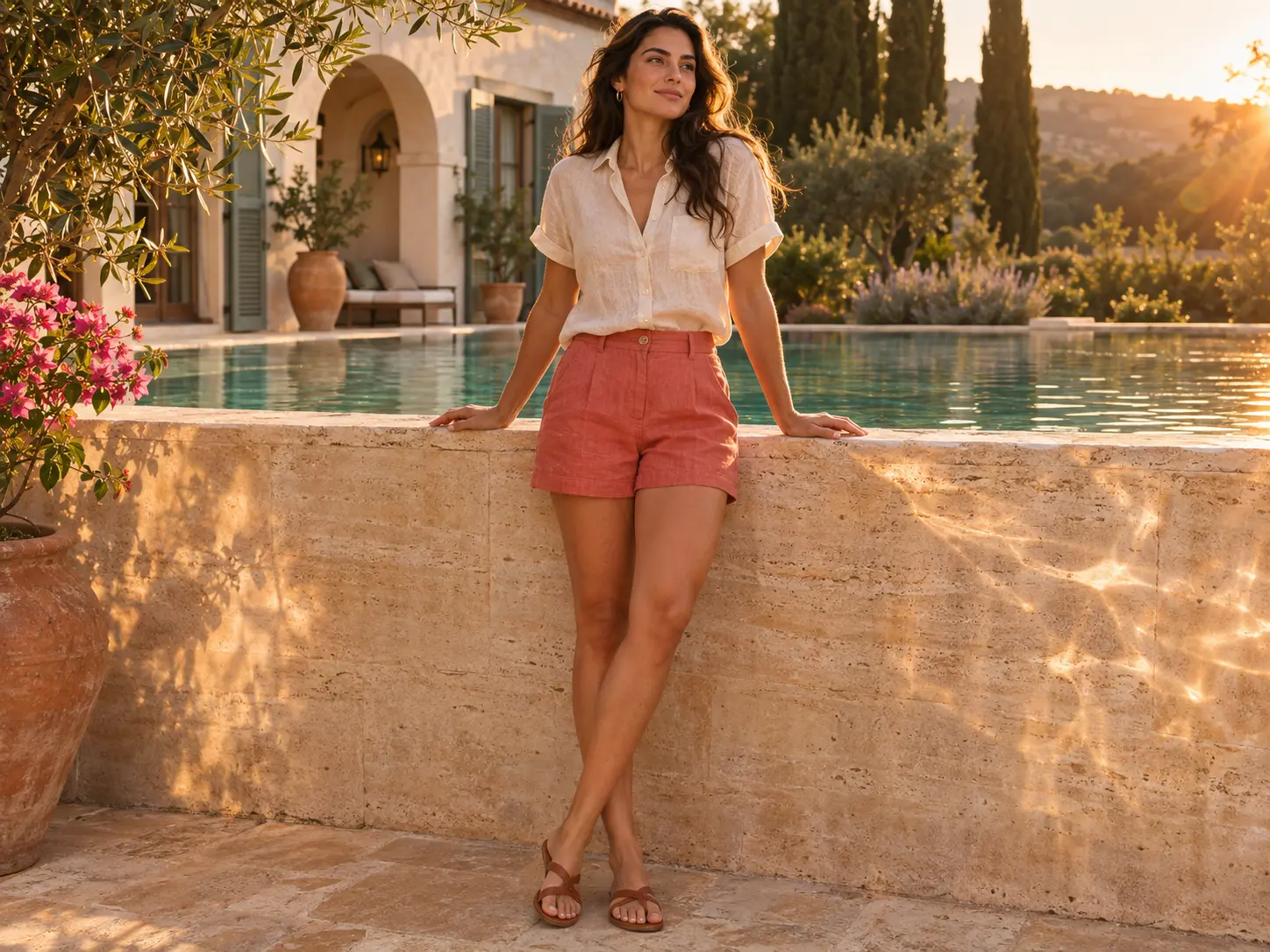
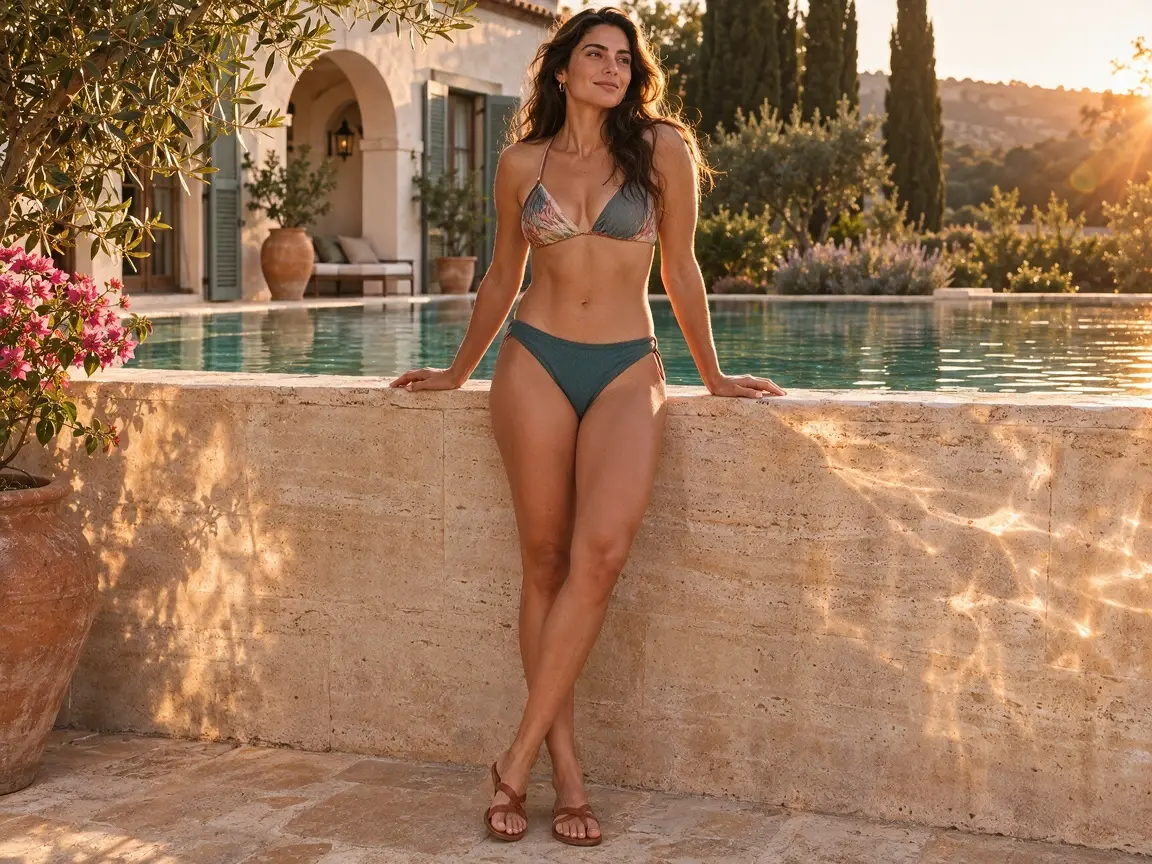
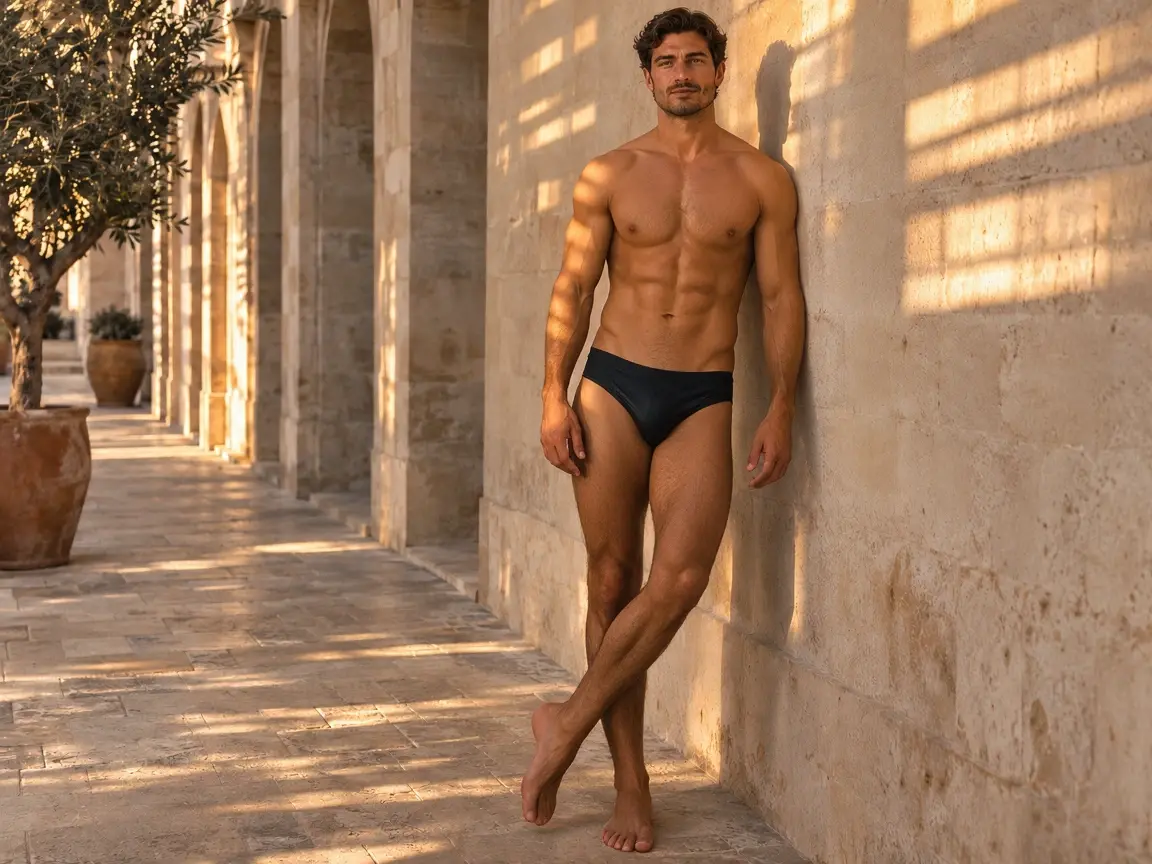
Turn an everyday outfit photo into a fresh summer styling idea with PicLumen's AI clothes remover. A lighter neckline or sleeveless look can change the mood of a portrait, whether you are planning a vacation post or building a fashion moodboard. Start with a clear photo and review the selected template before generating. Compare the new clothing with your original to see how the silhouette, colors, and overall feel work together. Save the version that suits the look you have in mind.
Start with a Photo, Explore a New Style
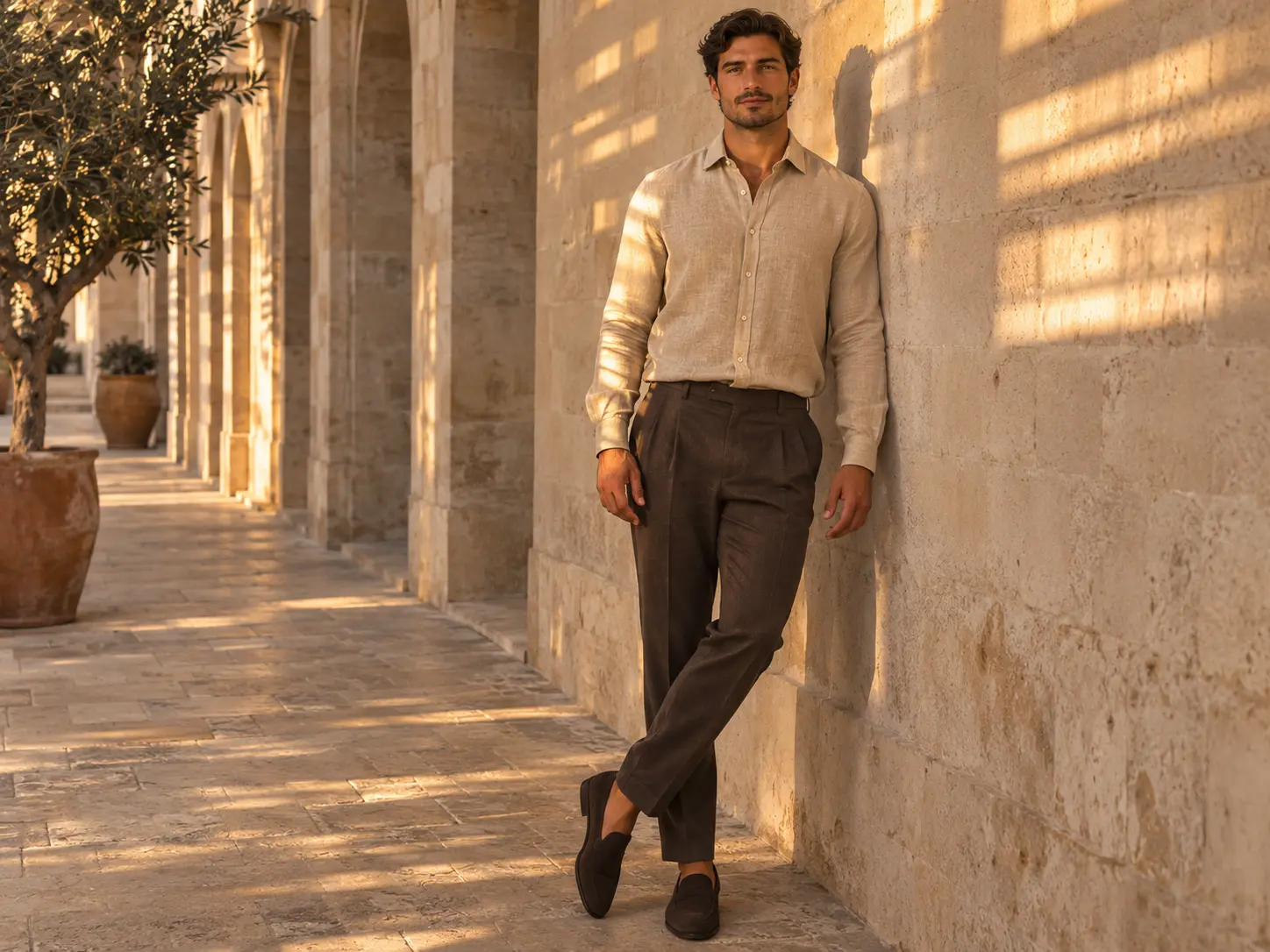
Explore a resort-inspired style from a photo you already like. A clear portrait or full-body shot gives the selected template a starting point, so you can try a different clothing look without arranging another shoot or editing the outfit by hand. Use the preview to choose a template that fits your idea, then upload your photo and generate. Look at how the new garment sits around the shoulders and waist. Keep your favorite result as a creative reference for an outfit, a moodboard, or your next post.
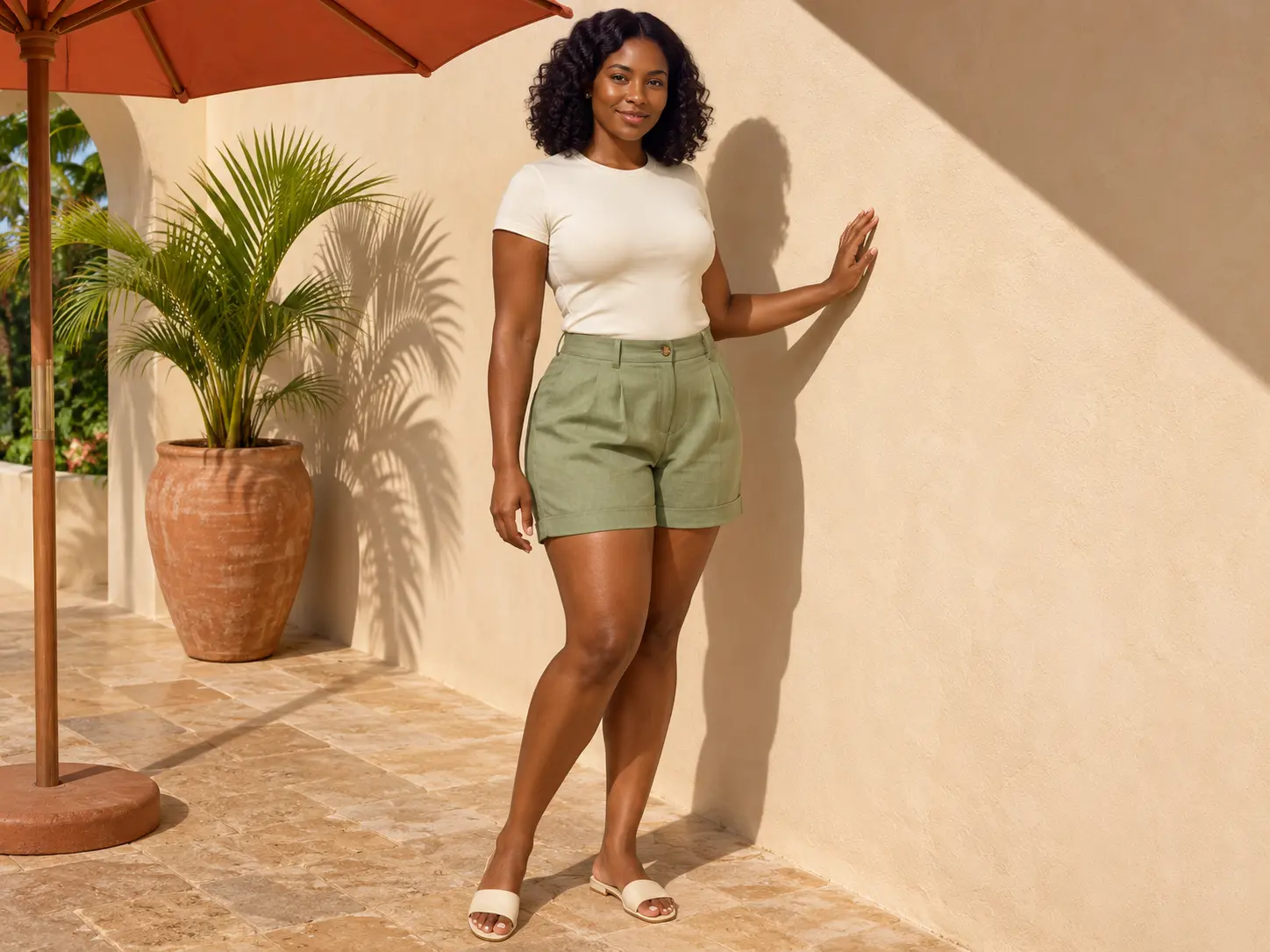
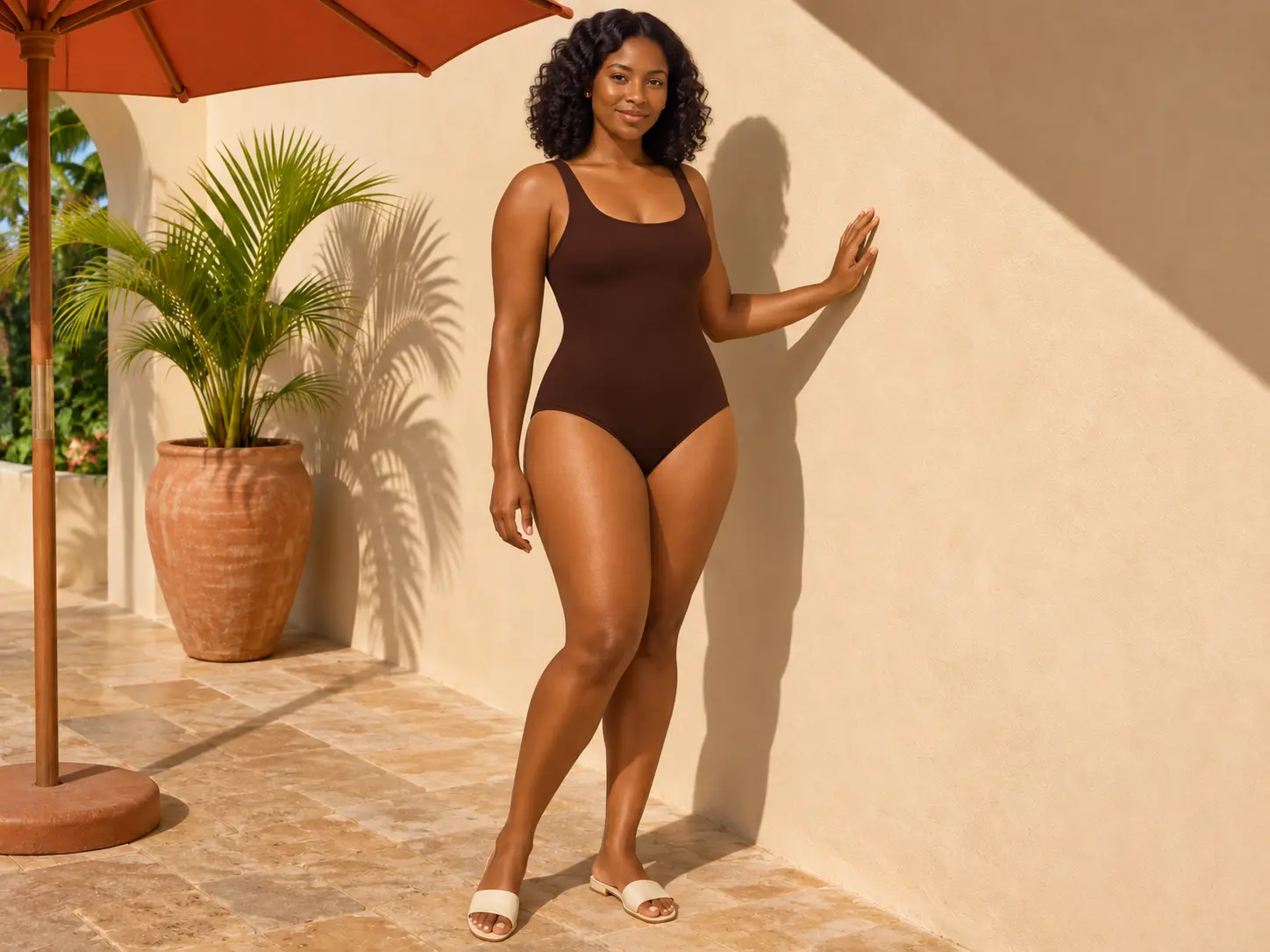
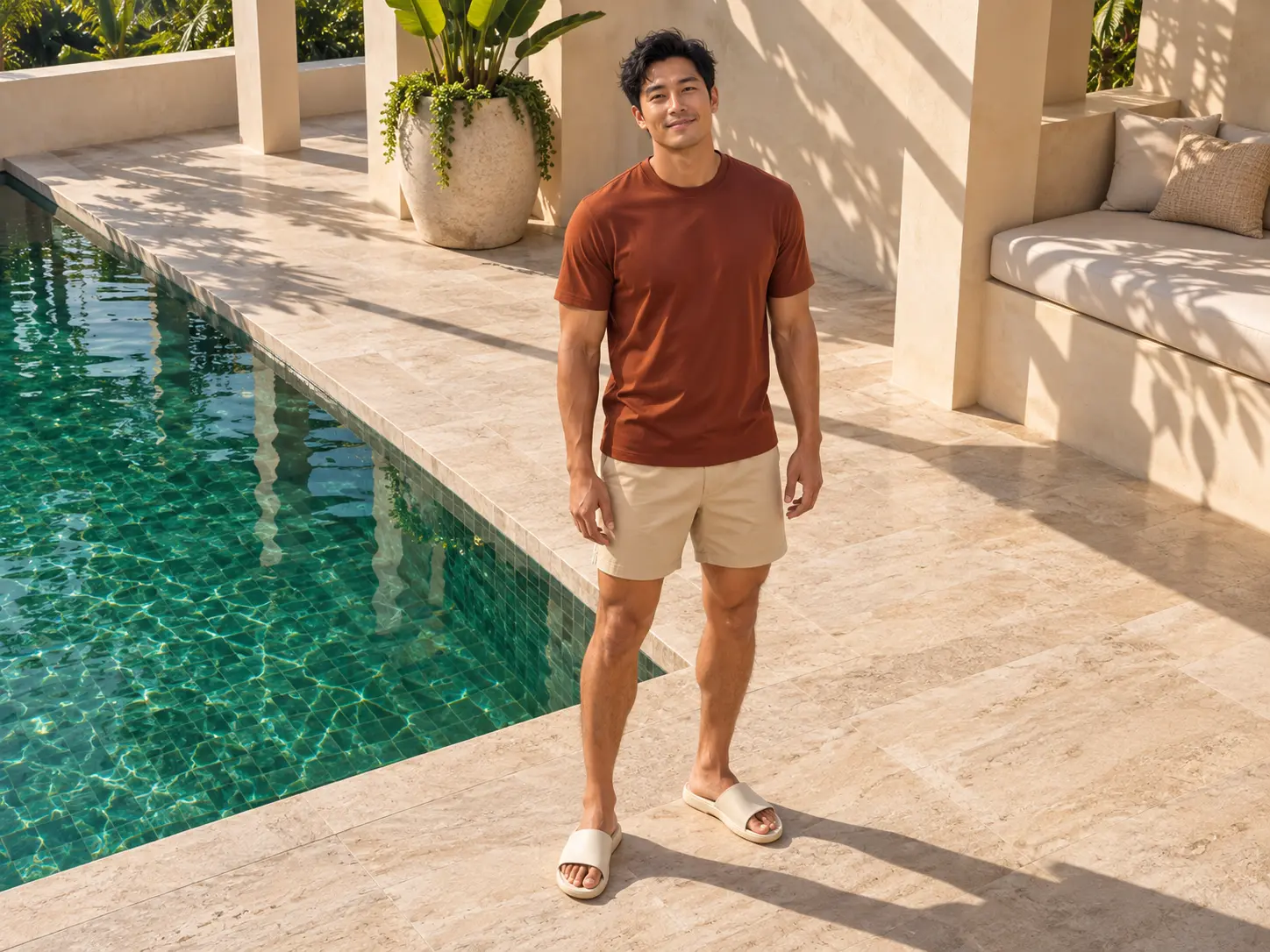
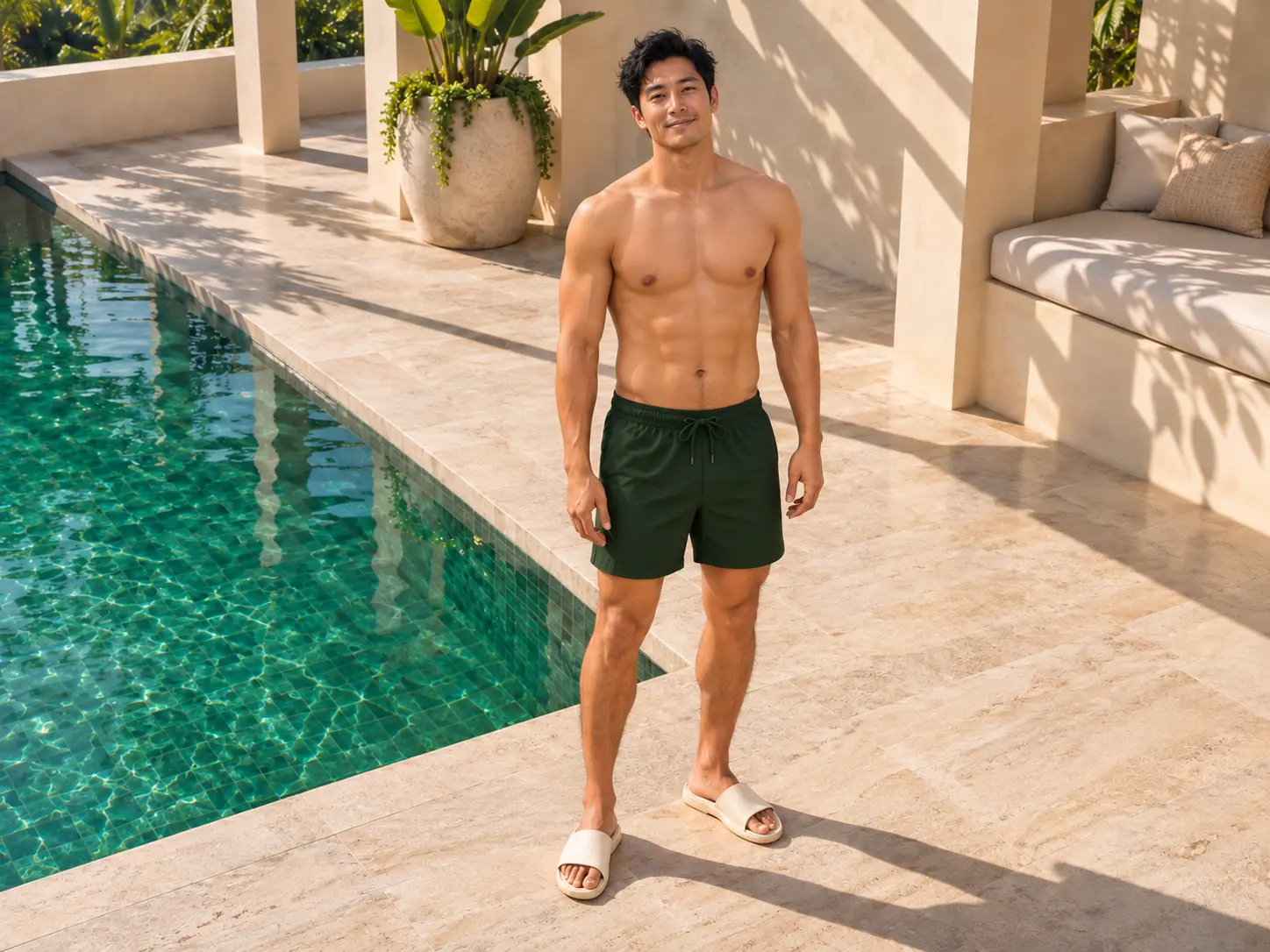
See the New Look in the Original Scene
Pale stone, warm sunlight, and a relaxed pose all shape the feel of a portrait. Use the original photo as a reference when exploring a clothing change, so you can judge the new outfit in the setting where you plan to use it. Compare the garment's neckline, fit, and texture alongside the lighting and the person's appearance. This is useful for men's and women's fashion concepts, lifestyle portraits, and social content where the whole image matters. Choose a result that feels cohesive from head to toe.
Choose a Still Edit or a Transformation Clip
Choose Image when you want a still result for a moodboard, outfit comparison, or social post. It gives you a simple way to put the original and generated looks side by side and decide which direction works for your idea. Choose Video when the reveal is part of the story. Upload a photo to generate a short clothing transformation clip, then review the full sequence before downloading. A still image highlights the final look; a video adds movement and a moment of change.
Why Use PicLumen for AI Clothing Editing?
Natural Clothing Edits That Keep the Person Consistent

Preserve Identity
Keep the person's facial features, overall appearance, and recognizable characteristics consistent during clothing edits.

Preserve Pose & Proportions
Maintain the original posture and body proportions so the edited garment fits naturally into the existing image.

Maintain Lighting & Texture
Match lighting, shadows, fabric details, and surrounding textures so the new clothing blends into the original scene.

Edit Only What You Need
Focus on a particular garment instead of regenerating the entire image, giving you greater control over the final result.
Ideas for Your Next Clothing Edit
From a styling reference to a short reveal, start with the look you want to explore.
Styling References
Use a generated image to explore how a different clothing layer changes the overall impression of a look. Save it as a visual reference for a moodboard or a future shoot. Treat generated fit, fabric, and garment details as creative suggestions rather than a prediction of how real clothing will look.
Before-and-After Posts
Place the original photo beside the result to make the clothing change easy to see. Use similar framing so viewers can compare the two versions. A simple side-by-side layout can communicate the idea without extra effects or a long explanation.
Outfit Reveal Clips
Generate a short transformation video when you want to show a change over time. Preview the full clip before sharing it. Look for distracting changes during the transition, and choose a result where the final outfit and the person's appearance work well together.
Character Look Tests
Explore a clothing variation for a fictional character or costume concept. Use the result to discuss the overall look, silhouette, or styling direction. If you need to try a particular replacement outfit, visit the AI clothes changer for that workflow.
How to Use the AI Clothes Remover
Step 1 Choose Image or Video
1Select your format and review the default template. Choose Image for a still result or Video for a short transformation clip.
Step 2 Upload Your Photo
2Upload a clear photo with one person and visible clothing. Follow the file requirements shown in the uploader.
Step 3 Generate and Download
3Review the cost shown in the tool, generate your result, and check the details before downloading.
Hot Video Effects
Turn your photos into fun dance clips, surprising transformations, and shareable moments with trending AI video effects.


Loved by Creators Worldwide
Real feedback from designers, marketers, and hobbyists sharing their PicLumen experience on Trustpilot.
Just amazing website a must try.
Just amazing website a must try.
 Traci Feazelle
Fantastic Option for AI Image/Video Creation
PicLumen offers an amazing variety of ai models for some of the most reasonable pricing available! The app layout also affords ease of use.
A New TV Episodes Of Ninja Sweetie On…
A New TV Episodes Of Ninja Sweetie On Paramount+
Brijesh Chikhaliyavery good
very good , Excellent Experience
It’s been great so far
It’s been great so far, I think the limitations are me not the app.
 Alexsander Luís
cool it's a good ai creator but create…
cool it's a good ai creator but create imagens for cinema
Piye ChauhanNice app generate to google
Nice app generate to google
 Aditya Yadav
“A tired Indian farmer standing beside…
“A tired Indian farmer standing beside his small dry farmland at sunrise, wearing a simple dhoti-kurta and turban, holding a rusted plough. The field is cracked and dry. Soft golden light, realistic r
 Shiva Verma
Best app for video editing
Best app for video editing
Lalith PereraI loved it thank you so much for the…
I loved it thank you so much for the images
 basem trials
Works like charm .
Works like charm .. I love this app
Nice app for creating videos
Nice app for creating videos
Frequently Asked Quetions
What is an AI clothes remover?
An AI clothes remover is an image-editing tool designed to modify or remove selected garments from a photo. For safe and controlled editing, PicLumen focuses on changing or replacing clothing rather than generating nude or undressed images.
Can I remove one clothing item from a photo?
Yes. Targeted clothing editing can be used to modify individual garments such as jackets, shirts, dresses, or other visible clothing layers while keeping the rest of the image consistent.
Can I remove a jacket without changing the rest of the outfit?
Yes. A targeted edit can focus on the jacket or other outer layer while preserving the remaining clothing, pose, background, and overall composition.
Can I replace only one piece of clothing?
Yes. You can replace a selected garment without necessarily changing the entire outfit. This is useful for testing different styles, colors, and clothing combinations.
Does AI clothing editing preserve the person's face?
PicLumen's AI clothes changer is designed to keep the person's facial appearance, body shape, posture, and proportions visually consistent while changing the clothing.
What photos work best for AI clothing editing?
Clear photos with the person and clothing fully visible generally provide better results. Images with clear garment boundaries, good lighting, and minimal obstruction make it easier for AI to understand which clothing area should be edited.
Can I use AI clothing edits for commercial projects?
PicLumen states that generated visuals can be used for personal creative work and commercial projects depending on the applicable plan and usage rights. Always check the current terms for your specific use case.