
AI Stencil Maker – Turn Your Photos into Bold Stencil Art
Transform portraits, pet photos, drawings, and logos into striking stencil-style images with PicLumen's AI Stencil Maker. Create high-contrast black-and-white artwork with simplified shapes, expressive silhouettes, and clean visual details. Explore stencil-inspired designs for tattoos, posters, street art, decorations, and creative projects—all from your own images.
Hot Video Effects
Turn your photos into fun dance clips, surprising transformations, and shareable moments with trending AI video effects.
How to Create Stencil Art Online
Make Your Own Stencil-Style Image in Three Steps
Upload Your Image
Choose a clear portrait, pet photo, logo, drawing, or illustration you want to transform.
Describe Your Stencil Style
Enter a prompt for bold black-and-white stencil artwork, simplified shapes, or minimalist silhouettes.
Generate and Download
Generate your design, preview the result, and download your favorite stencil-style image.
What Is an AI Stencil Maker?
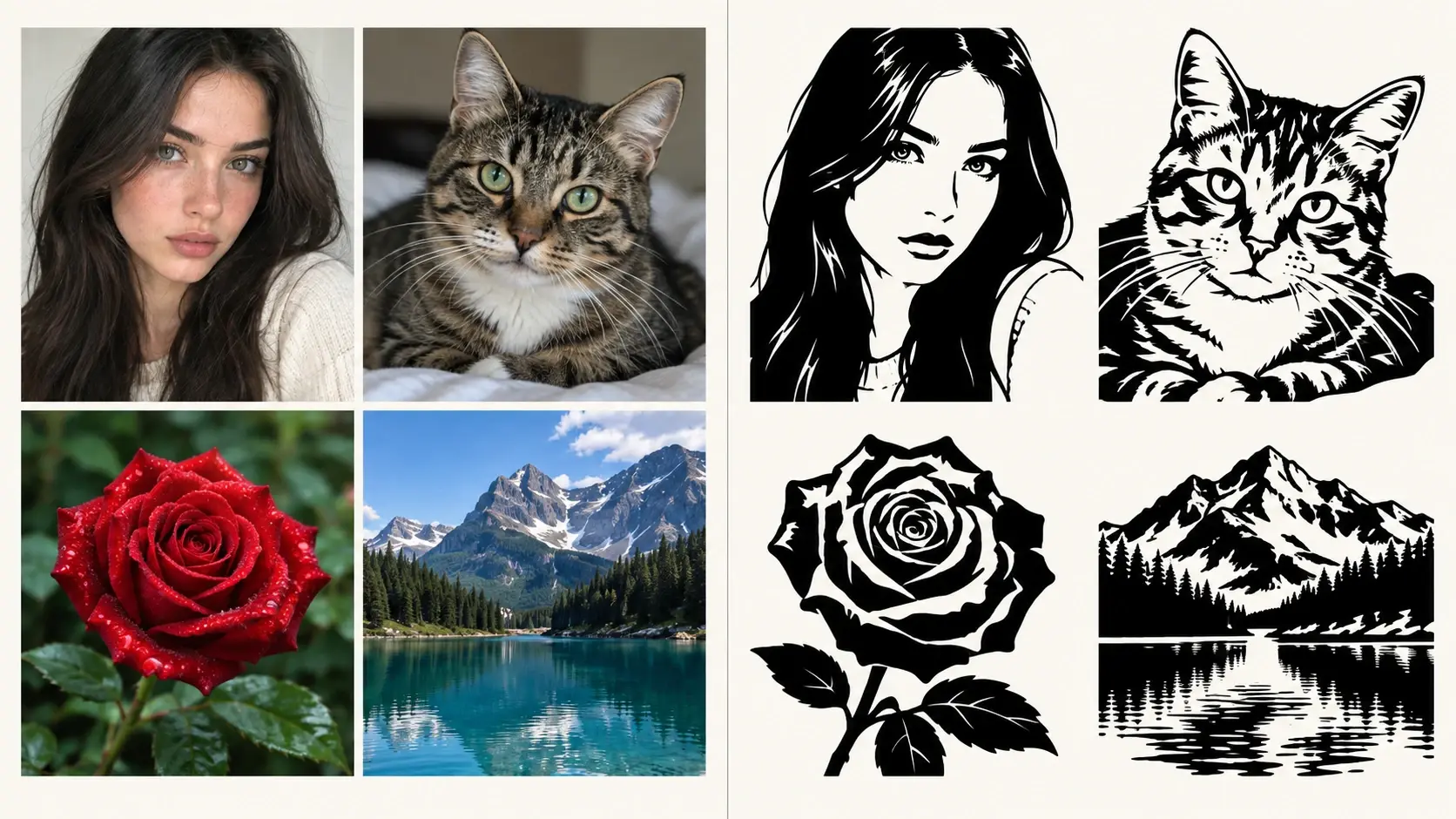
An AI Stencil Maker is an image-generation tool that transforms photos, drawings, or other visual references into stencil-style artwork using artificial intelligence. Stencil art is known for its bold shapes, simplified details, and strong contrast. Instead of preserving every texture and color from an original photograph, AI interprets the main subject and recreates it using graphic elements such as black silhouettes, white negative space, and clean contours. For example, a portrait photo can become a dramatic black-and-white stencil illustration, while a pet picture can turn into a minimalist animal silhouette. Unlike traditional stencil-cutting software, an AI stencil creator focuses on the visual appearance of stencil artwork. It helps you explore graphic styles, decorative compositions, and creative interpretations of existing images. With PicLumen's AI Image Generator, you can experiment with different visual transformations and create stencil-inspired artwork from your favorite images.
Transform Everyday Images into Creative Stencil Artwork
Photo to Stencil – Create Bold Black-and-White Art
Turn ordinary photographs into expressive stencil-style images. Upload a portrait, pet photo, landscape, or object image and let AI reinterpret the subject using bold shapes, simplified shadows, and high-contrast details. An AI image denoiser helps clean up visual noise and refine edges before composition, so the result feels crisp rather than overdetailed. An image stencil maker can then explore how a detailed photograph looks when transformed into a cleaner, more graphic composition. This style works especially well for portrait posters, decorative graphics, and personalized artwork.
Create Black-and-White Stencil Portraits
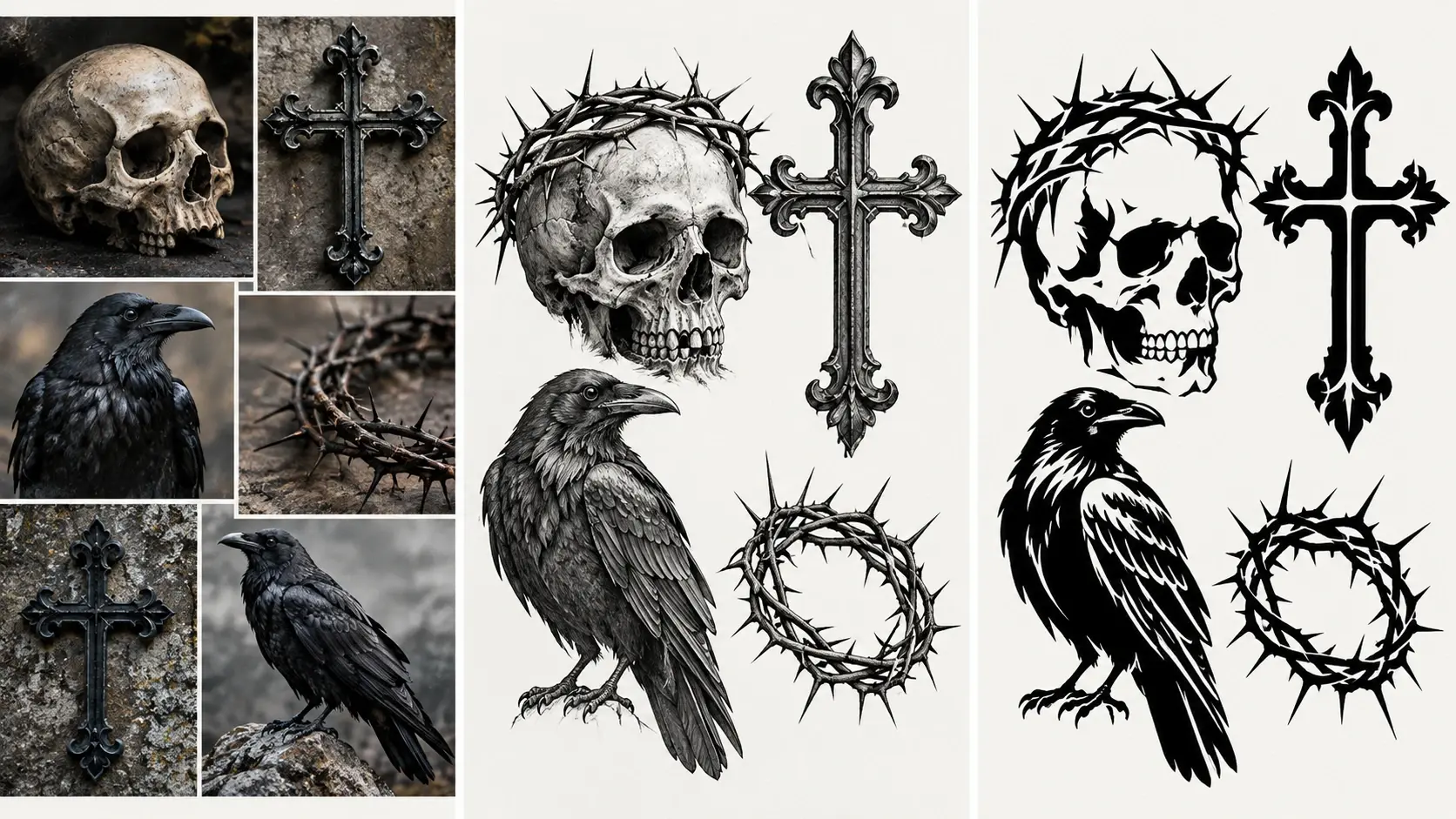
Turn portrait photos into dramatic stencil-inspired illustrations. Emphasize facial expressions, recognizable features, and bold areas of light and shadow while reducing unnecessary background details. Explore minimalist portraits, graphic poster designs, and street-art-inspired artwork. For other portrait transformations, discover PicLumen's Photo to Art Converter.
Transform Animals into Minimalist Silhouettes
Create recognizable animal artwork from pet photos and wildlife images. Highlight distinctive features such as ears, eyes, posture, and body shape while simplifying fur, textures, and surrounding details. These stencil-style graphics work well for personalized gifts, decorative prints, and pet-inspired illustrations.
Turn Logos and Symbols into Stencil-Style Graphics
Reimagine logos, icons, and symbols using bold black-and-white shapes. Experiment with simplified outlines, strong negative space, and clean graphic compositions for posters, branding concepts, or decorative designs. AI-generated results are visual design concepts rather than automatically prepared vector files.
Explore Decorative Stencil Patterns
Turn flowers, leaves, geometric shapes, and ornamental drawings into stencil-inspired patterns. Experiment with botanical silhouettes, repeating decorative elements, and abstract black-and-white compositions. For more creative artwork styles, explore PicLumen's AI Image Generator.
Explore What You Can Create with an AI Stencil Maker
Bold shapes, recognizable silhouettes and high contrast turn ordinary photos into striking graphic art with PicLumen's AI Stencil Maker. Reimagine portraits, pets and botanicals as black-and-white stencil graphics perfect for posters, tattoo ideas and decorative designs.
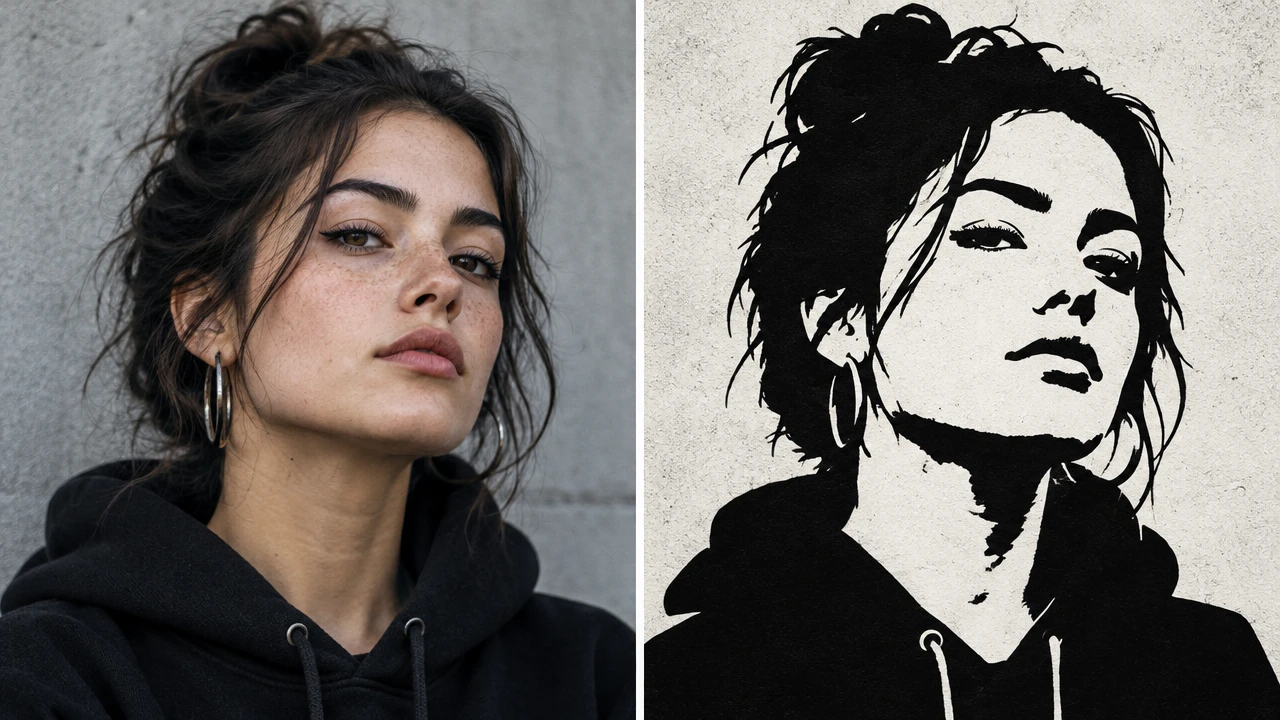
Portrait Photo to Stencil Art
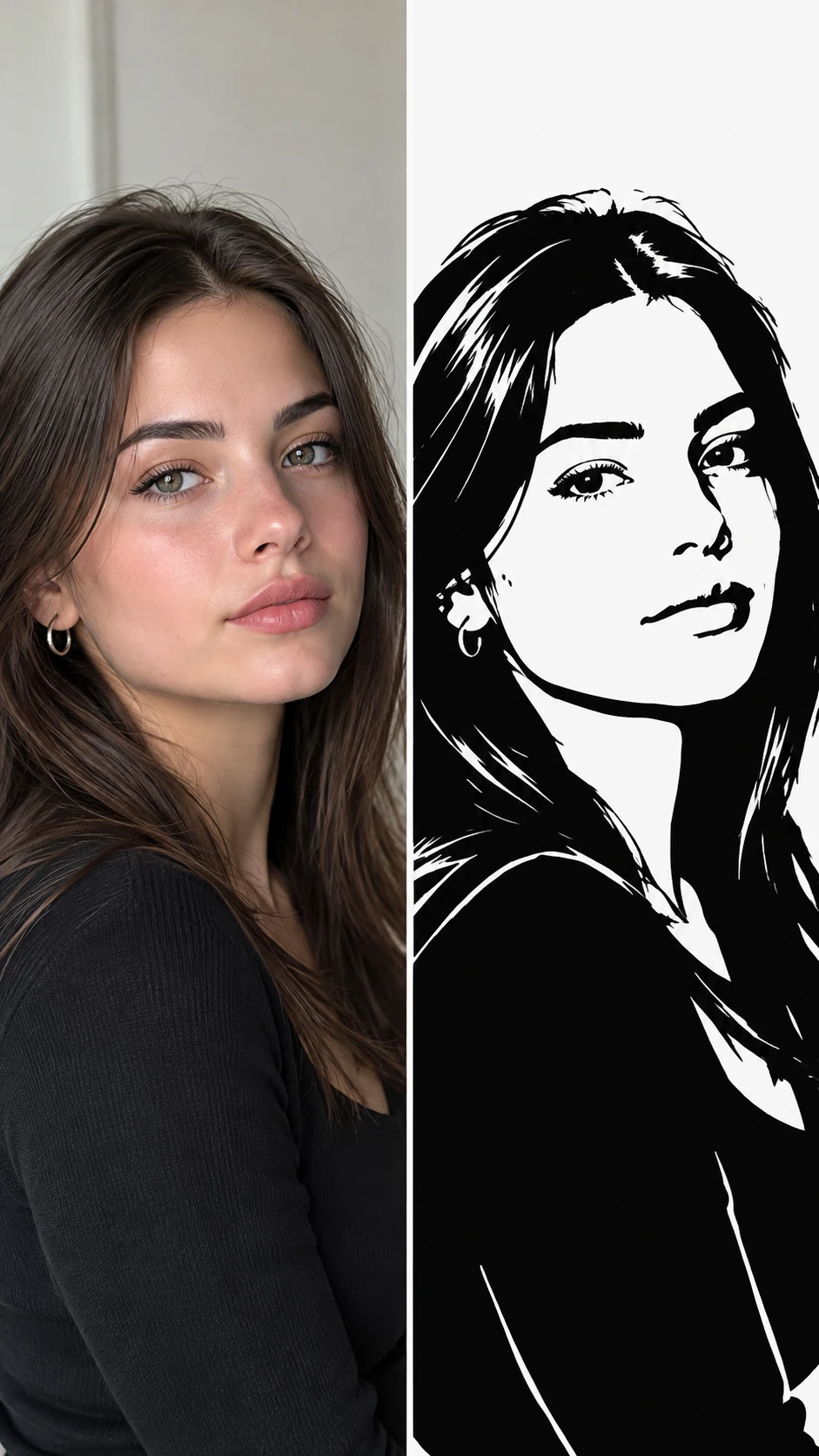
Turn your favorite portraits into bold black-and-white stencil illustrations. Use simplified facial shadows, recognizable features, and dramatic contrast to create artwork inspired by graphic posters and urban street art. Perfect for personalized portraits, digital prints, and creative profile artwork.
Pet Photo to Animal Stencil
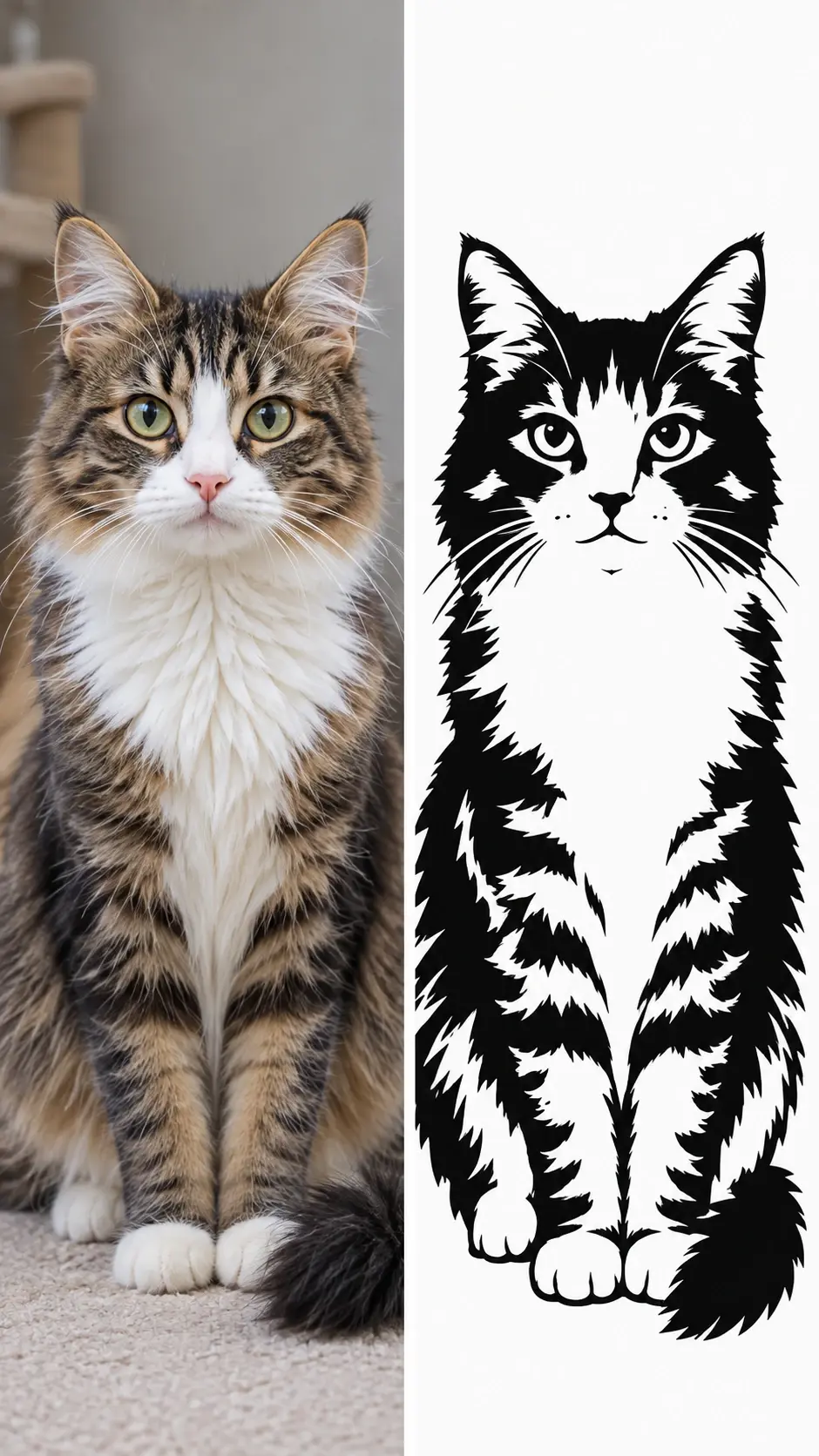
Transform cats, dogs, and other animals into minimalist stencil-style graphics. Emphasize distinctive ears, eyes, body shapes, and silhouettes while simplifying fur textures and unnecessary details. Perfect for pet portraits, personalized gifts, and decorative animal artwork.
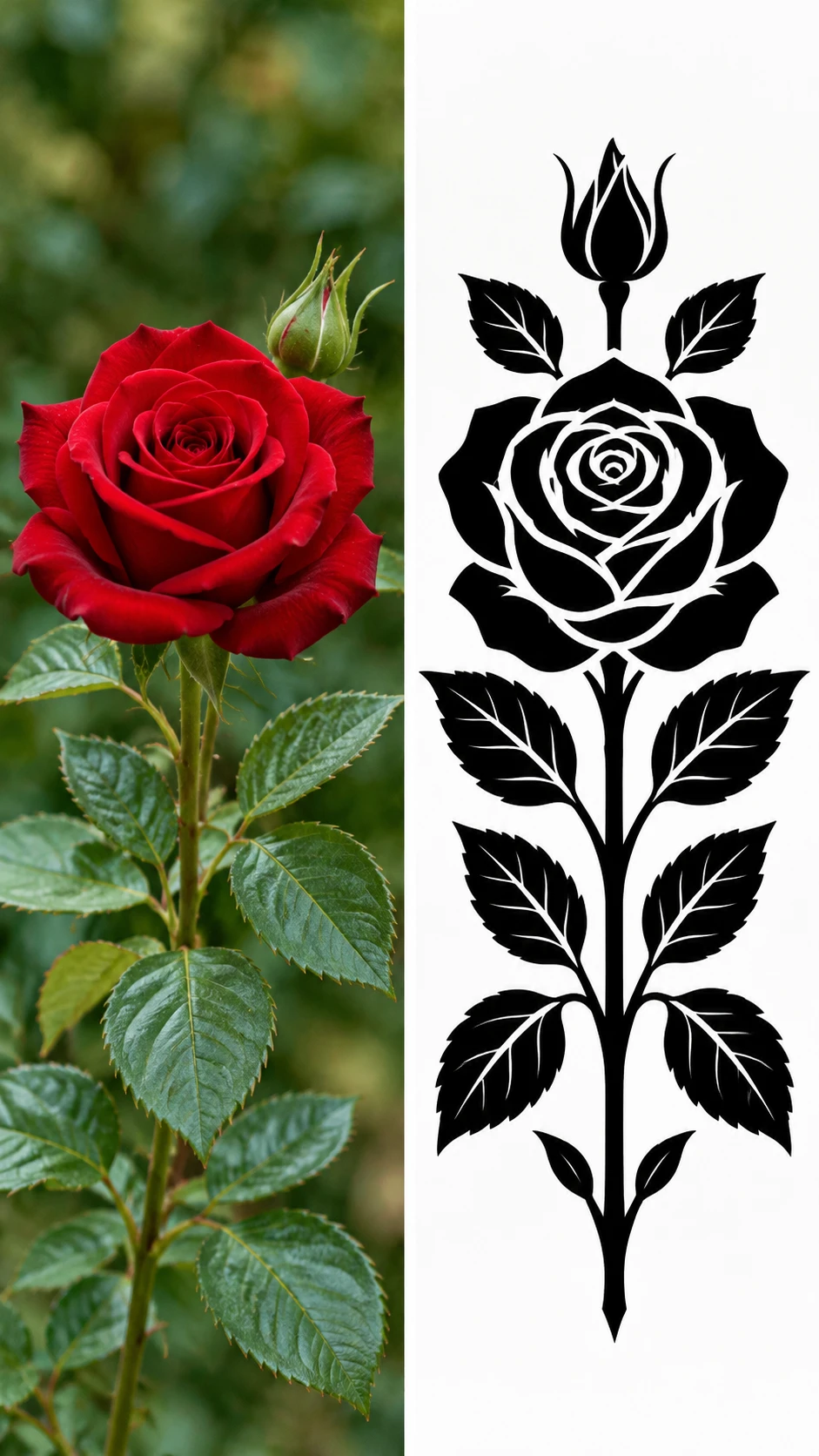
Floral and Decorative Stencil Designs
Convert flowers, leaves, and ornamental images into elegant stencil-inspired illustrations. Explore botanical silhouettes, bold floral shapes, and balanced black-and-white patterns for stationery, posters, and home decor.
Why Choose PicLumen?
Make Stencil Art Online Without Complicated Editing
Start with Your Own Photos
Create personalized stencil artwork from images that matter to you. Upload a portrait, pet photo, drawing, or other reference image and explore how it can be transformed into bold graphic art.
Simplify Visual Details with AI
Detailed photos contain textures, shadows, and colors that can distract from the main subject. AI helps reinterpret these elements as simpler graphic shapes, making it easier to explore high-contrast stencil-style artwork.
Explore Different Artistic Styles
The same photo can inspire multiple stencil designs. Try dramatic portrait graphics, minimalist silhouettes, decorative patterns, or street-art-inspired compositions. If you prefer clean outlines rather than filled stencil shapes, PicLumen's Photo to Coloring Page tool offers a related black-and-white illustration workflow.
Create Art with a Simple Online Workflow
Use PicLumen as a stencil maker online to transform reference images through AI generation. You don't need to manually redraw every contour or master advanced graphic design software to explore stencil-style visuals.
Keep Developing Your Artwork
Your first result can become the starting point for additional creative variations. Experiment with different prompts, simplify the composition, or develop alternative graphic styles until you find a direction you like.
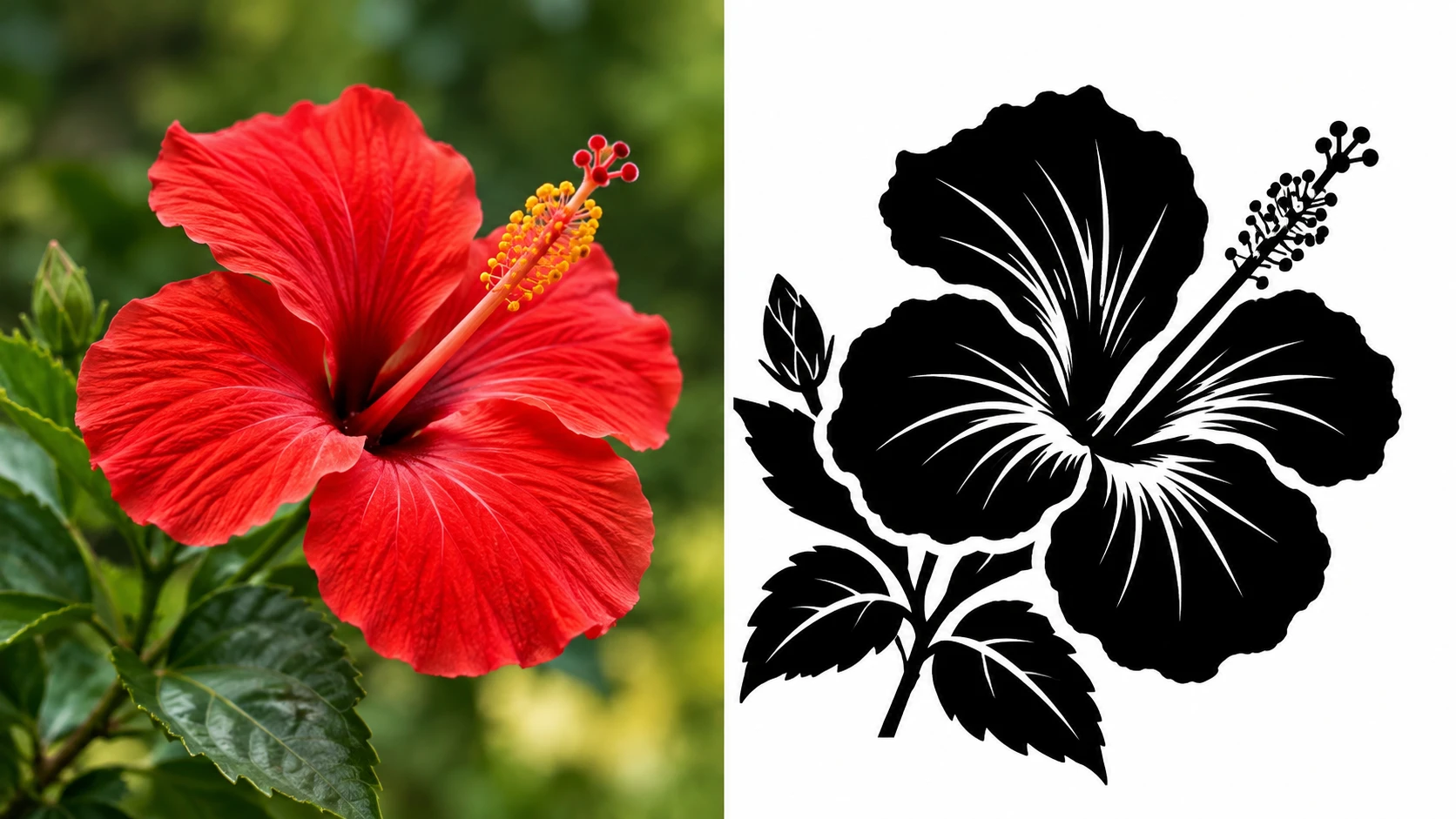
Tattoo Design Inspiration
Explore tattoo-inspired artwork based on portraits, animals, flowers, and meaningful symbols. Turn a reference image into bold black-and-white graphics that help communicate the overall appearance of a tattoo concept. For more tattoo-specific ideas, try PicLumen's AI Tattoo Generator. AI-generated artwork should be reviewed and adapted by a professional tattoo artist before application.
Street Art and Graphic Posters
Transform portraits, symbols, and illustrations into bold artwork inspired by stencil-based street art. Experiment with expressive silhouettes, dramatic contrast, and simplified compositions for digital posters and creative projects.
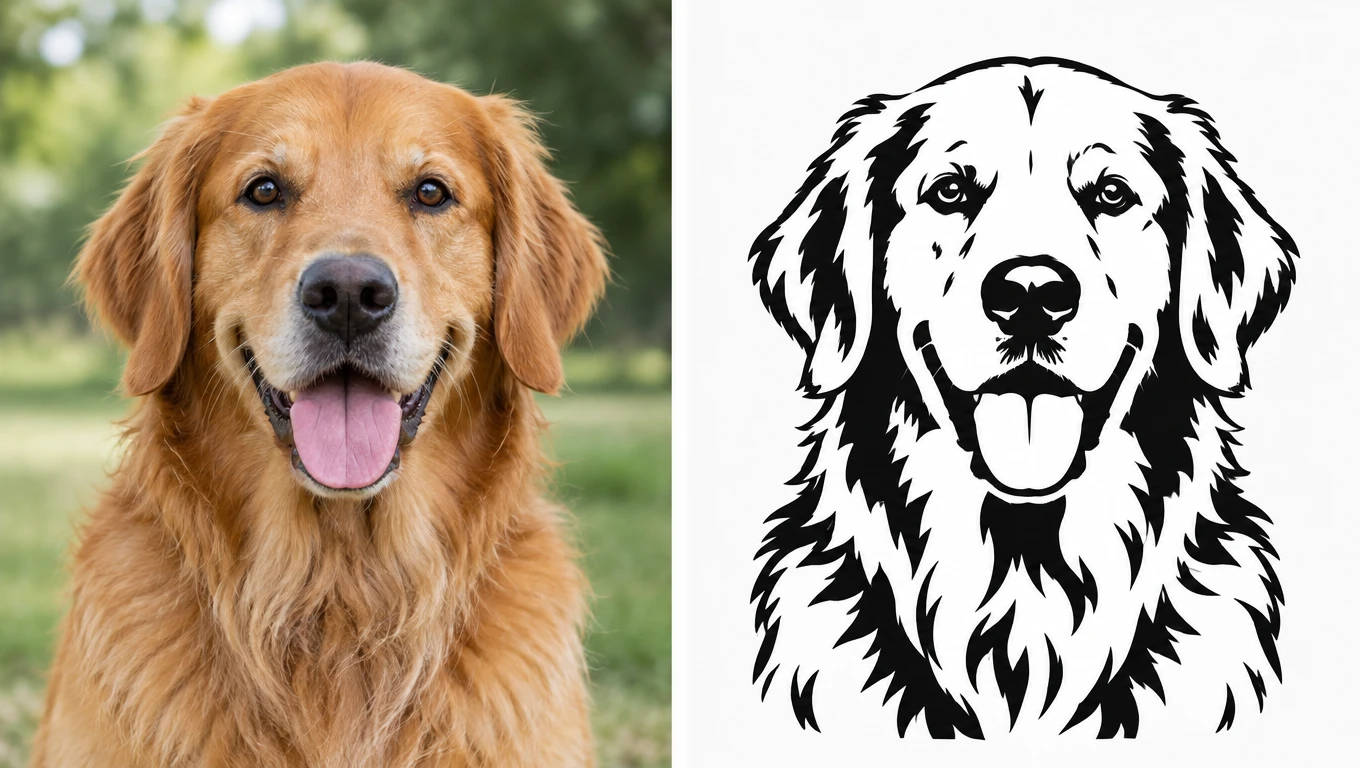
Personalized Pet Portraits
Create minimalist artwork inspired by your favorite animal photos. Turn cats, dogs, birds, and other pets into recognizable stencil-style illustrations for gifts, digital prints, or decorative projects.
T-Shirt and Merchandise Graphics
Develop high-contrast visual concepts for T-shirts, tote bags, stickers, and personalized merchandise. Stencil-inspired artwork can help you explore bold graphic directions before preparing a final design for production.
Tips for Better Stencil Art Results
How to Create Cleaner and More Recognizable Stencil Designs
Choose a Clear Source Image
Photos with a recognizable subject and simple background generally work best. Avoid heavily blurred images or crowded compositions with overlapping objects.
Focus on Strong Contrast
Stencil-style artwork relies on the relationship between dark shapes and light spaces. Use prompts that emphasize black-and-white contrast, clear silhouettes, and simplified shading.Stencil-style artwork relies on the relationship between dark shapes and light spaces. Use prompts that emphasize black-and-white contrast, clear silhouettes, and simplified shading.
Remove Distracting Backgrounds
Busy backgrounds can make the main subject harder to recognize. For cleaner source images, try PicLumen's Background Remover before generating your stencil artwork.
Keep Important Details Recognizable
For portraits, preserve key facial features. For animals, emphasize the silhouette and distinctive characteristics. Clear prompts can help guide the AI toward a more recognizable design.
Try Different Levels of Detail
A minimalist silhouette and a detailed stencil portrait can look very different, even when they use the same source image. Generate multiple variations to explore which level of detail works best for your project.


Loved by Creators Worldwide
Real feedback from designers, marketers, and hobbyists sharing their PicLumen experience on Trustpilot.
chelsiennerThis is my favorite AI Image generator
This is my favorite AI Image generator
by Neefai love it and easy to use
i love it and easy to use
 Ifeanyichukwu C Chukwuemeka
Very good
Very good and good AI app easy to use without stress
 Menu Lawrence
Very fantastic app
Very fantastic app. I love it. I will like everyone to use this App
 Bohdan Lesyk
Great and fast
Great and fast, would be much better with some more free credits
It’s way easier to use then these other…
It’s way easier to use then these other apps
Love!!
Love!!! Love!!! Love. It. I can get so creative. It pulls my image from my mind.
 Darius Salahshori
Good
Very good and I work very hard.
Very Best App For AI Vedioea
Very Best App For AI Vedioea
kola woleAmazing
Amazing, and easy to use features
Everything
Everything, keep up the good work
 Hash Kaz
literally can't complain about…
literally can't complain about anything. Honest to God - amazing
Frequently Asked Questions
What is an AI stencil maker?
An AI stencil maker is a tool that uses artificial intelligence to transform photos, drawings, and other images into stencil-style artwork. It simplifies visual details into bold shapes, recognizable silhouettes, and high-contrast graphic compositions.
How can I create a stencil online from a photo?
To create stencil online artwork, upload a clear photo, describe your preferred stencil style, and generate a new image. You can then preview the result and download your favorite version.
Can I use PicLumen as a stencil maker online?
Yes. PicLumen supports image-based AI generation that can be used to create stencil-inspired artwork. As a stencil maker online, it focuses on creative image transformations rather than preparing physical cutting files.
What types of images work best with an image stencil maker?
Portraits, pet photos, logos, flowers, symbols, and illustrations with recognizable shapes are good starting points. Images with clear subjects and simple backgrounds generally produce more readable stencil-style results.
Can I make stencil online artwork for tattoos and DIY projects?
Yes. You can make stencil online artwork for tattoo inspiration, posters, decorations, and DIY design concepts. PicLumen creates digital stencil-style images, not ready-to-cut stencil files. Physical projects may require additional preparation in specialized design software.
Is a stencil creator the same as a stencil maker website?
Yes, these terms often describe similar tools. People searching for a stencil creator, stencil maker website, or stencilmaker generally want to create stencil-style designs. Variants such as stencilcreator, stencil creater, and stensil maker are alternative search spellings for similar tools.
Can I create a stencil online for free with PicLumen?
You can use PicLumen's available image-generation workflows to create a stencil online. Free usage, generation credits, and download options depend on your account plan and selected workflow. Check the generation interface for current details.