AI Wedding Photo Generator – Create Your Dream Wedding Photos
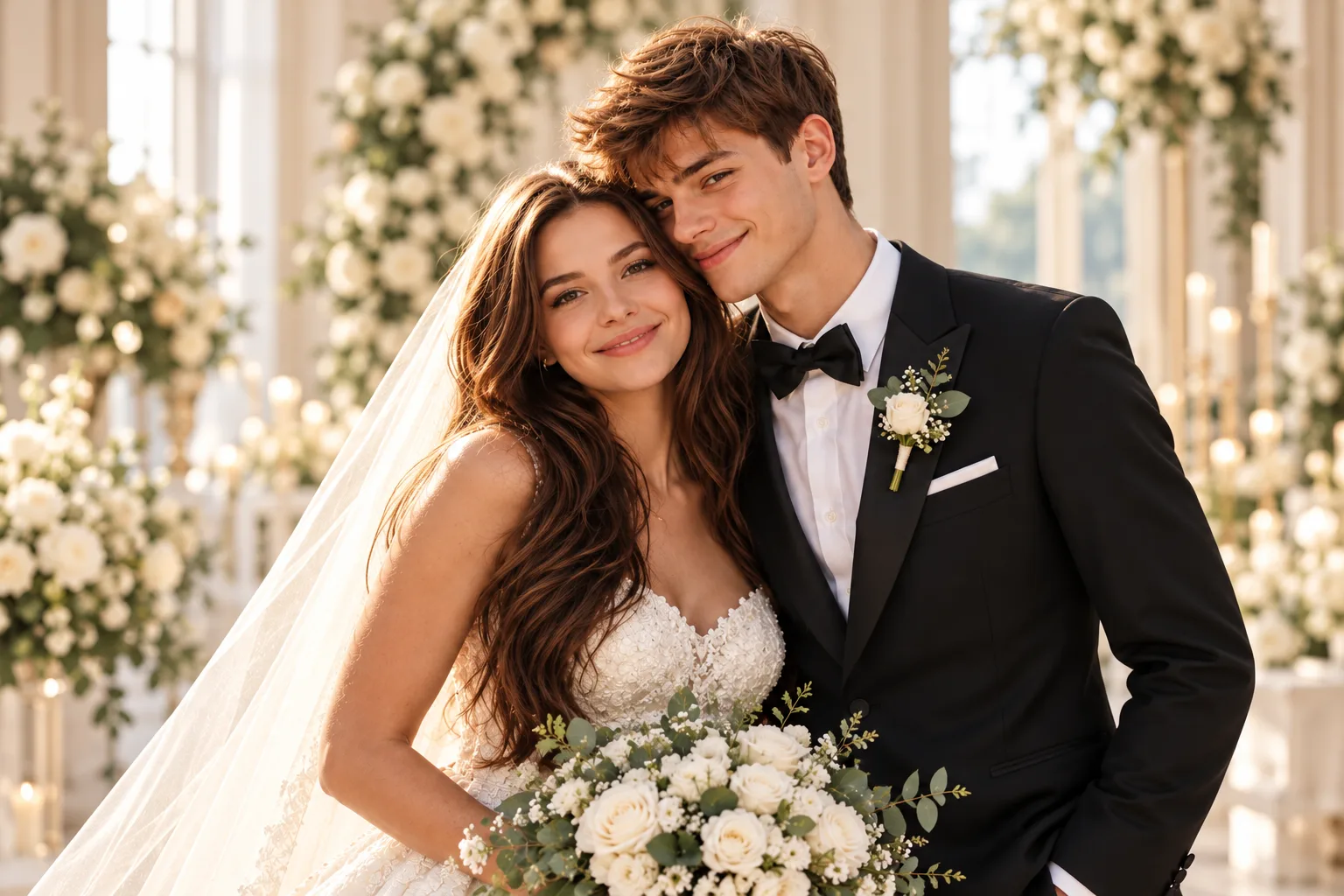
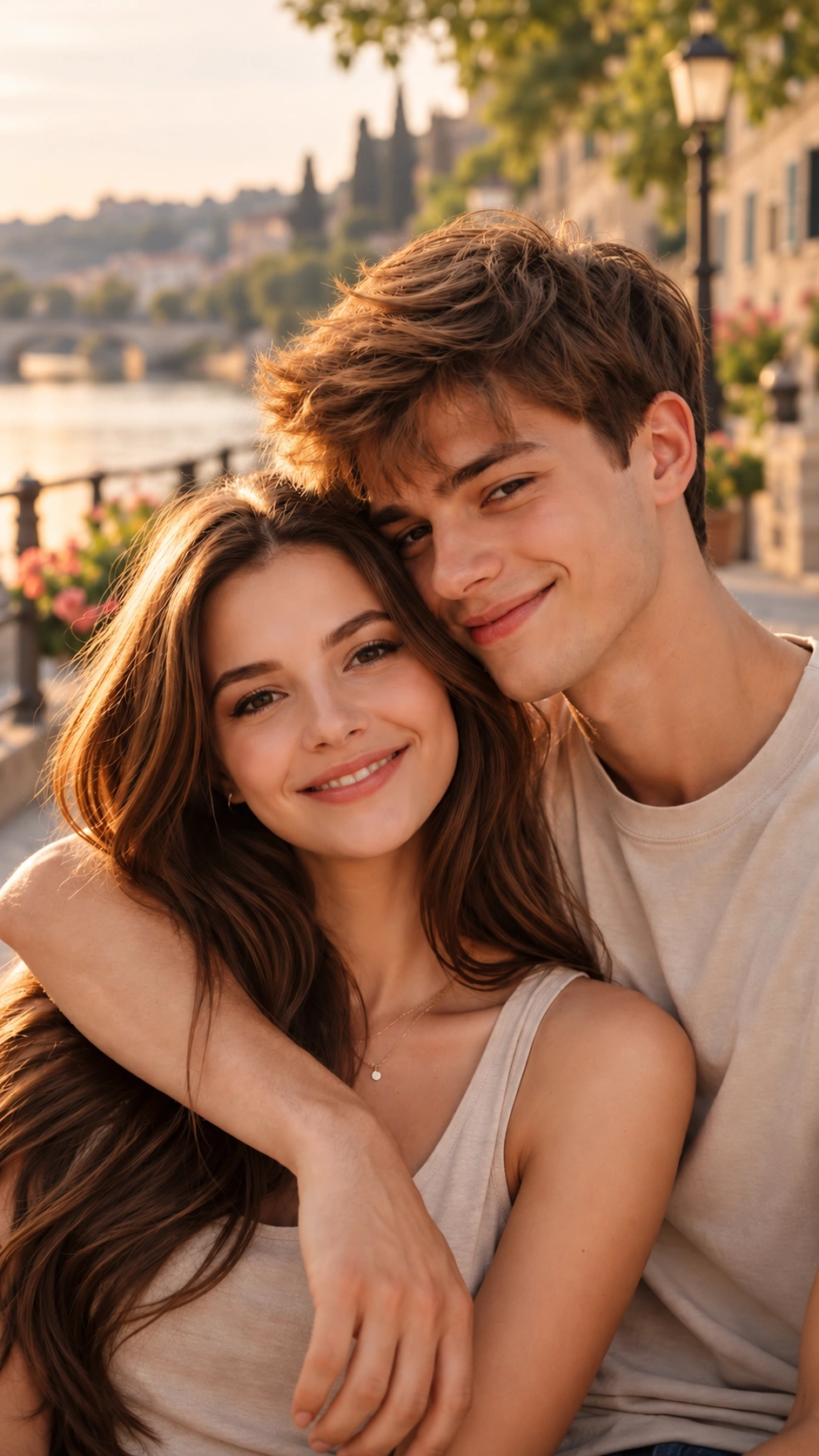
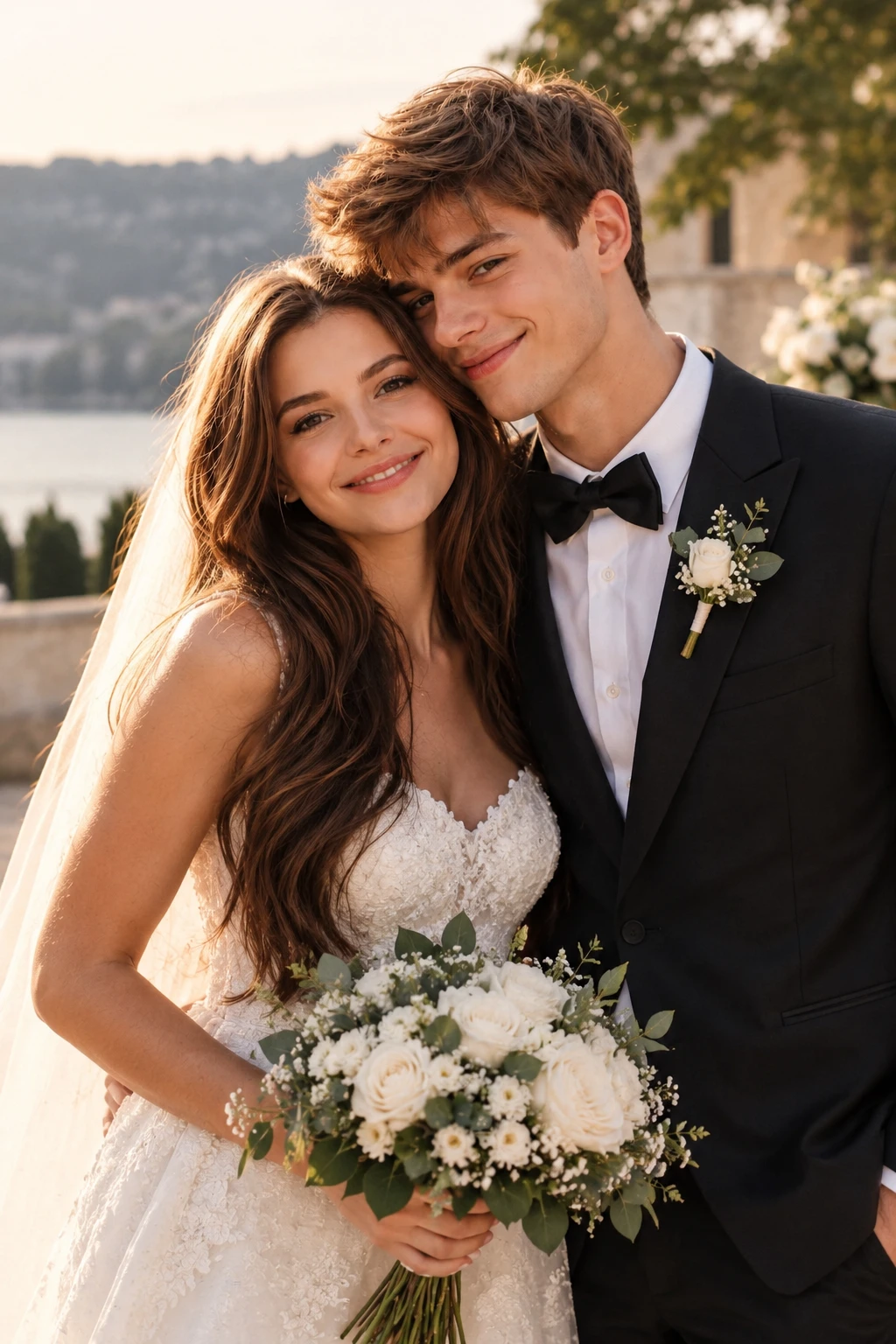
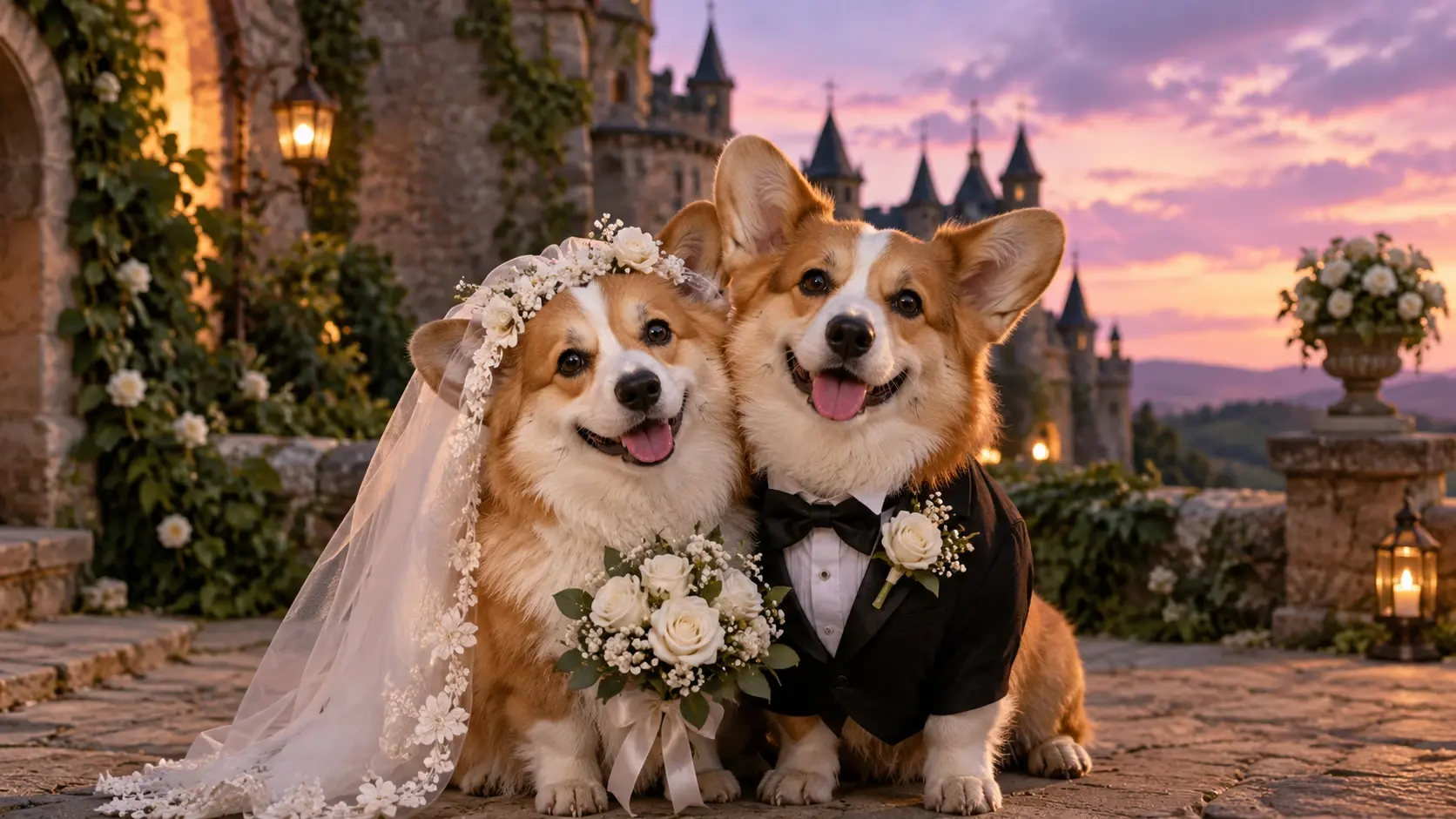
What Is an AI Wedding Photo Generator?
An AI Wedding Photo Generator uses artificial intelligence to create wedding-themed images from existing photos, written descriptions, or both. Instead of arranging a complete wedding photoshoot for every creative idea, you can use AI to explore different outfits, locations, poses, and photographic styles. For example, a casual couple selfie can become the reference for an elegant wedding portrait featuring formal attire, a floral backdrop, and soft natural lighting. You can also describe a fictional wedding scene without uploading a personal photograph. PicLumen offers AI image-generation workflows for both approaches. With its AI Couple Photo Maker, you can use photos of two people to explore romantic portraits, including wedding and engagement concepts. Whether you're planning a wedding, preparing a personalized gift, or experimenting with creative photography, an AI wedding photo provides a way to visualize different possibilities. Generated images are creative interpretations rather than records of an actual wedding. Facial features, clothing details, and backgrounds may vary between results.
Create and Customize Wedding Photos with AI
Turn Couple Photos into Wedding Portraits
Transform ordinary couple pictures into wedding-inspired images. Upload a clear photo of you and your partner, then describe the wedding attire, setting, pose, and lighting you want. For example, you might transform a casual outdoor photo into a romantic garden portrait with a flowing wedding dress, formal suit, and warm afternoon sunlight. PicLumen's Image to Image AI Generator lets you use an existing image as the starting point for a new visual interpretation. This makes it possible to experiment with wedding photography concepts without recreating every scene in person.
Create Wedding Photos from Two Individual Portraits
Don't have a suitable couple photo? Use clear reference photos of both partners to explore a shared wedding portrait. Describe how the couple should appear together, including their pose, expressions, outfits, and surroundings. A detailed prompt can guide the composition, although exact facial resemblance and natural interaction are not guaranteed in every result.
Generate Wedding Pictures from Text Prompts
You can also create a wedding photo with AI by describing a scene from scratch. Imagine a couple exchanging vows beside the ocean, a bride walking through a flower-filled garden, or an elegant ceremony in a historic ballroom. Use PicLumen's Text to Image AI Generator to explore wedding concepts based on written descriptions. Text-only generation is especially useful for mood boards, fictional scenes, and visual inspiration when you don't need to reproduce the appearance of a specific couple.
Experiment with Wedding Dresses and Formal Attire
Explore different wedding fashion concepts through AI. Describe classic white bridal gowns, elegant veils, tailored suits, embroidered outfits, floral accessories, or culturally inspired wedding attire. You can also experiment with silhouettes, colors, and styling details to visualize different wedding looks. For more clothing-focused creative concepts, PicLumen's AI Clothes Changer provides a related image-editing workflow. AI-generated clothing details may not match the construction or fit of real garments.
Change Wedding Backgrounds and Locations
Imagine your wedding portrait in a different setting. Try a seaside ceremony, mountain landscape, romantic garden, luxury ballroom, historic building, or candlelit reception. An AI wedding photo editor workflow can help you explore new backgrounds, lighting, and visual moods using an existing image. For example, a wedding picture edit might focus on changing a plain background into a sunset garden scene while keeping the couple as the main subject.
Explore Different Wedding Photography Styles
Not every wedding portrait needs to look the same. Experiment with realistic studio photography, cinematic romance, editorial fashion, vintage film, dreamy illustration, and soft watercolor-inspired styles. With PicLumen's AI Portrait Generator, you can explore additional portrait aesthetics that may inspire your wedding photo concepts. Choose the visual style that best reflects the atmosphere you want to create.
Explore Beautiful AI Wedding Photo Styles
Create romantic couple portraits, elegant bridal photography, and imaginative wedding scenes with AI.
From Everyday Photos to Wedding-Day Inspiration
Every couple envisions their ideal wedding photo differently: a flower-filled garden, sunset beach, grand ballroom or classic studio portrait. With PicLumen's AI Wedding Photo Generator, you can craft wedding visuals from reference photos or prompts, tweak outfits, venues, lighting and photography styles, and use the AI Hairstyle Changer to refine bridal and groom looks. Turn casual couple snapshots or text descriptions into stunning destination wedding imagery, perfect for keepsakes or wedding planning inspiration.
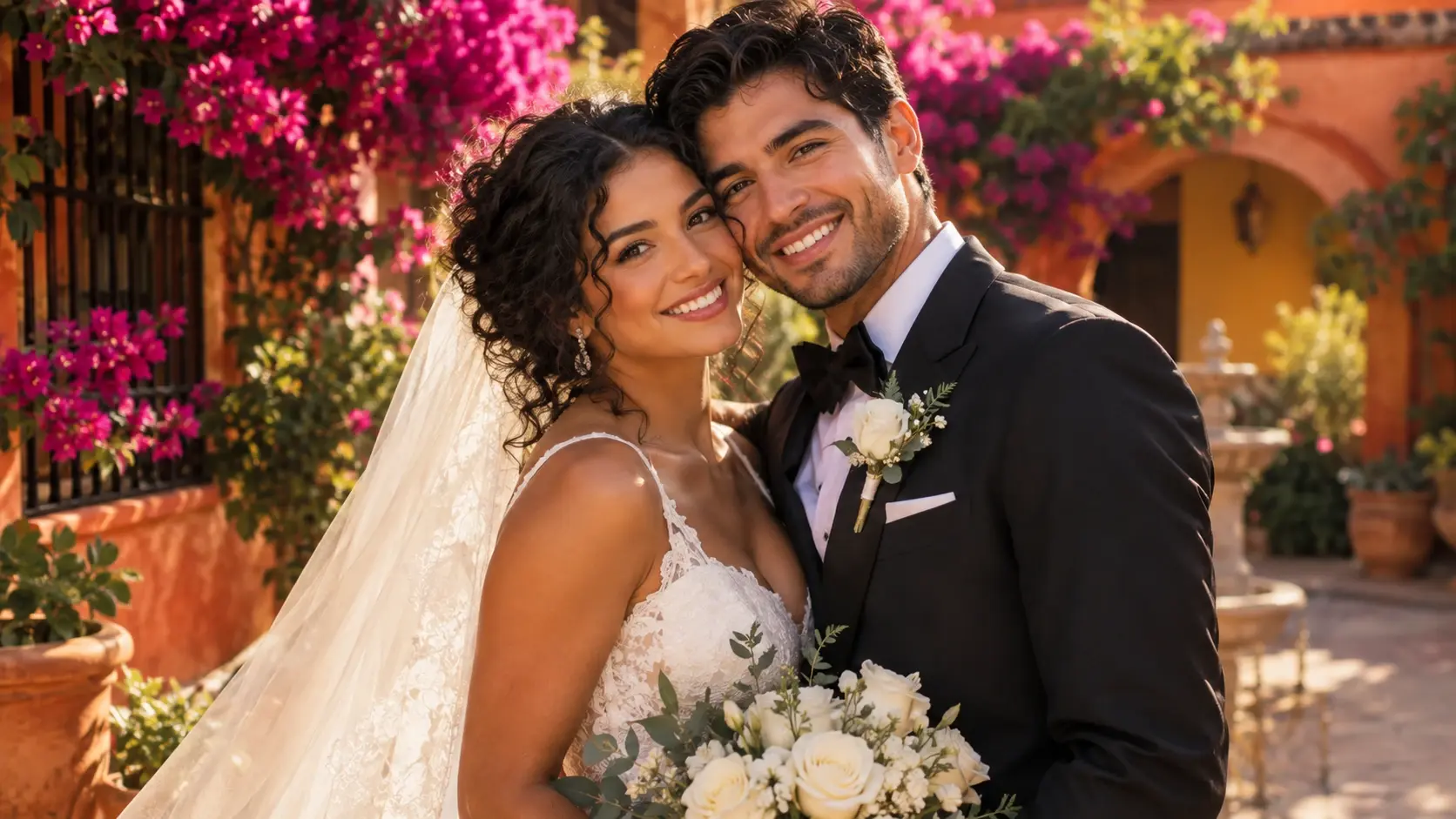
Classic Wedding Portraits
Create elegant wedding portraits featuring formal attire, soft lighting, and timeless compositions. Imagine a couple standing beneath a floral arch, exchanging a warm smile, or posing together in a beautifully decorated studio. Explore realistic bridal photography with natural expressions, refined clothing, and balanced backgrounds. Ideal for traditional wedding portraits, engagement announcements, and romantic keepsakes.
Romantic Destination Wedding Photos
Visualize your dream ceremony in a memorable location. Explore golden-hour beach weddings, scenic mountain celebrations, garden ceremonies, and romantic European-inspired settings. Experiment with the atmosphere, season, and lighting to create distinctive destination-wedding concepts. Ideal for wedding mood boards, save-the-date inspiration, and creative couple portraits.
Cinematic and Artistic Wedding Photography
Turn wedding ideas into expressive visual artwork. Explore dramatic evening lighting, vintage film photography, editorial bridal portraits, or dreamy fairytale-inspired compositions. Create AI generated wedding photos that reflect a particular artistic mood rather than a traditional studio style. Ideal for personalized gifts, digital artwork, and imaginative wedding-themed visuals.
Why Choose PicLumen?
Make Personalized Wedding Photos Without Complex Editing
Create from Your Own Couple Pictures
Use existing photos as references for your wedding-themed images. You can start with an everyday couple photo or suitable individual portraits and describe the new scene you want. This makes the creative process more personal than generating an unrelated fictional couple.
Customize Your Wedding Vision
Every wedding has its own atmosphere. Describe your preferred dress, suit, flowers, venue, season, lighting, and photography style to guide the generated image. For example, a simple prompt can turn a garden wedding concept into an elegant evening scene with warm lights and floral decorations.
Explore Multiple Wedding Styles
Compare classic, modern, romantic, cinematic, and artistic wedding photography concepts. Try different prompts to discover which visual direction best matches your preferences.
Create Wedding-Themed Images Online
You don't need professional photo-editing experience to explore wedding-inspired artwork. Upload a suitable reference image, enter your description, and review the AI-generated result.
Turn Favorite Photos into Creative Keepsakes
An existing photograph can inspire something entirely new. For example, PicLumen's Photo to Art Converter offers another way to reinterpret a meaningful couple portrait as artistic artwork. These visual variations can be useful for personalized gifts, creative albums, and anniversary projects.
How to Create AI Wedding Photos
Make Your Dream Wedding Photo in Three Steps
Upload Your Photos or Start with a Prompt
Upload a clear couple picture, provide suitable reference portraits, or begin with a text description.
Describe Your Wedding Style
Specify the outfits, venue, pose, lighting, and atmosphere you want in your wedding photo.
Generate and Download
Generate your image, review the result, and download your preferred wedding portrait.
Classic Studio Wedding Portrait
Create a realistic wedding portrait of the couple in the uploaded reference photo. Preserve their recognizable facial features and natural proportions. The couple stands together in an elegant photography studio, wearing a classic ivory wedding gown and a tailored black suit. Soft diffused lighting, natural smiles, refined composition, realistic skin texture, professional wedding photography.
Romantic Beach Wedding
Transform the reference couple photo into a romantic beach wedding portrait at sunset. Preserve the couple's recognizable appearance. The bride wears a flowing ivory gown, and the partner wears an elegant light-colored suit. Gentle ocean waves, warm golden-hour sunlight, natural expressions, cinematic wedding photography, soft background blur.
Garden Wedding Ceremony
Create a beautiful garden wedding photograph using the uploaded couple images as references. The couple stands beneath a floral arch surrounded by white roses and lush greenery. Elegant wedding attire, natural body proportions, soft afternoon sunlight, realistic photography, romantic atmosphere, balanced composition.
Luxury Ballroom Wedding
Generate a sophisticated wedding portrait featuring an adult couple in a grand ballroom. Elegant formal wedding outfits, warm chandeliers, refined floral arrangements, polished interior details, natural facial expressions, editorial wedding photography, cinematic lighting, realistic textures.
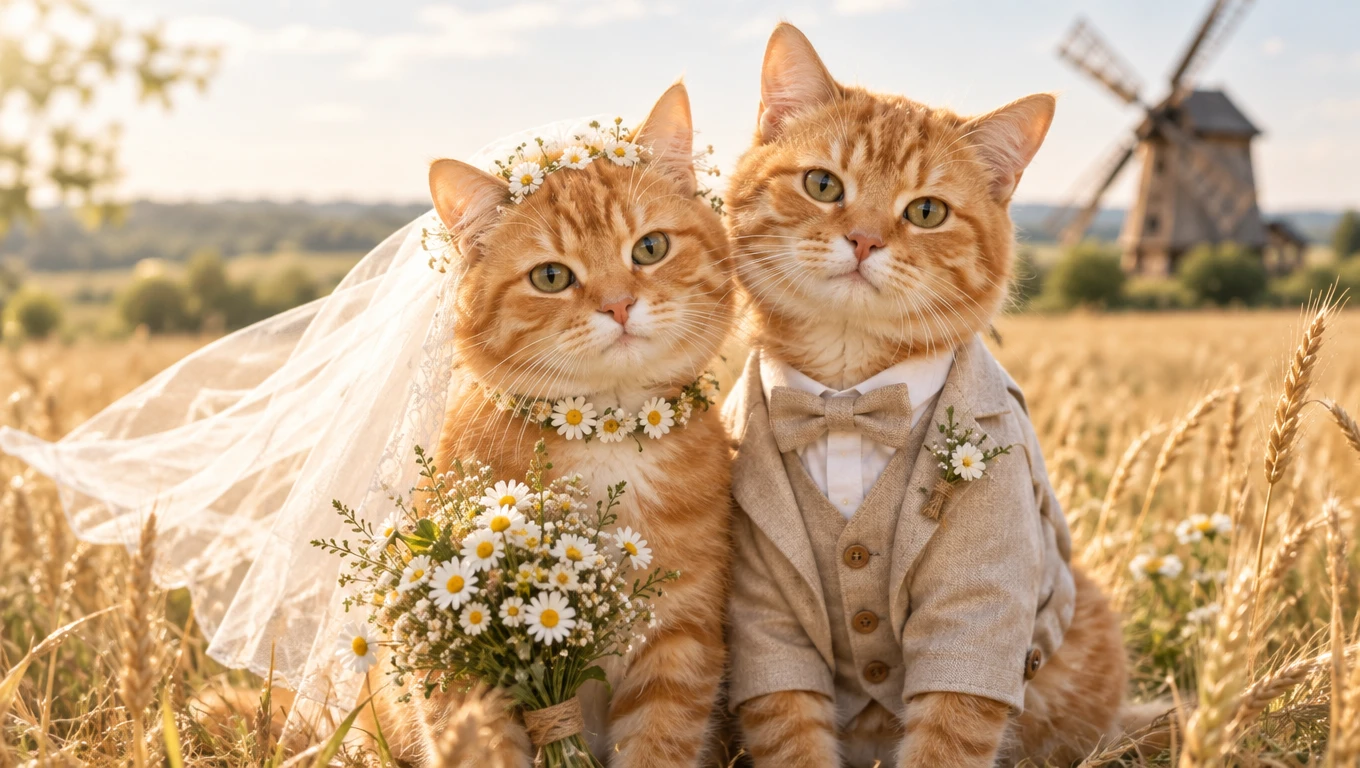
Pre-Wedding Photoshoot Inspiration
Explore photography ideas before your wedding day. Create visual concepts featuring different locations, outfits, lighting styles, and romantic poses. Use your favorite images to communicate a creative direction to your wedding photographer.
Save-the-Date Cards and Invitations
Create romantic images for wedding announcements, save-the-date concepts, and personalized invitation designs. For example, a soft garden portrait or elegant studio-inspired image can provide a visual starting point for your stationery. Review image quality and likeness carefully before printing.
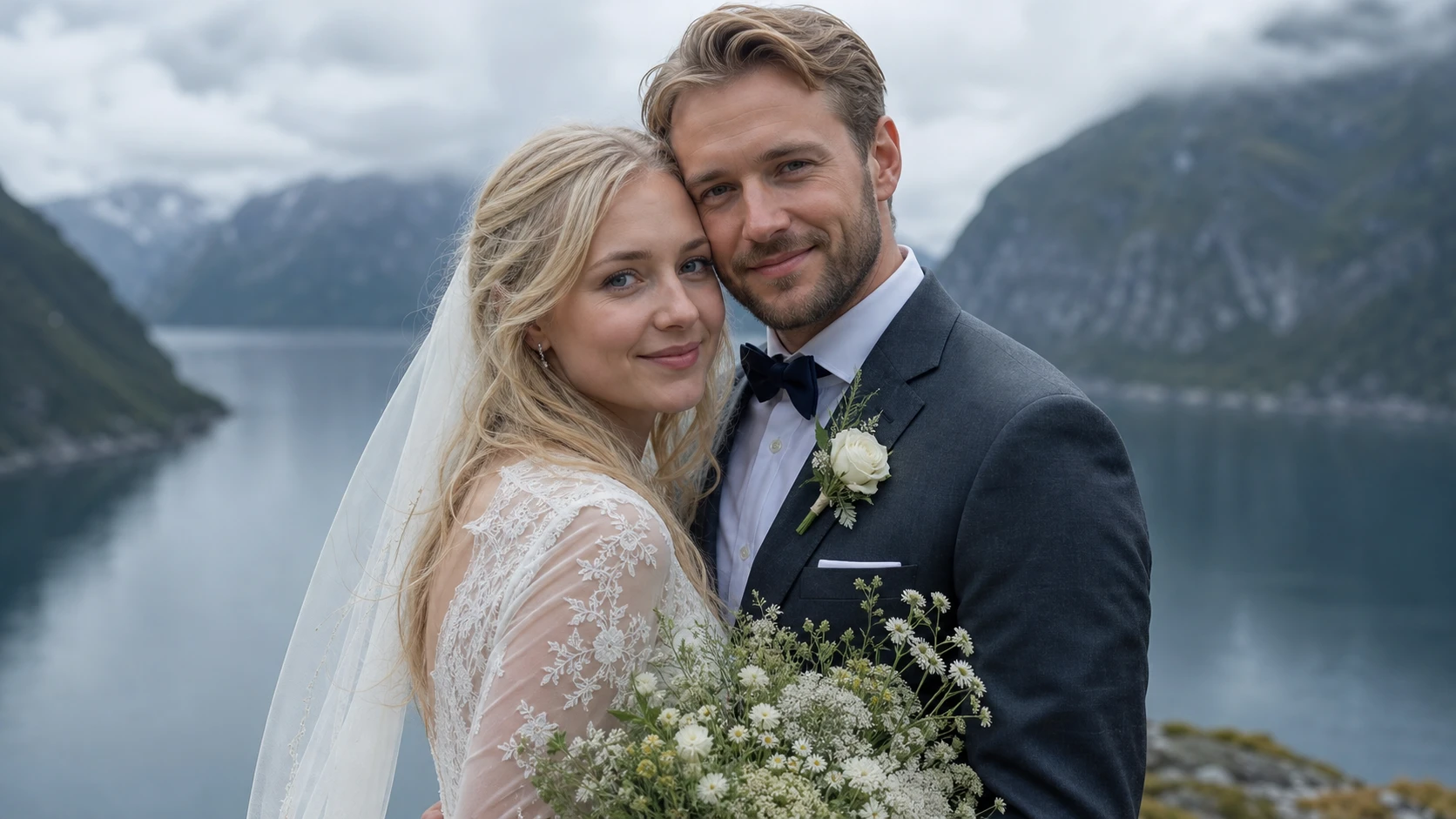
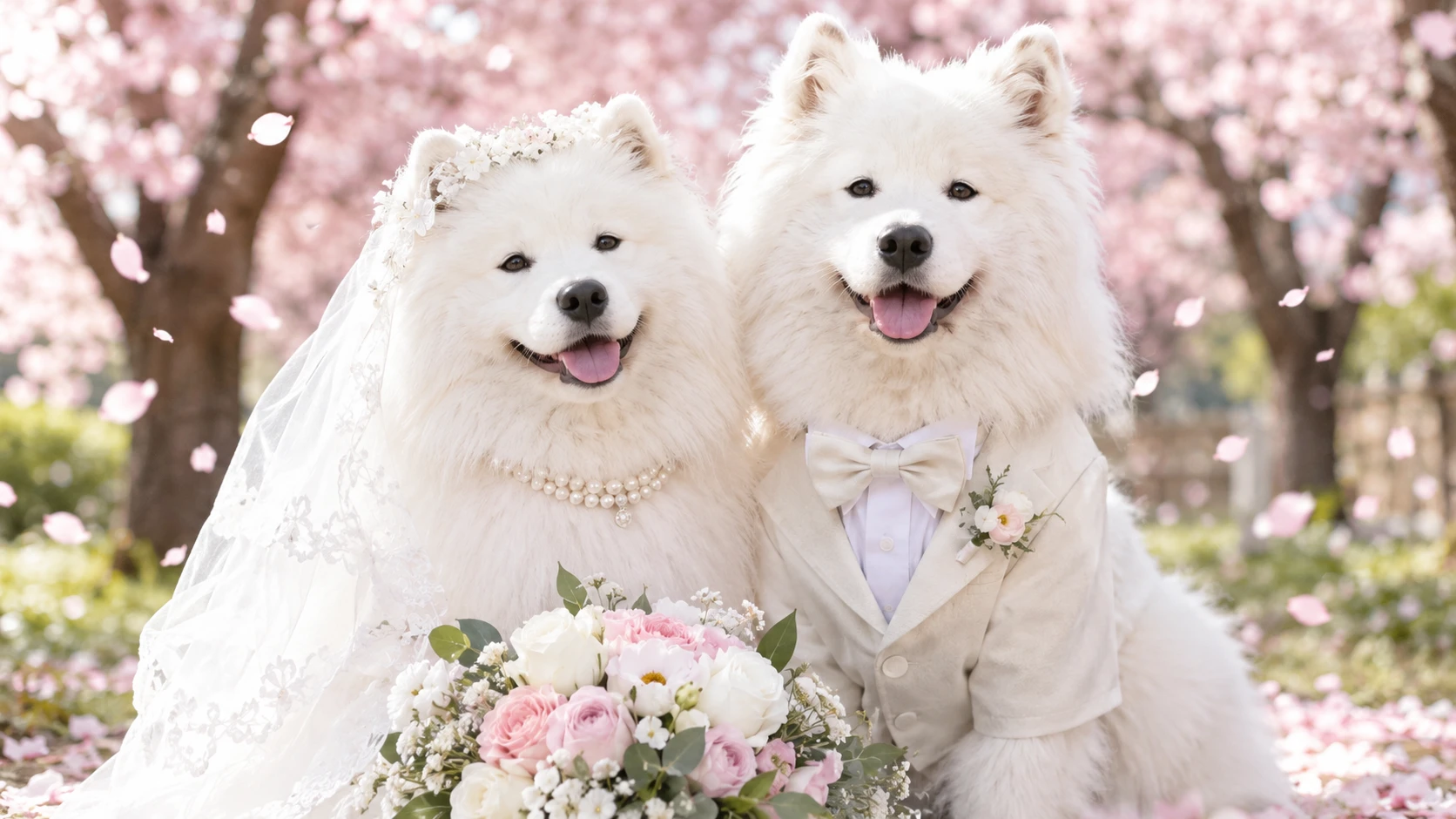
Engagement and Couple Portraits
Celebrate your relationship with wedding-inspired couple artwork. Transform casual photos into romantic portraits featuring formal outfits, meaningful locations, and elegant compositions. These images can be shared as personal keepsakes or used for creative announcements.
Anniversary and Romantic Gifts
Create personalized wedding-themed artwork for anniversaries, Valentine's Day, or other meaningful occasions. Reimagine a favorite photograph with a new artistic style, romantic background, or cinematic atmosphere.
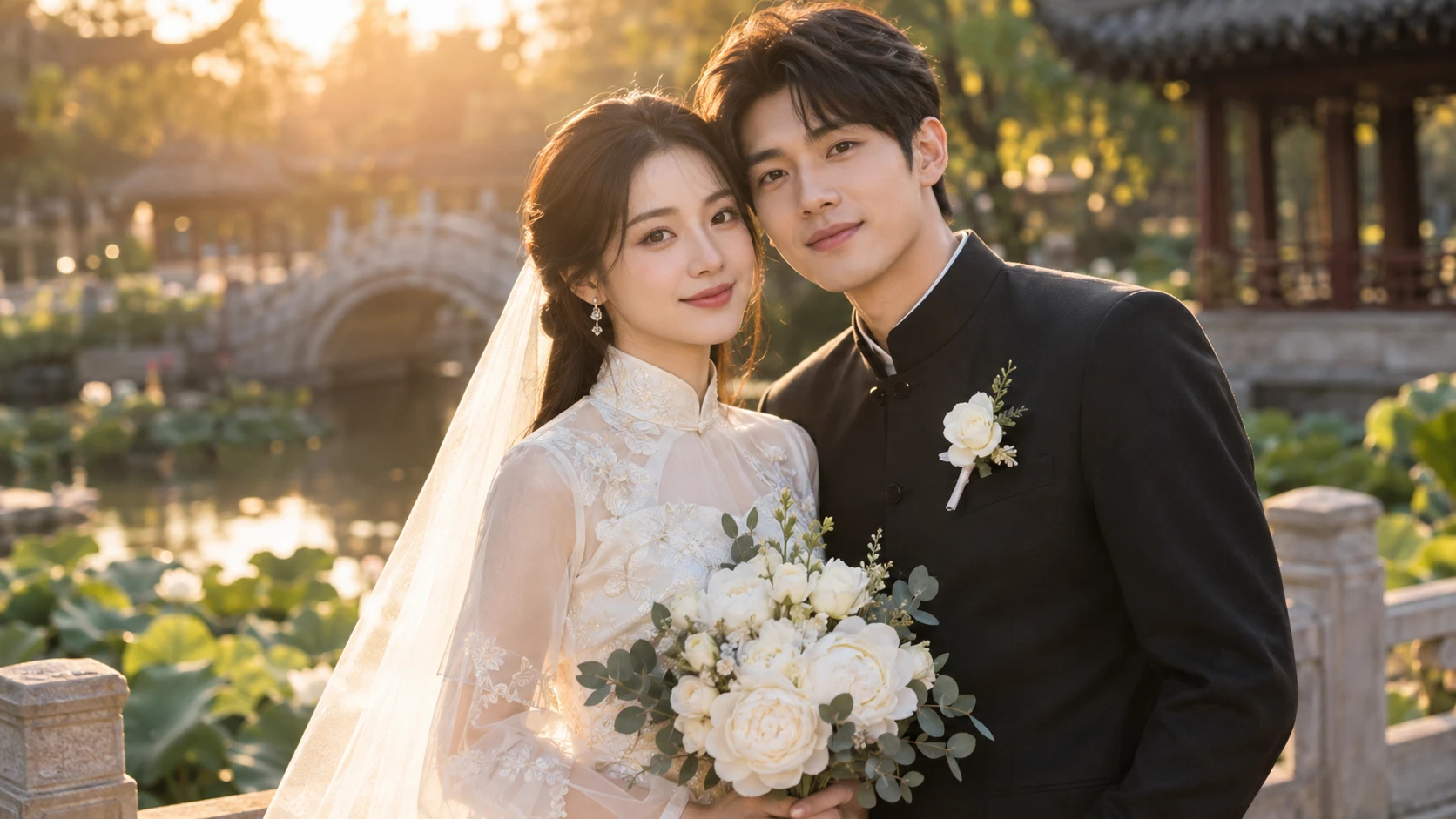
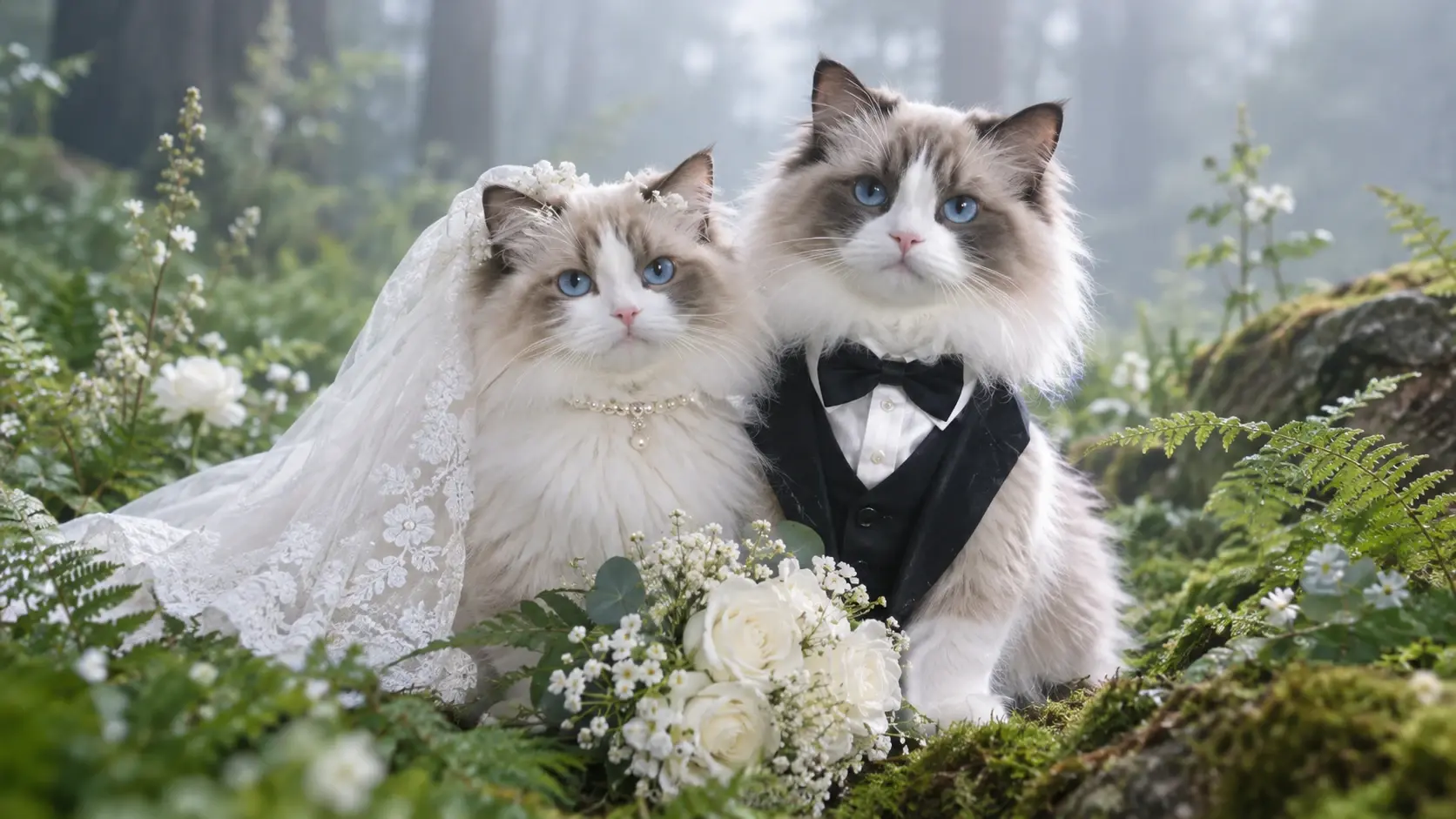
How to Create More Natural Wedding Photos with AI
- STEP 1Use Clear Reference Photos
Choose well-lit images where facial features are visible. Avoid strong filters, heavy shadows, sunglasses, and extreme camera angles.
- STEP 2Describe Both People Clearly
- STEP 3Be Specific About Wedding Attire


Loved by Creators Worldwide
Real feedback from designers, marketers, and hobbyists sharing their PicLumen experience on Trustpilot.
 Zaine Jutt
Amazing 😍😍😍😍😍😍 freee 😍😍
Amazing 😍😍😍😍😍😍 freee 😍😍
jordi AlcarazI have really enjoyed using this site…
I've had a really positive experience with Piclumen. The platform offers excellent features for creating AI images and videos, with impressive quality and a wide range of creative possibilities. It's very easy to use, even when experimenting with more complex ideas, and the whole process is both intuitive and enjoyable. excellent customer service. The team replies very quickly, is always friendly, and genuinely tries to solve any issues you may encounter they care about their users. Overall, Piclumen is an innovative, user-friendly, and exciting AI platform. I highly recommend it to anyone interested in AI image and video creation.
Just amazing website a must try.
Just amazing website a must try.
Brijesh Chikhaliyavery good
very good , Excellent Experience
Love this app it helps my ideas come to…
Love this app it helps my ideas come to life
Bohdan LesykGreat and fast
Great and fast, would be much better with some more free credits
Best app i have ever seen
Best app i have ever seen
 sakura cherry
Very good Free ai photo
Very good Free ai photo, thanks, i wish consistency ,
Good app and make very good video
Good app and make very good video
 Zain Ali
This is the best ai in the world
This is the best ai in the world
 Shiva Verma
Best app for video editing
Best app for video editing
Nice app for creating videos
Nice app for creating videos
Frequently Asked Questions
What is an AI wedding photo generator?
An AI wedding photo generator creates wedding-themed images from uploaded photos, written prompts, or both. You can explore bridal portraits, couple photography, ceremony settings, and different wedding styles without arranging a physical photoshoot for every concept.
Can I create AI wedding photos from two separate selfies?
Yes. PicLumen's couple photo workflow supports using separate reference photos of two people to create a shared portrait. Use clear, well-lit images and describe the wedding outfits, pose, and scene you want.
Can I generate a wedding picture without uploading photos?
Yes. You can use text-to-image generation to describe a fictional couple or wedding scene. An AI prompt for wedding photo creation should include details such as the venue, attire, pose, lighting, and photography style.
Will AI wedding photos preserve our real faces?
Reference photos can help guide the appearance of both people, but exact facial identity is not guaranteed. For better results, use clear portraits and ask the model to preserve recognizable features. Always review the generated image carefully.
Is an AI wedding photo generator online free to use?
PicLumen offers free image-generation options subject to available Lumens, selected models, and current usage rules. If you're looking for an AI wedding photo generator online free option, check the generation interface for the latest credit requirements and available features.
Can I use AI-generated wedding photos for invitations or wedding announcements?
You can create wedding-themed images for invitation concepts, announcements, and personal keepsakes. Before printing or distributing them, check image quality, likeness, the rights to your source photos, and the applicable PicLumen usage terms.
What should I include in an AI wedding photo prompt?
A good prompt should describe the couple, wedding clothing, setting, pose, lighting, and preferred photographic style. For example, specify an elegant garden ceremony, natural smiles, ivory wedding attire, soft golden-hour lighting, and realistic wedding photography. Add reference-image instructions when appearance consistency matters.