AI Business Profile Portrait Generator – Create Professional Headshots with AI




What Is a Business Profile Portrait?
A business profile portrait is a professional photograph used to represent a person in a work-related setting. It commonly appears on LinkedIn profiles, corporate websites, employee directories, resumes, speaker biographies, and professional portfolios. An AI business portrait generator creates or transforms these images using artificial intelligence. Instead of relying entirely on a traditional photoshoot, you can use an existing selfie or portrait as a visual reference and describe the professional appearance you want. For example, a casual photo can become the starting point for a studio-inspired headshot featuring a navy blazer, neutral background, and soft professional lighting. PicLumen's AI Image Generator provides image-generation workflows for exploring professional portrait concepts.
Explore Professional Business Portrait Styles
From classic corporate headshots to modern personal branding portraits, discover a professional look that fits your career.
Your Professional Image, Your Personal Style
A great business portrait should do more than make someone look formally dressed. It should communicate a professional identity that feels appropriate for their industry, role, and personality. A corporate executive may prefer a tailored suit and neutral studio backdrop. A creative professional might choose smart-casual clothing and a contemporary office setting. A consultant or entrepreneur may want a friendly portrait with natural light and a confident expression. Beyond formal headshots, you can also explore artistic styles with the AI Tattoo Generator for custom body art concepts. With PicLumen, you can experiment with these different visual directions using your own photo as a reference.
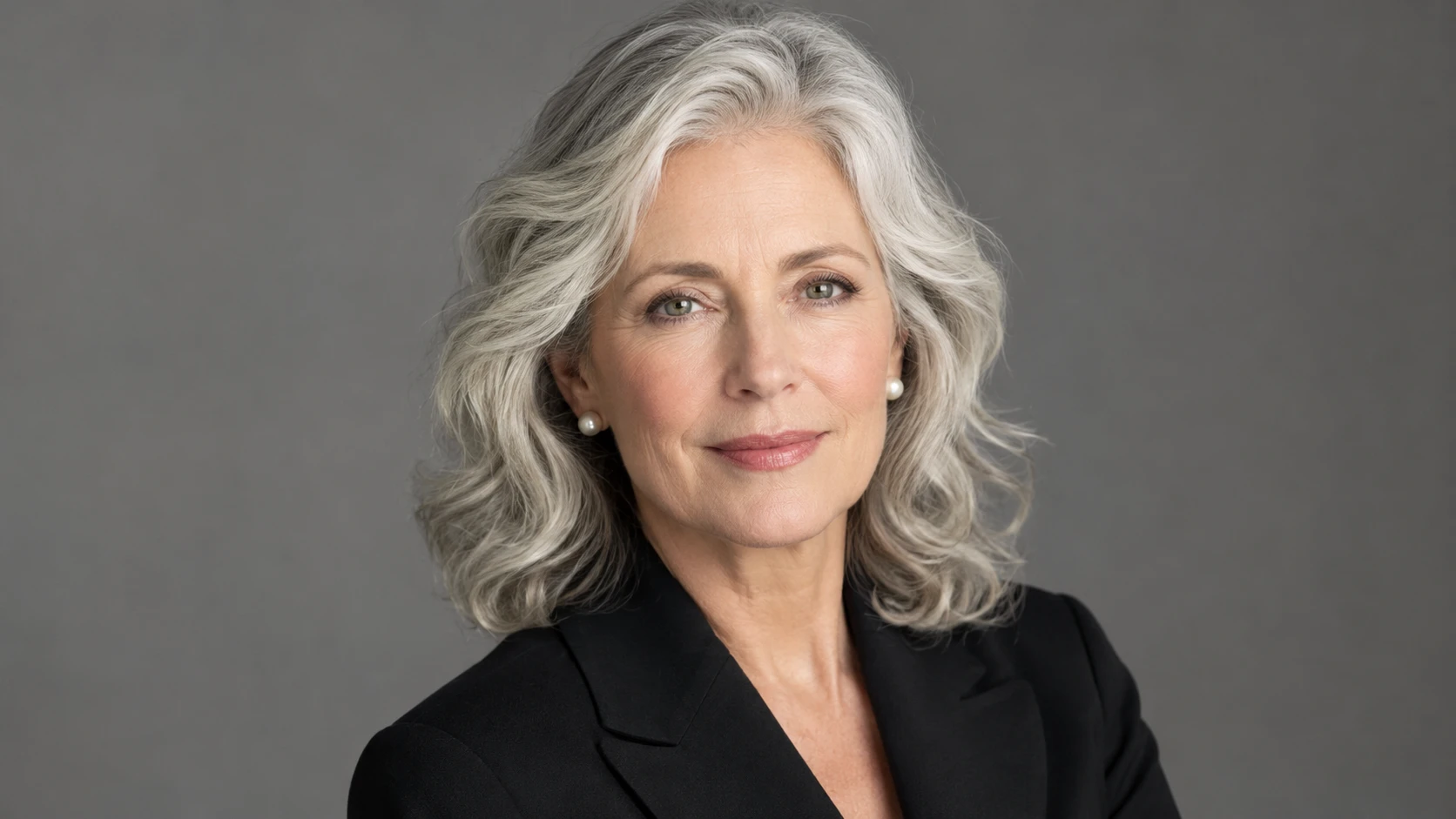
Classic Corporate Headshot
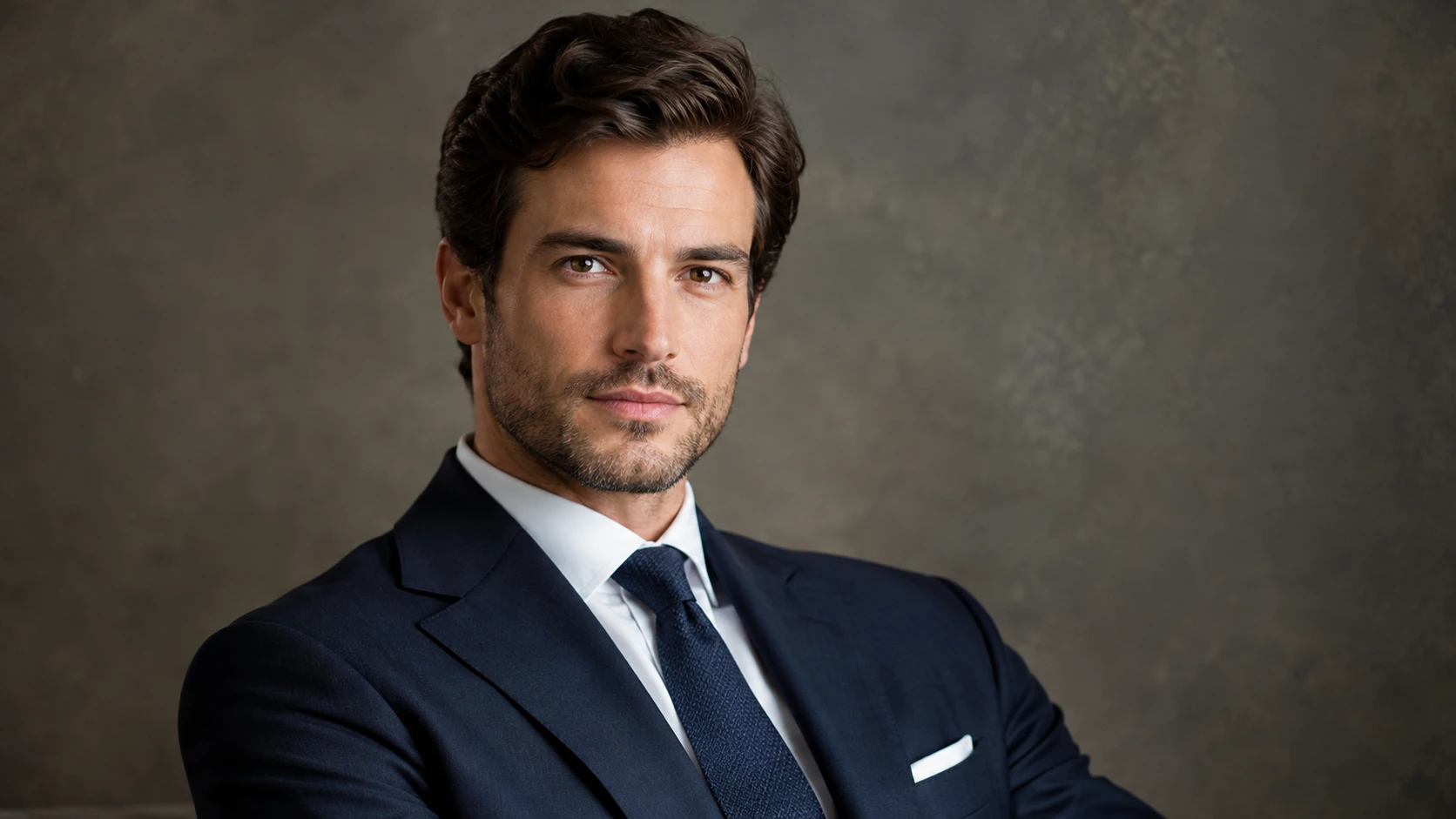
Create a formal business portrait featuring a tailored suit, blazer, or professional office attire. Choose a neutral studio background, balanced lighting, and a confident but approachable expression. Keep the composition focused on the face and shoulders for a clean, professional appearance. Ideal for corporate websites, employee directories, executive biographies, and formal business profiles.
Modern Business Casual Portrait
Explore a more relaxed professional style with smart-casual clothing, natural expressions, and contemporary backgrounds. Try a blazer over a simple shirt, a refined knit top, or other workplace-appropriate attire. Pair the outfit with soft daylight and an uncluttered office or neutral interior. Ideal for LinkedIn profiles, consultants, freelancers, startup founders, and creative professionals.
Executive and Personal Branding Portrait
Create an expressive business portrait with a refined setting, thoughtful composition, and cinematic yet natural lighting. Explore modern offices, architectural interiors, elegant studio backgrounds, or softly blurred professional environments. Ideal for leadership profiles, company founder pages, speaker biographies, media kits, and personal branding.
Turn Everyday Photos into Professional Business Portraits
Create a Professional Headshot from a Selfie
You don't need to start with a studio photograph. Upload a clear selfie or personal portrait and use it as a reference for a more professional image. Describe the business attire, background, lighting, and composition you want. PicLumen's Image to Image AI Generator supports creative transformations based on existing images. A professional headshot from selfie workflow is particularly useful when your current photo is casual but you want to explore a more polished presentation.
Customize Business Attire and Personal Style
The right outfit helps establish the tone of your professional portrait. Explore tailored suits, blazers, formal shirts, smart-casual clothing, and minimalist professional outfits. You can also describe specific colors and fabrics to match your preferred image. For example, a charcoal blazer against a warm gray background creates a different impression from a relaxed cream jacket in a bright office. For clothing-focused transformations, PicLumen's AI Clothes Changer offers a related image-editing workflow.
Choose a Professional Background
A business portrait background should support the subject rather than distract from them. Try simple gray, white, beige, or blue studio backdrops for classic headshots. For a more contemporary appearance, explore softly blurred offices, architectural interiors, or natural daylight settings. Describe the background in your prompt to guide the generated composition.
Explore Natural Studio Lighting
Lighting plays a major role in professional portrait photography. Soft frontal lighting can create a clean and approachable appearance, while gentle side lighting can add depth and definition. Request realistic skin texture, balanced facial shadows, and natural highlights to avoid an overly processed result.
Keep Your Face Recognizable
Professional portraits should still look like the person they represent. Use a clear reference photo and ask the AI to preserve facial proportions, hairstyle, expression, and recognizable features. PicLumen's AI Portrait Generator offers additional ways to explore portrait aesthetics. Exact facial consistency is not guaranteed, so inspect the generated result before publishing it as a professional profile picture.
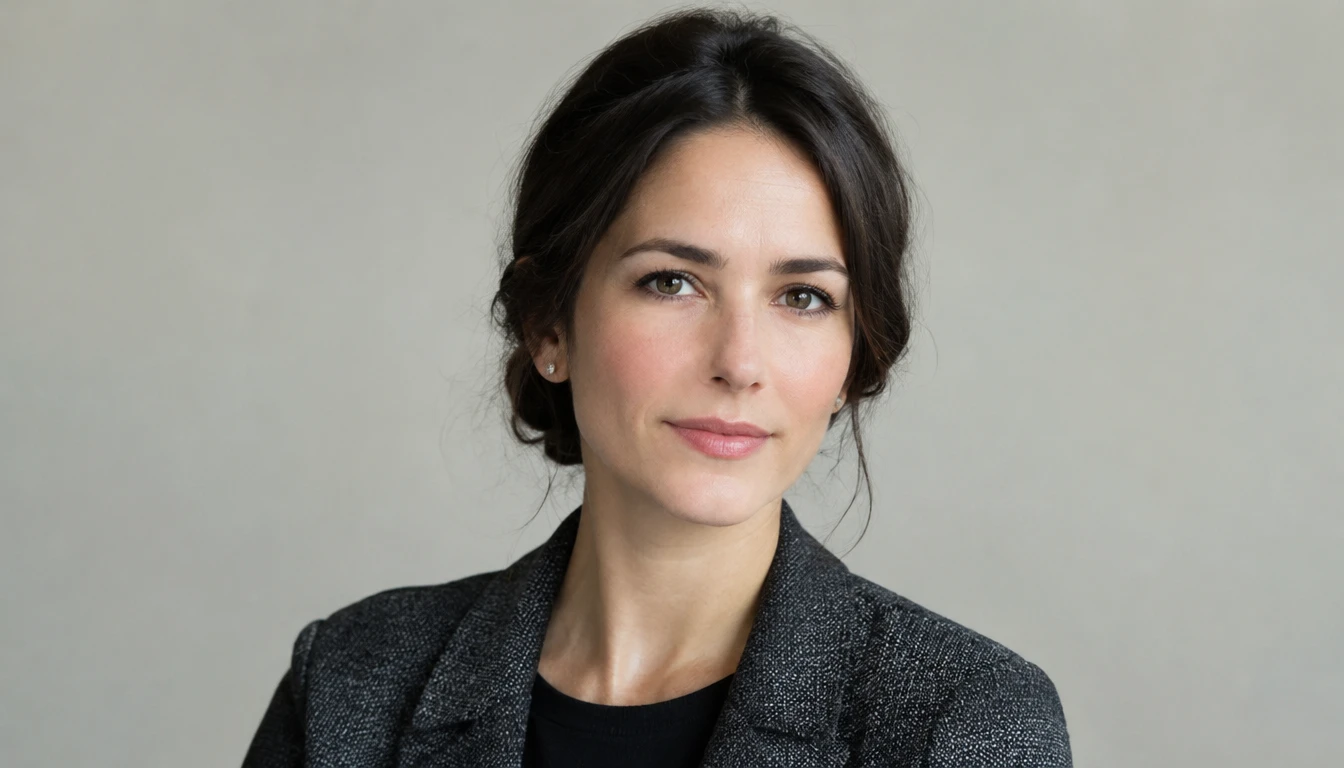
LinkedIn Profile Pictures
Your LinkedIn photo often appears alongside your professional experience, posts, and networking activity. A clear professional profile picture can help present a consistent visual identity across your account. Use a natural expression, simple background, and crop that keeps your face visible.
Corporate Websites and Team Directories
Create portrait concepts for employee biographies, team introductions, and company profile pages. Consistent framing and backgrounds can help a collection of portraits feel visually cohesive. For organizations, ensure each person has approved the use of their image.

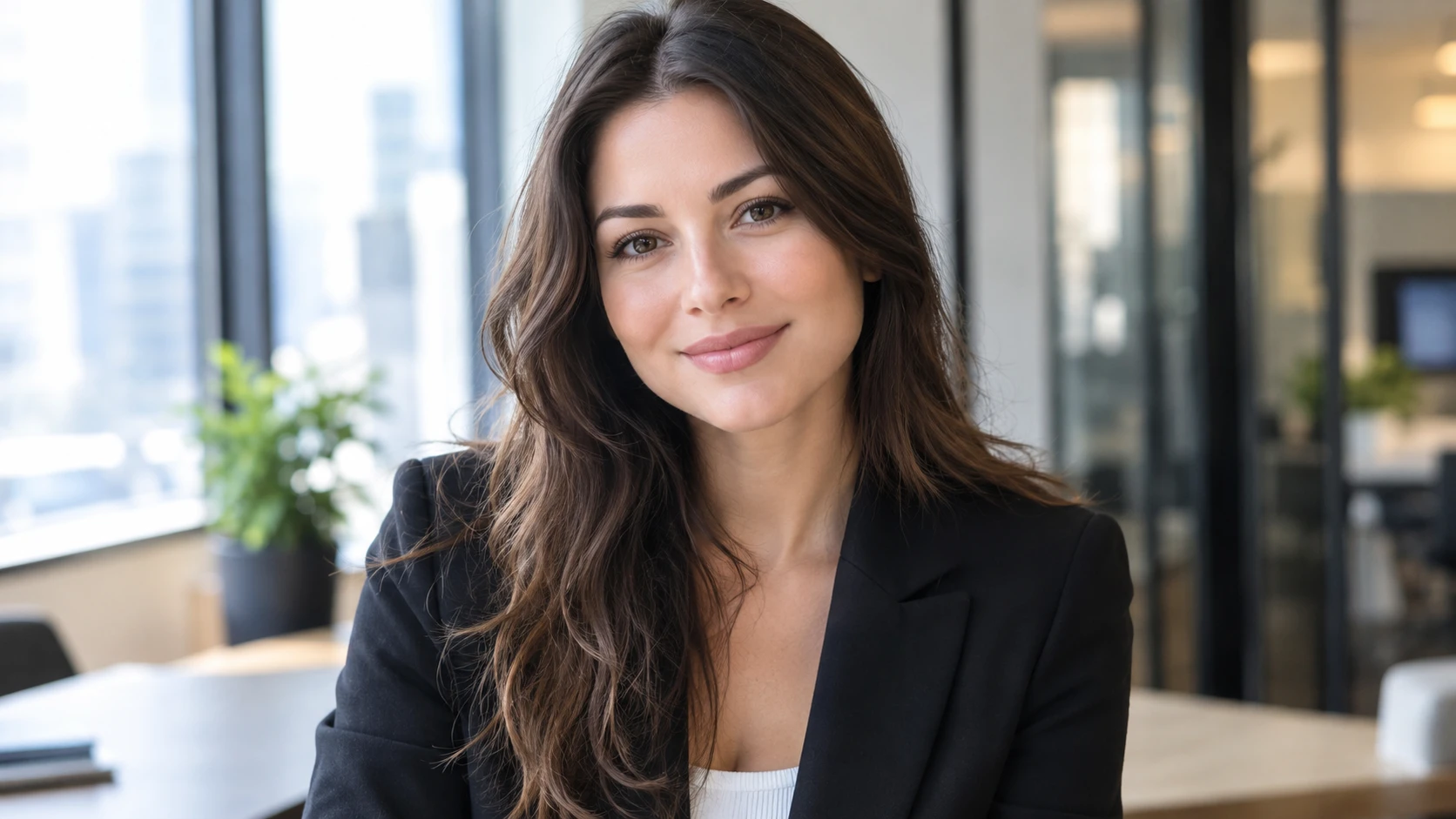
Resumes and Professional CVs
A professional portrait can be useful for resumes in markets or industries where including a photograph is customary. Check local hiring norms before adding a photo to a CV, as some regions and employers discourage or omit applicant photographs.
Entrepreneurs and Personal Branding
Build a recognizable professional image for your website, business profile, newsletter, or portfolio. Experiment with portraits that reflect your industry and personal style.

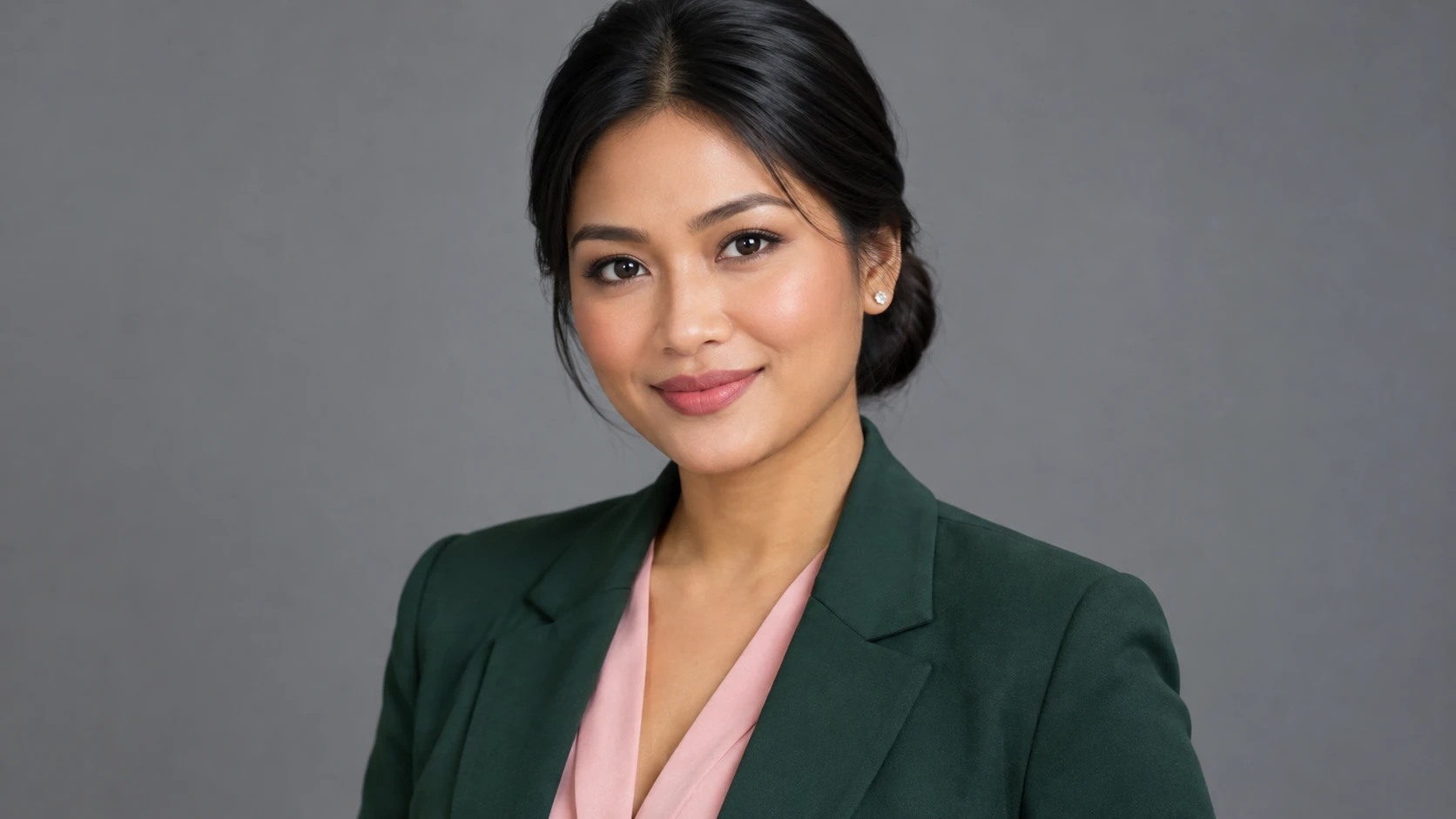
Speaker Profiles and Conference Bios
Create polished portrait concepts for speaking engagements, webinar introductions, conference programs, and event biographies. Choose a high-clarity image that remains recognizable when cropped or displayed at smaller sizes.
Consultants and Freelancers
A professional headshot can help support a consistent presence across consulting websites, freelance profiles, proposals, and client introductions. Use similar styling across platforms to make your professional identity easier to recognize.
How to Create a Business Profile Portrait
Make a Professional Business Photo in Three Steps
Upload Your Photo
Choose a clear selfie or portrait with your face visible and natural lighting.
Choose Your Professional Look
Describe the business attire, background, lighting, and portrait style you want in a compatible AI image-generation workflow.
Generate and Download
Generate your portrait, review facial details and overall realism, and download your preferred image.
Best AI Prompts for Professional Headshots
Classic Corporate Headshot
Create a realistic professional corporate headshot of the person in the uploaded reference photo. Preserve their recognizable facial features, natural skin texture, hairstyle, and expression. Dress the person in a tailored navy business suit with a light-colored shirt. Use a neutral gray studio background, soft balanced lighting, natural posture, and head-and-shoulders framing. Professional business portrait photography.
Modern LinkedIn Profile Photo
Transform the uploaded selfie into a natural professional LinkedIn headshot. Preserve the person's recognizable face and expression. Use smart business-casual clothing, a softly blurred neutral background, even daylight, and a friendly confident expression. Realistic portrait photography, natural skin texture, centered composition.
Executive Business Portrait
Create a refined executive portrait using the uploaded person as the visual reference. Preserve recognizable facial features and natural proportions. Dress the subject in elegant professional attire. Use a modern office background with subtle architectural details, soft directional lighting, and a confident relaxed pose. High-quality realistic corporate photography.
Business Casual Headshot
Generate a realistic business casual headshot of the person in the reference photo. Preserve their natural facial features, hairstyle, and expression. Dress the subject in a simple blazer over a neutral shirt. Use warm natural daylight, a softly blurred contemporary office background, and approachable professional styling.
Tips for Better Business Profile Portraits
How to Make AI Professional Headshots Look Natural
Choose a Clear Reference Photo
Use a sharp portrait where the face is clearly visible. Avoid heavy filters, strong shadows, and extreme camera angles.
Keep the Expression Natural
A relaxed smile or calm, confident expression often works better than an exaggerated pose.
Match the Outfit to Your Industry
Choose formal business attire for conservative corporate environments and polished business-casual clothing for more flexible professional settings.
Use an Uncluttered Background
Neutral studio backgrounds and softly blurred interiors keep attention on the face.
Describe the Lighting
Soft, balanced lighting helps create a professional appearance while maintaining natural facial depth.


Loved by Creators Worldwide
Real feedback from designers, marketers, and hobbyists sharing their PicLumen experience on Trustpilot.
jordi AlcarazI have really enjoyed using this site…
I've had a really positive experience with Piclumen. The platform offers excellent features for creating AI images and videos, with impressive quality and a wide range of creative possibilities. It's very easy to use, even when experimenting with more complex ideas, and the whole process is both intuitive and enjoyable. excellent customer service. The team replies very quickly, is always friendly, and genuinely tries to solve any issues you may encounter they care about their users. Overall, Piclumen is an innovative, user-friendly, and exciting AI platform. I highly recommend it to anyone interested in AI image and video creation.
Just amazing website a must try.
Just amazing website a must try.
A New TV Episodes Of Ninja Sweetie On…
A New TV Episodes Of Ninja Sweetie On Paramount+
by Neefai love it and easy to use
i love it and easy to use
 Scottie Grace
Very affordable and high quality
Very affordable and high quality
 Alexsander Luís
cool it's a good ai creator but create…
cool it's a good ai creator but create imagens for cinema
 Andreas Ruffy Nilsson
Awesome!
great way to create for your own usage and your social platforms!
Alishba MukhtarWonderful experience I’ve ever had
Wonderful experience I’ve ever had
 Amy Crawford
Pic Lumen ai is a bright star in a galaxy of money hungry jabas.
I've been using Pic Lumen ai for a little over a year now. The first thing that stood out to me was the level of quality of the photos. Very realistic, brilliantly clear, vibrant. They've done a lot of expansion in the past year as well ie; using the top of the line image and video generators, adding features like upscaling, I paint, out paint, and editing. And the best thing about this platform is the incredibly affordable prices. If you are new this platform is perfect because they offer a free level allowing you to generate 50 images a day. They have an incredible community of artists and also offer tutorials. Two thumbs up!!
 kola wole
Amazing
Amazing, and easy to use features
Everything
Everything, keep up the good work
 Lalith Perera
I loved it thank you so much for the…
I loved it thank you so much for the images
Frequently Asked Questions
What is an AI business profile portrait generator?
An AI business profile portrait generator creates professional-looking headshots from existing photos or image prompts. It can help users explore business attire, studio backgrounds, and different professional portrait styles for LinkedIn, company websites, and personal branding.
Can I turn a selfie into a professional business headshot?
Yes. You can upload a clear selfie to a compatible reference-based image-generation workflow and describe the professional look you want. AI can generate a business-style portrait using your original photo as a visual reference, although facial details may vary.
Can I create an AI LinkedIn profile photo?
Yes. You can generate a portrait with professional attire, natural lighting, and a clean background for LinkedIn. Before uploading it, confirm that the result still looks like you and fits the platform's current profile-photo requirements.
Is an AI headshot generator online free to use?
PicLumen offers image-generation workflows with usage limits that depend on the selected model and account. If you're searching for an AI headshot generator online free, check the current generation interface for available free credits and any applicable requirements.
What should I wear in a business profile portrait?
Choose clothing that fits your industry and intended audience. Formal suits and tailored jackets can work well for corporate profiles, while smart-casual clothing may suit creative professionals, freelancers, and startup teams. AI can help you visualize different outfit concepts.
Will AI preserve my real facial features?
Reference photos can help guide the generated person's appearance, but exact facial identity preservation is not guaranteed. Use clear source images, request natural proportions, and compare the final result carefully with your original photo.
Can I use AI-generated business portraits for commercial or professional purposes?
AI-generated portraits can support professional websites, personal branding, and creative business materials, subject to applicable usage rights. Review PicLumen's current terms, obtain permission for any source photos, and make sure the final image represents the person appropriately. Some organizations or platforms may have additional authenticity requirements.