
Artlist AI Video Generator
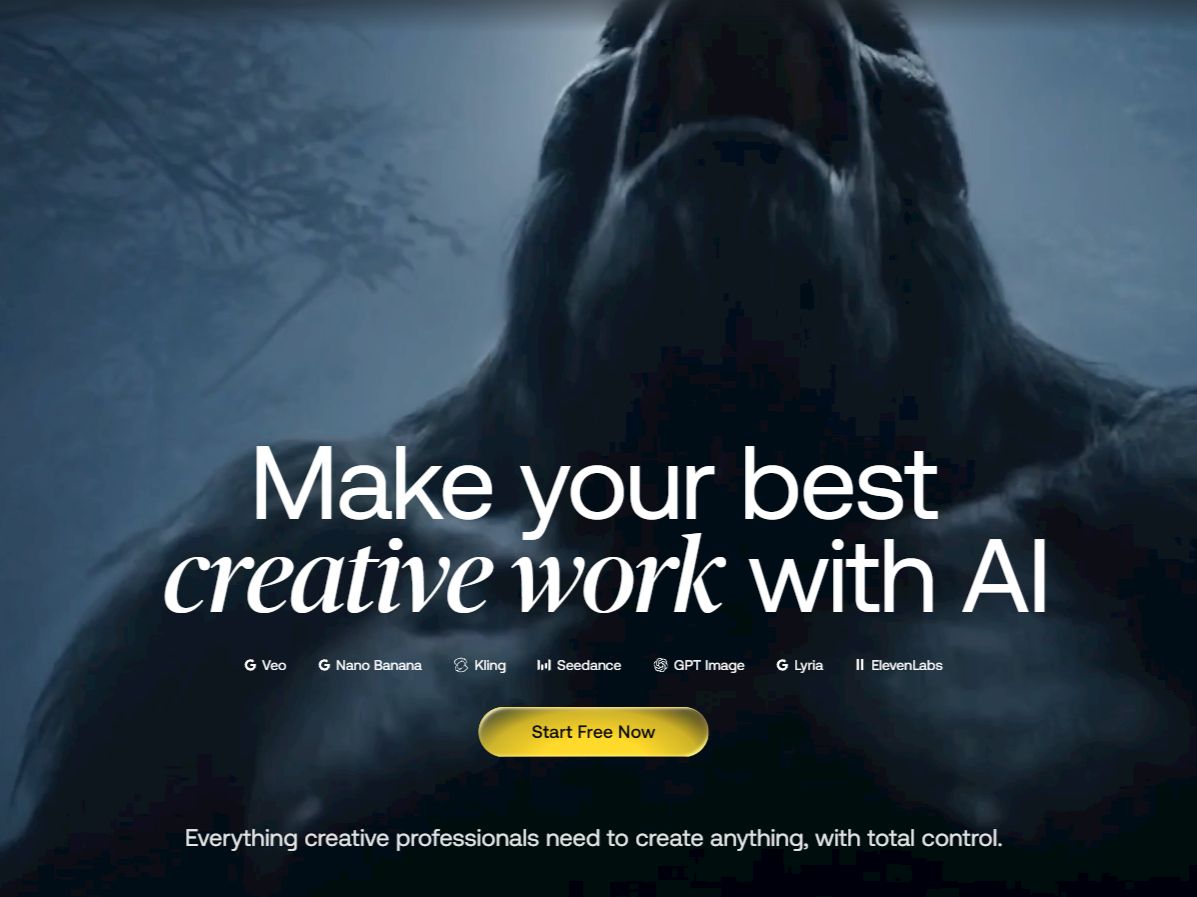
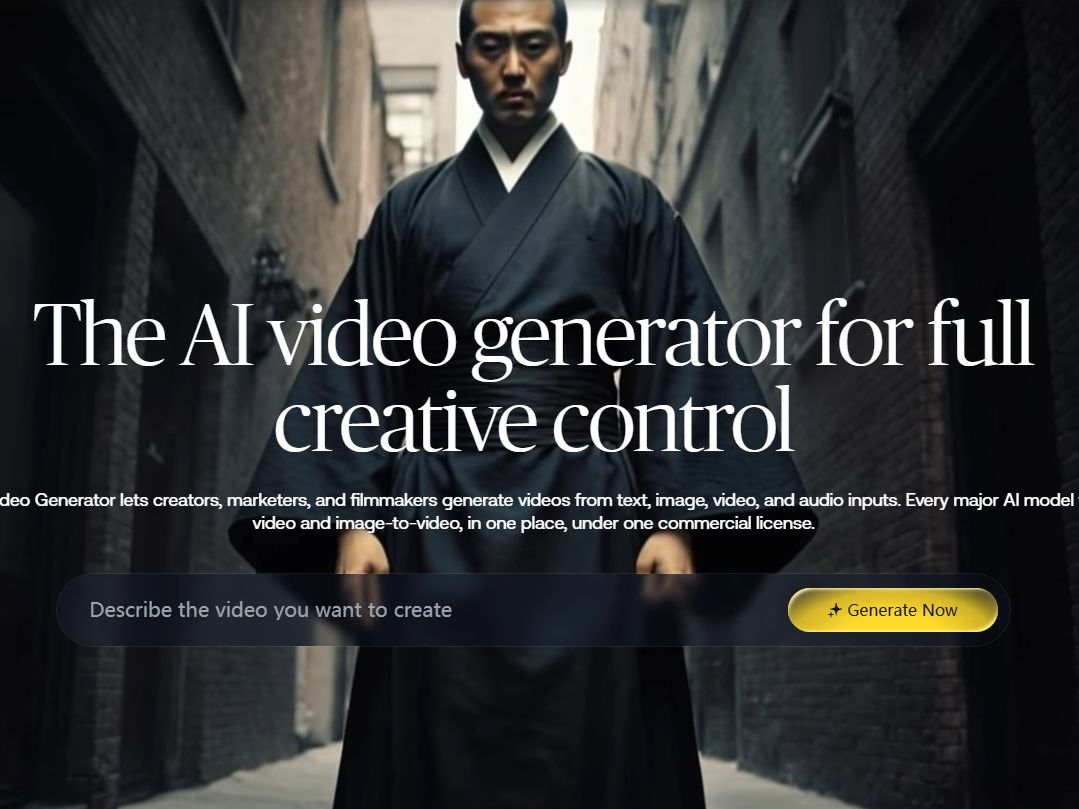
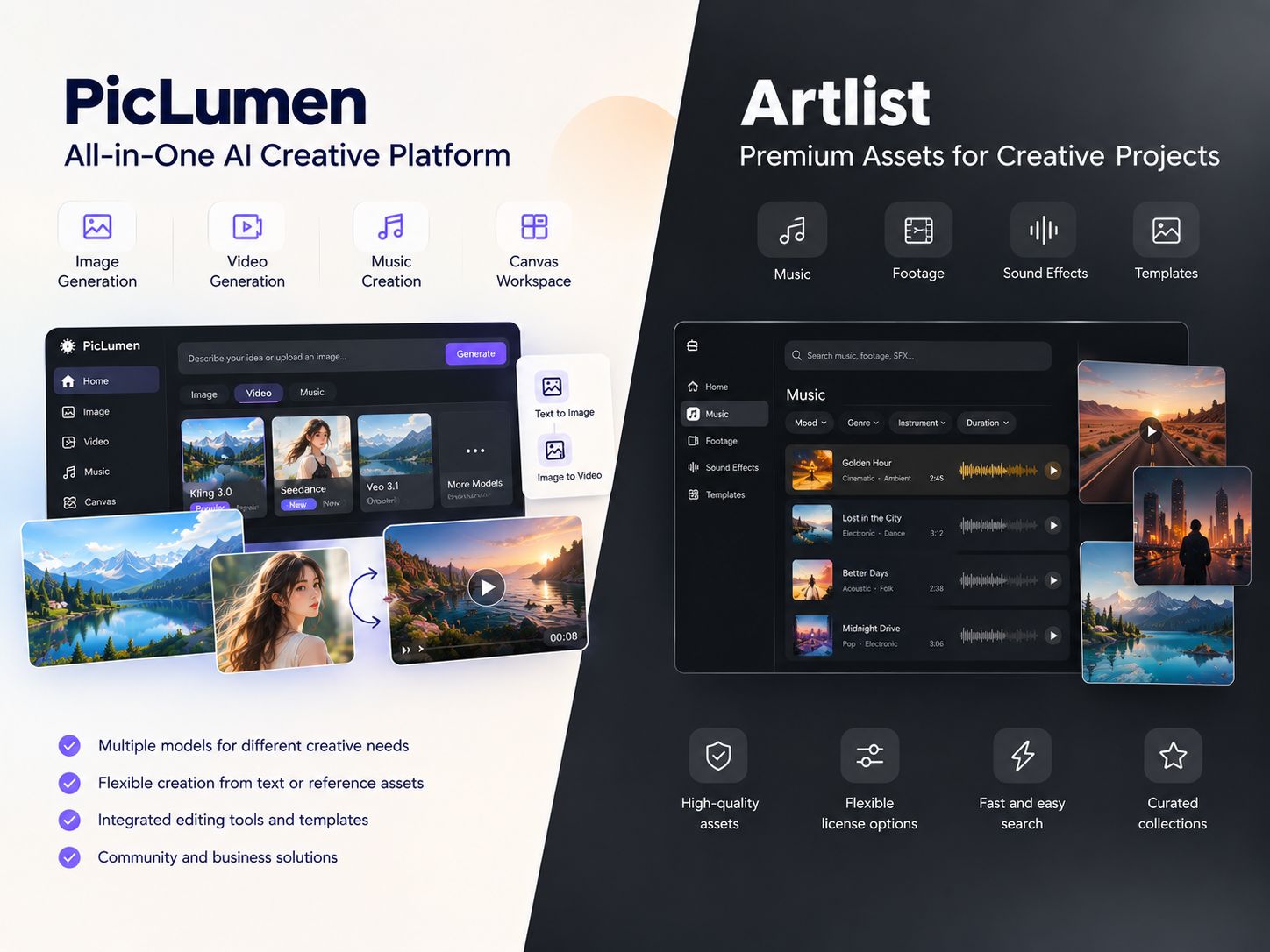
Artlist brings its royalty-free music, footage, and templates together with an AI Toolkit for video and audio creation. You can generate clips from text or images, then work on sound and other edits in the same platform. PicLumen takes a more creation-focused approach. Start with a prompt or an existing image, turn a still into a moving scene, explore different visual styles, or generate music for your project.
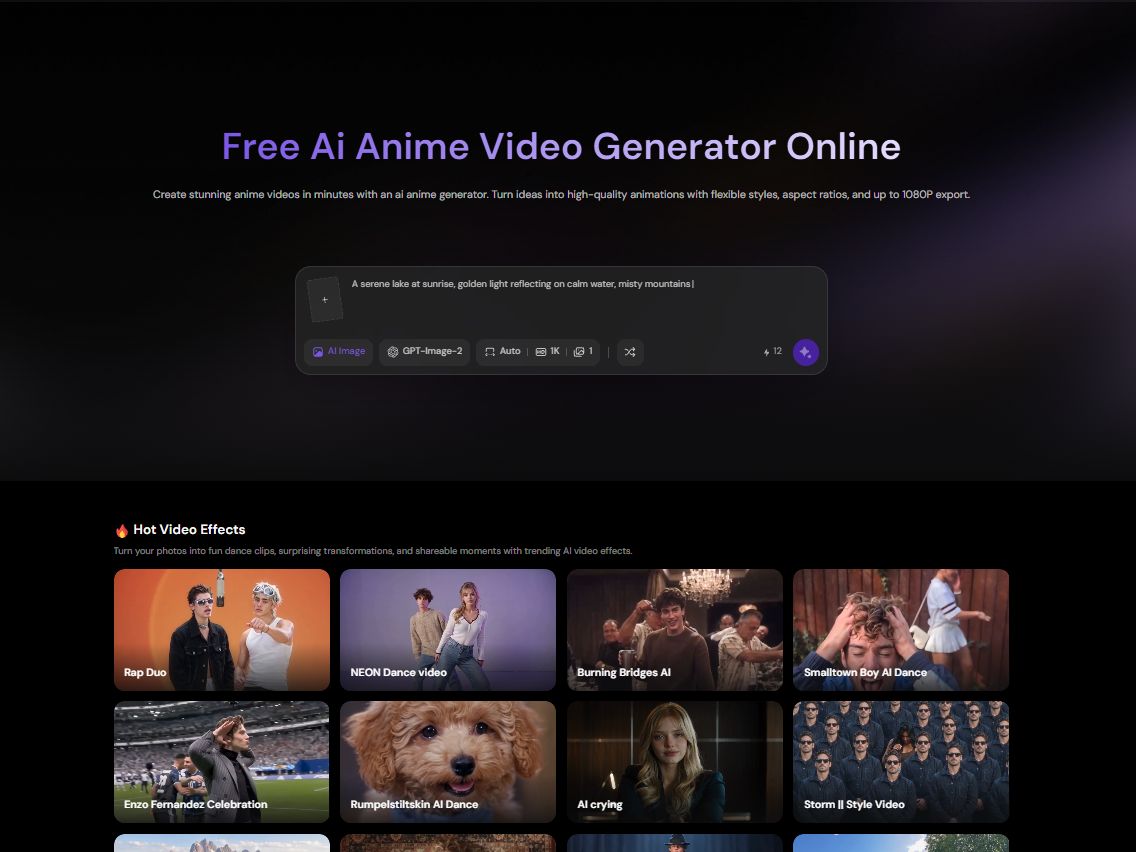
Hot Video Effects
Turn your photos into fun dance clips, surprising transformations, and shareable moments with trending AI video effects.
Generate Video With Native Audio
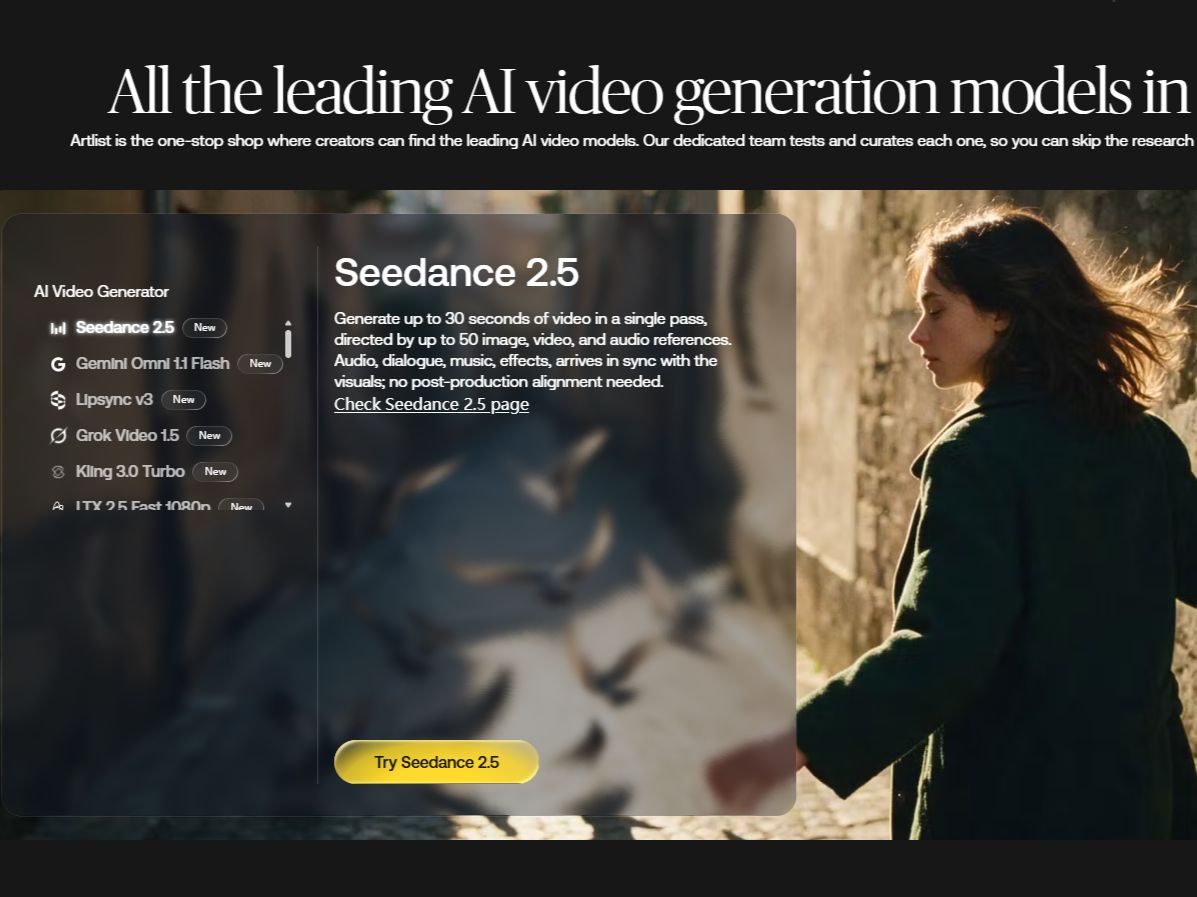
Adding sound to a clip usually means generating the visual first, then hunting for sound effects or music later. Artlist's toolkit (powered by models like Seedance 2.5) builds the sound alongside the video. If you prompt a scene with a heavy door slamming, the audio comes with it in the same pass. It removes the extra step of syncing sound to action in post.
Guide How Your Character Looks
Trying to get the exact same face across multiple shots using only a text prompt is a headache—the model usually drifts. Artlist lets you upload a reference image and tag it (like @Image1) to lock the character's look. You can also feed it a video reference to copy specific movements. It's not a 100% guarantee, but it stops the character from turning into a completely different person halfway through.
Edit and Extend Existing Footage
Sometimes a take is 90% perfect, but a random car in the background ruins it. Instead of rendering the whole scene again, Artlist's editing tools let you mask out the distraction or extend the clip length. It's a way to save a good shot that just needs minor surgery, rather than starting from a blank page.
Generate Music and Voiceovers
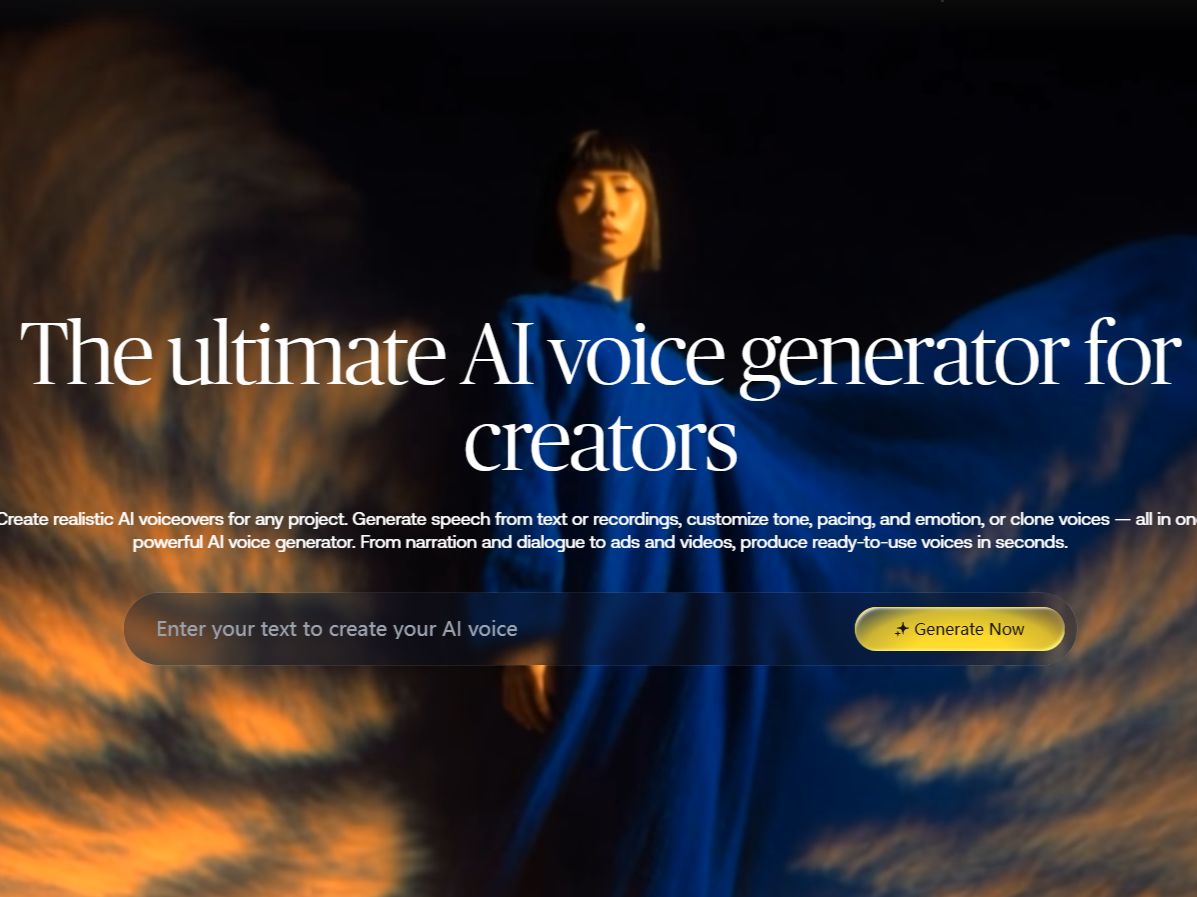
If a video needs a specific vibe or a script read out loud, the audio tools handle that without leaving the platform. You describe the track you want, or paste a script for the AI voiceover. It gives you a rough cut with all the elements in place, even if you plan to take the final audio into a dedicated mixing suite later.
What People Use Artlist For
Social Ads With Synced Audio
A marketer is putting together a short product teaser for Instagram. Rather than creating a silent clip and searching for sound afterward, they can generate video with audio in the same pass. The result gives them a starting point for the ad; timing, volume, and brand-specific details can be refined before publishing.
Character-Driven Story Beats
A creator wants a recurring character to appear in several scenes, from a quiet close-up to a more active sequence. They provide a reference image to guide the character’s appearance, then generate each scene separately. The reference helps maintain a visual connection between shots, though individual results still need to be checked for changes in facial features, clothing, or other details.
Fixing a Clip Without Reshooting
A filmmaker has a usable shot, but a passerby in the background draws attention away from the main subject. They can try removing the unwanted element with Artlist’s editing tools instead of arranging another shoot. If the clip also needs a longer lead-in or ending, video extension may help fill the gap.
Adding a Custom Soundtrack
An editor has assembled the footage for a travel montage but hasn't found music that fits its pace. They can describe the mood and style they have in mind, generate a track, and test it against the cut. The music may need trimming or mixing, but it gives the editor an original option to work with.
Artlist and PicLumen for Video Creation
Artlist combines AI creation tools with a royalty-free library of music, footage, and templates. That combination suits creators who constantly jump between hunting for assets and producing video or audio. Its AI Toolkit pulls generation and editing features into one place, though the specific models you get depend on the platform's current offerings. PicLumen is more focused on making and transforming visual content from scratch. You can add motion to a still with Image to Video, or use the AI Cinematic Video Generator when a project needs a more film-inspired look. If your workflow relies heavily on a massive stock library, Artlist has the advantage. But if you want a direct, streamlined path to generate and restyle a specific visual, PicLumen gets you there without navigating an entire production suite.
Make a Static Image Move
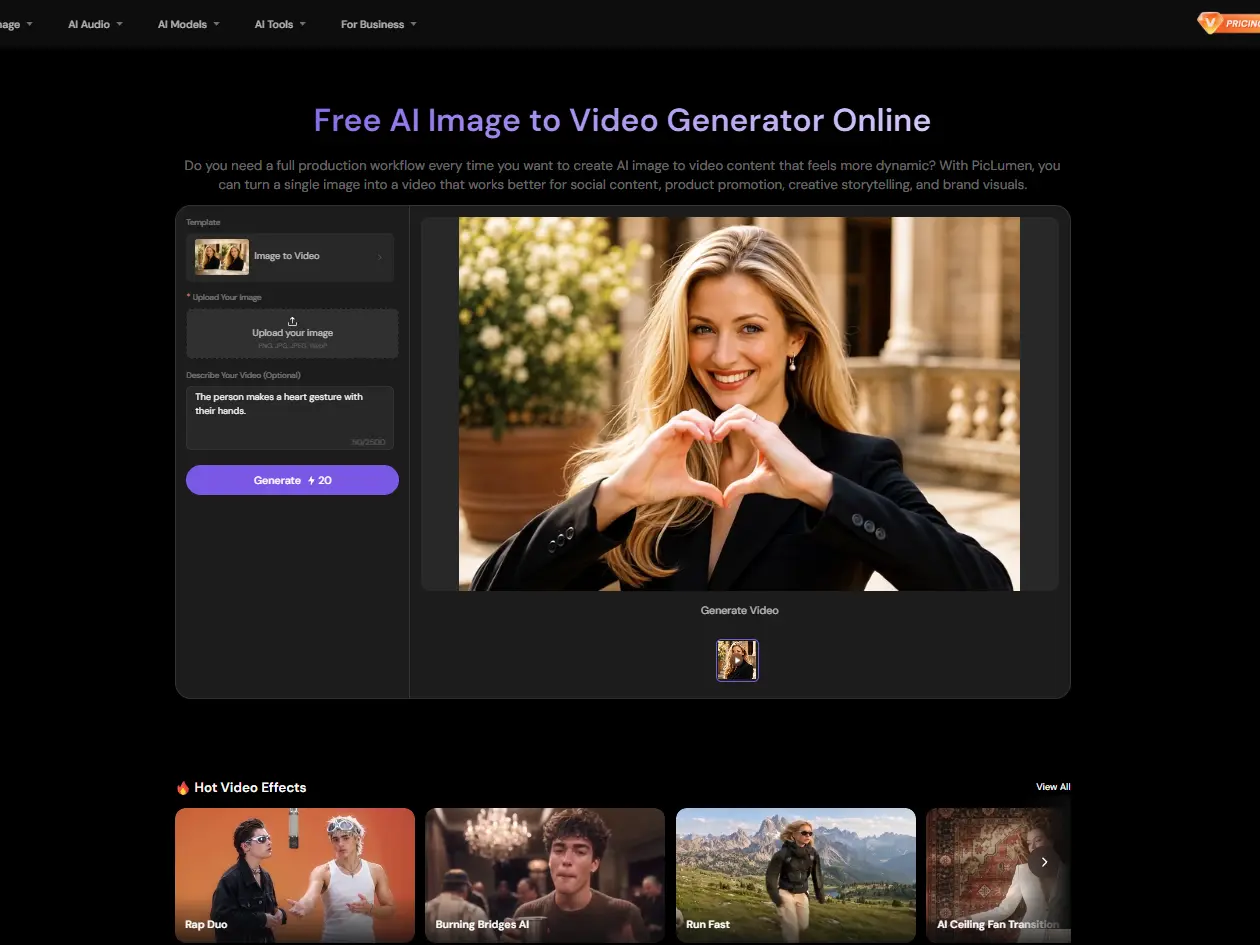
A still image can already have the composition, character, and lighting you want. With PicLumen's Image to Video tool, upload that image and describe how the scene should move. You might ask for a slow camera push, a character turning their head, or fabric moving in the wind. The generated clip builds on the source image, though it’s always worth a second look to make sure the motion doesn't warp the original design.
Generate a Cinematic Look
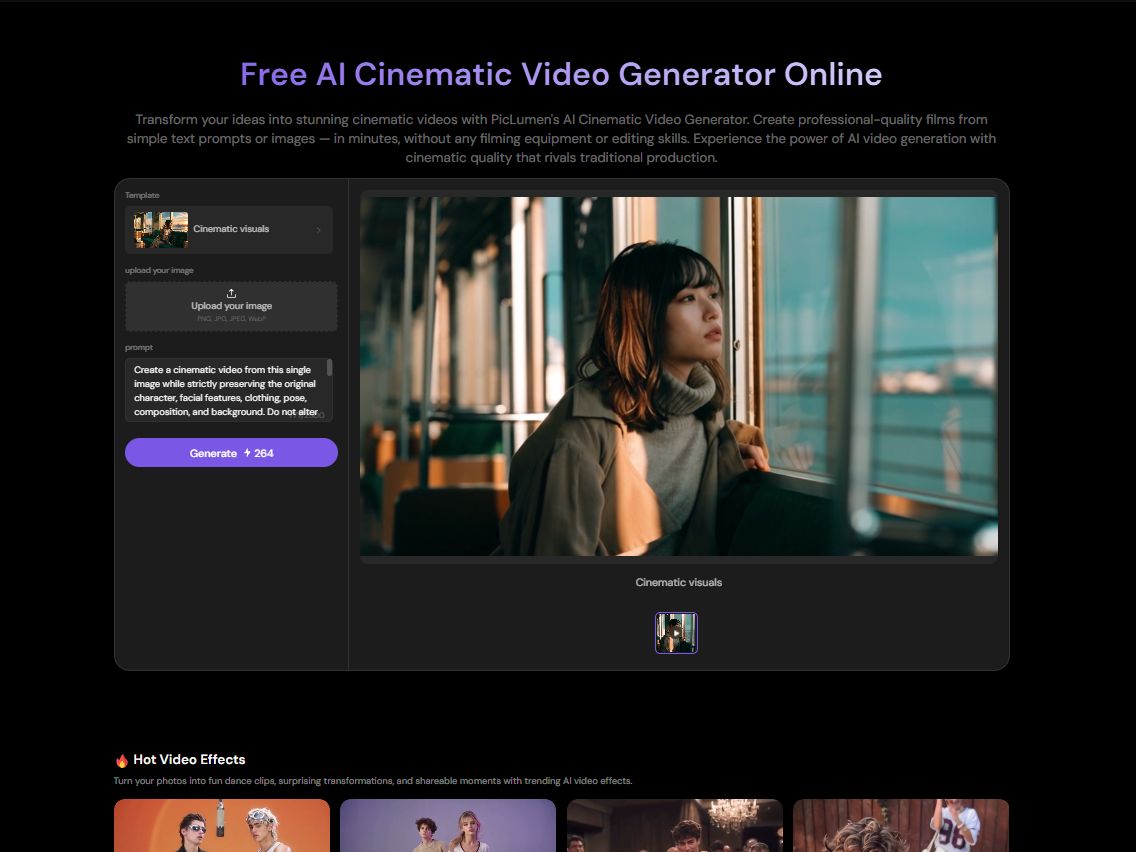
A scene can feel quite different depending on its lighting, framing, and camera movement. PicLumen's AI Cinematic Video Generator is designed for film-inspired visuals. Describe the setting and atmosphere you want, then use the generated clip as a starting point for a trailer, fashion edit, or visual mood piece. Pushing the prompt toward specific lighting setups will get you closer to the film look faster than keeping it generic.
Turn Video Into Anime
The Video to Anime Converter restyles existing footage with an anime-inspired look. Instead of building every frame from scratch, you keep the original recorded movement and just change the visual treatment. It’s a shortcut for stylized edits, character clips, or social videos where the live-action appearance isn't the intended final look.
Generate a Soundtrack for Your Video
When stock music doesn't match the mood of a clip,Suno v6 on PicLumen offers another way to create a track. Describe the genre, mood, or tempo you're after and generate a custom soundtrack that fits the vibe of your footage, bypassing the endless search through royalty-free libraries.
.jpg)
How to Make a Video With Synced Sound in PicLumen
Step 1 Pick the Generator That Fits the Scene
1Most video tools make you generate the visual first and figure out the sound later. If you want audio to feel built-in, go straight to Seedance 2.0 in the workspace. It handles the visual and the sound in one pass. If your scene needs specific camera choreography more than audio, switch over to Kling 3.0 instead.
Step 2 Describe the Action and the Sound
2If the video needs to feature the same person or object across multiple shots, upload a reference image first to lock the look. Then, describe what happens and what it sounds like. Don't just say "a busy street." Say "a busy street with heavy footsteps on gravel and a car door slamming in the background." The model uses both the visual cue and the audio cue to build the scene together, saving you a sync pass.
Step 3 Frame It for Your Target Screen
3Decide where this clip is actually going before you hit generate. For social, set it to 9:16; for a wider shot, use 16:9. Since you're already inside the specific generation tool, you don't have to dig through a massive suite of settings—just check the resolution options right there and pick what fits the screen.
Step 4 Review the Sync and Export
4Hit generate and watch how the motion and sound align. If the audio lands a second too late, or the action feels sluggish against the sound, tweak the prompt to slow the movement down or simplify the audio request. Once they match, download the clip. If you need a broader music track rather than just ambient sound, you can use Suno v6 to generate a specific tune and lay it over the final edit.


Loved by Creators Worldwide
Real feedback from designers, marketers, and hobbyists sharing their PicLumen experience on Trustpilot.
 Zaine Jutt
Amazing 😍😍😍😍😍😍 freee 😍😍
Amazing 😍😍😍😍😍😍 freee 😍😍
A New TV Episodes Of Ninja Sweetie On…
A New TV Episodes Of Ninja Sweetie On Paramount+
 by Neefa
i love it and easy to use
i love it and easy to use
Mubashir AhmedThis web is very help and free
This web is very help and free
Narender KhatanaI love this app I love this very very…
I love this app I love this very very much this is help in make a videos
It’s way easier to use then these other…
It’s way easier to use then these other apps
 Selvakumar MSK
Good website.
Good website. Website for creating images.
Best app i have ever seen
Best app i have ever seen
 matthew sepulveda
Cool I can create cool things
Cool I can create cool things
Mickael TONGASOAbest but free mod need to fix and add…
best but free mod need to fix and add more credits for the starter
Really cool and very easy to use
Really cool and very easy to use
Very cool and love the events
Very cool and love the events
Frequently Asked Questions
What Is Artlist Used For?
Artlist is used to source music, stock footage, and templates for creative projects. Its AI Toolkit adds video generation, footage editing, and audio creation, so creators can work on several parts of a production without switching between separate services for every task.
Does Artlist Have AI Video Generation?
Yes. You can start with a written prompt or an image. Depending on the model selected, the generated clip may also include sound, dialogue, or music. Check the capabilities of the specific model before choosing it for a project.
Can Artlist Keep a Character Consistent?
Artlist lets you use reference images and tags such as @Image1 to guide character appearance. This can help when creating several shots featuring the same character, but details such as clothing, facial features, or proportions may still change between generations.
Can I Animate an Image With PicLumen?
Yes. PicLumen’s Image to Video tool works from a still image, so you can build on an existing character design, illustration, or product shot. Describe the movement you want rather than having to recreate the entire scene in a text prompt.
Does PicLumen Have a Cinematic Video Tool?
Yes. The AI Cinematic Video Generator is suited to projects that call for a film-inspired look, such as dramatic scene previews, fashion clips, or atmospheric sequences. The result will depend on your prompt and the selected model.
Can I Generate Music on PicLumen?
Yes. PicLumen provides access to Suno v6 through its AI audio tool. Describe the sound you're after, including details such as genre and mood, then listen to the generated track alongside your footage to see whether it fits the timing and atmosphere of the video.
Is PicLumen affiliated with Artlist?
No. PicLumen is an independent AI creation platform and is not affiliated with, sponsored by, or endorsed by Artlist. Any references to Artlist are for informational purposes only. All trademarks belong to their respective owners.