
Craiyon AI Image Generator for Text-Prompt Ideas
Craiyon turns text prompts into AI-generated images, giving you a quick way to explore a scene, style, or creative concept. Compare prompt-led ideas for social posts, marketing artwork, and product visuals, then take the next step with PicLumen: create from a written description or upload a reference image to guide a fresh visual direction.
Hot Video Effects
Turn your photos into fun dance clips, surprising transformations, and shareable moments with trending AI video effects.
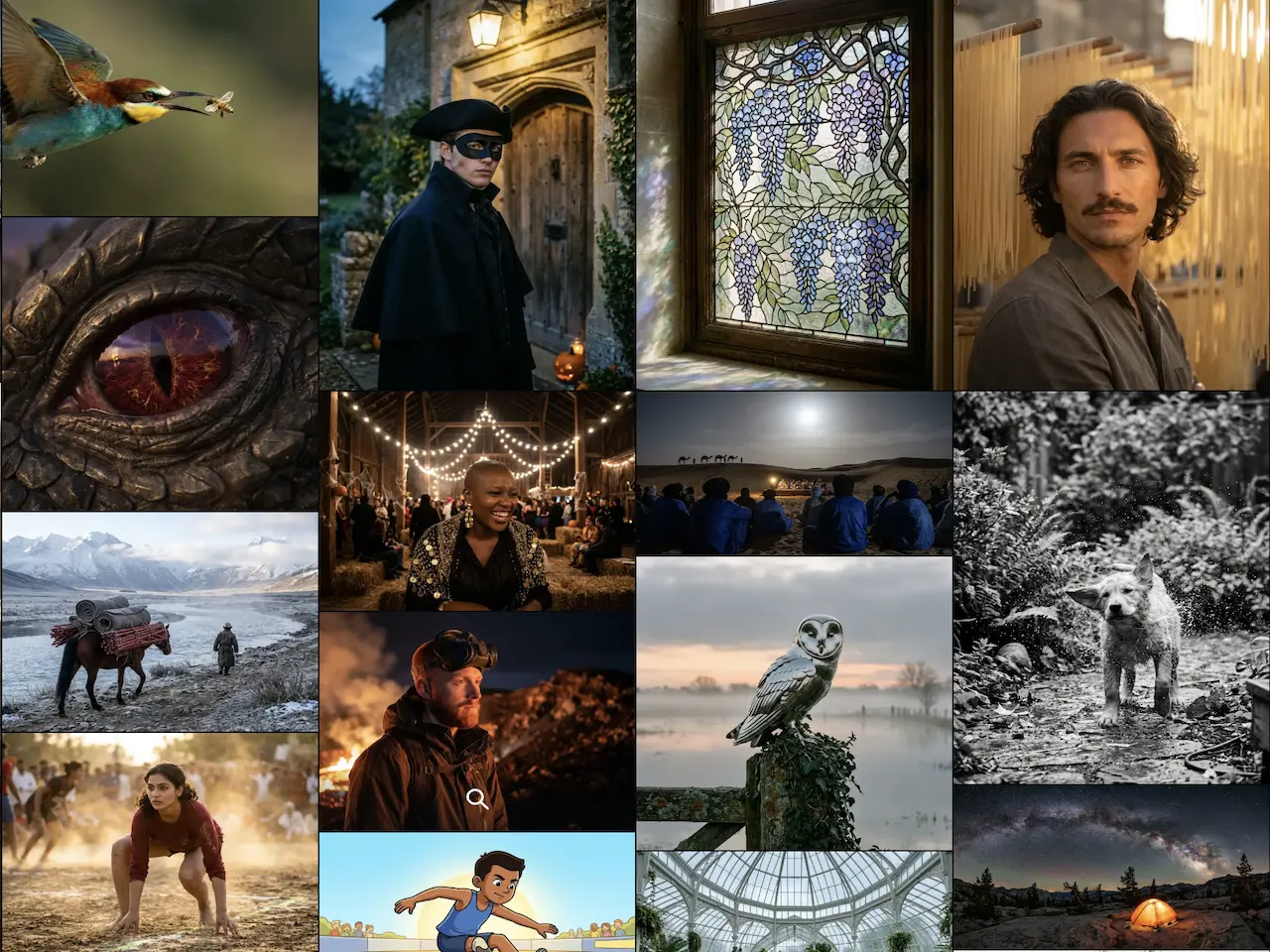
Turn a Written Idea Into an Image
Start with a description of the subject or scene you want to see. Craiyon’s image-generation workflow uses a text prompt as its starting point, making it a way to explore a visual idea before committing to a more developed design.
Explore Prompt-Led AI Art
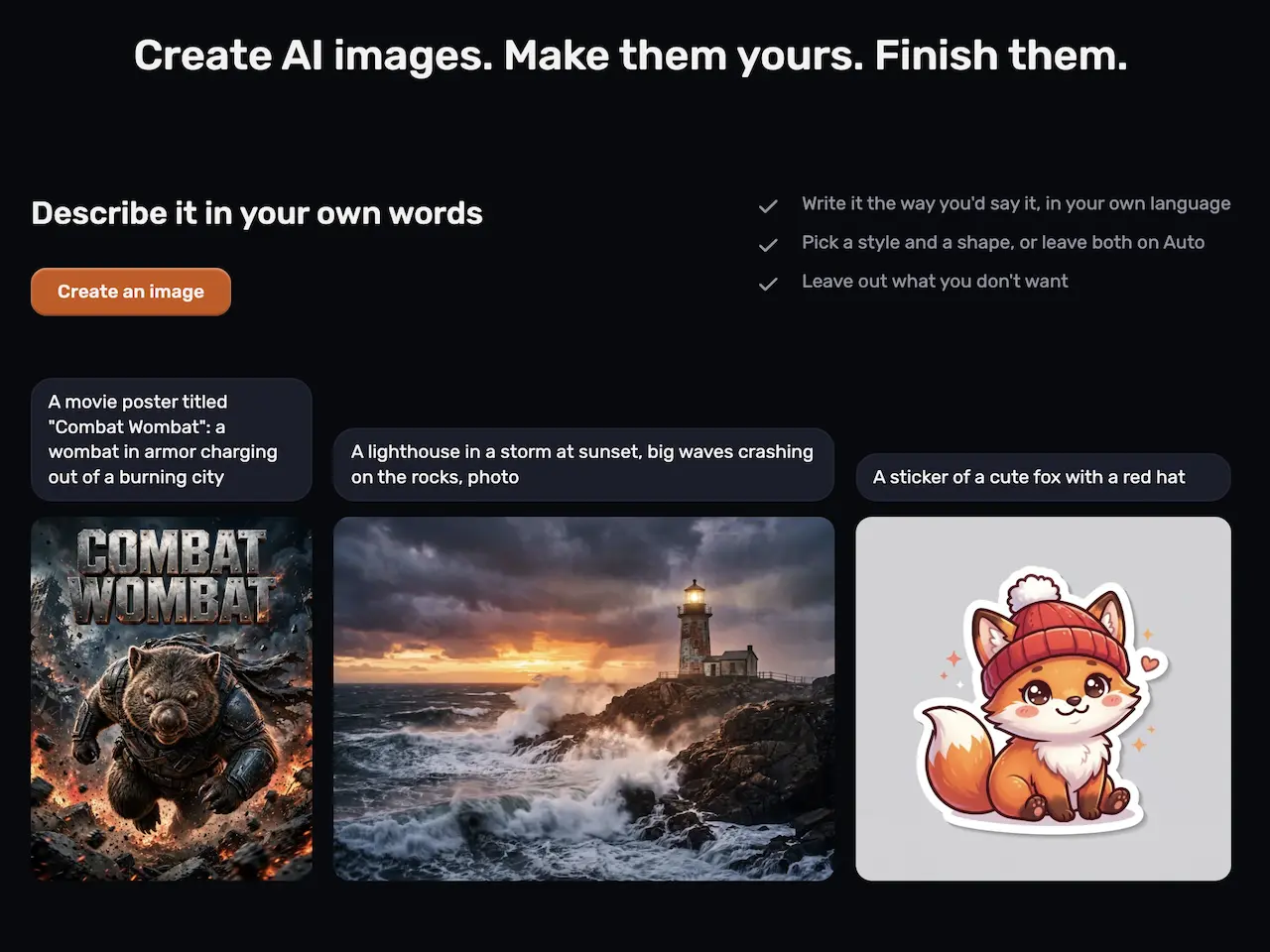
The prompt is where you describe the image direction you have in mind. Try naming the subject, setting, and visual style in plain language, then adjust the wording when you want to investigate another direction. The output is AI-generated imagery, not a finished campaign layout.
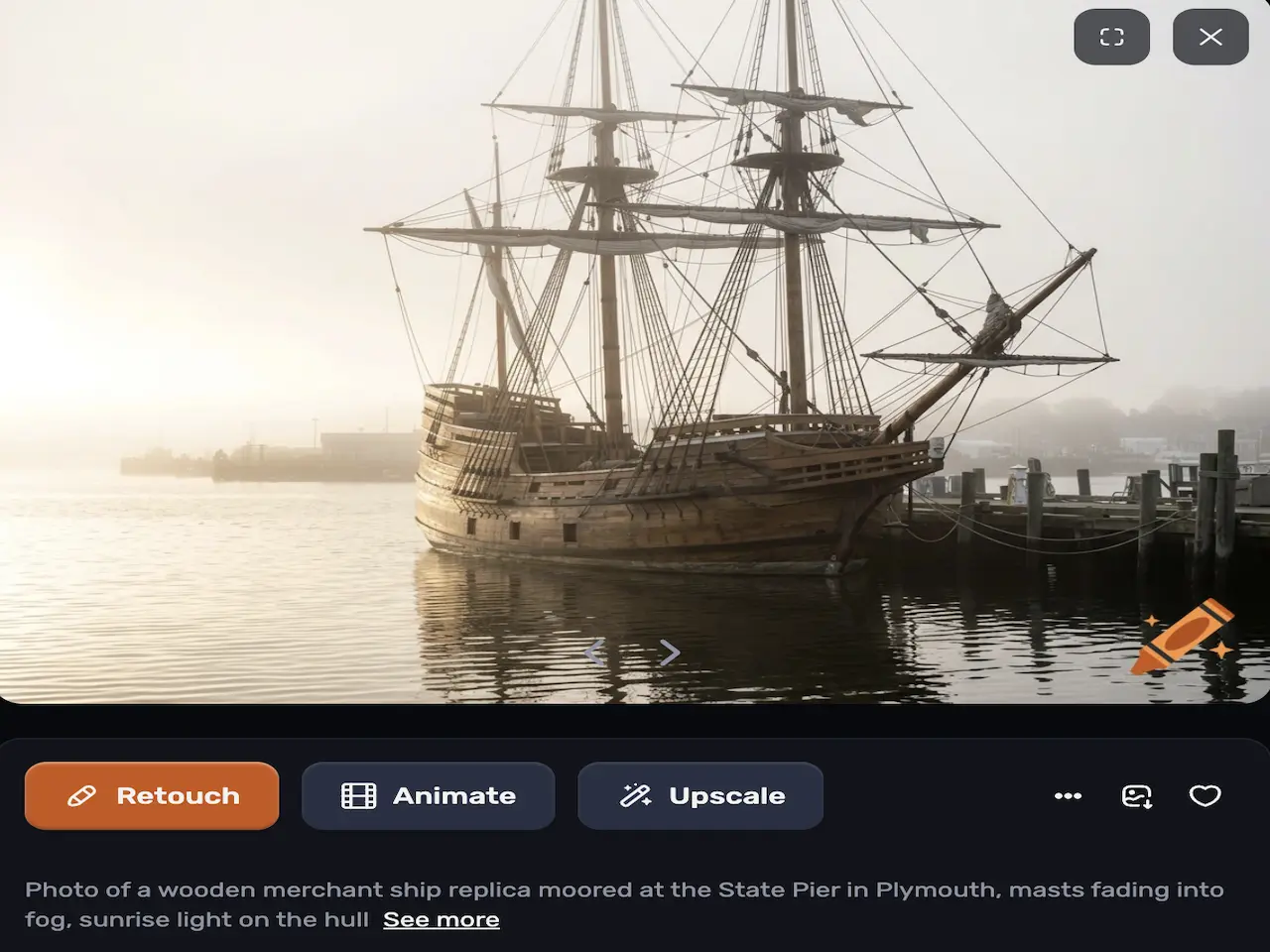
Develop Early Visual Concepts
A text-to-image workflow can help turn a rough idea into a visual reference. For example, describe a possible product scene or social post concept, then use the generated image to consider the mood and composition before developing the final artwork in your design tools.
Use Prompts to Explore Different Creative Directions
When the first prompt does not match your idea, revise its details and explore a different description. Changing the subject, setting, or style in the prompt gives you another direction to assess. Treat each output as an interpretation of the text, rather than an exact reproduction of a mental image.
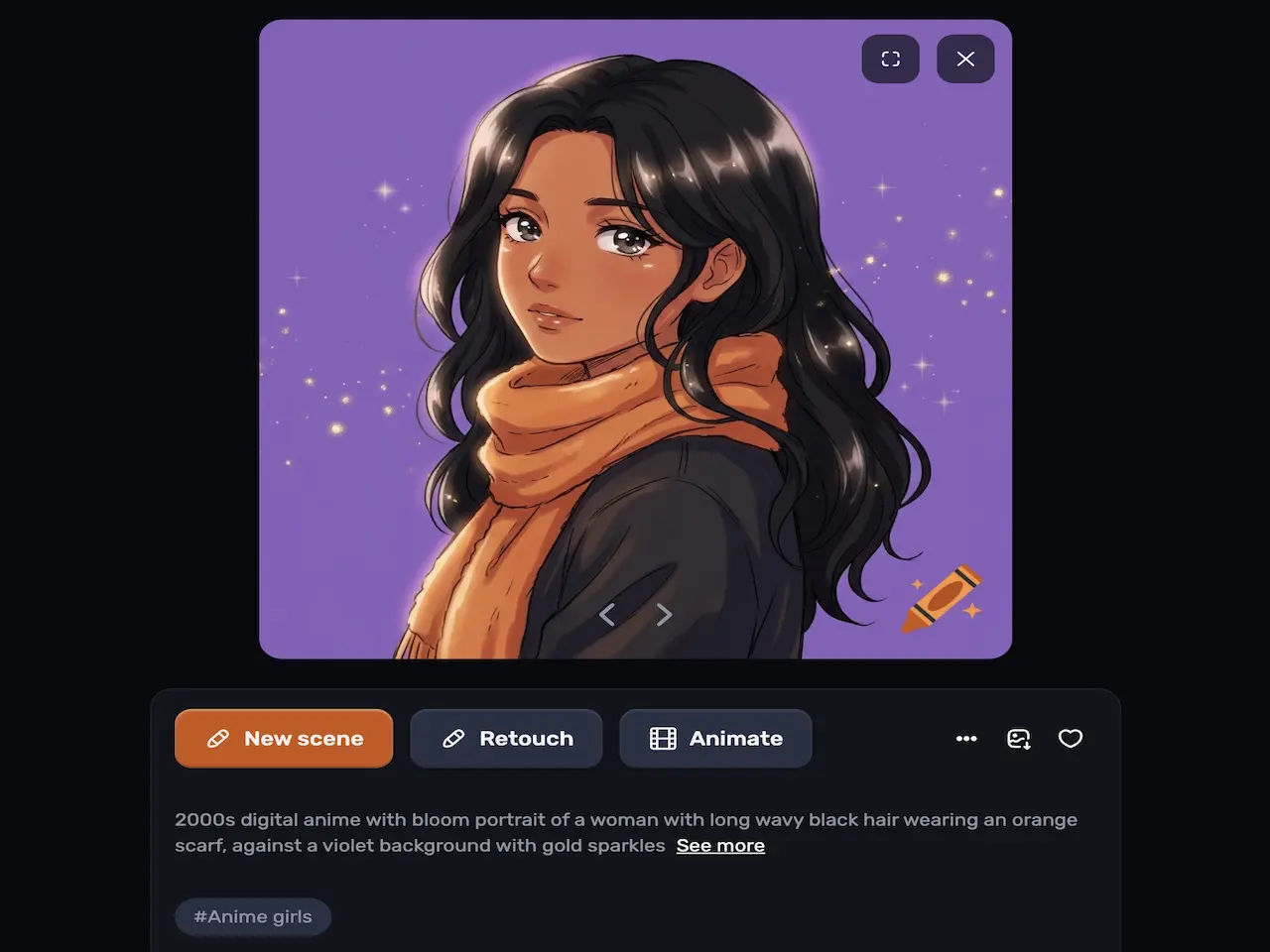
What Can You Create With Craiyon Image Generator?
Social Media Visual Concepts
A social media marketer can describe a campaign theme, audience, and visual mood to explore an image concept for a post. Use the generated result as a creative starting point, then assemble the final post and any required copy in a design tool.
Early Product Scene Ideas
A small business owner can write a prompt describing a product, setting, and atmosphere to investigate possible marketing imagery. The result can help compare creative directions; check product details carefully before using any generated image to represent an actual item.
Illustration and Art Prompts
Creators can describe a subject and the style they want to explore, such as a fantasy setting or an expressive character concept. Use the generated image as a visual reference for further development rather than assuming it will match every detail in the prompt.
Mood and Composition Studies
Designers can use a written scene description to explore an initial mood or composition for a project. A generated concept may help clarify the direction to pursue, while final layouts, brand elements, and production details can be handled in their usual creative workflow.
Craiyon and PicLumen for Prompt-Led Image Creation
Craiyon’s relevant workflow here is text-to-image: describe an idea in a prompt and explore the resulting image. PicLumen also supports text-to-image generation, and its image tools include uploading a reference image to guide a new creation.
PicLumen offers multiple image-generation models and describes generating variations and downloading results. Those additional workflow details are specific to PicLumen, not Craiyon. If you want to compare a prompt-only starting point with a reference-led one, try PicLumen’s AI image generator.
.jpg)
.webp)
Shape Campaign Artwork With a Text Prompt
Describe the subject, style, colors, lighting, and mood you want to explore. PicLumen creates images from text prompts and describes uses including social graphics, advertising, and branding. Generate variations to compare visual directions, then download a result to continue building the campaign in your design workflow. Start with the text-to-image tool.
Guide a New Image With a Reference
When you already have a photo, sketch, or other visual direction, upload it as a reference for image creation in PicLumen. Add a prompt describing the direction you want to explore, then assess the generated image against your project needs. Reference guidance can support product concepts and social visuals without promising an exact copy of the input. Try image-to-image creation.


Explore Different Models and Visual Styles
PicLumen offers multiple image-generation models so you can explore different creative directions. Choose a model available in the workspace and consider whether its supported workflow fits your prompt or reference. Model availability and access conditions may vary, so check the options presented to you before planning a project around a particular model.
Prepare Images With Focused Editing Tools
After choosing a generated image, PicLumen’s image-generation page also describes background removal and image colorization. A cutout can help prepare a subject for a social graphic, while colorization can give an existing image a different treatment. Review the result for fine details before using it in a finished design.

How to Create Images With PicLumen?
- STEP 1Choose the Right Model
In PicLumen’s image-generation workflow, review the available models and choose one suited to the style or task you want to explore. Model options and access conditions can vary, so use the choices currently shown in your workspace.
- STEP 2Enter a Prompt or Upload References
- STEP 3Set the Aspect Ratio and Quality
- STEP 4Generate, Download, and Share


Loved by Creators Worldwide
Real feedback from designers, marketers, and hobbyists sharing their PicLumen experience on Trustpilot.
 Crispee
Easy to use.
Easy to use. Great layout love it!
 Rishiprasanth BR
This is a great site to create images…
This is a great site to create images as per our mind's wish. Such a great site, loved its response
KIDSCARTOONThis ap great and amazing generate pic
This ap great and amazing generate pic
Excellent results
Excellent results, very supportive and helpful customer service. They have a great interface very friendly use and the prices are reasonable. I use it for personal stuff and I am just a beginner but it made my earning process very enjoyable. I might give a more technical review in the future but that is so far my experience. Thanks
Brad the BibliothecaryGreat service with ease of use and…
Great service with ease of use and generous free offerings.
 Pino Calambrogio
Good over other applications
Good over other applications
 Aleks Visha
Great kompany in the world
Great kompany in the world
 Ibrahim Faisal
This is best app for image generate
This is best app for image generate
 Its aarohi
This is a great app for creating images…
This is a great app for creating images and ai videos i just love this app
Yasmen MohsenLove it
Love it ,, coool ,, amazing
I love PicLumen
I love PicLumen. It is one of my favourite AI image generating tools. I have been using it for quite some time and it never fails to disappoint , and just keeps getting better with each update
 Jonathan Bernadino
A great company and an incredible…
A great company and an incredible experience being able to generate my images with the highest quality.
FAQs
What is the Craiyon image generator?
Craiyon is an AI image generator that creates images from text prompts. You describe a visual idea in words, then use the generated image to explore a creative direction. This page does not assess Craiyon’s current plans, limits, or specific generation controls.
How do I use Craiyon to generate an image?
Write a text prompt describing the image you have in mind and use Craiyon’s image-generation workflow to create an output. Specific controls and steps may change; consult Craiyon’s current interface for the options available to your account.
Can I use Craiyon for social media or marketing concepts?
You can use a text-to-image workflow to explore concepts for social media or marketing artwork by describing the subject and visual direction. Whether a Craiyon output is suitable for a particular commercial use depends on Craiyon’s current terms and the rights relevant to your project.
Can I guide PicLumen image generation with a reference?
Yes. PicLumen supports uploading a reference image to guide image creation. Add a prompt to describe the direction you want to explore, then review the generated result; the workflow does not promise an exact reproduction of the reference.
Does PicLumen offer free image generation?
PicLumen’s image-generation page says the service can be used for free and that generated images can be downloaded without a watermark. The supplied information does not specify current access conditions or limits, so check the live workflow and applicable terms before planning ongoing use.
Can I use PicLumen images in commercial projects?
PicLumen’s image-generation page says generated images can be used for marketing, advertising, eCommerce, and branding, and directs readers to its FAQ for further details. Check the applicable terms for your project; this does not establish exclusive ownership or guarantee that an image is free of third-party rights.
Is PicLumen affiliated with Craiyon?
No. PicLumen is an independent AI creation platform and is not affiliated with, sponsored by, or endorsed by Craiyon. Any references to Craiyon are for informational purposes only. All trademarks belong to their respective owners.