
HeyGen AI Video Generator
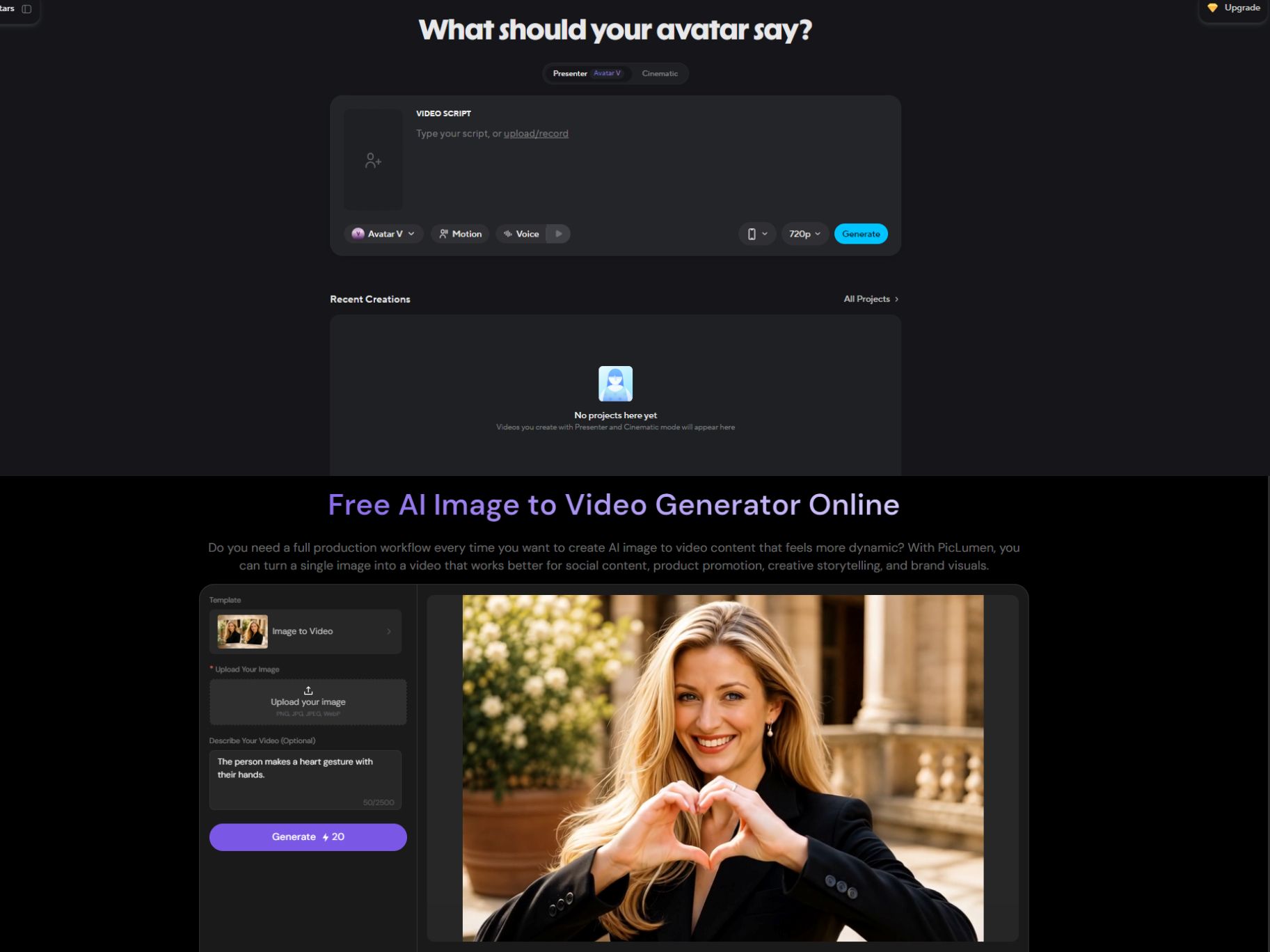
AI video creation can start in many ways: a script waiting to be narrated, a product image that needs movement, or a visual idea you've been wanting to bring to life. HeyGen is built for videos where a virtual presenter takes center stage, whether you're creating an explainer, training lesson, or localized version of an existing video. But not every story needs someone on screen to tell it. Sometimes, the visuals themselves are what make a video stand out. That's where PicLumen offers a different creative path. Start with a written prompt or a still image, turn your idea into a moving scene, and shape the result around the mood and story you're trying to convey. If you'd rather bring your own visuals and ideas to life than build a video around a virtual presenter, PicLumen is a great place to start.
Hot Video Effects
Turn your photos into fun dance clips, surprising transformations, and shareable moments with trending AI video effects.
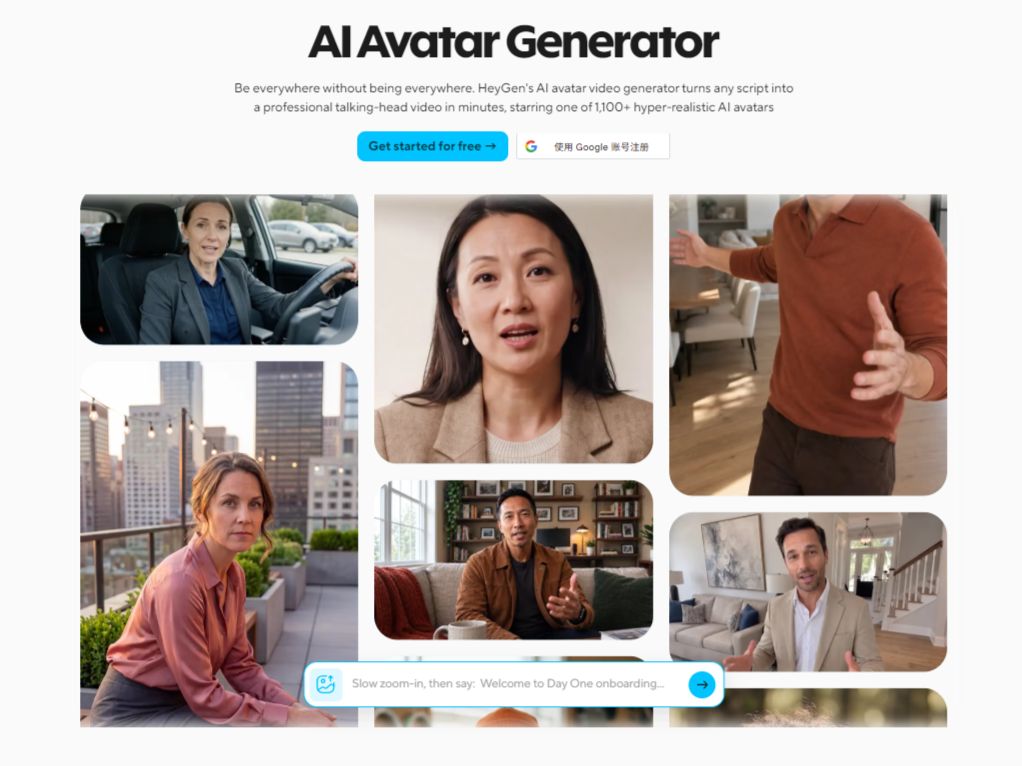
Create Presenter Videos with AI Avatars
HeyGen's AI avatar tools let users create presenter-led videos featuring a virtual character or a digital version of themselves. Its Avatar V workflow uses a short reference video to capture a person's appearance and movement, helping maintain a recognizable identity across scenes and camera angles. This is useful for recurring training modules, product explainers, and company announcements where teams want a consistent on-screen presenter without recording every message from scratch.
Turn Scripts and Ideas into Structured Videos
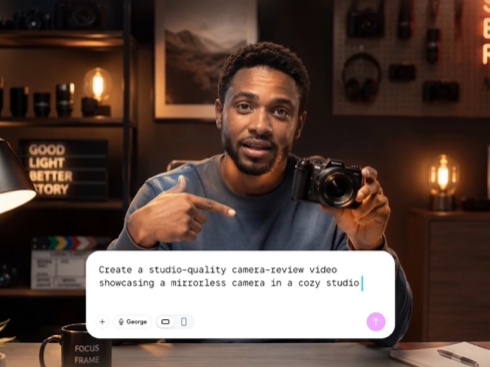
HeyGen's text-to-video tools turn a written idea or script into a video with voiceovers, visuals, and AI presenters. Video Agent can generate a draft from a prompt, while AI Studio offers controls for script delivery, voice, emphasis, and gestures. The workflow suits explainers, sales content, onboarding videos, and creator videos that need a coherent narrative rather than a collection of disconnected clips.
Translate Videos for Different Language Audiences
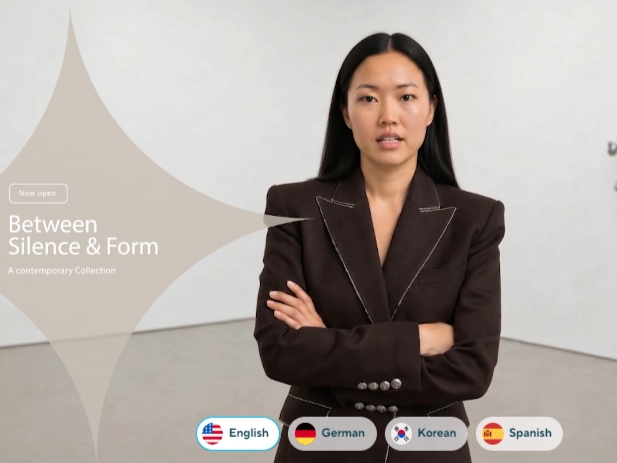
HeyGen's video translator can work from an uploaded video or a YouTube link to create a translated version. Its localization workflow combines translated speech with lip-sync and voice features, and HeyGen advertises support for more than 175 languages and dialects. This is useful for creators and businesses adapting existing announcements, tutorials, or marketing videos for audiences in different regions without recording a new version for every language.
Convert Presentations into Presenter-Led Videos
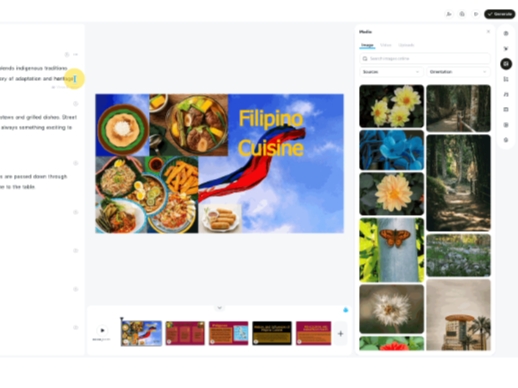
HeyGen can turn presentation material into a video instead of leaving it as a static deck. Its PPT/PDF-to-video tools convert slides into scenes with AI avatars and voiceovers, giving educators, trainers, and business teams a way to repurpose material they already have. The result can serve as a course lesson, product walkthrough, or internal update for viewers who need to follow the information outside a live presentation.
What Can You Create with HeyGen?
Product and Service Explainer Videos
A marketer starts with a product brief and talking points, then builds a narrated explainer with an AI presenter and supporting visuals. The finished video can introduce an offer on a landing page, support a sales follow-up, or serve as a pinned social post when potential customers need a clear overview before taking the next step.
Employee Onboarding and Training Lessons
An HR or learning team can turn policies, process instructions, or existing slides into presenter-led lessons. Instead of delivering the same explanation in every session, the team can provide a video employees can revisit during onboarding or when a procedure changes. This format is useful for repeatable internal communication and structured learning material.
Localized Campaign Videos
A company with an approved product announcement can use HeyGen's video translator to prepare versions for other language audiences. Translated speech and lip-sync help retain the original presenter's visual delivery, making this a useful option when a campaign needs broader language coverage without filming the entire message again.
Presenter-Led Social Updates
Creators can write a short script for a tutorial, announcement, or educational post and generate it with an AI avatar. This approach suits recurring social content that benefits from a visible host, especially when recording on camera for every update would add unnecessary production work.
HeyGen and PicLumen for AI Video Creation
HeyGen is particularly suited to videos built around digital presenters, script-led delivery, and multilingual localization. Its avatar tools, video translation, and presentation-to-video workflow address communication tasks where a recognizable speaker or translated version of existing footage matters. PicLumen's relevant workflows focus on creating visual scenes from prompts, animating still images, and building product-oriented clips. The difference is mainly in the starting material and intended output: use HeyGen when an avatar-led presentation is central to the task, or explore PicLumen when you want to create or animate the visuals themselves.
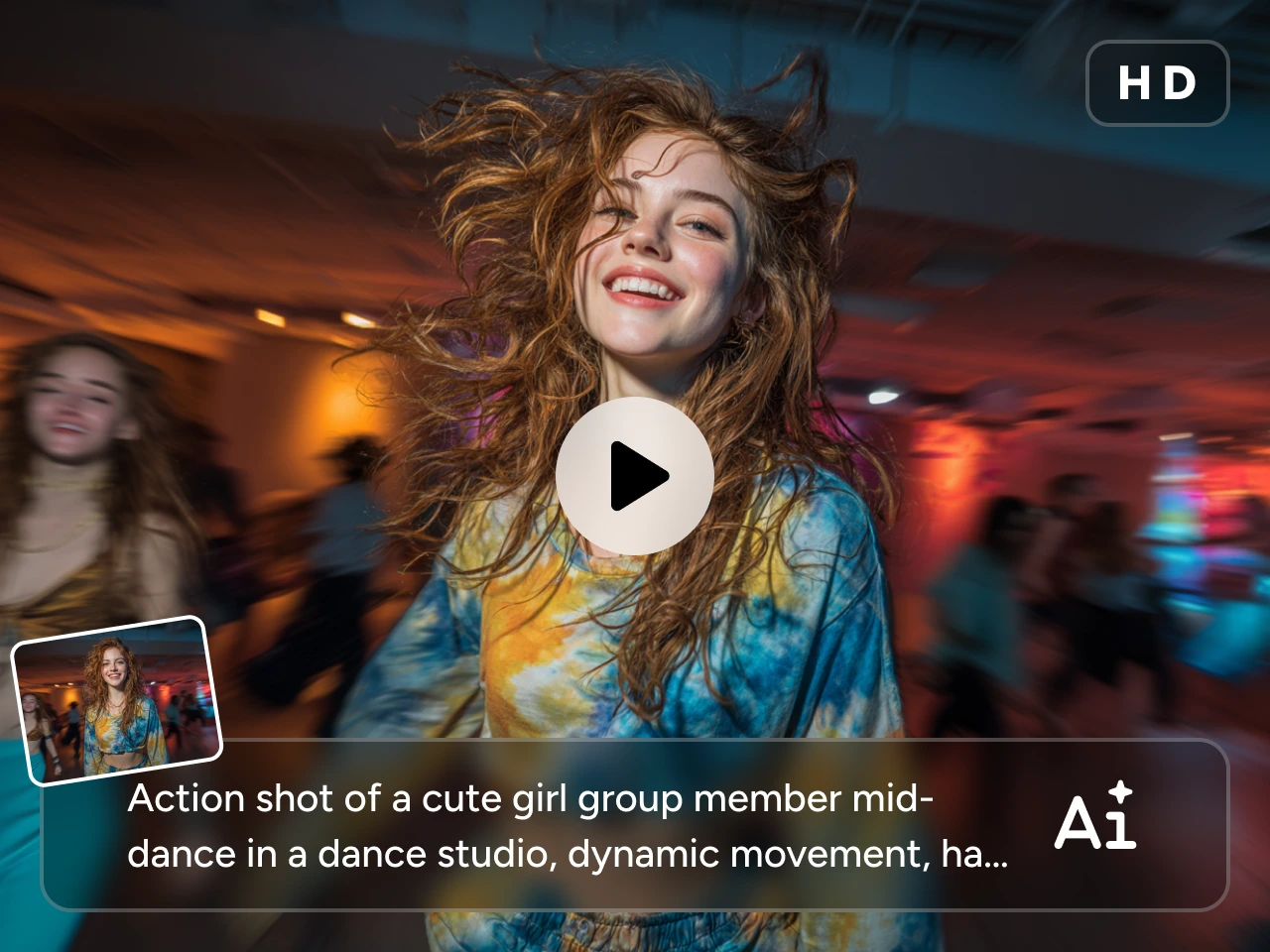
Animate a Still Image into a Video Scene
Already have a character portrait, campaign image, or scene illustration? Upload the still to PicLumen, describe the movement or camera feel you want, and generate a video from that visual. This is useful for animating campaign artwork, creating moving social visuals, or exploring a concept before producing a longer video. Start with image-to-video creation when your visual is ready.
Give a Video Idea More Specific Direction
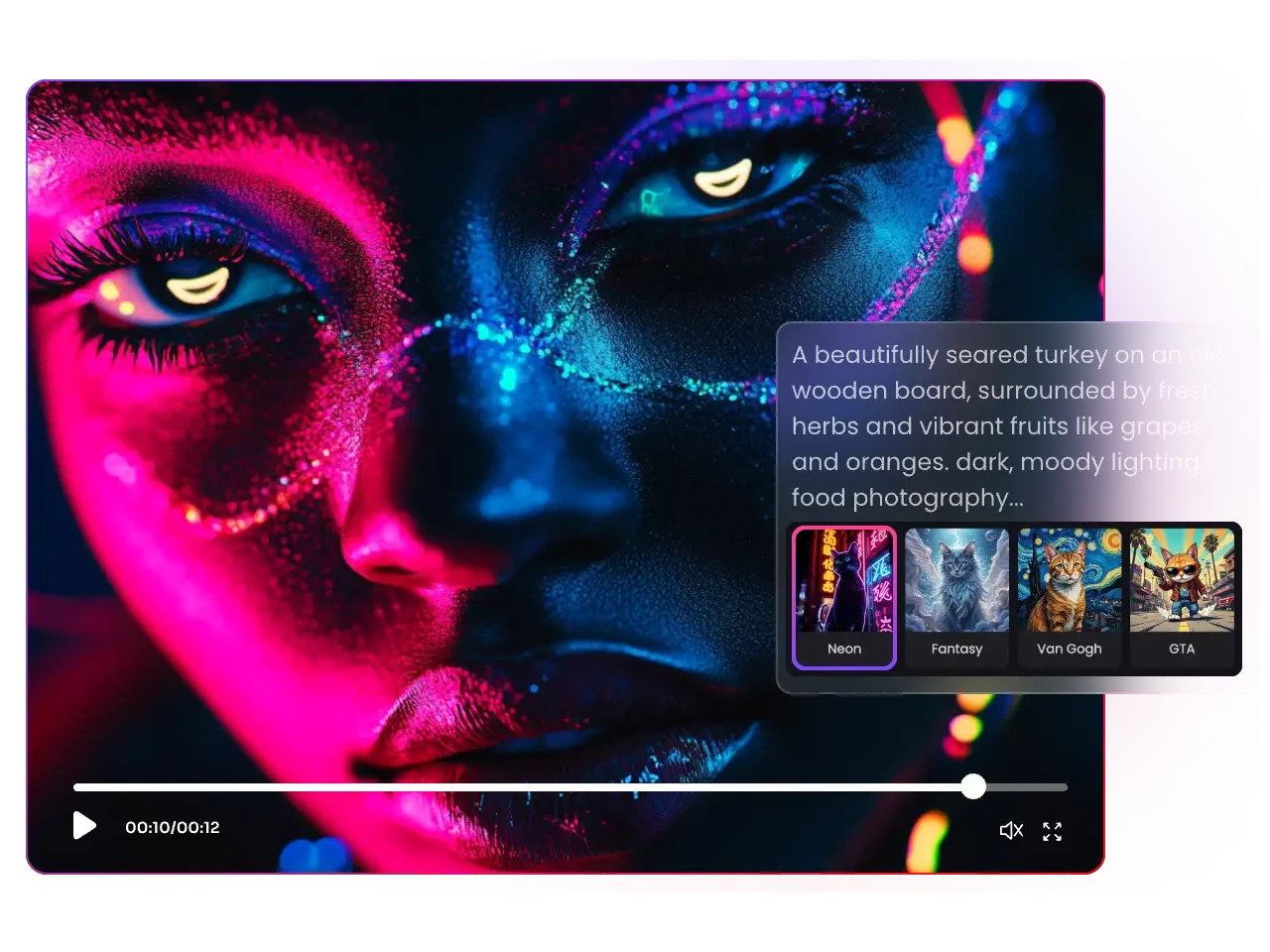
When you have a scene in mind but no reference image, begin with a written prompt that describes the subject, action, setting, visual style, and mood. PicLumen's video workspace also offers prompt enhancement to help refine your input before generation. Use the text-to-video workflow to develop a scene from a written concept.
Turn Product Details into a Campaign Clip
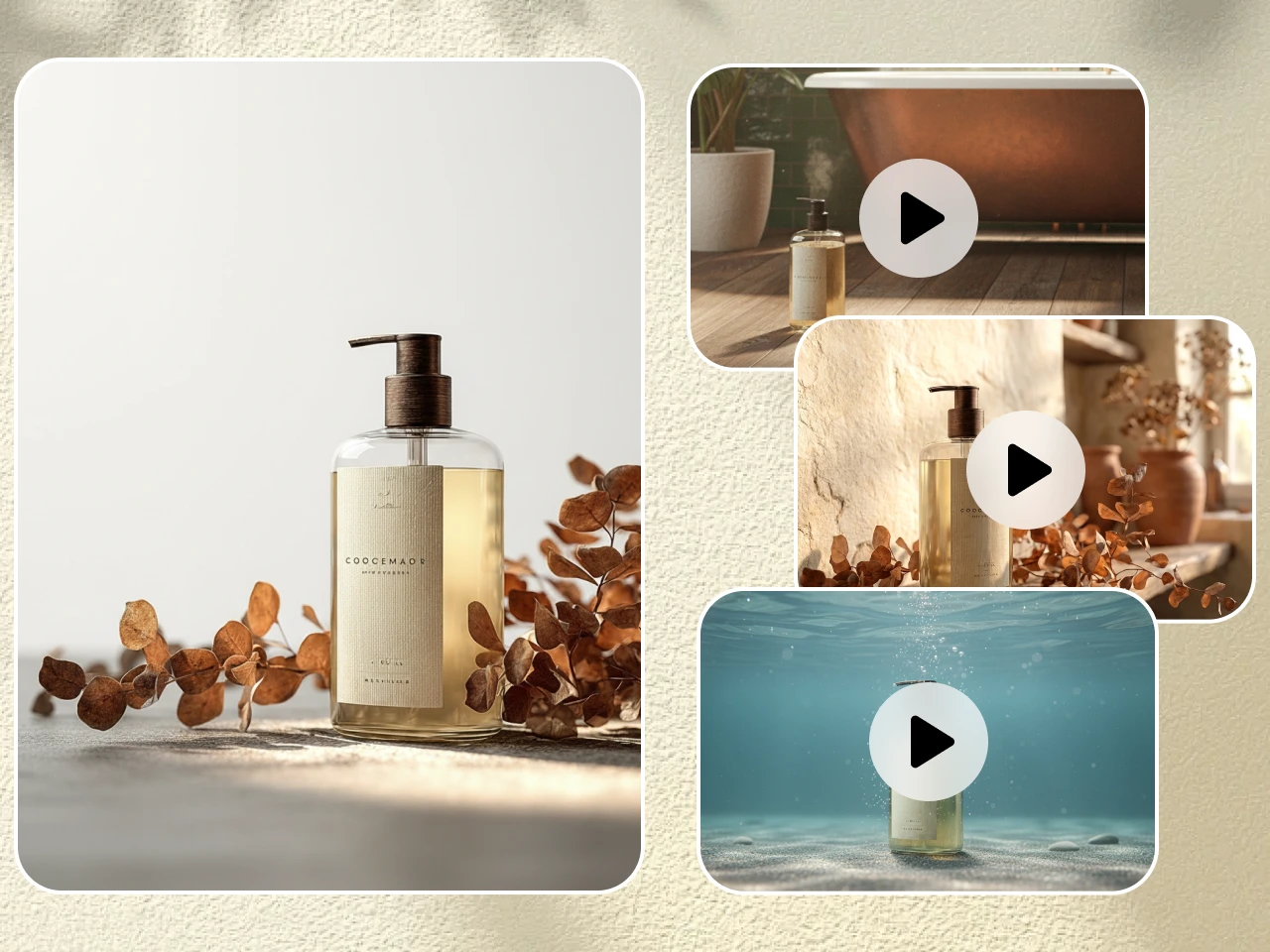
A product launch often needs more than a presenter reading a list of benefits. PicLumen's AI product video generator can turn product images, short clips, or a written prompt into demos, ads, and social content. Review the generated scene carefully, especially the product's appearance, packaging, logos, and text, before using it in a campaign.
Keep Creative Inputs and Video Results Connected
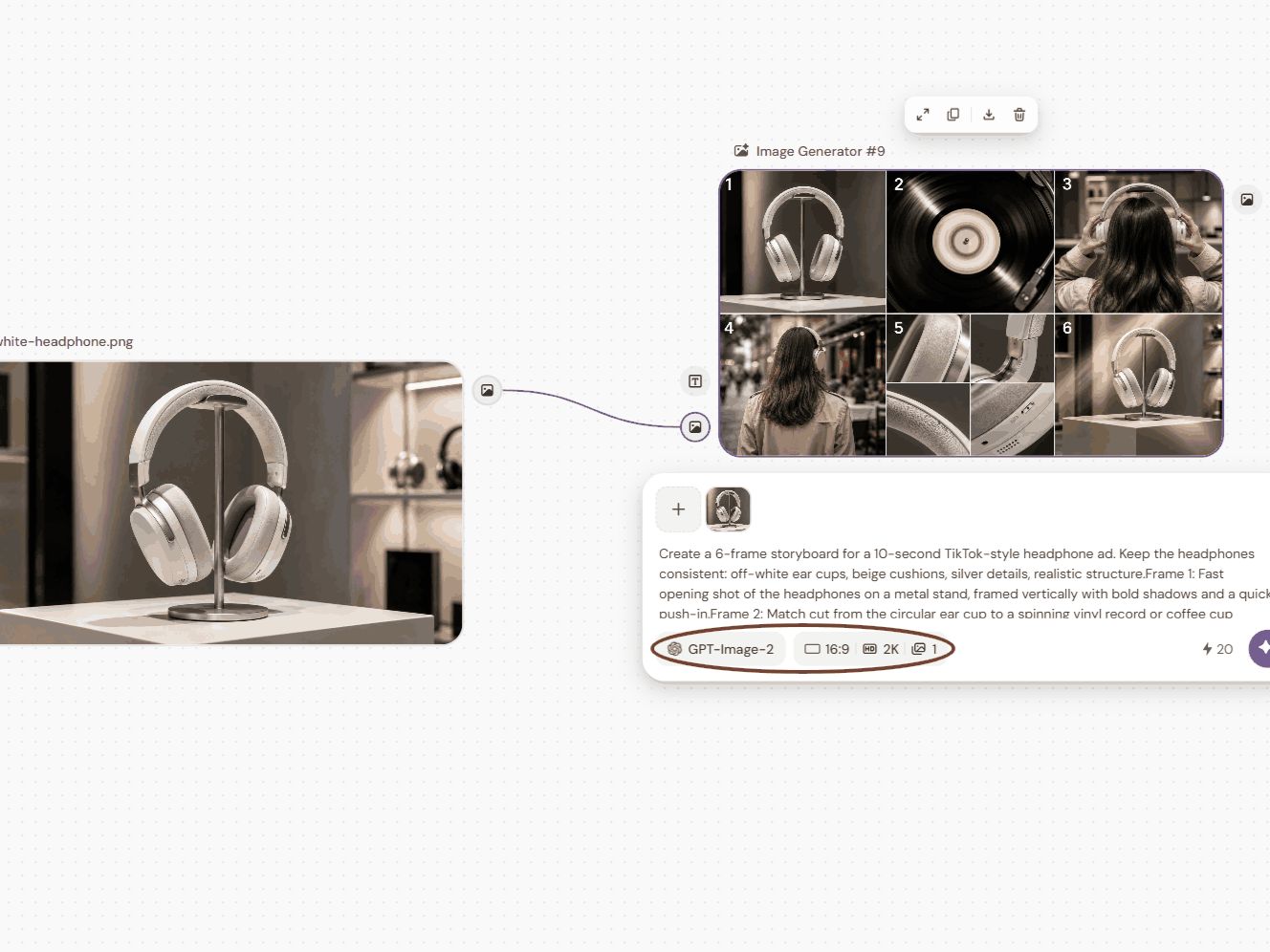
A video project may involve an initial idea, reference images, generated visuals, and several rounds of revisions. PicLumen's Infinite Canvas brings prompts, uploaded media, assets, and AI-generated images or videos into one workspace. You can connect different steps and continue from selected results, making it easier to track how a visual concept develops instead of treating every generation as a separate task.
How to Create a Video with PicLumen
Choose the Right Model
1Open PicLumen's AI Video workspace and choose a video model available for the workflow you plan to use. Compare the model descriptions and select one that fits your target style, motion, or reference-image task. Model options can vary by entry point, so use the choices currently displayed in the selected workspace.
Enter a Prompt or Upload References
2For text-to-video, enter a prompt describing the subject, action, setting, style, and mood. For image-to-video, upload a supported still image in PNG, JPG, JPEG, or WebP format and describe the movement you want. Choose the input route that matches the material you already have.
Set the Aspect Ratio and Quality
3Choose an aspect ratio that fits your destination, such as vertical 9:16 for short-form social content, square 1:1, or widescreen 16:9. Set duration and any quality or resolution options that are available for your selected model, since the specific controls can vary by workflow.
Generate, Download, and Share
4Generate the clip and review whether the movement, subject, and overall scene match your brief. Download the result when you are satisfied, then upload it to your intended social channel, website, product listing, or campaign. Review important visual details before publishing, particularly when the video features a product or brand asset.


Loved by Creators Worldwide
Real feedback from designers, marketers, and hobbyists sharing their PicLumen experience on Trustpilot.
Zaine JuttAmazing 😍😍😍😍😍😍 freee 😍😍
Amazing 😍😍😍😍😍😍 freee 😍😍
 George Price
PicLumen's support team replies quickly…
PicLumen's support team replies quickly to your help requests and they are clear in what they require of you for them to help you. They usually diagnose your problem and offer a solution in less then 24 hours. Stellar service!
 KIDSCARTOON
This ap great and amazing generate pic
This ap great and amazing generate pic
 Ai Hack
Great tool
I would really recommend this website to content creation
 Alexsander Luís
cool it's a good ai creator but create…
cool it's a good ai creator but create imagens for cinema
Really good app and generates good…
Really good app and generates good images!
In terms of the customer service
In terms of the customer service, is outstanding, I will say if you had any doubts they clarified it, and the next day you have an answer. When it comes to the APP it is friendly to use, however there is not any box to tick ☑️ to allow the machine to stick to your character constantly.This allow that sometimes you upload your image and your prompt but the machine generates something completely different and you lost your credit 🙁 I think that this needs to be fixed this happens in a few PicLumen models.
pixaigreat chatgpt image alternative
great chatgpt image alternative
YfadBest AI generator of all times
Best AI generator of all times
 Zain Ali
This is the best ai in the world
This is the best ai in the world
 Aditya Yadav
“A tired Indian farmer standing beside…
“A tired Indian farmer standing beside his small dry farmland at sunrise, wearing a simple dhoti-kurta and turban, holding a rusted plough. The field is cracked and dry. Soft golden light, realistic r
 Nagavali Srinivas
excellent images are generated
excellent images are generated
FAQs
What Is HeyGen AI Video Generator Used For?
HeyGen is an AI video platform for making presenter-led content from scripts and prompts. Its tools cover AI avatars, text-to-video, presentation-to-video, and video translation, making it relevant for explainers, training content, marketing videos, and multilingual communication.
Can HeyGen Create Videos with AI Avatars?
Yes. HeyGen offers AI avatar tools for creating talking presenters and custom avatars, and its Avatar V workflow can use a short reference video to carry a person's identity and movement into generated scenes. The exact setup depends on which avatar tool you choose.
Can HeyGen Translate an Existing Video?
Yes. HeyGen's video translator accepts an uploaded video or a YouTube link and creates a translated version with speech and lip movements aligned. HeyGen advertises support for more than 175 languages and dialects; check the current product interface for the specific language options available to your project.
Can PicLumen Generate a HeyGen-Style Talking Avatar?
PicLumen's text-to-video and image-to-video entry points focus on prompt-led scenes and animating still images, while HeyGen provides dedicated custom-avatar and video-translation tools. Choose according to the intended output: PicLumen for creating visual scenes from prompts or stills, and HeyGen when a presenter avatar or localized presenter video is central to the task.
How Do I Make a Video from a Still Image in PicLumen?
Open PicLumen's image-to-video tool, upload a PNG, JPG, JPEG, or WebP image, and describe the motion or camera movement you want. Choose the available format settings for your target channel, then generate the clip and download it for use in your project.
Can PicLumen Make Marketing or Product Videos?
Yes. PicLumen's AI product video generator is designed for demos, ads, social content, and brand promotion. Start from a product image, prompt, or product details, then review the generated visuals, especially packaging, logos, text, and the product's appearance, before using the asset in a campaign.
Is PicLumen affiliated with HeyGen?
No. PicLumen is an independent AI creation platform and is not affiliated with, sponsored by, or endorsed by HeyGen. Any references to HeyGen are for informational purposes only. All trademarks belong to their respective owners.