
Higgsfield AI Video Generator
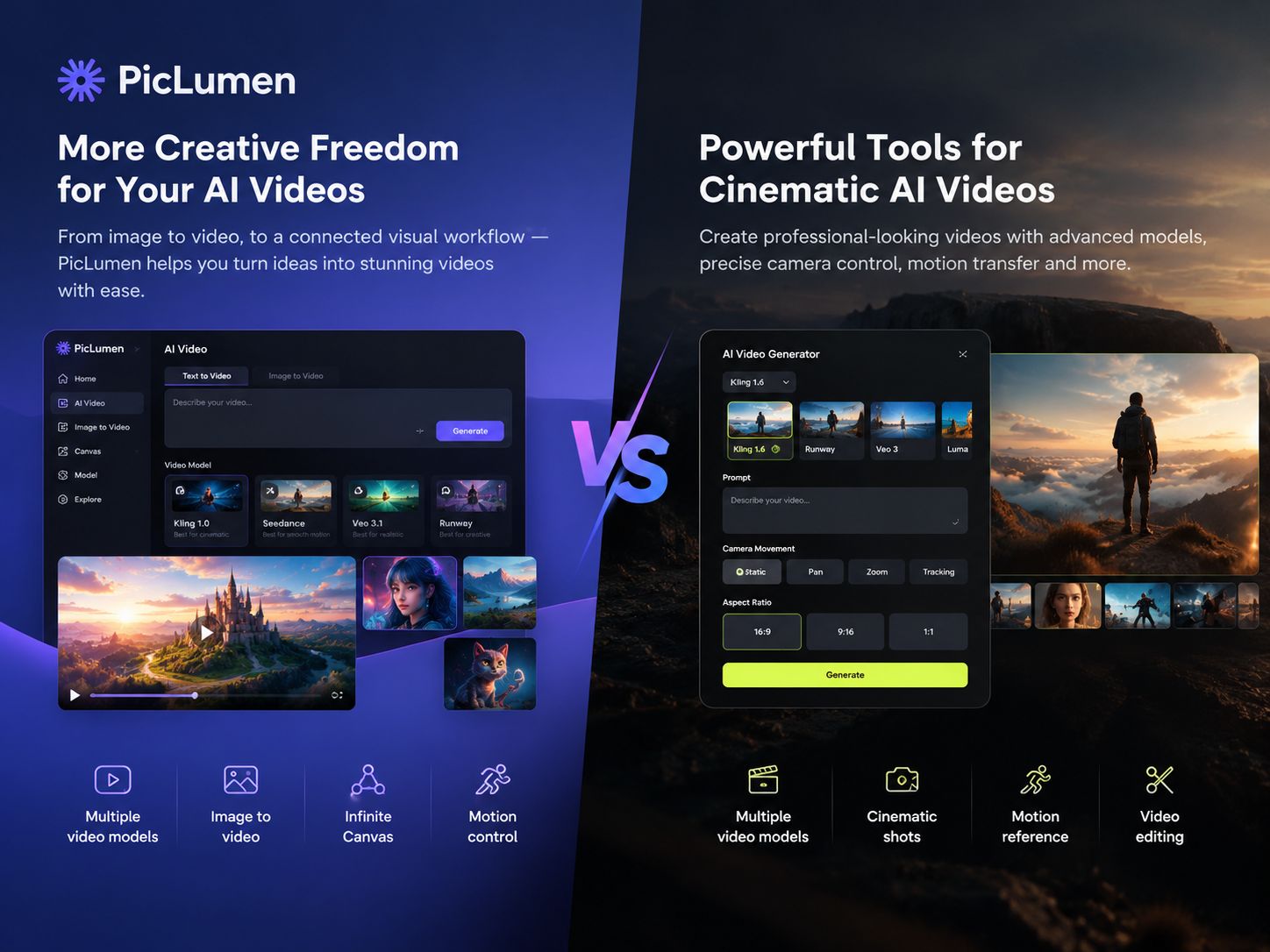
Higgsfield AI offers tools for shaping AI videos, from cinematic camera movements to motion guided by reference footage. You can start with a text prompt or an image, depending on the workflow you need. PicLumen also supports text-to-video and image-to-video creation, with multiple models available for different visual approaches.
Hot Video Effects
Turn your photos into fun dance clips, surprising transformations, and shareable moments with trending AI video effects.
Explore Multiple AI Video Models in One Workspace
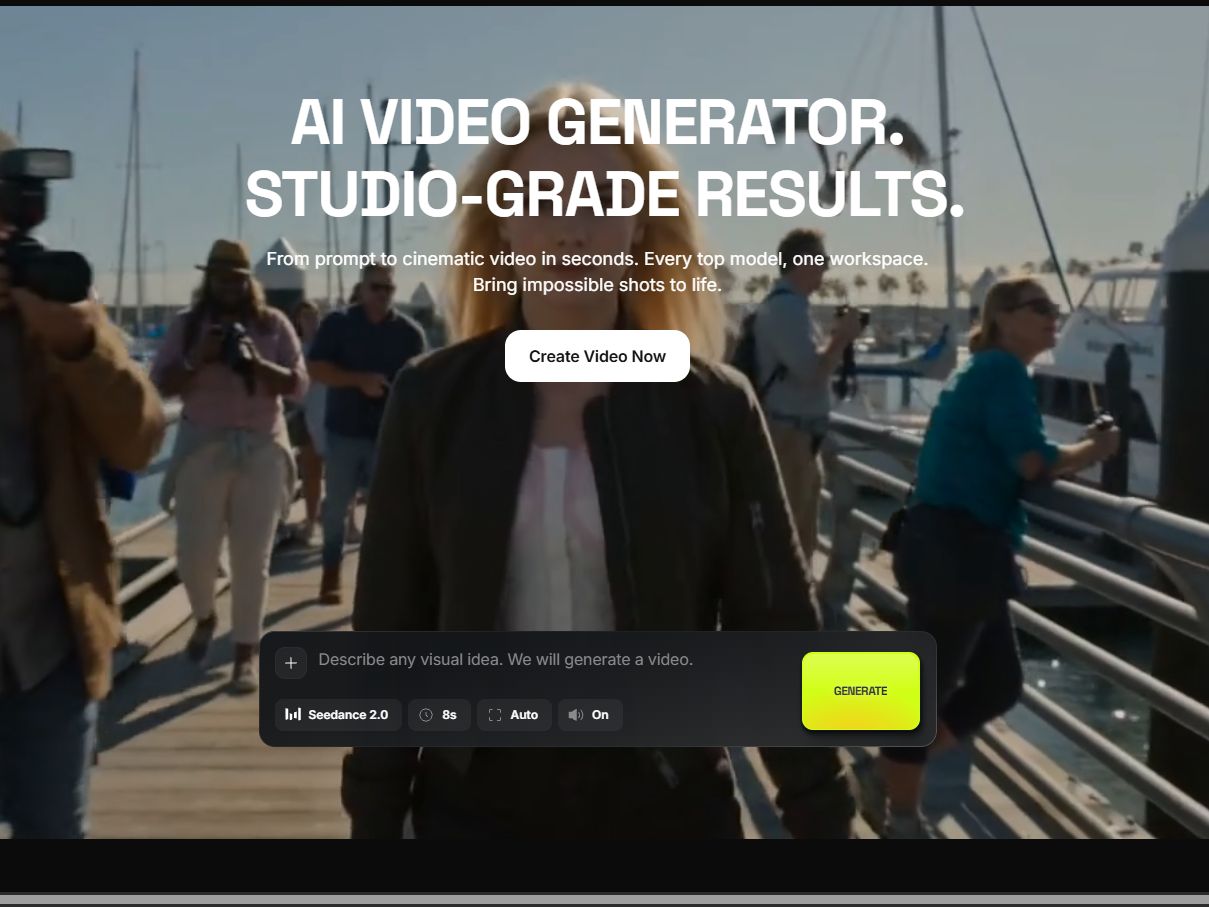
Higgsfield offers several video models, including Kling 3.0, Seedance 2.5, and Wan 3.0 . You choose one based on the scene, motion, or visual style you want, then generate from a prompt or reference. You can also switch models and try a different look for the same idea.
Direct Cinematic Shots with Cinema Studio
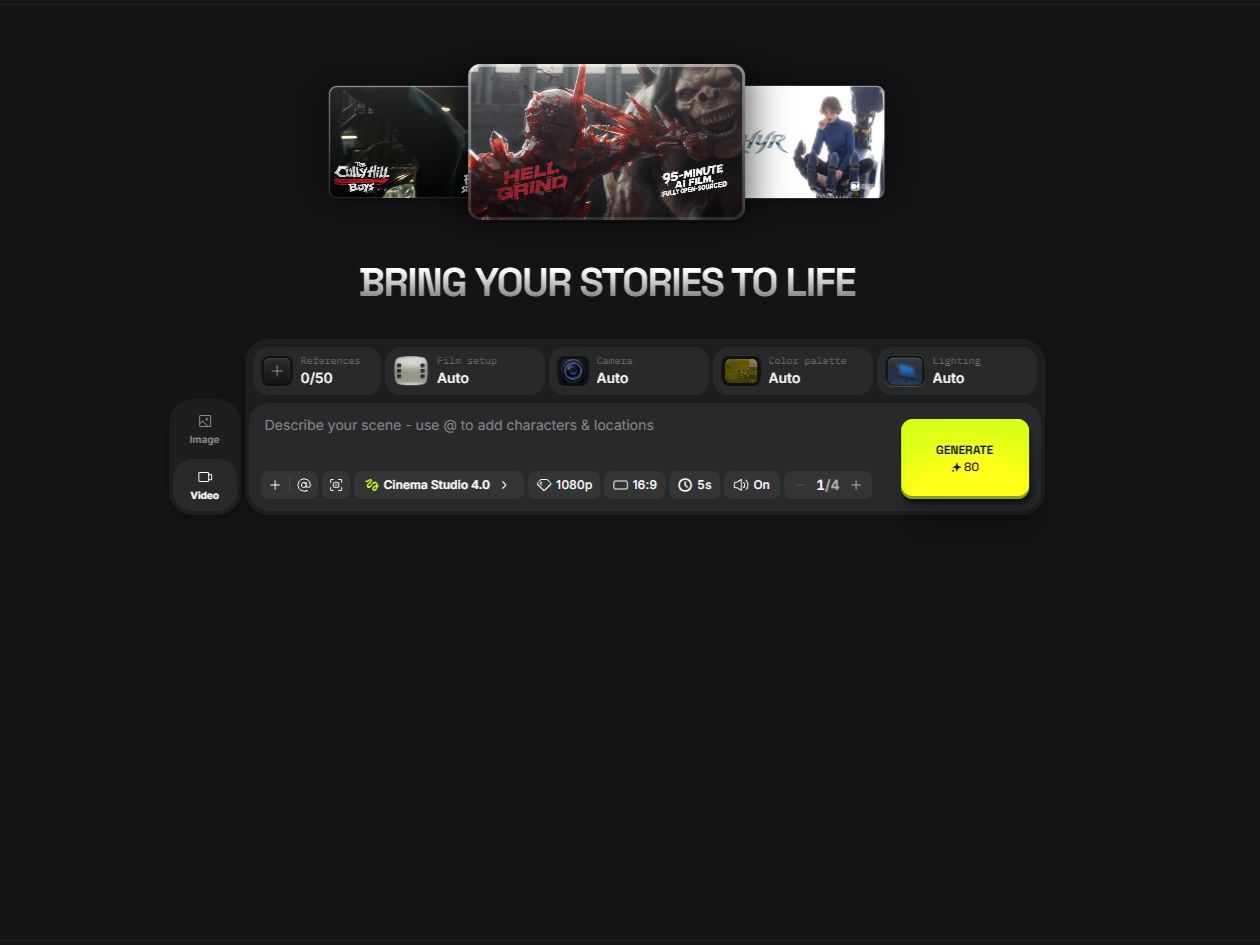
Higgsfield Cinema Studio gives you more control over a shot than a text prompt alone. You can configure virtual camera and lens options, adjust focal length, and combine camera movements to build a more controlled sequence of shots. If you’re making a product film, for instance, you can adjust the framing and camera movement to give the same product a more dramatic look.
Transfer Reference Movements to Your Character
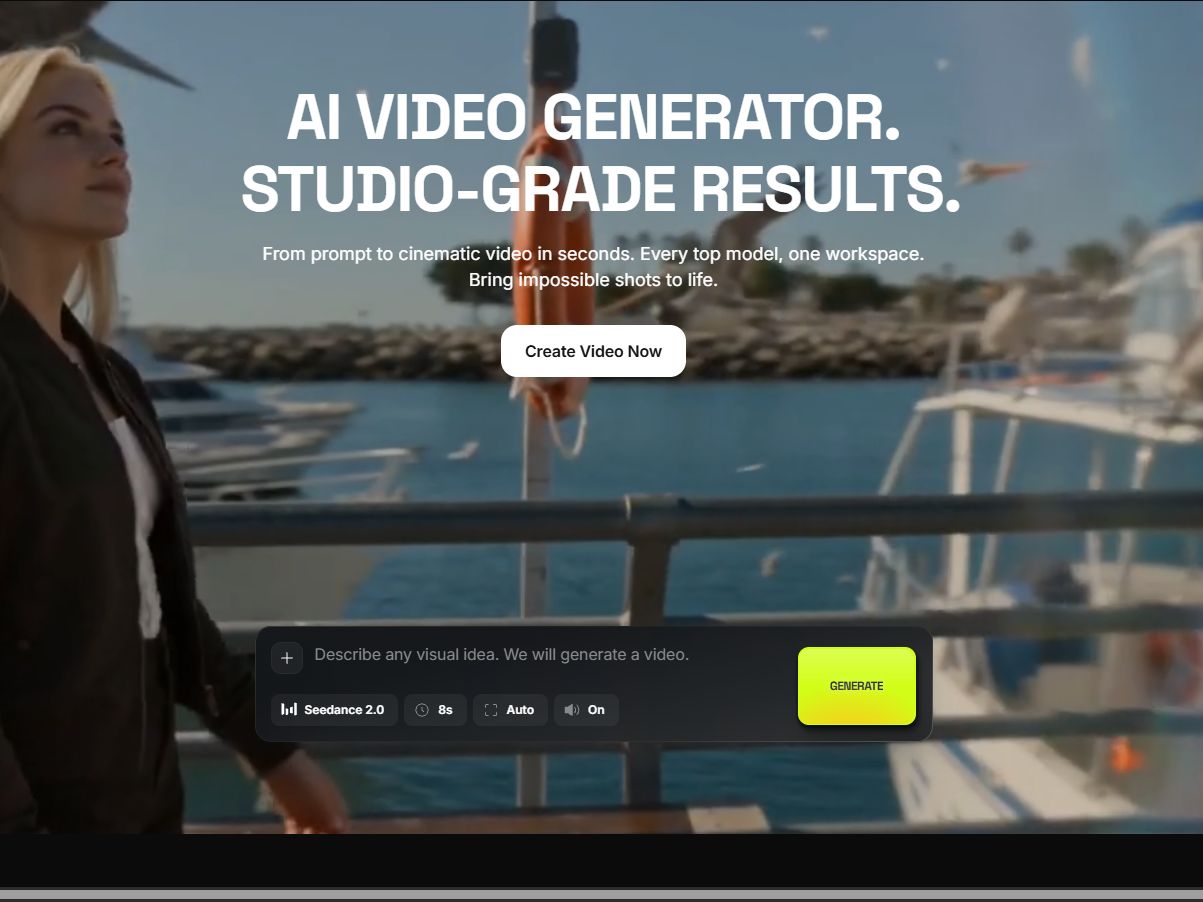
Higgsfield's Motion Control workflow uses a reference video to guide the movement of a character in a source image. Upload the motion reference and the character image, and the model will generate a clip using that movement. This is useful when you already have a character design but want that character to follow a specific dance or gesture.
Edit Existing Video Without Reshooting
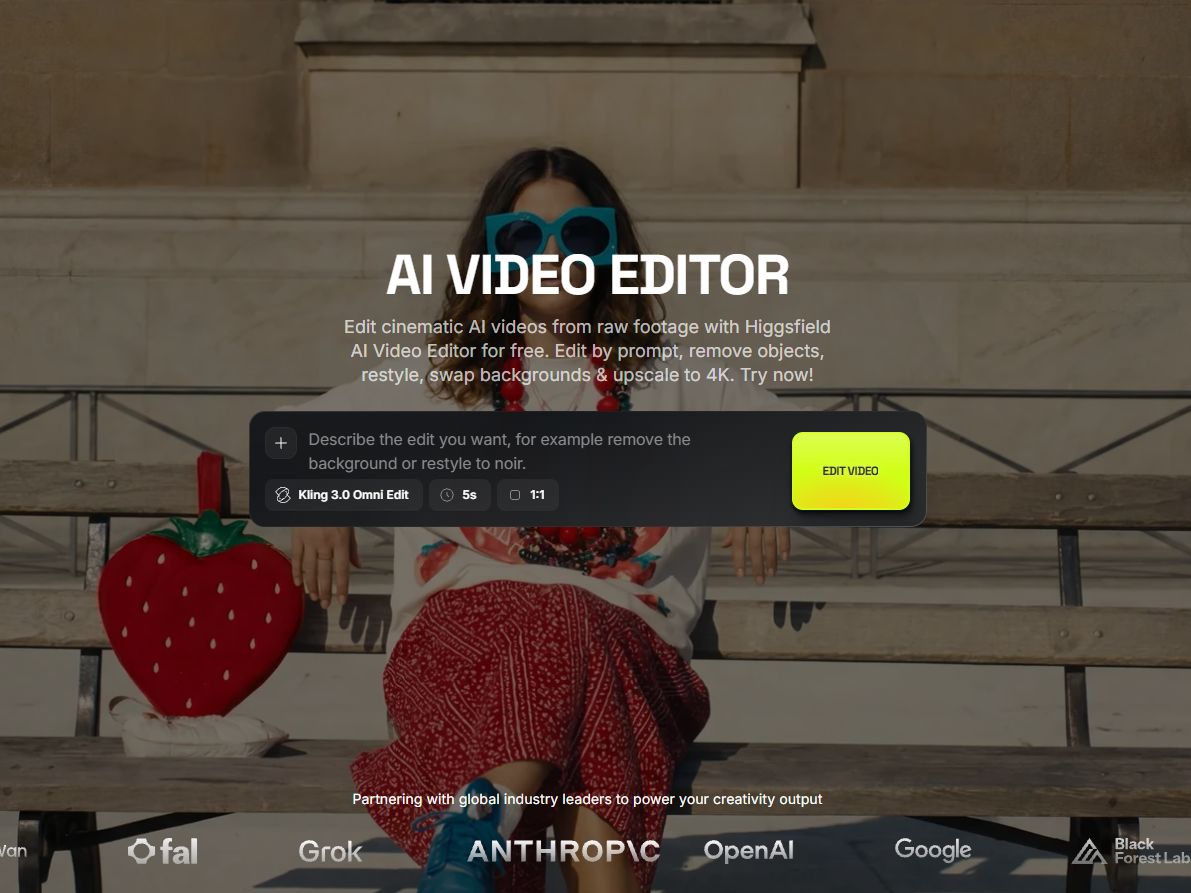
Higgsfield includes a video-editing workflow for changing the style of existing footage, swapping objects, or refining a scene without recording it again. Upload a source video and describe the changes you want to make, then use the generated result to explore another visual direction.
What Can You Create with Higgsfield AI?
Cinematic Short Films and Story Scenes
A filmmaker planning a night scene can generate a first version from a text prompt, then adjust the camera and lens settings to explore different framings. The clip can help test the visual direction before filming begins.
Character Dance and Motion Videos
A creator with an established virtual character can use a reference dance video to guide its movements. This is useful for making a recurring character perform different dances without filming a person in costume.
Product Videos for Digital Campaigns
An e-commerce team could animate an existing product image or place the item in an AI-generated scene. The resulting clip can show how the product might look in a lifestyle setting and help the team test concepts for a product page or ad.
AI-Generated Images for Video Concepts
Starting with an image is useful when the subject's appearance matters. A creator can settle on a character's hairstyle, clothing, or a product's composition before turning the image into a video.
Higgsfield AI and PicLumen for Video Creation
Higgsfield focuses on cinematic shot design and motion-guided video creation. Its camera controls are useful when framing and camera movement need careful attention, while Motion Control is suited to workflows built around a specific action reference. PicLumen supports text-to-video and image-to-video creation across multiple available models. It also offers Canvas for organizing visual assets and supported motion-control workflows for character animation. The choice depends on your project: detailed shot direction, reference-led movement, or a workflow that combines image creation with video generation.
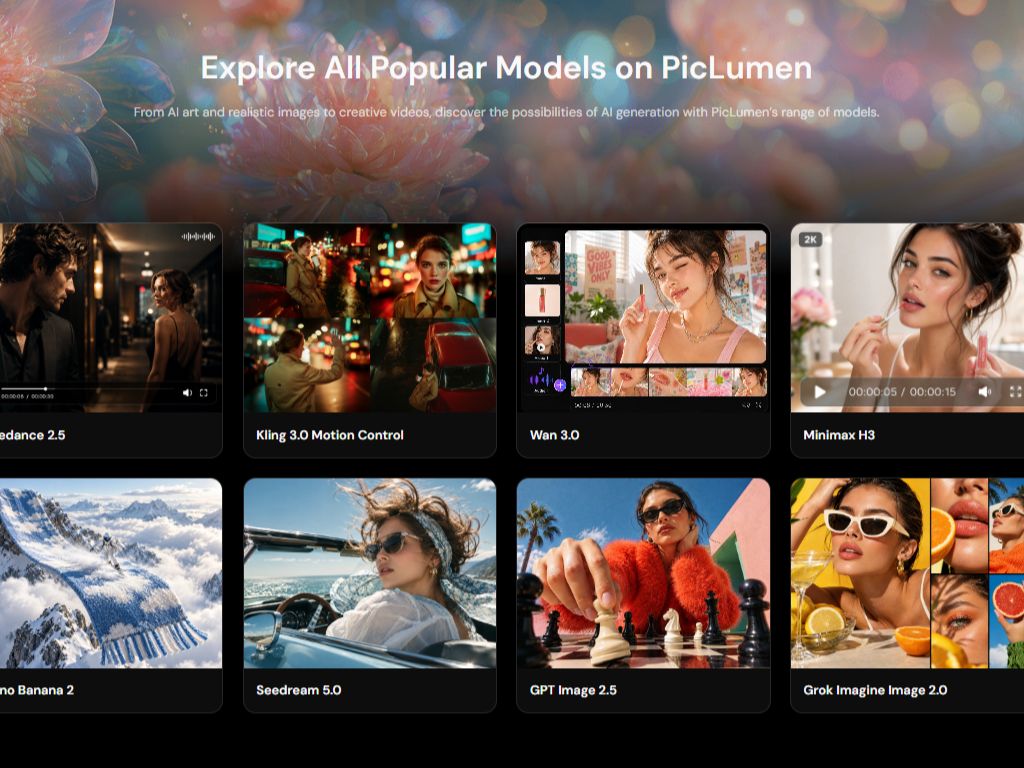
Choose a Video Model for Your Creative Goal
PicLumen offers multiple video models, with availability depending on the current workspace. You can start with a text prompt or reference image and choose a model based on the kind of clip you want to make. For example, you might test different visual approaches for the same character or scene before settling on a direction.
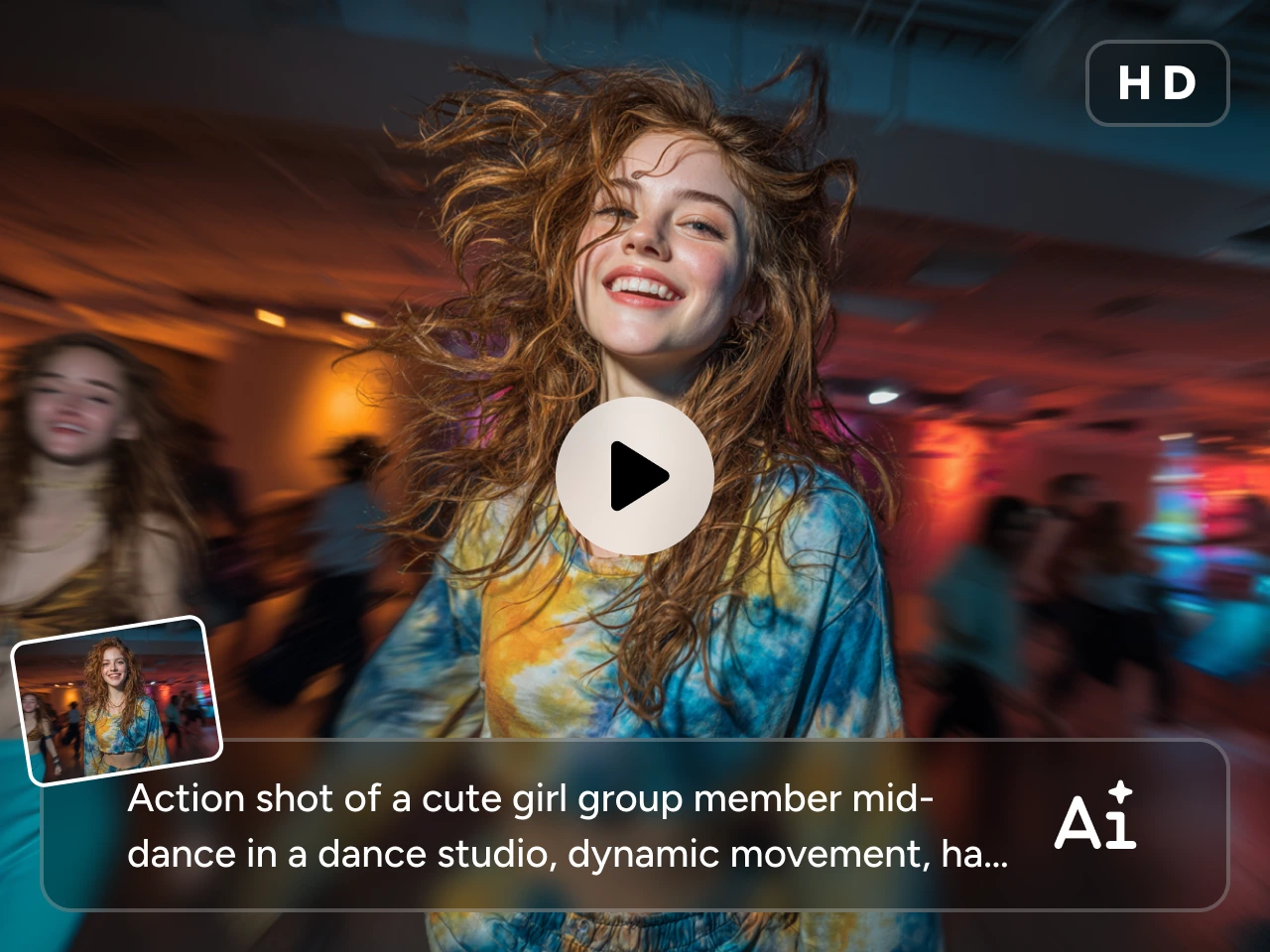
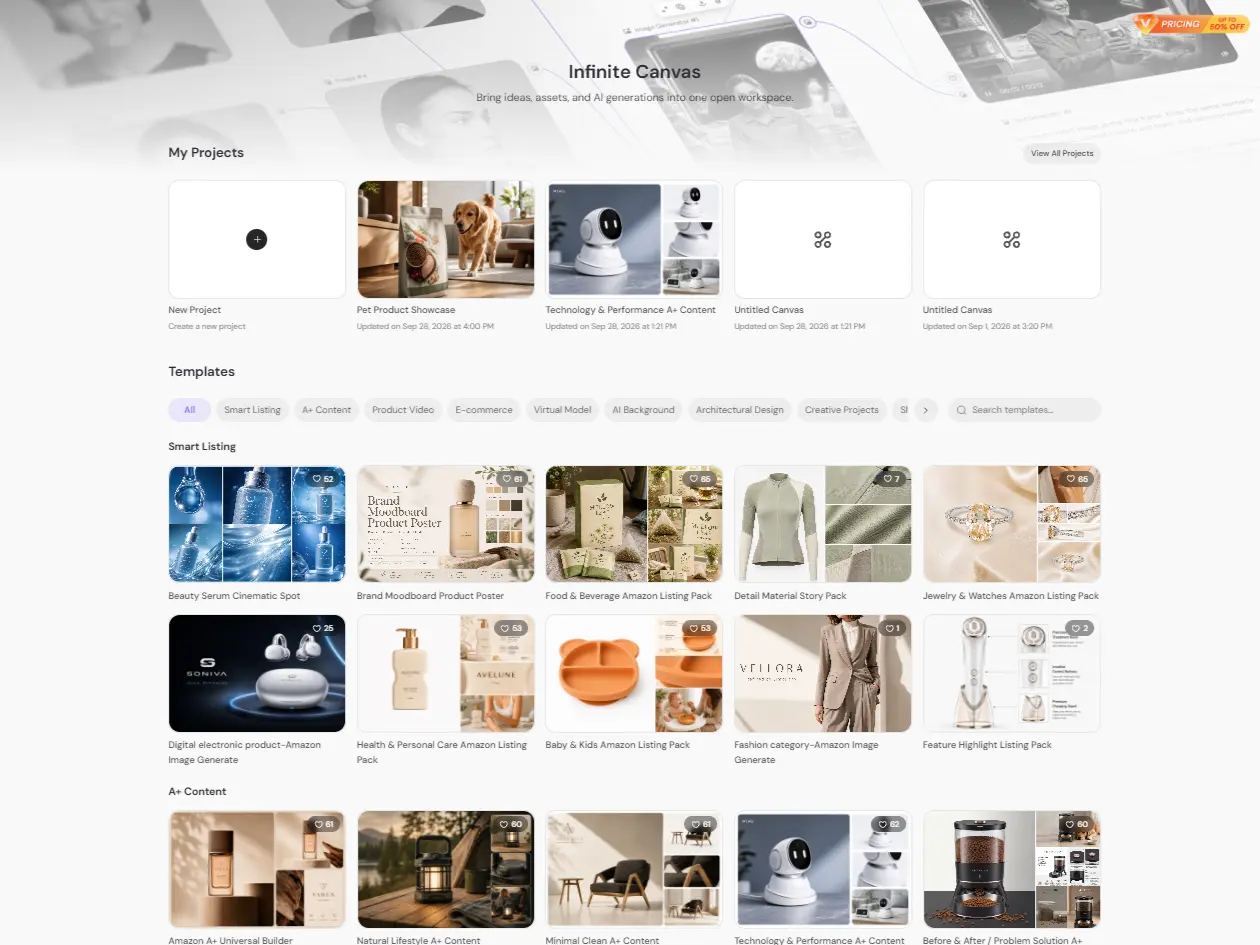
Connect Image and Video Stages on Infinite Canvas
When developing a character-led video, you may need several assets before you start animating: a character reference, a background, and a few scene variations. PicLumen Infinite Canvas gives you a workspace to bring visual inputs and generated assets together as you develop the concept.
Guide Character Movement with Motion Control
When a character needs to follow a particular dance, gesture, or sequence of movements, a supported motion-control workflow can use reference material to guide the animation. Check the selected model's input requirements before uploading your character and motion reference. The result will depend on the source images, reference movement, and model settings.
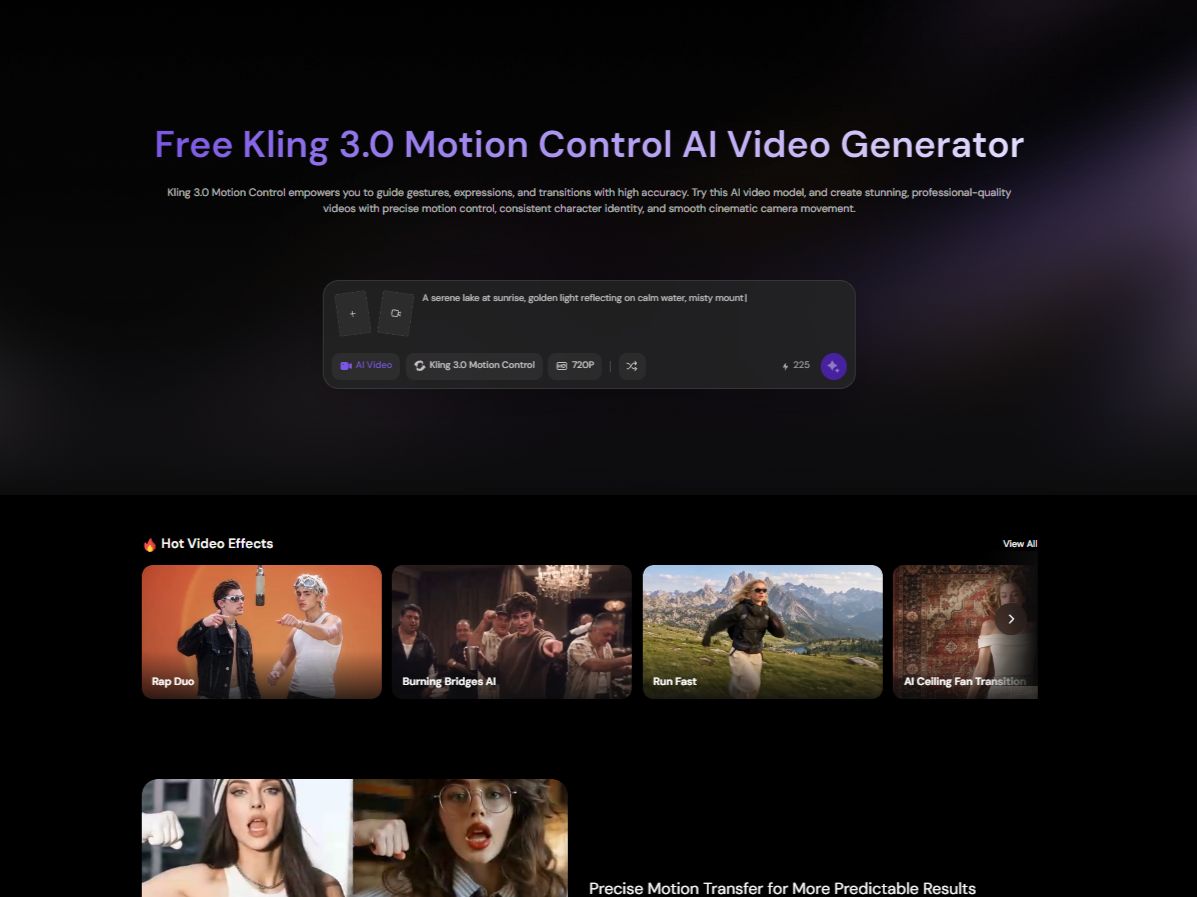
How to Create an AI Video with PicLumen
Step 1 Choose the Right Model
1Open PicLumen's AI Video workspace and check which models are available. Pick one based on your task, such as generating a scene from text, animating an image, or guiding a character's movement.
Step 2 Enter a Prompt or Upload References
2Write a prompt covering the subject, action, setting, and visual style, or upload a reference image. If your selected model supports motion references, add the required reference material before generating.
Step 3 Set the Aspect Ratio and Quality
3Choose a vertical format for mobile-first social videos or a landscape format for widescreen scenes. Check the aspect ratios and quality settings offered by your selected model before generating.
Step 4 Generate, Download, and Share
4Generate the clip and check its movement, framing, and consistency with your reference. If something looks off, adjust the prompt or reference inputs and try again. Download the version you want to use and post it to your chosen channel.


Loved by Creators Worldwide
Real feedback from designers, marketers, and hobbyists sharing their PicLumen experience on Trustpilot.
 jordi Alcaraz
I have really enjoyed using this site…
I've had a really positive experience with Piclumen. The platform offers excellent features for creating AI images and videos, with impressive quality and a wide range of creative possibilities. It's very easy to use, even when experimenting with more complex ideas, and the whole process is both intuitive and enjoyable. excellent customer service. The team replies very quickly, is always friendly, and genuinely tries to solve any issues you may encounter they care about their users. Overall, Piclumen is an innovative, user-friendly, and exciting AI platform. I highly recommend it to anyone interested in AI image and video creation.
A New TV Episodes Of Ninja Sweetie On…
A New TV Episodes Of Ninja Sweetie On Paramount+
Good 👍 perfomense web site good images…
Good 👍 perfomense web site good images good
It’s been great so far
It’s been great so far, I think the limitations are me not the app.
Alexsander Luíscool it's a good ai creator but create…
cool it's a good ai creator but create imagens for cinema
 Brad the Bibliothecary
Great service with ease of use and…
Great service with ease of use and generous free offerings.
Abdul RafayBest wishes for the developer
Best wishes for the developer
pixaigreat chatgpt image alternative
great chatgpt image alternative
Good app and make very good video
Good app and make very good video
 Ghulam E Hur
Application is very good
Application is very good but improvement needed
 Shiva Verma
Best app for video editing
Best app for video editing
 Rabbi Hasan
Nice application for all user
Nice application for all user
Frequently Asked Question
What is Higgsfield AI?
Higgsfield AI is a platform for generating and editing AI images and videos. Its tools include cinematic camera controls and motion-reference workflows, so creators can work on both the appearance of a scene and the way a character moves.
Can Higgsfield AI turn an image into a video?
Yes. Higgsfield supports image-to-video creation. You can upload or generate an image, choose an available video model or movement preset, and generate an animated clip. The specific controls depend on the workflow and model you select.
What is the difference between Higgsfield Cinema Studio and Motion Control?
Cinema Studio focuses on cinematic shot design, including virtual camera, lens, focal-length, and camera-movement controls. Motion Control uses a reference video to guide the movement of a character in a source image. Cinema Studio is useful for shaping how a shot is filmed, while Motion Control is useful when a particular action or gesture is the main goal.
Can I create AI videos with PicLumen from a text prompt?
Yes. Open PicLumen's AI Video workspace, select an available text-to-video model, and describe the scene, subject, and action in your prompt. If you already have a character or scene image, you can use an image-to-video workflow instead.
Can I animate my own character image with PicLumen?
Yes. Upload your character image to a supported PicLumen image-to-video workflow and describe how you want the character to move. If you need to follow a specific dance or gesture, check whether the selected motion-control model accepts the reference inputs you have.
How do I choose the right video aspect ratio in PicLumen?
For TikTok, Reels, or Shorts, a vertical format is usually a practical starting point. Landscape works better for widescreen scenes or conventional video layouts. Check the options shown for your selected PicLumen model, since available aspect ratios can differ between workflows.
Is PicLumen affiliated with Higgsfield AI?
No. PicLumen is an independent AI creation platform and is not affiliated with, sponsored by, or endorsed by Higgsfield AI. Any references to Higgsfield AI are for informational purposes only. All trademarks belong to their respective owners.