Picsart AI Image Generator for Creative Visuals
Picsart turns text prompts and reference images into artwork, campaign graphics, product concepts, and social content. Its model selection and style presets offer several ways to shape a result. Creators who want another route can use PicLumen to generate new images from text or guide a composition with an uploaded reference.
Hot Video Effects
Turn your photos into fun dance clips, surprising transformations, and shareable moments with trending AI video effects.
Create Images From Text or a Reference
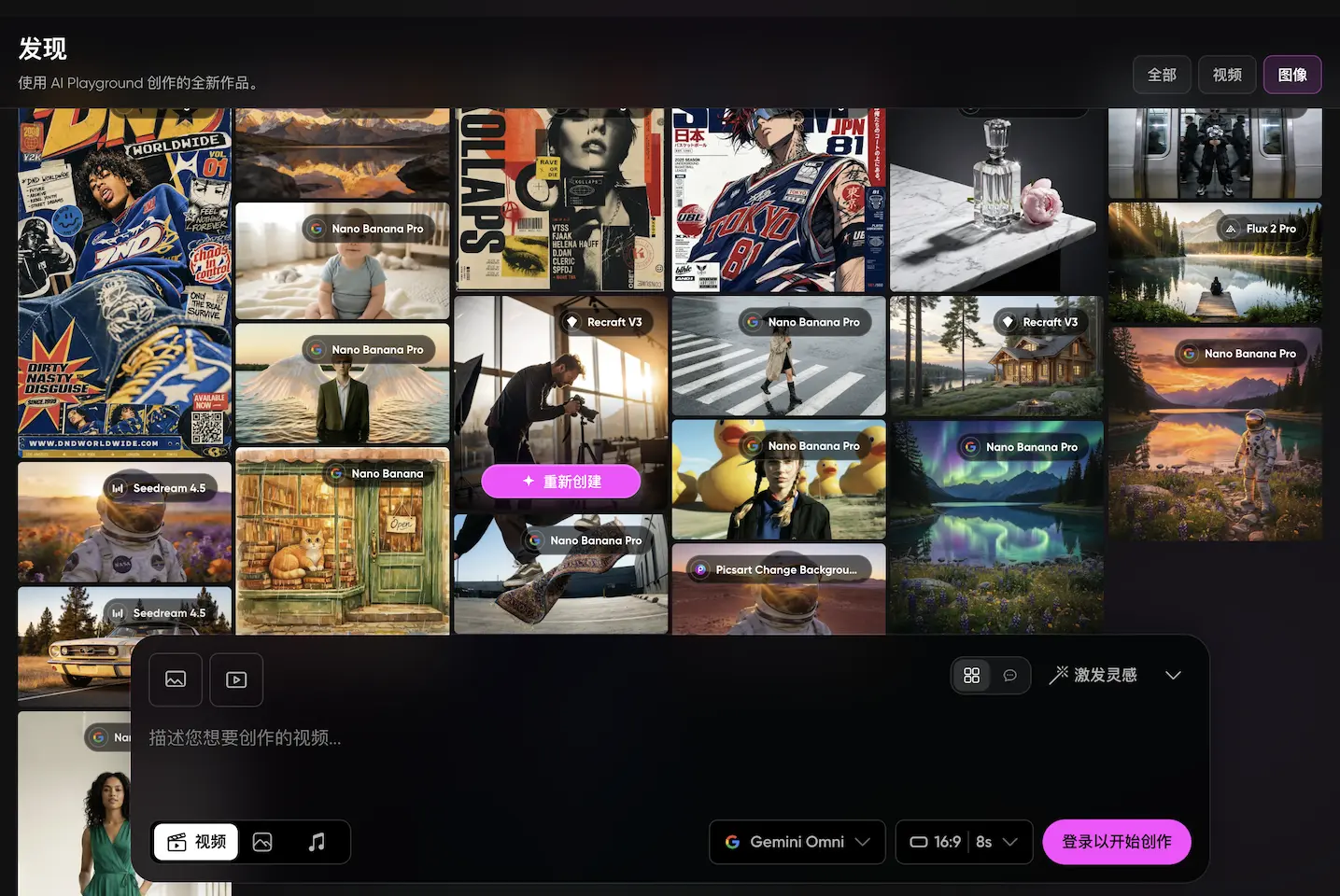
Start with a written prompt or upload an existing image and describe how you want it changed. Picsart uses the prompt to interpret the subject, mood, colors, and composition. A reference image provides a visual starting point for restyling or revising an existing concept.
Generate High-Resolution Images
Picsart describes high-resolution image generation up to 8K, with outputs intended for social media, print, and professional projects. The useful export size may depend on the selected model and settings, so creators should choose their model with the final placement in mind.
Shape the Look With Style Presets
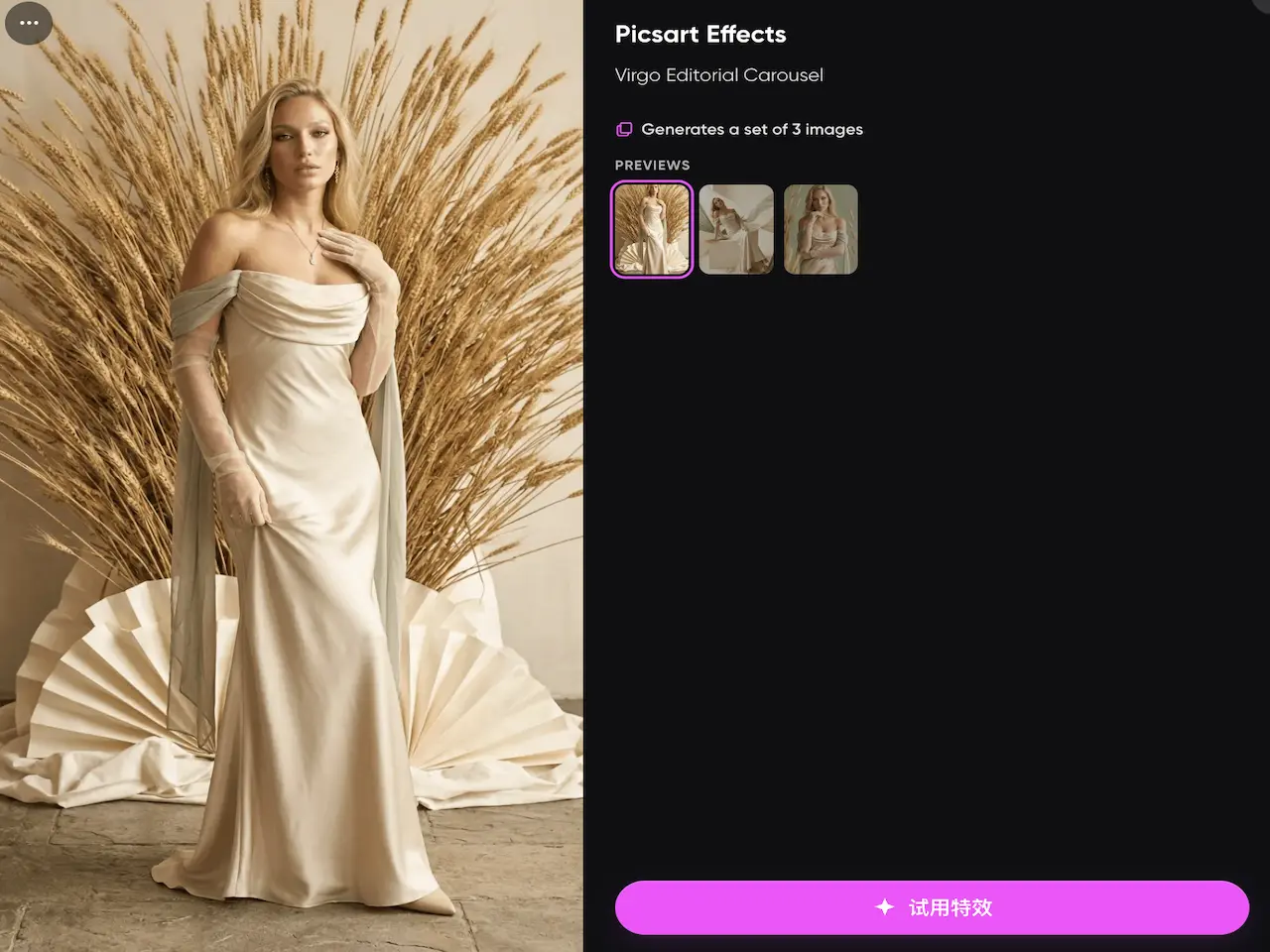
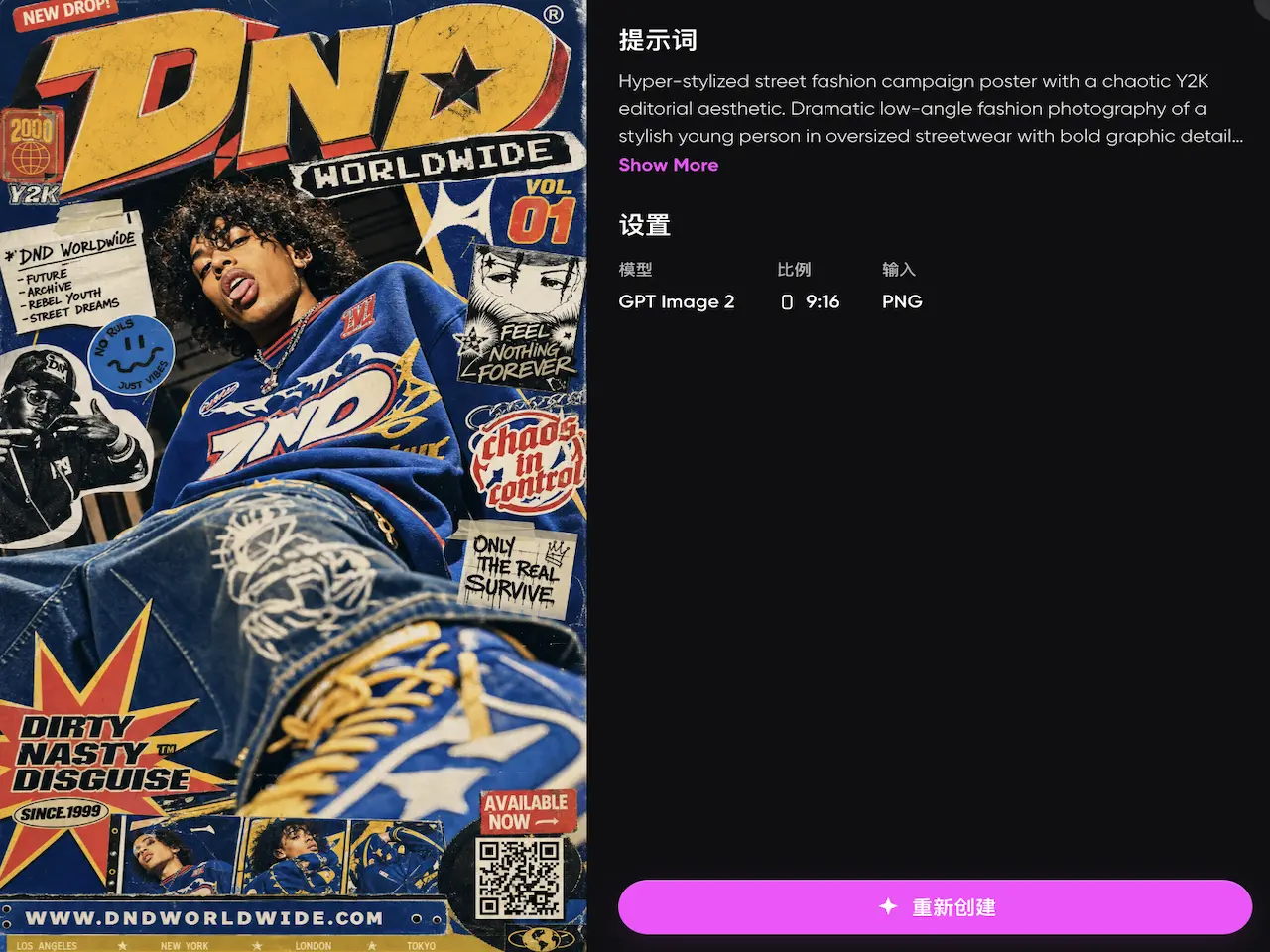
Built-in style presets influence an image from the first prompt. They offer a practical starting point when a creator knows the intended look but does not want to describe every visual detail. Presets can also help teams explore several directions for a campaign, post, or illustration before refining a favorite.
Choose From 65 AI Models
Picsart lists 65 image models built for different priorities, including photorealism, illustration, typography, and generation speed. The selection includes models such as GPT Image, Nano Banana, Flux, Ideogram, Seedream, Qwen, and Recraft. Switching models helps creators compare different treatments of the same idea.
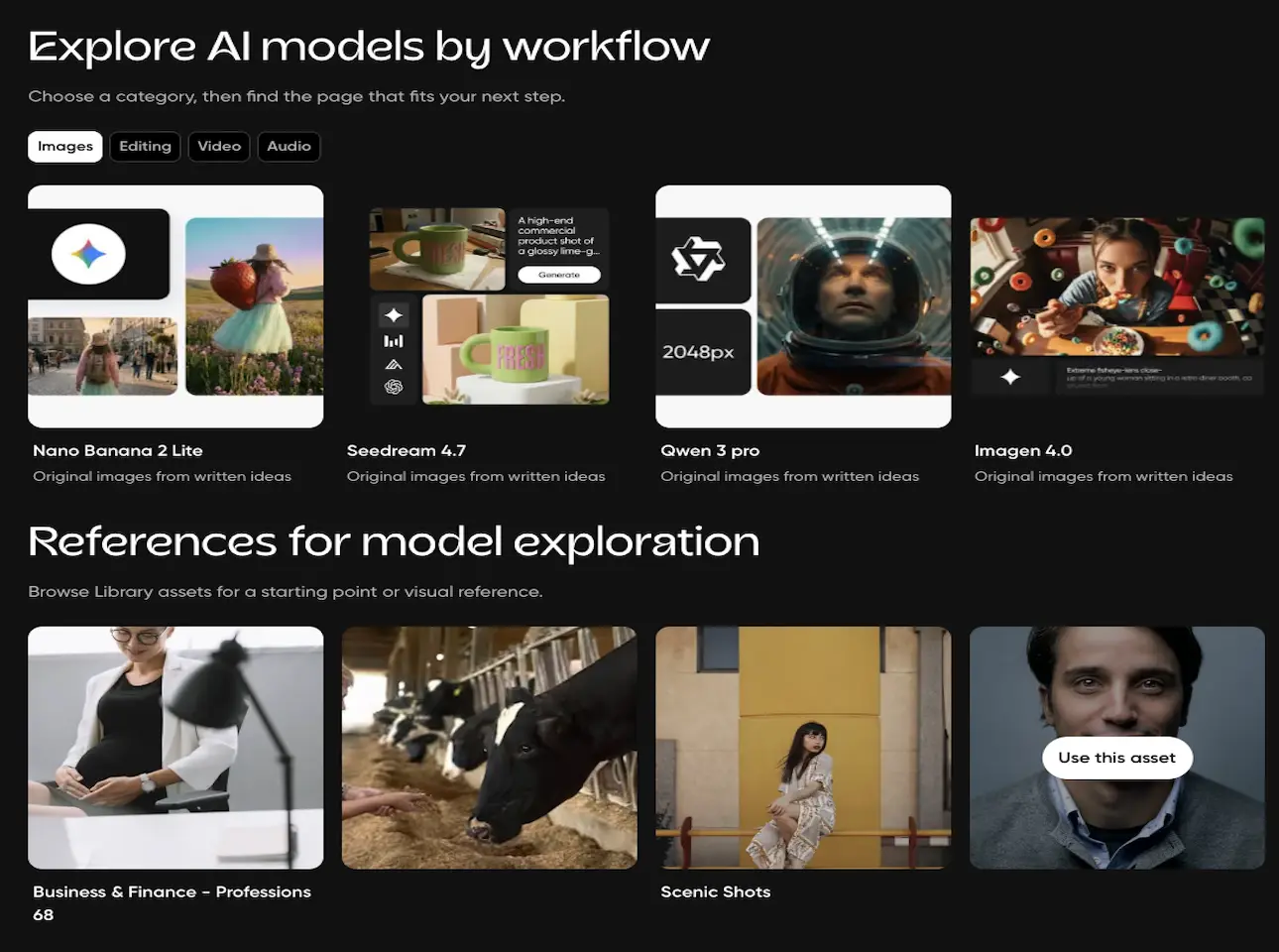
What You Can Create With Picsart?
Social Media Campaign Visuals
Social media marketers can turn a campaign idea into post graphics, story backgrounds, thumbnails, or promotional concepts. Prompts can define the subject, brand mood, colors, and layout needed for a specific channel.
Product Concept Images
Small businesses can visualize packaging ideas, product settings, or early advertising concepts before arranging a full production shoot. A reference image can provide the starting product or composition, while the prompt describes the new setting.
Marketing Artwork
Designers can generate artwork for ads, banners, event promotions, and email campaigns. Trying the same brief with different models or presets makes it easier to compare realistic, graphic, and illustrative directions.
Illustrations and Character Concepts
Artists and storytellers can sketch out characters, scenes, and editorial illustrations from a written description. The generated image can serve as a finished digital asset or as a visual draft for further development.
Picsart and PicLumen for AI Image Creation
Picsart combines prompt-based generation, reference inputs, style presets, and a library of 65 models. It also advertises output up to 8K.
PicLumen supports text-to-image and image-to-image creation, multiple model choices, focused editing tools, and task-specific workflows for realistic art and product imagery.
Both platforms cover common image-generation needs, but their models, controls, usage limits, and plan conditions differ. Try PicLumen when you want to compare model results or build a new variation from an existing image.
.jpg)
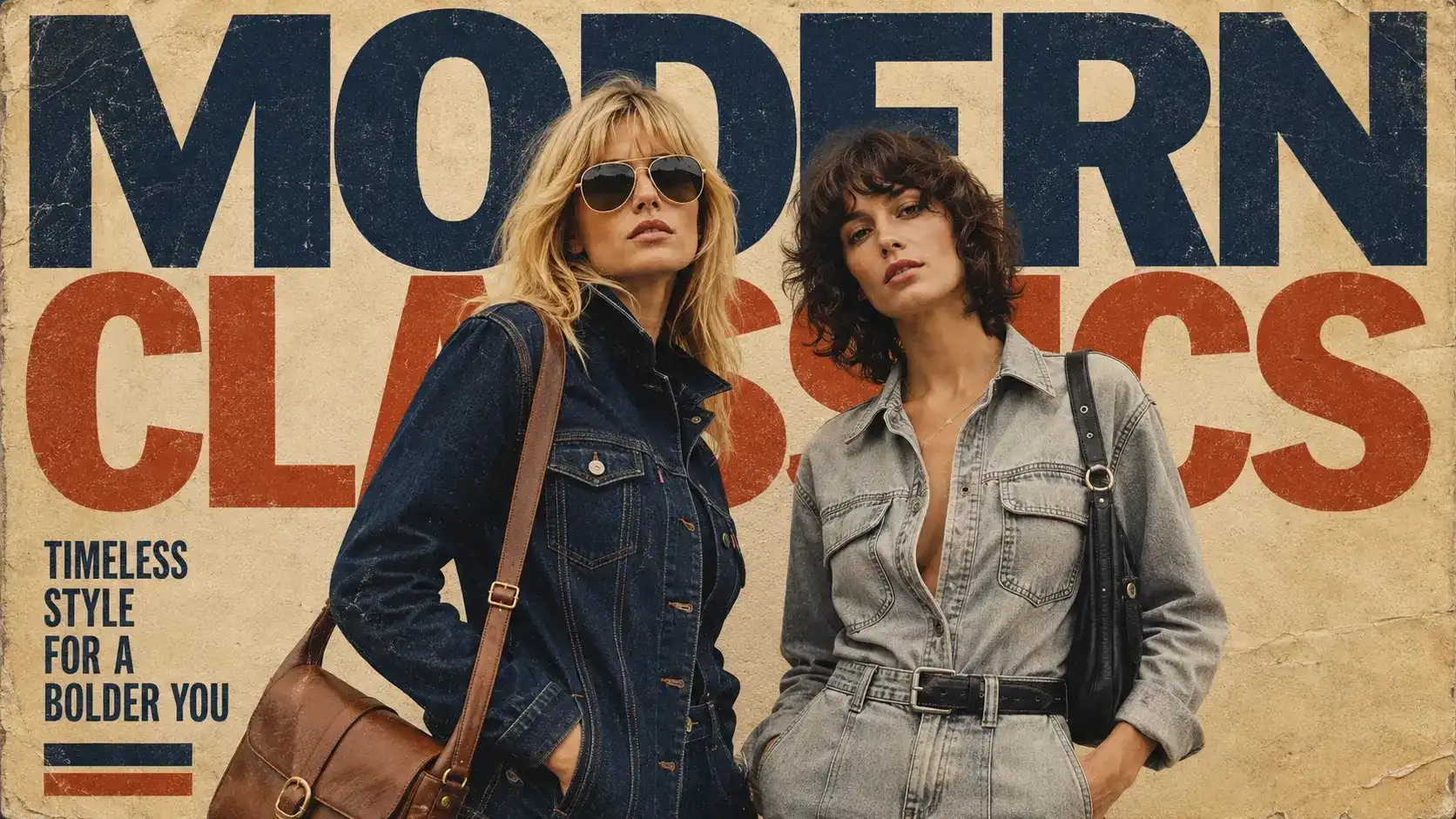


Create Realistic Scenes and Subjects
The realistic AI image generator accepts text prompts or reference images. It can create portraits, product scenes, landscapes, and campaign concepts. Controls for the model, aspect ratio, and other available settings help adapt the image to its intended placement.
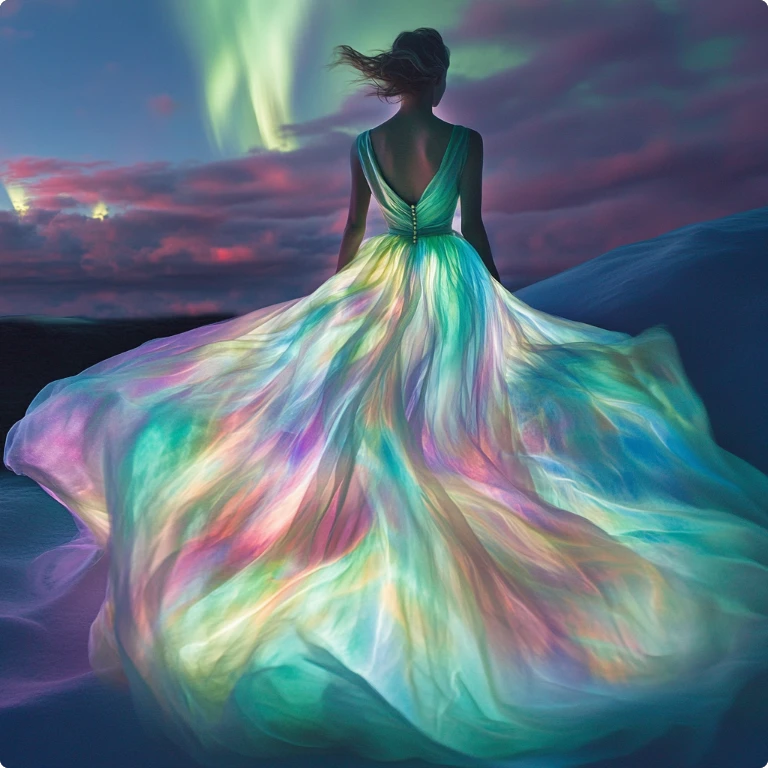
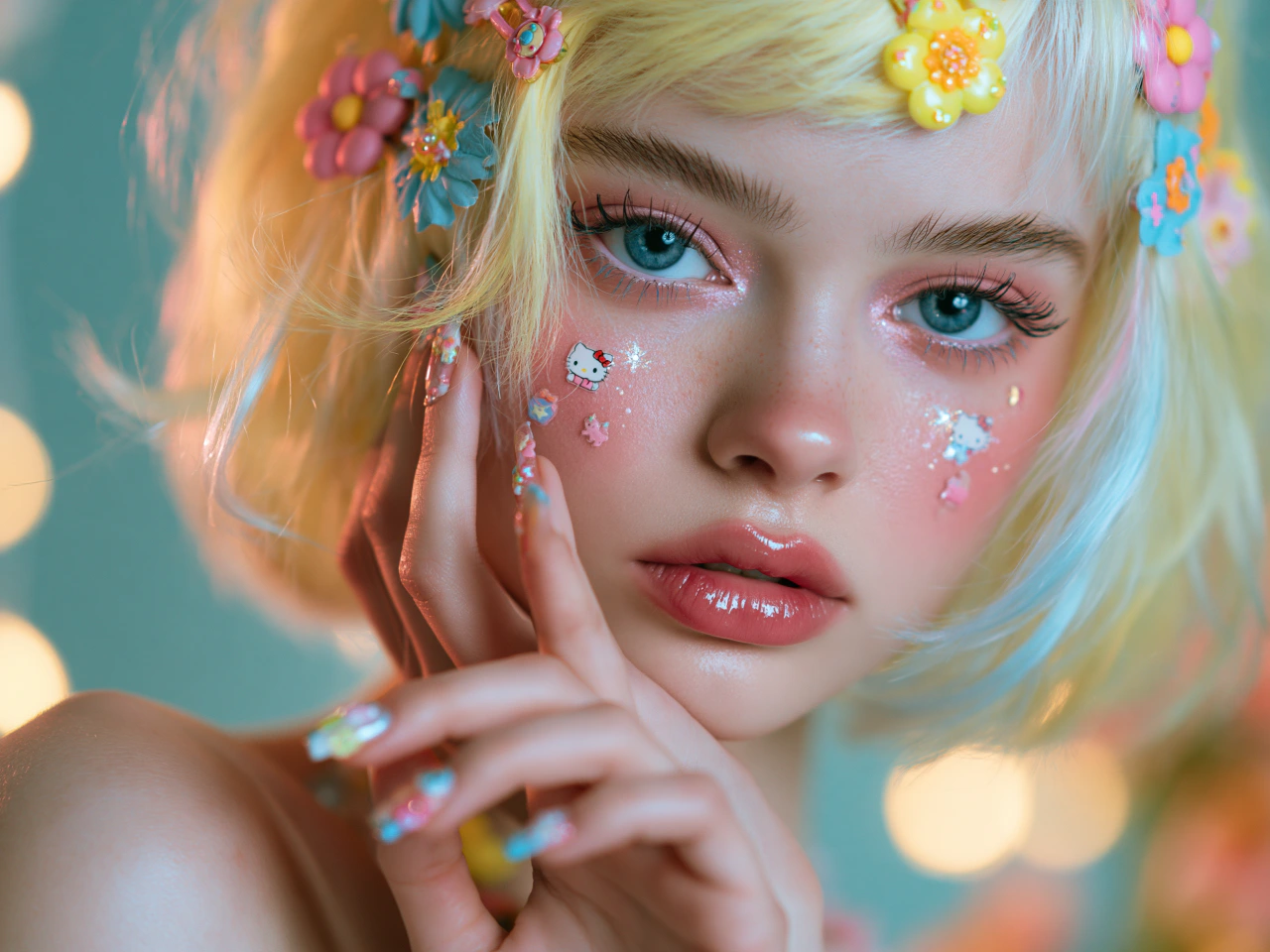
How to Create AI Images With PicLumen?
- STEP 1Choose the Right Model
Select a PicLumen image model that fits the task and visual style. Current options include Seedance 2.5, Grok Imagine Image 2.0 and Seedream 5.0 Pro, though model access and settings may vary.
- STEP 2Enter a Prompt or Upload References
- STEP 3Set the Aspect Ratio and Quality
- STEP 4Generate, Download, and Share


Loved by Creators Worldwide
Real feedback from designers, marketers, and hobbyists sharing their PicLumen experience on Trustpilot.
 jsbsbsbs hdhdhshwhw
Very cool i like it it's so smooth
Very cool i like it it's so smooth
 by Neefa
i love it and easy to use
i love it and easy to use
 ClashOf Clans
Excellent platform to fantasy
Excellent platform to fantasy
KIDSCARTOONThis ap great and amazing generate pic
This ap great and amazing generate pic
 Brijesh Chikhaliya
very good
very good , Excellent Experience
 Pino Calambrogio
Good over other applications
Good over other applications
Great experience and very nice app
Great experience and very nice app. Thank you very much.
 Sndhjks Bwjskb
franchement c formidable
franchement c formidable
 Enzo Piriou
The very good experience for AI
The very good experience for AI
Yasir AliMy exprienxe was geat.This compony was…
My exprienxe was geat.This compony was good.
Tadhg ReidyReally good
Really good, I like the way it recharges every day
 Piotrek K
the best app I've ever used
the best app I've ever used
FAQs
What is the Picsart image generator?
The Picsart image generator creates images from written prompts and uploaded references. Users can choose among different AI models and style presets, then generate visuals for social media, illustration, marketing, product concepts, and other creative projects.
Can I upload a reference image to Picsart?
Yes. Picsart's generator includes an Add Reference option, and its workflow describes uploading an existing image before explaining how it should be transformed. Available behavior may vary by model and account access.
Does Picsart generate high-resolution images?
Yes. Picsart's official AI Image Generator page advertises high-resolution output up to 8K. The available size and practical result may depend on the chosen model, settings, and current product conditions.
Can I use the Picsart image generator for free?
Picsart's official generator page offers a free starting option. It does not establish all usage limits on that page, so check Picsart's current pricing and account information before assuming that every model or output setting is included.
Can PicLumen create images from reference photos?
Yes. PicLumen's image-to-image workflow accepts photos, illustrations, product images, portraits, sketches, and logos. Its official page lists JPG, PNG, and WebP among the supported formats. You can add a prompt to guide the style, background, colors, or other changes.
Can I use PicLumen images for commercial projects?
Commercial rights depend on the PicLumen plan. The current pricing page lists no commercial rights for Basic, a limited commercial license for Lite, and broader licenses for higher paid tiers. Users must also follow PicLumen's terms and applicable laws.
Is PicLumen affiliated with Picsart?
No. PicLumen is an independent AI creation platform and is not affiliated with, sponsored by, or endorsed by Picsart. Any references to Picsart are for informational purposes only. All trademarks belong to their respective owners.